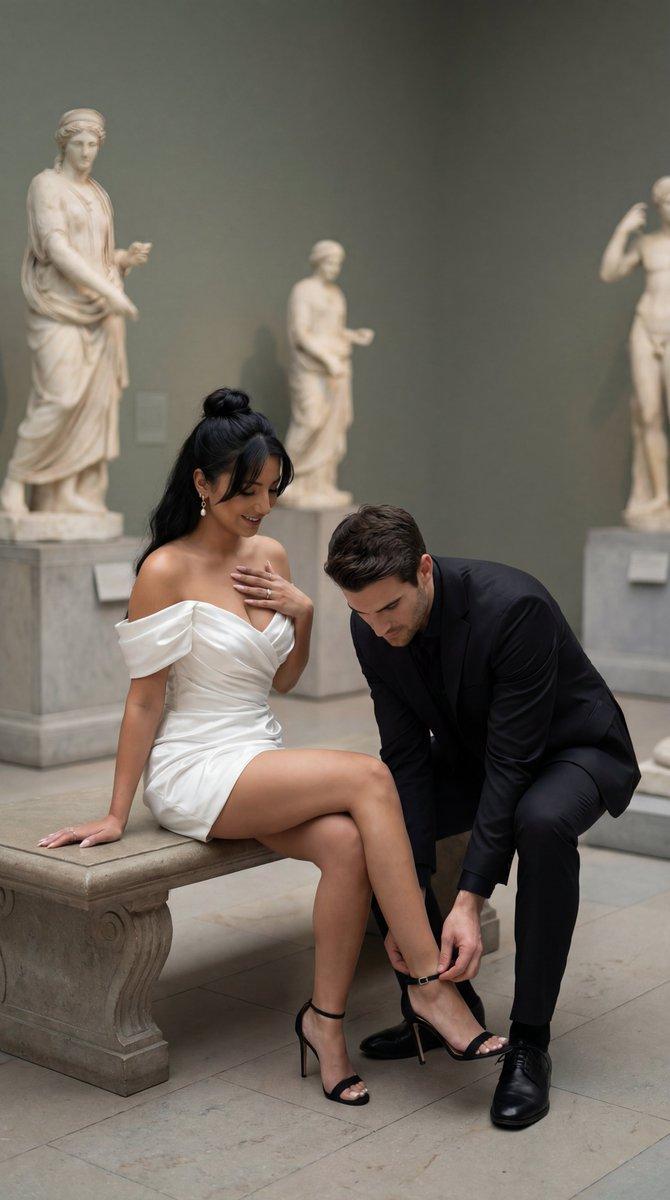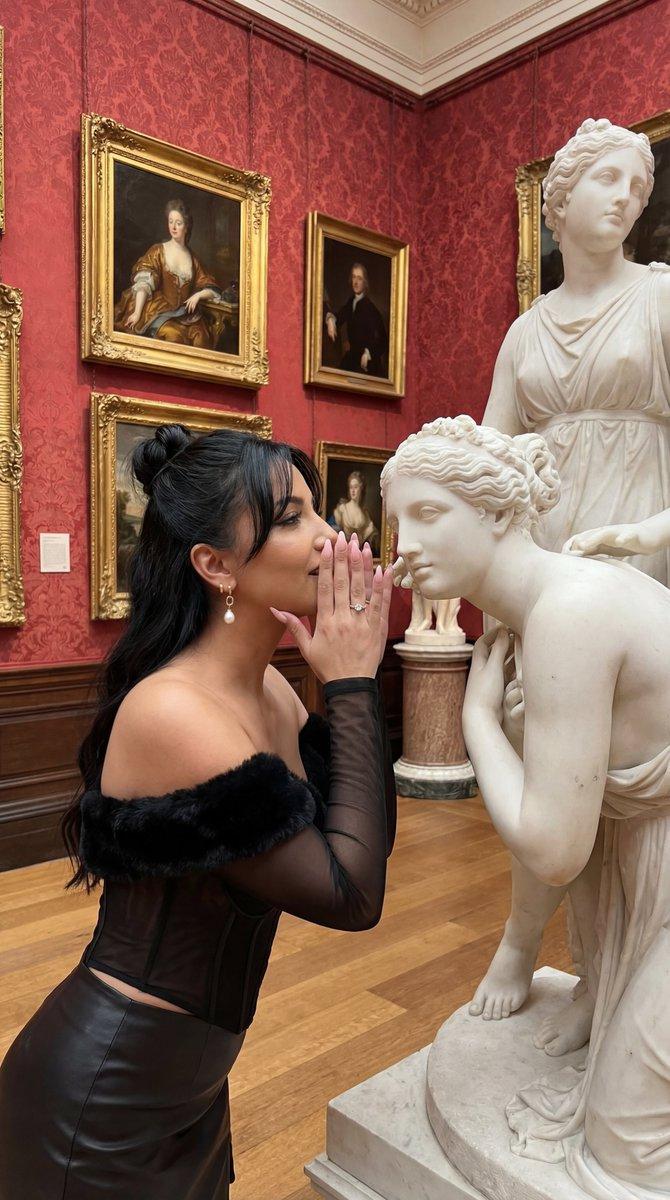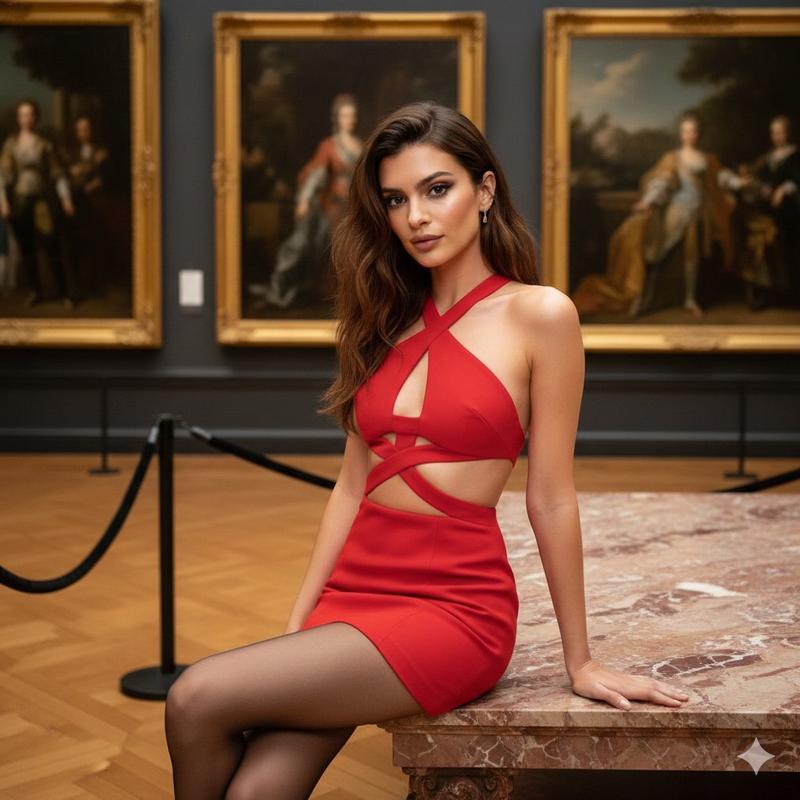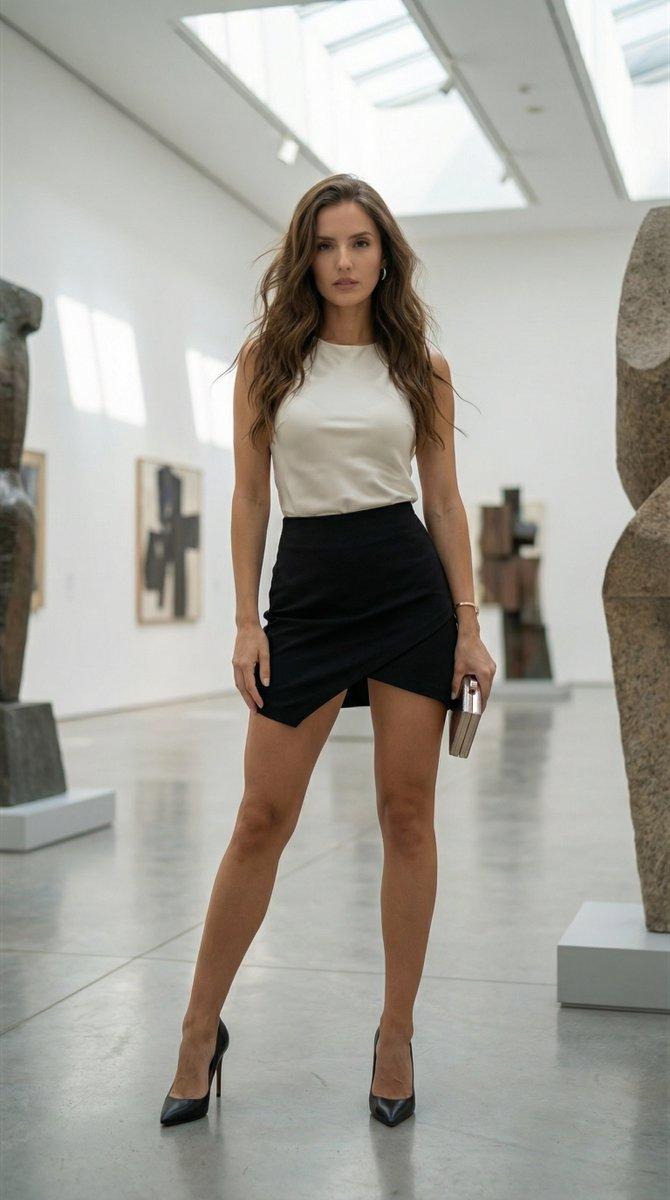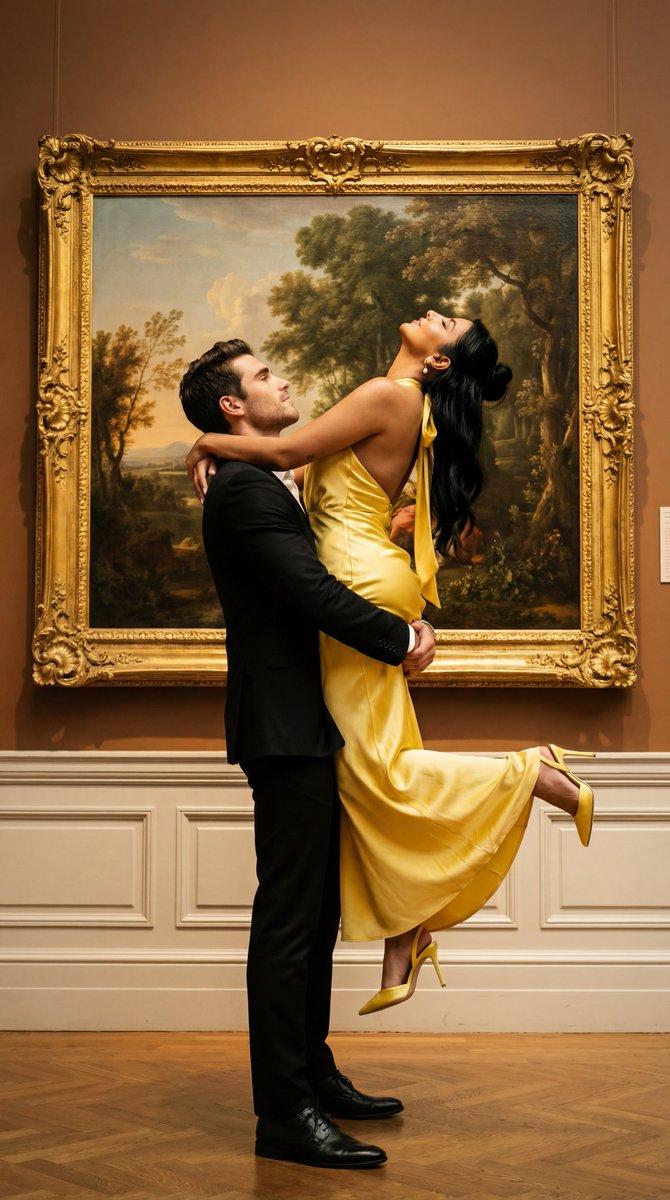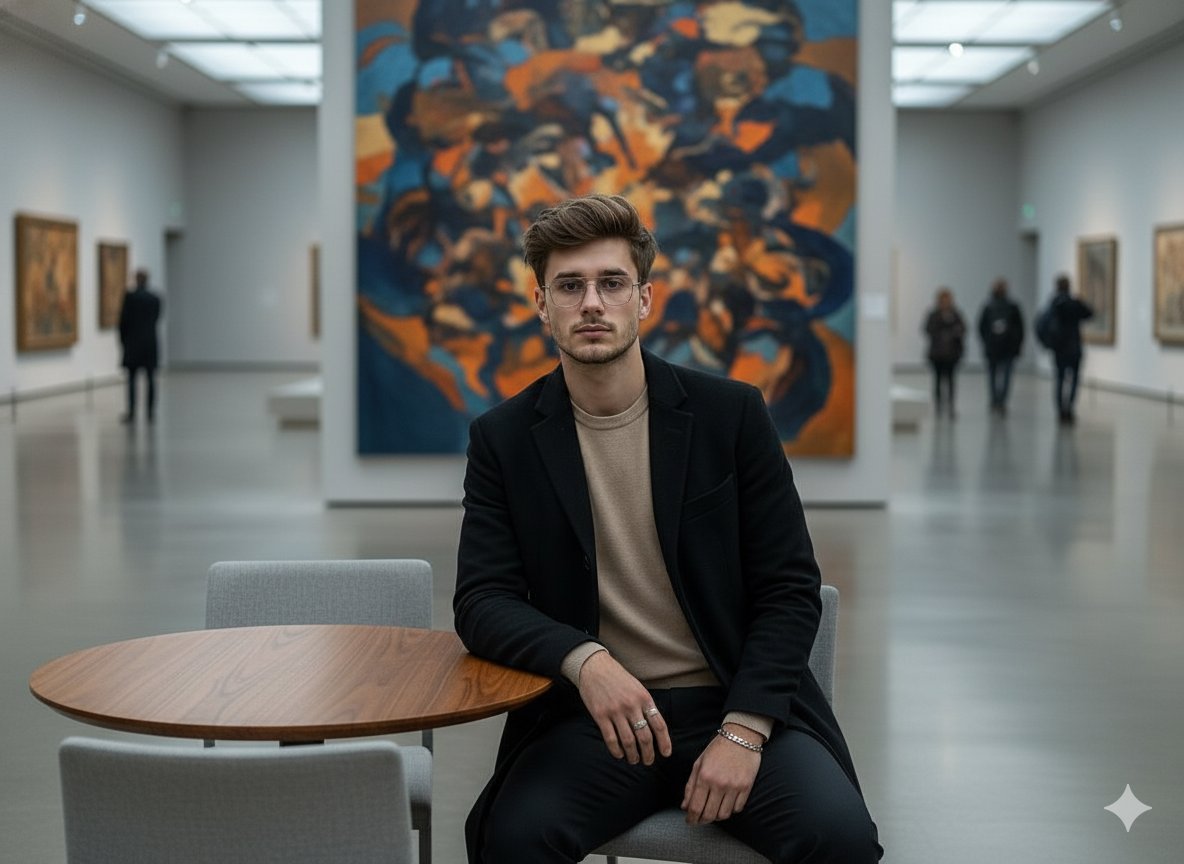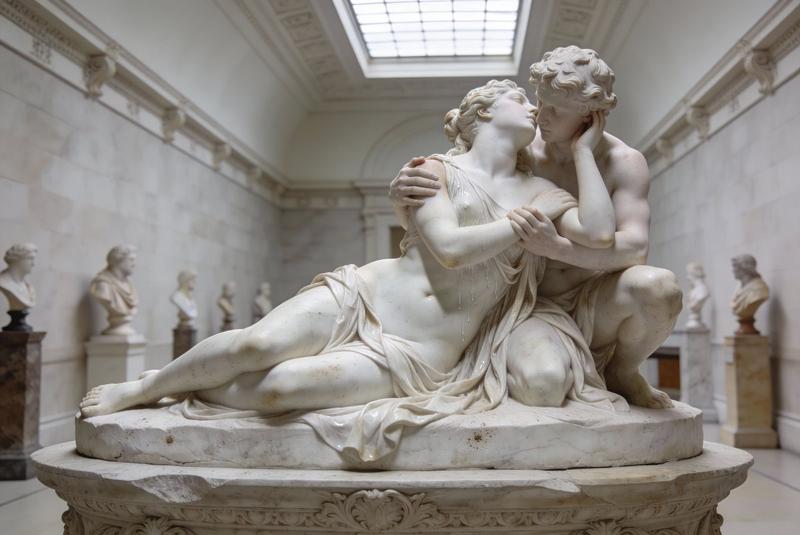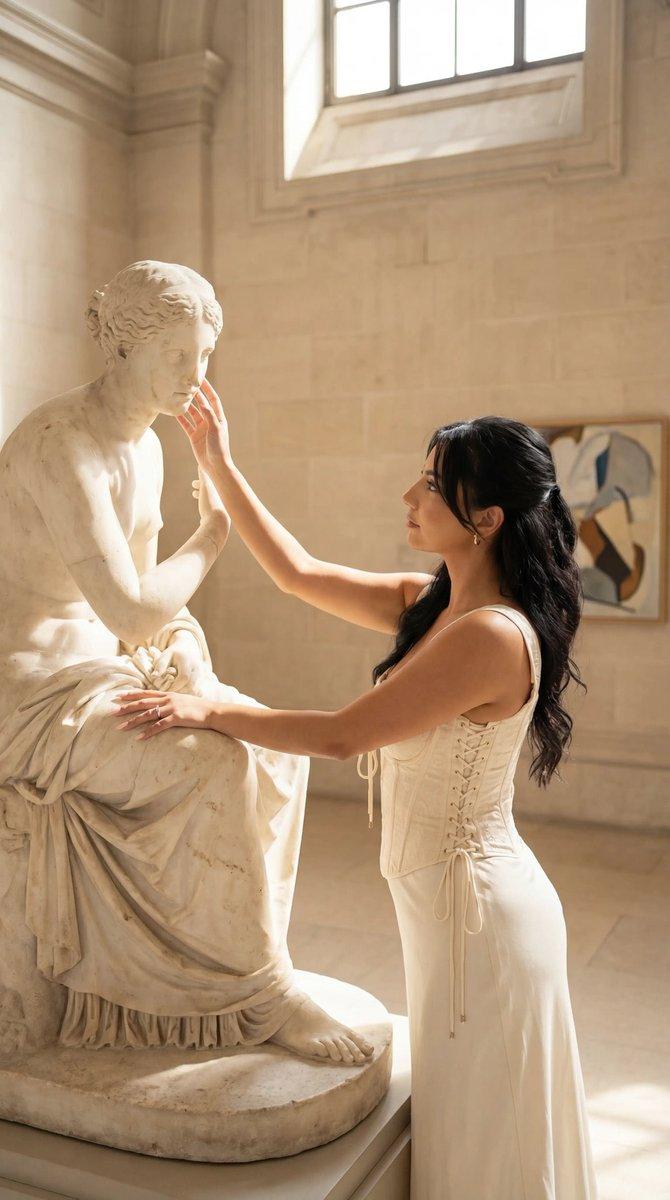
电影感趣味情侣动态模糊编辑
Prompt
{
  "generation_request": {
    "meta_data": {
      "tool": "NanoBanana Pro",
      "task_type": "photoreal_cinematic_playful_couple_action_blur_editorial",
      "priority": "highest",
      "language": "en",
      "version": "v1.0_MUSEUM_PIGGYBACK_AIRPLANE_MOTION_BLUR_NO_TEXT"
    },

    "output": {
      "aspect_ratio": "1:1",
      "resolution": "ultra_high",
      "num_images": 4
    },

    "scene": {
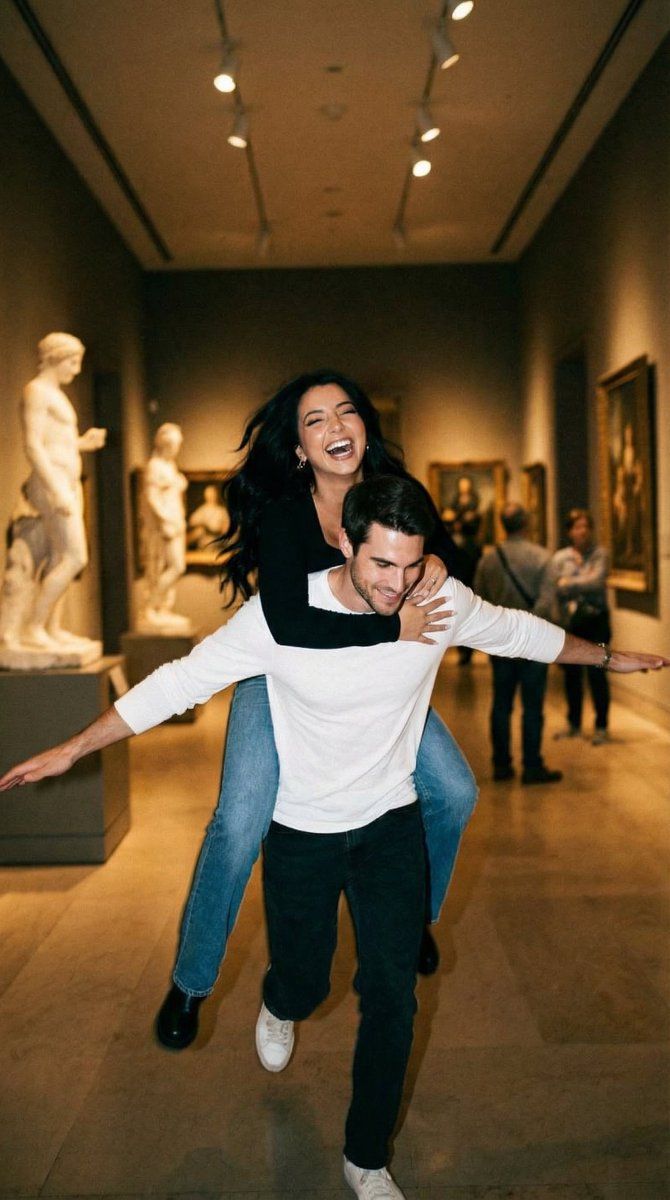
      "concept": "A playful candid moment in a quiet museum corridor: a man runs while carrying a laughing woman on his back. He stretches his arms out like an airplane. The shot has intentional motion blur and a warm filmic look, capturing chaotic joy and spontaneous romance.",
      "environment": "museum or gallery hallway with pale stone floors, large classical sculpture bust on a pedestal, framed art on the walls, soft ambient interior lighting, long corridor depth",
      "time_of_day": "indoor evening",
      "atmosphere": "warm, slightly hazy, film-like"
    },

    "subjects": {
      "female_character": {
        "age_appearance": "young adult",
        "expression": "laughing, delighted",
        "pose": "lying across his upper back in a piggyback carry, arms reaching down, legs bent up behind",
        "hair": "long hair, loose and swinging from motion",
        "wardrobe": "black long-sleeve top, blue jeans, black ankle boots"
      },
      "male_character": {
        "age_appearance": "young adult",
        "expression": "excited, joyful, open-mouth laugh",
        "pose": "running forward, arms stretched wide like airplane wings, knees bent from motion",
        "hair": "short dark hair, slightly messy",
        "wardrobe": "white long-sleeve shirt with a blue graphic on the front, slim dark pants, casual shoes"
      }
    },

    "camera": {
      "camera_body": "ARRI Alexa Mini",
      "lens": "35mm spherical",
      "aperture": "f/2.0",
      "shutter_angle": "120 degrees (crisp enough but still motion blur)",
      "focus": "focus locked mid-distance, faces slightly soft from movement, readable emotion",
      "framing": "centered action shot, slight low angle, corridor leading lines behind",
      "look": "cinematic handheld, documentary romance"
    },

    "lighting": {
      "key_light": "soft museum overhead lighting, warm tungsten mix",
      "fill_light": "subtle bounce off pale floors and walls",
      "contrast": "medium",
      "highlights": "controlled, no blown whites"
    },

    "color_grading": {
      "palette": "warm beige and cream tones, muted blacks, subtle blue accents",
      "film_emulation": "35mm film still with gentle grain",
      "grain": "medium fine film grain",
      "halation": "subtle bloom on highlights"
    },

    "composition": {
      "visual_hierarchy": "couple’s dynamic pose and laughter first, then sculpture bust and corridor depth",
      "motion_language": "intentional blur and slight camera shake, authentic candid energy",
"mo- Category
- 创意图片
- Model
- Nano Banana Pro
- Creator
- Özge Döner
- Source ID
- b75eb41b-56b4-406e-8c53-a45cd6c4adef
- Published
- Mar 8, 2026
Views0