18

超逼真高速美食摄影提示词
Enlarge

超逼真高速美食摄影提示词

Prompt
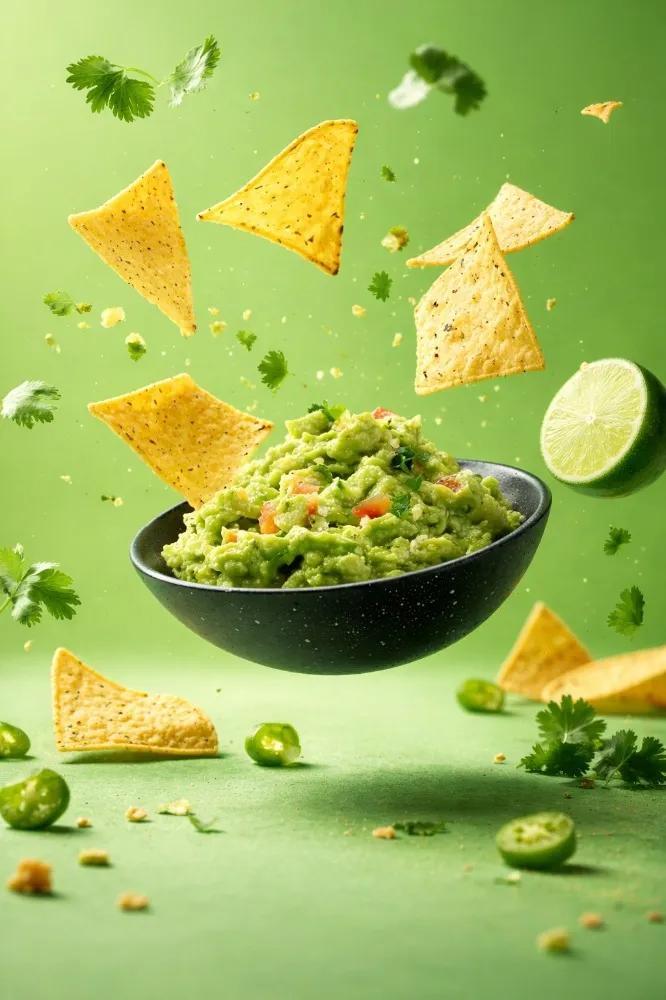
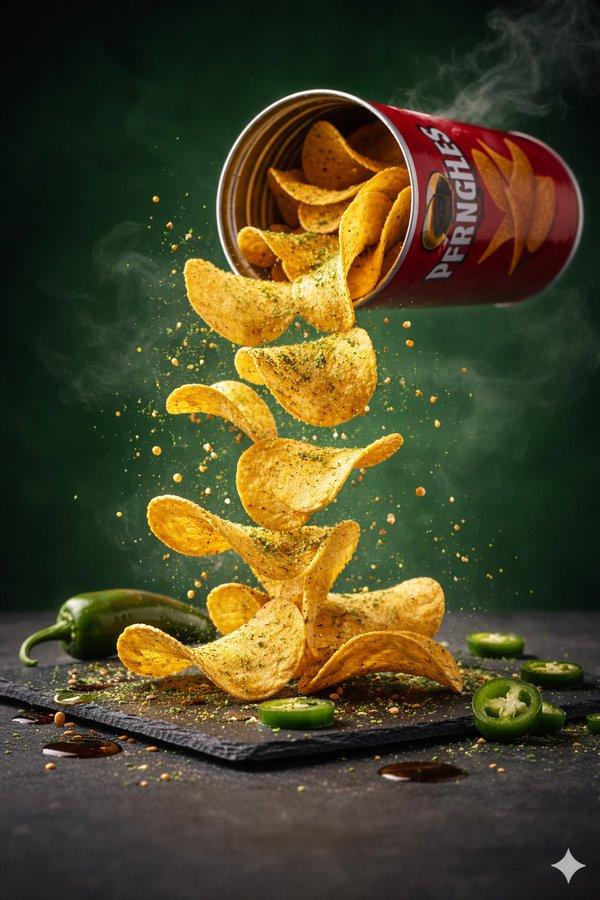
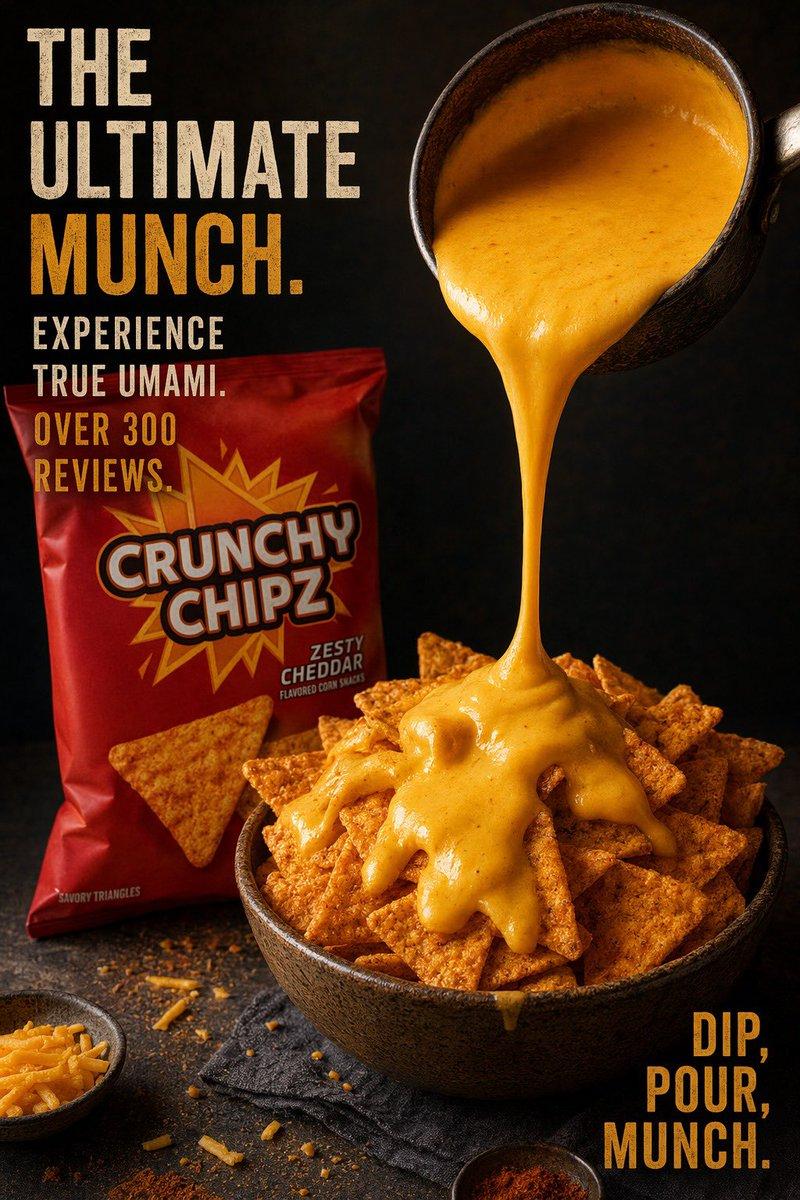
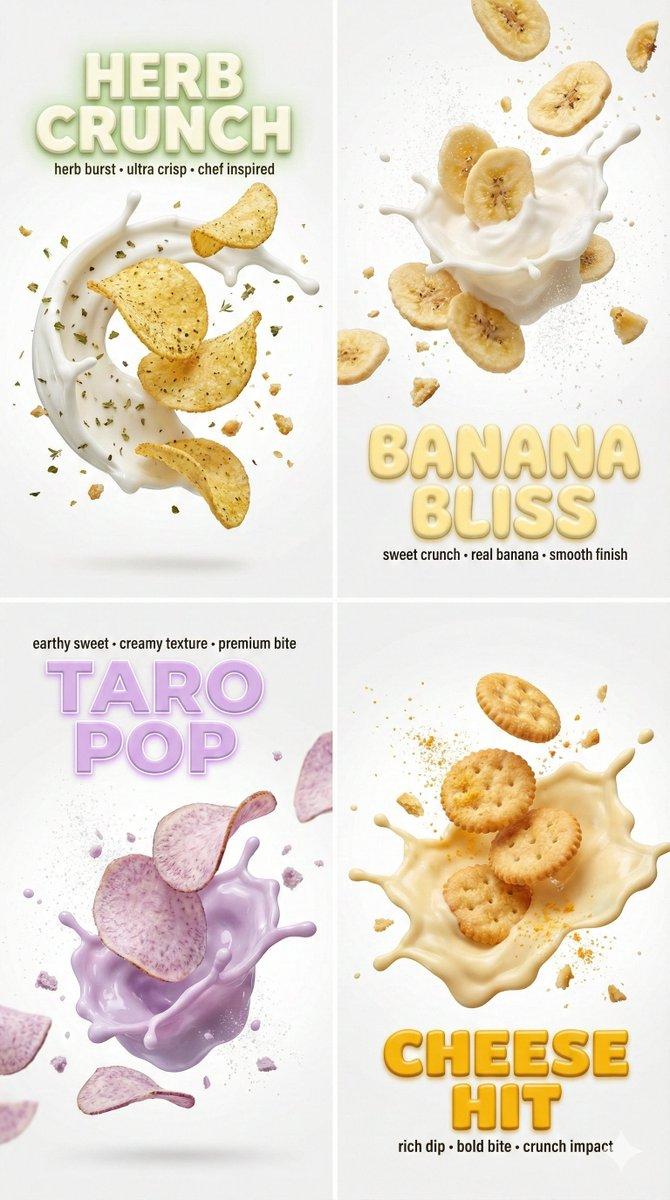
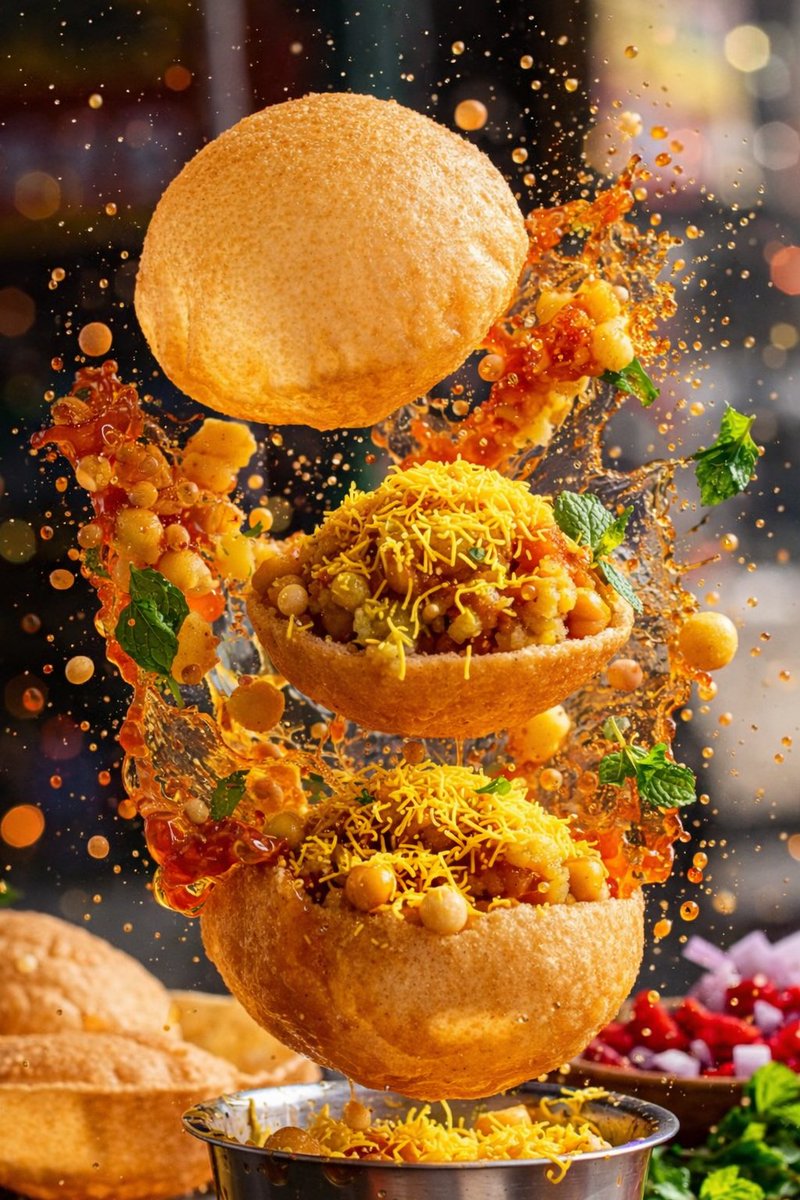
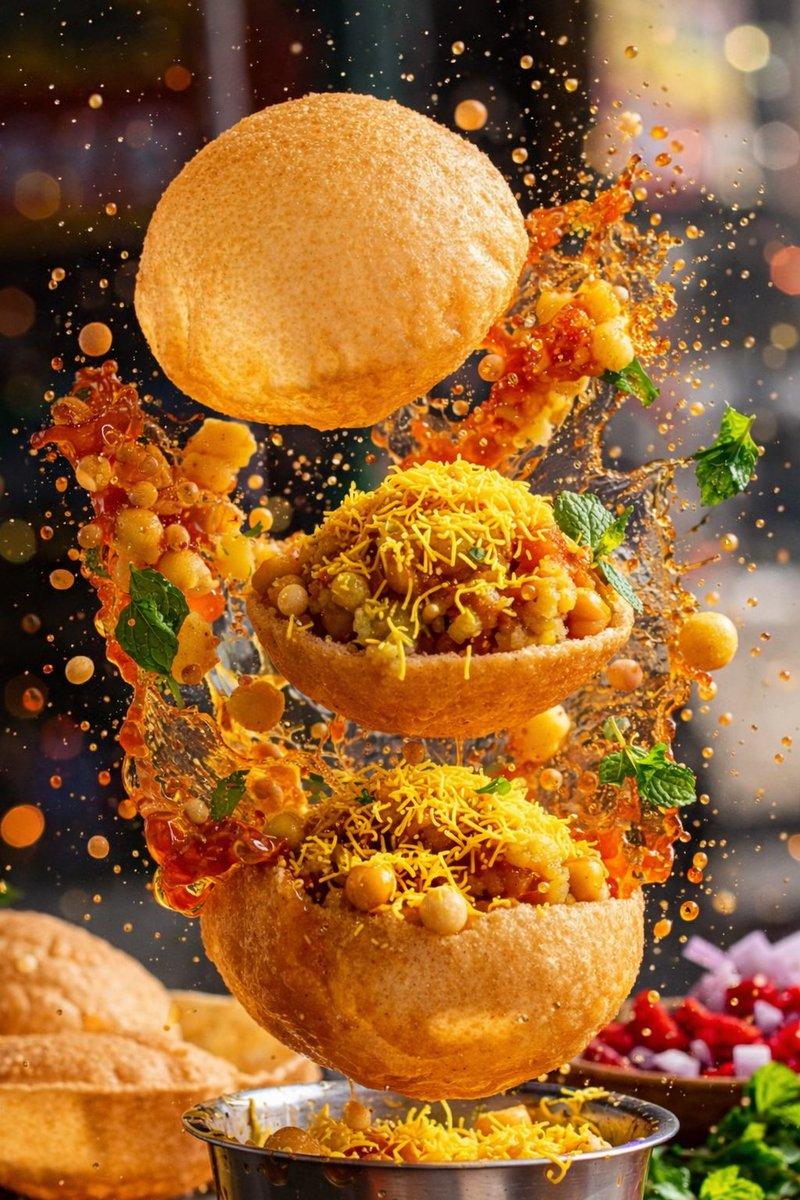
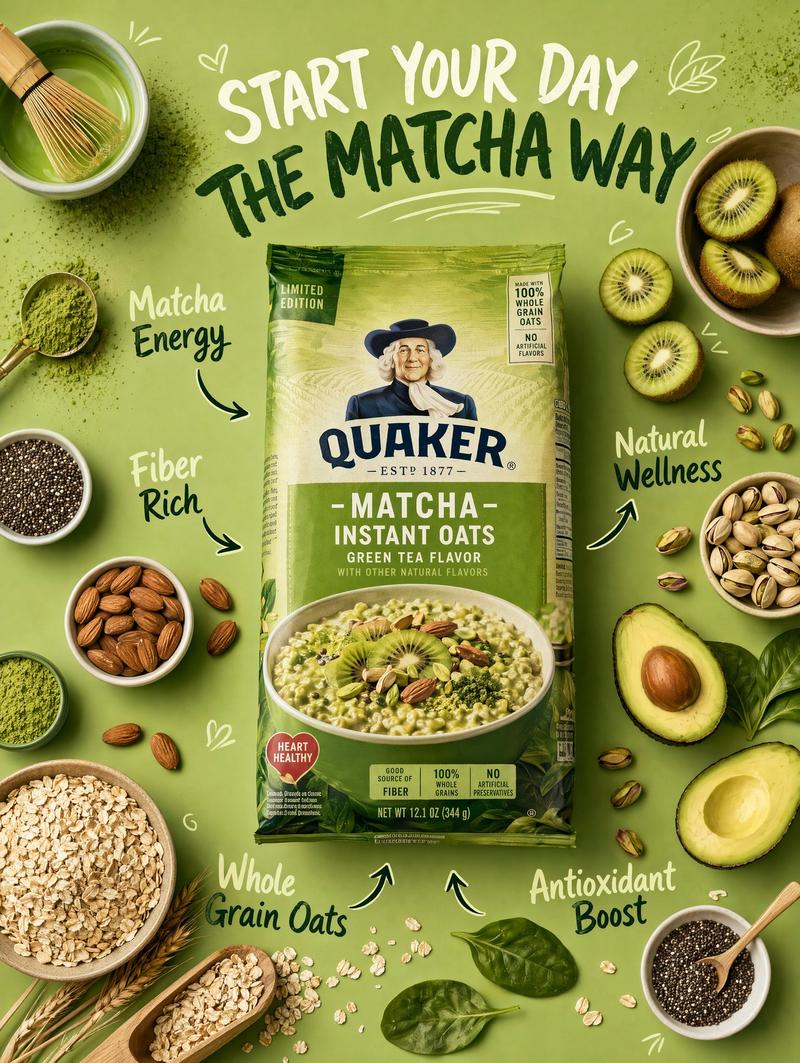
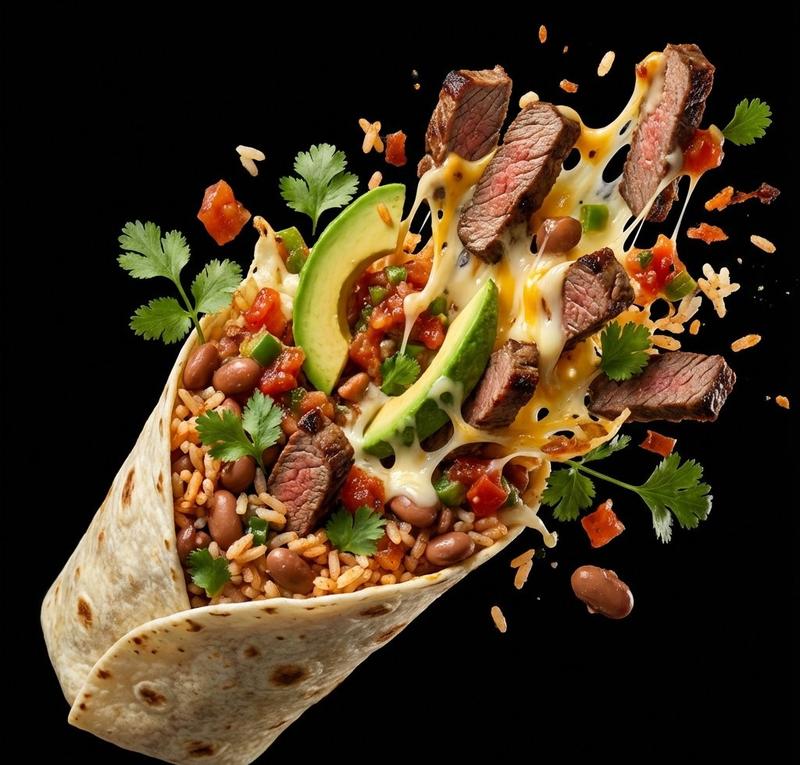
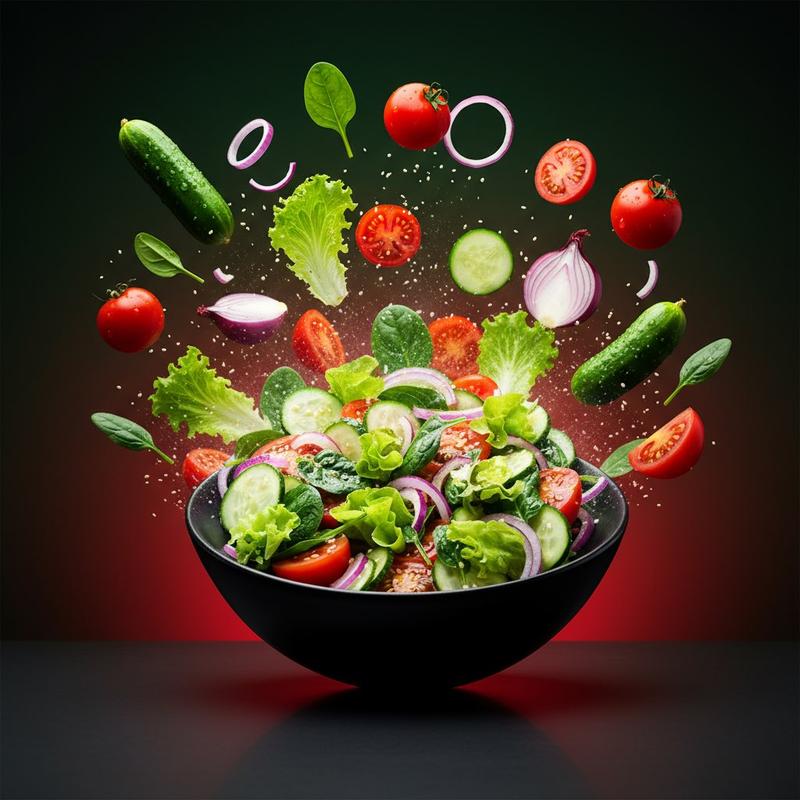
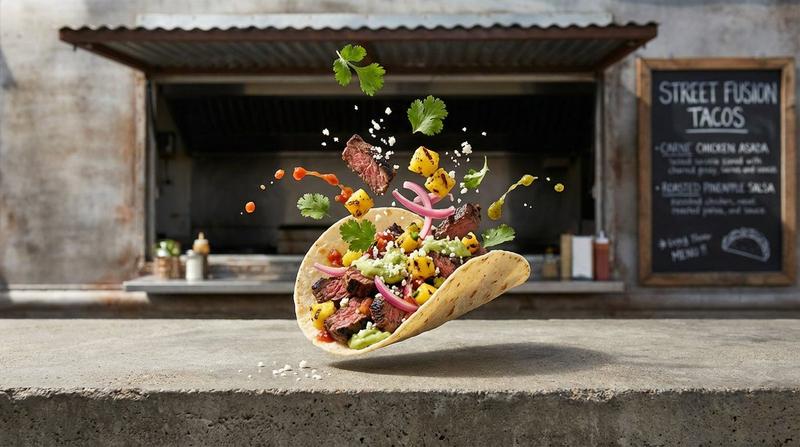
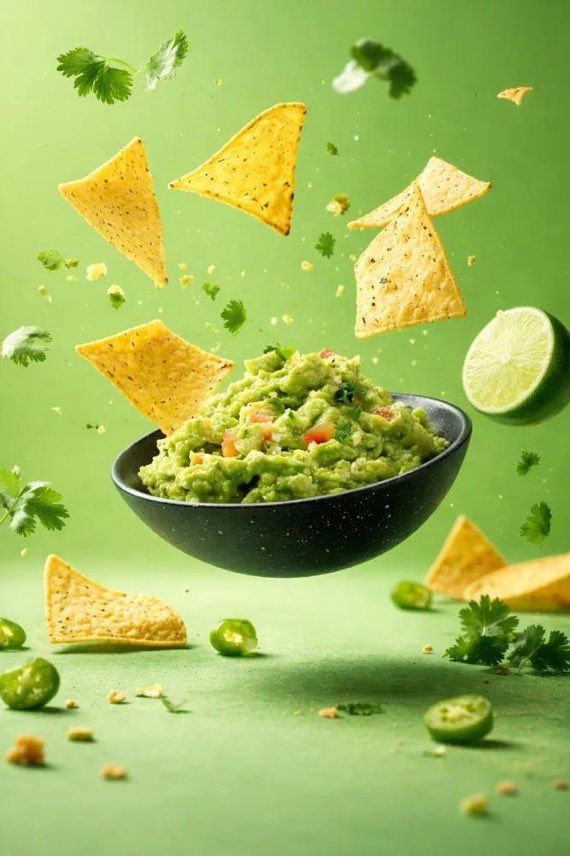
A hyper-realistic, high-speed food photography scene featuring a bowl suspended mid-air with ingredients exploding outward in perfect motion. Creamy yogurt or smoothie base splashing dramatically, surrounded by flying fruits, berries, banana slices, cereal flakes, granola, nuts, herbs, tortilla chips, or guacamole depending on the variation. Honey dripping from a wooden dipper, liquid splashes frozen in time, ultra-sharp details, glossy textures, vibrant colors. Clean studio background with bold solid color ({argument name="background color" default="blue / pink / green"}), commercial advertising style, macro lens look, shallow depth of field, perfect lighting, ultra-detailed food textures, cinematic composition, 8K ultra-realistic, high-speed photography aesthetic, premium food commercial.
Category
创意图片
Model
Nano Banana Pro
Creator
Marco
Views0
Source ID
8d37e21d-ba69-4e0e-8b40-6d3408639b13
Published
Mar 8, 2026

Guide

About "超逼真高速美食摄影提示词"

What is this prompt for?

"超逼真高速美食摄影提示词" AI image prompt for Nano Banana Pro (创意图片). 一个详细的提示,用于生成一个超现实、高速的食物摄影场景,其中包含一个配料向外爆裂的思慕雪碗,专为高端食品商业视觉设计。 --- 一个超现实、高速的食物摄影场景,碗悬浮在半空中,食材以完美的动态向外爆裂…

The full copyable prompt and example visuals above are ready for AI image generation or one-click recreate in Picva.

How to use this prompt

  1. Step 1

    Open the prompt detail

    Review the example visuals, category, and full prompt text for "超逼真高速美食摄影提示词".

  2. Step 2

    Copy the prompt

    Copy the prompt body from this page, or load it directly in Studio.

  3. Step 3

    Pick a model (Nano Banana Pro)

    Prefer Nano Banana Pro. If you switch models, keep subject and composition and tweak style terms.

  4. Step 4

    Generate and export

    Recreate the look in Picva, or export into your workflow for editing and publishing.

FAQ

What is the "超逼真高速美食摄影提示词" prompt?
It is an AI image-generation prompt for Nano Banana Pro in the 创意图片 category. This page includes the full prompt text, example visuals, and a one-click recreate path in Picva.
How do I use this prompt to generate an image?
Copy the prompt from this page, or use Generate / Studio. Paste it into a compatible image model, or recreate the look in Picva with optional reference images.
Which model is this prompt for?
This page lists Nano Banana Pro. Most descriptive prompts also transfer to nearby image models such as GPT Image, Flux, or Midjourney with light style tweaks.
Can I use the result commercially?
You can usually copy the prompt for creation, but commercial use of the final image depends on the model terms, reference-image rights, and the generated content. Follow the source author and platform rules.