16

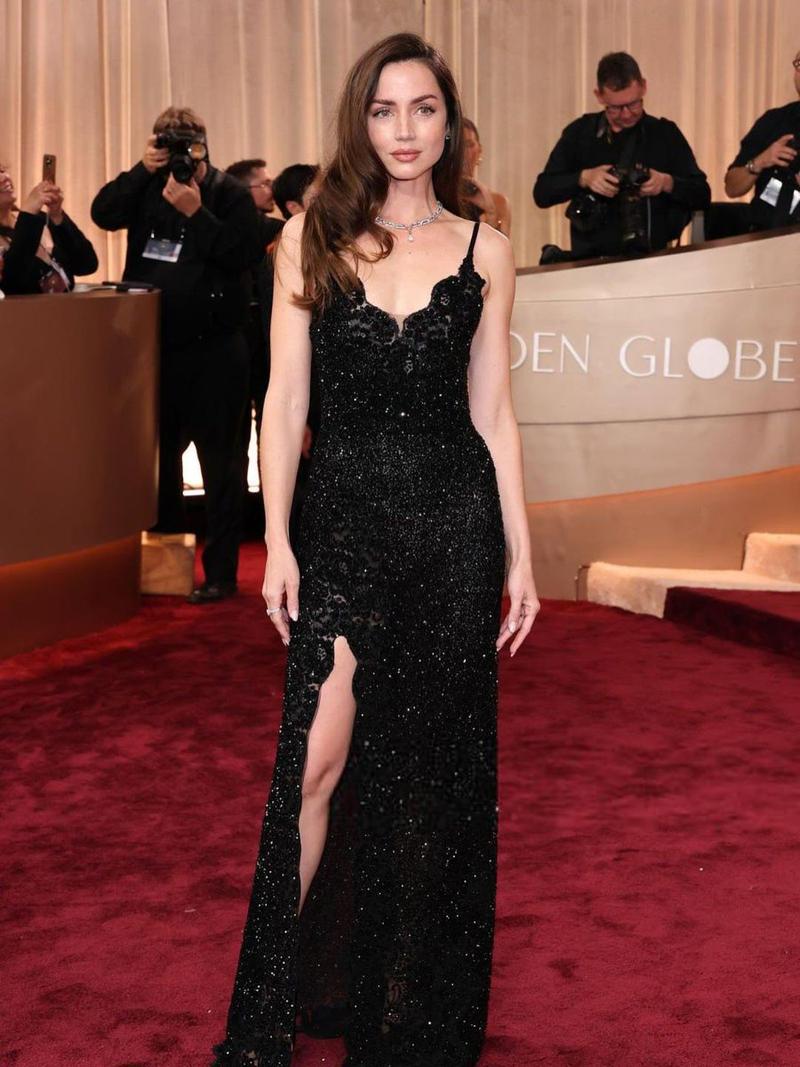
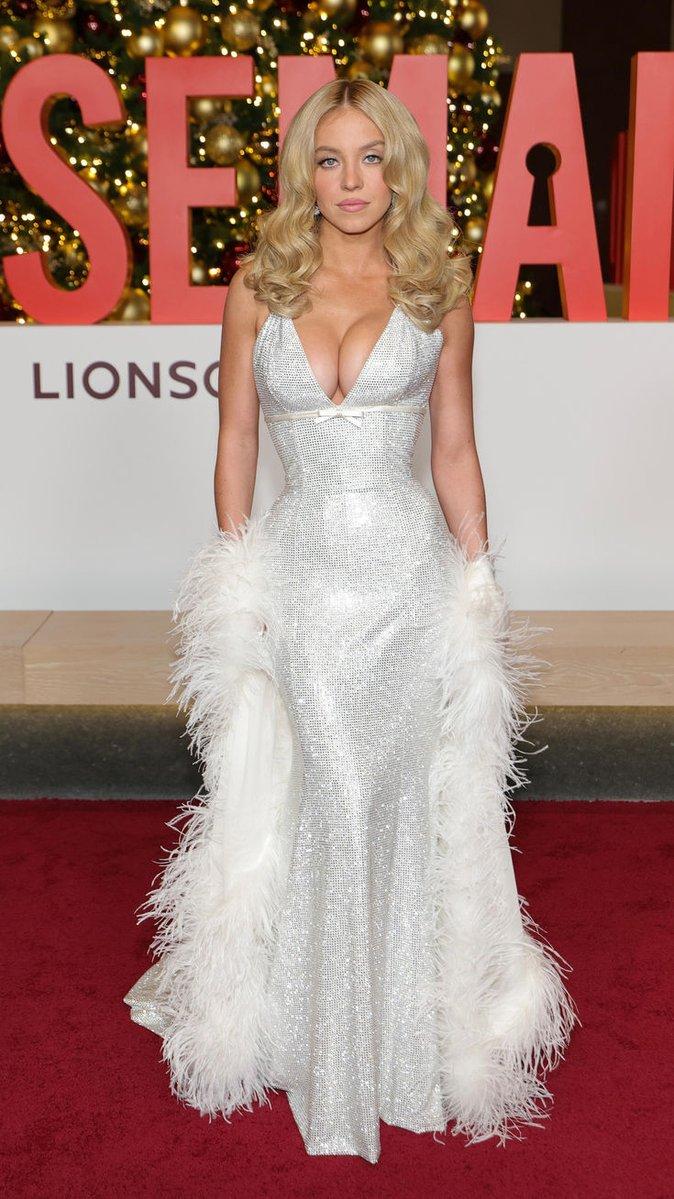
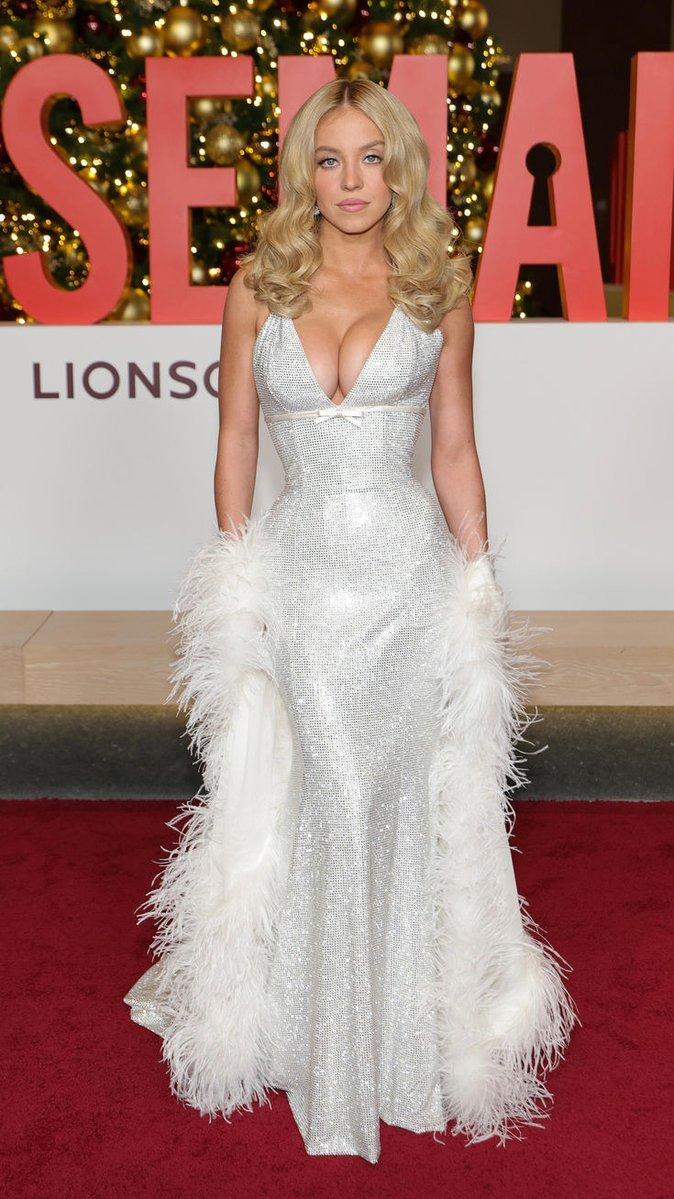
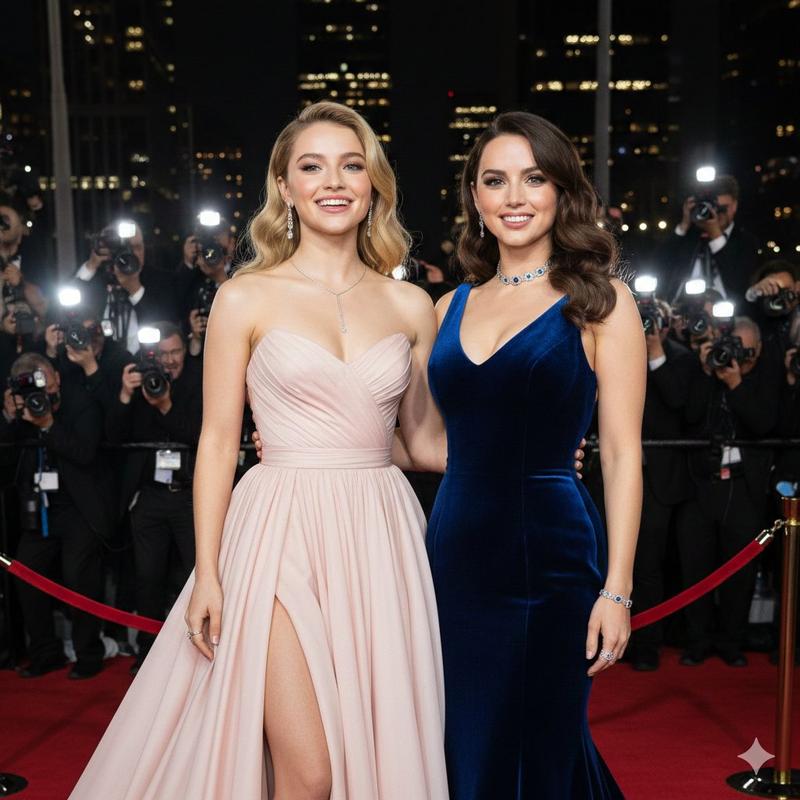
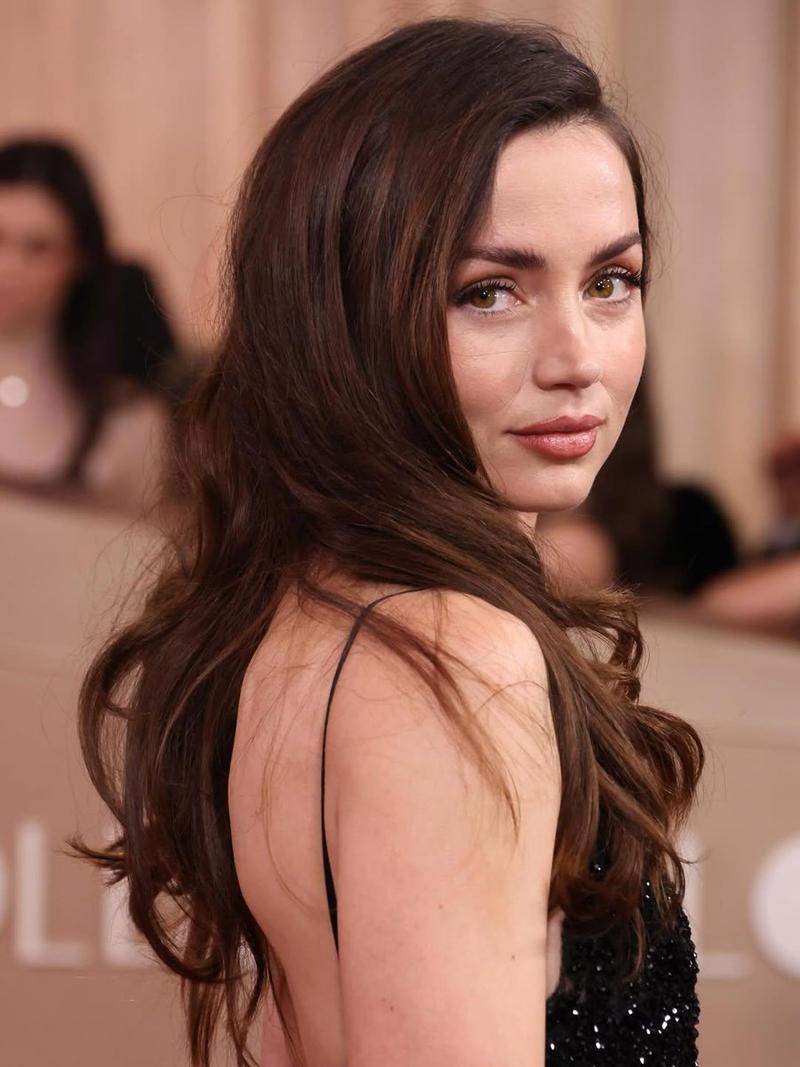
安娜·德·阿玛斯 红毯魅力肖像
Enlarge

安娜·德·阿玛斯 红毯魅力肖像

Prompt
{
  "subject": {
    "identity": "Ana de Armas",
    "features": {
      "eyes": "Light green-hazel",
      "skin_tone": "Fair, porcelain with a dewy finish",
      "makeup": "Soft glamour; dusty rose lipstick, neutral eye shadow, structured natural eyebrows, and subtle peach blush"
    },
    "hair": {
      "color": "Deep chestnut brunette",
      "style": "Long, voluminous Hollywood waves, deep side part, cascading over one shoulder"
    }
  },
  "attire": {
    "gown": {
      "style": "Column-style floor-length evening gown",
      "color": "Jet black",
      "texture": "Intricate sequin embellishments, shimmering lace overlay",
      "details": {
        "neckline": "Sweetheart neckline with scalloped lace trim",
        "straps": "Thin spaghetti straps",
        "features":
Category
创意图片
Model
Nano Banana Pro
Creator
Sadia
Views0
Source ID
d86d5dcc-5dd0-4842-a807-8cba8d26958a
Published
Mar 8, 2026

Guide

About "安娜·德·阿玛斯 红毯魅力肖像"

What is this prompt for?

"安娜·德·阿玛斯 红毯魅力肖像" AI image prompt for Nano Banana Pro (创意图片). 一个结构化的提示,用于生成安娜·德·阿玛斯(Ana de Armas)在红毯上的肖像,重点是她身穿一件乌黑亮片蕾丝直筒礼服的造型。提示详细描述了她的妆容(柔和魅力)、发型(蓬松的复古好莱坞波浪卷…

The full copyable prompt and example visuals above are ready for AI image generation or one-click recreate in Picva.

How to use this prompt

  1. Step 1

    Open the prompt detail

    Review the example visuals, category, and full prompt text for "安娜·德·阿玛斯 红毯魅力肖像".

  2. Step 2

    Copy the prompt

    Copy the prompt body from this page, or load it directly in Studio.

  3. Step 3

    Pick a model (Nano Banana Pro)

    Prefer Nano Banana Pro. If you switch models, keep subject and composition and tweak style terms.

  4. Step 4

    Generate and export

    Recreate the look in Picva, or export into your workflow for editing and publishing.

FAQ

What is the "安娜·德·阿玛斯 红毯魅力肖像" prompt?
It is an AI image-generation prompt for Nano Banana Pro in the 创意图片 category. This page includes the full prompt text, example visuals, and a one-click recreate path in Picva.
How do I use this prompt to generate an image?
Copy the prompt from this page, or use Generate / Studio. Paste it into a compatible image model, or recreate the look in Picva with optional reference images.
Which model is this prompt for?
This page lists Nano Banana Pro. Most descriptive prompts also transfer to nearby image models such as GPT Image, Flux, or Midjourney with light style tweaks.
Can I use the result commercially?
You can usually copy the prompt for creation, but commercial use of the final image depends on the model terms, reference-image rights, and the generated content. Follow the source author and platform rules.