19

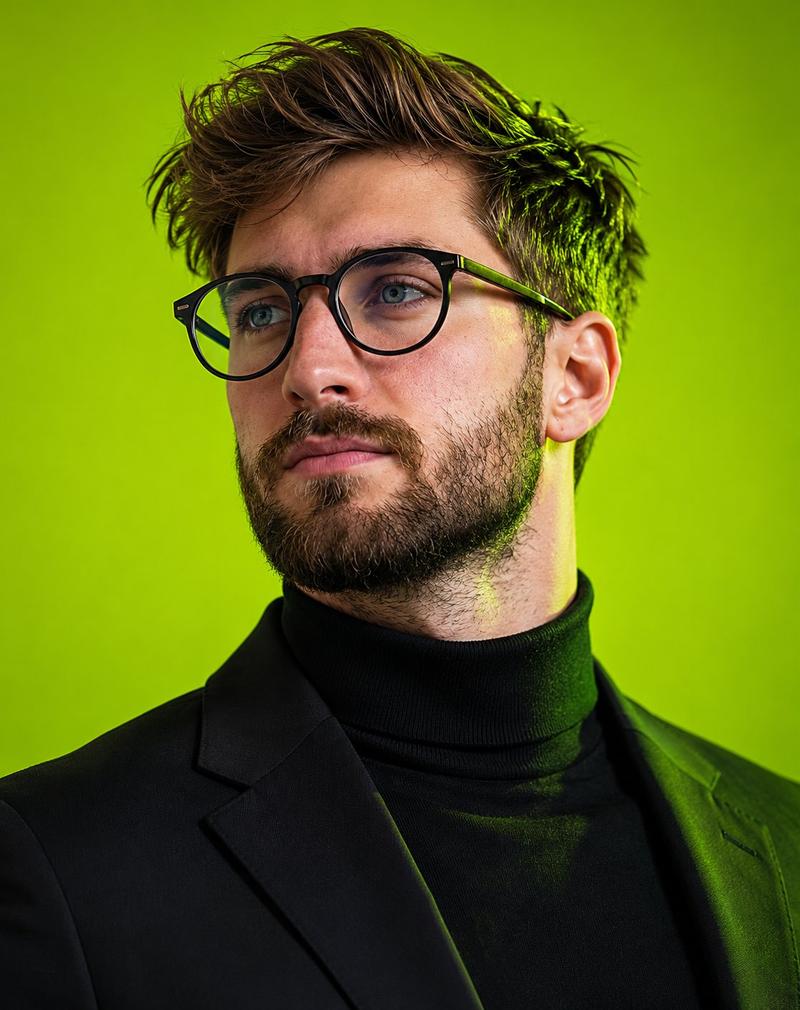
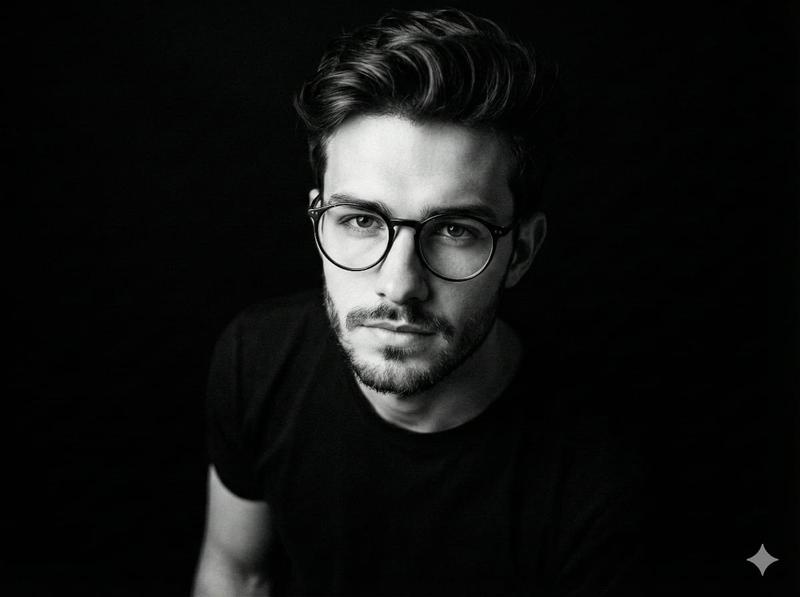
动态低角度编辑肖像,橙红色对比
Enlarge

动态低角度编辑肖像,橙红色对比

Prompt
A powerful editorial, highly detailed, photorealistic, dynamic low-angle portrait featuring a man against a vibrant, solid orange-red background, utilizing dramatic, high-contrast studio lighting dominated by vivid orange and deep red hues. The subject is photographed from a slightly low camera angle, creating a strong, authoritative presence and emphasizing the jawline and facial structure. His head is subtly tilted downward toward the camera while his eyes look slightly
Category
创意图片
Model
Nano Banana Pro
Creator
K
Views0
Source ID
dde6f34a-3e7f-48cb-9075-12eb6f2e4815
Published
Mar 8, 2026

Guide

About "动态低角度编辑肖像,橙红色对比"

What is this prompt for?

"动态低角度编辑肖像,橙红色对比" AI image prompt for Nano Banana Pro (创意图片). 一个用于生成一张强有力、超逼真的男性编辑肖像的提示。图像采用动态低角度透视,以及由鲜艳的橙色和深红色调主导的戏剧性高对比度工作室照明,背景为纯橙红色,强调了拍摄对象权威性的存在感和面部结构。 -…

The full copyable prompt and example visuals above are ready for AI image generation or one-click recreate in Picva.

How to use this prompt

  1. Step 1

    Open the prompt detail

    Review the example visuals, category, and full prompt text for "动态低角度编辑肖像,橙红色对比".

  2. Step 2

    Copy the prompt

    Copy the prompt body from this page, or load it directly in Studio.

  3. Step 3

    Pick a model (Nano Banana Pro)

    Prefer Nano Banana Pro. If you switch models, keep subject and composition and tweak style terms.

  4. Step 4

    Generate and export

    Recreate the look in Picva, or export into your workflow for editing and publishing.

FAQ

What is the "动态低角度编辑肖像,橙红色对比" prompt?
It is an AI image-generation prompt for Nano Banana Pro in the 创意图片 category. This page includes the full prompt text, example visuals, and a one-click recreate path in Picva.
How do I use this prompt to generate an image?
Copy the prompt from this page, or use Generate / Studio. Paste it into a compatible image model, or recreate the look in Picva with optional reference images.
Which model is this prompt for?
This page lists Nano Banana Pro. Most descriptive prompts also transfer to nearby image models such as GPT Image, Flux, or Midjourney with light style tweaks.
Can I use the result commercially?
You can usually copy the prompt for creation, but commercial use of the final image depends on the model terms, reference-image rights, and the generated content. Follow the source author and platform rules.