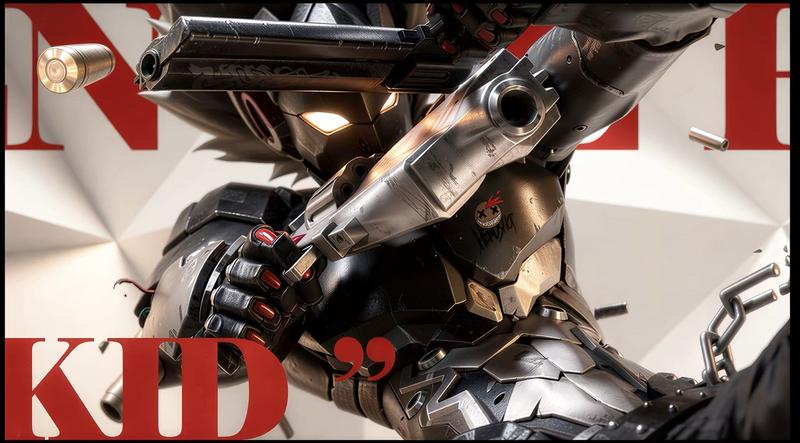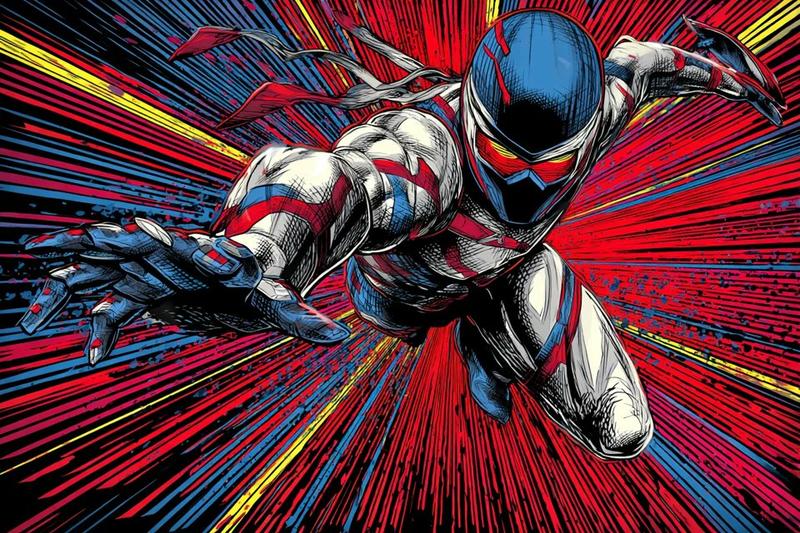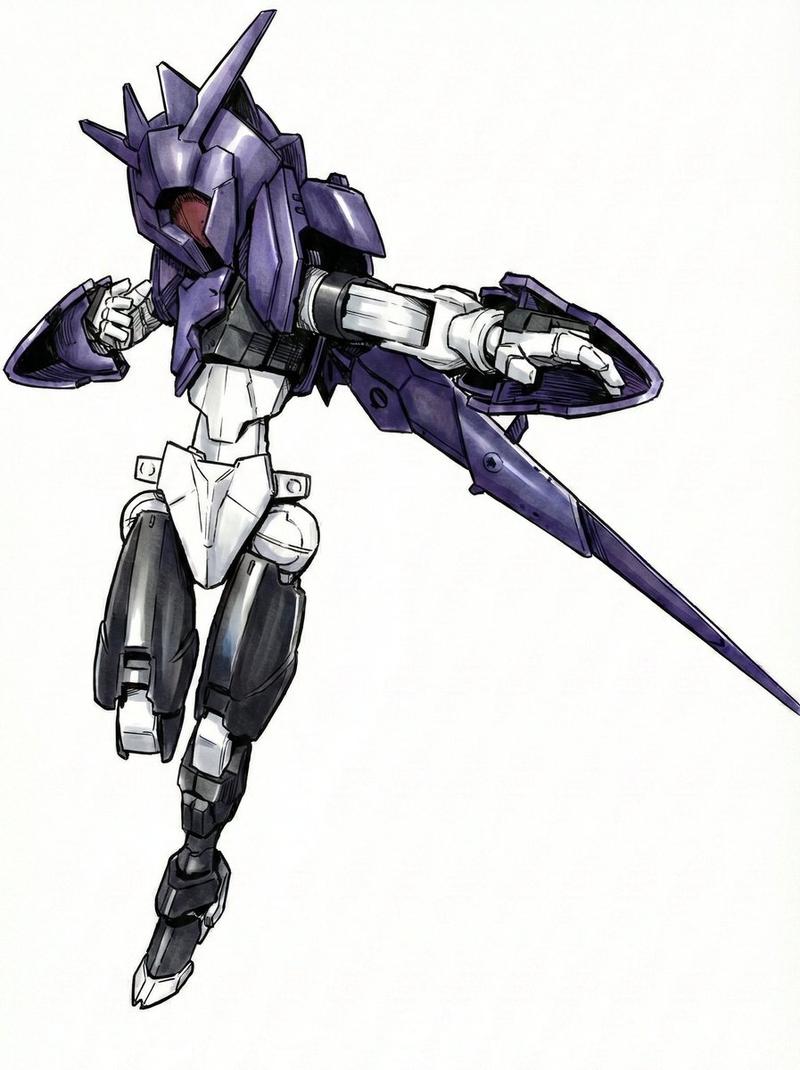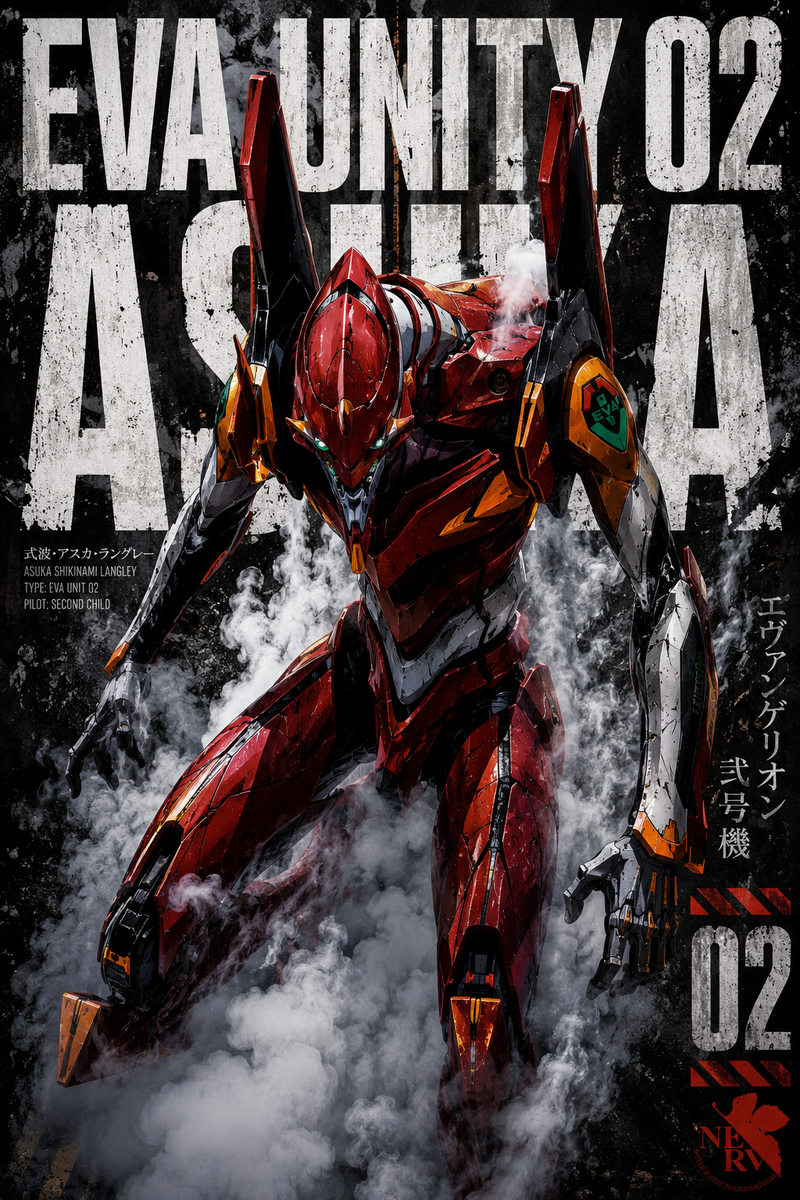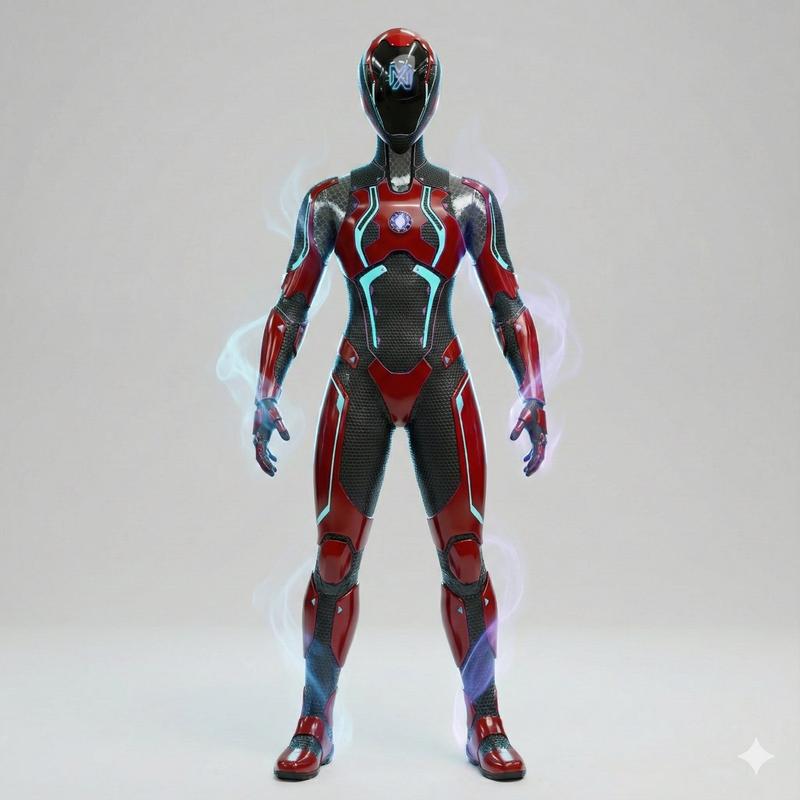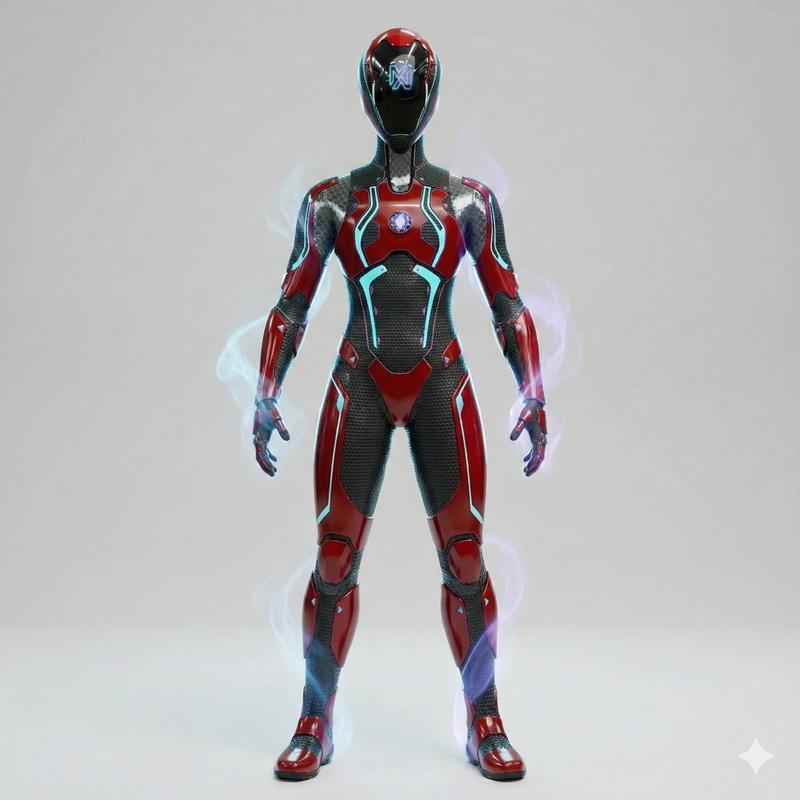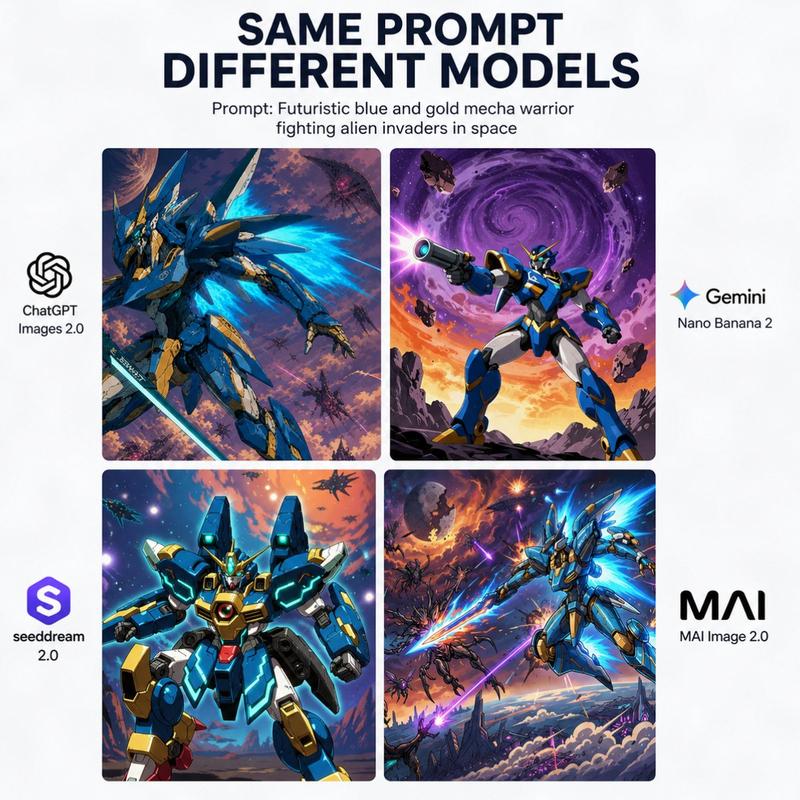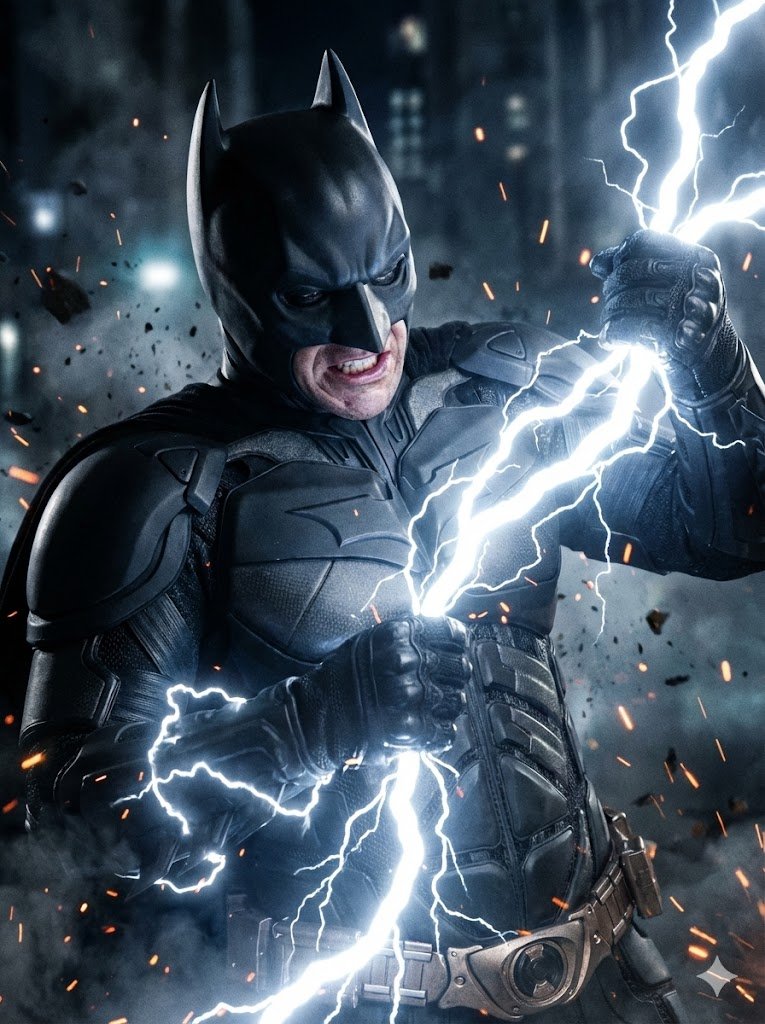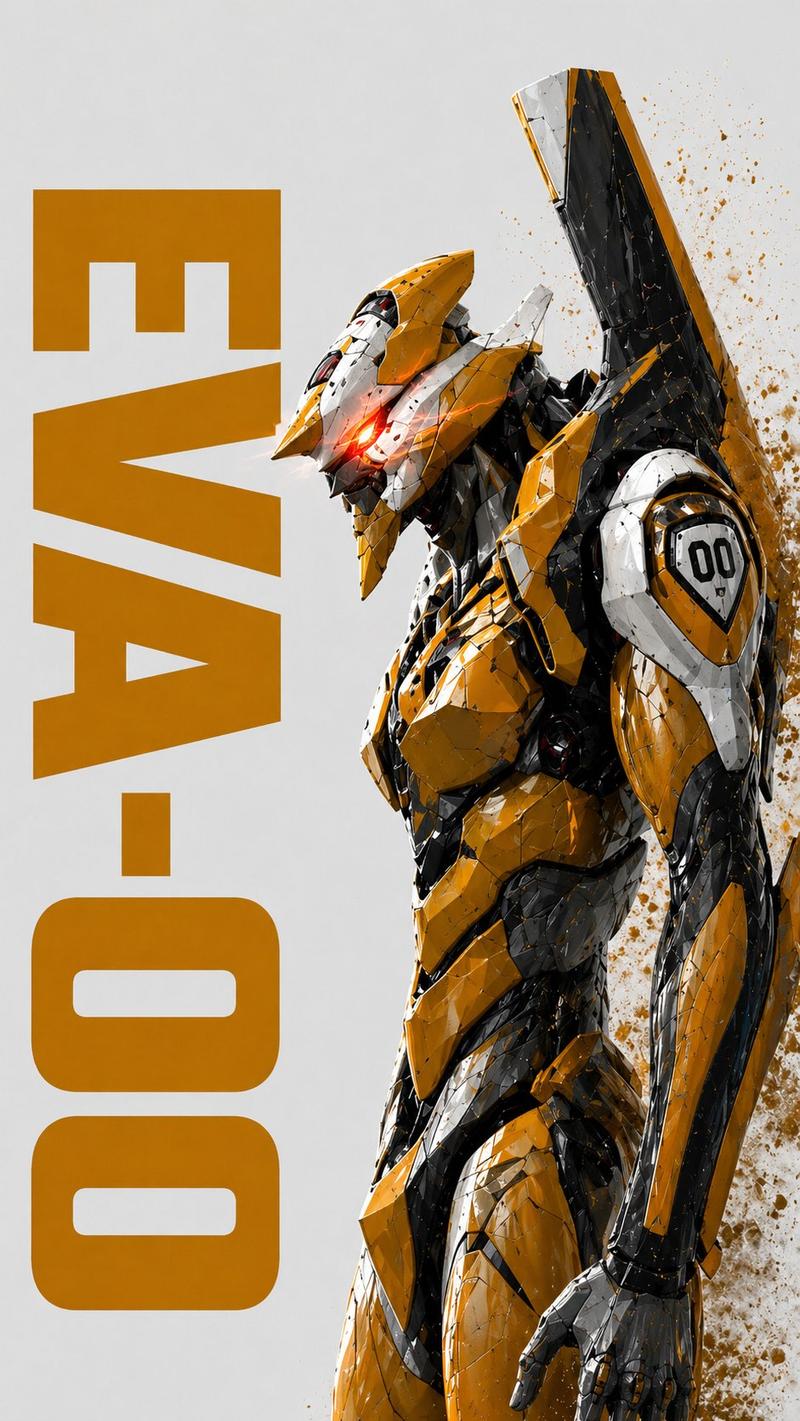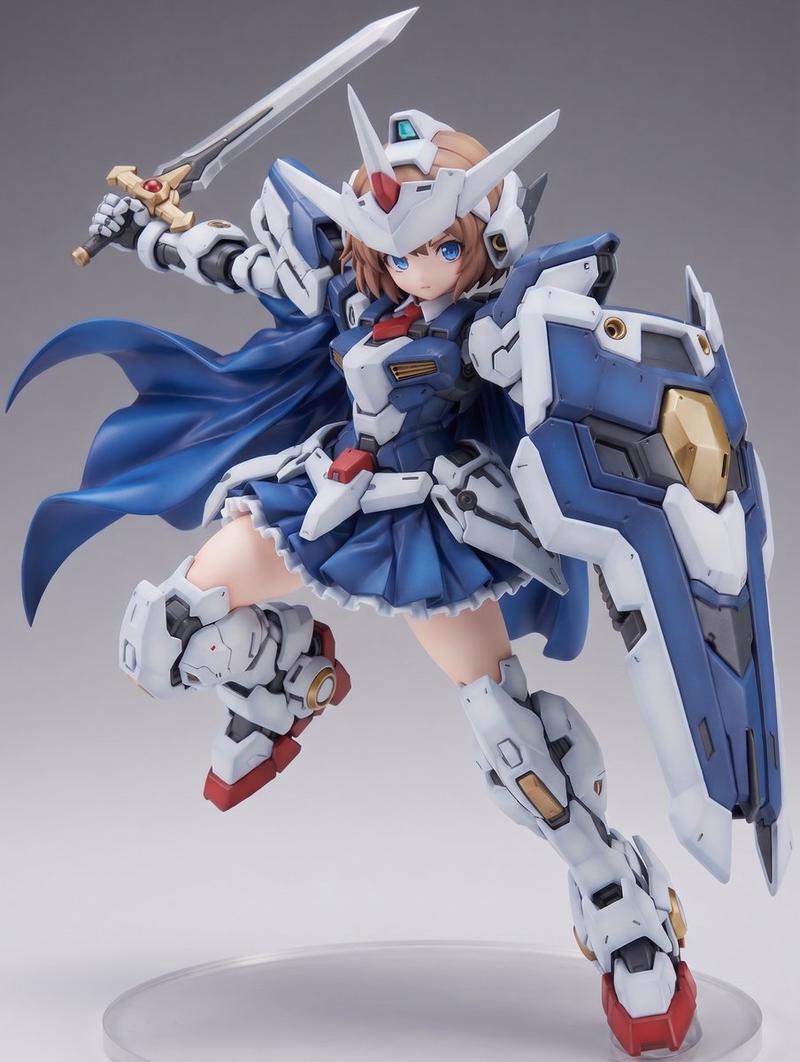
三联画构图提示,用于抽象时尚专题报道
Prompt
THE TASK
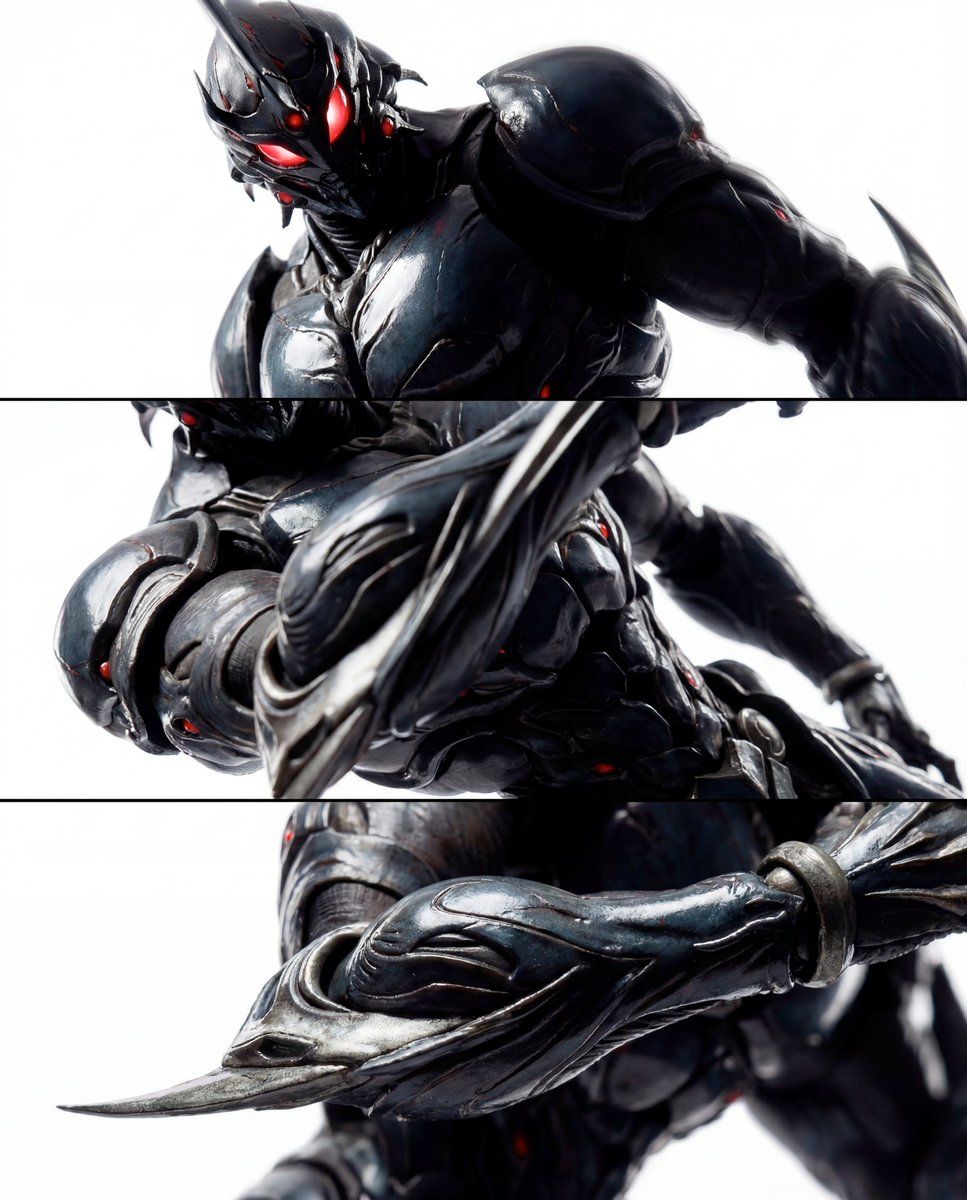
Act as a world-class fashion photographer shooting a defining editorial campaign. Create a cohesive 3-panel vertical triptych (stacked top, middle, bottom) of the same subject. The sequence escalates intimacy and intensity through extreme proximity, revealing tactile hyper-realism and restrained dynamic power purely via photographic technique — no environmental changes, no added elements.
TRIPTYCH COMPOSITION
(VERTICAL STACK – ESCALATING CLOSE-UP INTENSITY)
Top Panel – Presence (Intense Dominant Close-Up)
Dynamic low 3/4 angle close-up (camera below the main form, tilted upward) to create looming, commanding scale.
Tight crop: the subject’s primary focal feature and sharp contours dominate; one side falls into deep shadow.
Subtle implied motion via slight rotational tilt and micro-blur only on far-edge highlights — keep the central zone razor-sharp.
Specular streaks rake across glossy surfaces like wet lacquer, emphasizing curvature and fine material imperfections.
Background: pure high-key white with faint gradient falloff — identical across all panels, no environmental cues.
Middle Panel – Control (Kinetic Structural Sweep)
Canted-angle macro from the side with aggressive perspective distortion.
Crop frames the central structural zone, with key elements off-center and partially cut by frame edges.
Highlights slice diagonally across contoured channels and ridges due to the dramatic angle.
Very shallow depth of field: nearest surface tack-sharp, farther planes melt softly to suggest velocity and tension.
Same pure high-key white background and exact tonal range — variation achieved solely through camera angle and lens proximity.
Bottom Panel – Essence (Extreme Graphic Detail)
Extreme macro from an aggressive angle evoking a controlled whip-pan. Choose one signature detail and make it feel alive with implied motion while remaining graphically pristine:

A protruding or extending element shot from below, strongly foreshortened, reaching toward the lens,
Or a central geometric/functional feature shot on a steep diagonal, highlights spiraling like motion trails,
Or a sharp edge or blade-like contour shot from behind, catching a razor-thin specular line.

Apply controlled directional blur only to a secondary trailing plane; keep the primary micro-texture impeccably crisp.
Frame so tight it becomes near-abstract: beveled edges, micro-scratches, gloss pooling, subtle material stress marks, fine imperfections.
No debris, no additional elements — identical high-key white background maintained.
STYLING & BOLD CHOICES (CRITICAL)
Subject: {argument name="subject material" default="any high-gloss, sculpted form with precise contours and reflective surfaces"}.
No additional objects, characters, props, text, or logos.
All sense of energy and motion derived exclusively from camera technique: low/canted angles, foreshortening, shallow depth of field, controlled selective blur, and highlight flow.
Identical lighting rig across all three panels — consistent- Category
- 创意图片
- Model
- Nano Banana Pro
- Creator
- KTDS
- Source ID
- 6f3f8b7b-b0fe-48c0-ab39-438036f4f686
- Published
- Mar 8, 2026
Views0