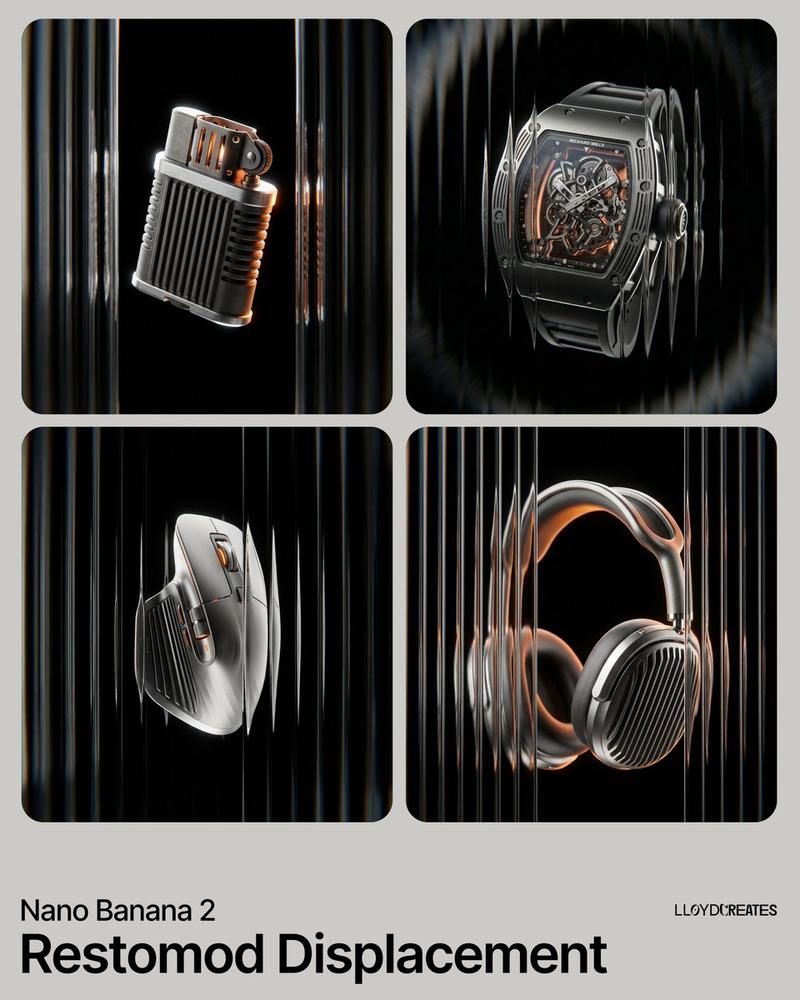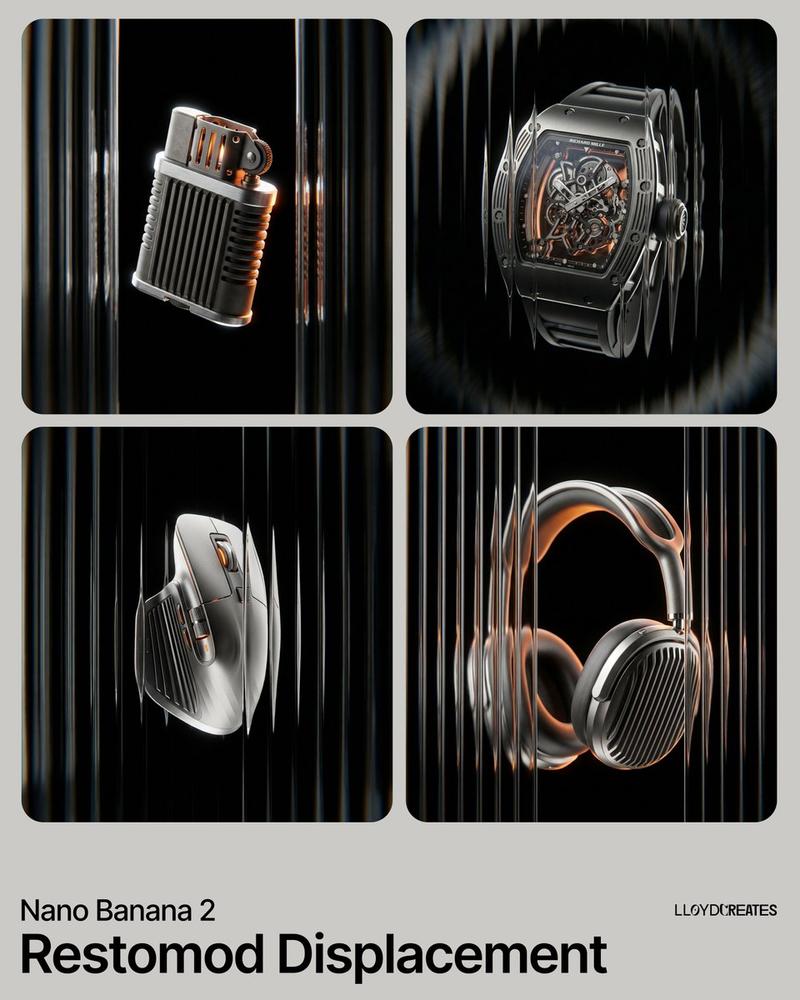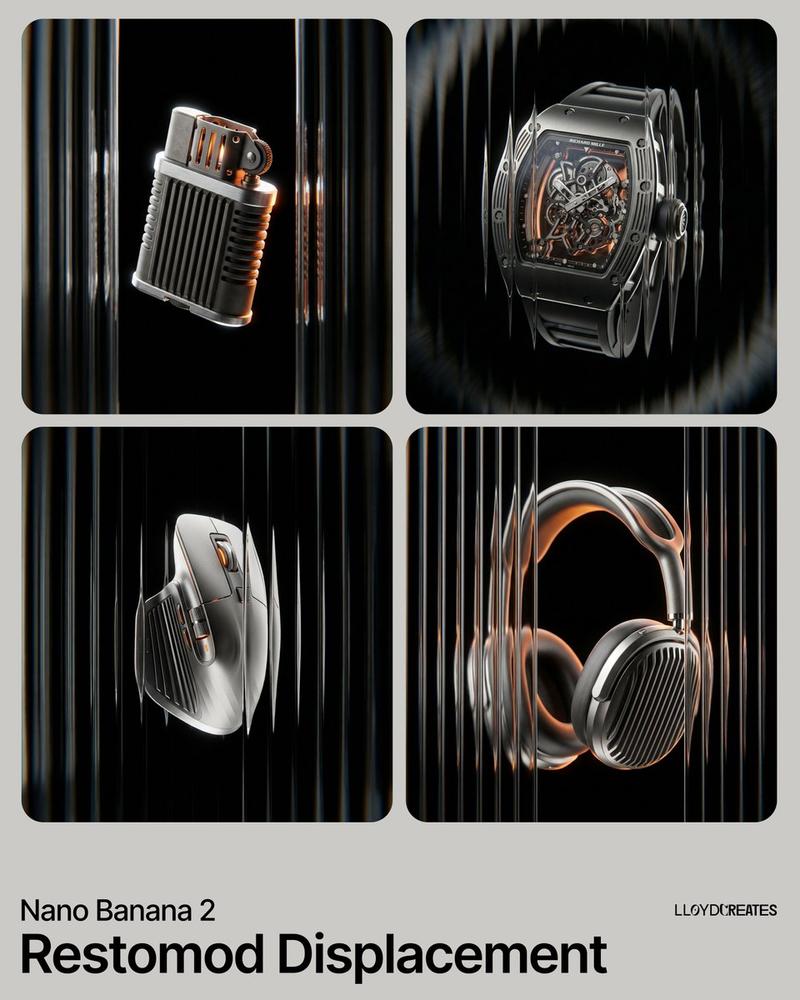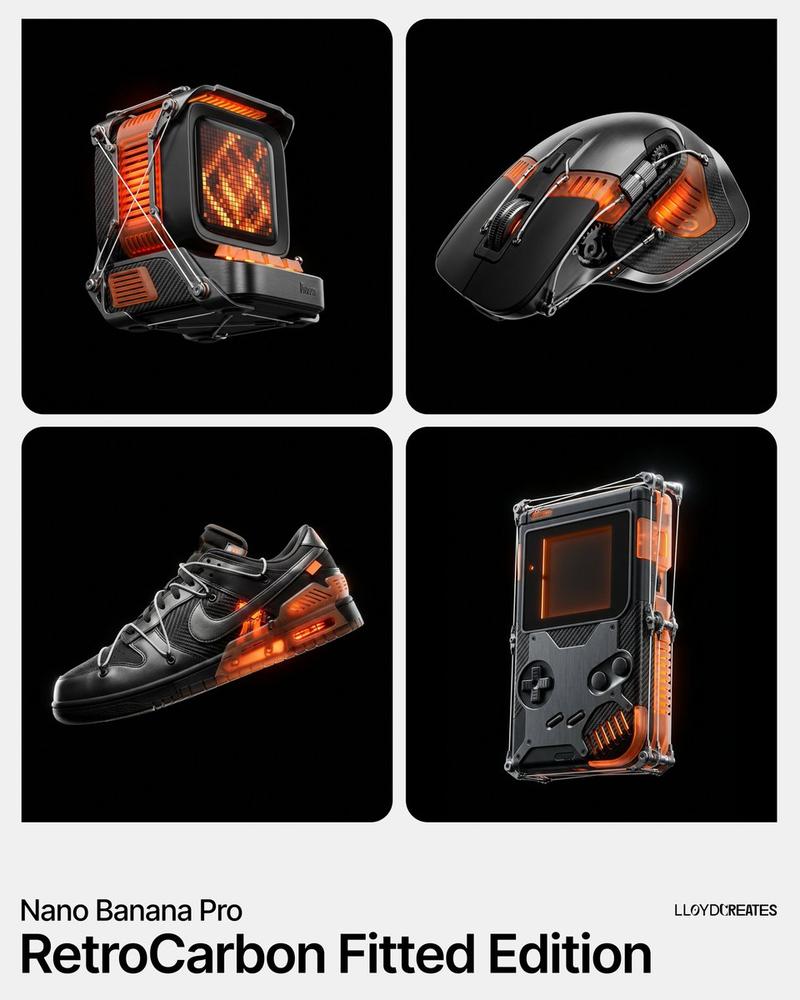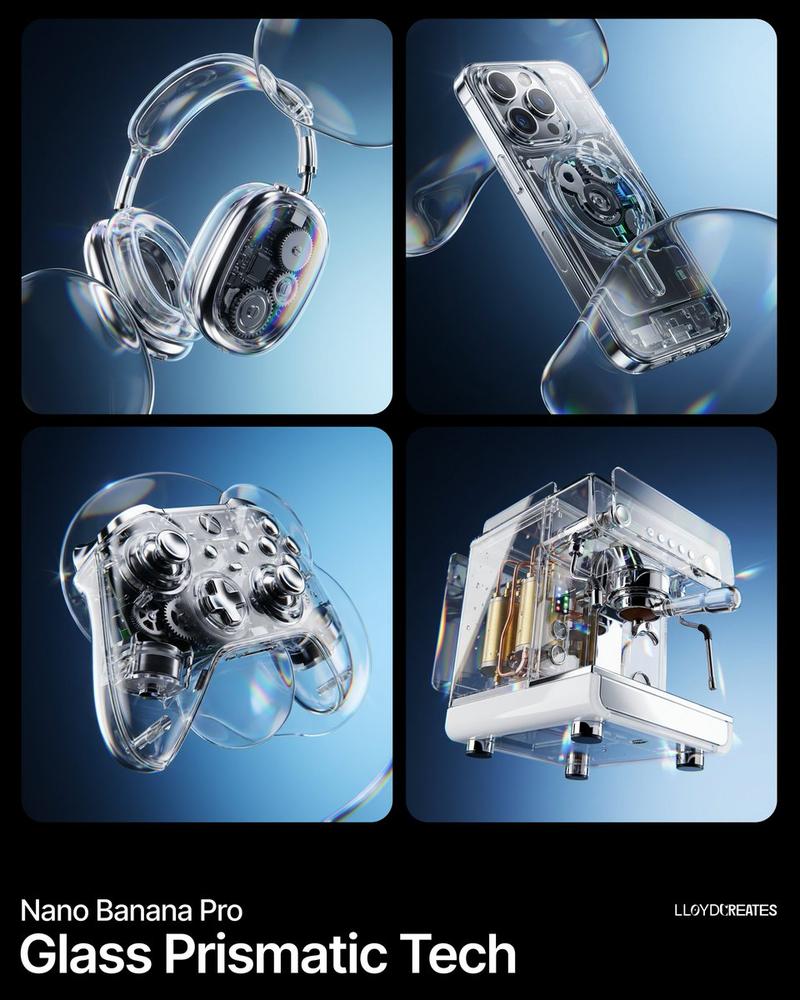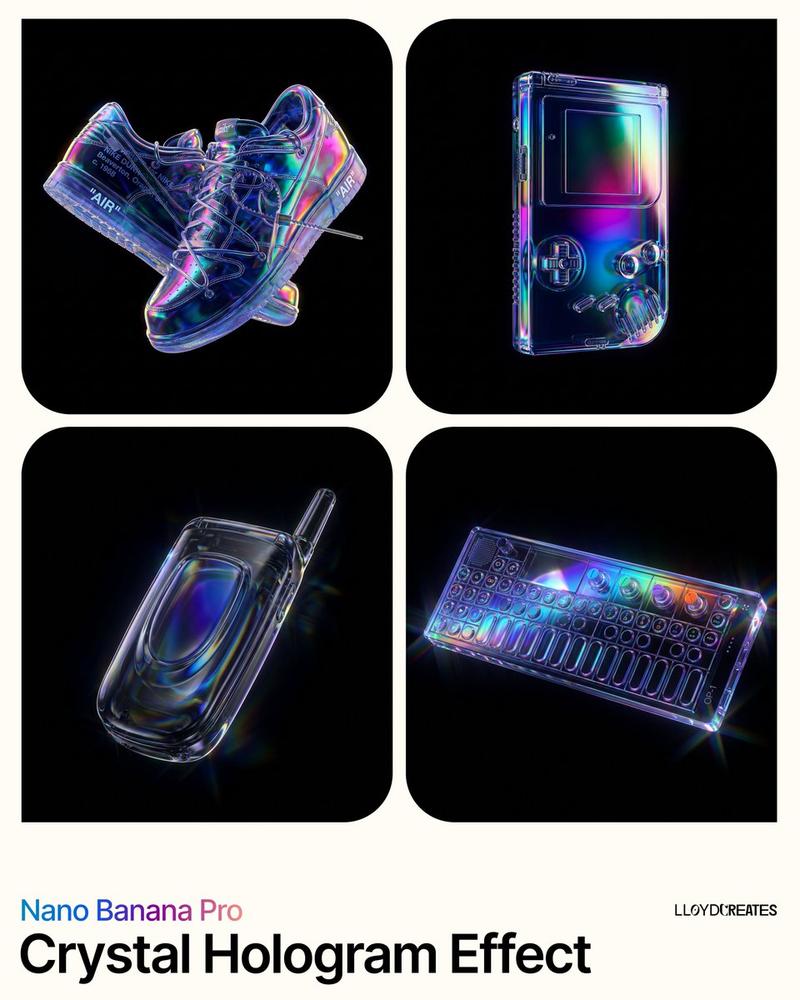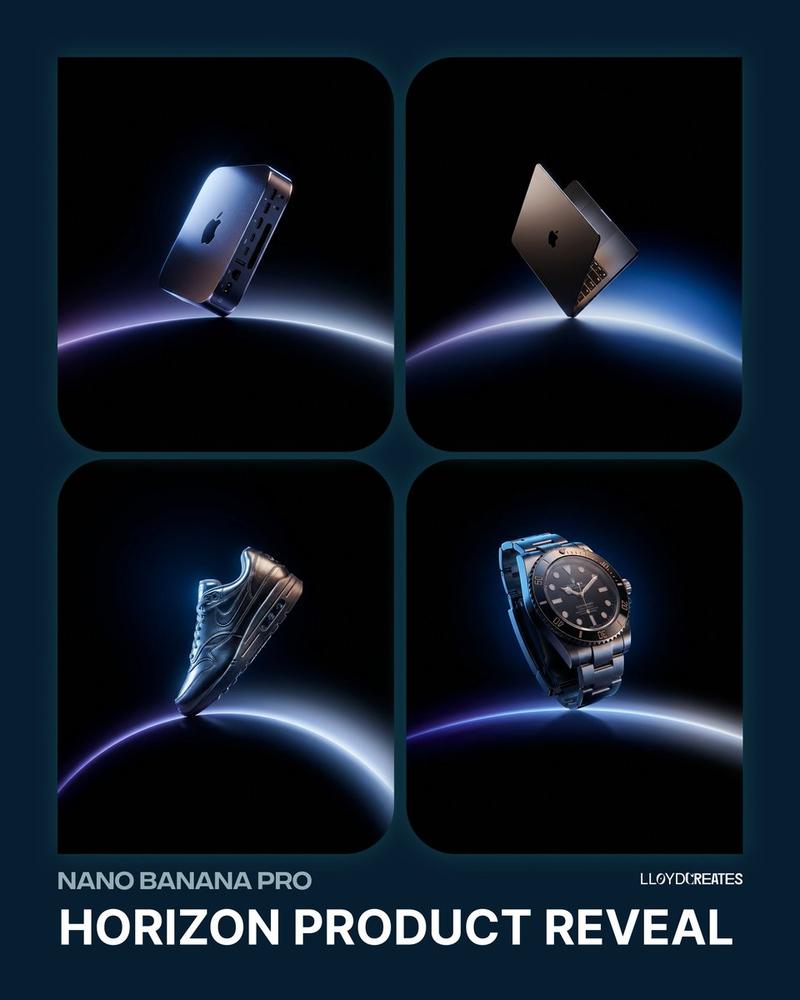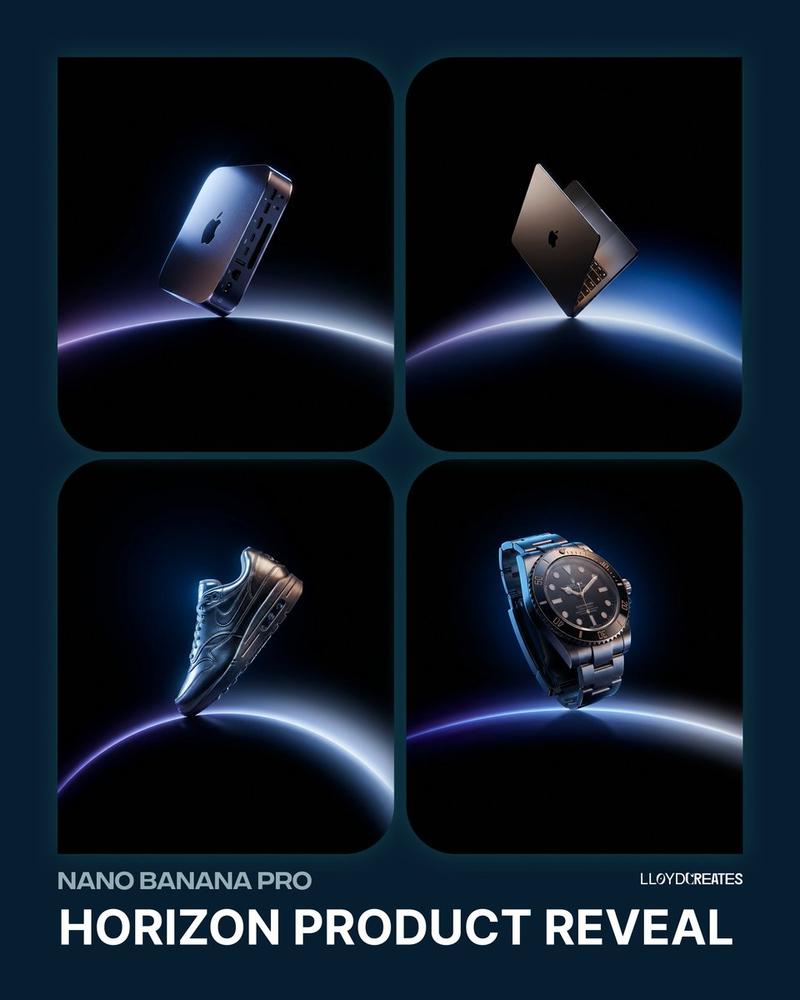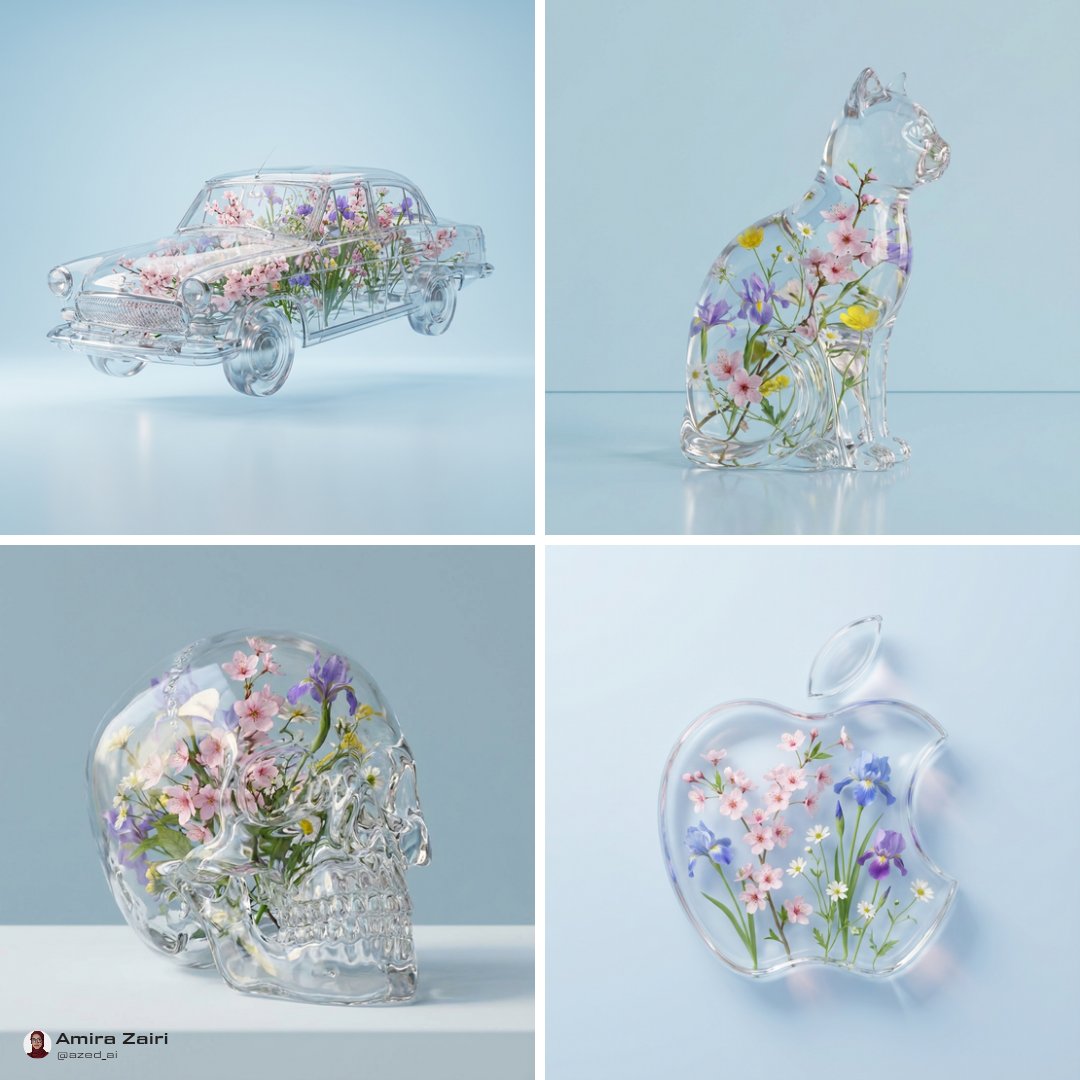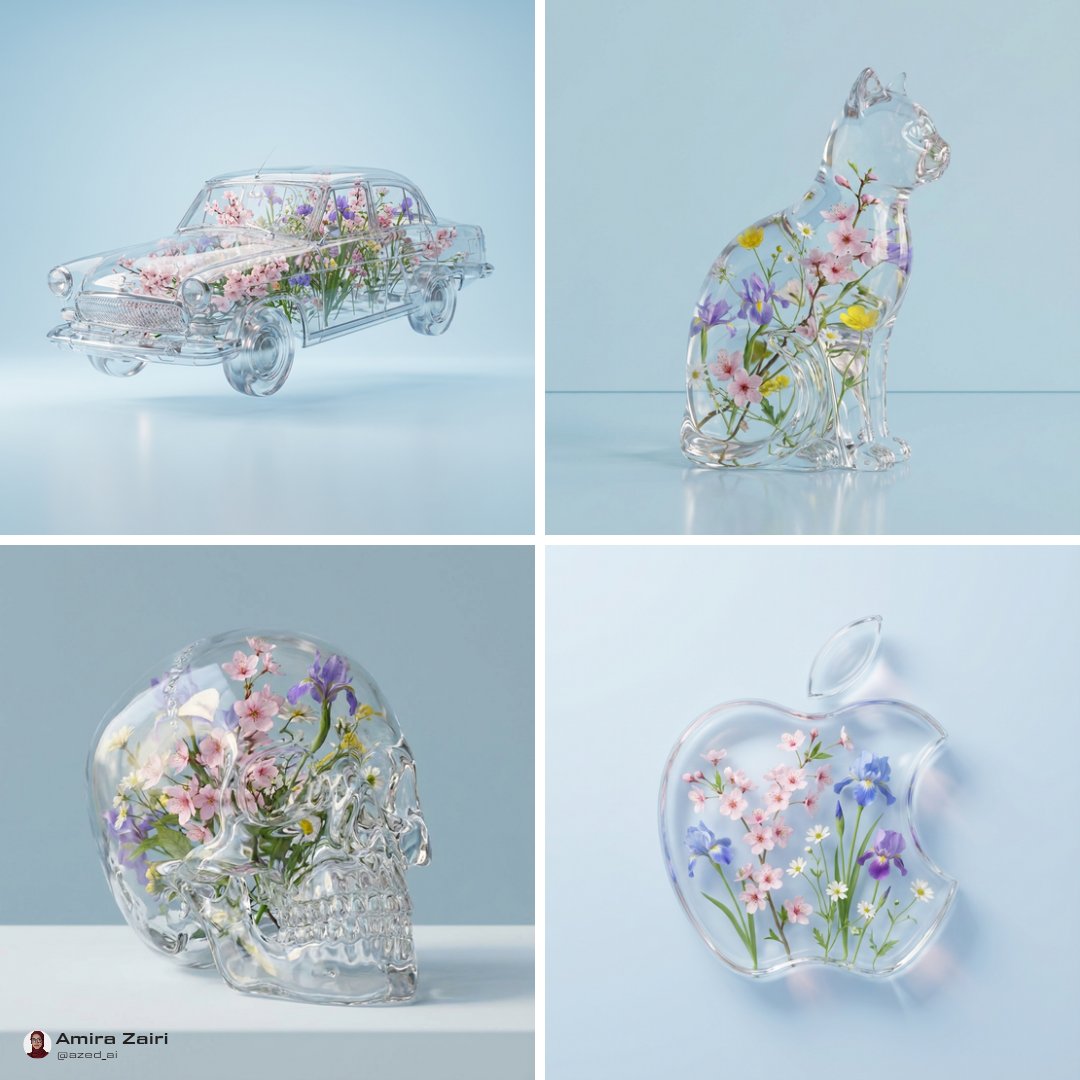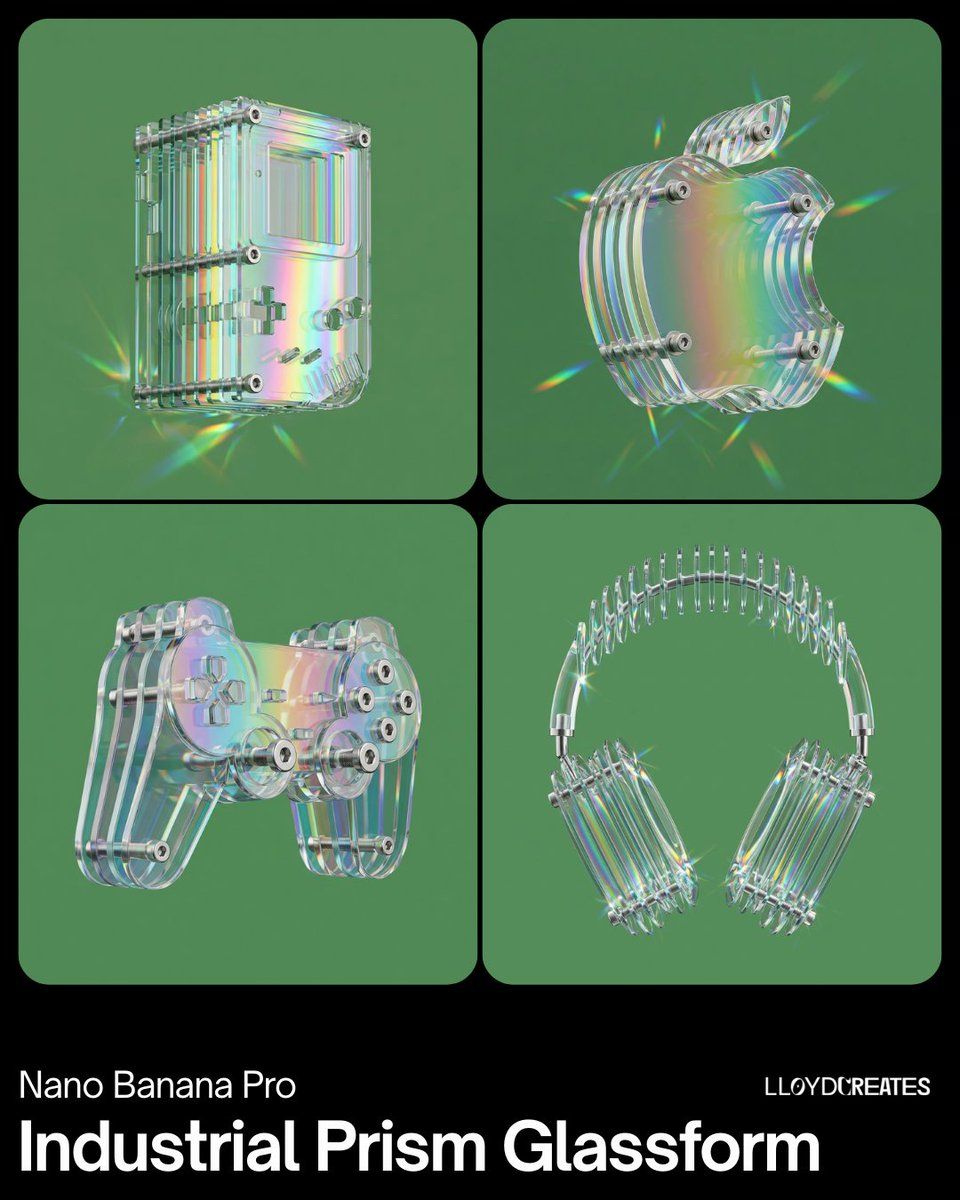
工业棱镜玻璃产品视觉图
Prompt
{
  "request": {
    "product": "{argument name="product name" default="[PRODUCT HERE]"}",
    "background_color": "{argument name="background color" default="#59925C"}",
    "style": "prismatic_industrial_minimalism",
    "visual_elements": {
      "structure": "multiple separate vertical acrylic layers forming the product silhouette — each layer is a distinct flat panel with visible air gaps between them, like slices of the product spaced apart",
      "material": "high-clarity glass with rainbow prismatic iridescent tint",
      "hardware": "stainless steel through-bolts with visible internal Allen hexagonal socket heads — bolts pass through all layers front to back, holding them together with visible spacing",
      "orientation": "strictly upright vertical placement, full object visibility",
      "lighting": "dispersive spectral highlights and sharp caustics"
    },
    "composition": {
      "frame": "wide shot, no cropping, centered full-product view",
      "camera_angle": "eye-level studio perspective, slightly angled to reveal gaps between layers",
      "depth_of_field": "deep enough to maintain focus on hardware details",
      "background": "seamless solid #59925C background with no floor, surface, pedestal, platform, table, shadow ground, or horizon line — the product floats against a uniform single-color field",
      "grounding": "no visible ground plane, no reflective surface beneath the product"
    },
    "rendering_details": {
      "transparency": "multi-layered refraction with thin-film interference",
      "finish": "polished edges with subtle holographic light dispersion",
      "hardware_detail": "macro-precision on hex-head bolt sockets",
      "layer_direction": "every glass/acrylic layer is strictly vertical — no horizontal slabs, curved shells, or molded forms",
      "layer_separation": "each glass panel must be visibly separated with clear air gaps — not fused or touching — bolts are the only element connecting the layers"
    }
  }
}- Category
- 创意图片
- Model
- Nano Banana Pro
- Creator
- Lloyd Creates
- Source ID
- 57db1f6e-b5c2-49a0-9573-83b72d9943ae
- Published
- Mar 8, 2026
Views0