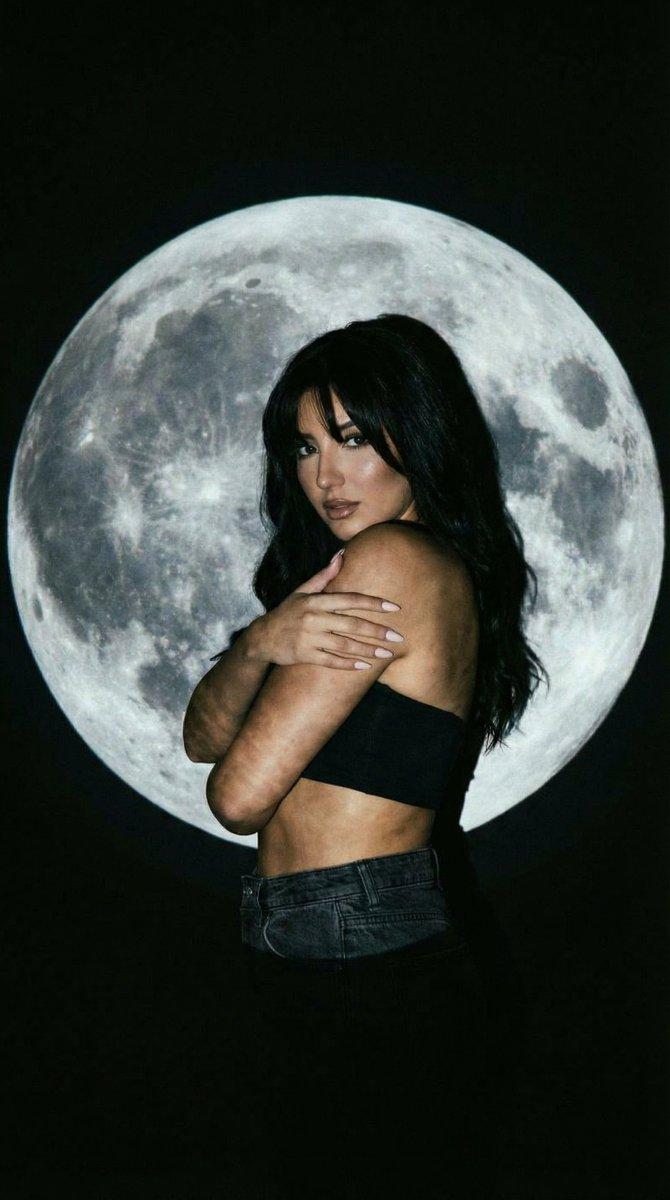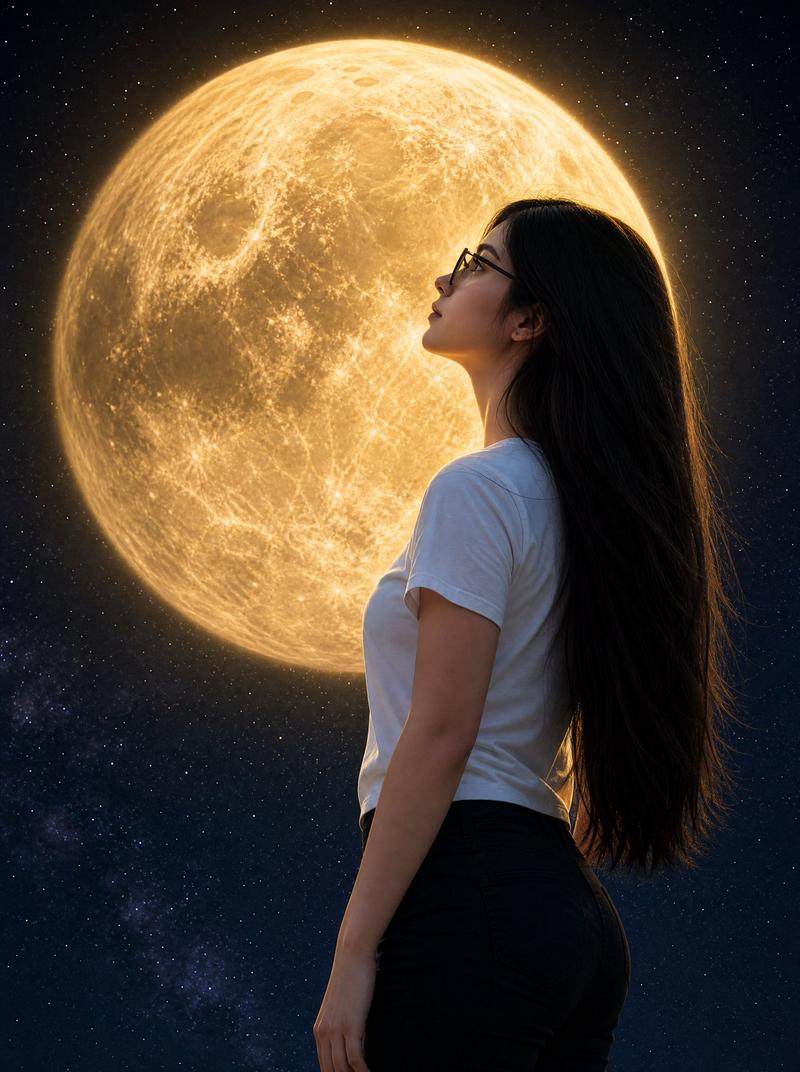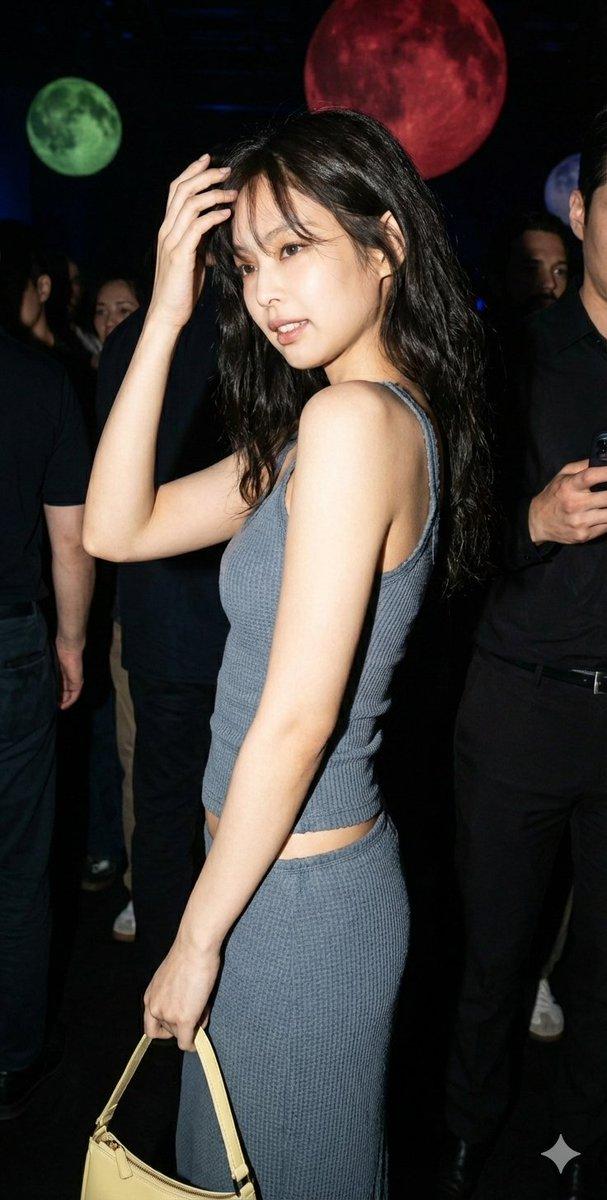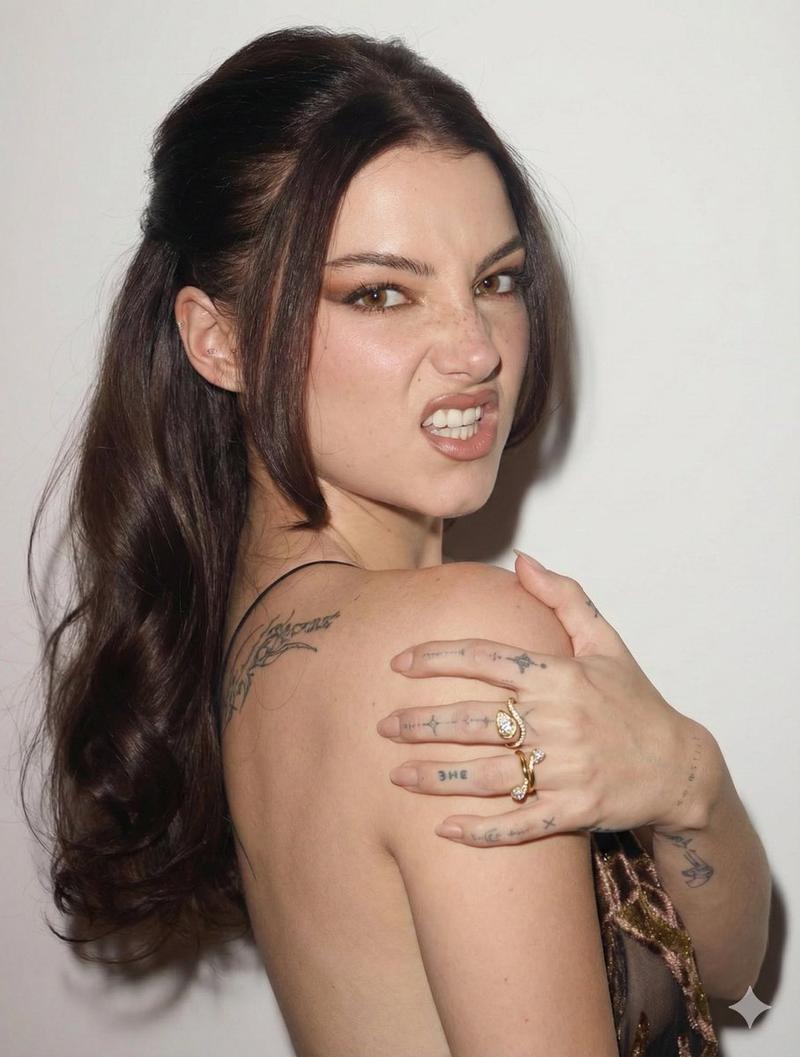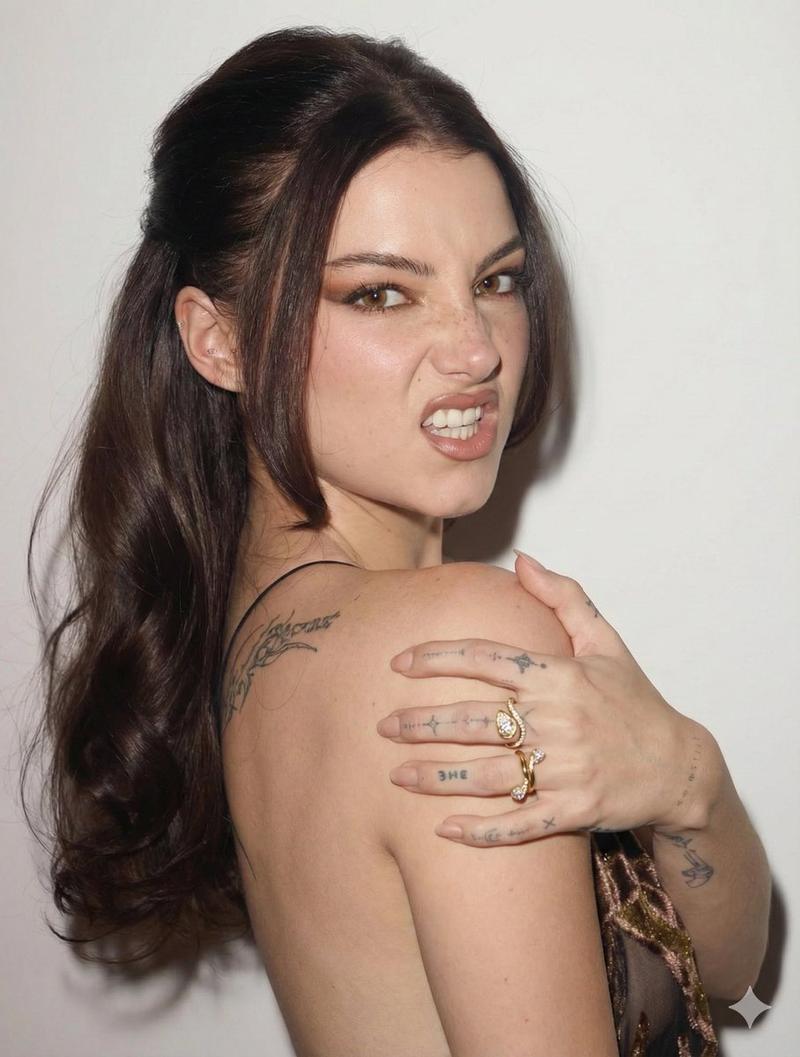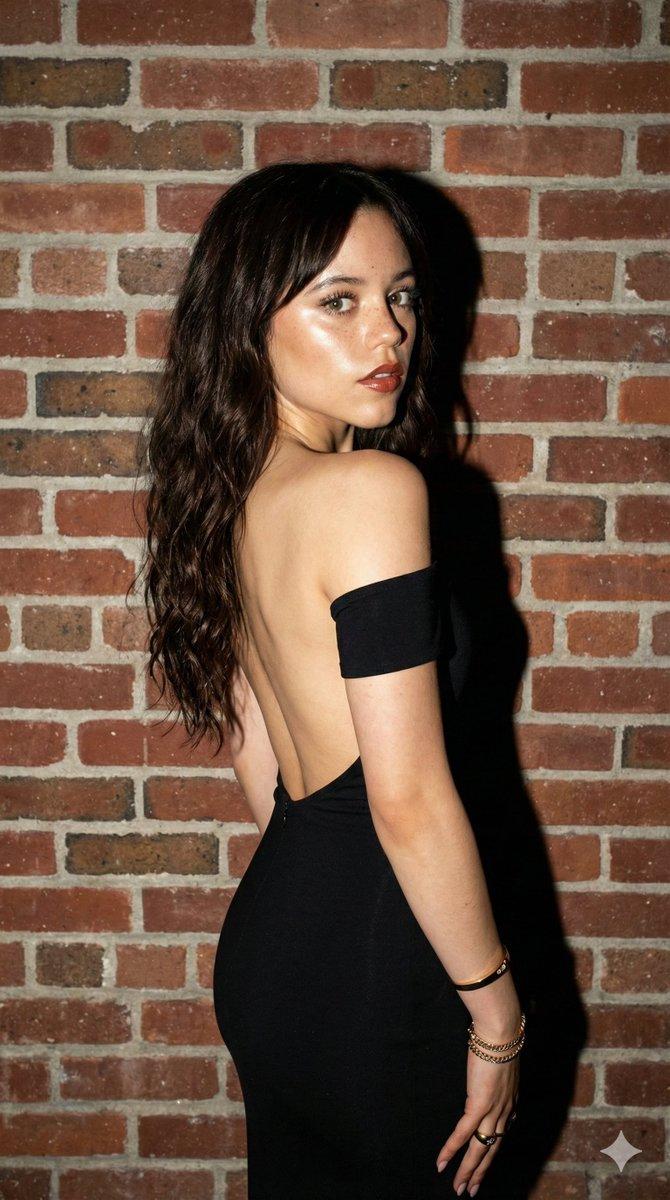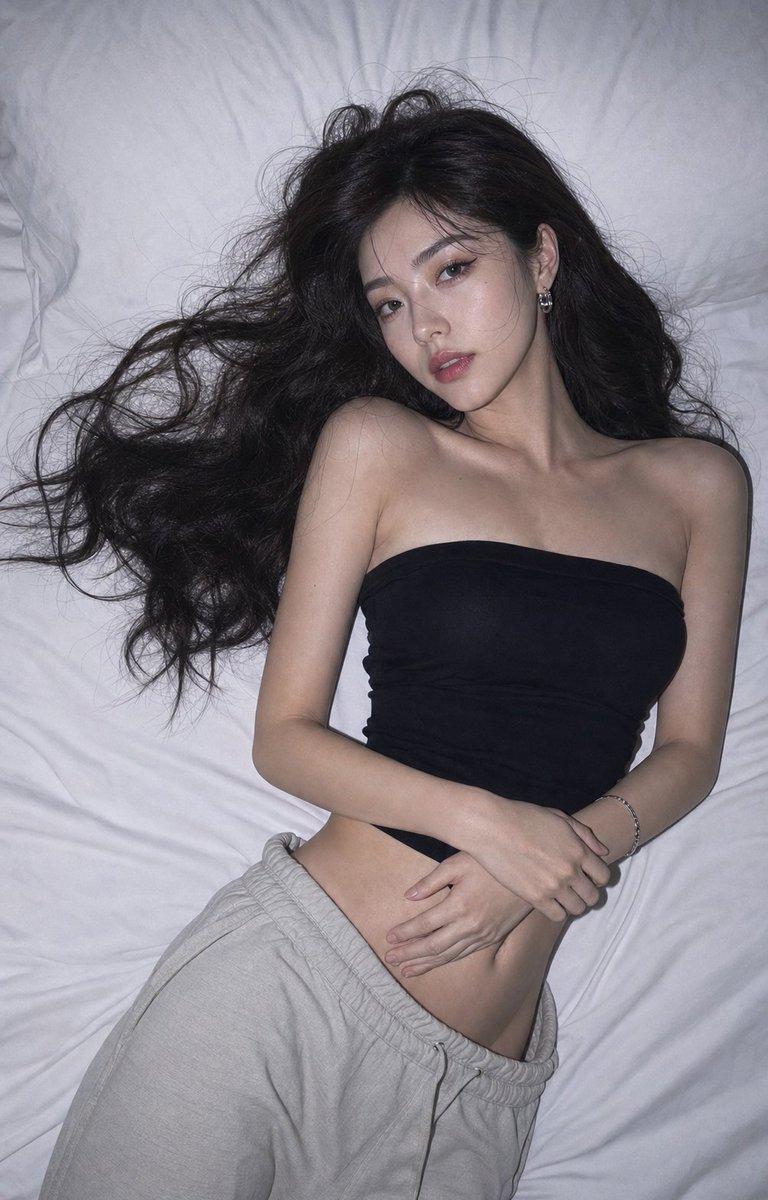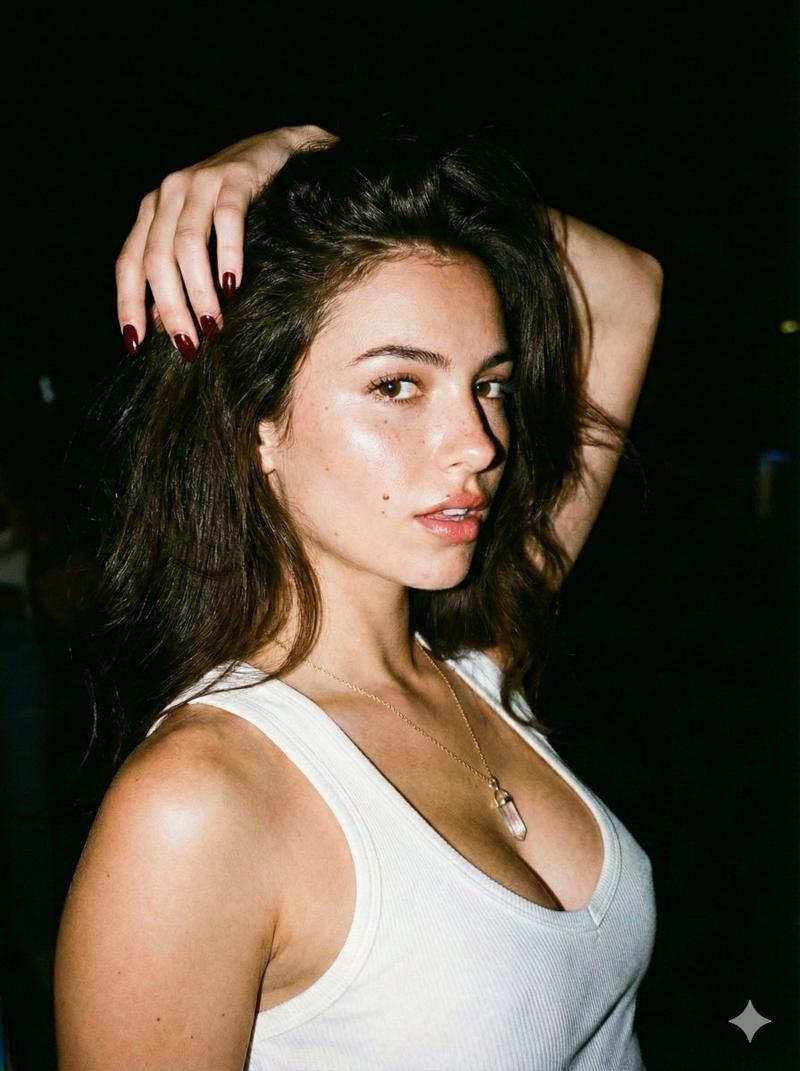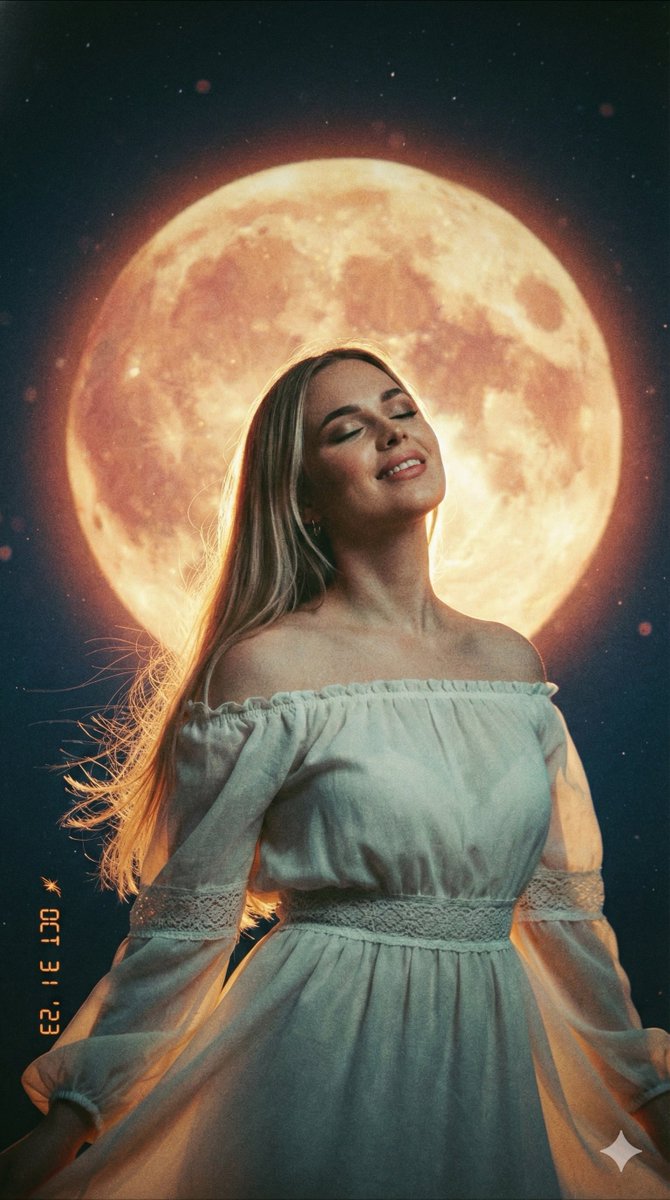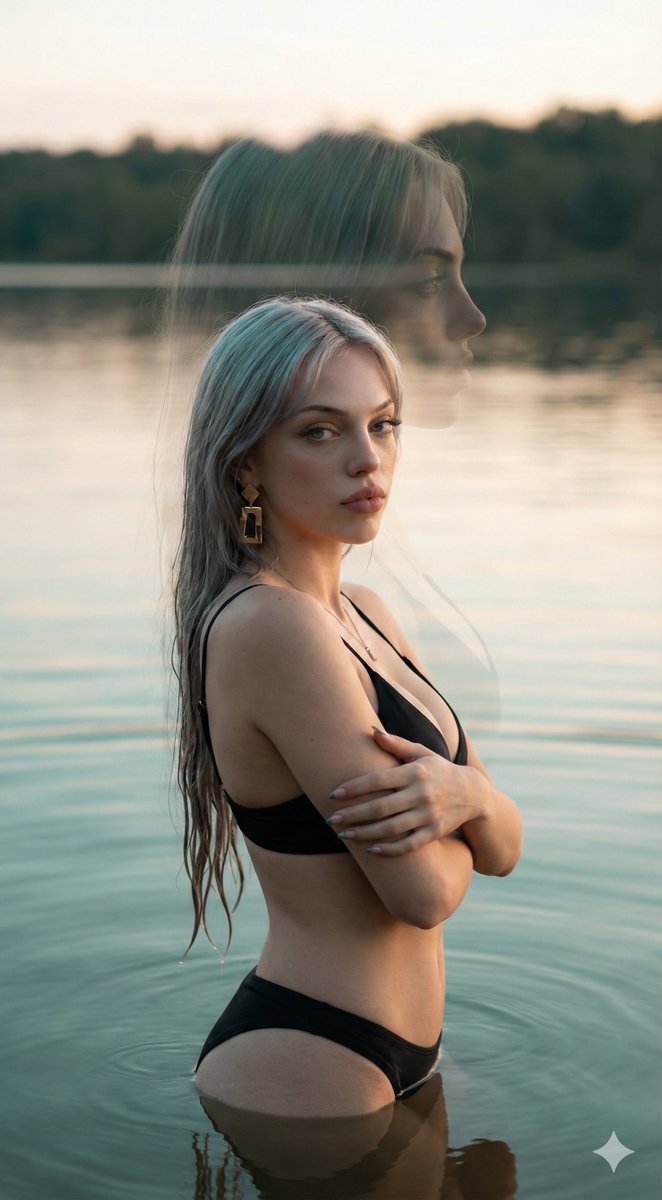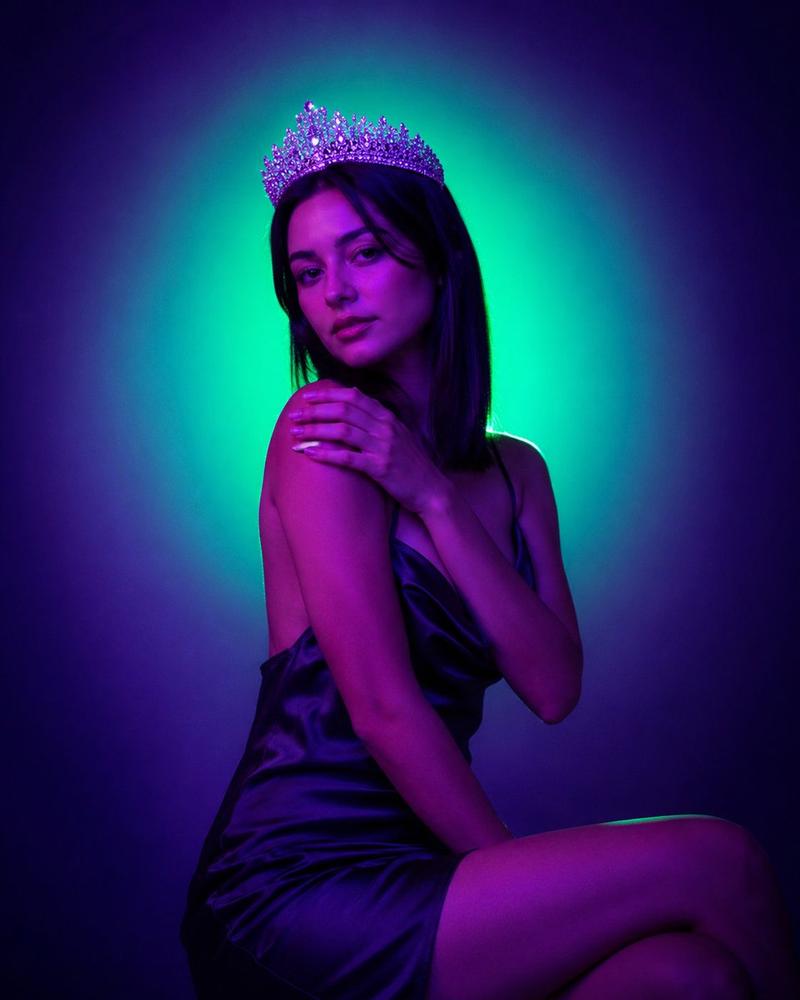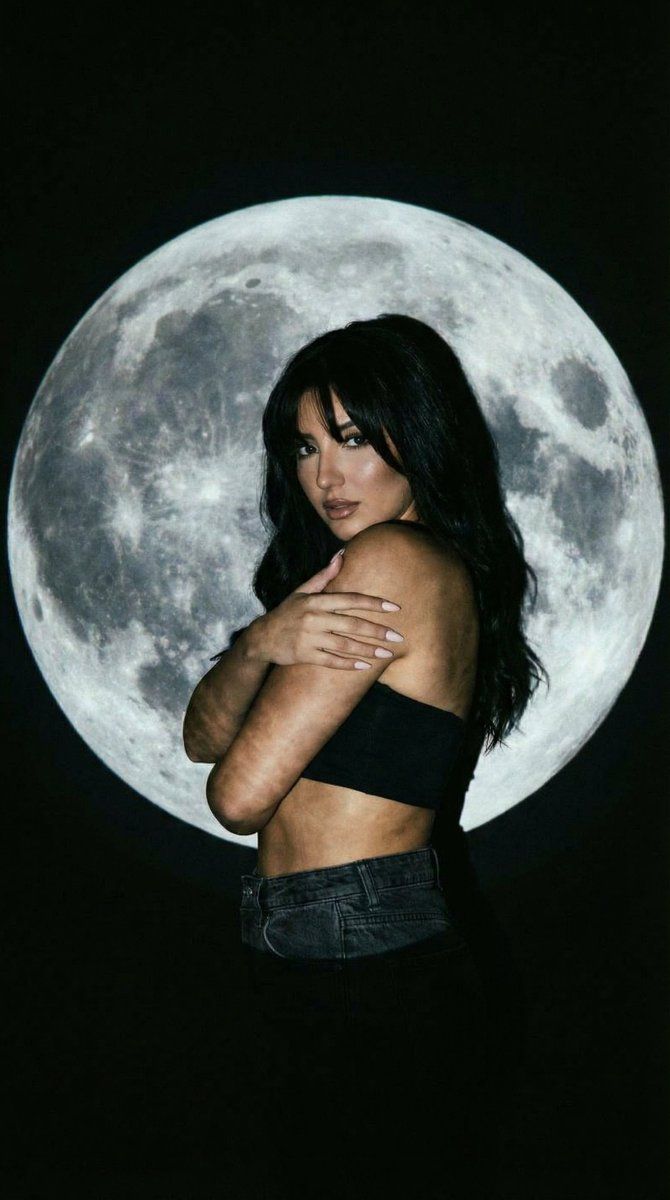
月亮投影剪影的低调肖像
Prompt
{
  "generation_request": {
    "meta_data": {
      "task_type": "photoreal_low_key_moon_projection_portrait",
      "language": "en",
      "priority": "highest",
      "version": "v1.0_MOON_DISK_SHADOW_SILHOUETTE_LOWKEY"
    },
    "output": {
      "aspect_ratio": "4:5",
      "resolution": "high",
      "num_images": 4
    },
    "scene": {
      "concept": "a dramatic low-key portrait using a moon projection as both backdrop and key graphic element",
      "environment": "pure black seamless background, no visible walls, no props, minimal set",
      "composition": "3/4 portrait, subject placed slightly right of center; oversized moon disk behind head and shoulders, moon fills mid-frame"
    },
    "subject": {
      "person": "adult woman",
      "wardrobe": {
        "top": "black bandeau top, matte fabric",
        "bottom": "dark denim jeans, subtle texture"
      },
      "hair_makeup": {
        "hair": "long dark hair, natural volume, bangs/fringe across forehead",
        "makeup": "subtle smoky eyes, glossy lips, realistic skin texture, no plastic smoothing"
      },
      "pose": "3/4 body turn, arms crossed over chest in a self-embrace, shoulders slightly raised",
      "expression": "mysterious, calm, slightly intense gaze back at camera"
    },
    "projection": {
      "content": "high-resolution full moon disk with crisp crater detail",
      "placement": "behind the subject, centered at head/shoulder level",
      "shadow_behavior": "hard-edged shadow silhouette cast onto the moon disk, clearly readable profile/shoulder outline",
      "notes": "moon must look like real projected light, not a pasted graphic; preserve crater texture and edge falloff"
    },
    "camera": {
      "shot": "low-key projection portrait",
      "lens_mm": 50,
      "aperture": 2.2,
      "focus": "sharp on eyes, lips, and moon crater texture; deep blacks preserved",
      "quality_tags": "ultra-photoreal, crisp, subtle film grain, clean edges"
    },
    "lighting": {
      "style": "single hard projector key light + minimal fill",
      "notes": "high contrast, controlled highlights on cheekbones and lips, deep shadows, crisp shadow silhouette on moon disk, no visible background spill"
    },
    "color_grade": {
      "palette": "deep blacks, cool moon grays, neutral skin tones with slight cinematic warmth",
      "contrast": "high, low-key",
      "effects": "subtle grain, very mild halation only on brightest moon edges"
    },
    "negative_prompt": "text, logo, watermark, border, frame, bright background, softbox look, low contrast, blurry moon, flat graphic moon, overexposed face, plastic skin, over-smoothed, extra fingers, deformed hands, distorted anatomy, heavy artifacts, banding"
  }
}- Category
- 创意图片
- Model
- Nano Banana Pro
- Creator
- Özge Döner
- Source ID
- 4dbffa99-886e-41d9-afe0-bb622e5904b8
- Published
- Mar 8, 2026
Views0