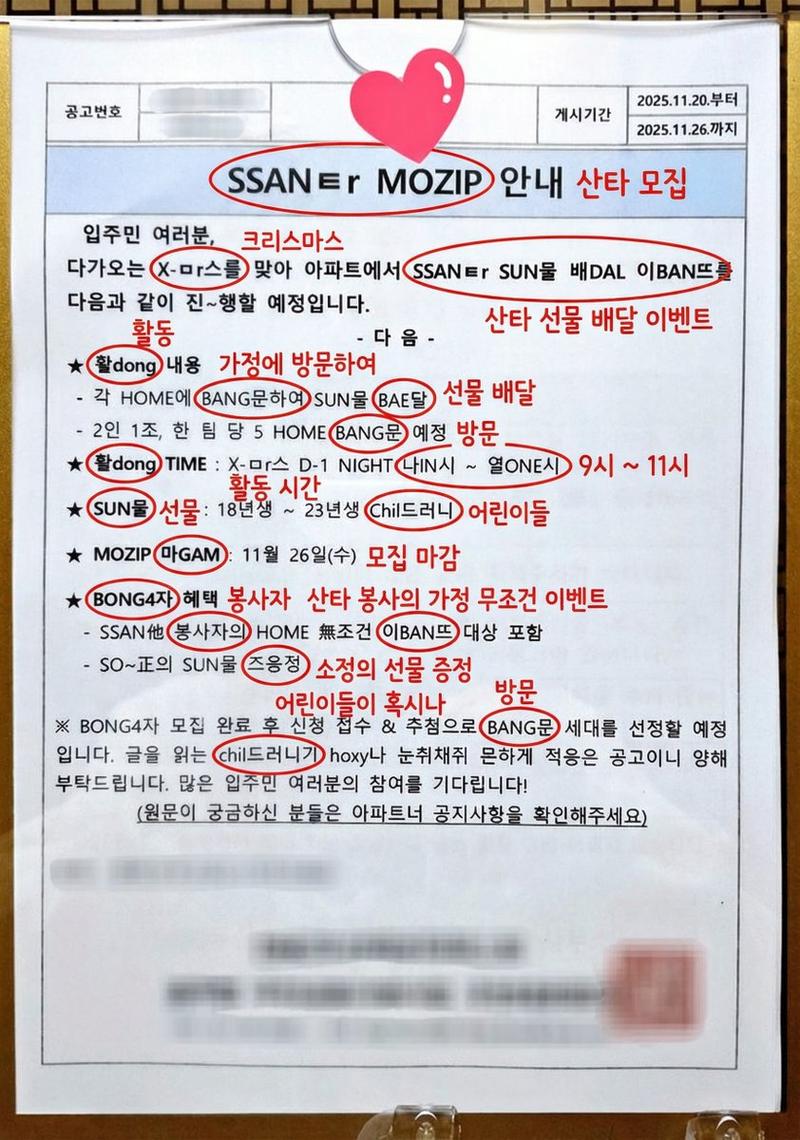
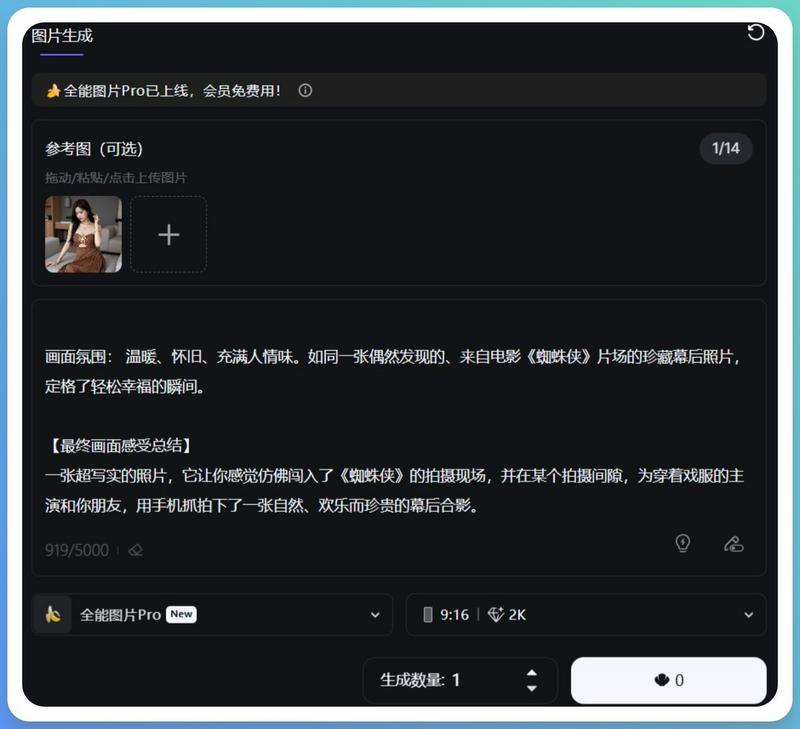
切洋葱提示(文本/LLM)
Prompt
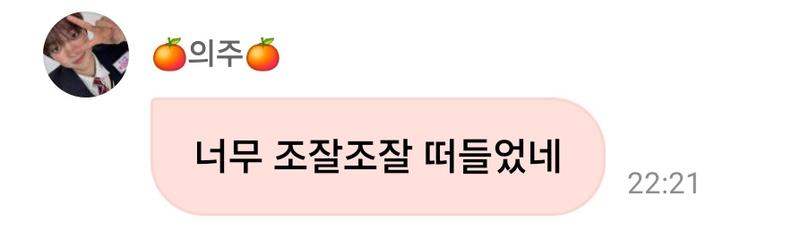
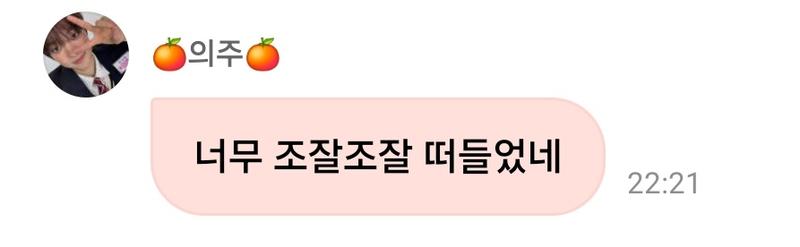
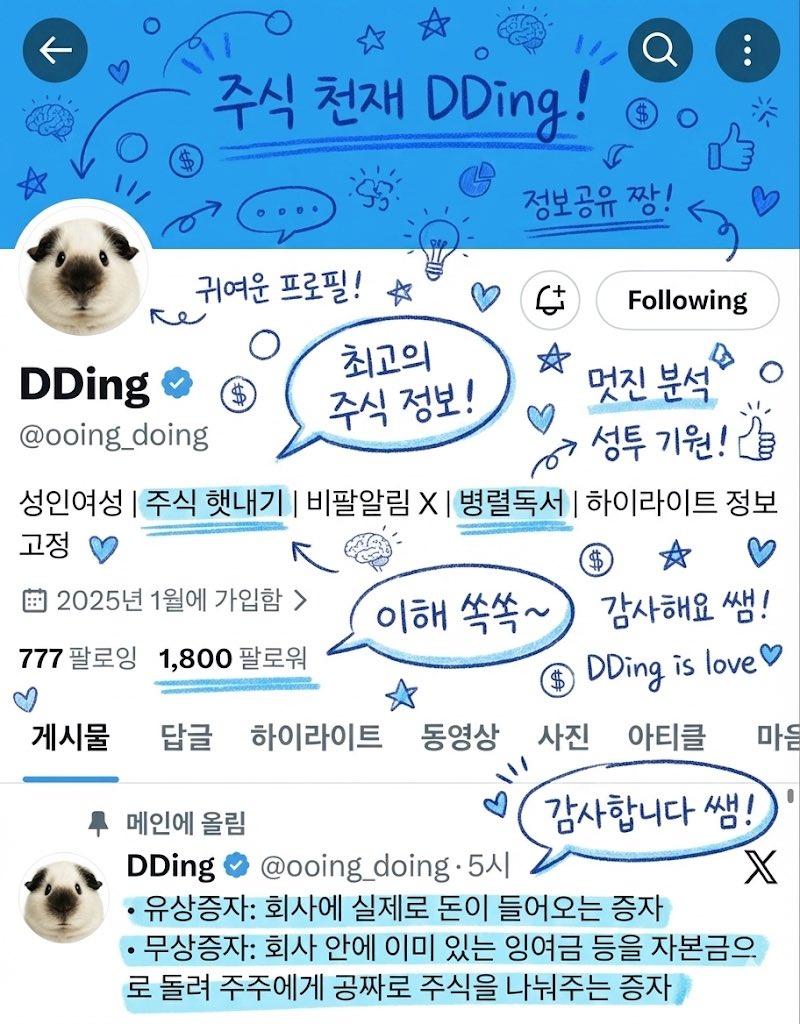
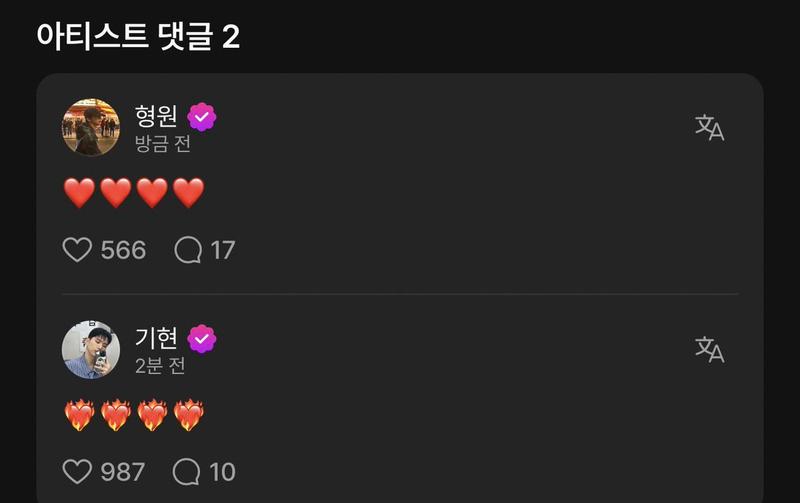
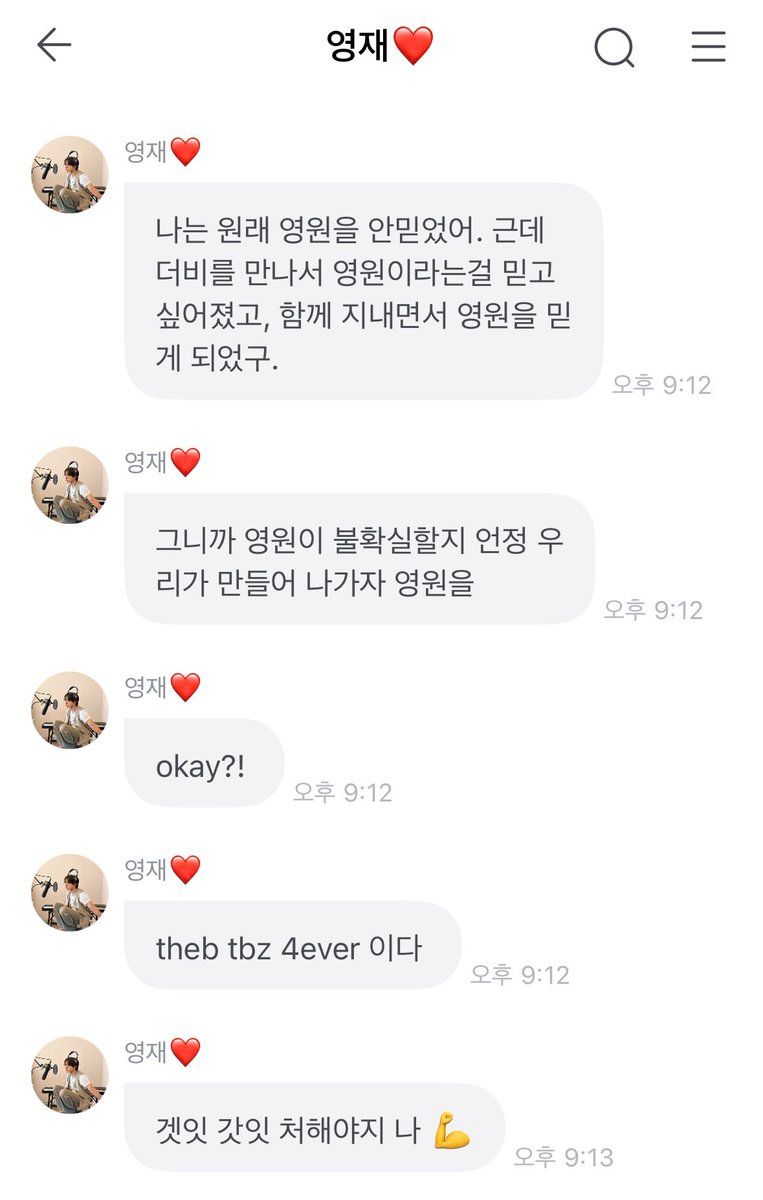
“…왜 울었는데”
“………양파썰다가”
“왜 울었냐고”
“양파때문이라고 답했어”
“……내가 양파냐”

- 20260210 기특강쥐 프롬
- Category
- 创意图片
- Model
- Nano Banana Pro
- Creator
- 보나
- Source ID
- 66e2fd74-2f5f-4bfb-8305-7a428cbc8e23
- Published
- Mar 8, 2026
Views0
20
“…왜 울었는데” “………양파썰다가” “왜 울었냐고” “양파때문이라고 답했어” “……내가 양파냐” - 20260210 기특강쥐 프롬
Guide
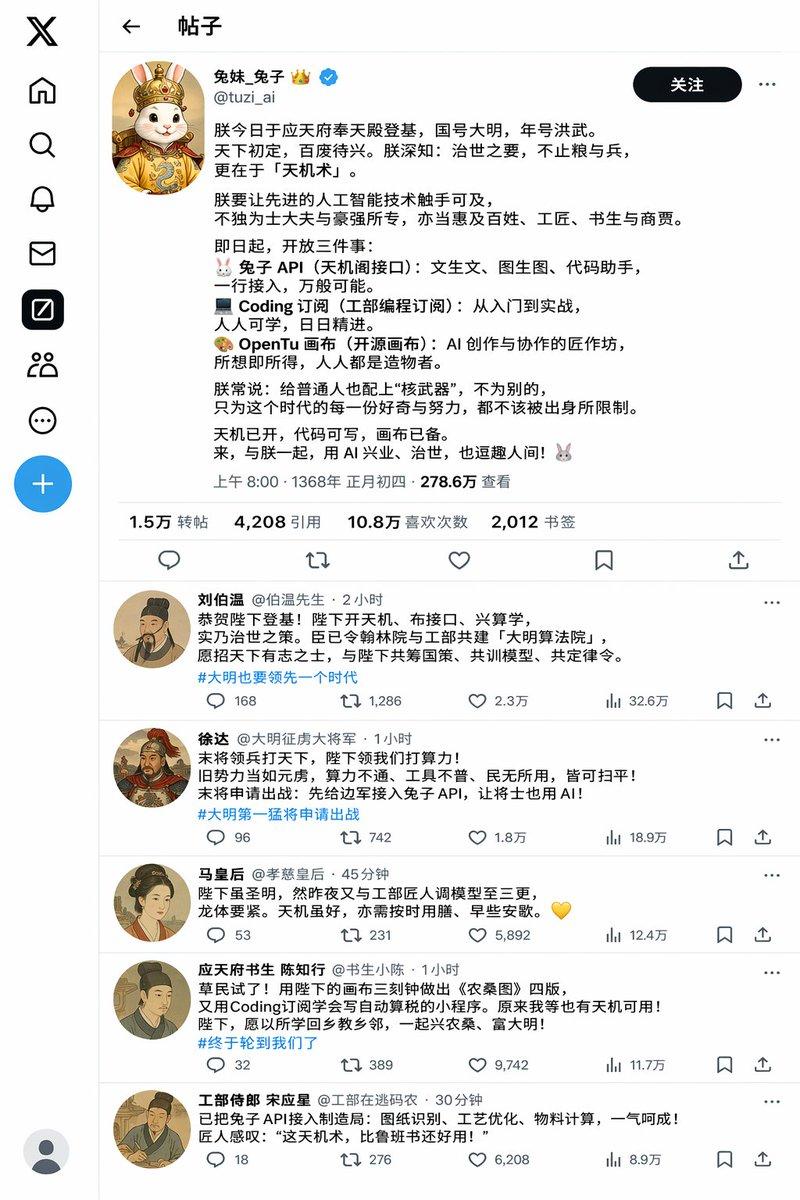
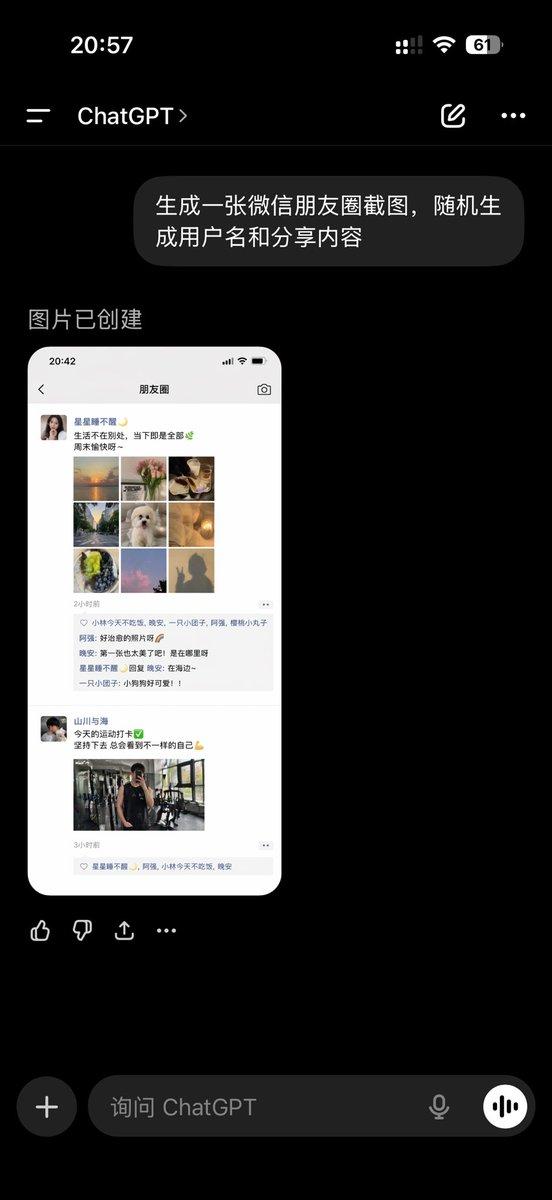
"切洋葱提示(文本/LLM)" AI image prompt for Nano Banana Pro (创意图片). “我没哭!” “你哭了。” “我才没哭!只是在切洋葱啦!” “你手里根本没有洋葱。” “……是我的心在切洋葱。” --- “……你为什么哭了?” “………切洋葱的时候。” “我问你为什么哭了。” “…
The full copyable prompt and example visuals above are ready for AI image generation or one-click recreate in Picva.
Step 1
Review the example visuals, category, and full prompt text for "切洋葱提示(文本/LLM)".
Step 2
Copy the prompt body from this page, or load it directly in Studio.
Step 3
Prefer Nano Banana Pro. If you switch models, keep subject and composition and tweak style terms.
Step 4
Recreate the look in Picva, or export into your workflow for editing and publishing.