12

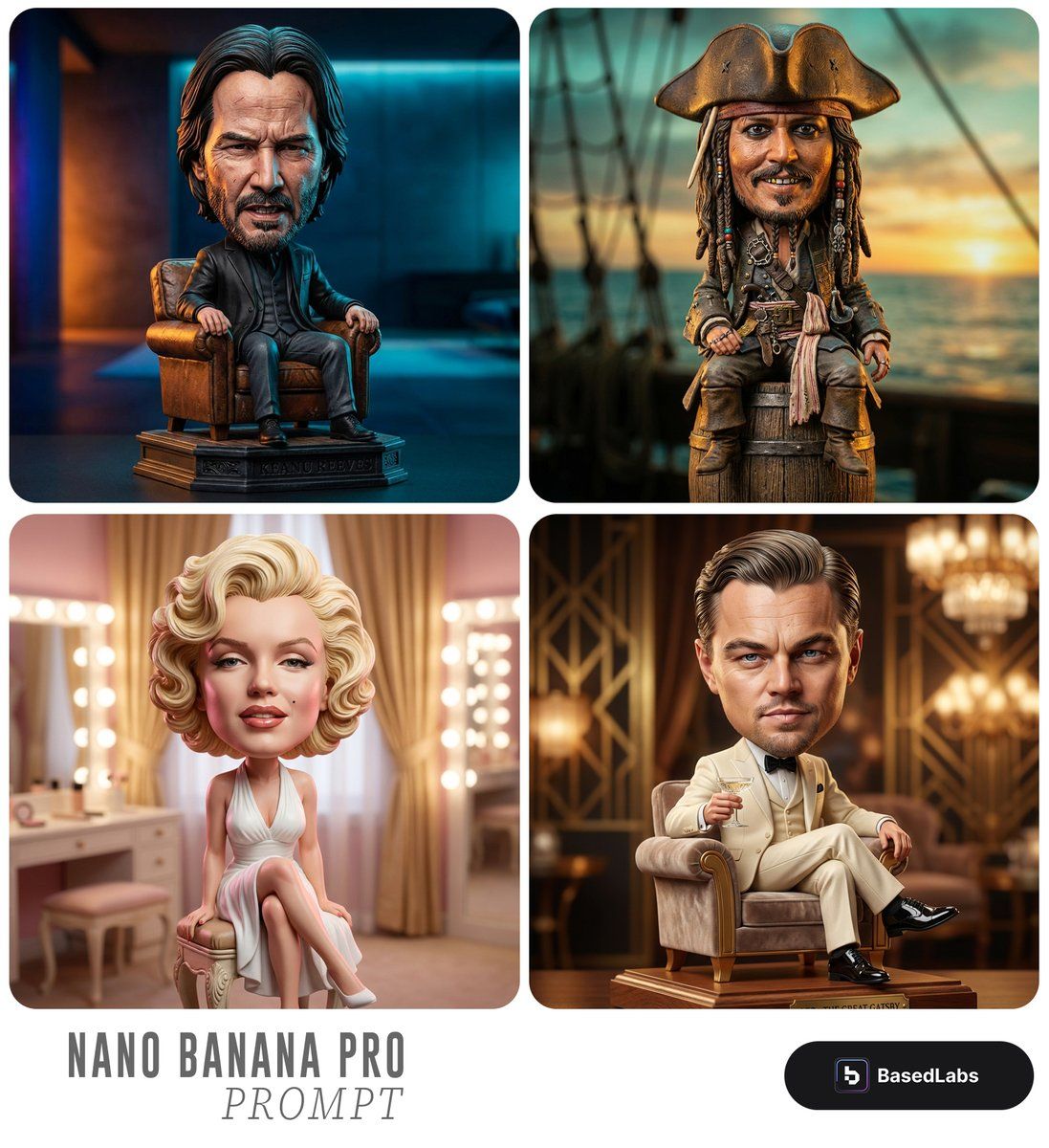
卡通摇头娃娃手办提示词
Enlarge

卡通摇头娃娃手办提示词

Prompt
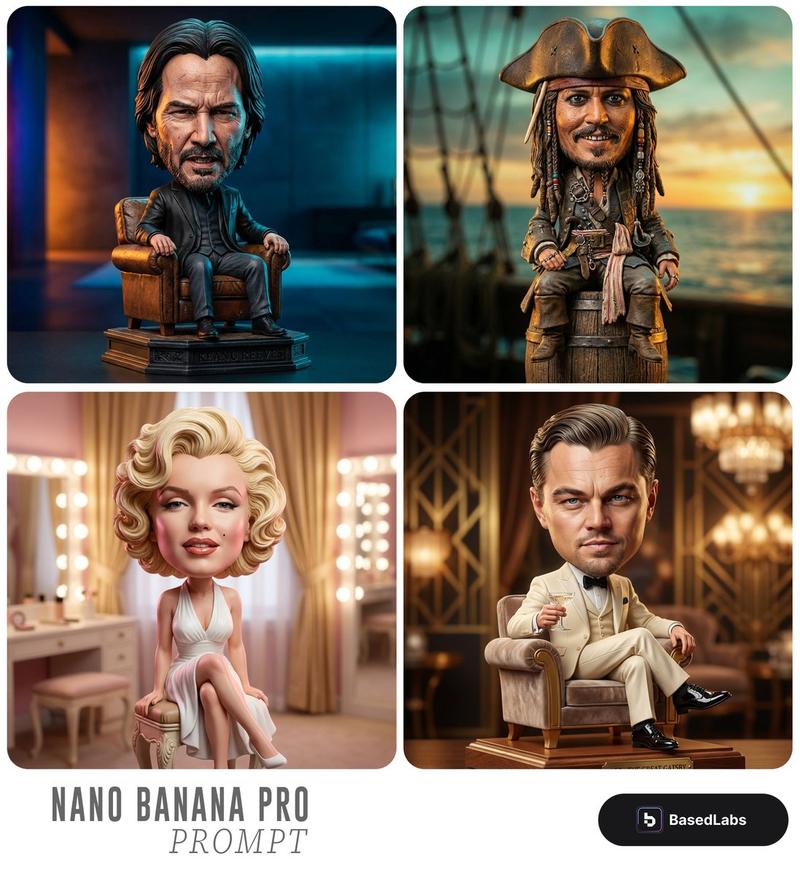
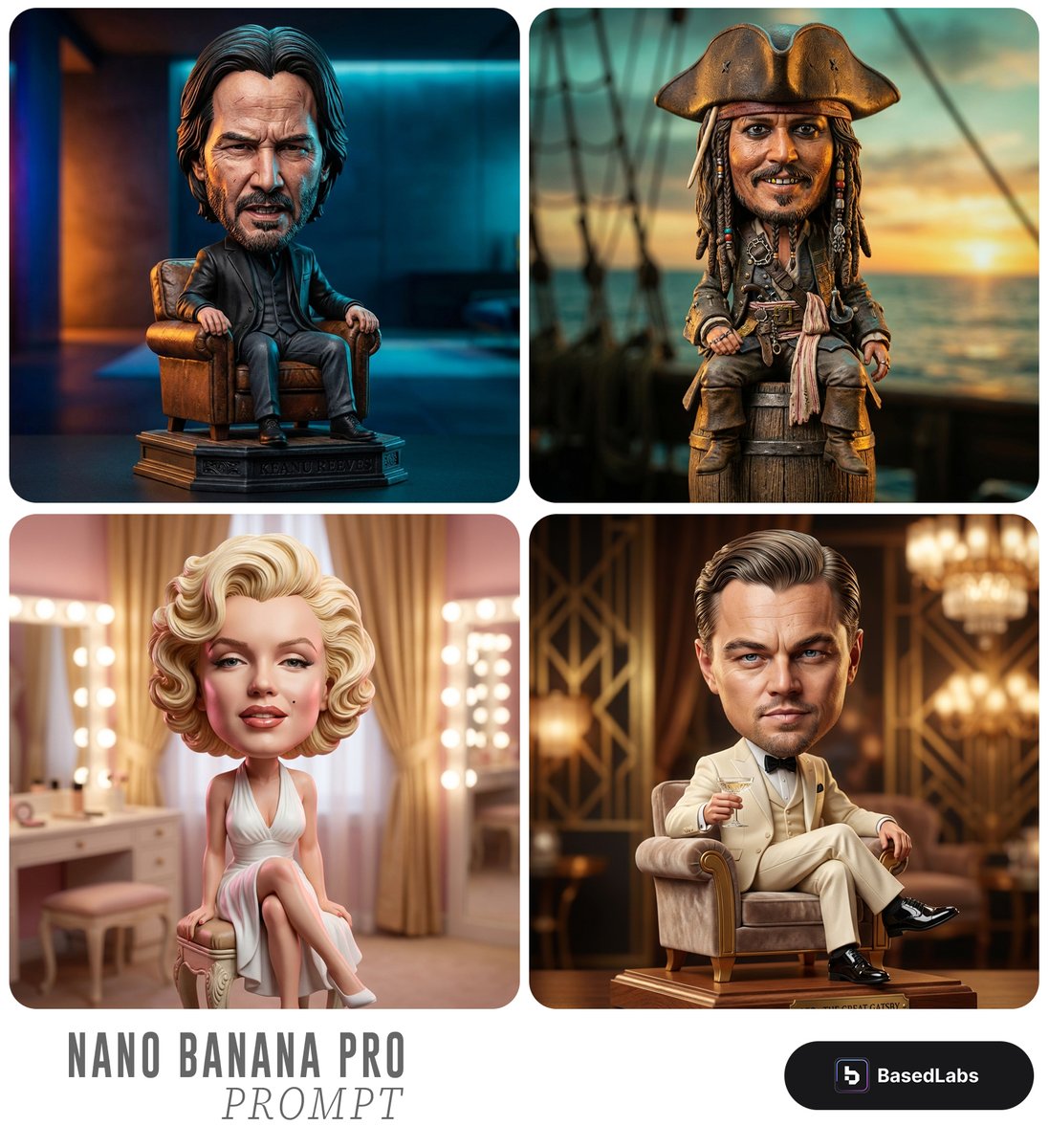
Highly detailed caricature figurine of {argument name="subject" default="[SUBJECT]"} as a cute but intense bobblehead-style collectible statue, exaggerated oversized head with hyper-realistic facial features, deep wrinkles, fierce intense expression, slightly open mouth showing teeth, sitting relaxed in a vintage armchair, wearing {argument name="outfit" default="[OUTFIT]"}, dramatic colorful studio lighting, {argument name="background" default="[BACKGROUND]"}, modern collectible toy photography style, sharp focus, cinematic depth of field, extremely intricate sculpting details, realistic skin texture, professional product photography, 8k quality
Category
创意图片
Model
Nano Banana Pro
Creator
Shams
Views0
Source ID
a3cee4e7-dc44-470d-9ab4-c47cec1330db
Published
Mar 8, 2026

Guide

About "卡通摇头娃娃手办提示词"

What is this prompt for?

"卡通摇头娃娃手办提示词" AI image prompt for Nano Banana Pro (创意图片). 一个详细的提示,用于生成一个高度细节化的摇头娃娃风格漫画小雕像,强调夸张的特征、强烈的表情和专业的商品摄影美学。 --- {argument name="subject" default="[SUBJE…

The full copyable prompt and example visuals above are ready for AI image generation or one-click recreate in Picva.

How to use this prompt

  1. Step 1

    Open the prompt detail

    Review the example visuals, category, and full prompt text for "卡通摇头娃娃手办提示词".

  2. Step 2

    Copy the prompt

    Copy the prompt body from this page, or load it directly in Studio.

  3. Step 3

    Pick a model (Nano Banana Pro)

    Prefer Nano Banana Pro. If you switch models, keep subject and composition and tweak style terms.

  4. Step 4

    Generate and export

    Recreate the look in Picva, or export into your workflow for editing and publishing.

FAQ

What is the "卡通摇头娃娃手办提示词" prompt?
It is an AI image-generation prompt for Nano Banana Pro in the 创意图片 category. This page includes the full prompt text, example visuals, and a one-click recreate path in Picva.
How do I use this prompt to generate an image?
Copy the prompt from this page, or use Generate / Studio. Paste it into a compatible image model, or recreate the look in Picva with optional reference images.
Which model is this prompt for?
This page lists Nano Banana Pro. Most descriptive prompts also transfer to nearby image models such as GPT Image, Flux, or Midjourney with light style tweaks.
Can I use the result commercially?
You can usually copy the prompt for creation, but commercial use of the final image depends on the model terms, reference-image rights, and the generated content. Follow the source author and platform rules.