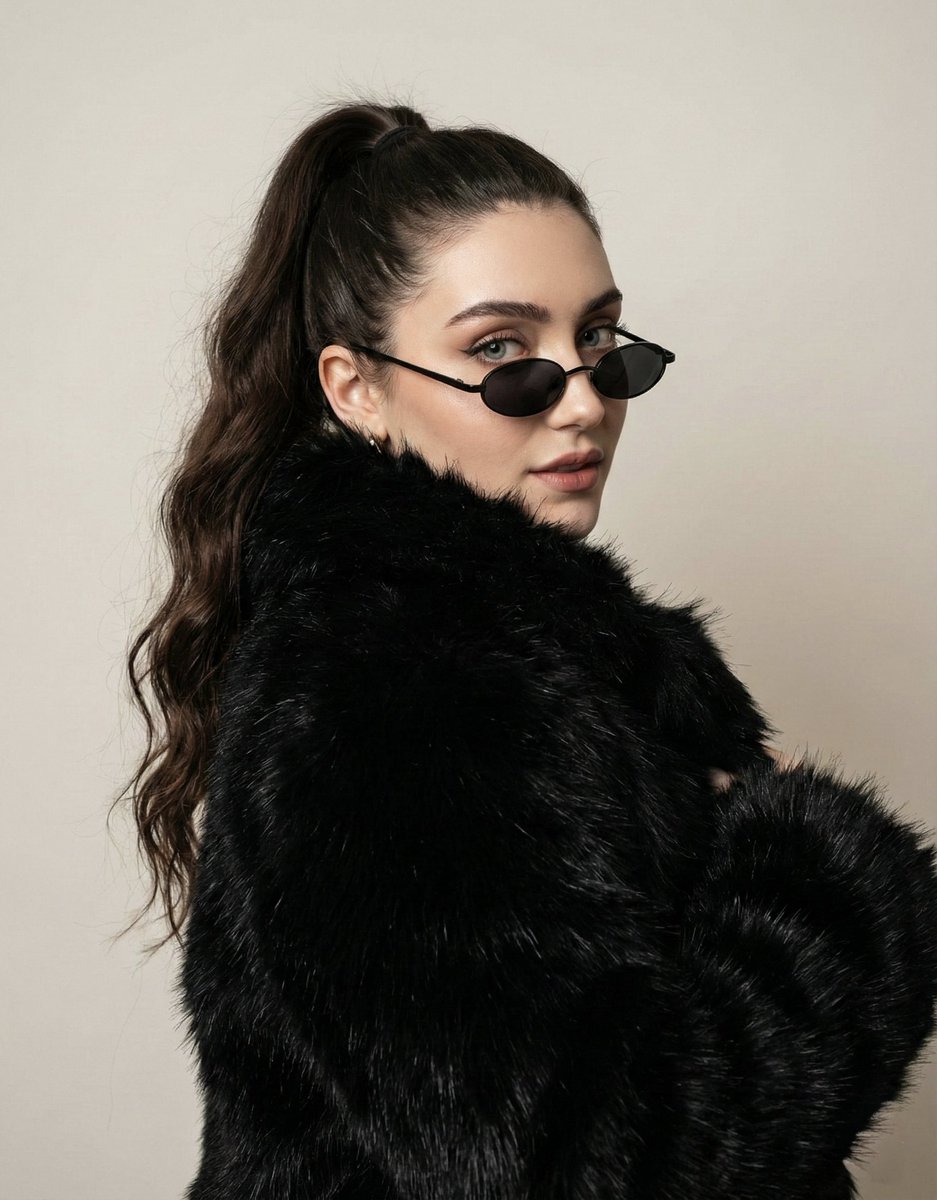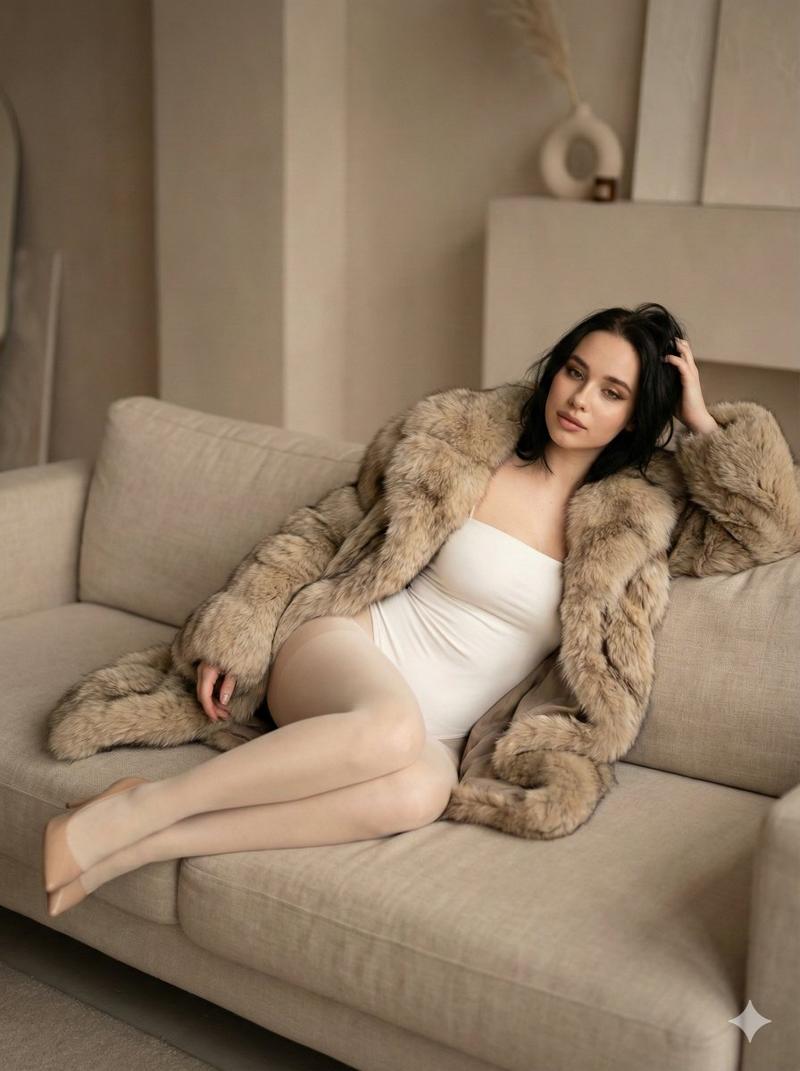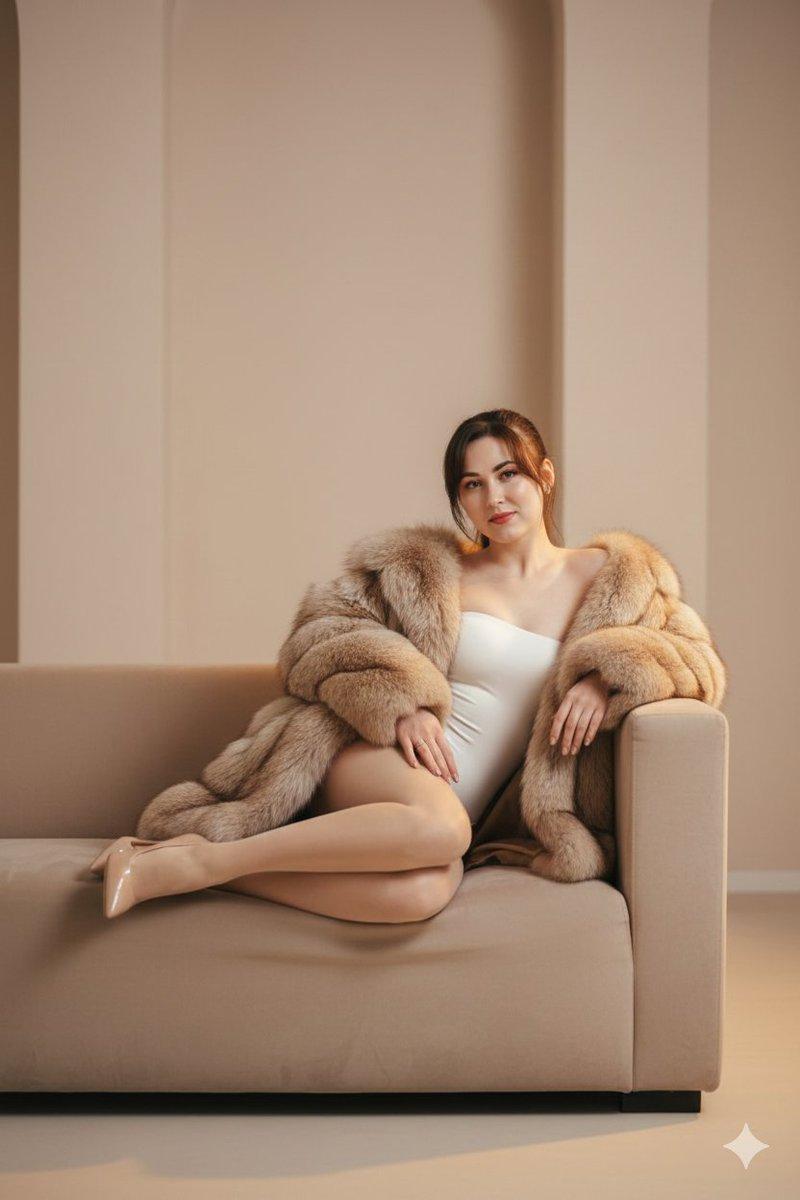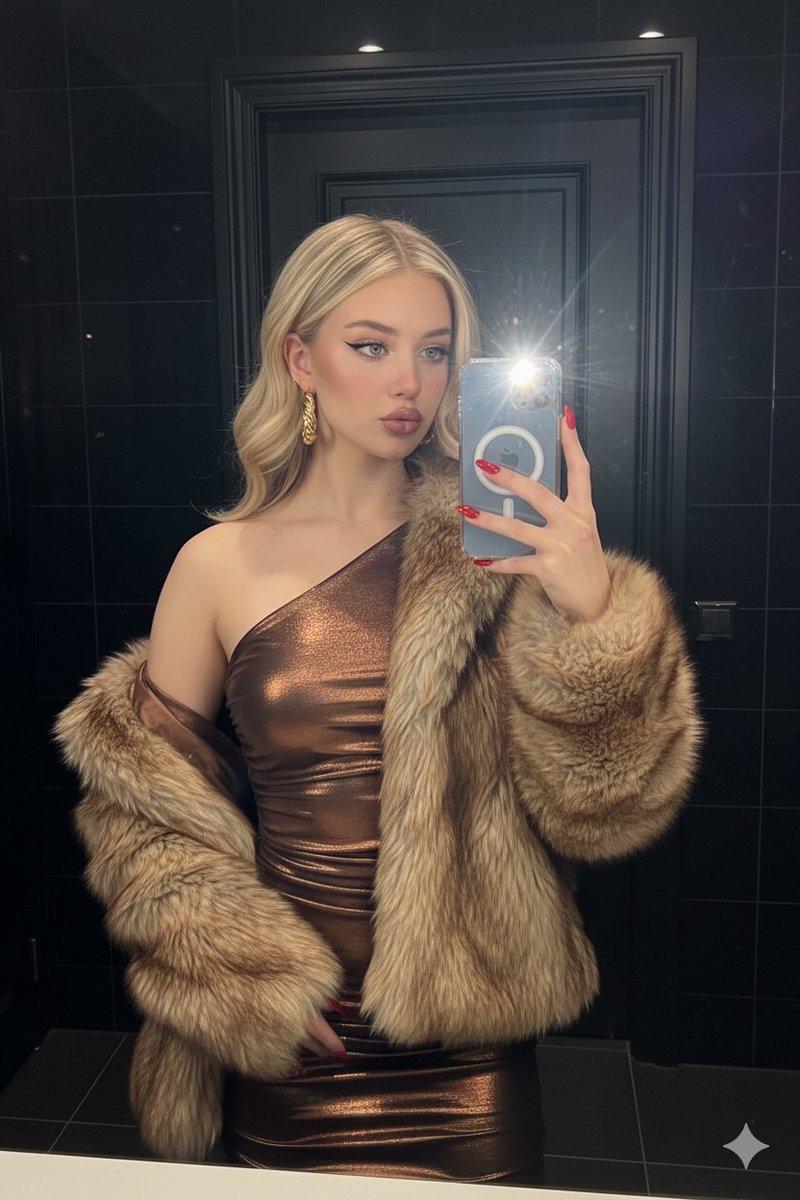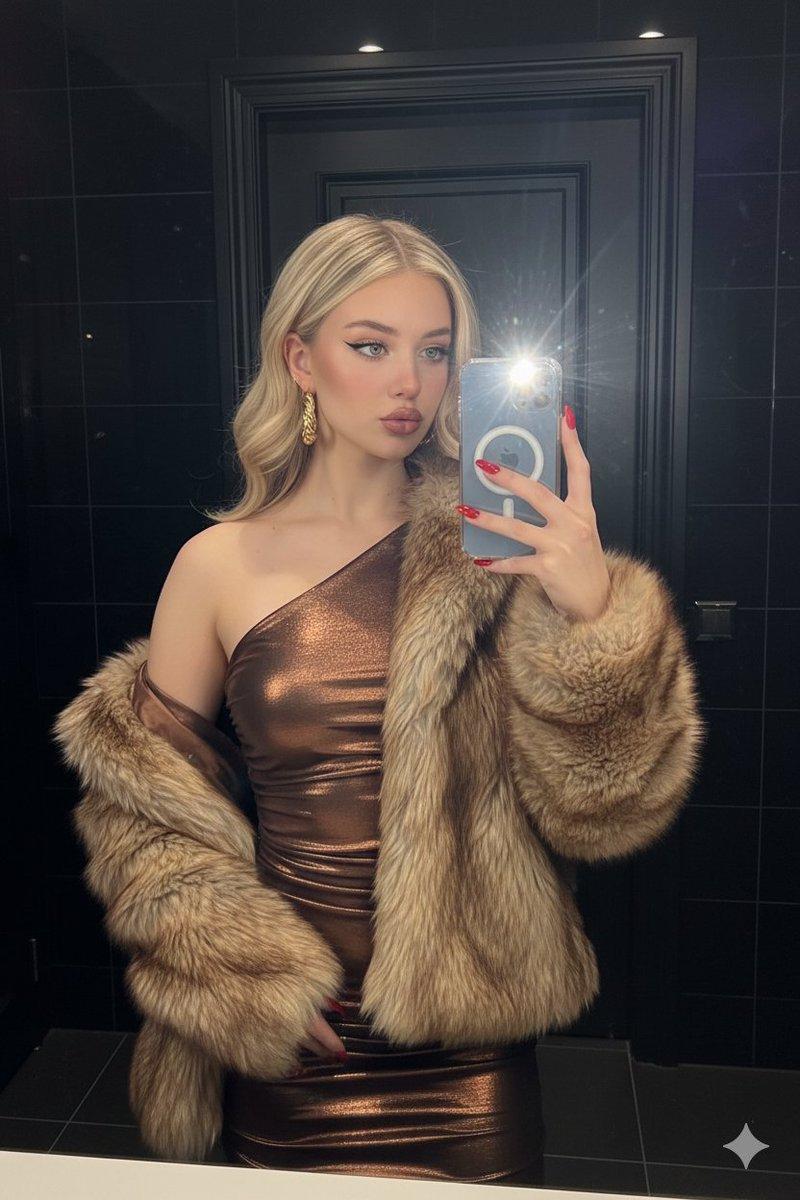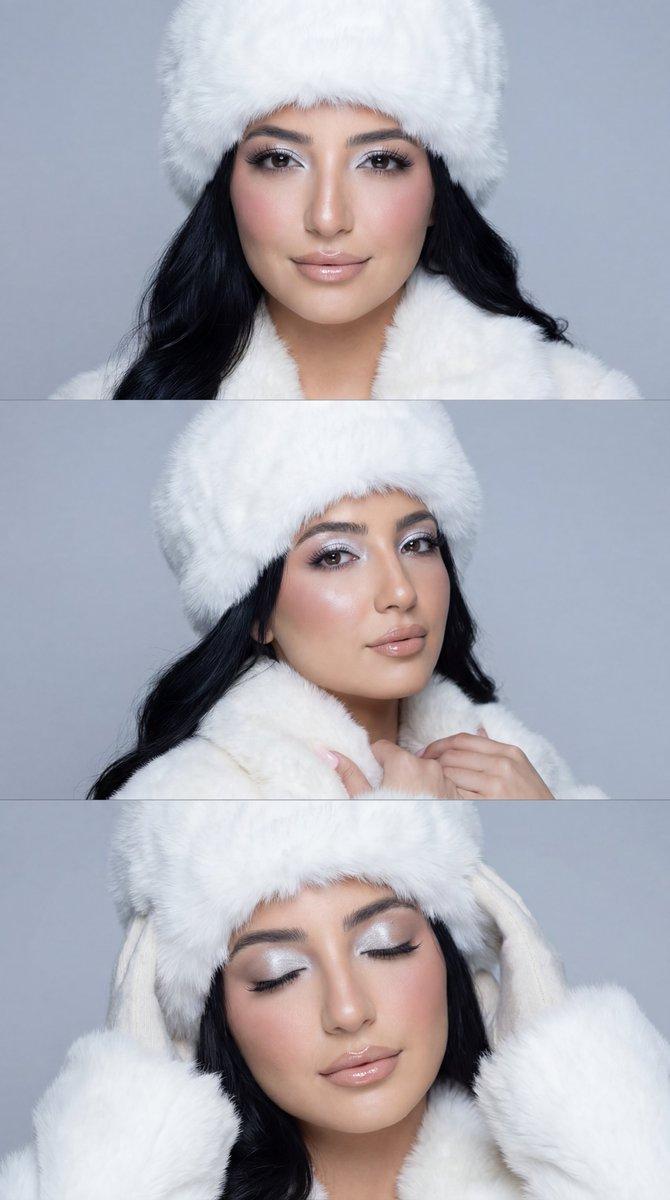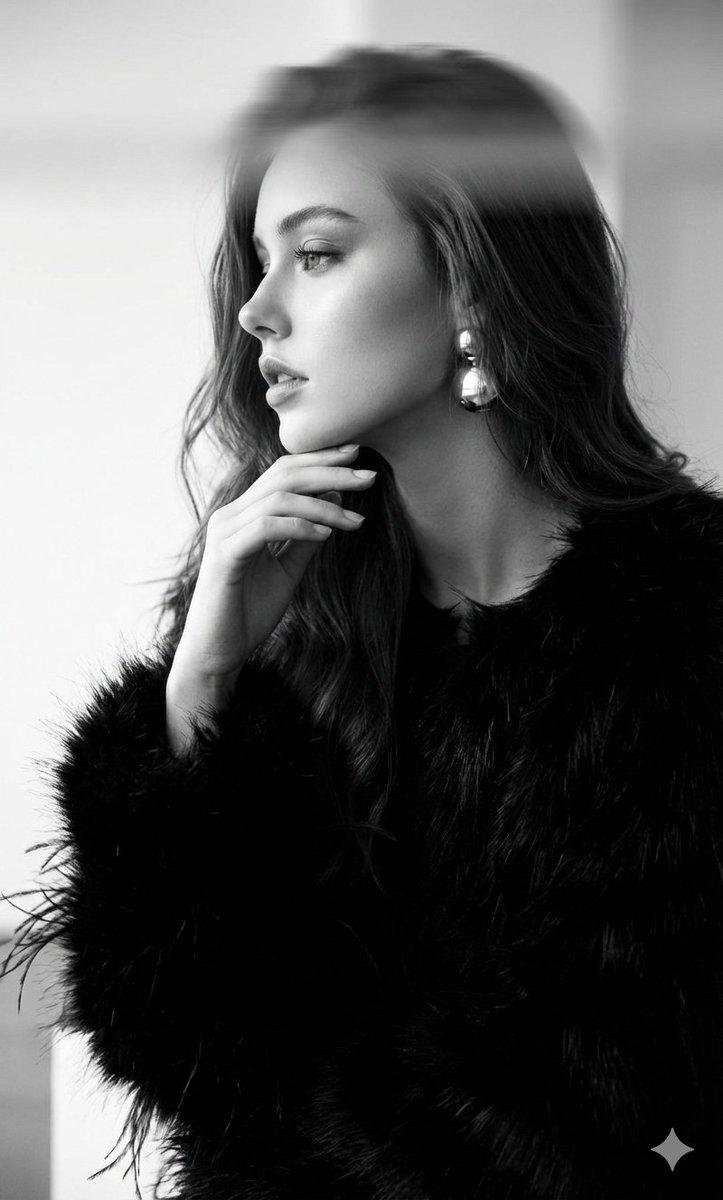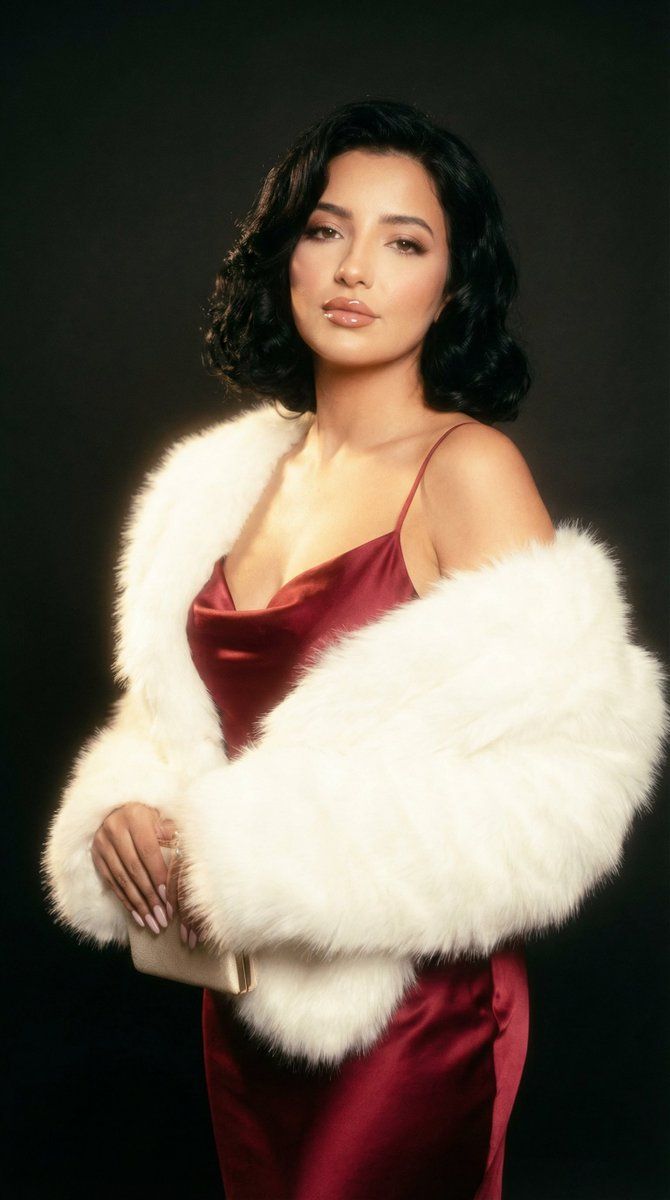
电影级复古魅力肖像提示词
Prompt
{
  "generation_request": {
    "meta_data": {
      "task_type": "cinematic_vintage_glam_red_gown_white_fur_halo",
      "language": "en",
      "priority": "highest",
      "version": "v1.0_RED_GOWN_WHITE_FUR_SOFT_HALO_FILM"
    },
    "output": {
      "aspect_ratio": "4:5",
      "resolution": "ultra_high",
      "num_images": 4,
      "sharpness": "soft_film_crisp_faces",
      "grain": "fine_film_grain"
    },
    "scene": {
      "concept": "vintage Hollywood glamour portrait with dreamy soft-focus halation",
      "environment": "dark studio with a deep red backdrop gradient, subtle light streaks/lens flares, minimal set, cinematic negative space",
      "composition": "3/4 body fashion portrait, subject slightly off-center, strong S-curve pose, generous negative space to the right",
      "mood": "sensual, luxurious, old-Hollywood, dreamy"
    },
    "subject": {
      "person": "adult woman",
      "pose": "standing with shoulders angled, head tilted slightly back, chin lifted, hands gently resting near waist holding a small clutch",
      "expression": "sultry soft gaze, glossy lips, relaxed eyelids",
      "hair": "short to medium wavy bob, vintage-inspired waves, soft volume",
      "makeup": "classic glam: glossy deep red lips, softly smoked eyeliner, luminous skin with highlight",
      "wardrobe": {
        "dress": "deep red satin or velvet slip gown, thin straps, fitted bodice, smooth drape, rich red texture",
        "stole": "white faux-fur stole/shrug with long fluffy fibers, oversized sleeves draping from shoulders"
      },
      "accessories": "delicate necklace with small pendant, subtle earrings",
      "props": "small dark clutch bag held low"
    },
    "camera": {
      "shot_type": "glamour portrait",
      "lens": "85mm",
      "aperture": "f/1.6",
      "focus": "eyes and lips sharp; fur texture detailed; edges softly bloom with halation",
      "framing": "4:5 vertical"
    },
    "lighting": {
      "setup": "soft key light from upper left with diffusion, subtle rim light to separate fur from background, practical light streaks",
      "look": "dreamy bloom/halation, gentle specular highlights on satin, controlled shadows",
      "skin_tone": "warm, cinematic, natural texture preserved (no plastic smoothing)"
    },
    "color_grading": {
      "palette": "deep reds + creamy whites + warm skin tones",
      "look": "analog film, soft glow, slight chromatic aberration, gentle vignette",
      "contrast": "medium",
      "saturation": "rich but controlled"
    },
    "effects": {
      "halation": "strong but tasteful, especially around highlights and fur",
      "lens_flare": "subtle streaks and bloom in upper left, not covering face",
      "vignette": "soft dark vignette around edges"
    },
    "quality_rules": {
      "anatomy_accuracy": "strict",
      "hands": "correct fingers, natural joints, no extra digits",
      "face_integrity": "no warping, no asymmetry ar"
    }
  }
}- Category
- 创意图片
- Model
- Nano Banana Pro
- Creator
- Özge Döner
- Source ID
- e13600c6-874a-427e-a368-e039a716328d
- Published
- Mar 8, 2026
Views0