19

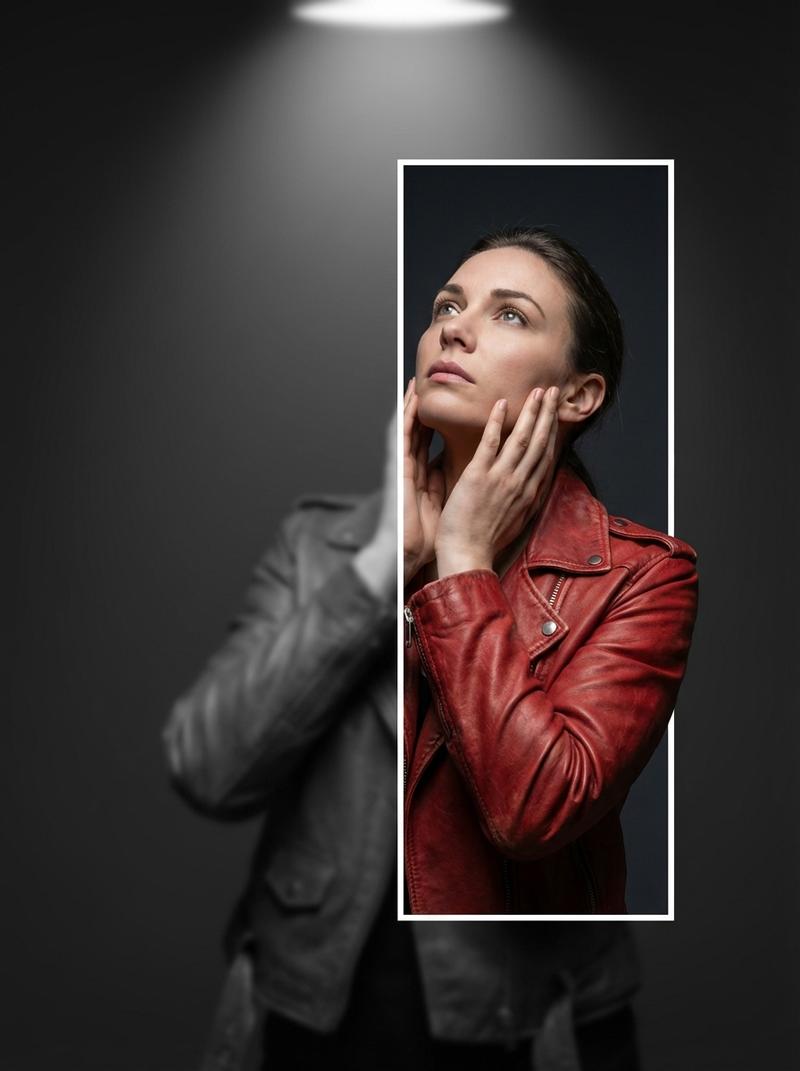
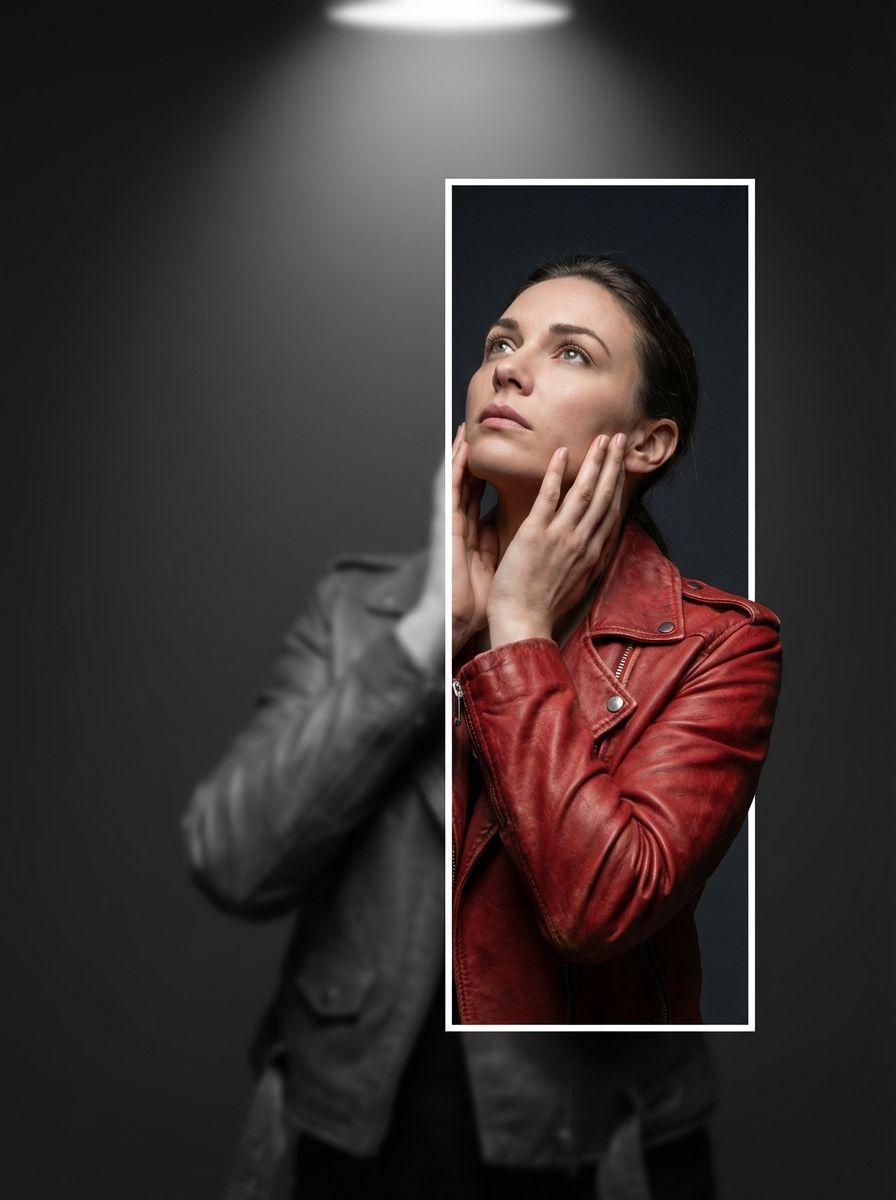
3D 破框人像提示词
Enlarge

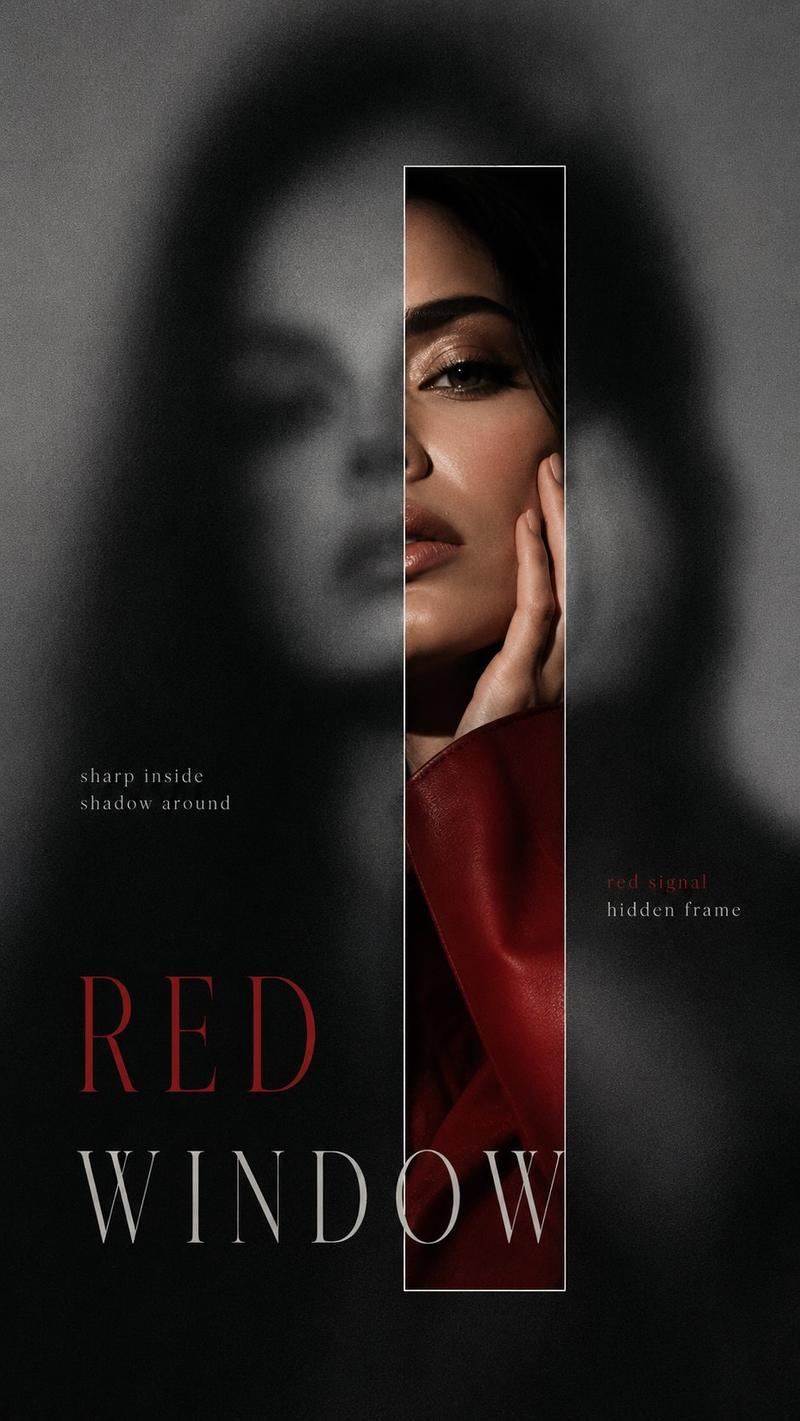
3D 破框人像提示词

Prompt
{
  "image_spec": {
    "resolution": "8K",
    "style": "hyperrealistic editorial portrait photograph",
    "background": "deep charcoal gray",
    "lighting": "dramatic overhead spotlight",
    "mood": "cinematic, photorealistic, hyperrealistic depth illusion"
  },
  "subject": {
    "type": "single woman",
    "clothing": "red leather biker jacket",
    "pose": {
      "right_hand": "positioned on her neck",
      "left_hand": "gently cradling her own face",
      "gaze": "looking up at the sky"
    }
  },
  "layers": {
    "background_layer": {
      "description": "full figure of the subject",
      "color": "desaturated grayscale",
      "blur": "heavy Gaussian blur",
      "opacity": "50%"
    },
    "foreground_layer": {
      "element": "white-bordered vertical rectangle",
      "position": "right of center",
      "height": "70% of full frame",
      "effect": "color-revealing window",
      "inside": {
        "color": "sharp realistic full color",
        "blur": "none, grayscale and blur removed"
      }
    },
    "pop_out_effect": {
      "element": "right shoulder",
      "behavior": "breaking out of the rectangle border in full color",
      "technique": "trompe l'oeil 3d pop-out",
      "description": "shoulder overlaps the white border and extends into the grayscale area"
    }
  }
}
Category
创意图片
Model
Nano Banana Pro
Creator
Willy
Views0
Source ID
87979f19-c924-4ece-bc90-c73d28b2c1c4
Published
Mar 8, 2026

Guide

About "3D 破框人像提示词"

What is this prompt for?

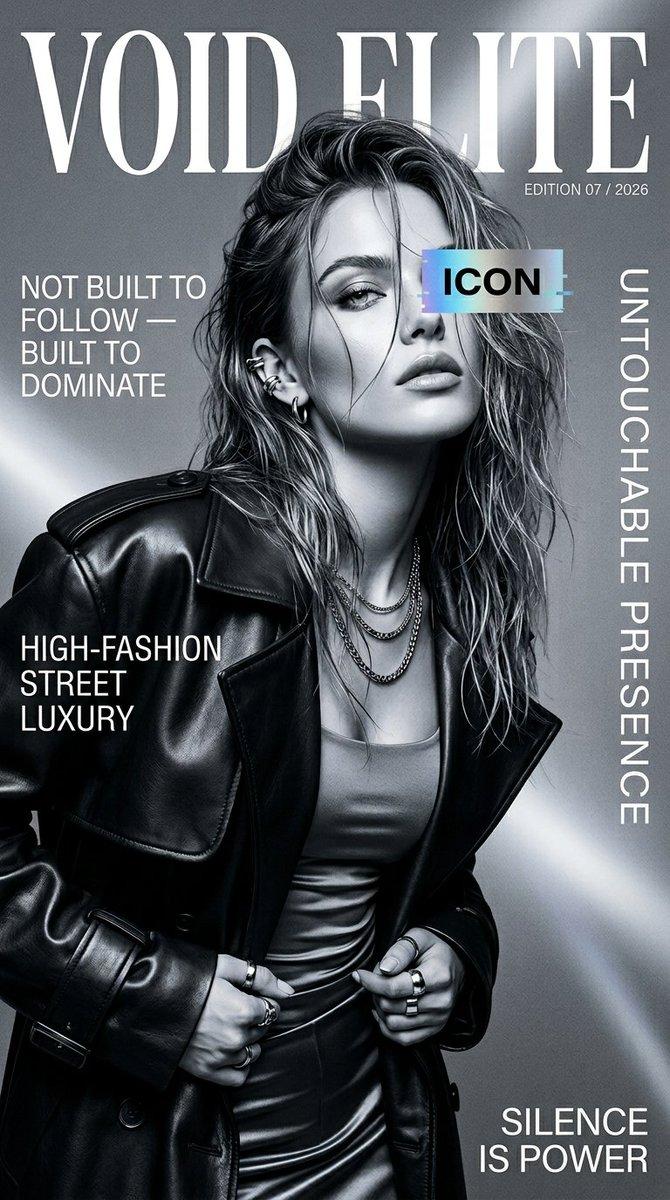
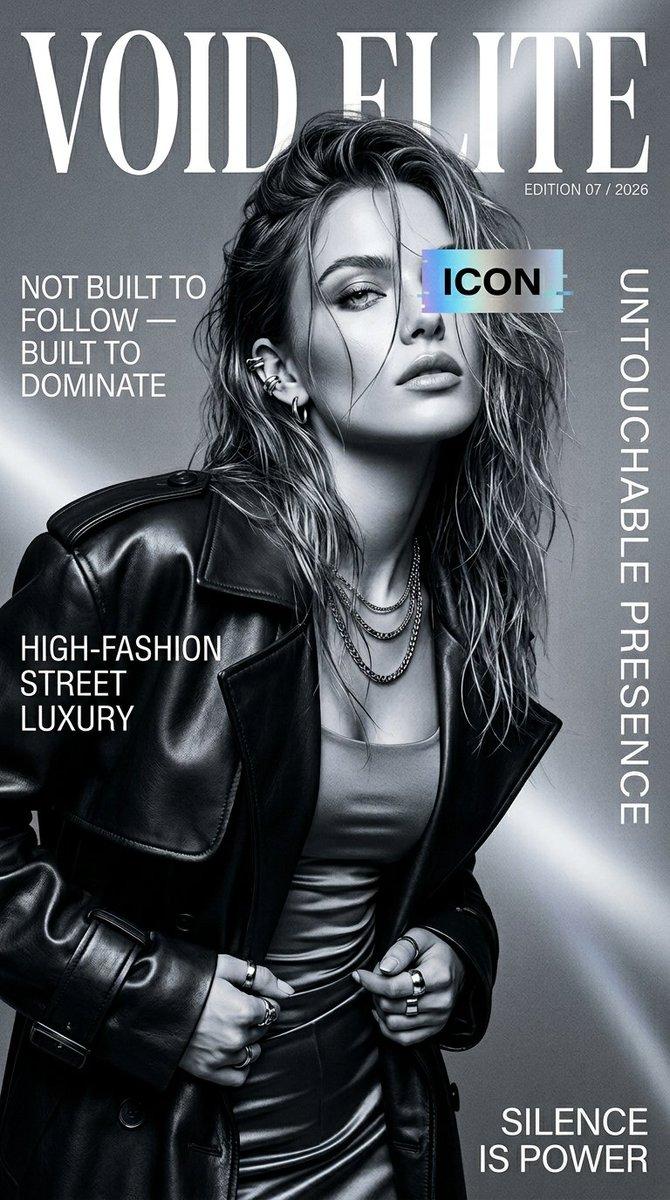
"3D 破框人像提示词" AI image prompt for Nano Banana Pro (创意图片). 一个结构化的 JSON 提示词,用于生成一张超现实的编辑肖像,带有“错视画” 3D 破框效果,其中拍摄对象的肩膀从一个白色边框的矩形中“弹出”,并从灰度过渡到全彩色。 --- ```json { "ima…

The full copyable prompt and example visuals above are ready for AI image generation or one-click recreate in Picva.

How to use this prompt

  1. Step 1

    Open the prompt detail

    Review the example visuals, category, and full prompt text for "3D 破框人像提示词".

  2. Step 2

    Copy the prompt

    Copy the prompt body from this page, or load it directly in Studio.

  3. Step 3

    Pick a model (Nano Banana Pro)

    Prefer Nano Banana Pro. If you switch models, keep subject and composition and tweak style terms.

  4. Step 4

    Generate and export

    Recreate the look in Picva, or export into your workflow for editing and publishing.

FAQ

What is the "3D 破框人像提示词" prompt?
It is an AI image-generation prompt for Nano Banana Pro in the 创意图片 category. This page includes the full prompt text, example visuals, and a one-click recreate path in Picva.
How do I use this prompt to generate an image?
Copy the prompt from this page, or use Generate / Studio. Paste it into a compatible image model, or recreate the look in Picva with optional reference images.
Which model is this prompt for?
This page lists Nano Banana Pro. Most descriptive prompts also transfer to nearby image models such as GPT Image, Flux, or Midjourney with light style tweaks.
Can I use the result commercially?
You can usually copy the prompt for creation, but commercial use of the final image depends on the model terms, reference-image rights, and the generated content. Follow the source author and platform rules.