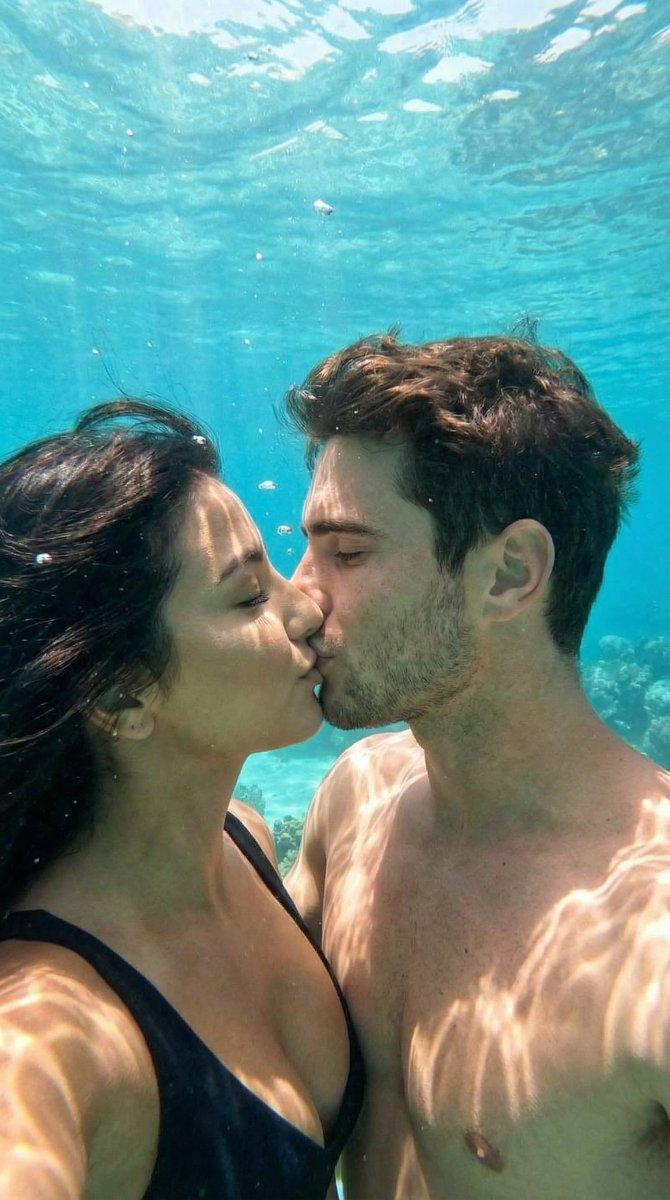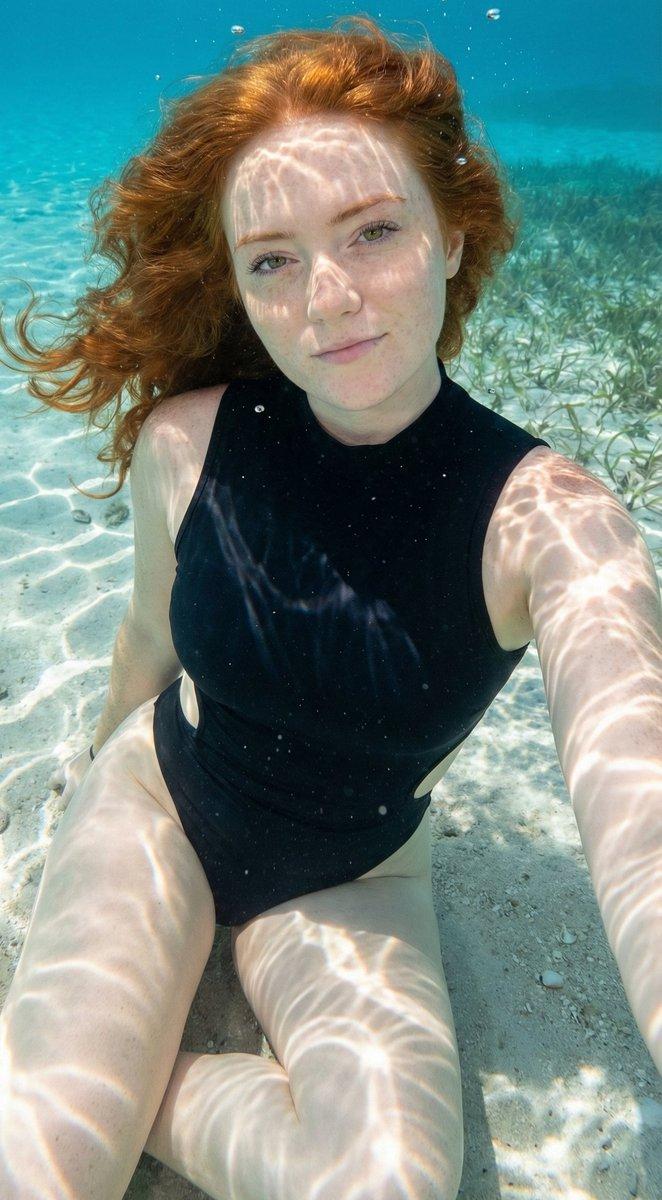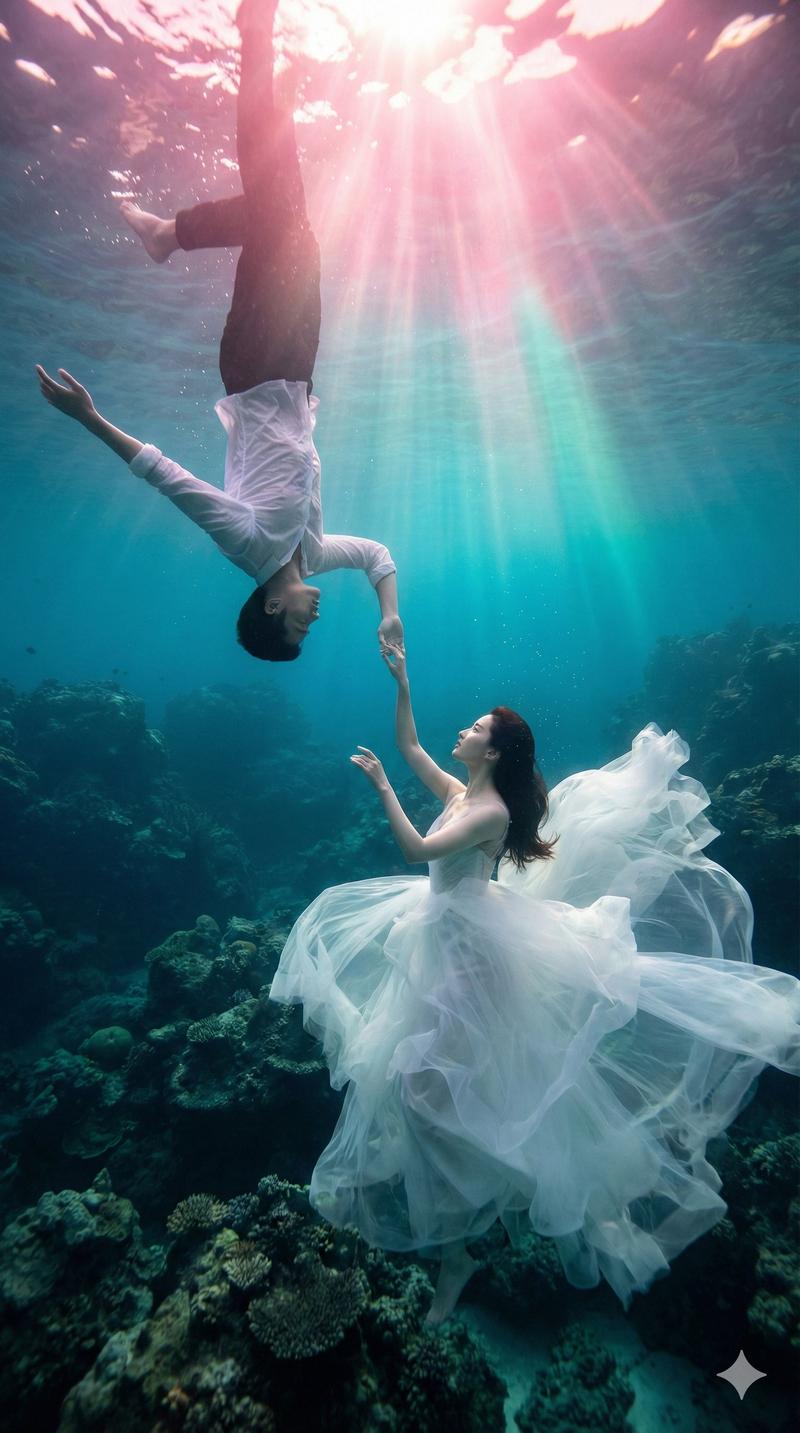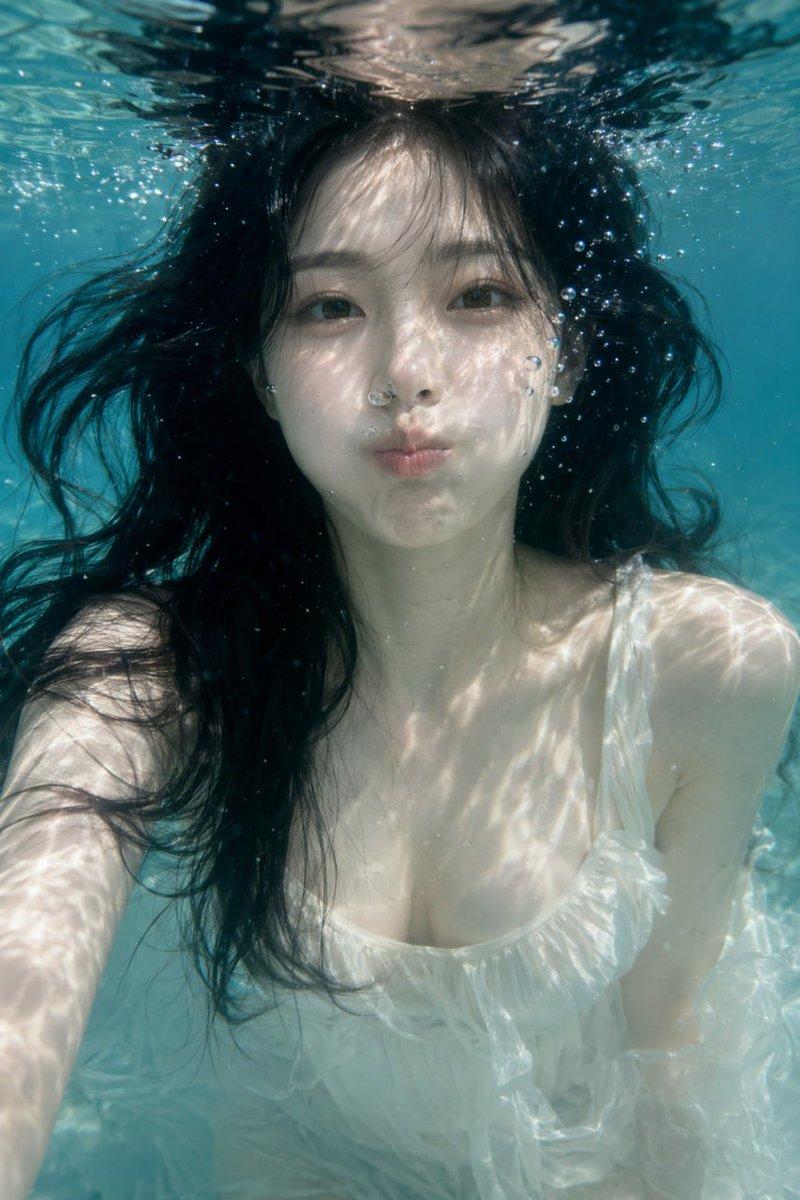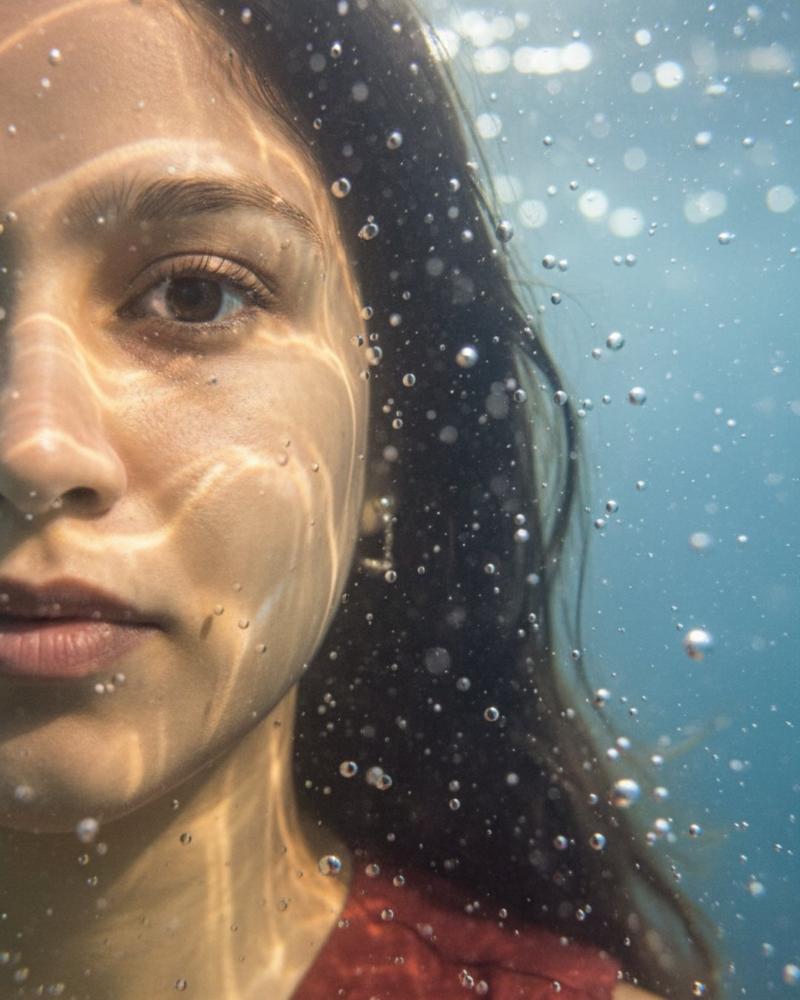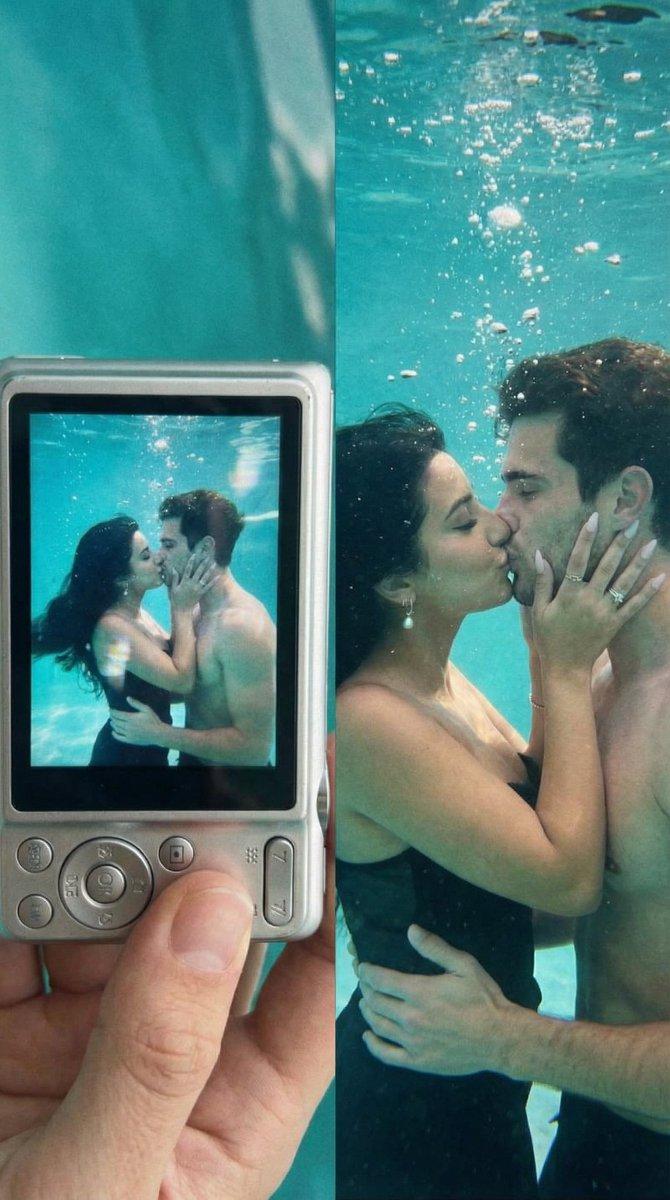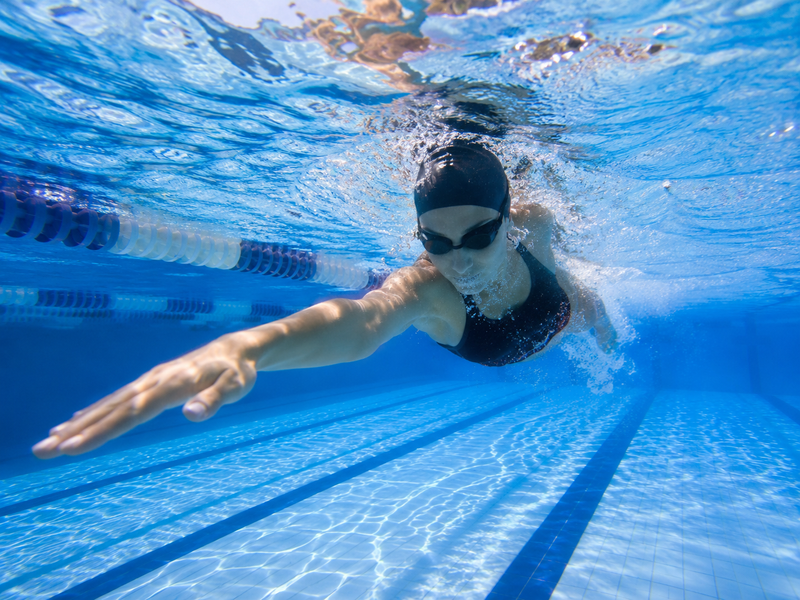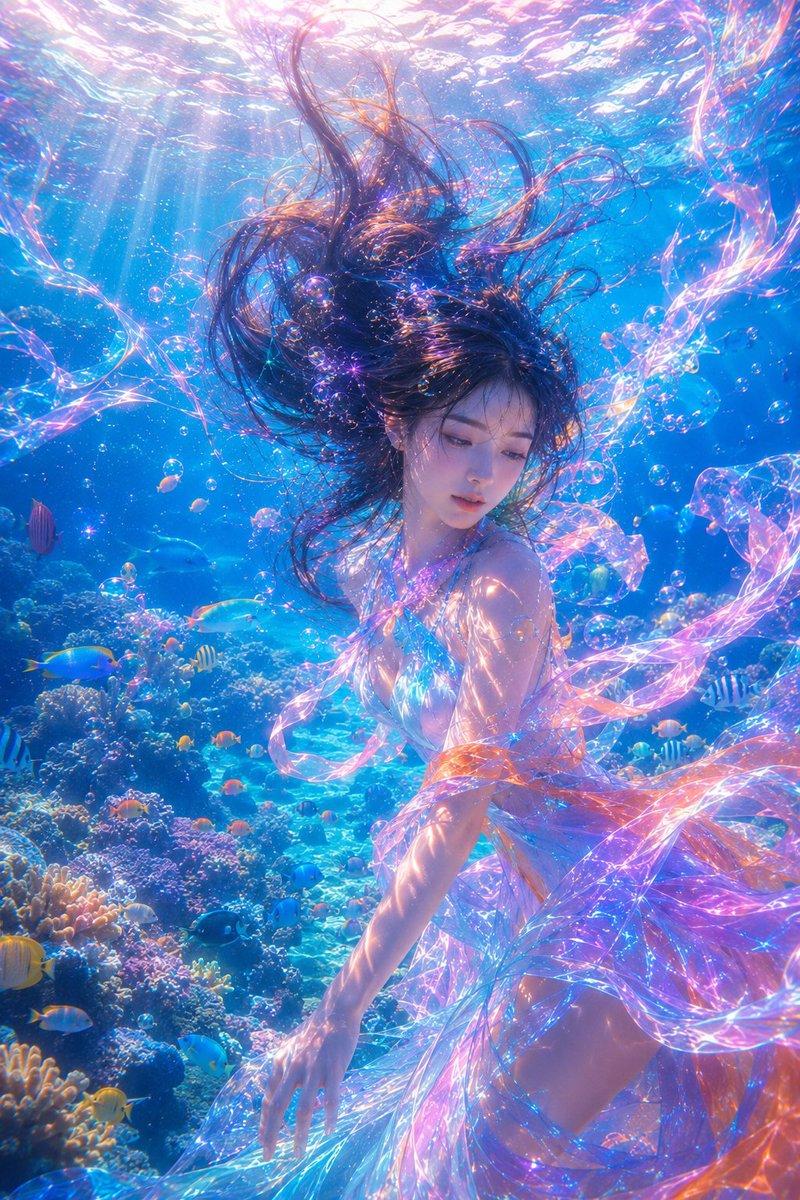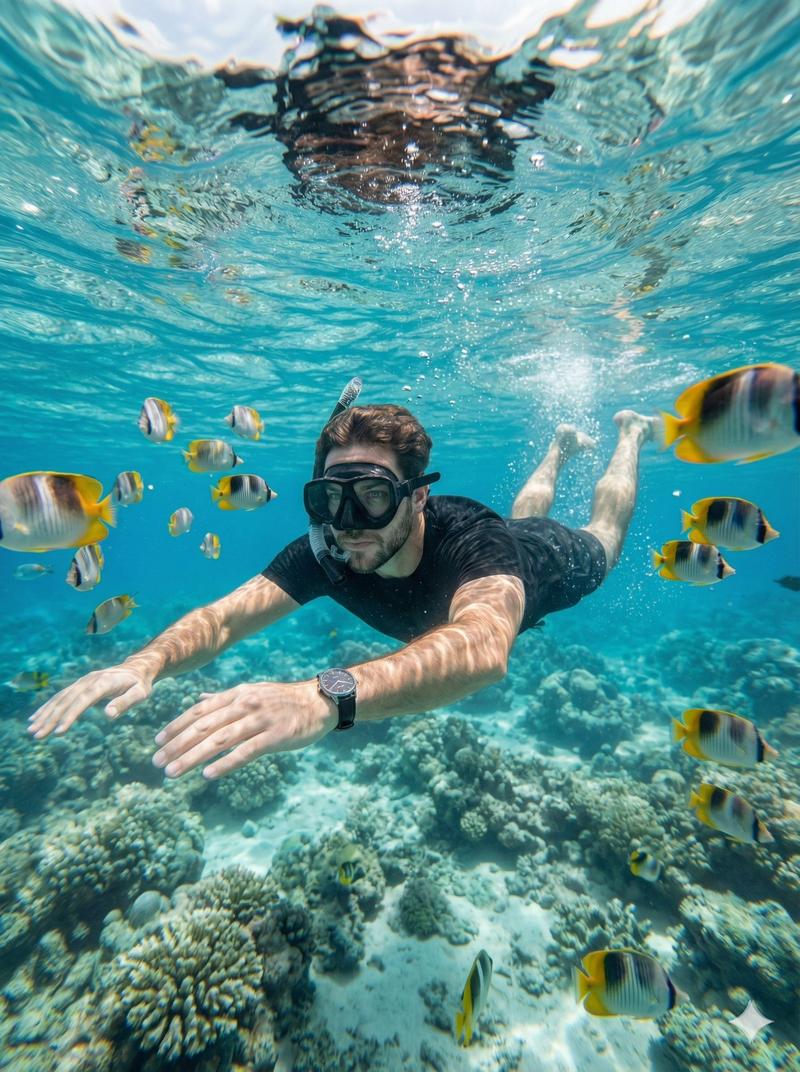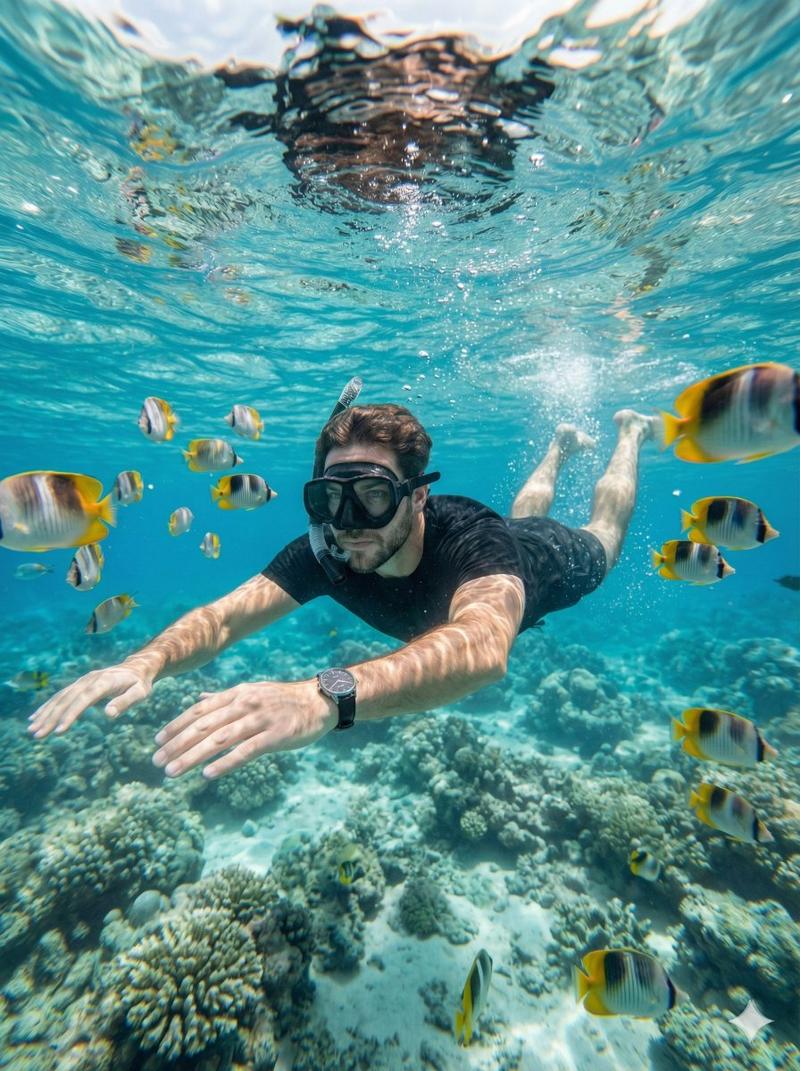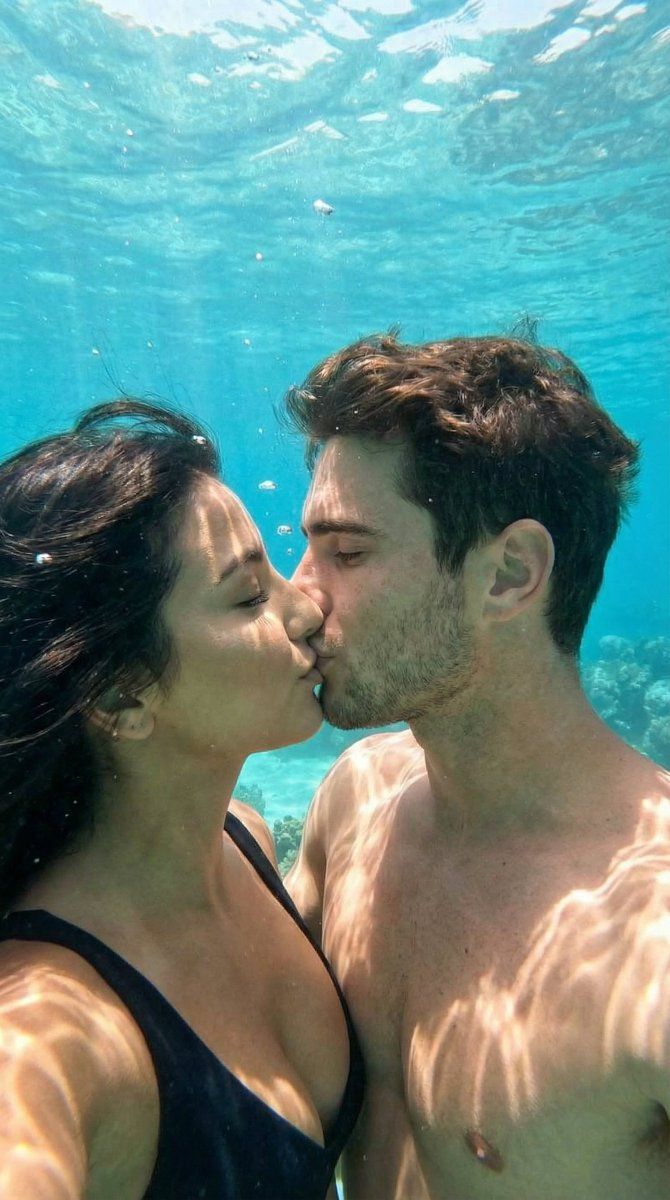
水下电影情侣之吻,保留身份信息
Prompt
{
  "generation_request": {
    "meta_data": {
      "task_type": "underwater_cinematic_couple_kiss",
      "language": "en",
      "priority": "highest",
      "version": "v1.0_UNDERWATER_INTIMATE_REALISM"
    },
    "input": {
      "mode": "image_to_image",
      "reference_image_usage": "very_high",
      "preserve_identity": true,
      "preserve_facial_features": true,
      "notes": "Maintain exact facial structure, proportions, eye placement, nose shape, lip volume, jawline, and hair characteristics from the uploaded reference. No identity drift. No stylization."
    },
    "output": {
      "aspect_ratio": "3:2",
      "resolution": "ultra_high",
      "num_images": 4,
      "sharpness": "high",
      "grain": "subtle_film_underwater"
    },
    "scene": {
      "concept": "romantic underwater kiss",
      "environment": "clear turquoise ocean water, soft natural light penetrating from surface above",
      "composition": "close-up side profile of couple kissing underwater, bodies partially visible, floating hair and fabric",
      "details": [
        "natural air bubbles around faces",
        "light rays filtering through water",
        "organic water distortion",
        "soft particle matter in water"
      ]
    },
    "subject": {
      "couple": {
        "woman": {
          "identity": "Use uploaded reference woman's face with maximum likeness accuracy.",
          "expression": "eyes gently closed, natural relaxed kiss expression",
          "hair": "match reference hair exactly; floating naturally in water with realistic buoyancy",
          "wardrobe": "light minimal swimwear or soft flowing fabric reacting naturally to water physics"
        },
        "man": {
          "identity": "Use uploaded reference man's face with maximum likeness accuracy.",
          "expression": "eyes gently closed, natural relaxed kiss expression",
          "hair": "match reference hair exactly; floating slightly due to water movement",
          "wardrobe": "natural bare upper body or minimal swimwear"
        }
      }
    },
    "lighting": {
      "style": "natural underwater sunlight",
      "direction": "top-down light rays",
      "caustics": "subtle moving water light reflections on skin",
      "contrast": "soft low contrast",
      "skin_rendering": "realistic underwater skin tones, slight blue-green color shift"
    },
    "camera": {
      "lens": "35mm underwater lens",
      "aperture": "f2.8",
      "depth_of_field": "moderate shallow",
      "focus": "sharp on faces, soft background fade"
    },
    "color_grading": {
      "palette": [
        "turquoise blue",
        "aqua green",
        "soft skin peach",
        "subtle sun highlights"
      ],
      "underwater_color_absorption": true,
      "highlights": "soft diffused",
      "shadows": "cool toned"
    },
    "physics": {
      "realistic_water_distortion": true,
      "accurate_buoyancy": true,
"natural_bubble_"- Category
- 创意图片
- Model
- Nano Banana Pro
- Creator
- Özge Döner
- Source ID
- 49ed5ef5-74bb-4b25-a859-2dde4d347077
- Published
- Mar 8, 2026
Views0