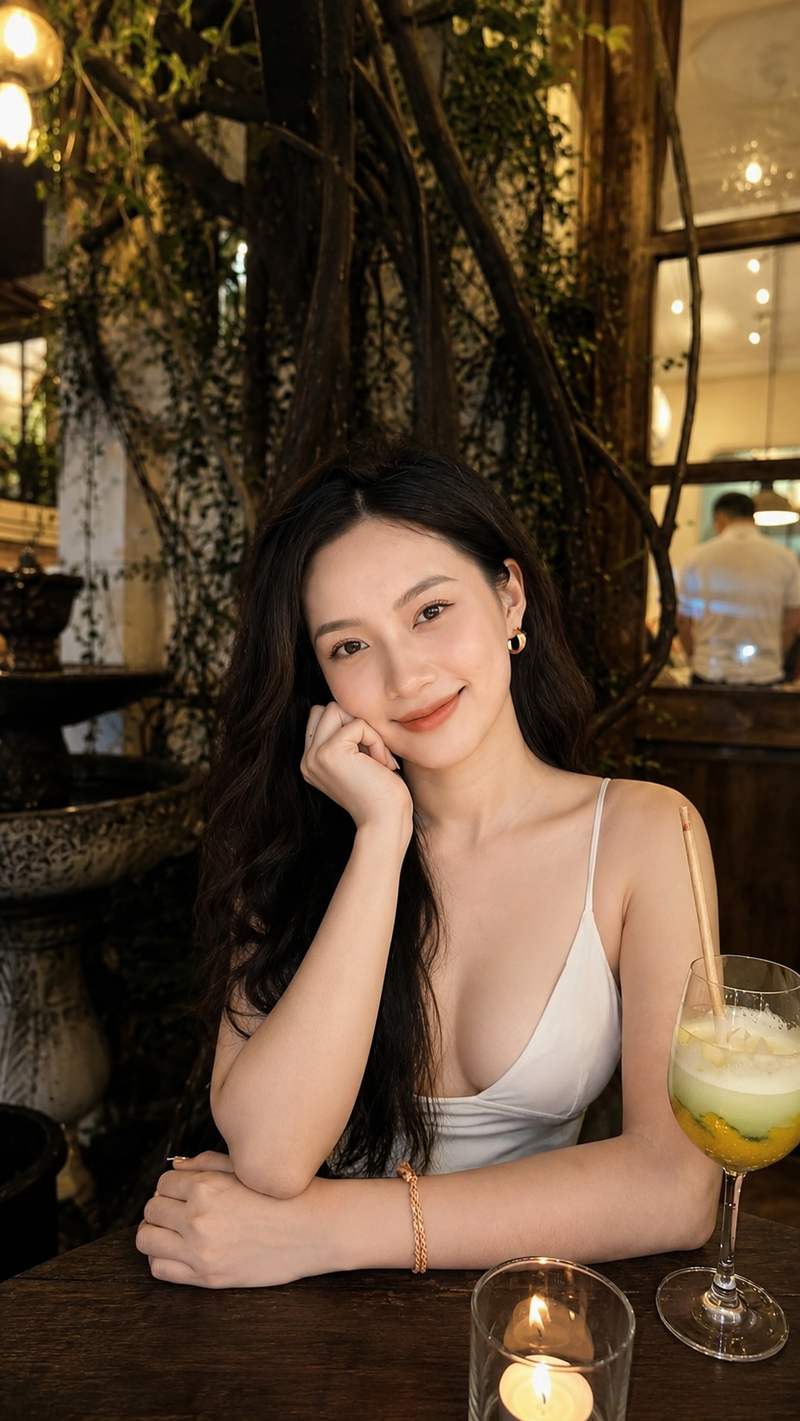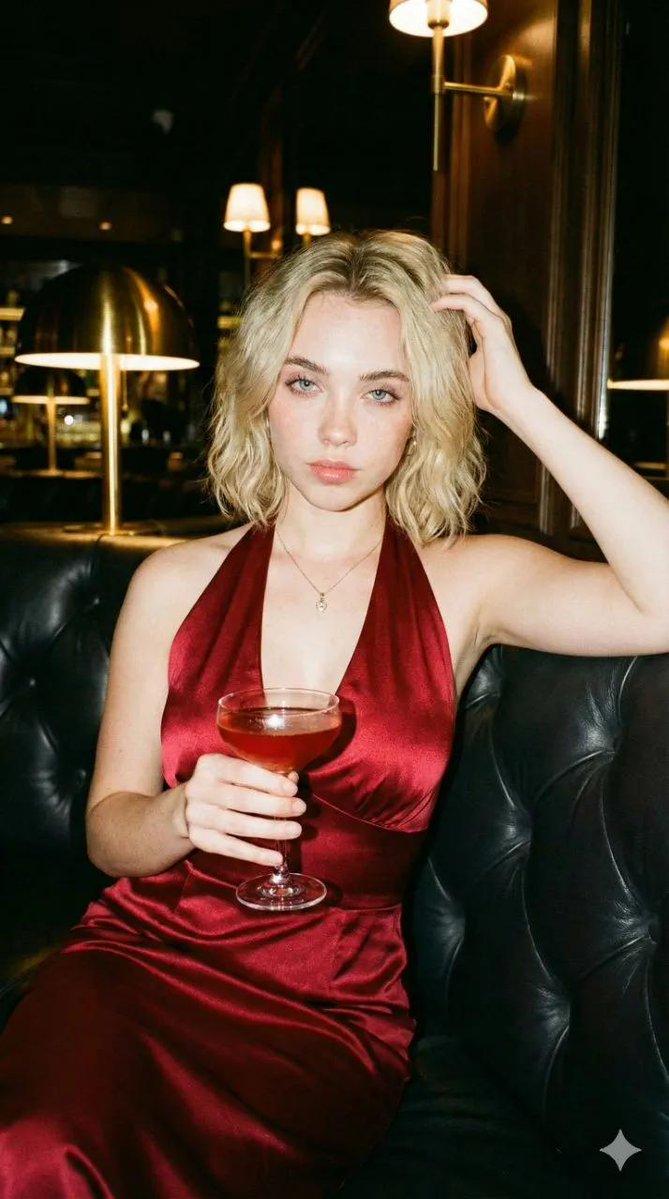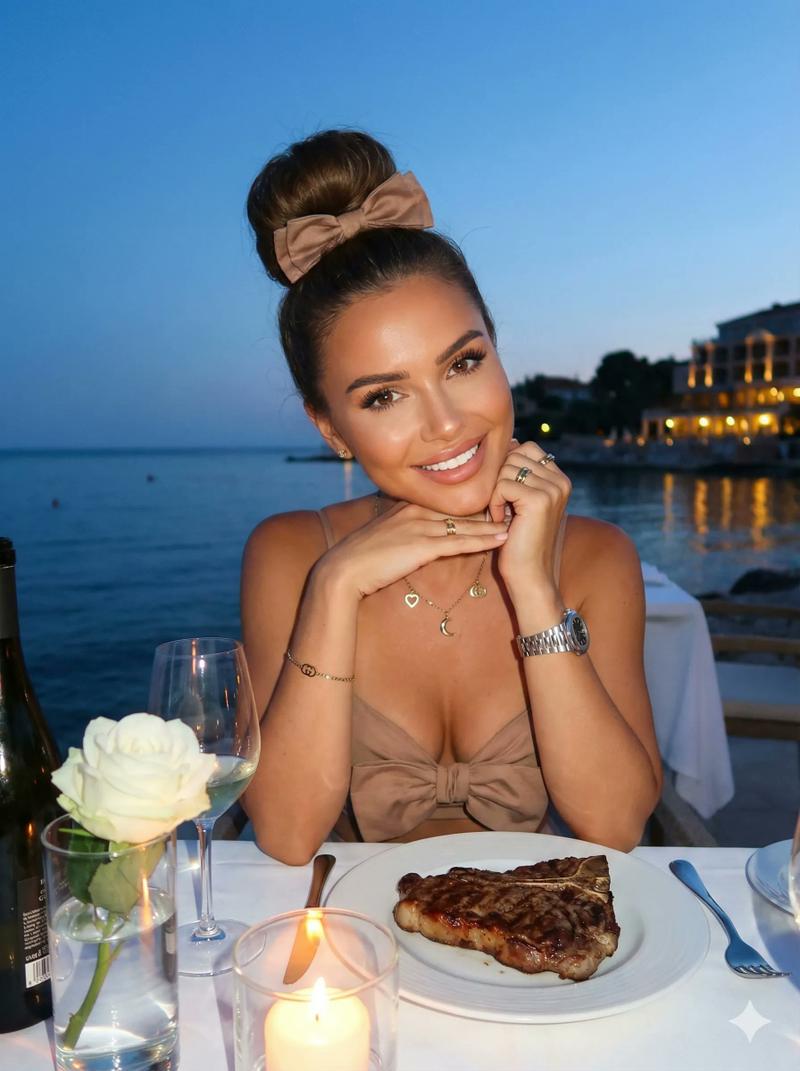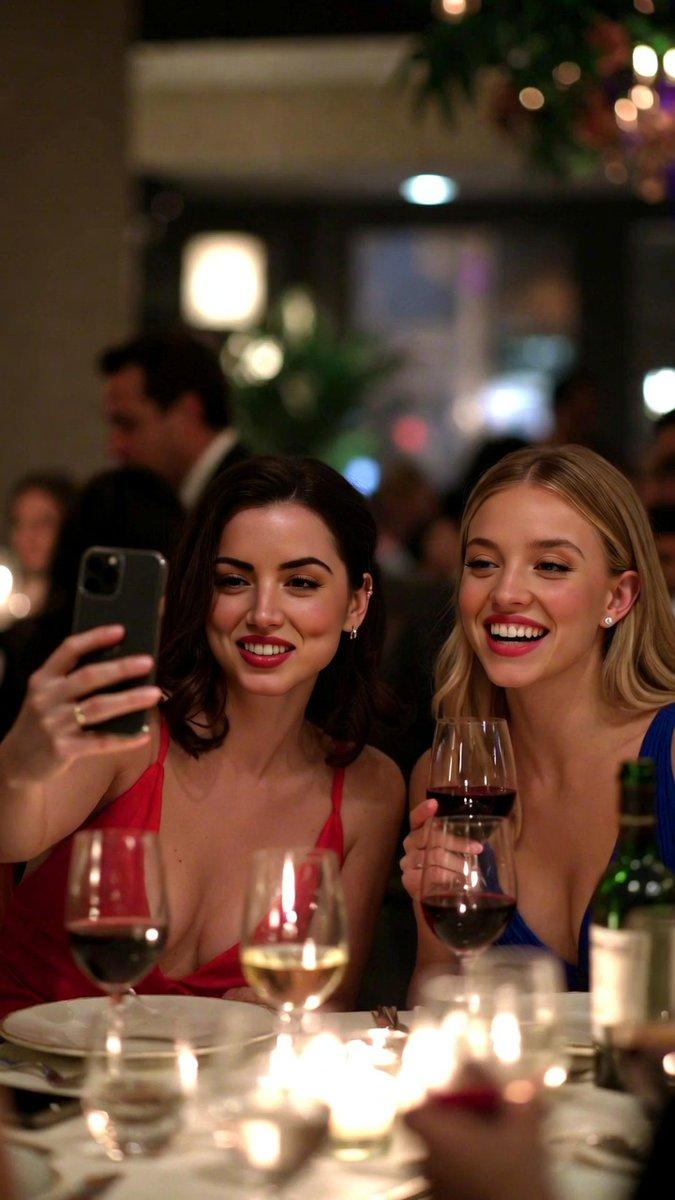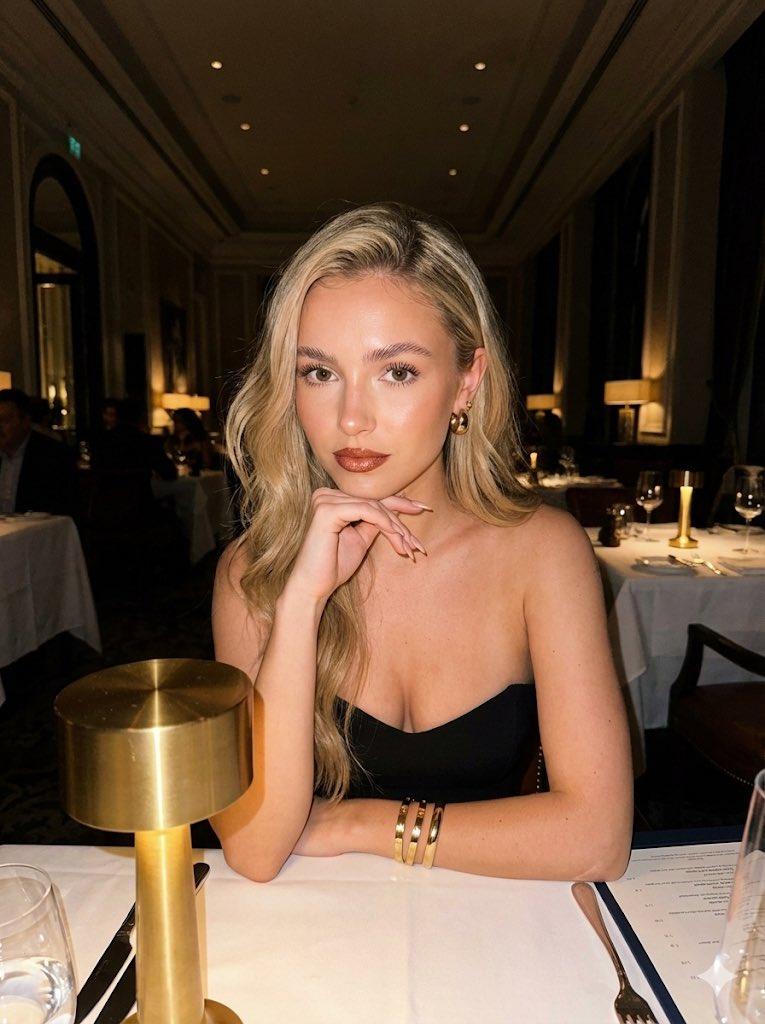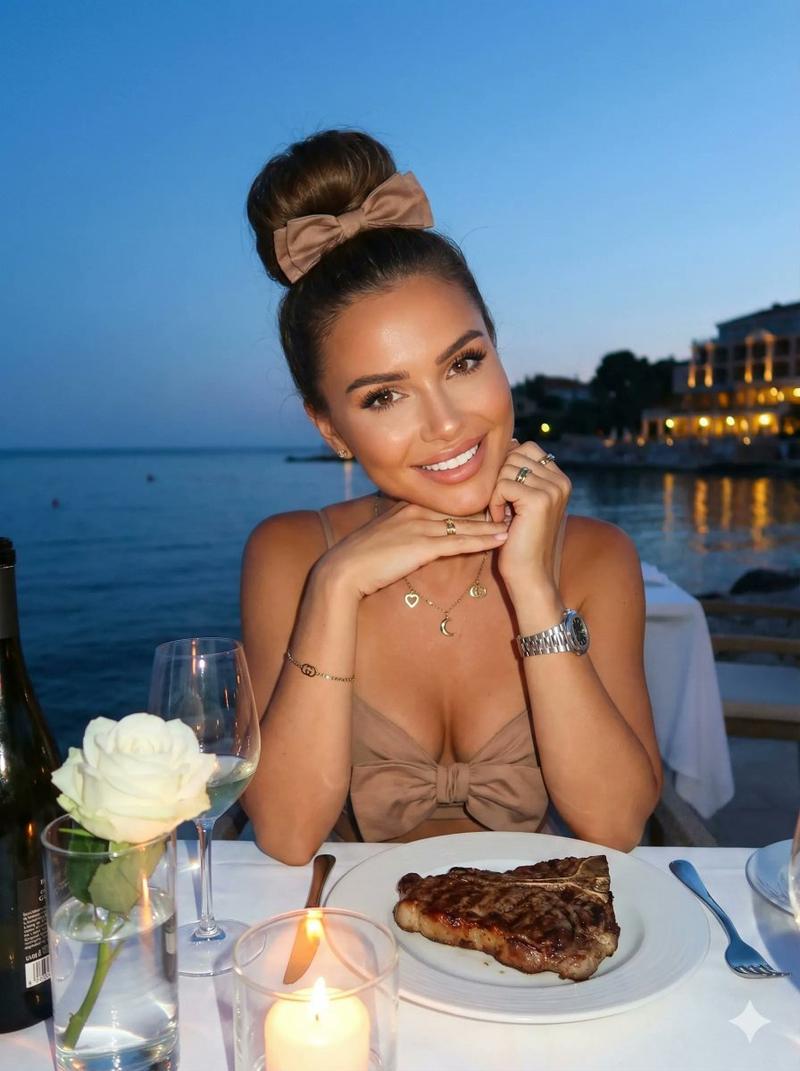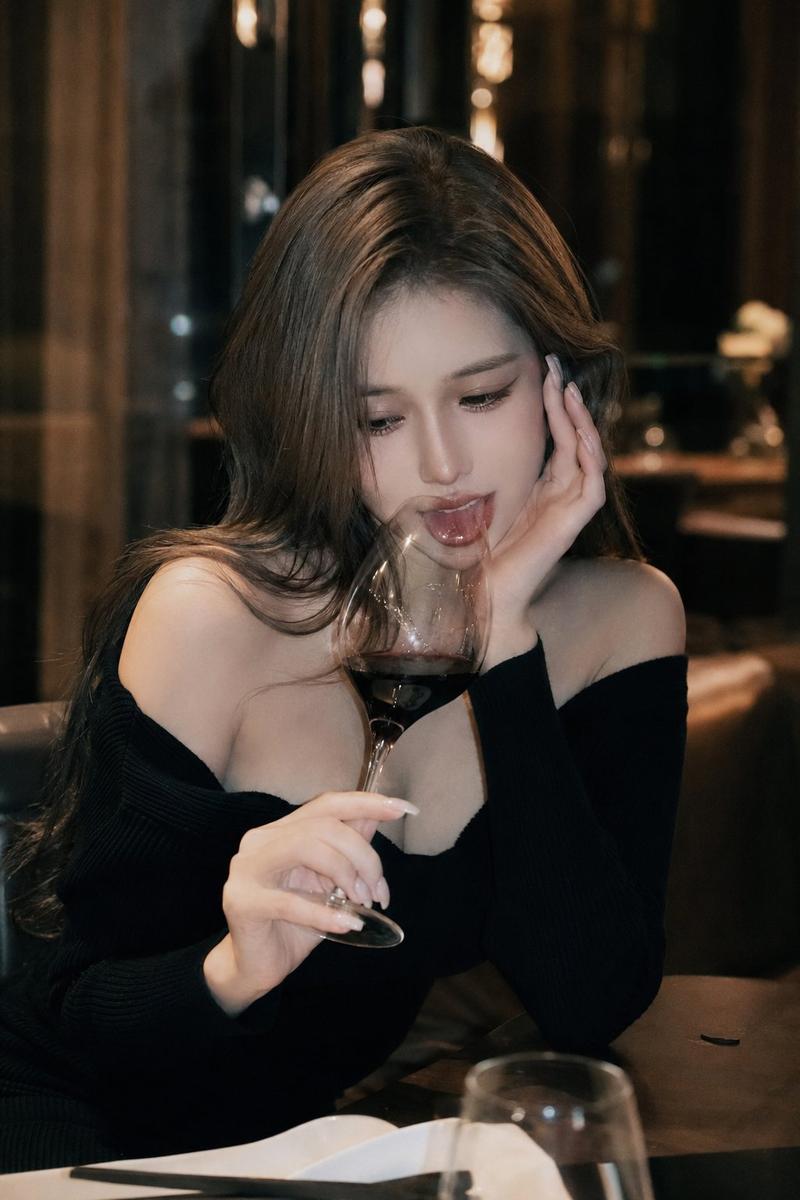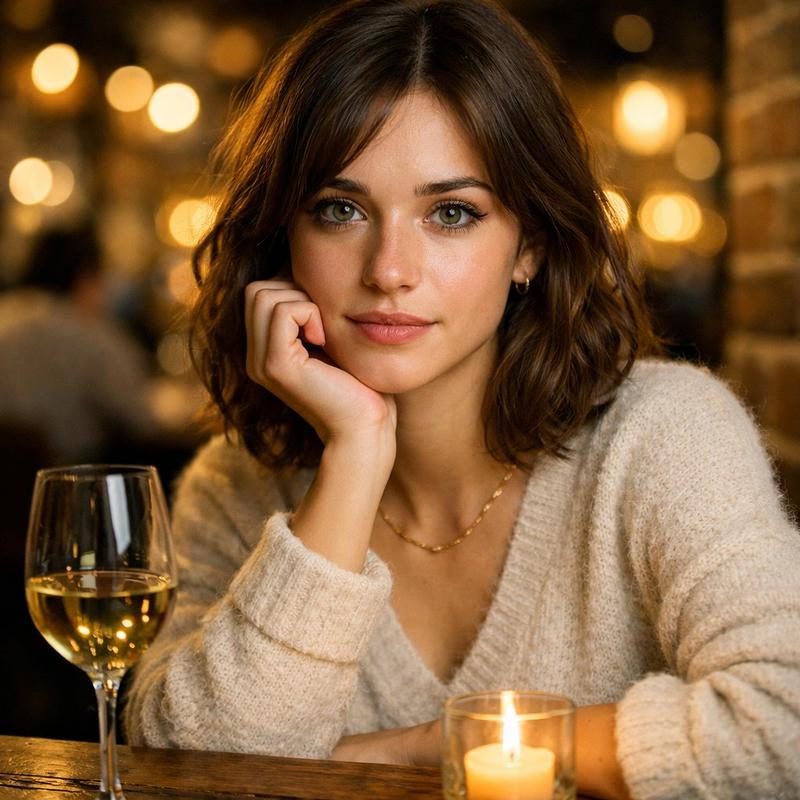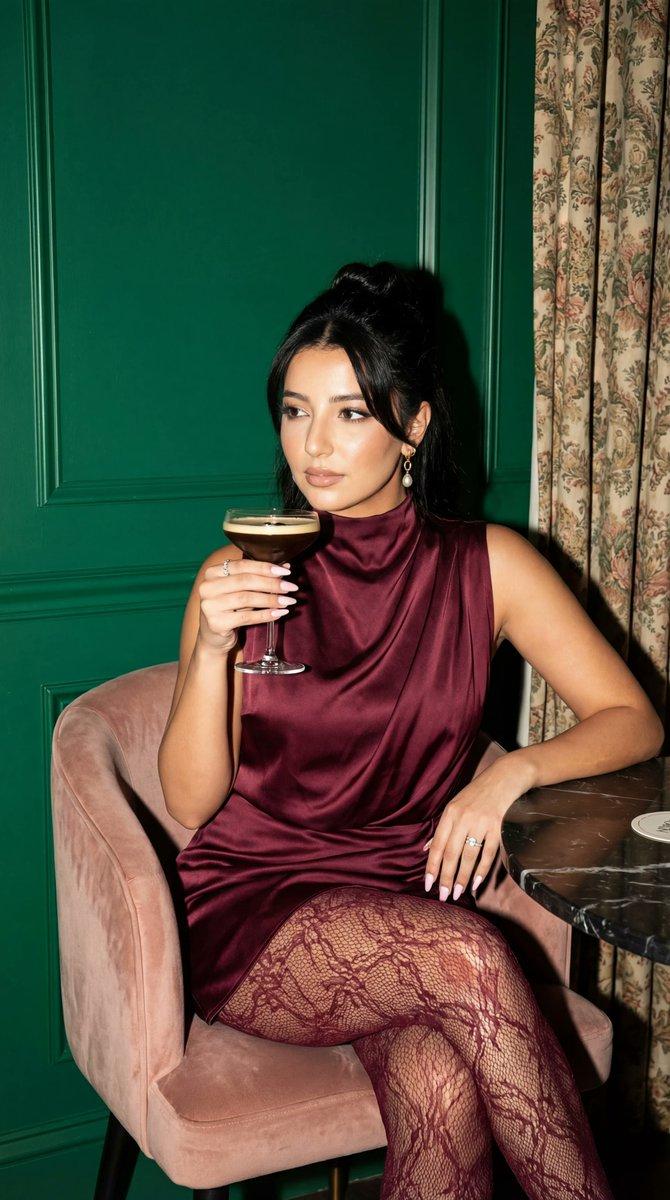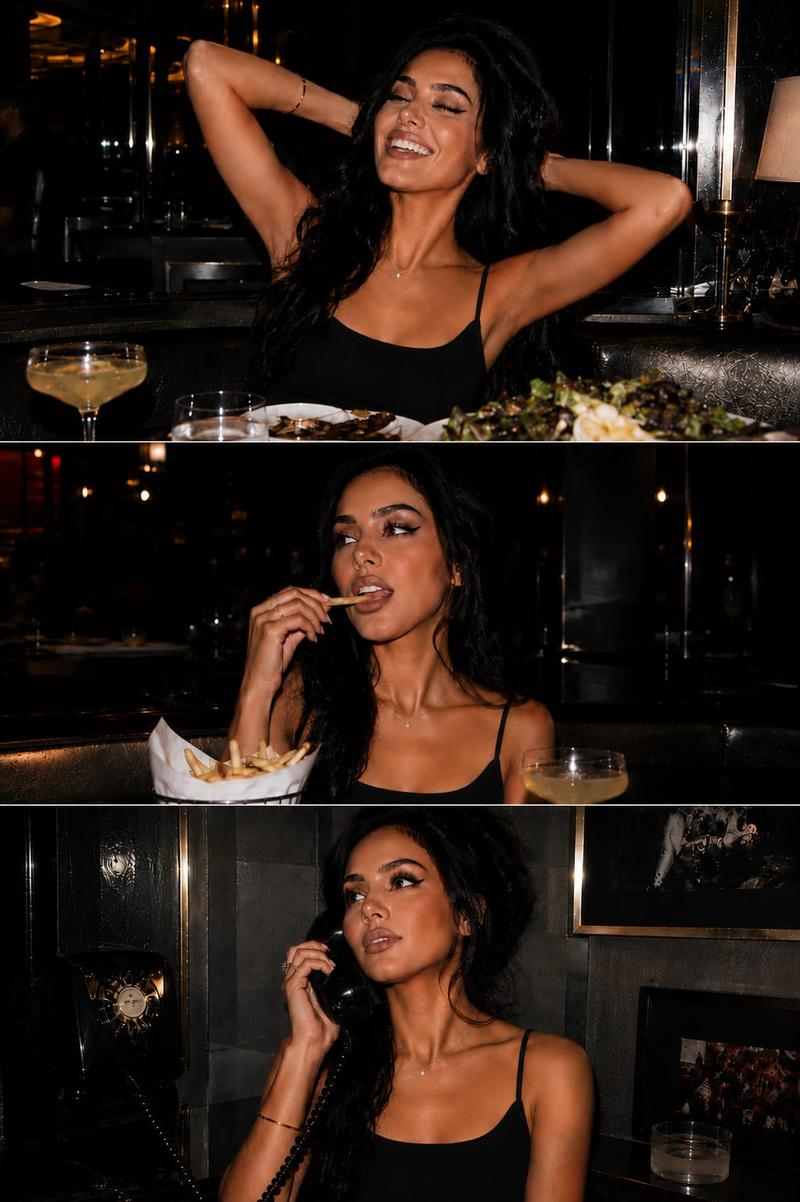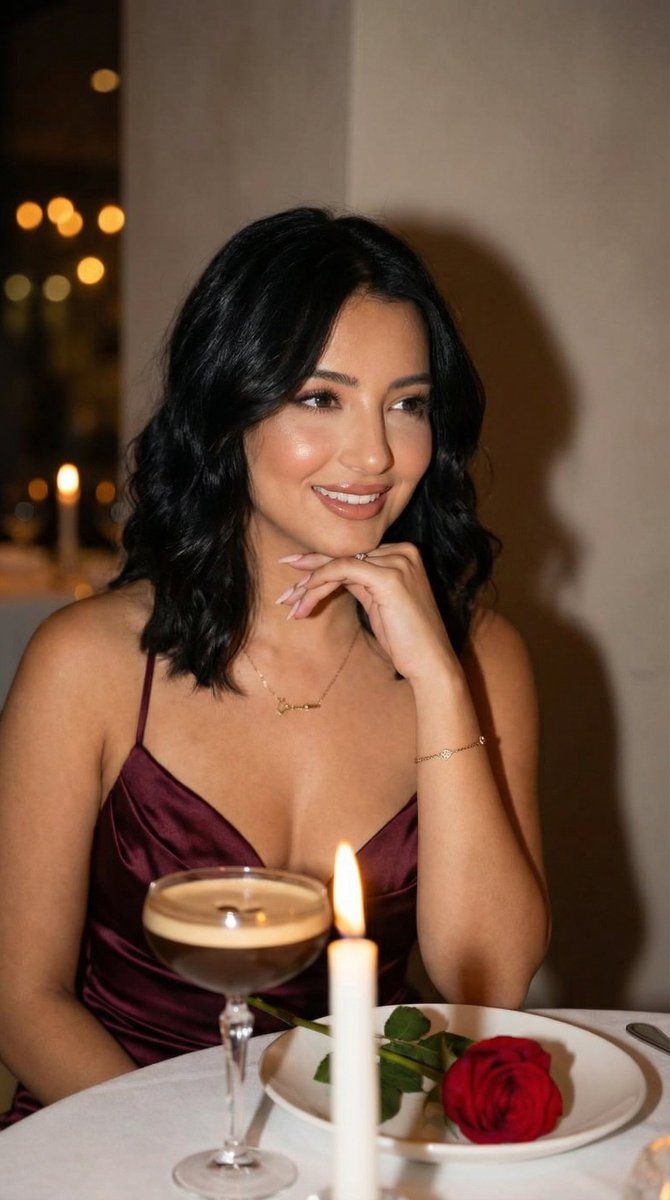
奢华浪漫晚餐专题肖像
Prompt
{
  "generation_request": {
    "meta_data": {
      "task_type": "luxury_romantic_dinner_editorial_portrait",
      "language": "en",
      "priority": "highest",
      "version": "v1.0_BURGUNDY_CANDLELIGHT_INTIMATE"
    },
    "input": {
      "mode": "text_to_image",
      "notes": "Ultra photoreal romantic dinner portrait with cinematic warmth and soft editorial luxury styling."
    },
    "output": {
      "aspect_ratio": "4:5",
      "resolution": "ultra_high",
      "num_images": 4,
      "sharpness": "high_detail_skin_texture",
      "grain": "subtle_analog_film"
    },
    "scene": {
      "concept": "intimate romantic dinner setting",
      "environment": "dimly lit restaurant table, warm candlelight, soft shadows, neutral wall background",
      "composition": "medium close-up portrait, subject slightly left of center, shallow depth of field, foreground object for depth",
      "foreground_elements": [
        "espresso martini in coupe glass",
        "red rose on white plate",
        "folded white napkin"
      ],
      "background_elements": [
        "soft blurred floral arrangement",
        "warm candle glow"
      ]
    },
    "subject": {
      "person": "adult woman",
      "expression": "soft romantic smile, eyes looking slightly to the side",
      "pose": "chin resting gently on hand, elbow on table",
      "hair": "shoulder-length dark brunette, soft voluminous waves",
      "makeup": "soft glam, defined brows, subtle contour, glossy pink lips, warm eyeshadow",
      "wardrobe": {
        "dress": "deep burgundy satin evening dress with thin straps"
      },
      "jewelry": [
        "minimal gold bracelet",
        "delicate gold necklace"
      ]
    },
    "lighting": {
      "style": "warm candlelight cinematic",
      "direction": "soft side light from right",
      "temperature": "warm amber tones",
      "contrast": "soft medium contrast",
      "skin_rendering": "natural glow, realistic texture"
    },
    "camera": {
      "lens": "85mm",
      "aperture": "f1.8",
      "depth_of_field": "shallow",
      "focus": "sharp on eyes and lips"
    },
    "color_grading": {
      "palette": [
        "burgundy",
        "deep red",
        "warm cream",
        "soft amber",
        "espresso brown"
      ],
      "highlights": "warm golden",
      "shadows": "slightly muted"
    },
    "quality_control": {
      "preserve_anatomy": true,
      "realistic_hands": true,
      "symmetry_balance": true,
      "no_face_distortion": true,
      "high_fidelity_skin": true
    },
    "negative_prompt": [
      "harsh flash lighting",
      "overexposed skin",
      "plastic skin texture",
      "distorted hands",
      "extra fingers",
      "low resolution",
      "blurry face",
      "flat lighting"
    ]
  }
}- Category
- 创意图片
- Model
- Nano Banana Pro
- Creator
- Özge Döner
- Source ID
- 2cd283f5-7e82-4d3d-bc92-5464e6100ac5
- Published
- Mar 8, 2026
Views0