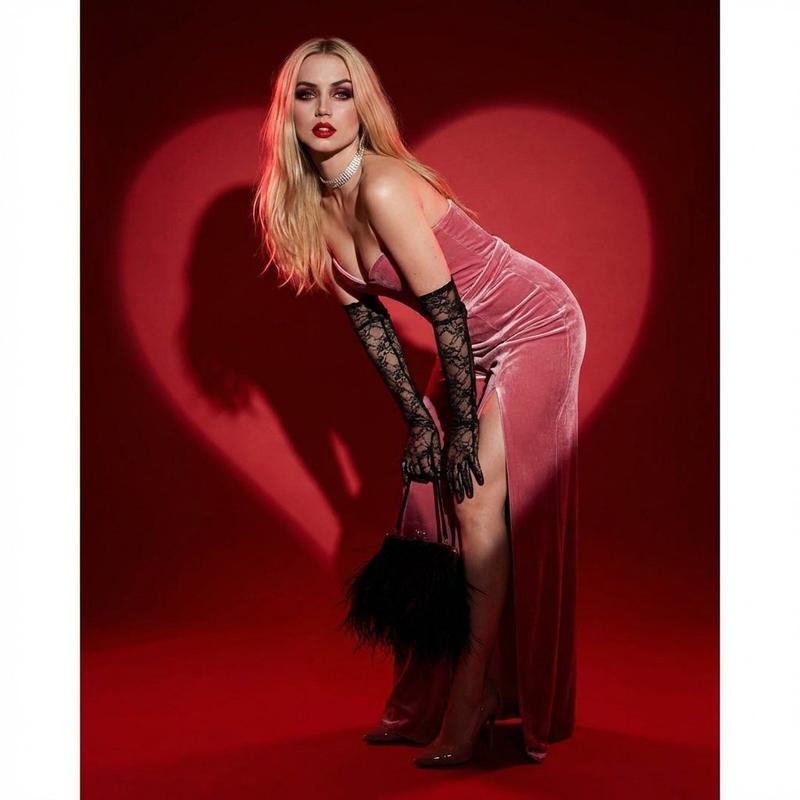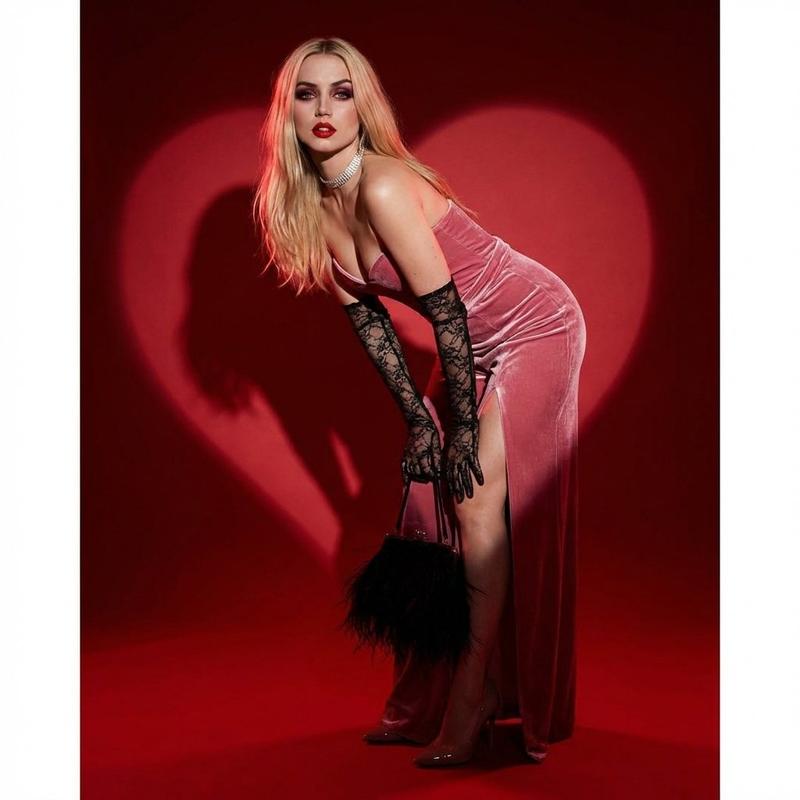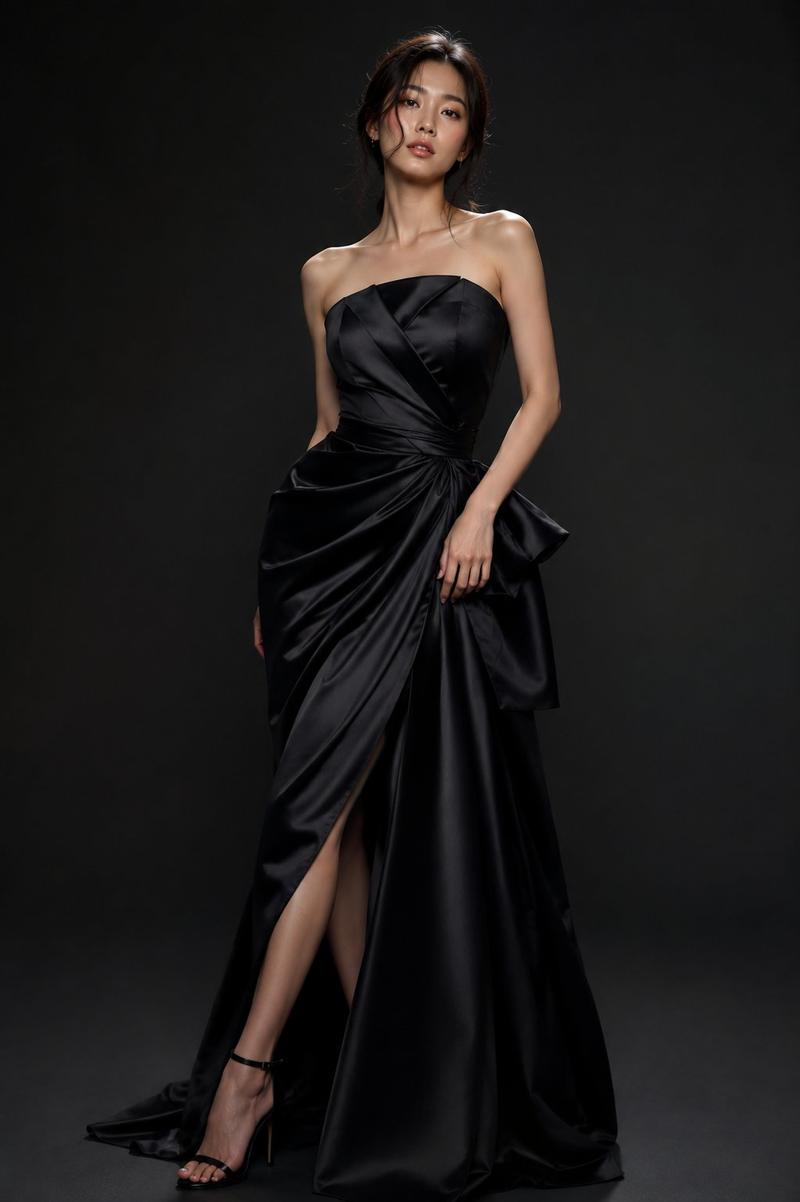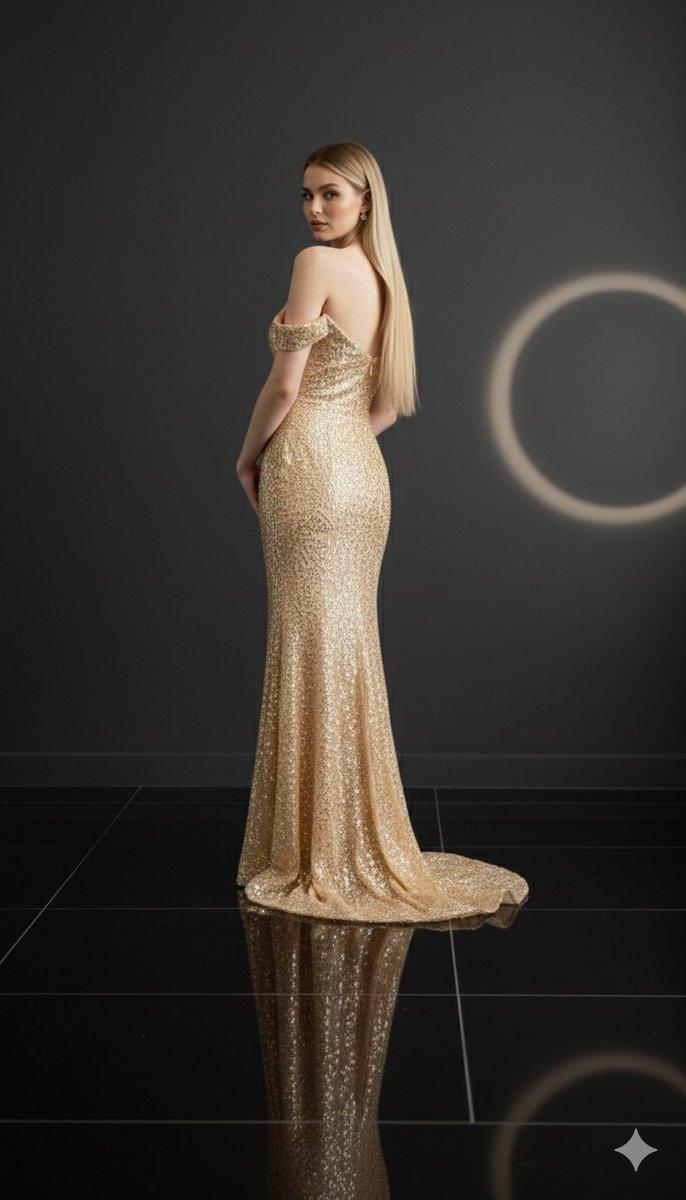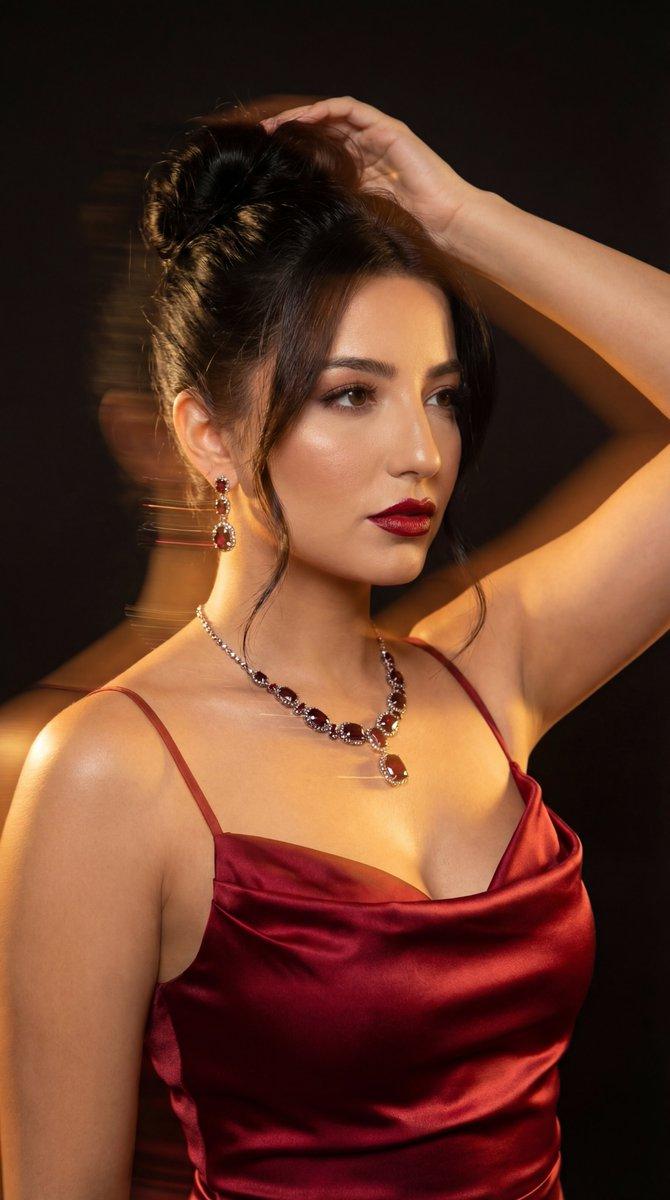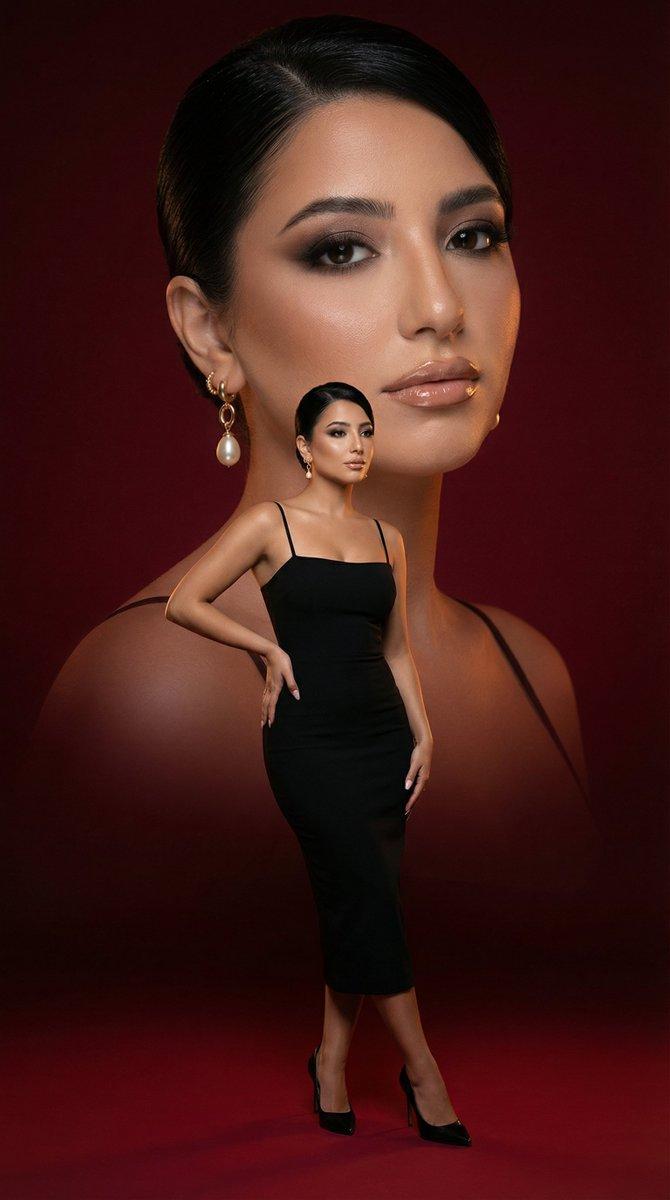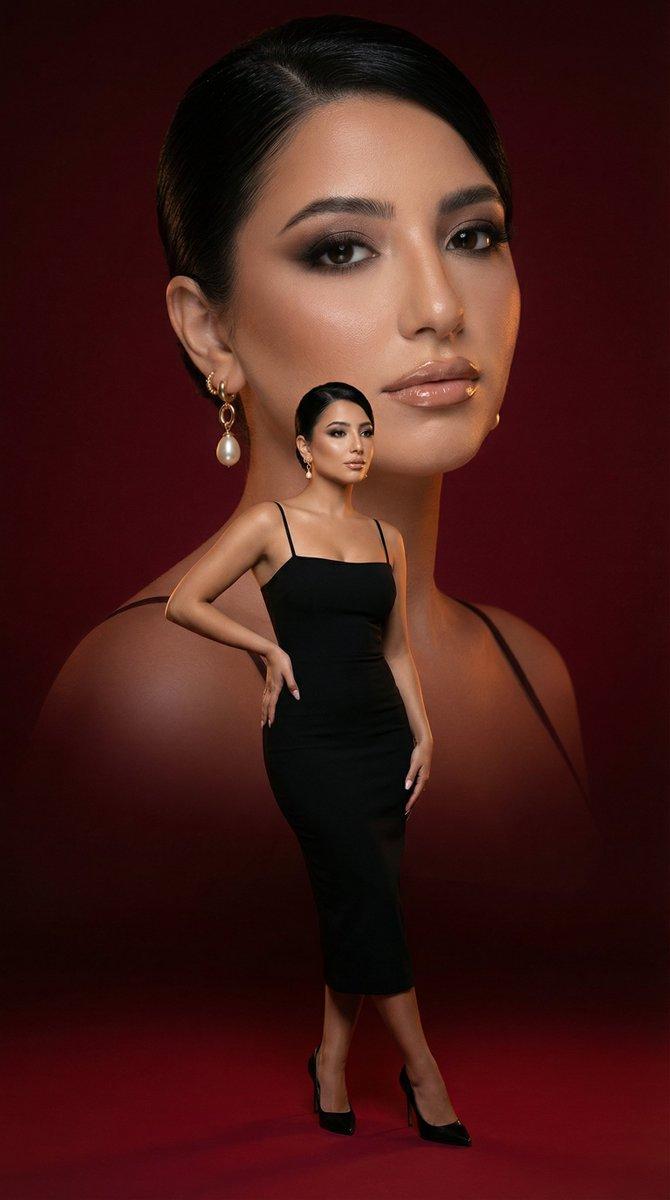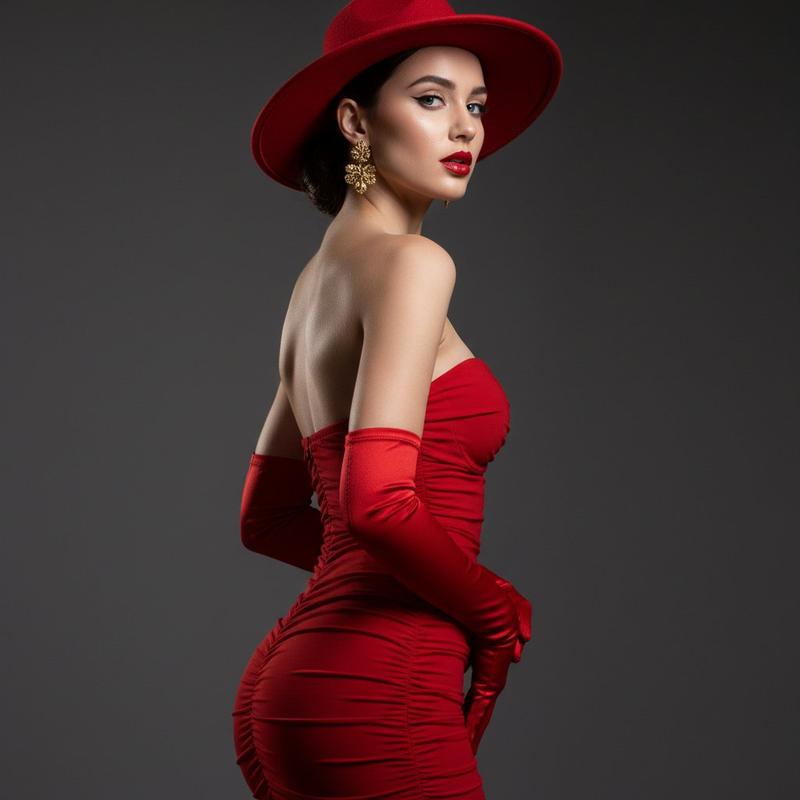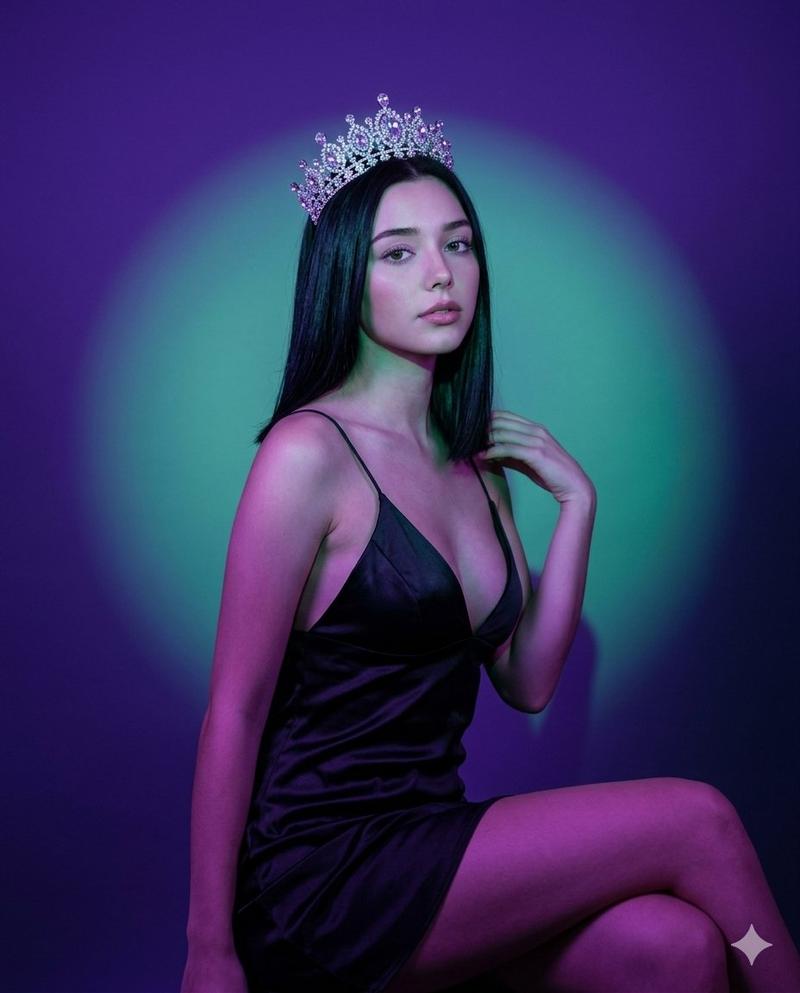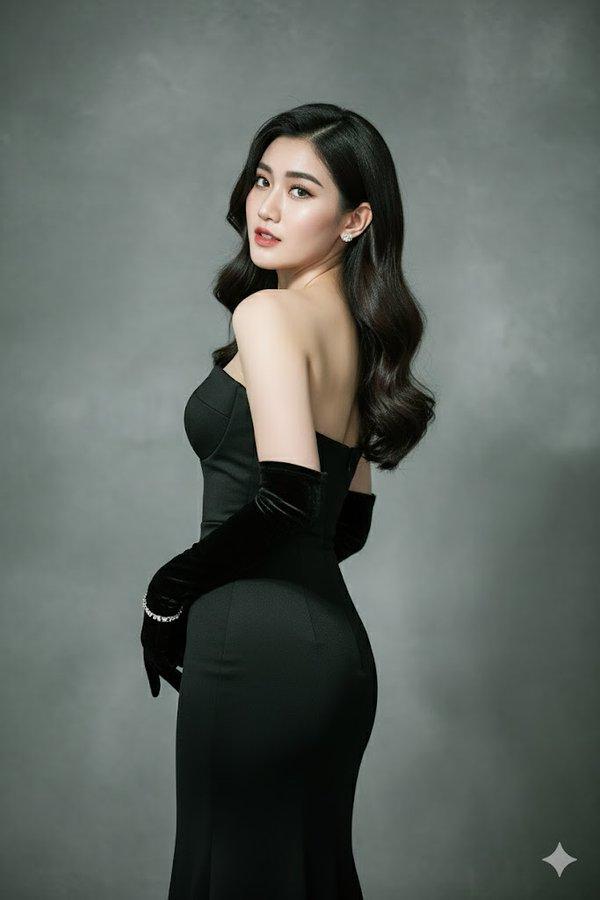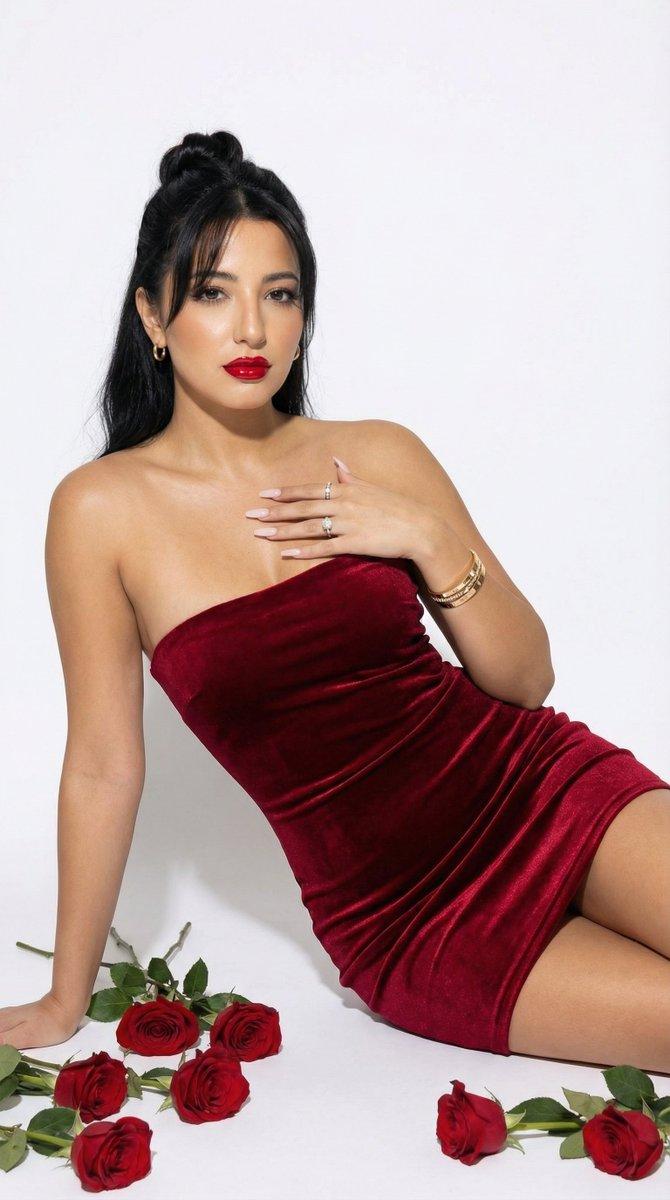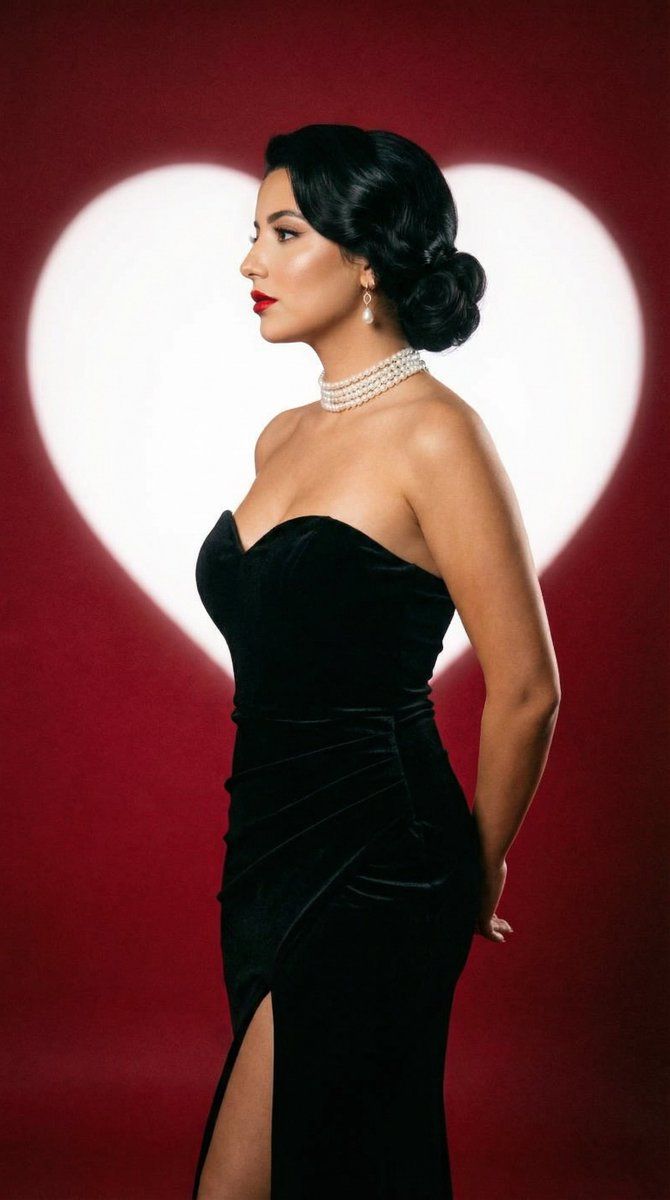
经典好莱坞影棚肖像照,心形背景
Prompt
{
  "generation_request": {
    "meta_data": {
      "task_type": "classic_hollywood_valentines_studio_portrait_heart_backdrop",
      "language": "en",
      "priority": "highest",
      "version": "v1.0_BLACK_GOWN_WHITE_HEART_RED_BACKDROP"
    },
    "output": {
      "aspect_ratio": "9:16",
      "resolution": "ultra_high",
      "num_images": 4,
      "sharpness": "high",
      "grain": "fine_film_grain"
    },
    "scene": {
      "concept": "classic Hollywood studio portrait with a bold heart-shaped light backdrop",
      "environment": "studio backdrop with deep red background and a large bright white heart shape behind the subject (soft edge glow), clean minimal set",
      "composition": "vertical full-body or 3/4 body, subject centered slightly left, elegant negative space, heart shape aligned behind head/upper torso",
      "mood": "timeless, romantic, glamorous, cinematic"
    },
    "subject": {
      "person": "adult woman",
      "pose": "standing in profile (left-facing), hands placed behind back, shoulders relaxed, chin slightly lifted",
      "expression": "calm confident profile, lips softly closed, poised elegance",
      "hair": "dark hair in a low vintage bun with smooth waves, neat classic styling",
      "makeup": "classic glam: bold red lipstick, subtle winged eyeliner, softly contoured cheeks, luminous skin",
      "accessories": "pearl choker necklace (multi-strand), pearl drop earrings",
      "wardrobe": {
        "dress": "black strapless evening gown with sweetheart neckline, fitted silhouette, thigh-high slit on one side, matte/soft satin finish"
      }
    },
    "camera": {
      "shot_type": "studio portrait",
      "lens": "85mm",
      "aperture": "f/2.8",
      "focus": "face and jewelry sharp, dress edges crisp, heart backdrop slightly softened but clean",
      "framing": "9:16 vertical, full/3-4 body"
    },
    "lighting": {
      "setup": "classic studio key light from camera-left, soft fill from right, subtle rim light to separate subject from background",
      "look": "Hollywood glamour lighting, smooth highlights on cheekbones and shoulders",
      "backdrop_light": "heart shape evenly illuminated, no banding, no blown-out clipping"
    },
    "color_grading": {
      "palette": "deep crimson red + bright ivory heart + black gown + warm skin tones",
      "look": "cinematic glamour, subtle halation, clean contrast",
      "contrast": "medium-high",
      "saturation": "controlled (rich reds without neon)"
    },
    "quality_rules": {
      "anatomy_accuracy": "strict",
      "face_integrity": "no warping, no asymmetry artifacts",
      "hands": "correct fingers, natural joints, no extra digits",
      "fabric_realism": "dress texture and slit edges realistic, no melted folds",
      "heart_shape_geometry": "heart must be symmetrical, clean edges with soft glow",
      "no_ai_artifacts": true,
      "no_text": true
    },
"negative_prompt": [- Category
- 创意图片
- Model
- Nano Banana Pro
- Creator
- Özge Döner
- Source ID
- b9aa8c83-ddad-4657-9b7e-33fdcd50b0c4
- Published
- Mar 8, 2026
Views0