20

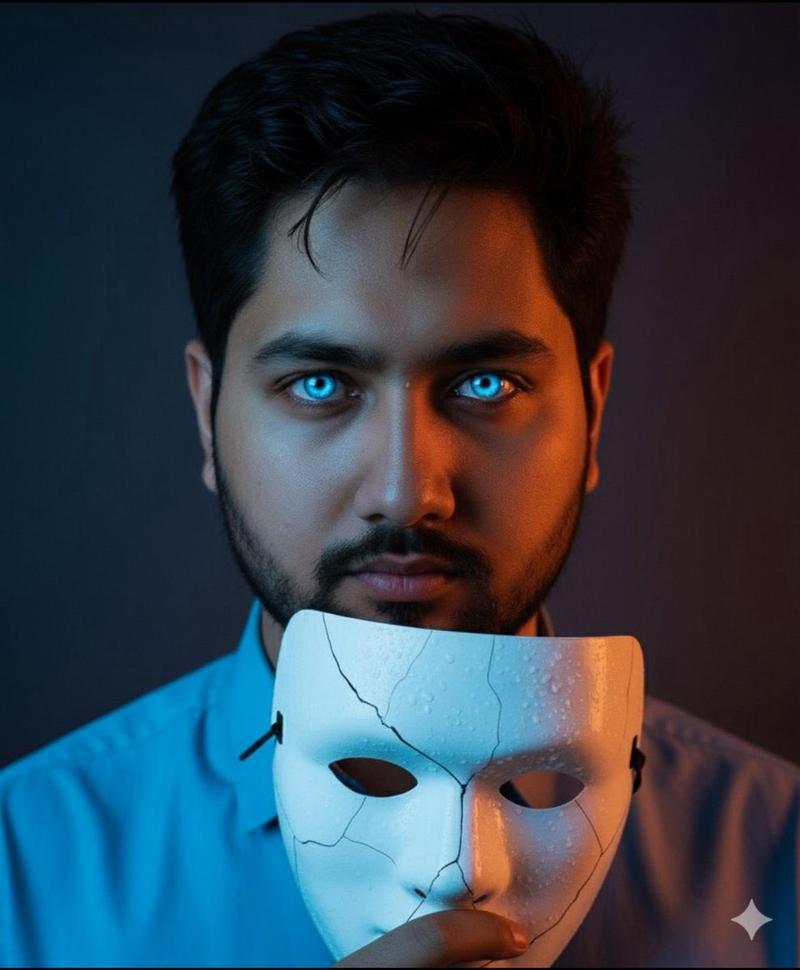
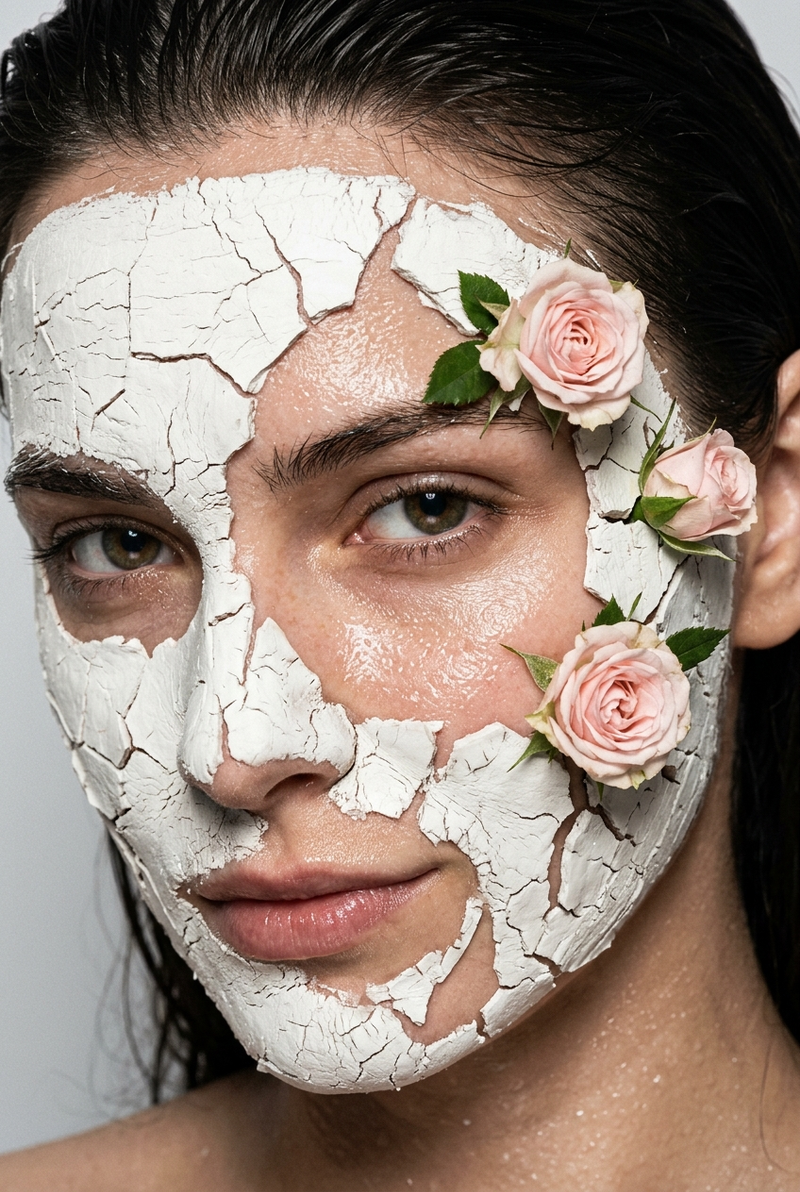
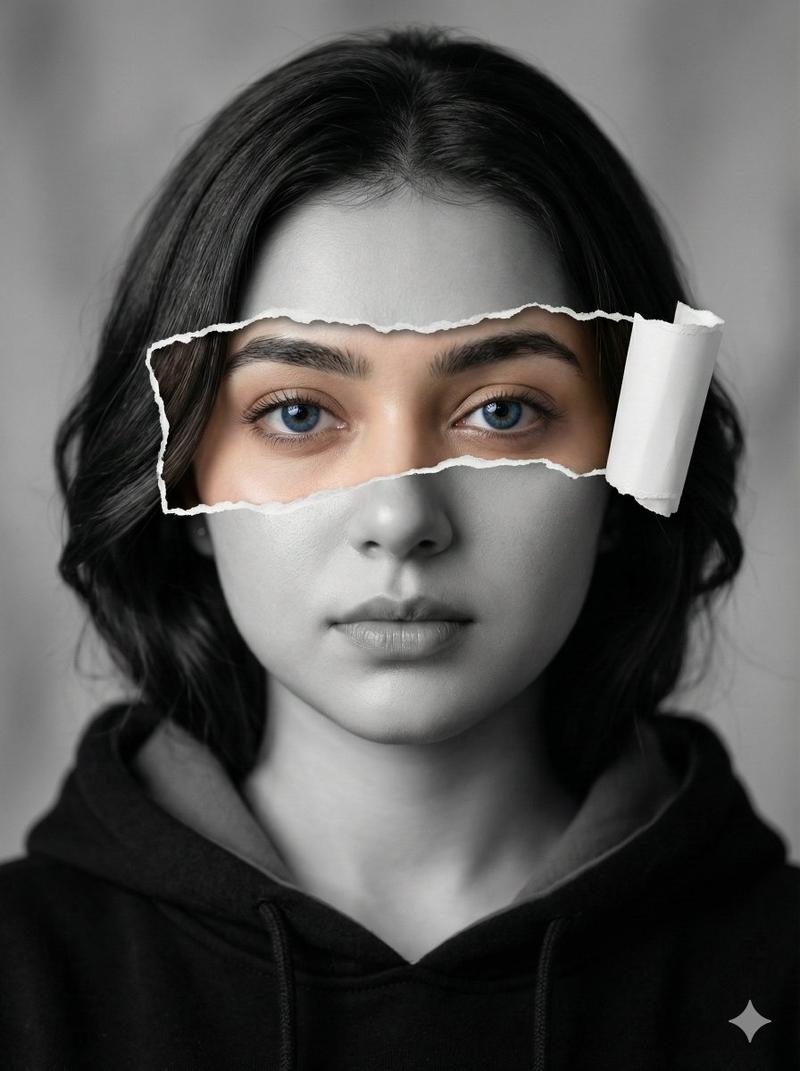
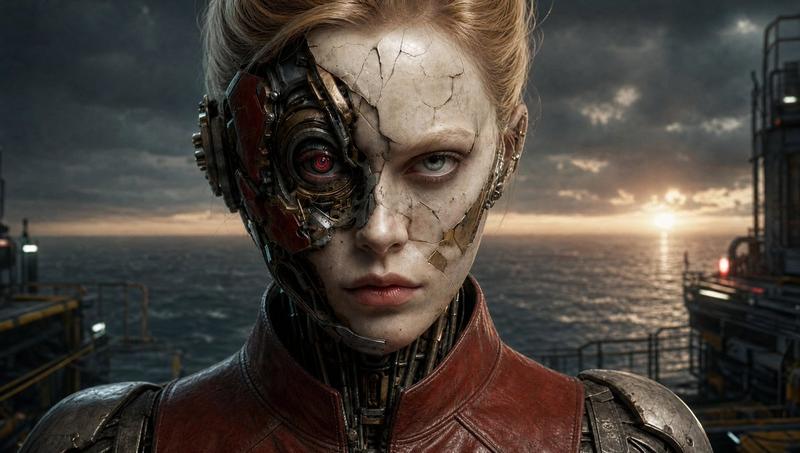
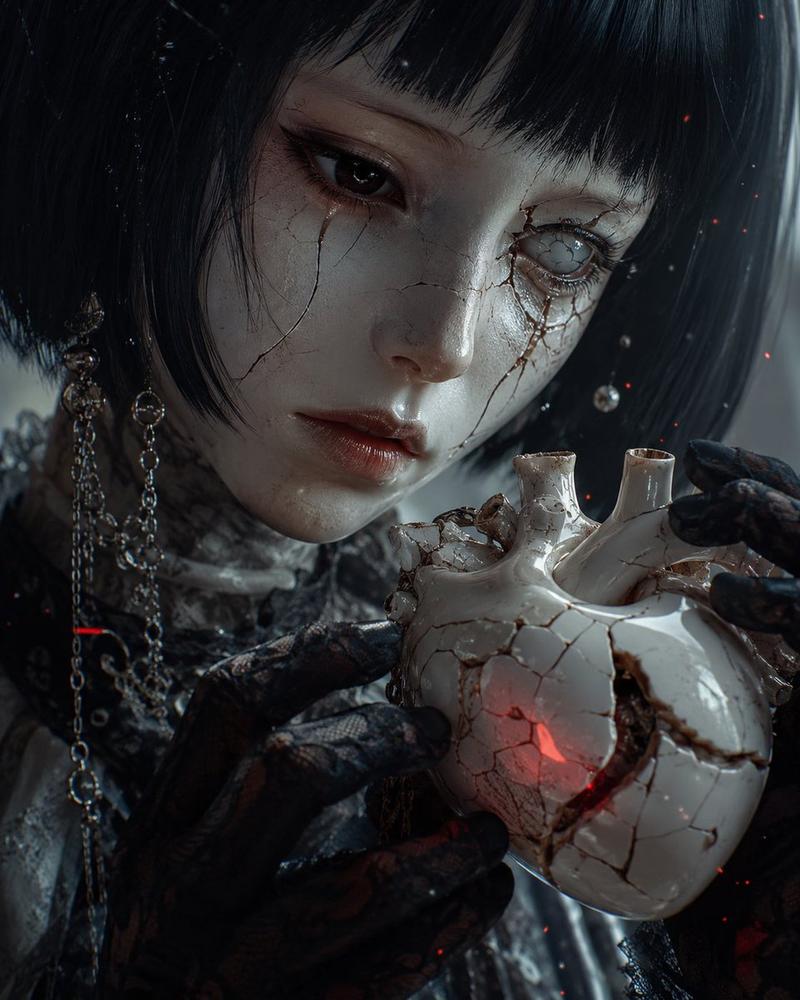
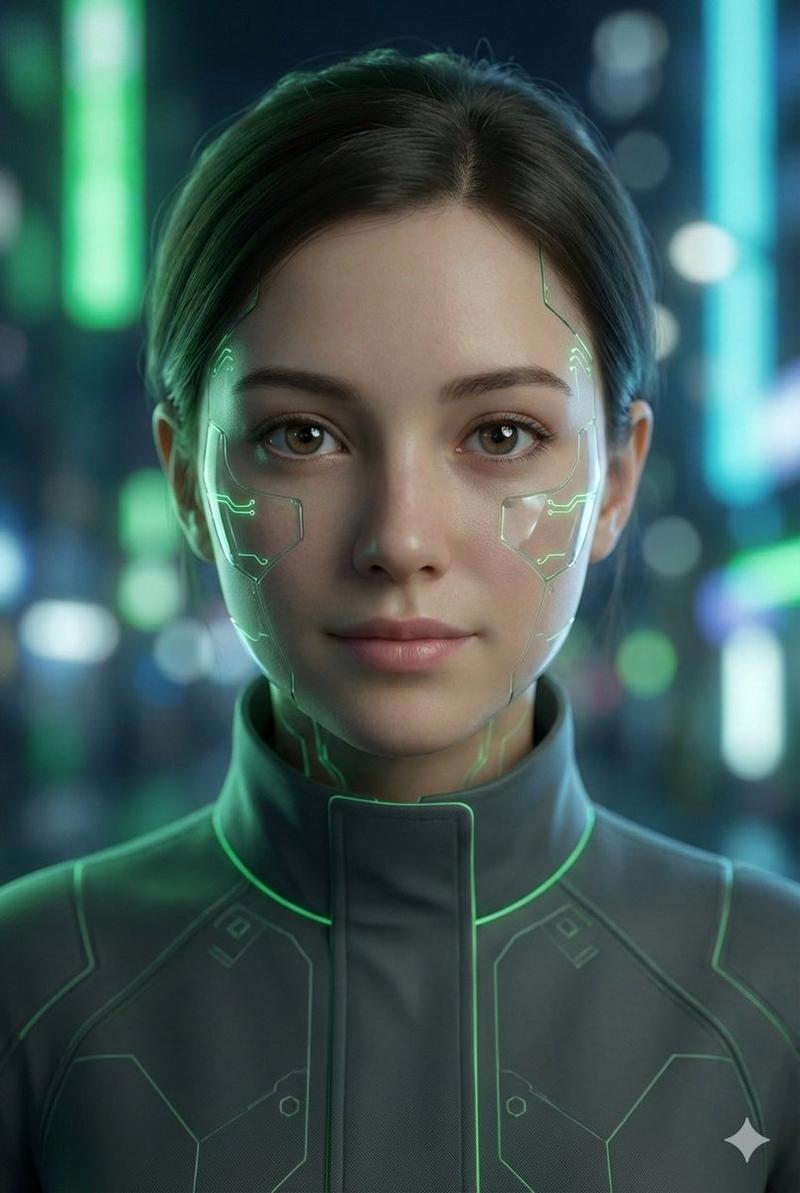
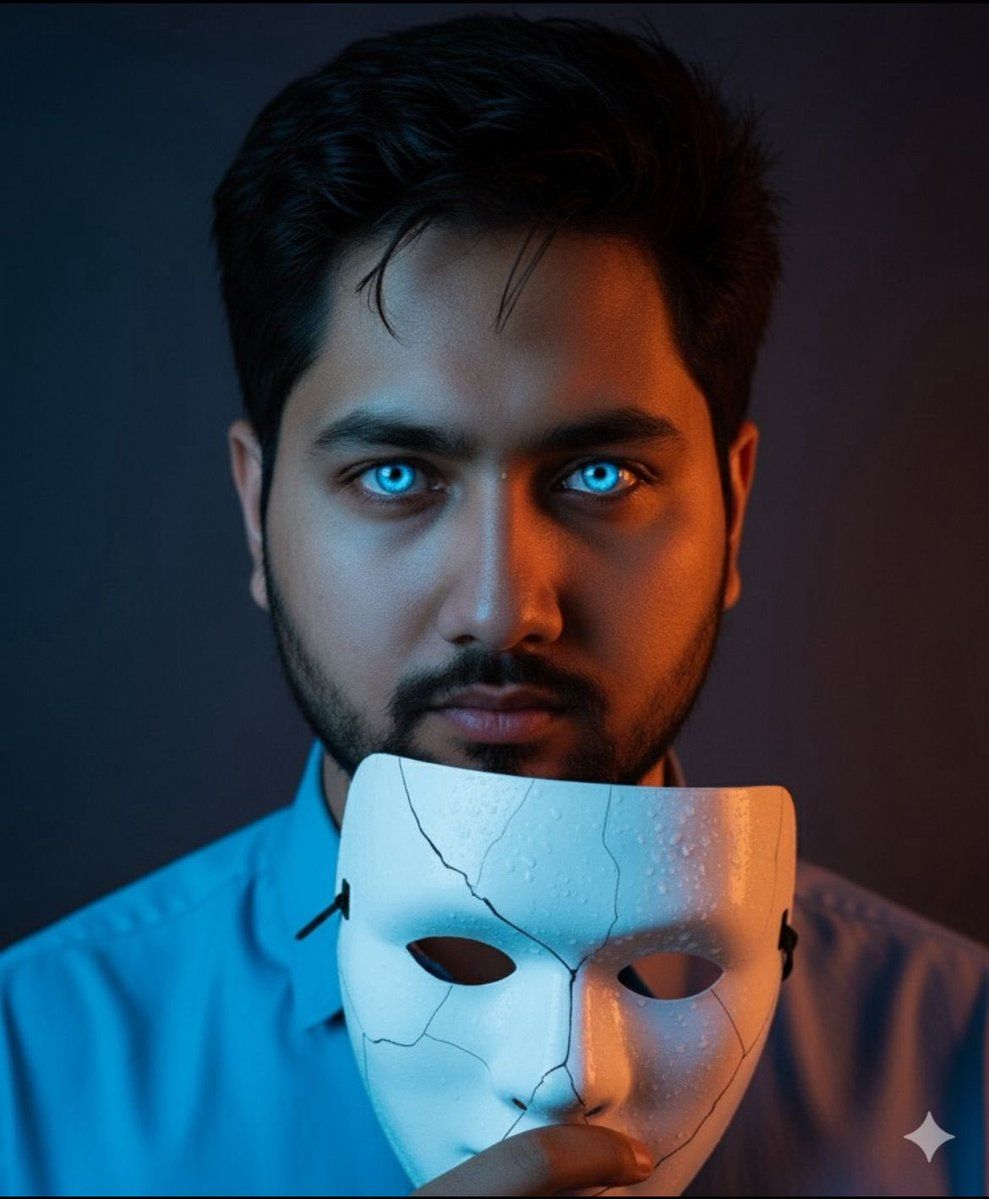
湿润皮肤和开裂面具的戏剧性特写肖像
Enlarge

湿润皮肤和开裂面具的戏剧性特写肖像

Prompt
A close-up portrait of a young man with wet skin glistening under dramatic lighting, holding a cracked white mask near his face. His short dark hair is damp, and water droplets cover his forehead and cheeks. He has striking glowing blue eyes that stand out vividly against the warm orange and cool blue lighting. The cracked mask in his hand also has water droplets on it and features subtle blue reflections from the surrounding light. He wears a light blue collared shirt with a green lanyard visible around his neck. The background is dark and blurred with a cinematic gradient of deep blue and orange tones, creating an intense and mysterious atmosphere. The composition is tight and centered, highlighting the emotion in his expression and the texture of the wet skin and mask.
Category
创意图片
Model
Nano Banana Pro
Views0
Source ID
a73c4529-d409-4e38-889a-4914cc99f216
Published
Mar 8, 2026

Guide

About "湿润皮肤和开裂面具的戏剧性特写肖像"

What is this prompt for?

"湿润皮肤和开裂面具的戏剧性特写肖像" AI image prompt for Nano Banana Pro (创意图片). 一个提示词,用于生成一张特写肖像,描绘一位皮肤湿润、闪闪发光的年轻男子,手持一个破裂的白色面具,通过戏剧性的、对比鲜明的蓝橙电影灯光突出,营造出神秘的氛围。 --- 一个年轻男子的特写肖像,…

The full copyable prompt and example visuals above are ready for AI image generation or one-click recreate in Picva.

How to use this prompt

  1. Step 1

    Open the prompt detail

    Review the example visuals, category, and full prompt text for "湿润皮肤和开裂面具的戏剧性特写肖像".

  2. Step 2

    Copy the prompt

    Copy the prompt body from this page, or load it directly in Studio.

  3. Step 3

    Pick a model (Nano Banana Pro)

    Prefer Nano Banana Pro. If you switch models, keep subject and composition and tweak style terms.

  4. Step 4

    Generate and export

    Recreate the look in Picva, or export into your workflow for editing and publishing.

FAQ

What is the "湿润皮肤和开裂面具的戏剧性特写肖像" prompt?
It is an AI image-generation prompt for Nano Banana Pro in the 创意图片 category. This page includes the full prompt text, example visuals, and a one-click recreate path in Picva.
How do I use this prompt to generate an image?
Copy the prompt from this page, or use Generate / Studio. Paste it into a compatible image model, or recreate the look in Picva with optional reference images.
Which model is this prompt for?
This page lists Nano Banana Pro. Most descriptive prompts also transfer to nearby image models such as GPT Image, Flux, or Midjourney with light style tweaks.
Can I use the result commercially?
You can usually copy the prompt for creation, but commercial use of the final image depends on the model terms, reference-image rights, and the generated content. Follow the source author and platform rules.