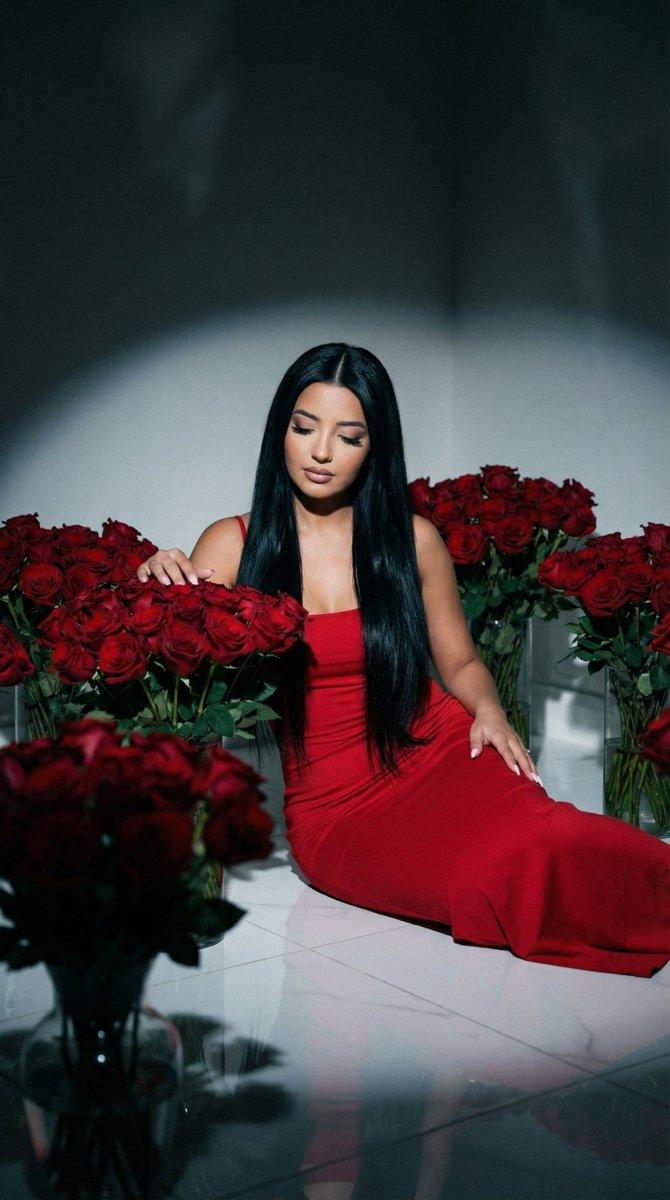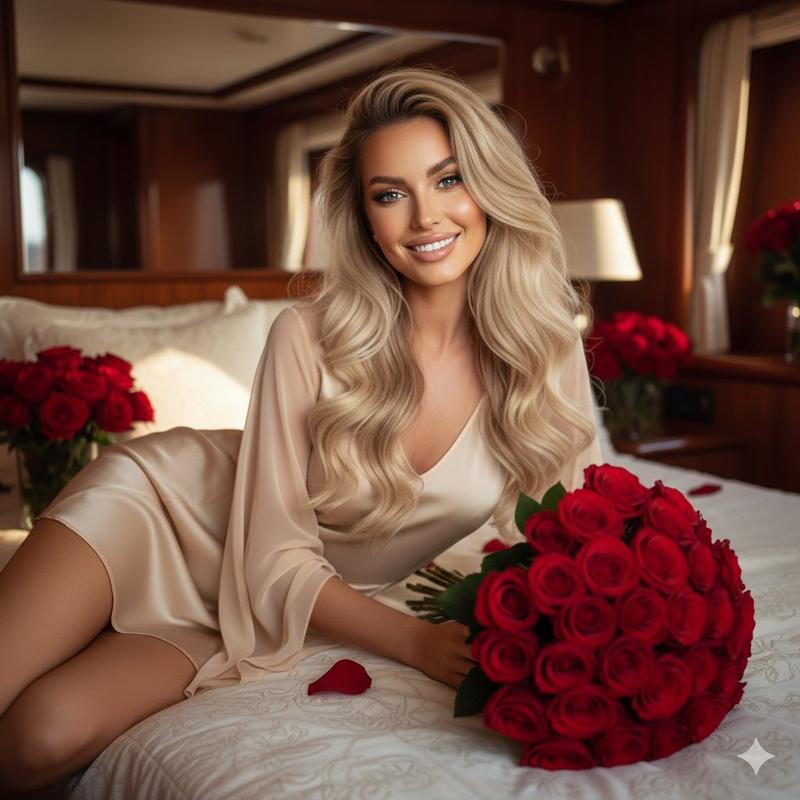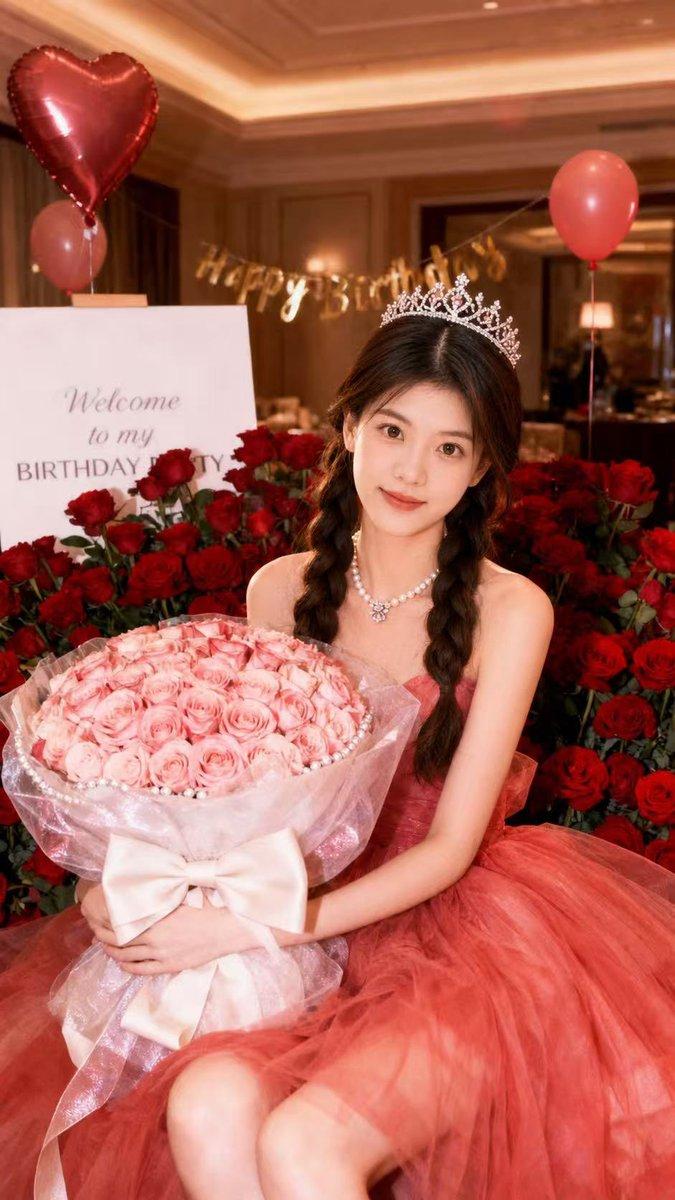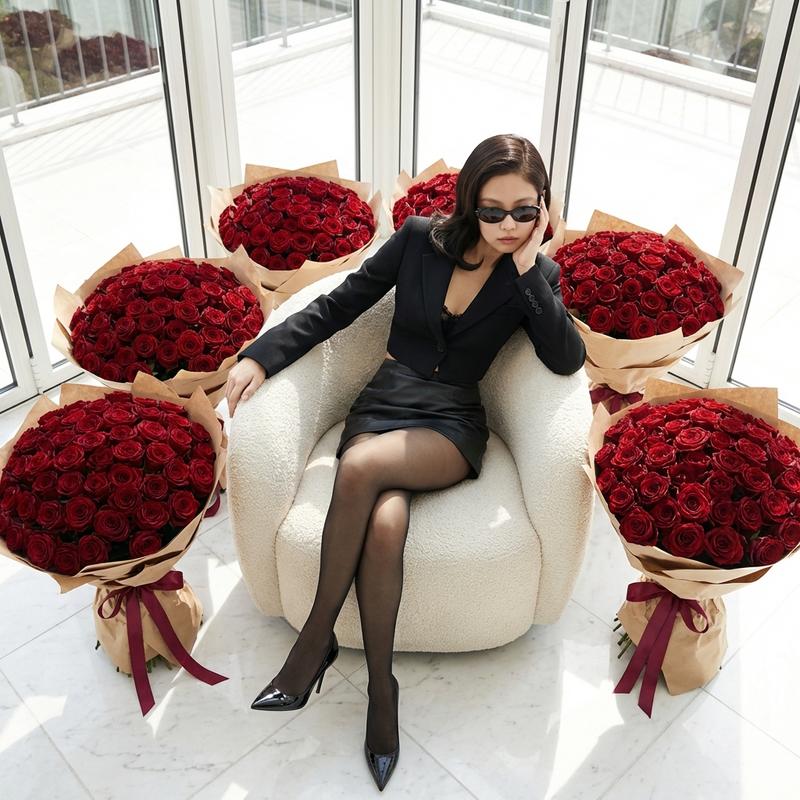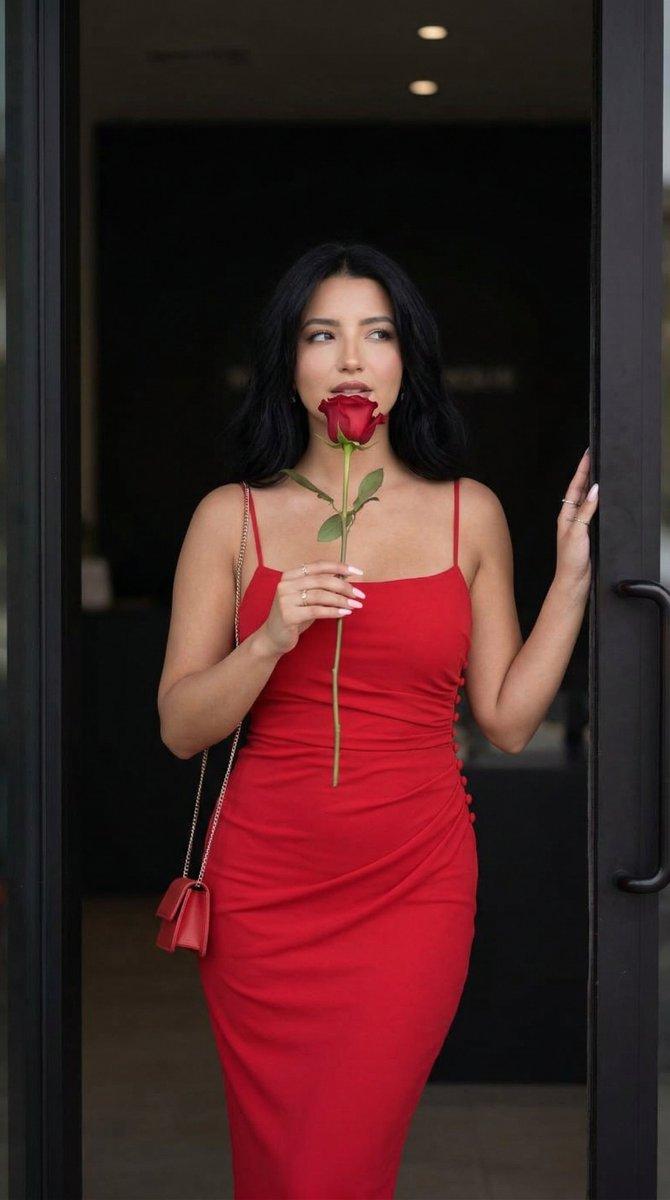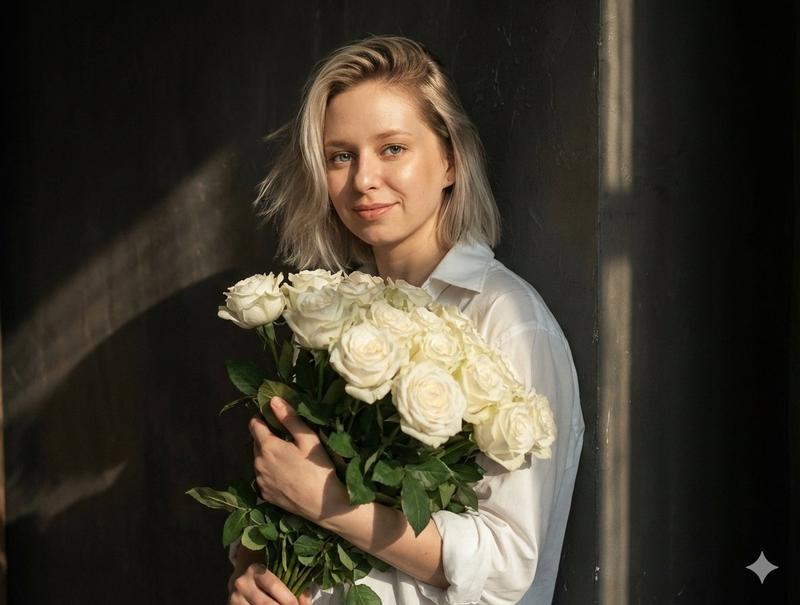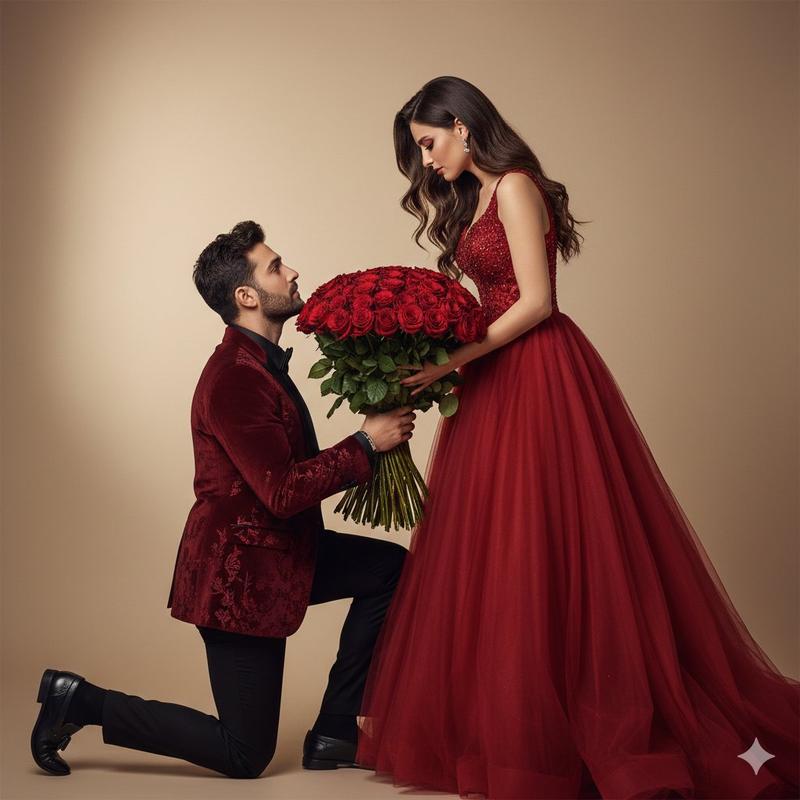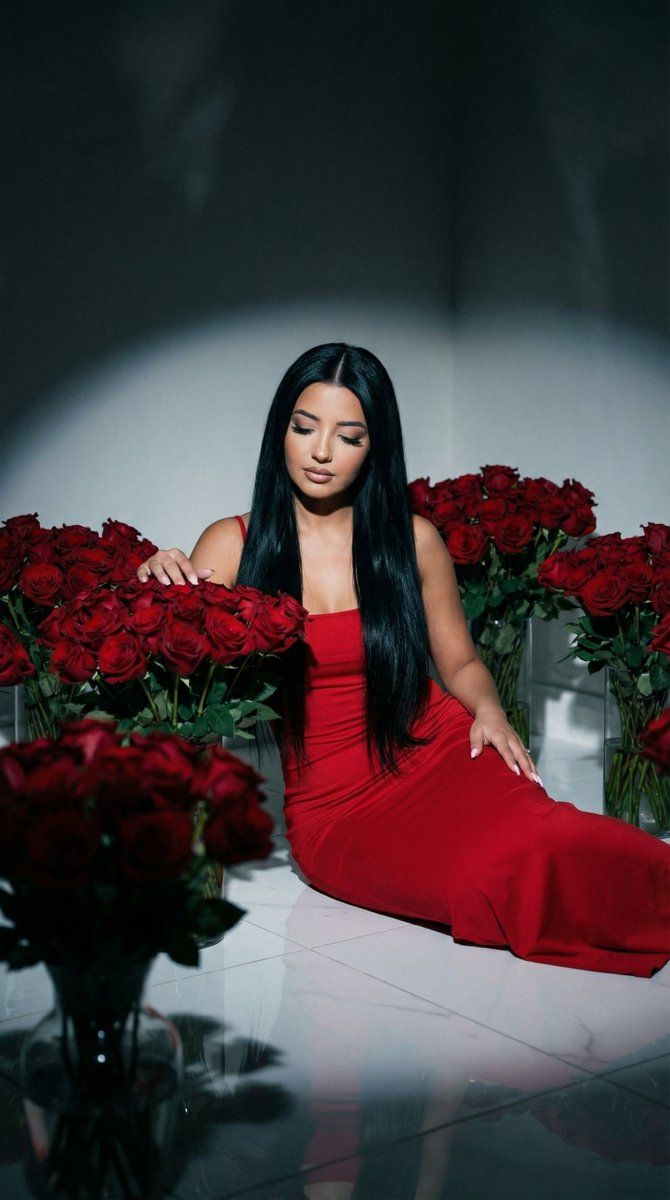
红色玫瑰房间中的电影感低调人像
Prompt
{
  "generation_request": {
    "meta_data": {
      "task_type": "cinematic_lowkey_valentines_rose_room_red_dress",
      "language": "en",
      "priority": "highest",
      "version": "v1.0_RED_DRESS_ROSE_ROOM_LOWKEY_DRAMA"
    },
    "output": {
      "aspect_ratio": "4:5",
      "resolution": "ultra_high",
      "num_images": 4,
      "sharpness": "high",
      "grain": "fine_film_grain"
    },
    "scene": {
      "concept": "dramatic low-key cinematic portrait of a woman in a room filled with red roses",
      "environment": "dark minimalist interior room, glossy white floor, multiple large glass vases filled with dense red rose bouquets arranged around the subject in a circle",
      "composition": "top-down or slightly elevated angle, subject centered, surrounded by roses, strong negative space in shadows, deep vignette edges",
      "mood": "luxury, moody, intimate, dramatic"
    },
    "subject": {
      "person": "adult woman",
      "pose": "sitting on the floor with legs folded to the side, holding or resting arms on a bouquet, head slightly bowed, gaze downward",
      "expression": "soft, introspective, calm",
      "hair": "very long straight black hair, sleek and glossy, center part",
      "makeup": "full glam: defined lashes, soft contour, nude-pink lips or subtle rose tone",
      "wardrobe": {
        "dress": "fitted red maxi dress with thin straps, smooth fabric, clean silhouette, realistic folds at seated position"
      },
      "accessories": "minimal jewelry, small necklace"
    },
    "props": {
      "roses": "many oversized dense red rose bouquets in clear glass vases, some bouquets near camera foreground partially out of focus",
      "floor": "white reflective tile or polished surface with subtle reflections of roses and dress"
    },
    "camera": {
      "shot_type": "cinematic portrait, slightly overhead",
      "lens": "50mm",
      "aperture": "f/2.0",
      "focus": "subject face and nearest bouquet sharp; foreground bouquets slightly blurred for depth",
      "framing": "4:5 vertical, centered symmetry"
    },
    "lighting": {
      "setup": "single strong soft spotlight from above-left creating dramatic shadows; minimal fill",
      "look": "low-key, chiaroscuro style, deep blacks",
      "highlights": "controlled highlights on roses and hair; no blown whites on floor"
    },
    "color_grading": {
      "palette": "deep reds + cool dark shadows + neutral whites",
      "look": "cinematic, contrasty, slightly cool shadows with rich red emphasis",
      "contrast": "high",
      "saturation": "controlled (reds rich without clipping)"
    },
    "quality_rules": {
      "anatomy_accuracy": "strict",
      "face_integrity": "no warping, no asymmetry artifacts",
      "hands": "correct fingers, natural joints, no extra digits",
      "rose_detail": "petals crisp, no melted textures",
      "no_ai_artifacts": true,
      "no_text": true
    },
"negative_prompt": [- Category
- 创意图片
- Model
- Nano Banana Pro
- Creator
- Özge Döner
- Source ID
- 01ab7810-6442-441d-88a6-79e73532ff6a
- Published
- Mar 8, 2026
Views0