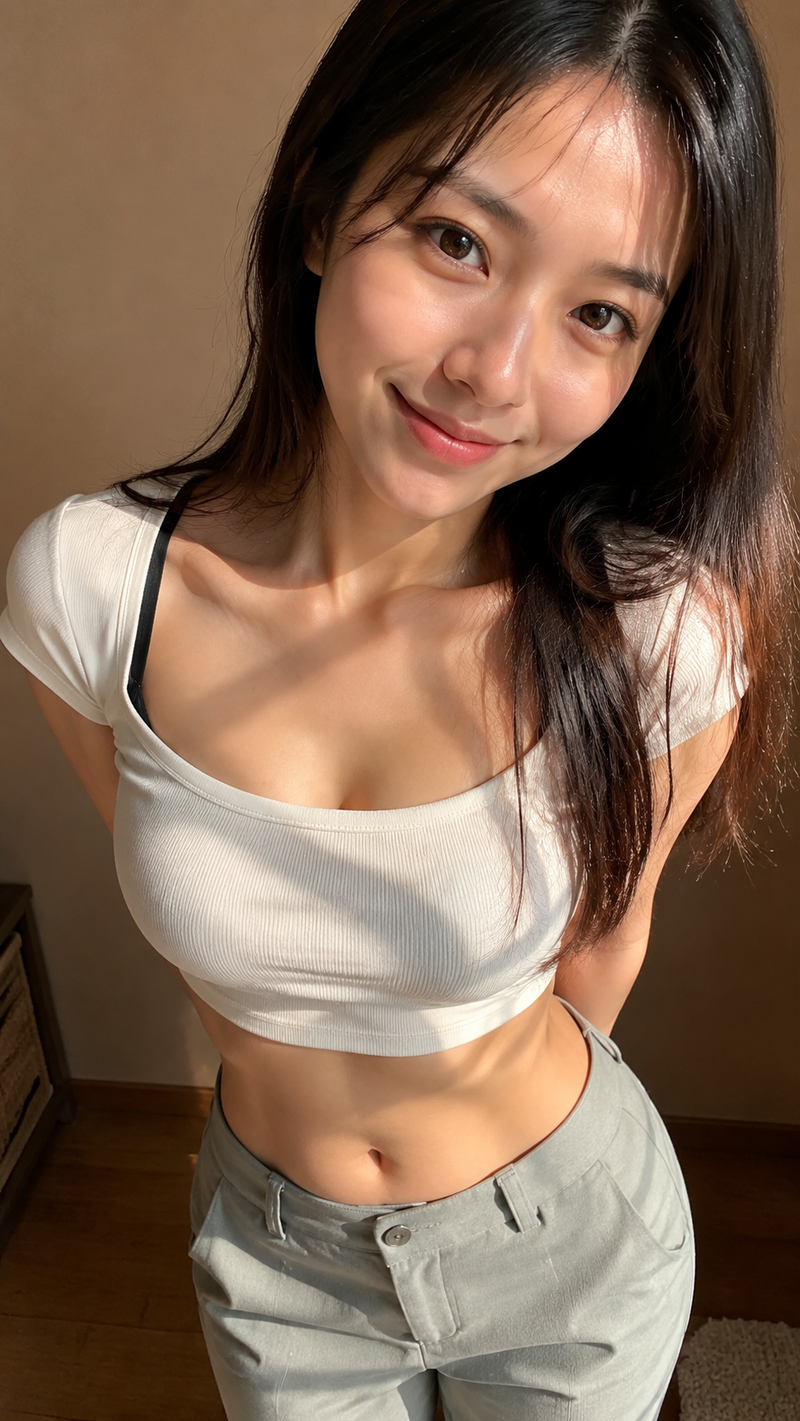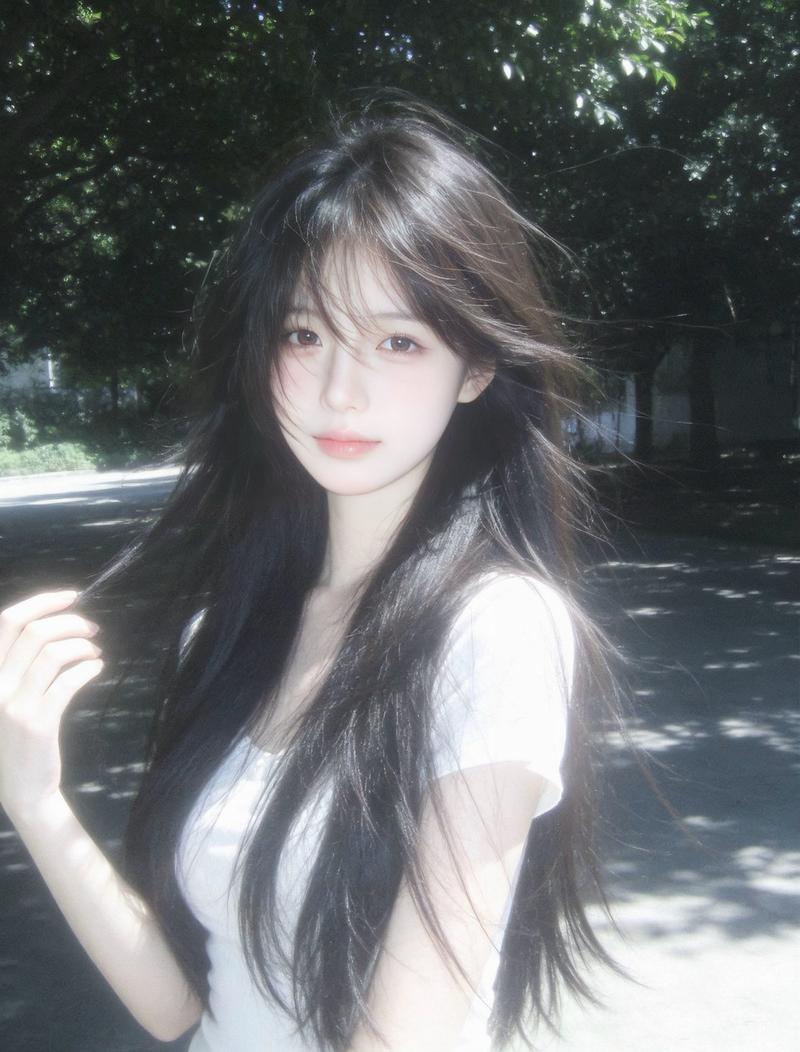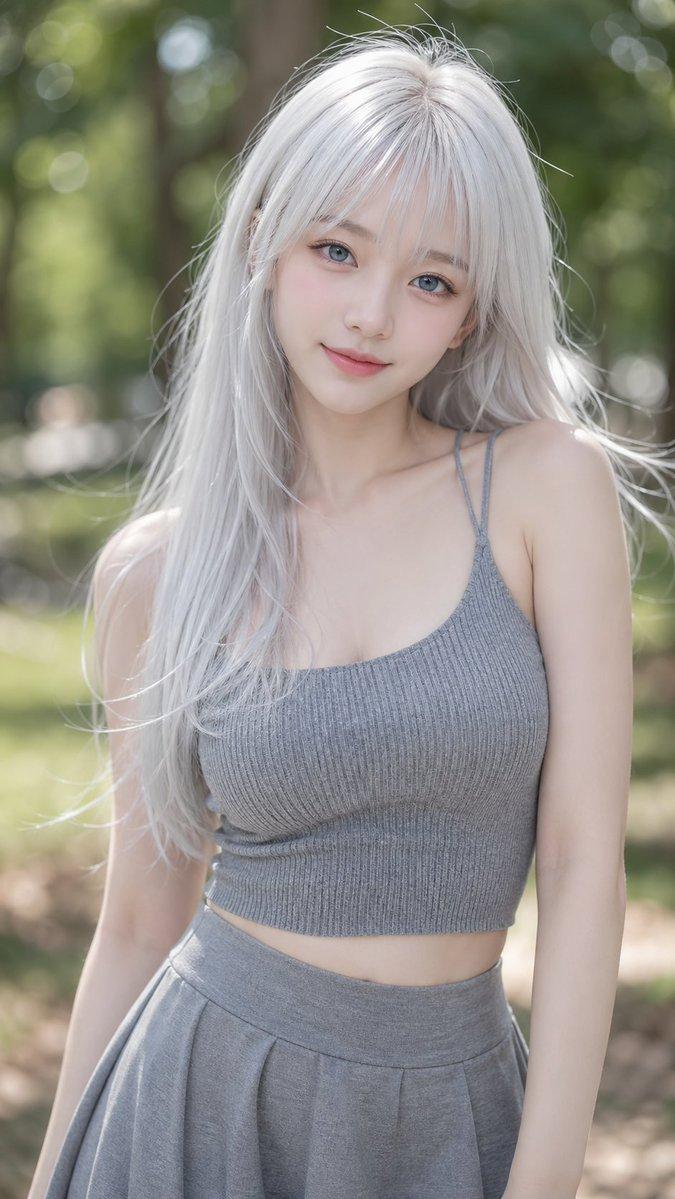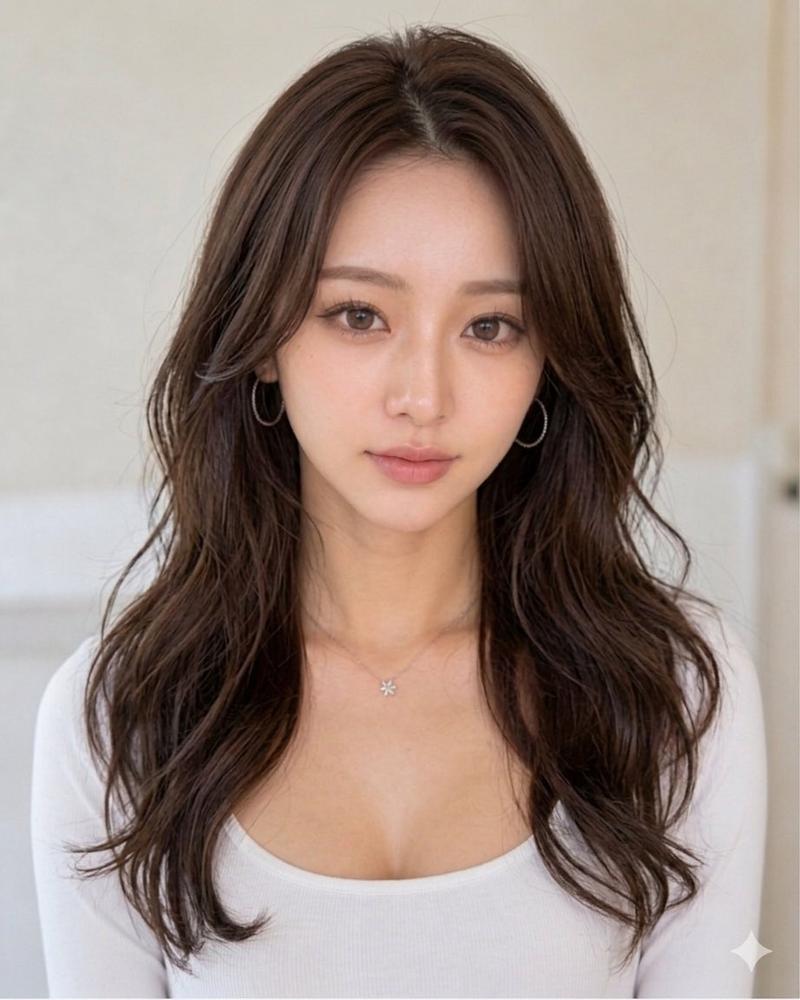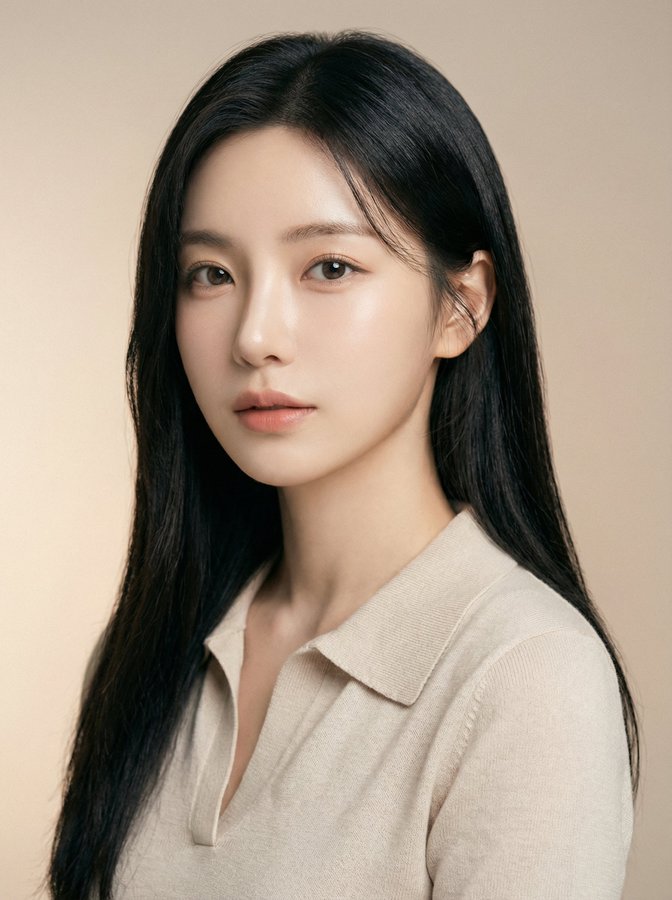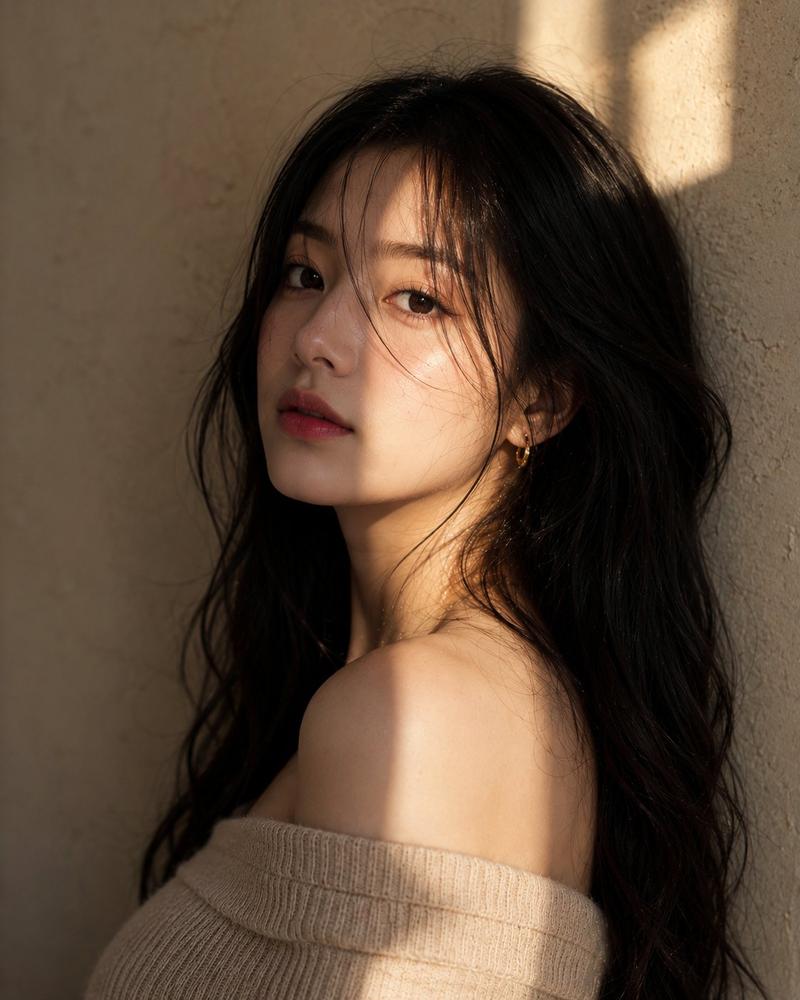
角色生成提示(步骤 1)
Prompt
I. Composition & Spatial Layout
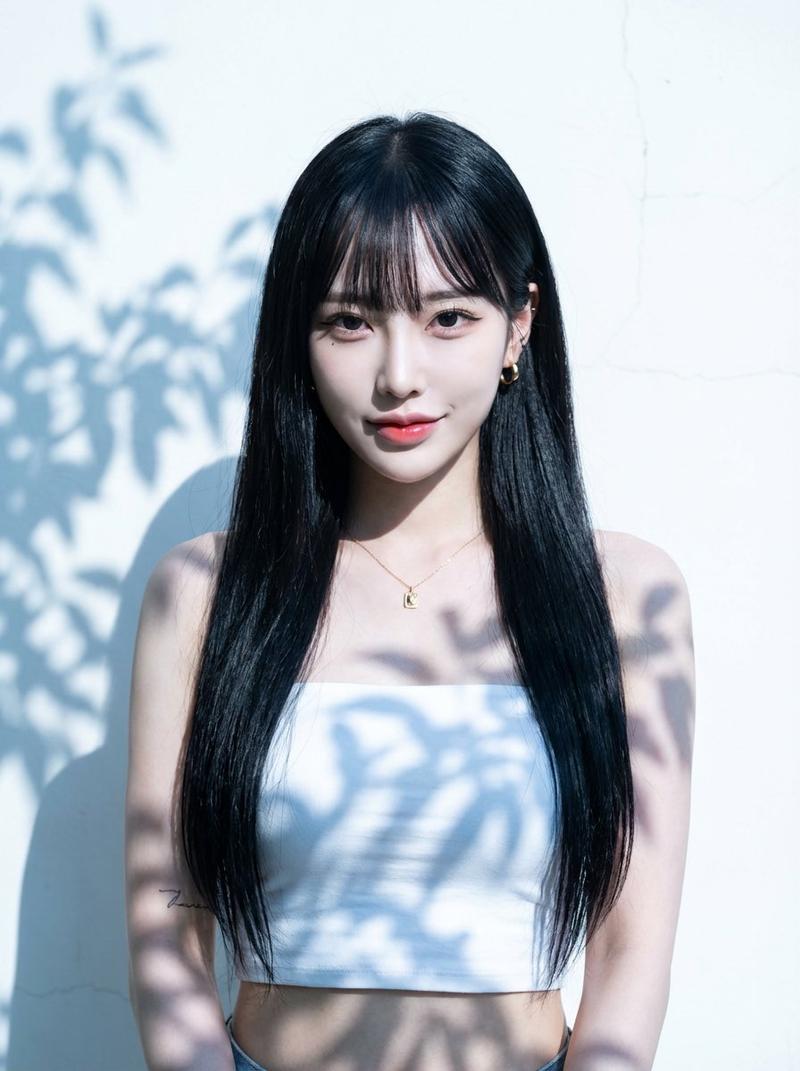
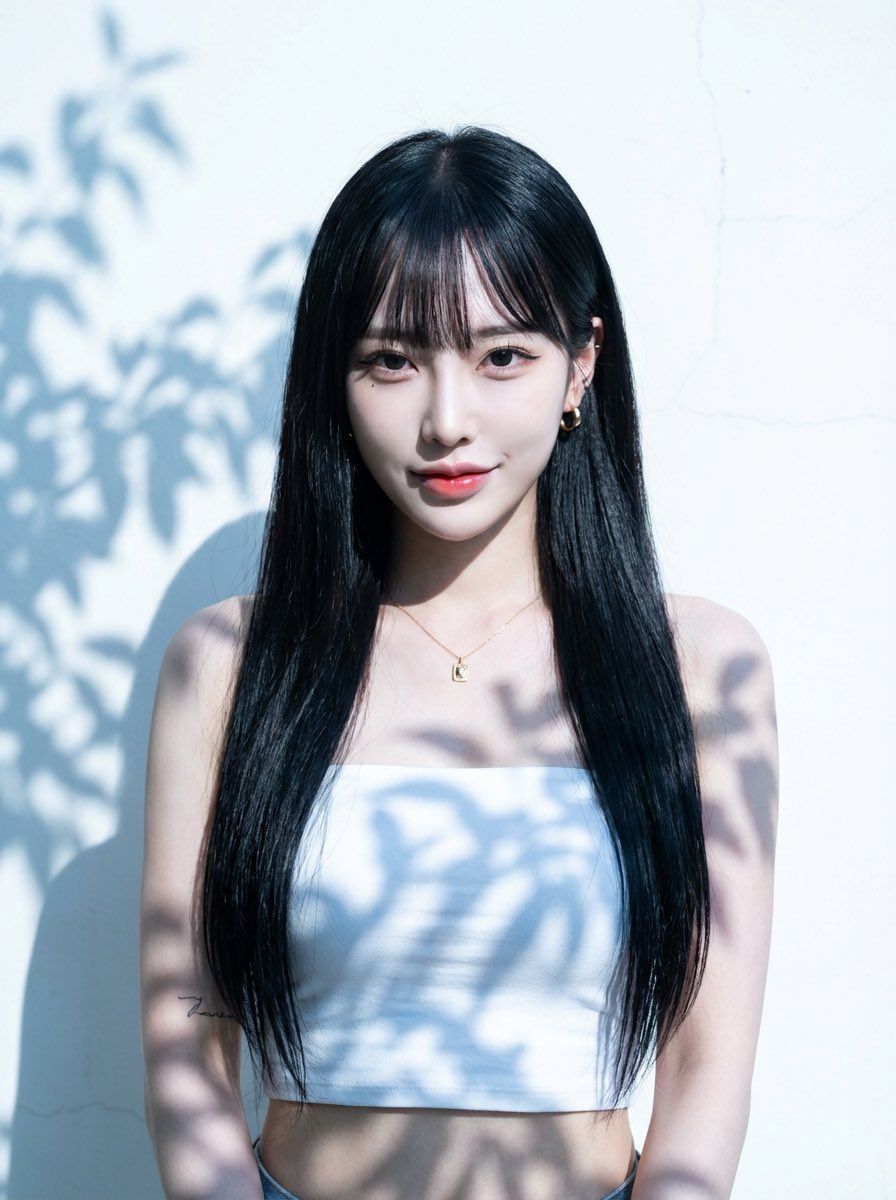
1.Framing & Scale: The subject occupies approximately 60–70% of the frame height. Leave at least 30% of the frame height as empty space above the head. Both left and right sides retain clearly visible empty wall space.
2.Visual Focus: A minimal, uncluttered background designed to strongly emphasize facial structure, eye expression, and skin quality.

II. Lighting & Shadow Style
1.Key Light: Intense natural daylight, side-backlit with a slight reverse angle, cool-toned, producing extreme high-contrast separation between highlights and shadows.
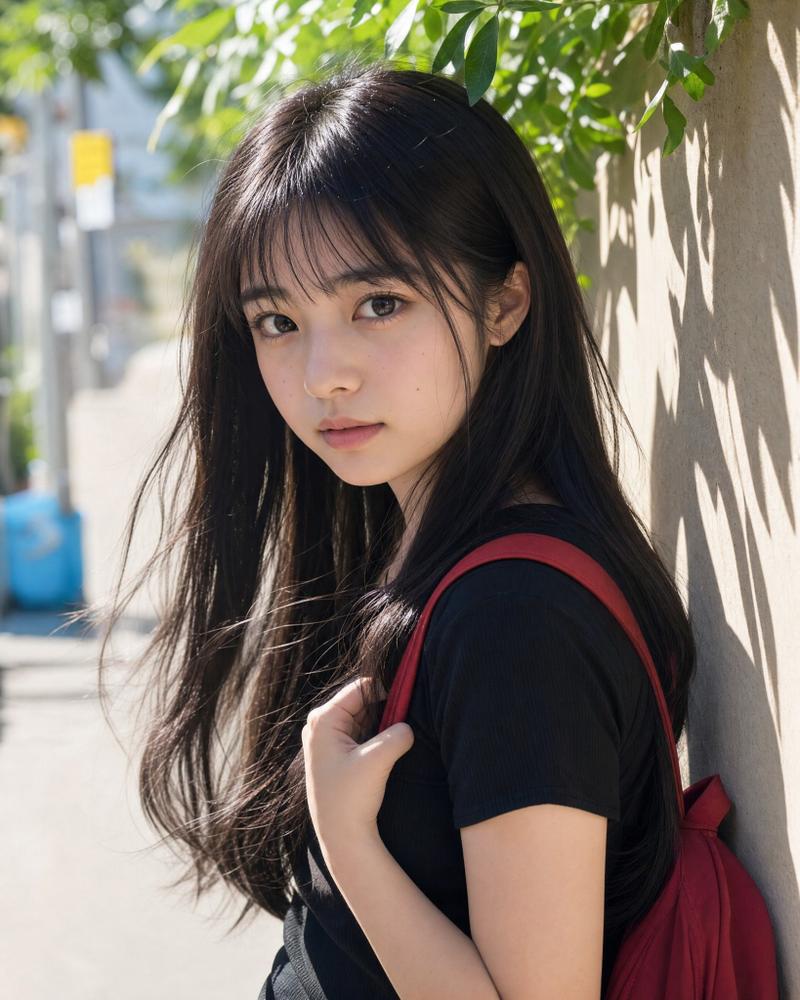
2.Light Characteristics: Dense, hard-edged leaf-shadow patterns projected across the wall and the subject’s body and face. Shadow edges are razor-sharp with extremely narrow penumbra.
3.Highlight Control: Large areas of the background are deliberately overexposed while retaining faint surface texture, creating a glowing, almost blinding spatial atmosphere.

III. Subject Appearance (Face & Hair — Reference Applied)
1.Facial Structure:
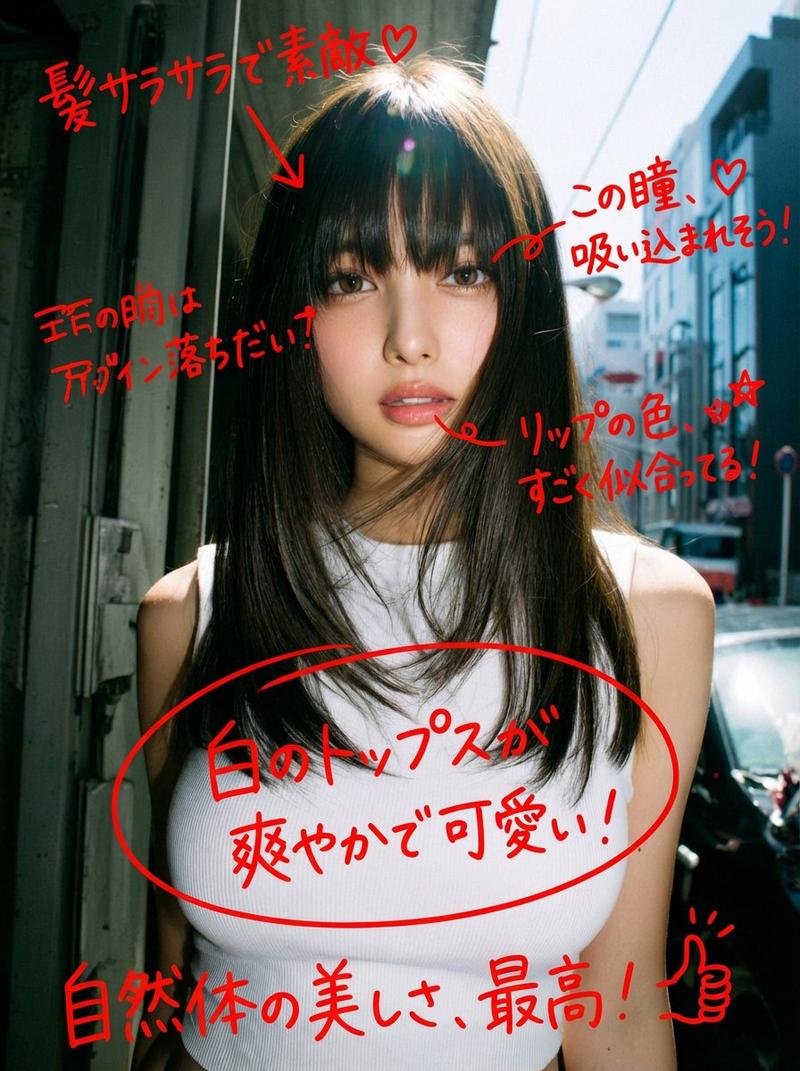
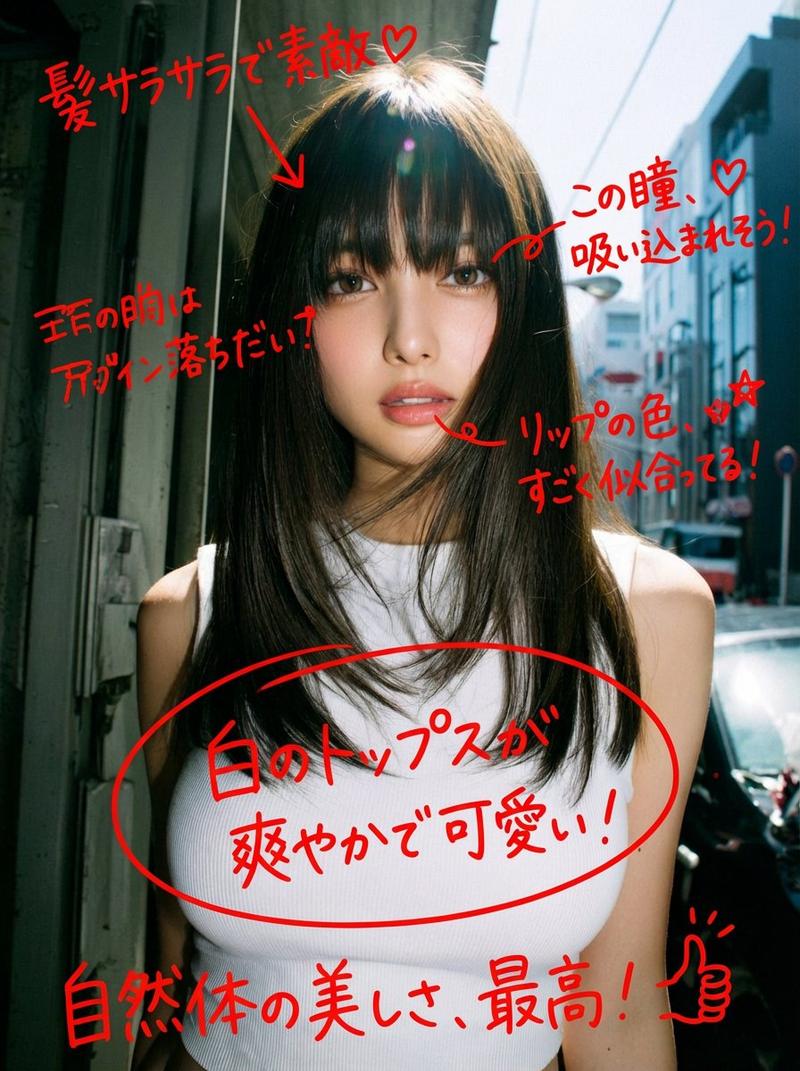
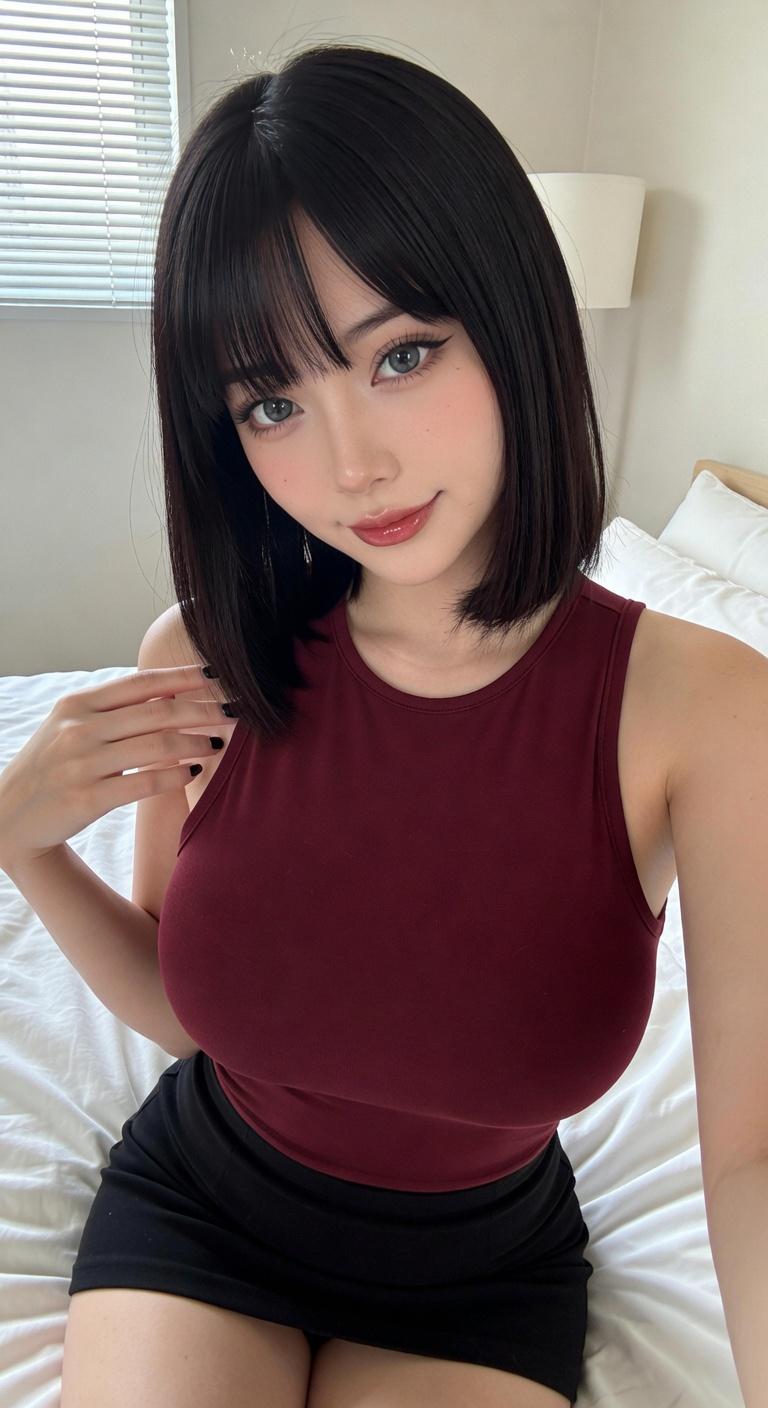
A young Japanese woman in her 20s with a refined V-shaped face, sharp jawline, and high-definition facial contours. Overall facial balance is elegant yet striking, with high visual impact.
2.Skin Quality:
Porcelain-toned Japanese skin with a cool undertone. Ultra-smooth, luminous texture enhanced by strong contrast lighting while retaining realistic skin detail.
3.Eyes & Expression:
・Large, sharp fox-shaped eyes
・Confident gaze directed straight into the camera
・Expression carries a cool, playful, slightly teasing energy
・K-pop idol–inspired eyeliner with clearly emphasized aegyosal
・Overall expression is controlled, calm, and subtly provocative rather than smiling
4.Mouth:
Relaxed lips with a subtle, effortless smirk. Glossy gradient lips with a refined sheen, never exaggerated.
5.Hair Style:
Long, sleek, straight black hair reaching the waist, with perfectly straight, neatly trimmed Japanese bangs. Hair finish is glossy, clean, and fashion-forward, moving minimally in the light.
6.Makeup Style:
High-contrast K-pop idol–inspired makeup. Clean base, sculpted facial structure, cool-toned color balance, no warm or heavy blush.
7.Accessories (Minimal):
・Small gold pendant necklace
・Small gold hoop earrings
・Minimalist tattoo on the left inner forearm

IV. Clothing
・Cropped pure-white bandeau-style tube top
・Body-hugging but not tight, exposing the waist
・Fabric remains clean and structured, no wrinkles distracting from silhouette
- Category
- 创意图片
- Model
- Nano Banana Pro
- Creator
- iX
- Source ID
- 246d4564-5f03-4f4b-ae5a-6fa14b51607a
- Published
- Mar 8, 2026
Views0