竖版全身节日海报
Prompt
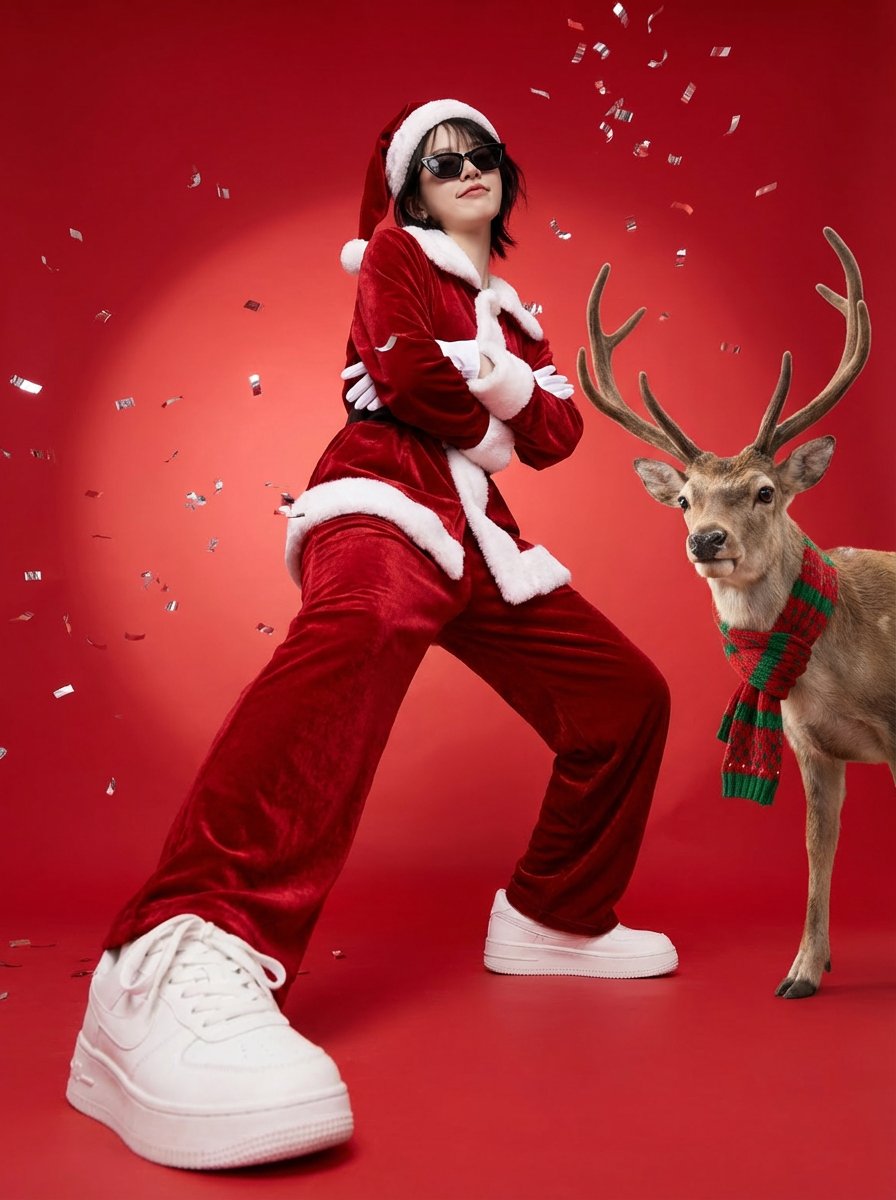
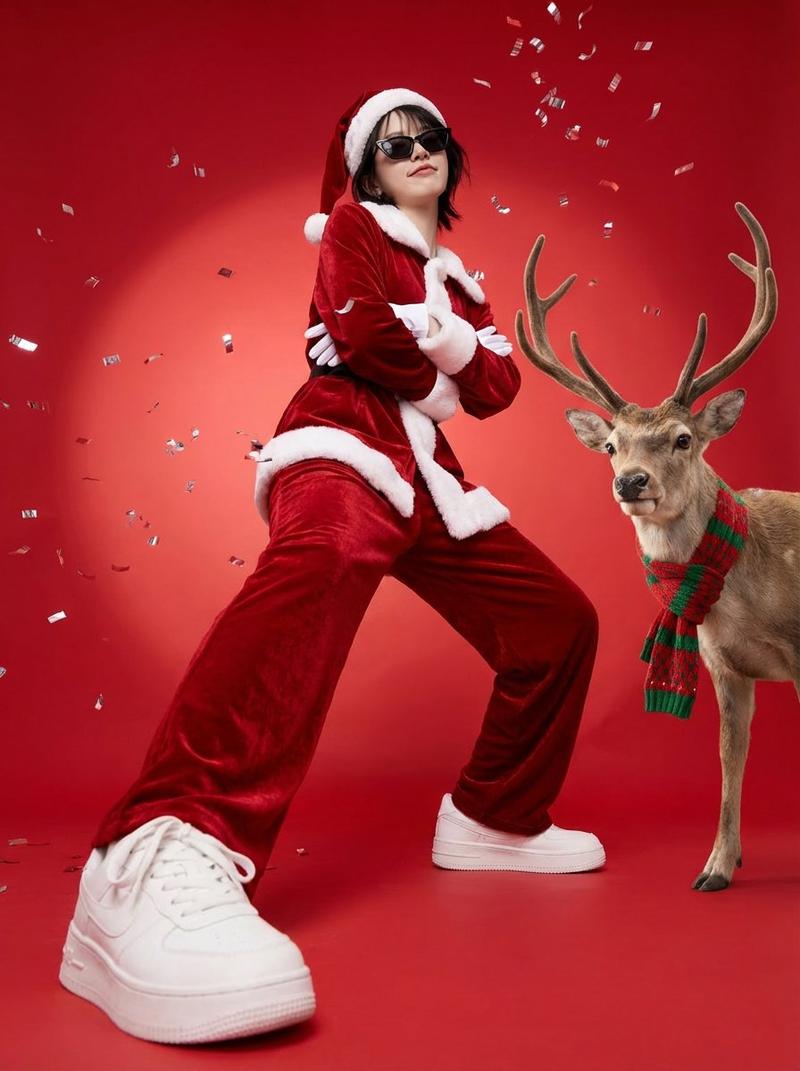
Create a full-body vertical 3:4 festive poster. Use the person from the uploaded reference image as the ONLY human subject (could be male or female). Preserve identity strongly: same face structure, hairstyle, skin tone, and overall likeness. Preserve the subject’s gender presentation from the reference; do not gender-swap.

POSE (LOCK THIS): a grounded swagger power-stance with BOTH FEET ON THE FLOOR (no raised leg). Wide stance, feet apart. Weight mostly on the back leg. The front foot is planted closer to the camera to create forced-perspective enlargement of the sneaker, but the sole stays fully on the ground. Knees slightly bent. Hips subtly cocked. Upper body slightly leaned back with shoulders rolled back and chest subtly forward.

ARMS & FACE (LOCK THIS): arms firmly and tightly crossed over the chest (no hands-on-hips). Chin slightly raised. Slight head tilt. A smug, confident, sassy expression (subtle smirk / “too cool” attitude).

WARDROBE: rich red velvet Santa suit with clean white fur trim, Santa hat, white gloves, stylish black sunglasses. Keep modern clean white sneakers.

SCENE: seamless bright red studio backdrop with a soft spotlight gradient behind the subject. Metallic silver confetti floating throughout the scene.

REINDEER: place one realistic reindeer on the subject’s right side (camera-right), full body visible, antlers prominent, facing the camera with a cute/curious look. The reindeer wears a cozy red-and-green knitted scarf.

LIGHTING & CAMERA: crisp commercial studio lighting, high detail textures (velvet, fur trim, knit scarf, reindeer fur). Low-angle wide lens look (about 20–28mm), camera near knee height, slight upward tilt. Sharp focus on subject and reindeer, mild depth of field for a premium poster feel. Photorealistic, clean, no text.
- Category
- figure_toy
- Model
- Nano Banana Pro
- Creator
- Pixshop
- Source ID
- 45b2c743-b23c-48c3-be28-0a965ff5ac95
- Published
- Jan 7, 2026
Views4


![🎨 WOODLAND GLADE 🎨 Prompt : A Fairy Bokeh Woodland Glade featuring [SUBJECT],](https://cdn.pixshop.app/prompt-library/tweet-2007863361359290482/preview-0-1767801014063-gtpwfbi2.jpeg)