15

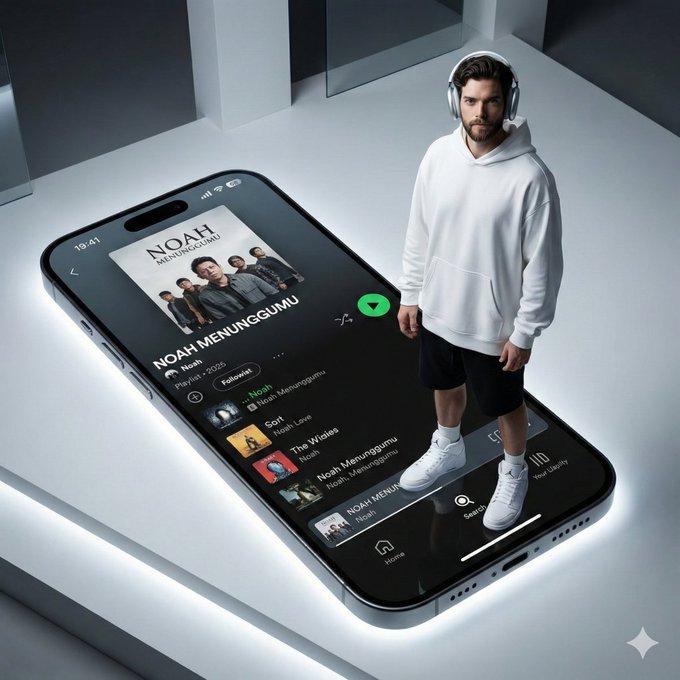
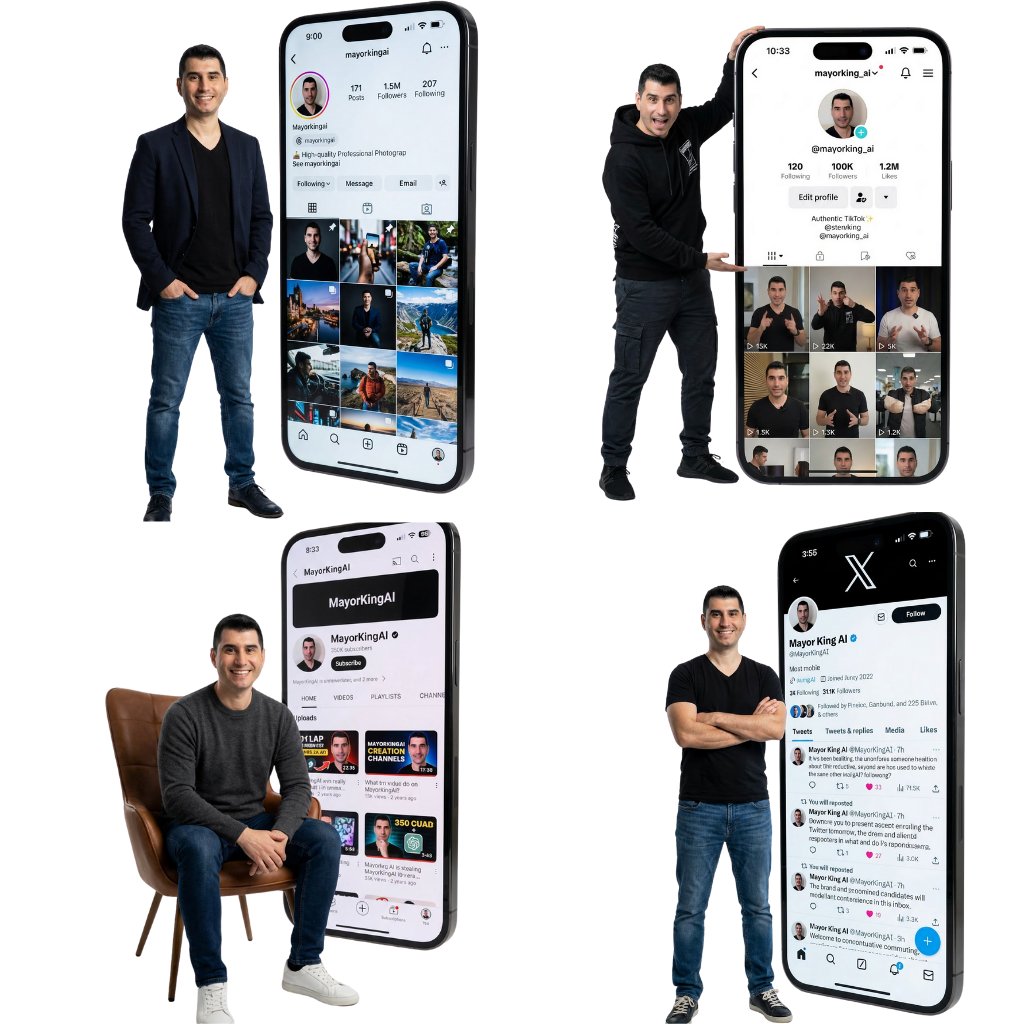
高端工作室照片
Enlarge

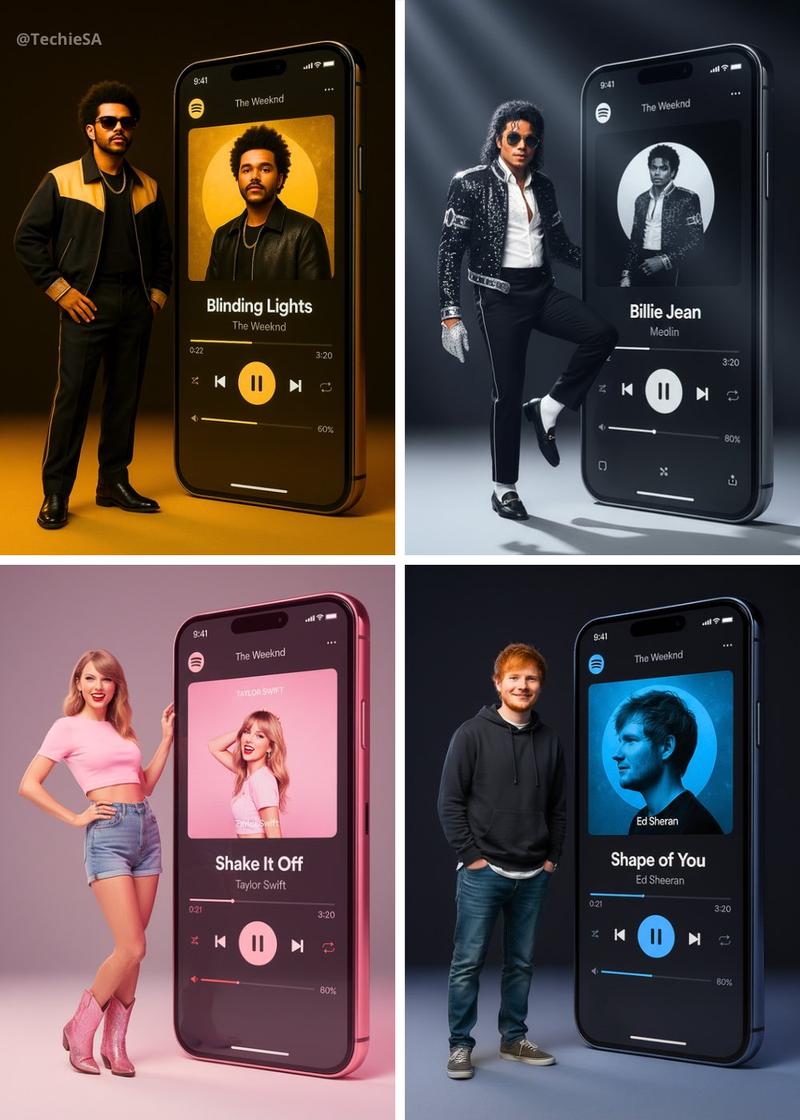
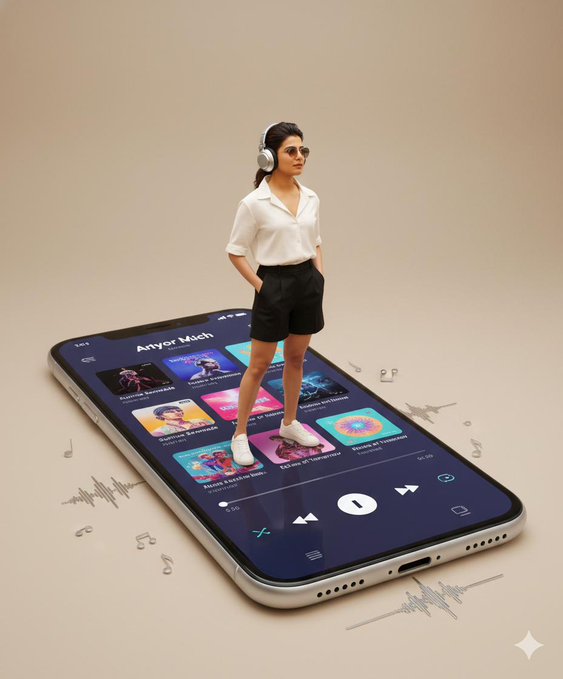
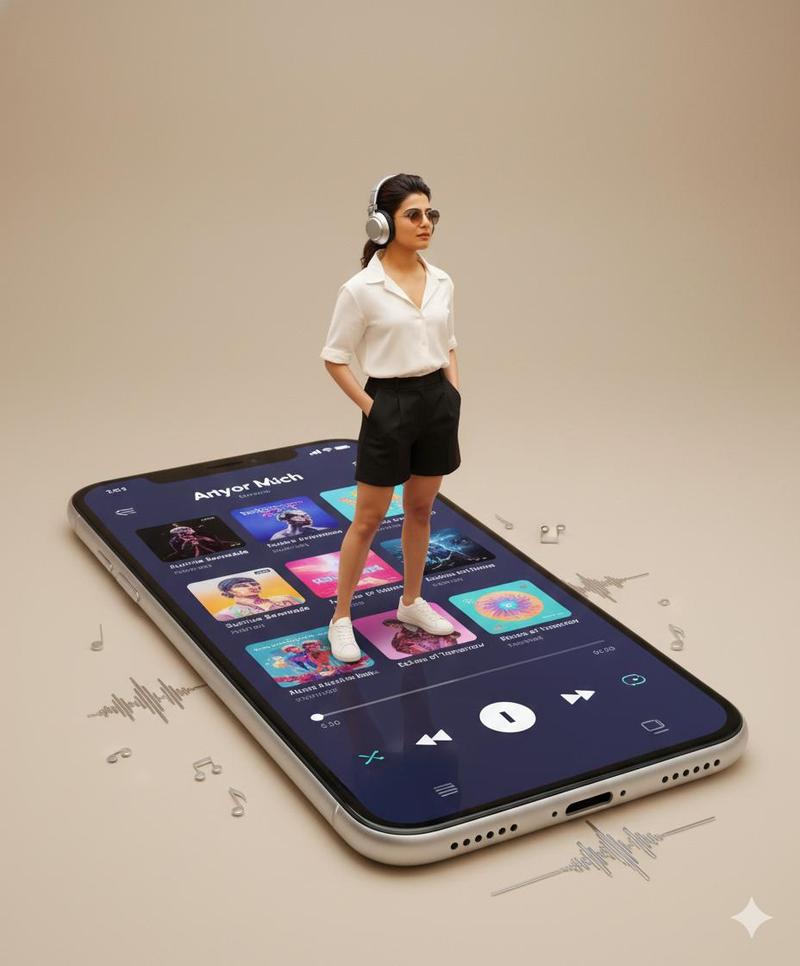
Example images

高端工作室照片

Prompt
Create a high-end 8k studio photograph. The person from the reference is standing on the left side, posing with a [POSE] attitude and wearing [CLOTHING]. To their right, dominating the scene, stands a GIANT, human-scale monolithic smartphone (floor-standing). The massive screen is on and displays a crystal-clear, authentic [SOCIAL APP] user interface. Key visible details on the screen must be sharp and legible and appear exactly as they would in the real app's layout: the profile picture (matching the subject), the username "@[USERNAME]", the follower count "[FOLLOWER COUNT]" displayed realistically within the standard profile stats area (not artificially enlarged), and a consistent feed of posts below. Premium studio lighting with the screen casting a subtle glow on the subject. Clean minimalist white background
Category
创意图片
Model
Nano Banana Pro
Views7
Source ID
fe7c96e6-dca7-4019-89a9-d77ba962d114
Published
Dec 27, 2025

Guide

About "高端工作室照片"

What is this prompt for?

"高端工作室照片" AI image prompt for Nano Banana Pro (创意图片). 创意图片 Copy it on Picva and recreate the look in one click.

The full copyable prompt and example visuals above are ready for AI image generation or one-click recreate in Picva.

How to use this prompt

  1. Step 1

    Open the prompt detail

    Review the example visuals, category, and full prompt text for "高端工作室照片".

  2. Step 2

    Copy the prompt

    Copy the prompt body from this page, or load it directly in Studio.

  3. Step 3

    Pick a model (Nano Banana Pro)

    Prefer Nano Banana Pro. If you switch models, keep subject and composition and tweak style terms.

  4. Step 4

    Generate and export

    Recreate the look in Picva, or export into your workflow for editing and publishing.

FAQ

What is the "高端工作室照片" prompt?
It is an AI image-generation prompt for Nano Banana Pro in the 创意图片 category. This page includes the full prompt text, example visuals, and a one-click recreate path in Picva.
How do I use this prompt to generate an image?
Copy the prompt from this page, or use Generate / Studio. Paste it into a compatible image model, or recreate the look in Picva with optional reference images.
Which model is this prompt for?
This page lists Nano Banana Pro. Most descriptive prompts also transfer to nearby image models such as GPT Image, Flux, or Midjourney with light style tweaks.
Can I use the result commercially?
You can usually copy the prompt for creation, but commercial use of the final image depends on the model terms, reference-image rights, and the generated content. Follow the source author and platform rules.