20

在复仇者大厦跟死侍合个影 (变体 2)
Enlarge

在复仇者大厦跟死侍合个影 (变体 2)

Prompt
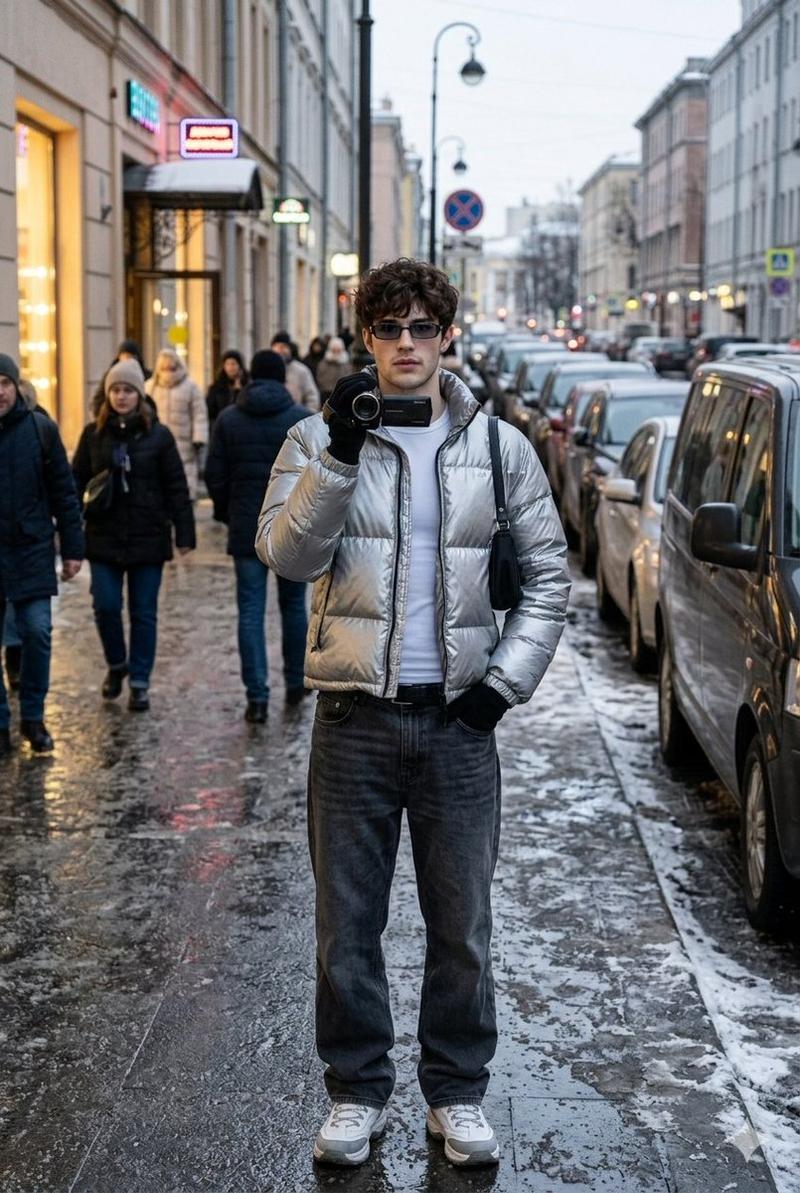
让死侍站在男人旁边,用手指在男人脑后比划“兔耳朵”,同时对着镜头露出调皮的表情。以俯瞰纽约市的复仇者大厦楼顶为背景。保持自拍构图不变,让两个角色自然地融入画面。
Category
group_interaction
Model
Nano Banana Pro
Views0
Source ID
10b8c243-6a58-49f6-9fc4-ca3e93739adb
Published
Dec 27, 2025

Guide

About "在复仇者大厦跟死侍合个影 (变体 2)"

What is this prompt for?

"在复仇者大厦跟死侍合个影 (变体 2)" AI image prompt for Nano Banana Pro (group_interaction). group_interaction Copy it on Picva and recreate the look in one click.

The full copyable prompt and example visuals above are ready for AI image generation or one-click recreate in Picva.

How to use this prompt

  1. Step 1

    Open the prompt detail

    Review the example visuals, category, and full prompt text for "在复仇者大厦跟死侍合个影 (变体 2)".

  2. Step 2

    Copy the prompt

    Copy the prompt body from this page, or load it directly in Studio.

  3. Step 3

    Pick a model (Nano Banana Pro)

    Prefer Nano Banana Pro. If you switch models, keep subject and composition and tweak style terms.

  4. Step 4

    Generate and export

    Recreate the look in Picva, or export into your workflow for editing and publishing.

FAQ

What is the "在复仇者大厦跟死侍合个影 (变体 2)" prompt?
It is an AI image-generation prompt for Nano Banana Pro in the group_interaction category. This page includes the full prompt text, example visuals, and a one-click recreate path in Picva.
How do I use this prompt to generate an image?
Copy the prompt from this page, or use Generate / Studio. Paste it into a compatible image model, or recreate the look in Picva with optional reference images.
Which model is this prompt for?
This page lists Nano Banana Pro. Most descriptive prompts also transfer to nearby image models such as GPT Image, Flux, or Midjourney with light style tweaks.
Can I use the result commercially?
You can usually copy the prompt for creation, but commercial use of the final image depends on the model terms, reference-image rights, and the generated content. Follow the source author and platform rules.