12

超写实的旅行广告
Enlarge

Example images

超写实的旅行广告

Prompt
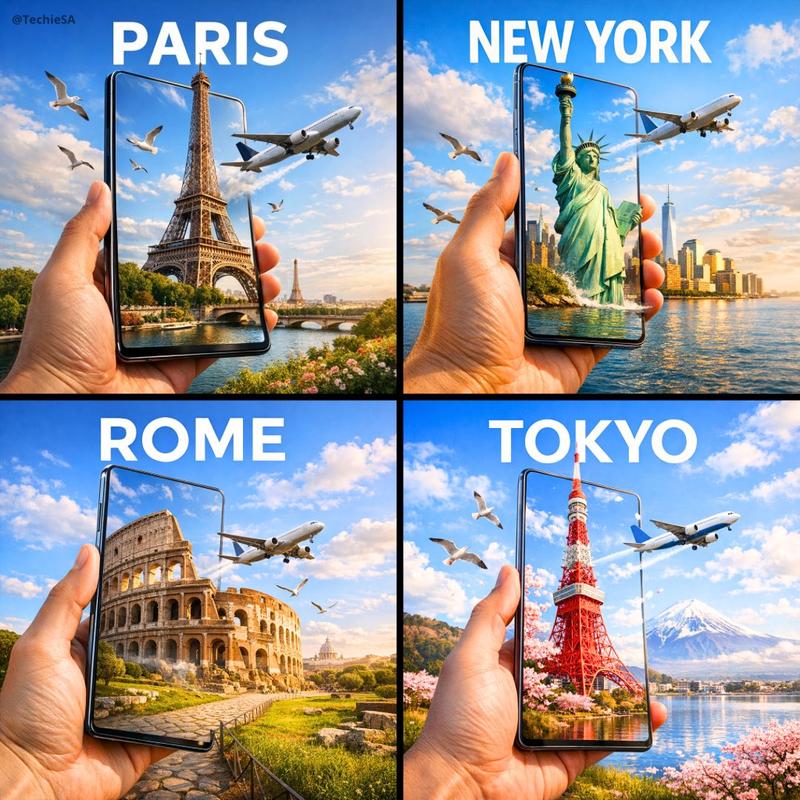
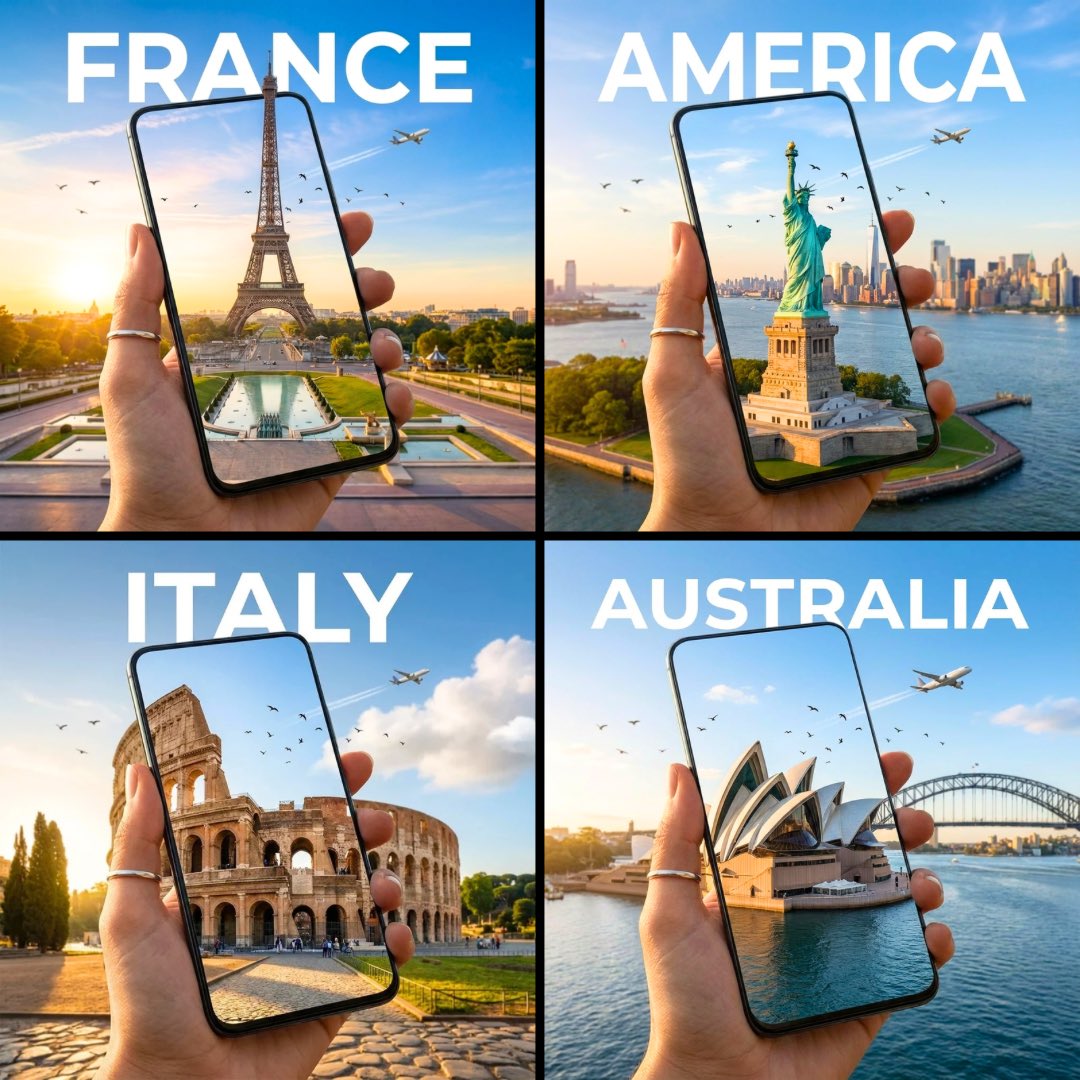
A hyper-realistic travel advertisement in square format (1080x1080), featuring a hand holding a sleek, ultra-thin smartphone or tablet in portrait orientation, tilted slightly sideways to create a striking 3D portal effect. The screen displays a high-resolution image of an iconic landmark from [COUNTRY], which continues into the real background, blending seamlessly. The landmark appears to emerge from the screen. Birds fly nearby and a commercial airplane passes through a bright blue sky with soft white clouds. Bold, clean sans-serif text reading “[COUNTRY]” is placed prominently above. The lighting is warm and natural, casting soft shadows across the landscape. The surroundings reflect the region’s natural environment (like meadows, coastlines, or city skylines). The device is glossy and minimal-bezel, enhancing realism and depth.
Category
创意图片
Model
Nano Banana Pro
Views5
Source ID
99b6e21c-fe94-41a1-9b54-6dd9f06d95d0
Published
Dec 27, 2025

Guide

About "超写实的旅行广告"

What is this prompt for?

"超写实的旅行广告" AI image prompt for Nano Banana Pro (创意图片). 创意图片 Copy it on Picva and recreate the look in one click.

The full copyable prompt and example visuals above are ready for AI image generation or one-click recreate in Picva.

How to use this prompt

  1. Step 1

    Open the prompt detail

    Review the example visuals, category, and full prompt text for "超写实的旅行广告".

  2. Step 2

    Copy the prompt

    Copy the prompt body from this page, or load it directly in Studio.

  3. Step 3

    Pick a model (Nano Banana Pro)

    Prefer Nano Banana Pro. If you switch models, keep subject and composition and tweak style terms.

  4. Step 4

    Generate and export

    Recreate the look in Picva, or export into your workflow for editing and publishing.

FAQ

What is the "超写实的旅行广告" prompt?
It is an AI image-generation prompt for Nano Banana Pro in the 创意图片 category. This page includes the full prompt text, example visuals, and a one-click recreate path in Picva.
How do I use this prompt to generate an image?
Copy the prompt from this page, or use Generate / Studio. Paste it into a compatible image model, or recreate the look in Picva with optional reference images.
Which model is this prompt for?
This page lists Nano Banana Pro. Most descriptive prompts also transfer to nearby image models such as GPT Image, Flux, or Midjourney with light style tweaks.
Can I use the result commercially?
You can usually copy the prompt for creation, but commercial use of the final image depends on the model terms, reference-image rights, and the generated content. Follow the source author and platform rules.