17

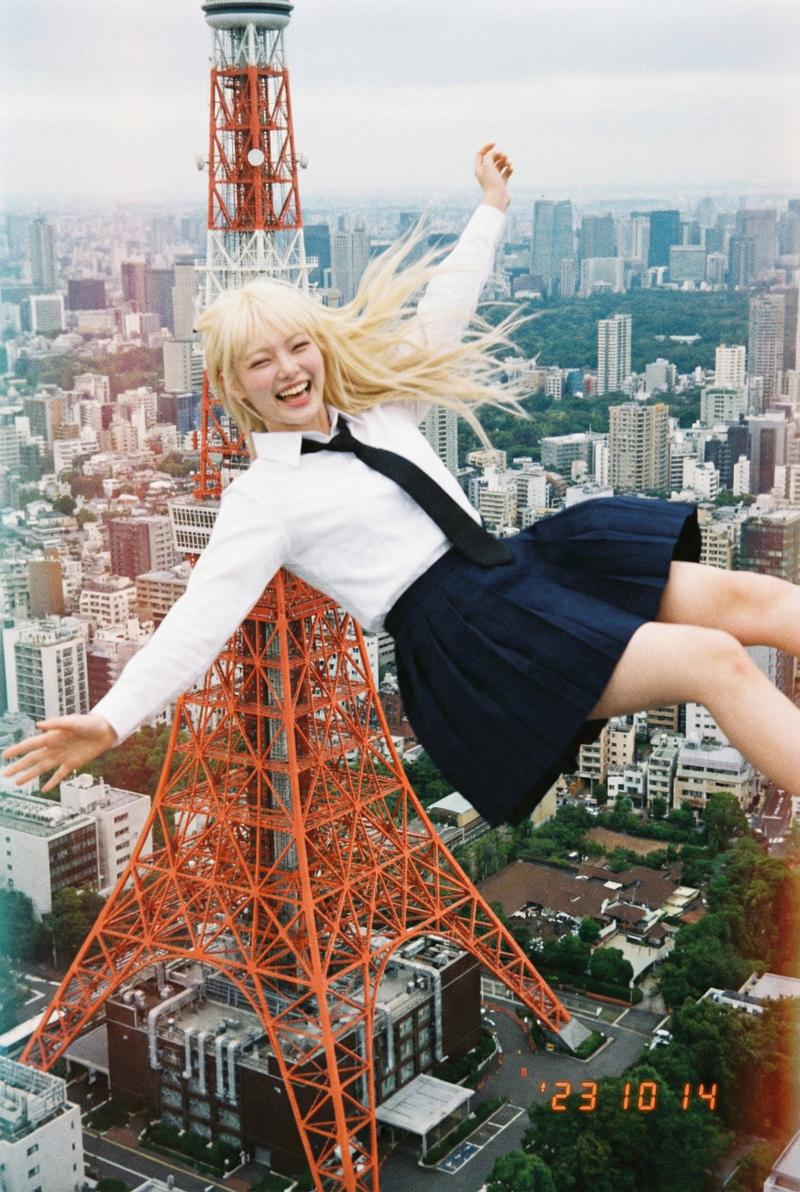
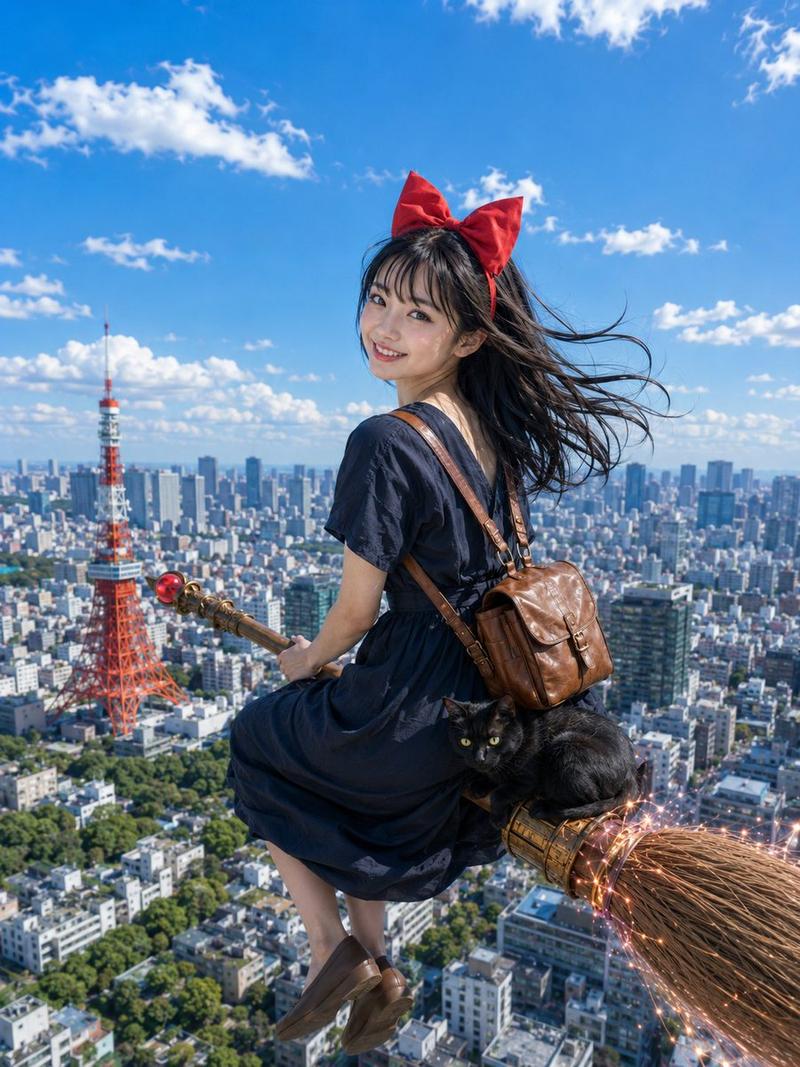
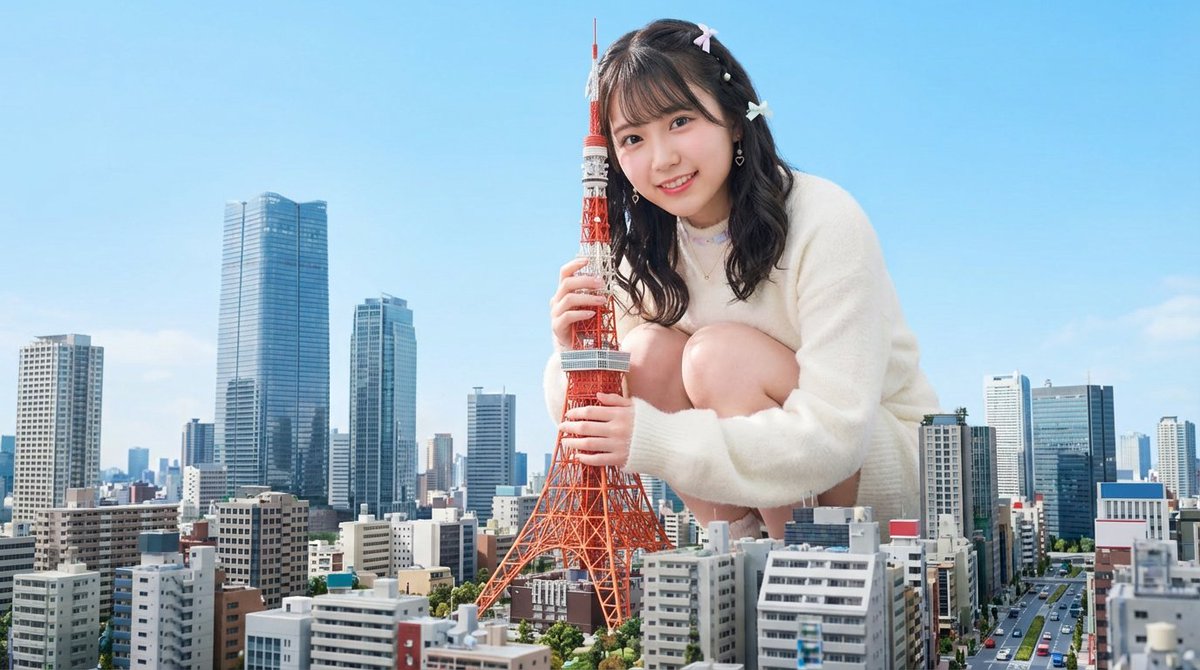
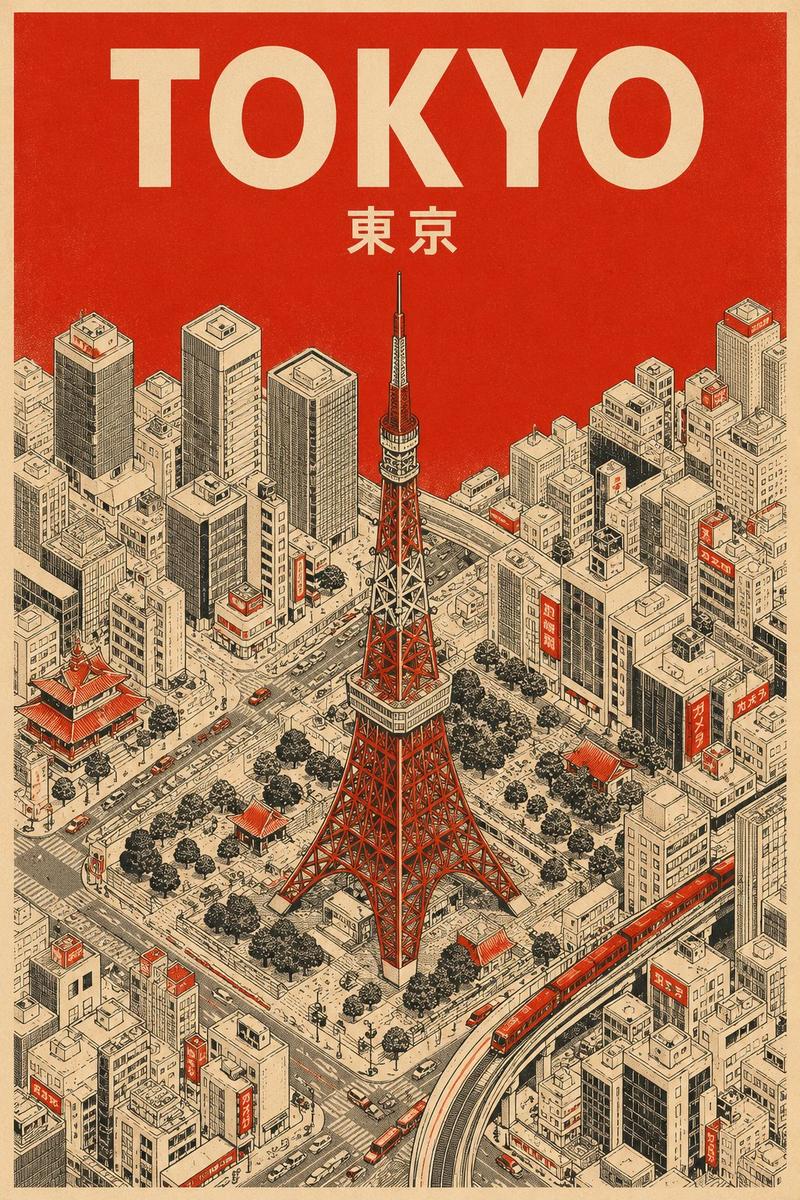
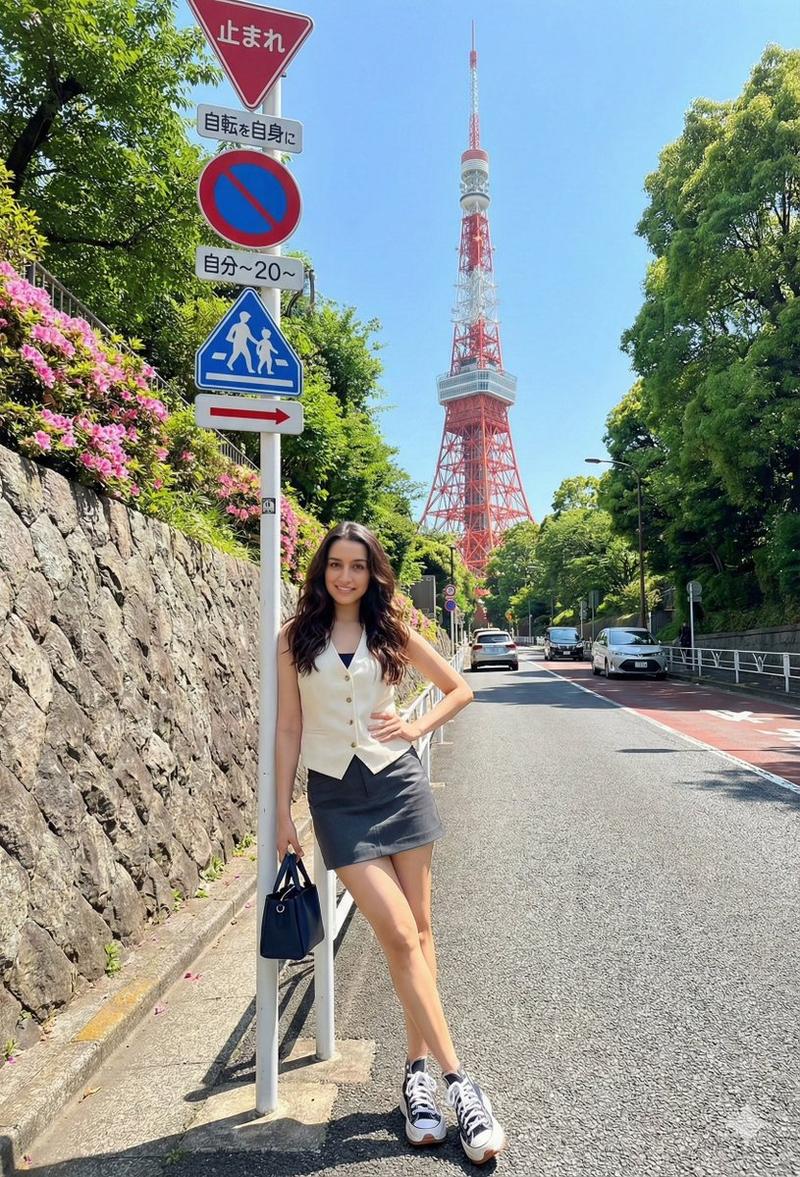
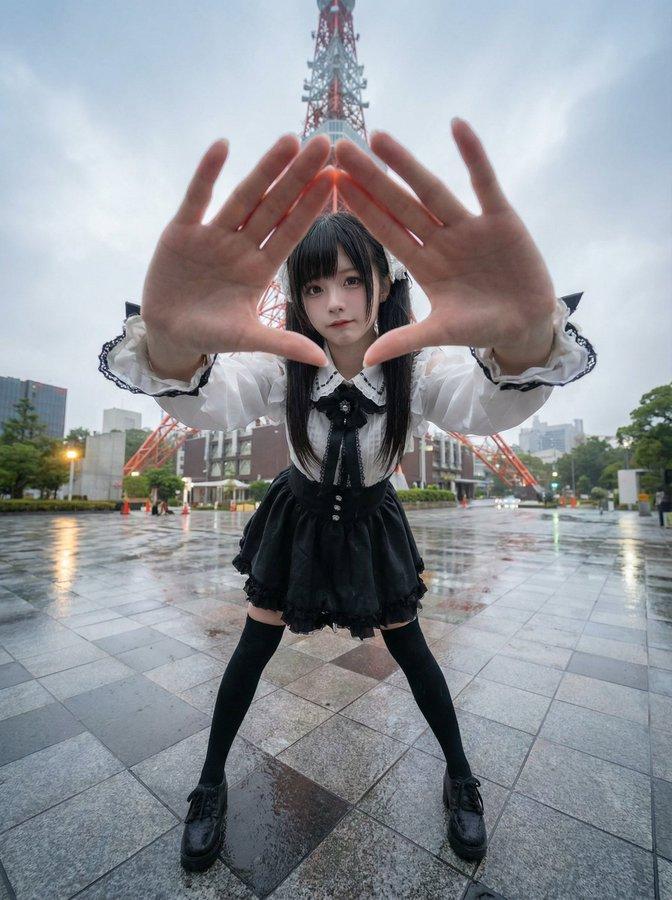
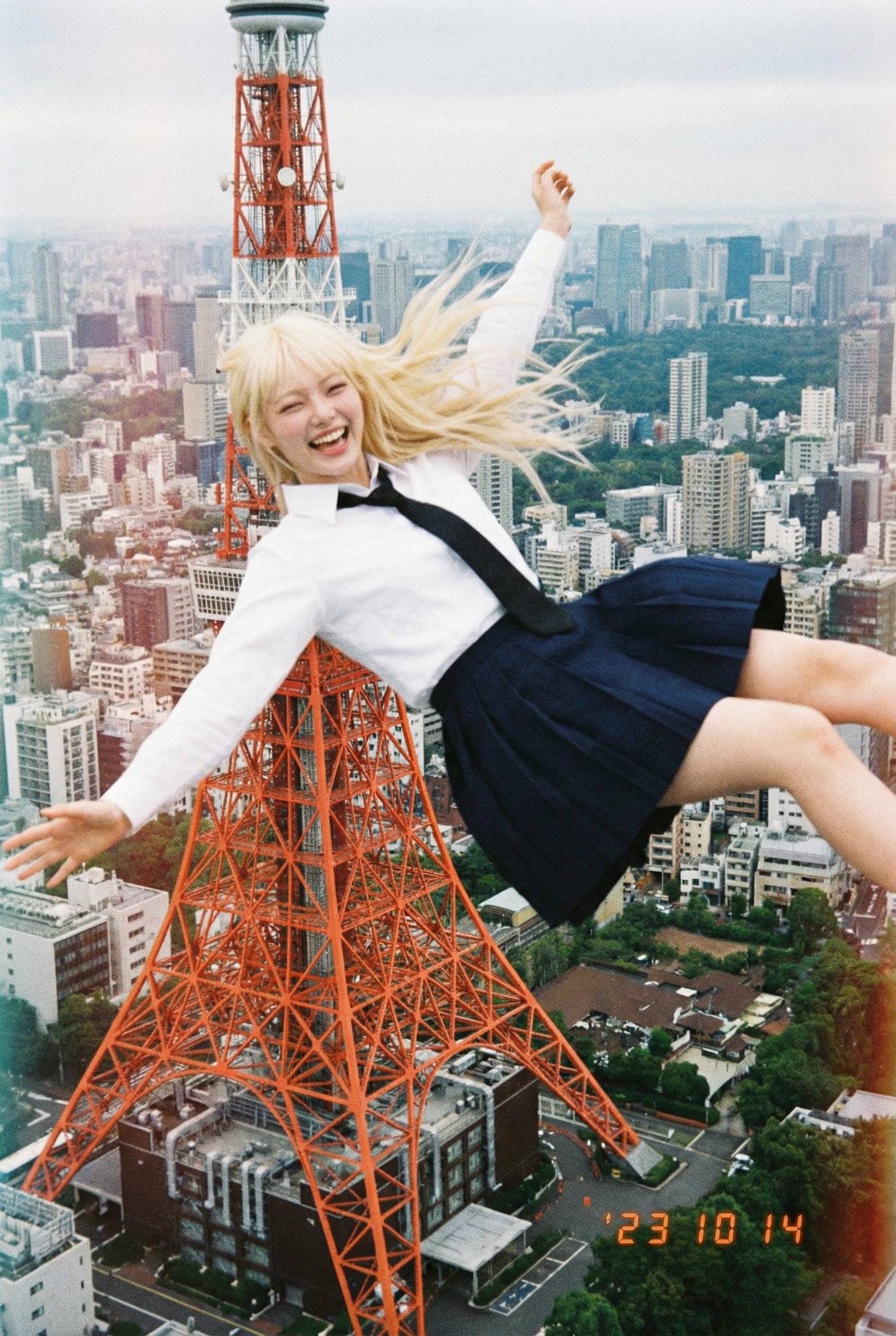
根据经纬度生成的航拍图像
Enlarge

Example images

根据经纬度生成的航拍图像

Prompt
创建一张与纬度 35.658807120369914, 139.74540071108495 所在位置上空天空融为一体的航拍图像。使指定的人物看起来像是从该位置落下一样融入图像中。一个面带微笑、看起来很快乐的人。一张用低分辨率一次性相机拍摄的普通日常照片。一张由日本高中生拍摄的粗糙照片。
Category
创意图片
Model
Nano Banana Pro
Creator
@KusoPhoto
Views2
Source ID
06ad14c7-13ba-4019-8a89-9a2b03f121d3
Published
Dec 27, 2025

Guide

About "根据经纬度生成的航拍图像"

What is this prompt for?

"根据经纬度生成的航拍图像" AI image prompt for Nano Banana Pro (创意图片). 创意图片 Copy it on Picva and recreate the look in one click.

The full copyable prompt and example visuals above are ready for AI image generation or one-click recreate in Picva.

How to use this prompt

  1. Step 1

    Open the prompt detail

    Review the example visuals, category, and full prompt text for "根据经纬度生成的航拍图像".

  2. Step 2

    Copy the prompt

    Copy the prompt body from this page, or load it directly in Studio.

  3. Step 3

    Pick a model (Nano Banana Pro)

    Prefer Nano Banana Pro. If you switch models, keep subject and composition and tweak style terms.

  4. Step 4

    Generate and export

    Recreate the look in Picva, or export into your workflow for editing and publishing.

FAQ

What is the "根据经纬度生成的航拍图像" prompt?
It is an AI image-generation prompt for Nano Banana Pro in the 创意图片 category. This page includes the full prompt text, example visuals, and a one-click recreate path in Picva.
How do I use this prompt to generate an image?
Copy the prompt from this page, or use Generate / Studio. Paste it into a compatible image model, or recreate the look in Picva with optional reference images.
Which model is this prompt for?
This page lists Nano Banana Pro. Most descriptive prompts also transfer to nearby image models such as GPT Image, Flux, or Midjourney with light style tweaks.
Can I use the result commercially?
You can usually copy the prompt for creation, but commercial use of the final image depends on the model terms, reference-image rights, and the generated content. Follow the source author and platform rules.