18

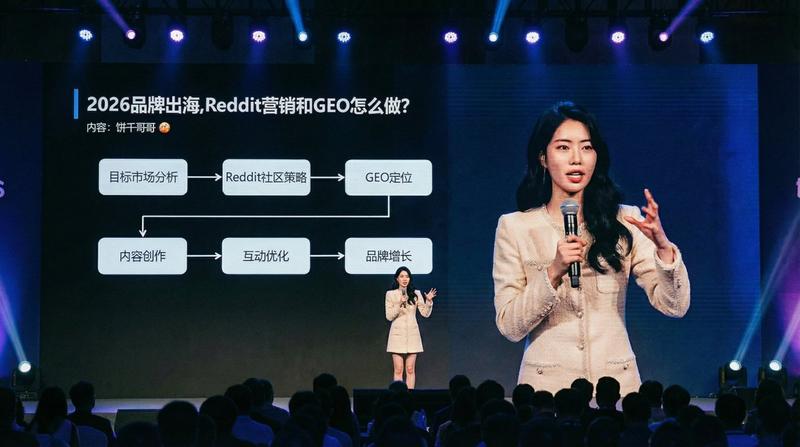
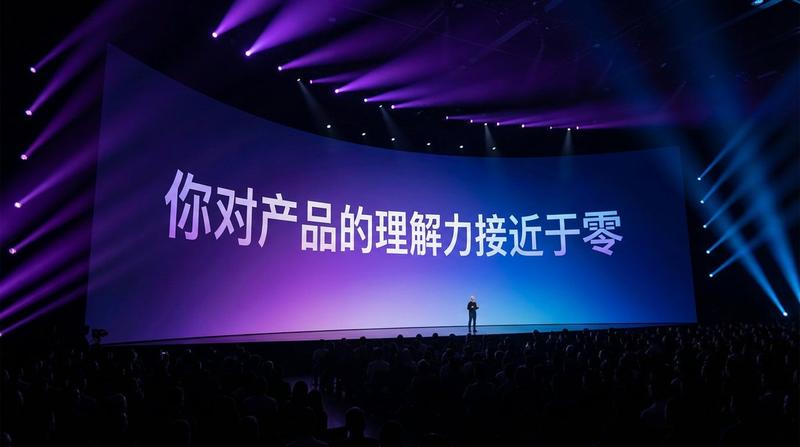
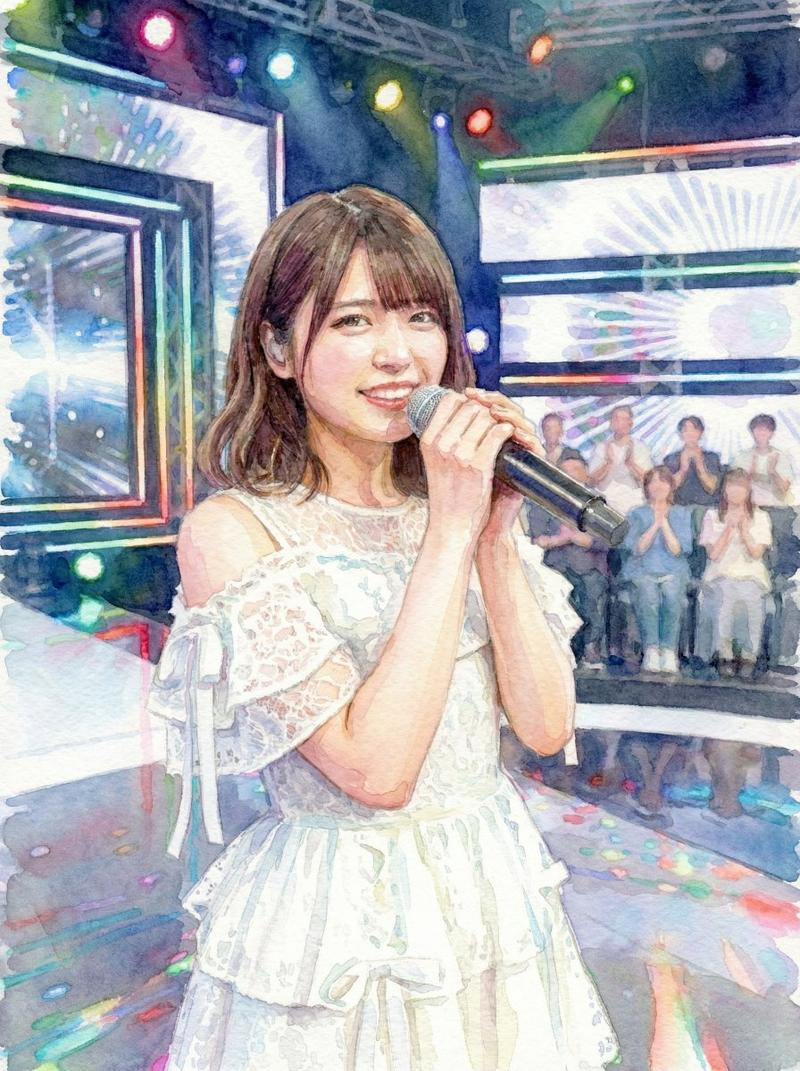
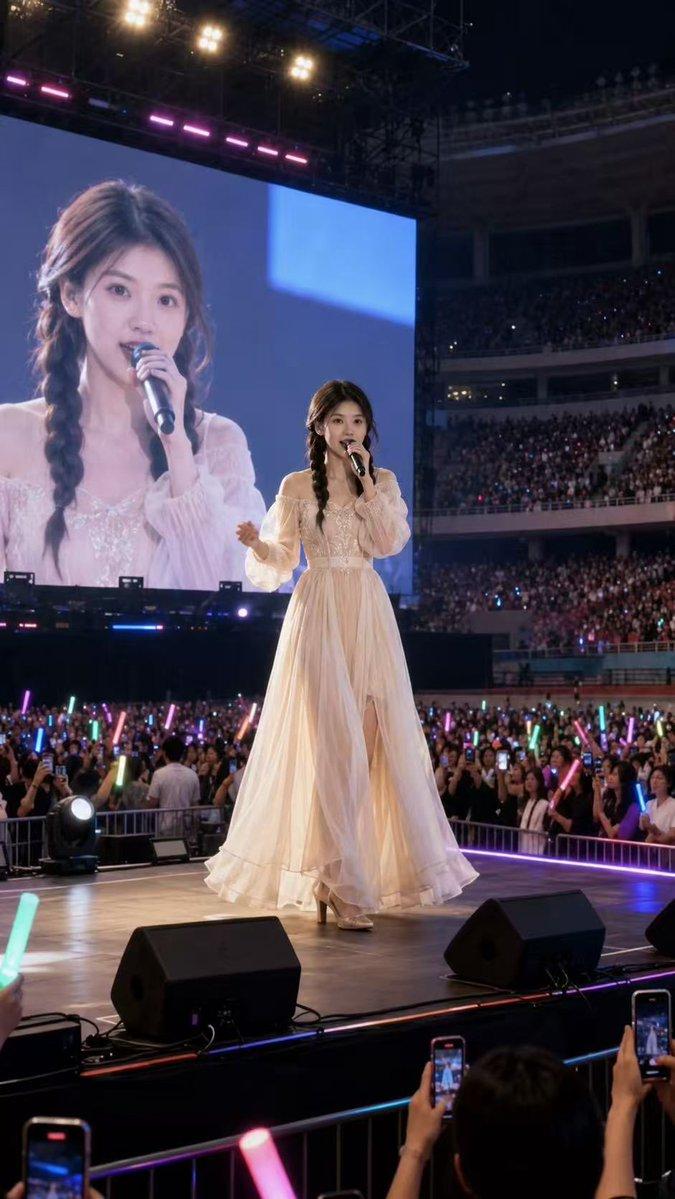
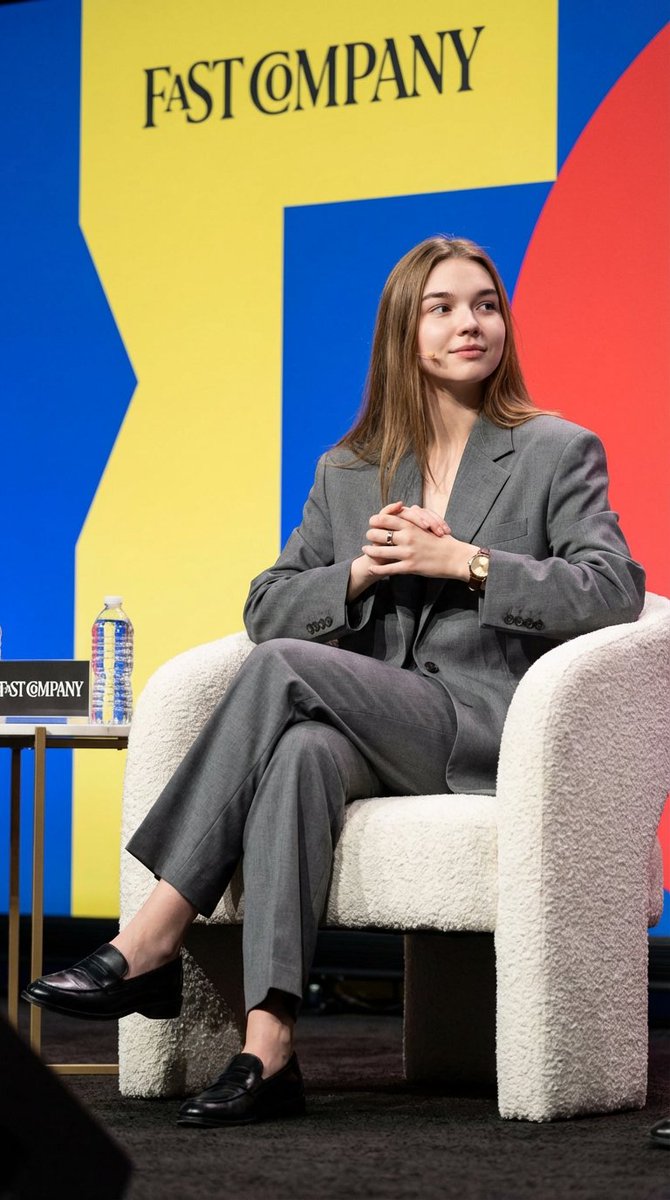
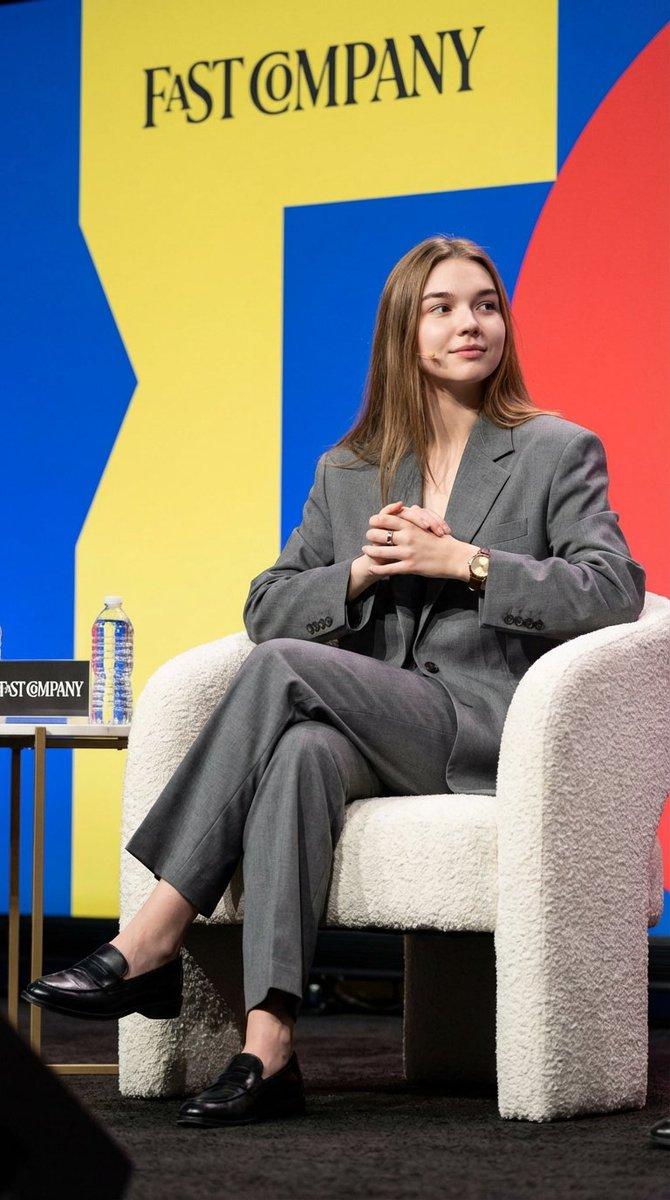
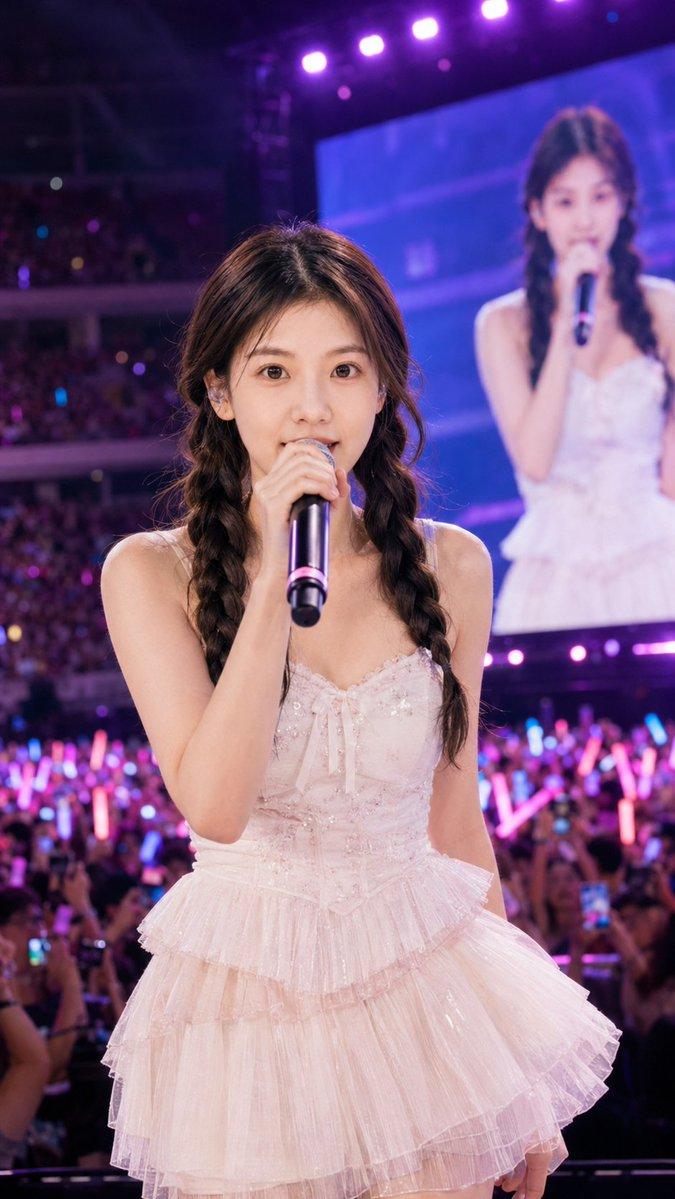
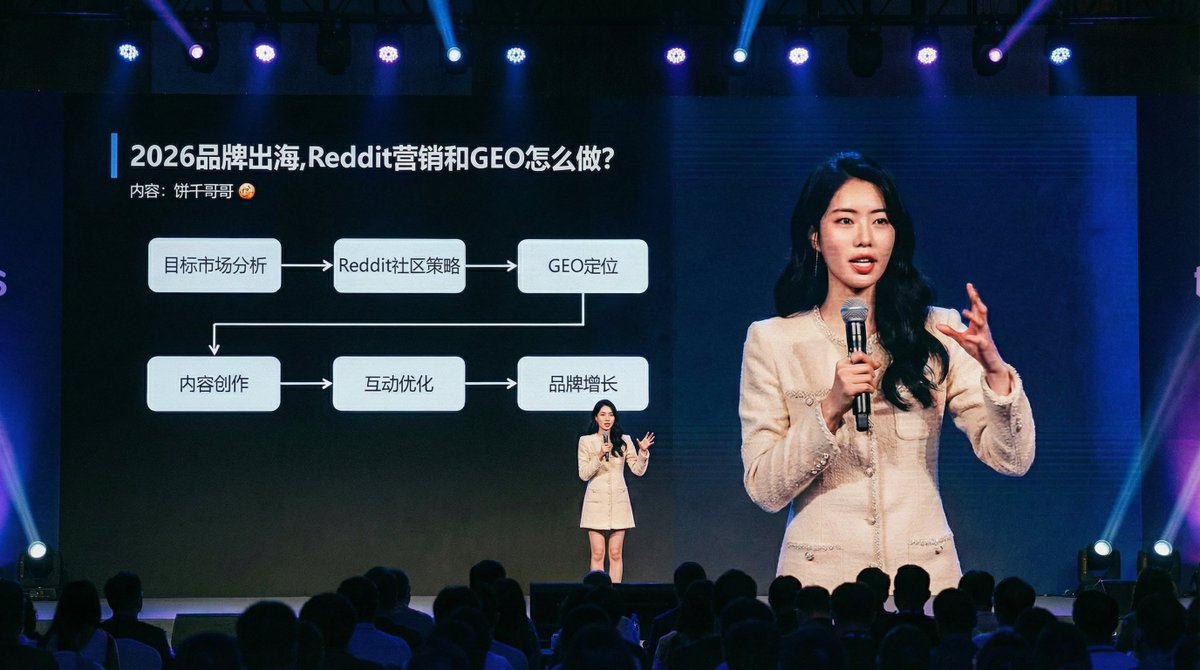
人物放到一个逼格拉满的大会现场
Enlarge

Example images

人物放到一个逼格拉满的大会现场

Prompt
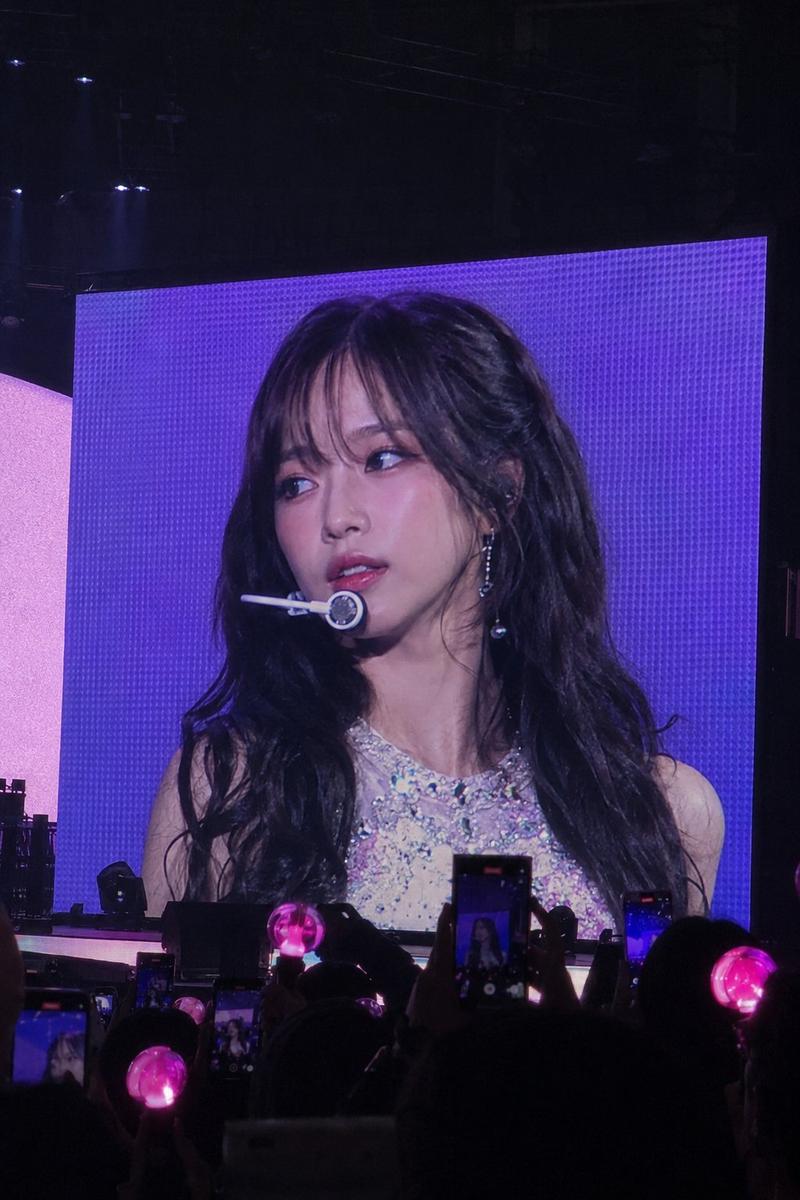
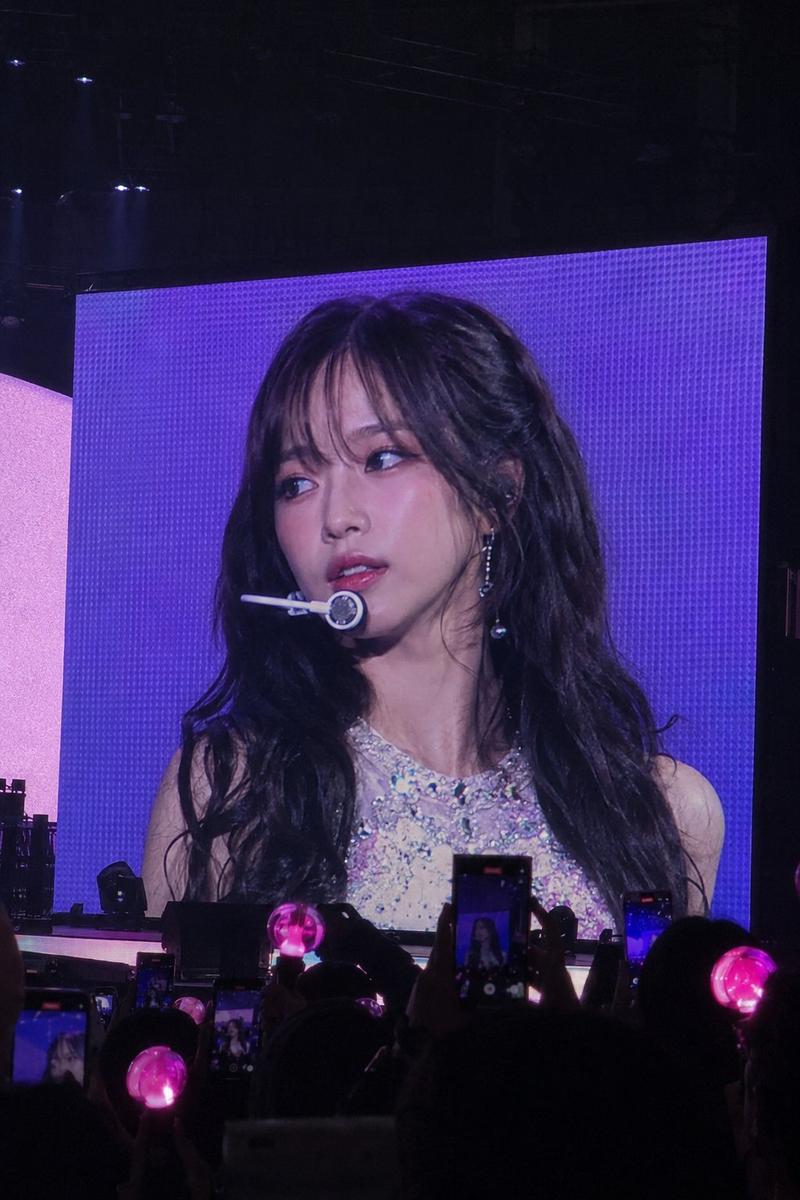
A wide-angle, candid documentary photograph capturing the person from {reference_image} mid-speech on a large, professionally lit stage at a major technology summit. They are holding a microphone and gesturing naturally toward the audience. Behind them, an immense, wall-sized LED screen is fully visible, displaying a crisp, **full-screen presentation slide (showing only the slide content, absolutely no PowerPoint software interface, toolbars, or window borders)**. The slide content is professionally designed based on the theme: '{speech_topic_or_outline}'. The heads and shoulders of a large audience are visible in the **very bottom foreground, low in the frame and blurred, completely ensuring an unobstructed view of the entire stage screen**. Professional stage lighting with blue and sharp spotlights on the speaker. Shot with a high-resolution camera, sharp focus on both the speaker and the screen content, realistic film grain.
Category
创意图片
Model
Nano Banana Pro
Creator
@bggg_ai
Views3
Source ID
377ed5a1-f272-4f80-b865-d592706b5dc1
Published
Dec 27, 2025

Guide

About "人物放到一个逼格拉满的大会现场"

What is this prompt for?

"人物放到一个逼格拉满的大会现场" AI image prompt for Nano Banana Pro (创意图片). 创意图片 Copy it on Picva and recreate the look in one click.

The full copyable prompt and example visuals above are ready for AI image generation or one-click recreate in Picva.

How to use this prompt

  1. Step 1

    Open the prompt detail

    Review the example visuals, category, and full prompt text for "人物放到一个逼格拉满的大会现场".

  2. Step 2

    Copy the prompt

    Copy the prompt body from this page, or load it directly in Studio.

  3. Step 3

    Pick a model (Nano Banana Pro)

    Prefer Nano Banana Pro. If you switch models, keep subject and composition and tweak style terms.

  4. Step 4

    Generate and export

    Recreate the look in Picva, or export into your workflow for editing and publishing.

FAQ

What is the "人物放到一个逼格拉满的大会现场" prompt?
It is an AI image-generation prompt for Nano Banana Pro in the 创意图片 category. This page includes the full prompt text, example visuals, and a one-click recreate path in Picva.
How do I use this prompt to generate an image?
Copy the prompt from this page, or use Generate / Studio. Paste it into a compatible image model, or recreate the look in Picva with optional reference images.
Which model is this prompt for?
This page lists Nano Banana Pro. Most descriptive prompts also transfer to nearby image models such as GPT Image, Flux, or Midjourney with light style tweaks.
Can I use the result commercially?
You can usually copy the prompt for creation, but commercial use of the final image depends on the model terms, reference-image rights, and the generated content. Follow the source author and platform rules.