17

一位年轻的日本美女模特
Enlarge

Example images

一位年轻的日本美女模特

Prompt
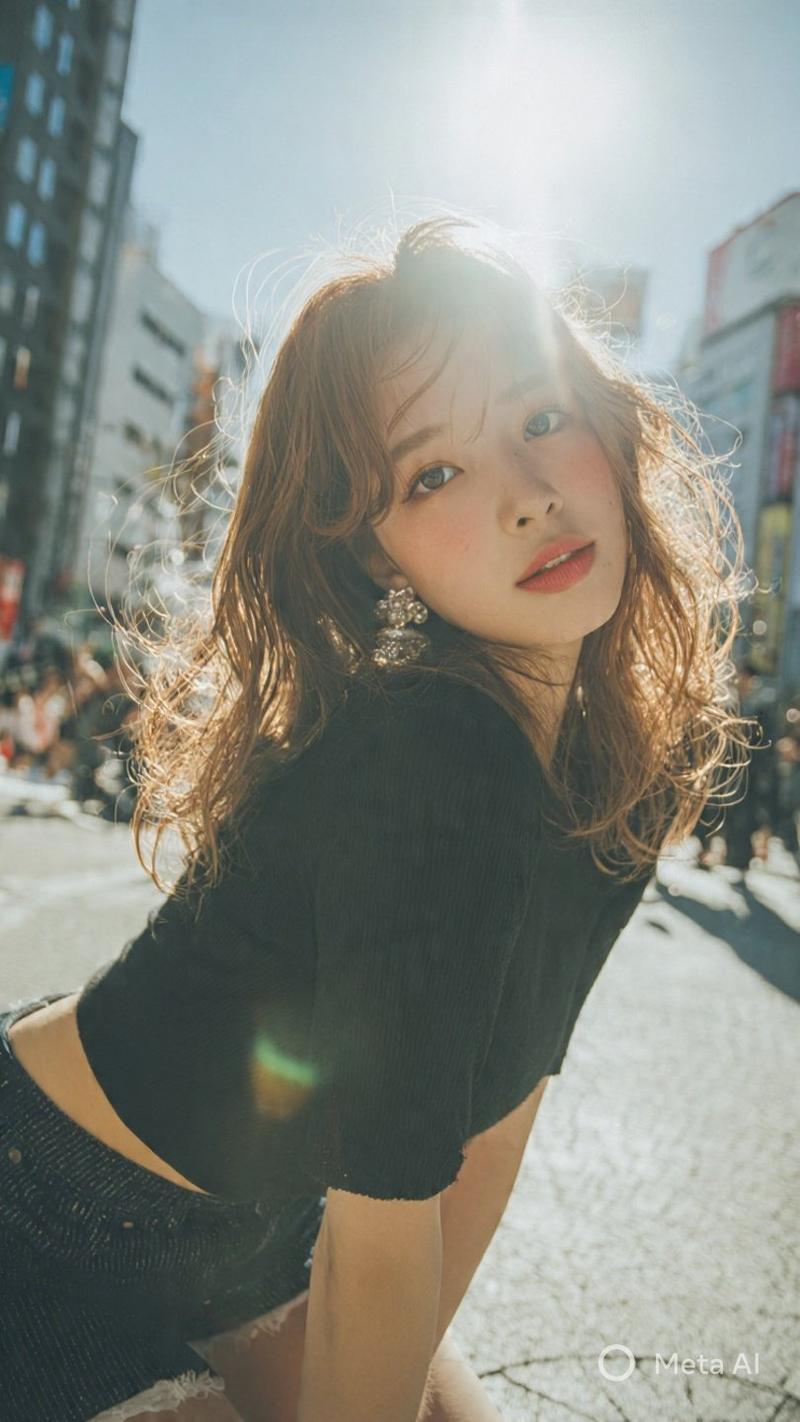
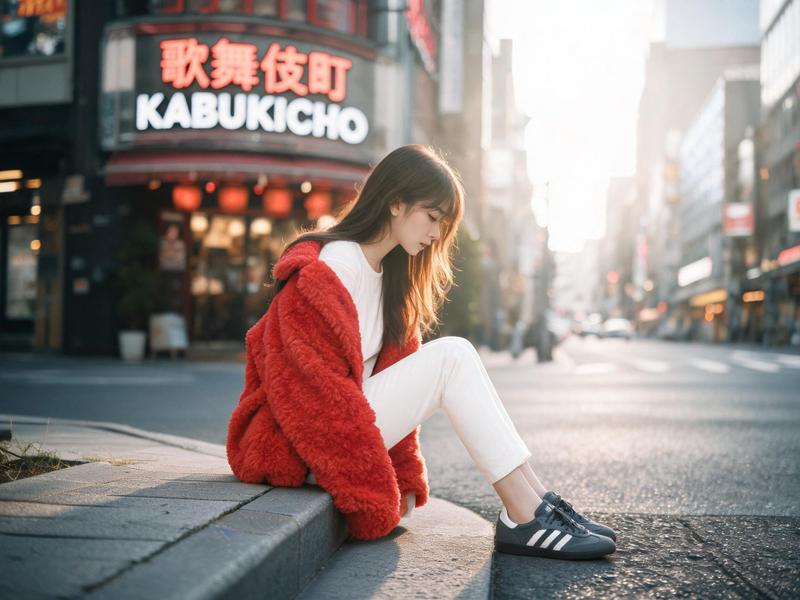
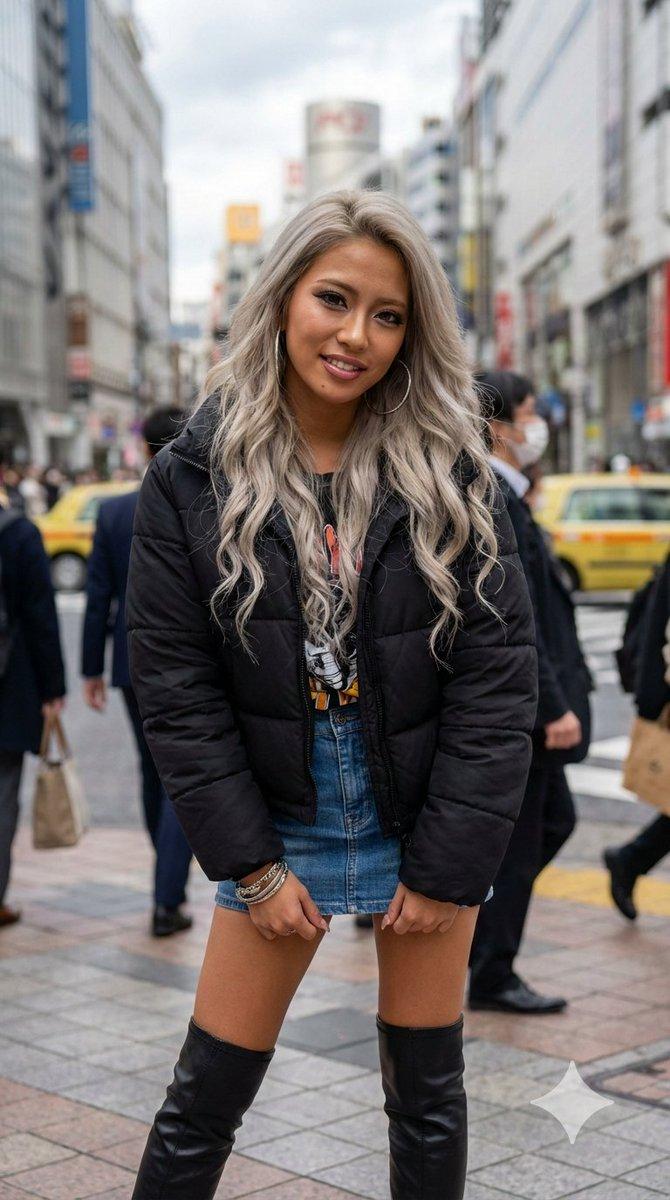
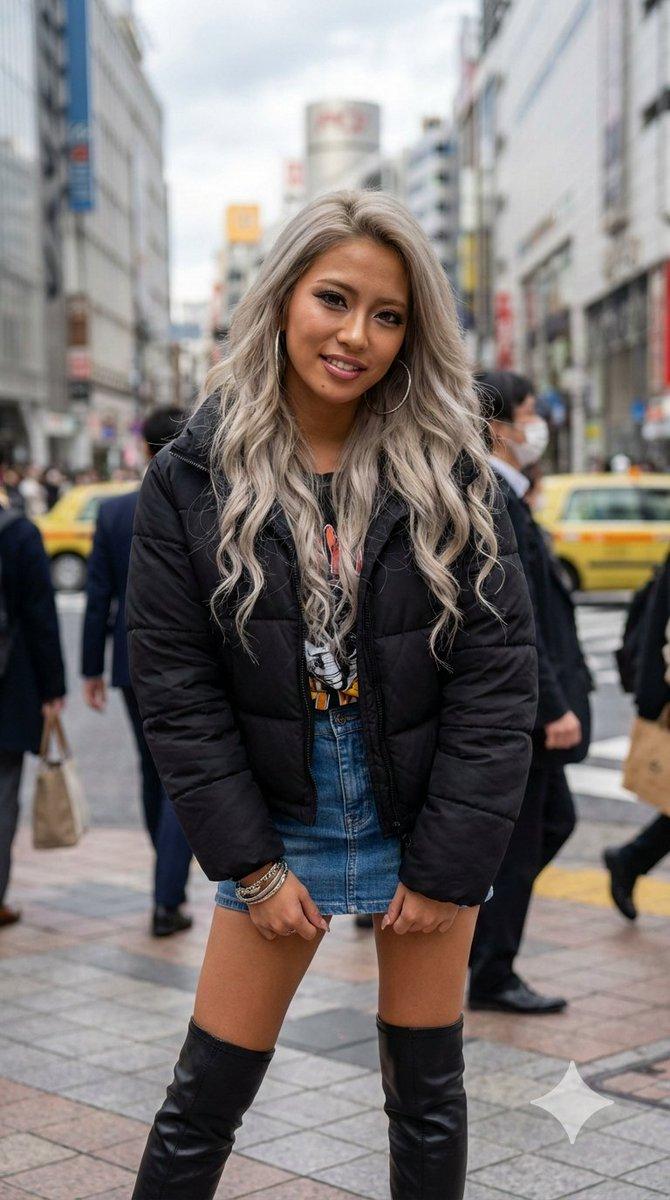
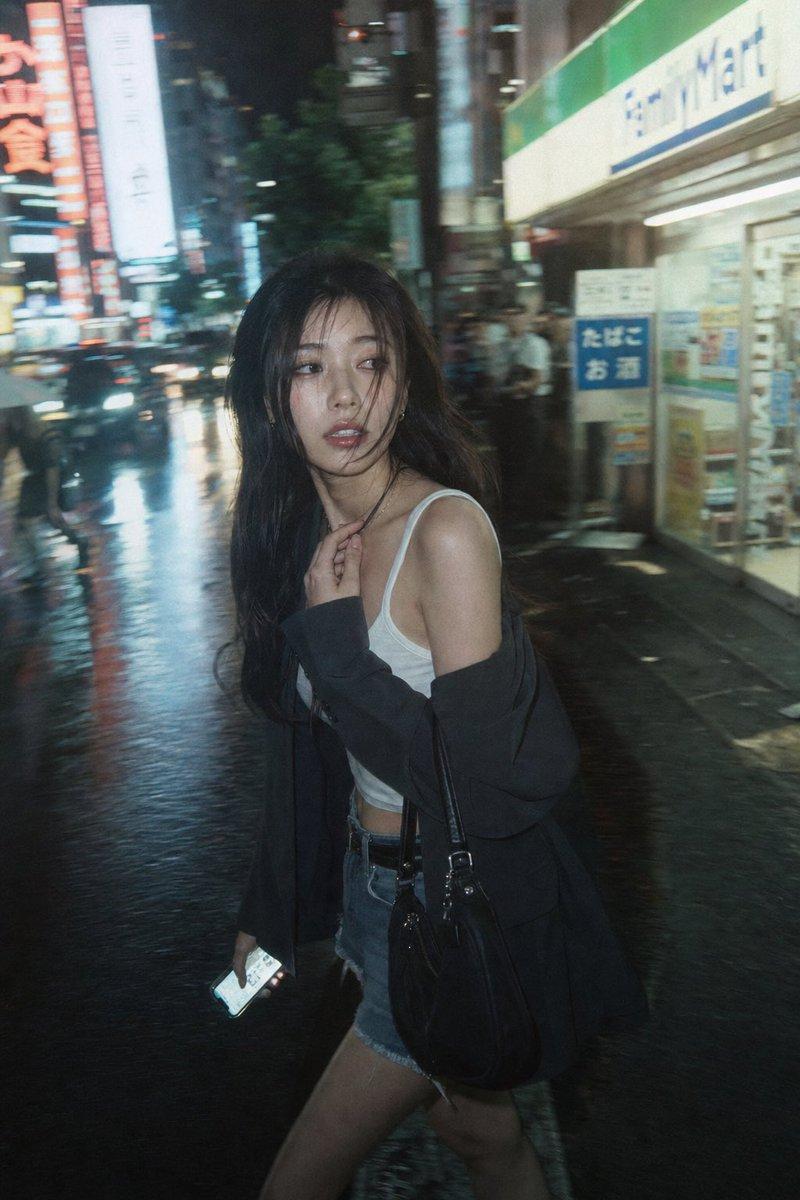
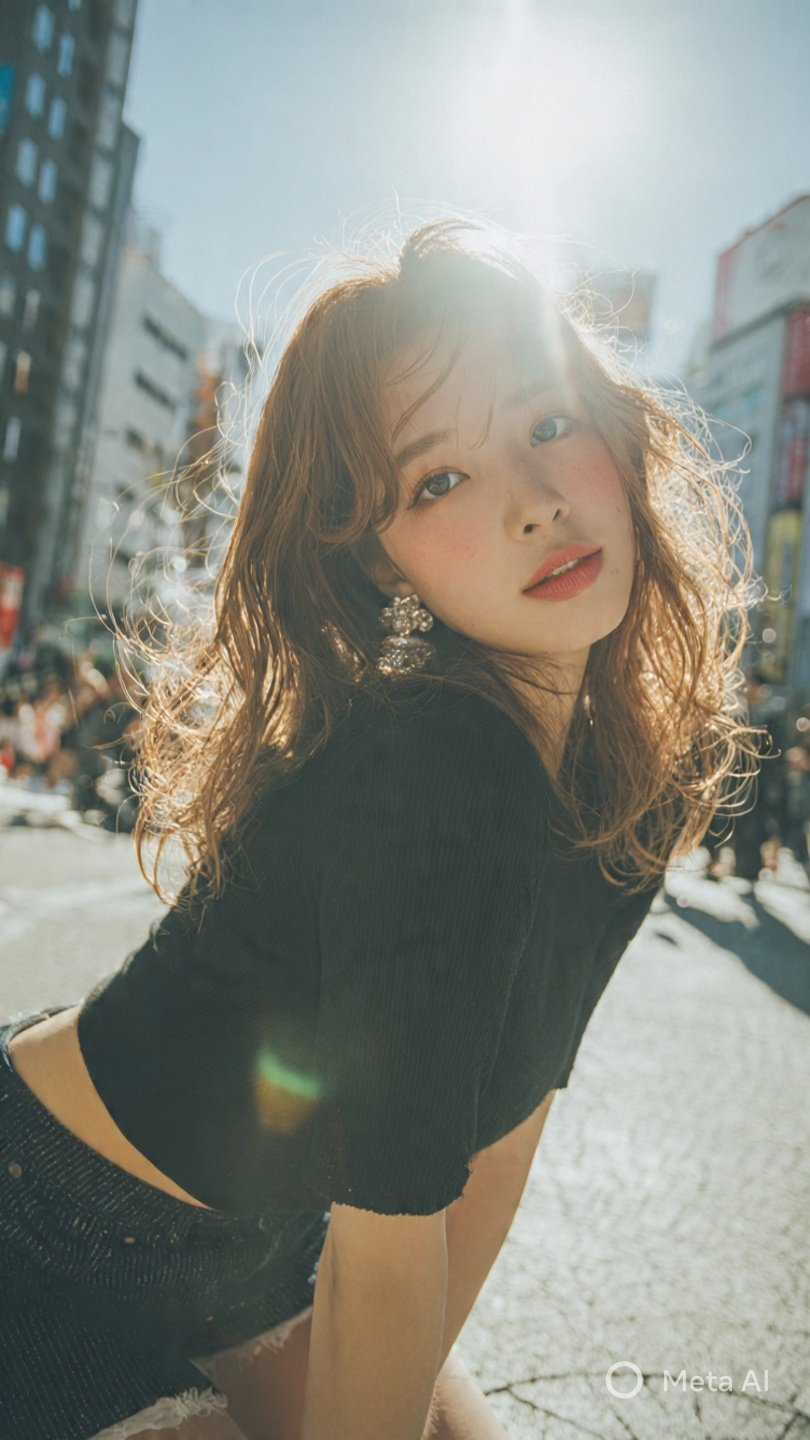
Prompt - A young Japanese beauty model glamour hot in a stylish black streped jeans with shorts chiaroscuro black outfit outdoors short jeans , three-quarter portrait (from lower legs upward), elegant body framing and balanced proportions.

Long wavy light browny hair with airy texture
Soft K-beauty makeup: peach-pink eyeshadow with subtle shimmer, long curled lashes, delicate eyeliner, warm hazel circle lenses giving a doll-like enlargement, rosy blush, rose-pink gradient velvet matte lips.

Outfit: black  short jeans and skirt
Accessories: dangling earrings.
Pose: slightly leaning forward, engaging gaze, feminine charm.

Environment: tokyo city building scene natural light

Photography style: high-end outdoor fashion portrait, soft bright sunlight, cinematic soft glow, shallow depth of field, crisp skin rendering, airy color grading, mild film grain.
Atmosphere: lively, warm, romantic, playful festival vibe.
Category
创意图片
Model
Grok
Views7
Source ID
9196163f-4ff8-4299-b5cb-447fdc2bd930
Published
Dec 27, 2025

Guide

About "一位年轻的日本美女模特"

What is this prompt for?

"一位年轻的日本美女模特" AI image prompt for Grok (创意图片). 创意图片 Copy it on Picva and recreate the look in one click.

The full copyable prompt and example visuals above are ready for AI image generation or one-click recreate in Picva.

How to use this prompt

  1. Step 1

    Open the prompt detail

    Review the example visuals, category, and full prompt text for "一位年轻的日本美女模特".

  2. Step 2

    Copy the prompt

    Copy the prompt body from this page, or load it directly in Studio.

  3. Step 3

    Pick a model (Grok)

    Prefer Grok. If you switch models, keep subject and composition and tweak style terms.

  4. Step 4

    Generate and export

    Recreate the look in Picva, or export into your workflow for editing and publishing.

FAQ

What is the "一位年轻的日本美女模特" prompt?
It is an AI image-generation prompt for Grok in the 创意图片 category. This page includes the full prompt text, example visuals, and a one-click recreate path in Picva.
How do I use this prompt to generate an image?
Copy the prompt from this page, or use Generate / Studio. Paste it into a compatible image model, or recreate the look in Picva with optional reference images.
Which model is this prompt for?
This page lists Grok. Most descriptive prompts also transfer to nearby image models such as GPT Image, Flux, or Midjourney with light style tweaks.
Can I use the result commercially?
You can usually copy the prompt for creation, but commercial use of the final image depends on the model terms, reference-image rights, and the generated content. Follow the source author and platform rules.