13

毛绒形式表情符号
Enlarge

Example images

毛绒形式表情符号

Prompt
Recreate this [insert emoji] using the parameters from the JSON provided.
{
  "style": "Plushform Emoji",
  "description": "Transform the emoji into a soft, realistic plush object with high-quality fabric and detailed construction. Do not anthropomorphize the emoji — avoid adding faces or cartoon features. Focus on accurate textures, natural forms, and subtle design to give the plush object character.",
  "features": {
    "shape": "matching the emoji's form, with soft, slightly rounded plush adaptation",
    "texture": "realistic plush fabric with visible fiber detail and natural fabric folds",
    "color": "faithful to the emoji's palette, using slightly muted, tactile tones",
    "material": "stuffed toy fabric with visible stitching, seams, and high-quality finishing",
    "background": "neutral or softly textured to emphasize the plush object's form",
    "lighting": "soft professional studio lighting with subtle shadows and depth"
  },
  "examples": [
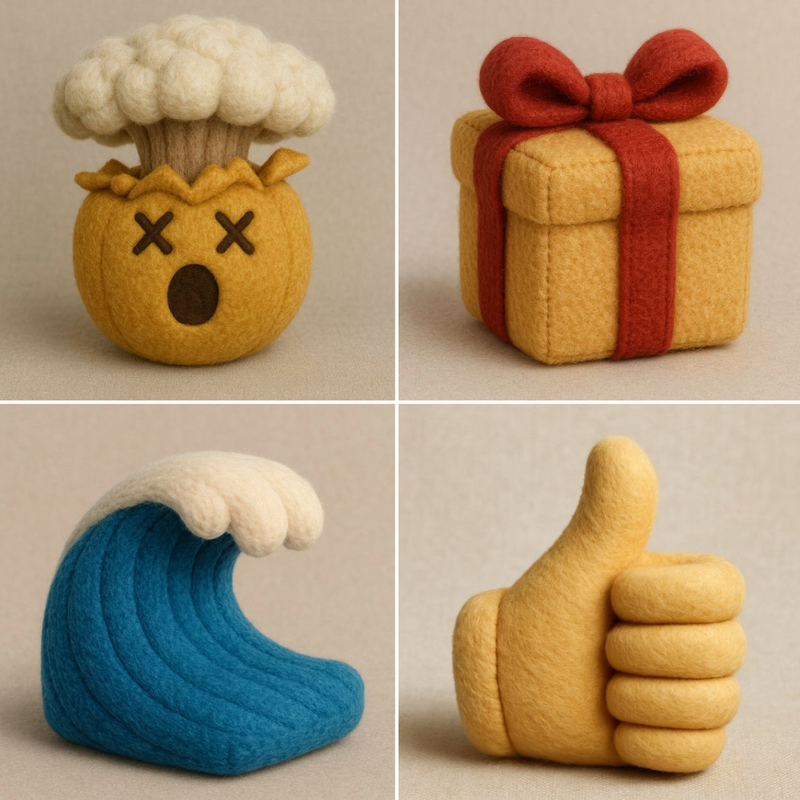
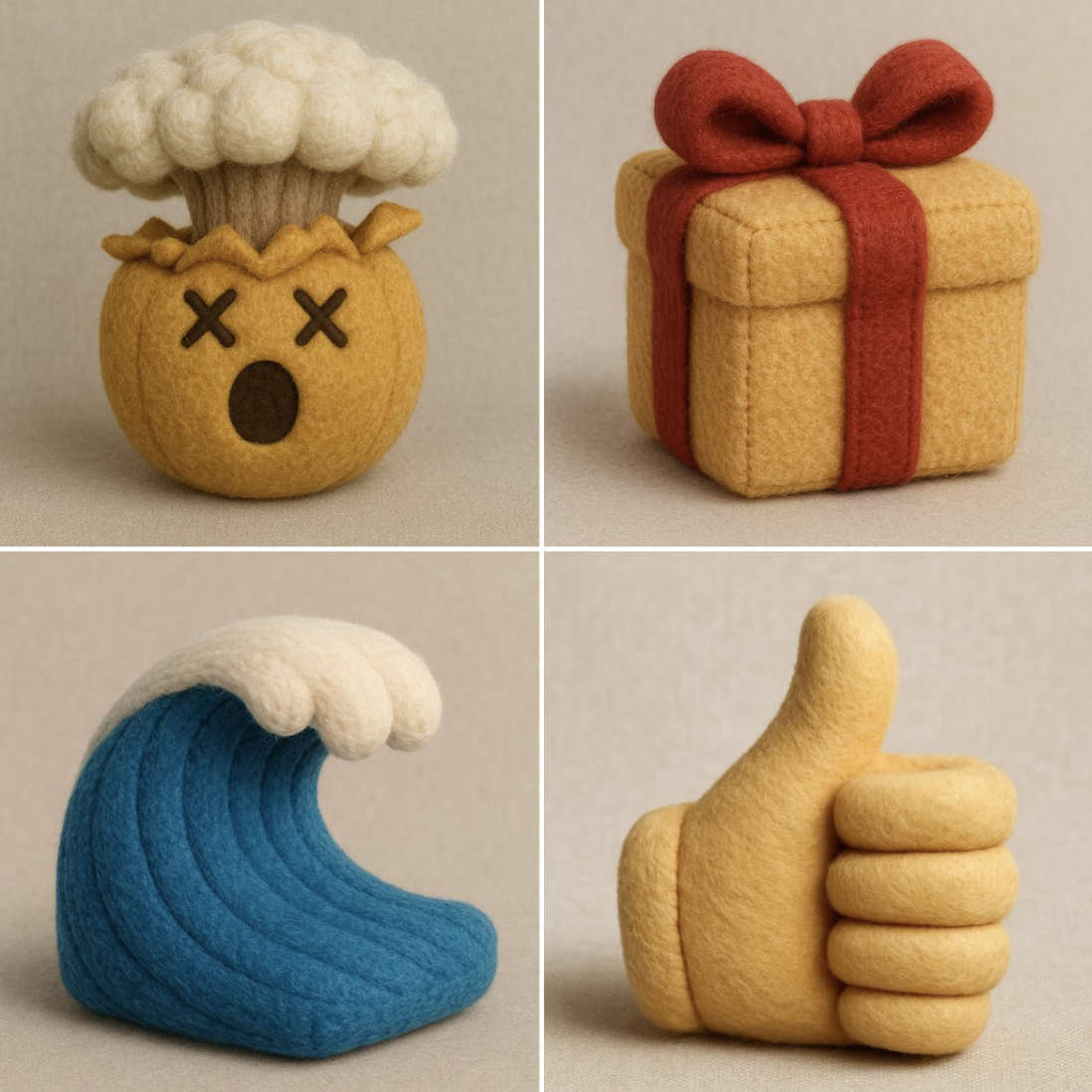
    "👌 becomes a plush hand in the OK gesture, with realistic fabric folds and seams.",
    "🎯 becomes a soft plush bullseye with layered fuzzy rings and slight dimensional padding.",
    "🎁 becomes a cube-shaped plush box with fabric ribbon, visible stitching, and realistic fabric texture.",
    "🌊 becomes a wave-shaped plush with curled foam tips, crafted in textured ocean blue fabrics."
  ]
}
Category
创意图片
Model
Nano Banana Pro
Creator
@alban_gz
Views8
Source ID
17e16d7e-a11a-4bcc-88f5-168075c771e4
Published
Dec 27, 2025

Guide

About "毛绒形式表情符号"

What is this prompt for?

"毛绒形式表情符号" AI image prompt for Nano Banana Pro (创意图片). 创意图片 Copy it on Picva and recreate the look in one click.

The full copyable prompt and example visuals above are ready for AI image generation or one-click recreate in Picva.

How to use this prompt

  1. Step 1

    Open the prompt detail

    Review the example visuals, category, and full prompt text for "毛绒形式表情符号".

  2. Step 2

    Copy the prompt

    Copy the prompt body from this page, or load it directly in Studio.

  3. Step 3

    Pick a model (Nano Banana Pro)

    Prefer Nano Banana Pro. If you switch models, keep subject and composition and tweak style terms.

  4. Step 4

    Generate and export

    Recreate the look in Picva, or export into your workflow for editing and publishing.

FAQ

What is the "毛绒形式表情符号" prompt?
It is an AI image-generation prompt for Nano Banana Pro in the 创意图片 category. This page includes the full prompt text, example visuals, and a one-click recreate path in Picva.
How do I use this prompt to generate an image?
Copy the prompt from this page, or use Generate / Studio. Paste it into a compatible image model, or recreate the look in Picva with optional reference images.
Which model is this prompt for?
This page lists Nano Banana Pro. Most descriptive prompts also transfer to nearby image models such as GPT Image, Flux, or Midjourney with light style tweaks.
Can I use the result commercially?
You can usually copy the prompt for creation, but commercial use of the final image depends on the model terms, reference-image rights, and the generated content. Follow the source author and platform rules.