17

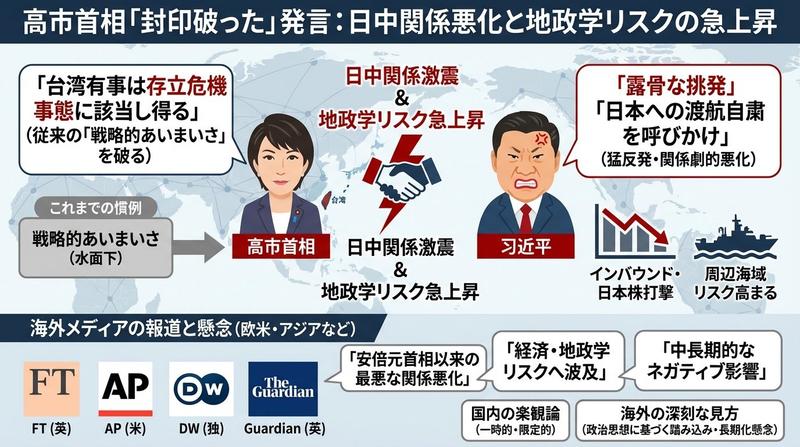
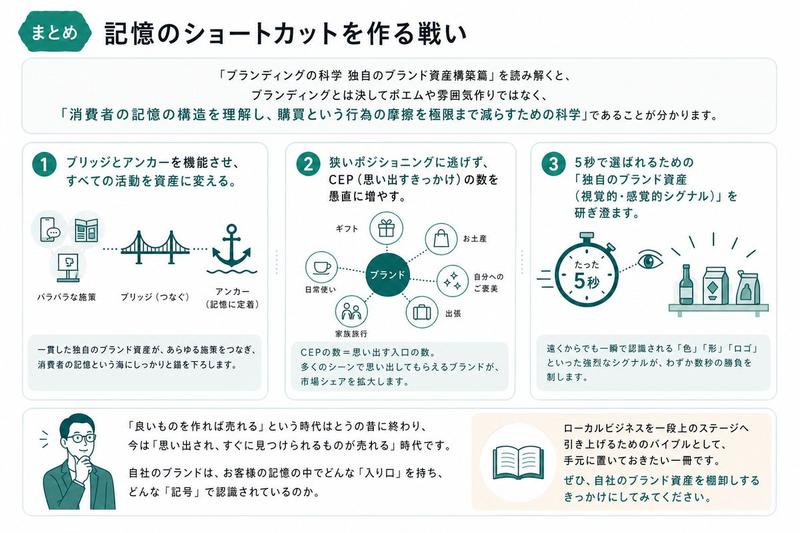
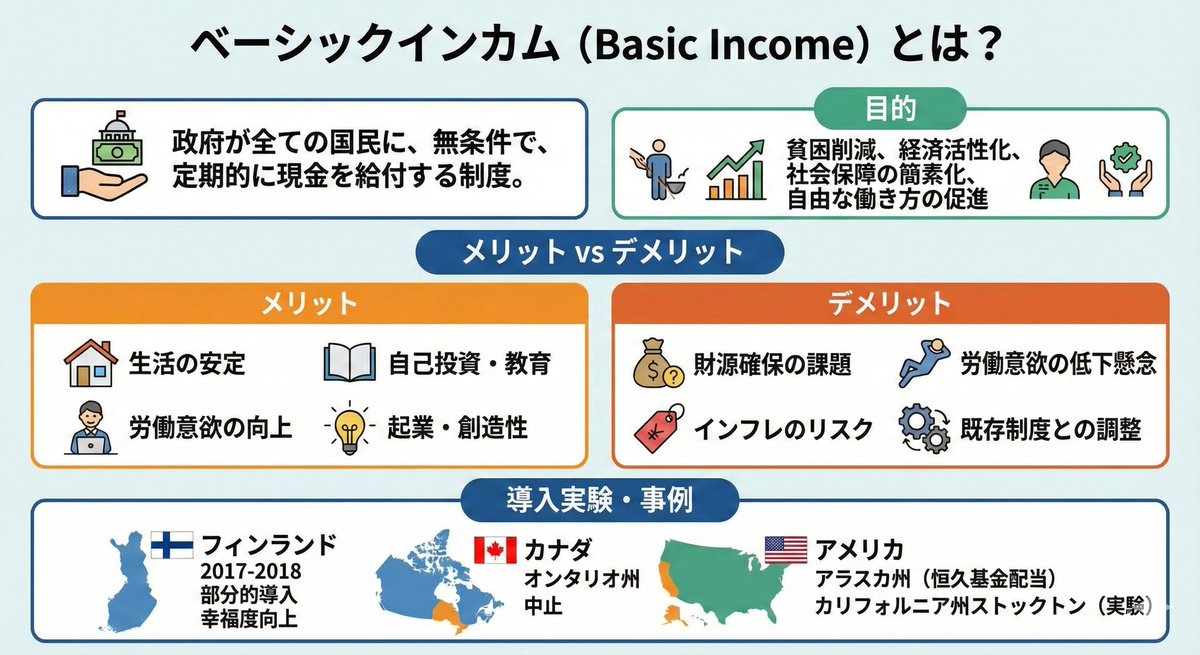
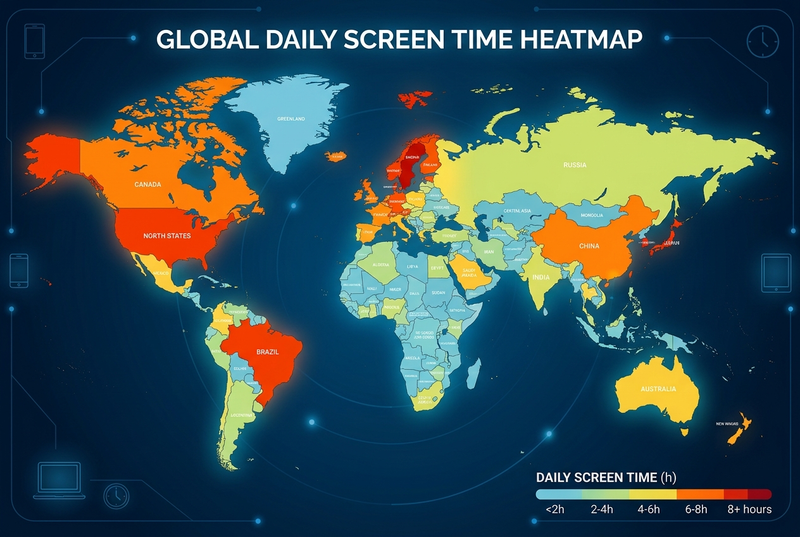
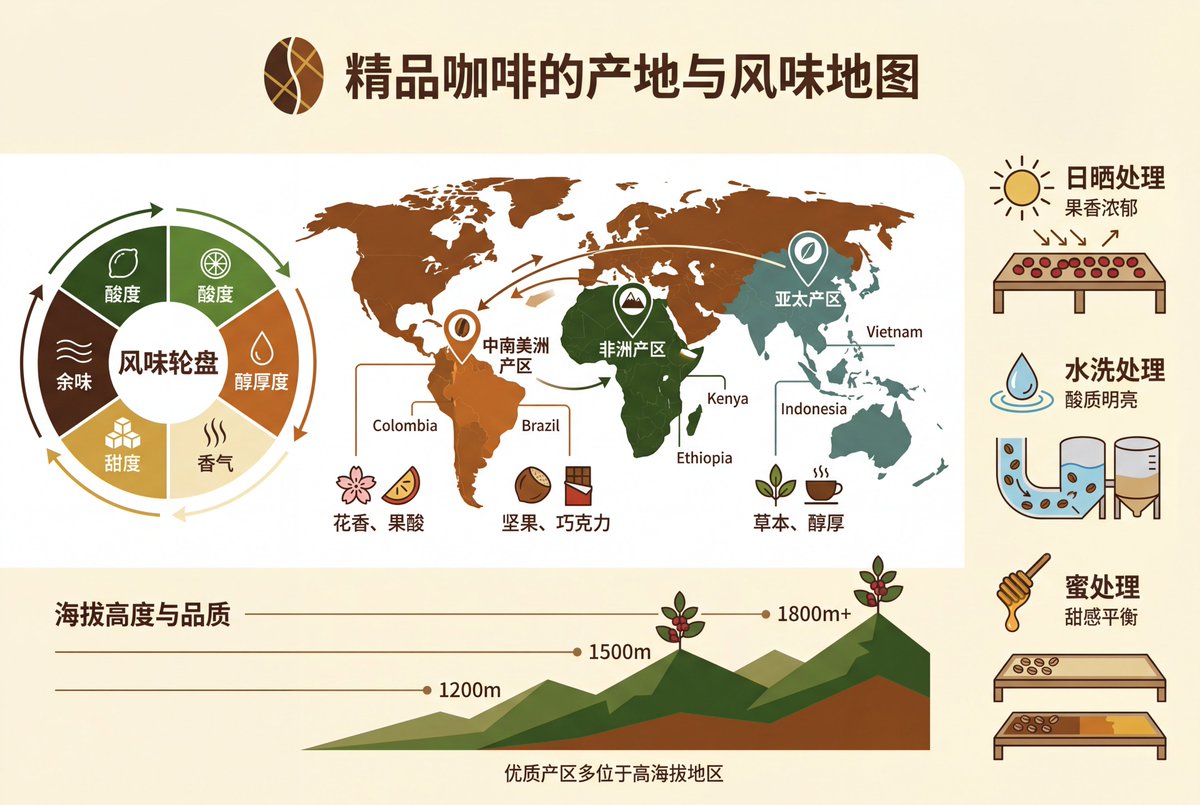
专业的知识信息图
Enlarge

Example images

专业的知识信息图

Prompt
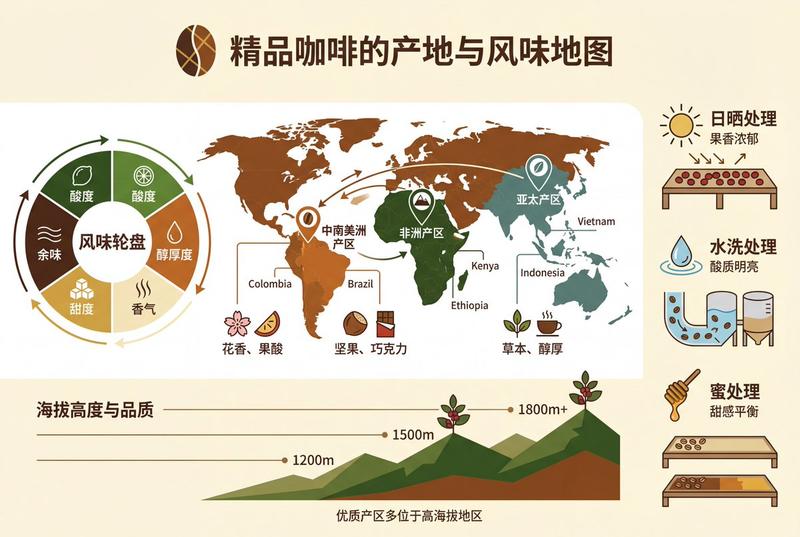
根据以下主题[精品咖啡的产地与风味地图],创建一张专业的知识信息图。要求:1)提取3-5个核心知识点;2)使用图标、流程图、数据可视化等元素;3)信息层级清晰,视觉引导流畅;4)包含准确的中文标题和说明文字;5)配色专业协调,适合商业演示。布局采用现代扁平化设计风格,4K分辨率,适合打印和分享。
Category
创意图片
Model
Nano Banana Pro
Views2
Source ID
2769c2fb-3b1d-454c-bbf9-2463b092902b
Published
Dec 27, 2025

Guide

About "专业的知识信息图"

What is this prompt for?

"专业的知识信息图" AI image prompt for Nano Banana Pro (创意图片). 创意图片 Copy it on Picva and recreate the look in one click.

The full copyable prompt and example visuals above are ready for AI image generation or one-click recreate in Picva.

How to use this prompt

  1. Step 1

    Open the prompt detail

    Review the example visuals, category, and full prompt text for "专业的知识信息图".

  2. Step 2

    Copy the prompt

    Copy the prompt body from this page, or load it directly in Studio.

  3. Step 3

    Pick a model (Nano Banana Pro)

    Prefer Nano Banana Pro. If you switch models, keep subject and composition and tweak style terms.

  4. Step 4

    Generate and export

    Recreate the look in Picva, or export into your workflow for editing and publishing.

FAQ

What is the "专业的知识信息图" prompt?
It is an AI image-generation prompt for Nano Banana Pro in the 创意图片 category. This page includes the full prompt text, example visuals, and a one-click recreate path in Picva.
How do I use this prompt to generate an image?
Copy the prompt from this page, or use Generate / Studio. Paste it into a compatible image model, or recreate the look in Picva with optional reference images.
Which model is this prompt for?
This page lists Nano Banana Pro. Most descriptive prompts also transfer to nearby image models such as GPT Image, Flux, or Midjourney with light style tweaks.
Can I use the result commercially?
You can usually copy the prompt for creation, but commercial use of the final image depends on the model terms, reference-image rights, and the generated content. Follow the source author and platform rules.