20

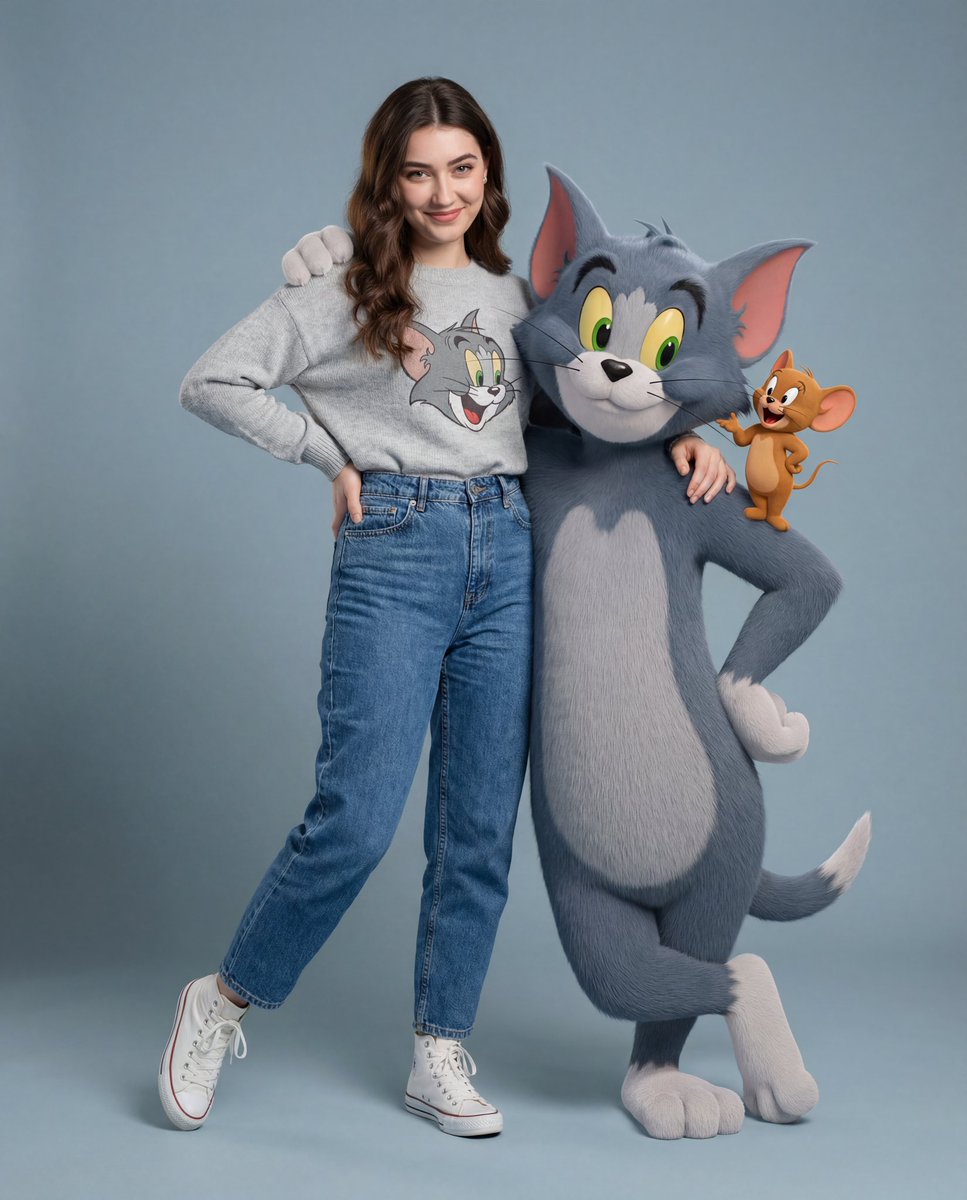
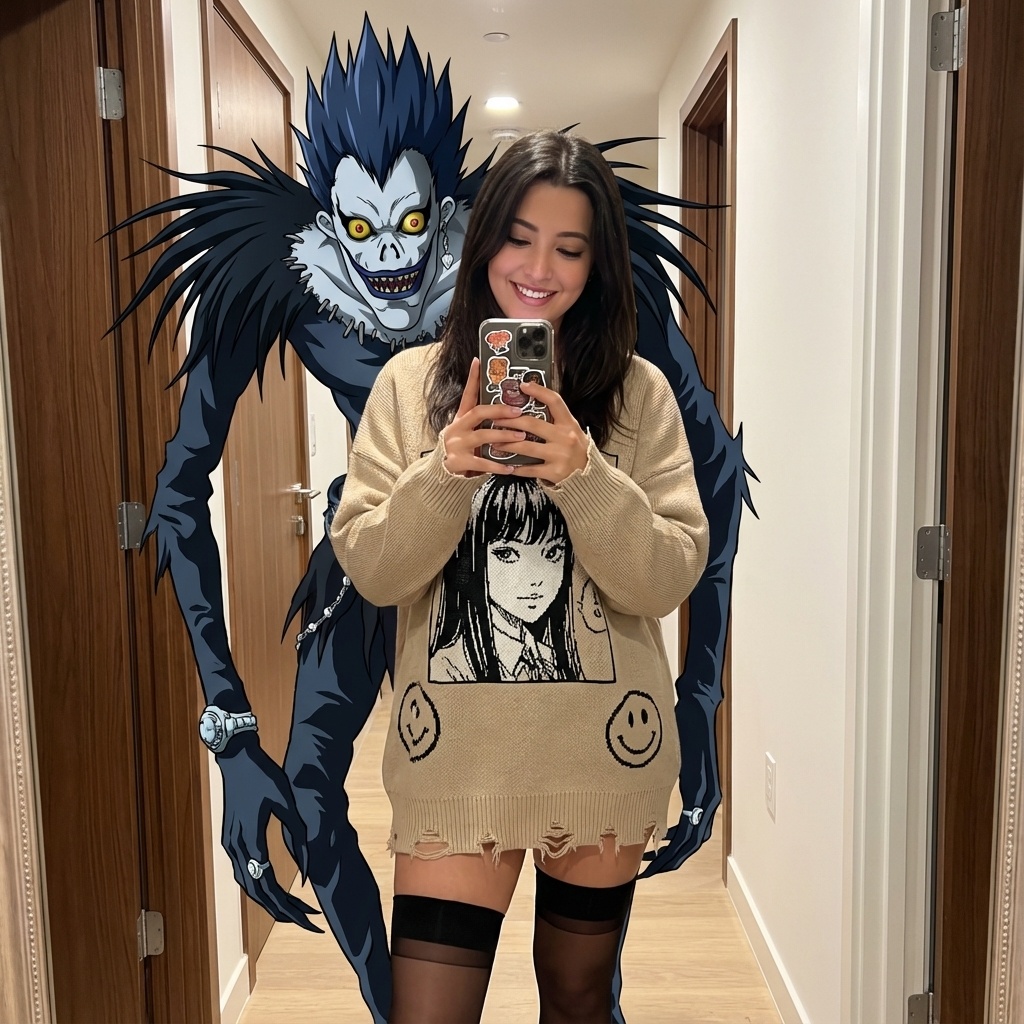
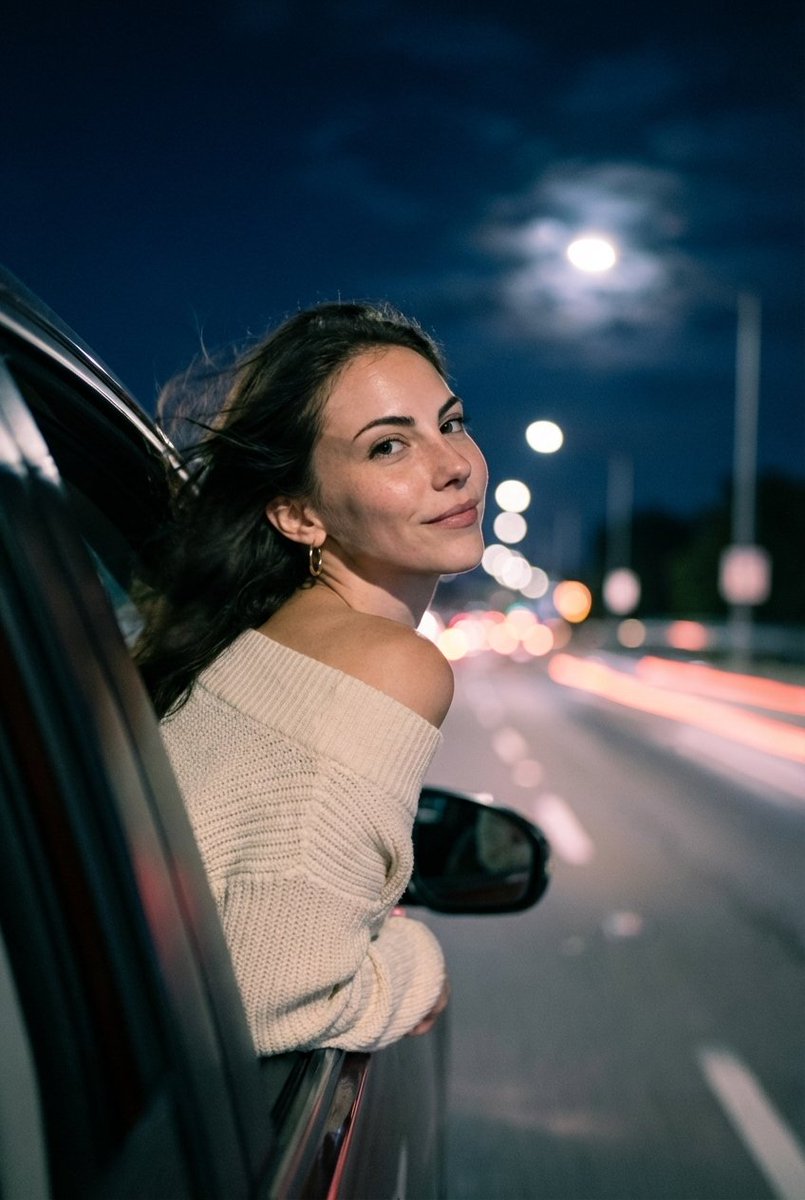
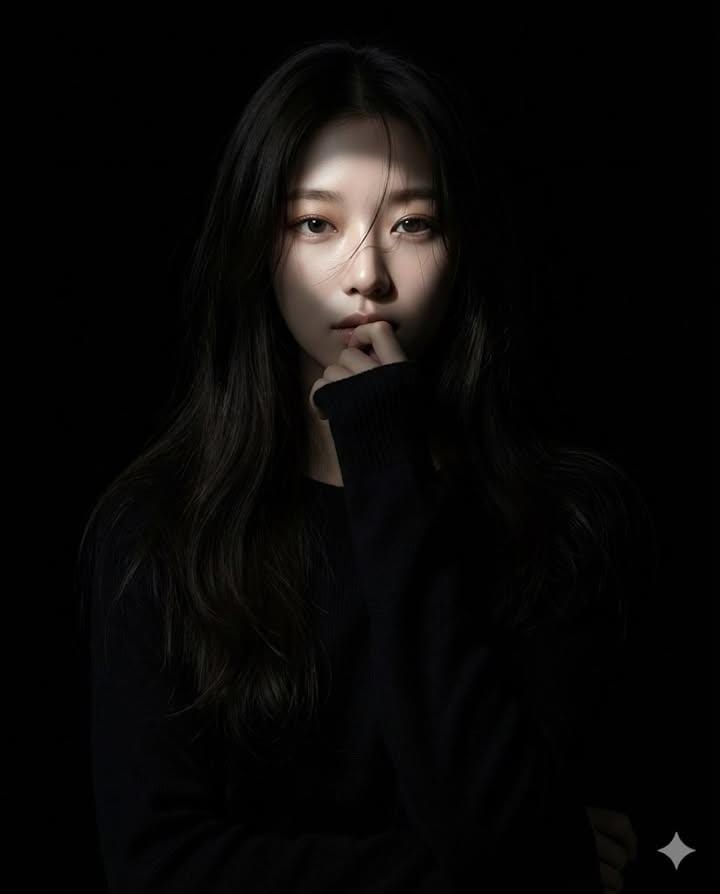
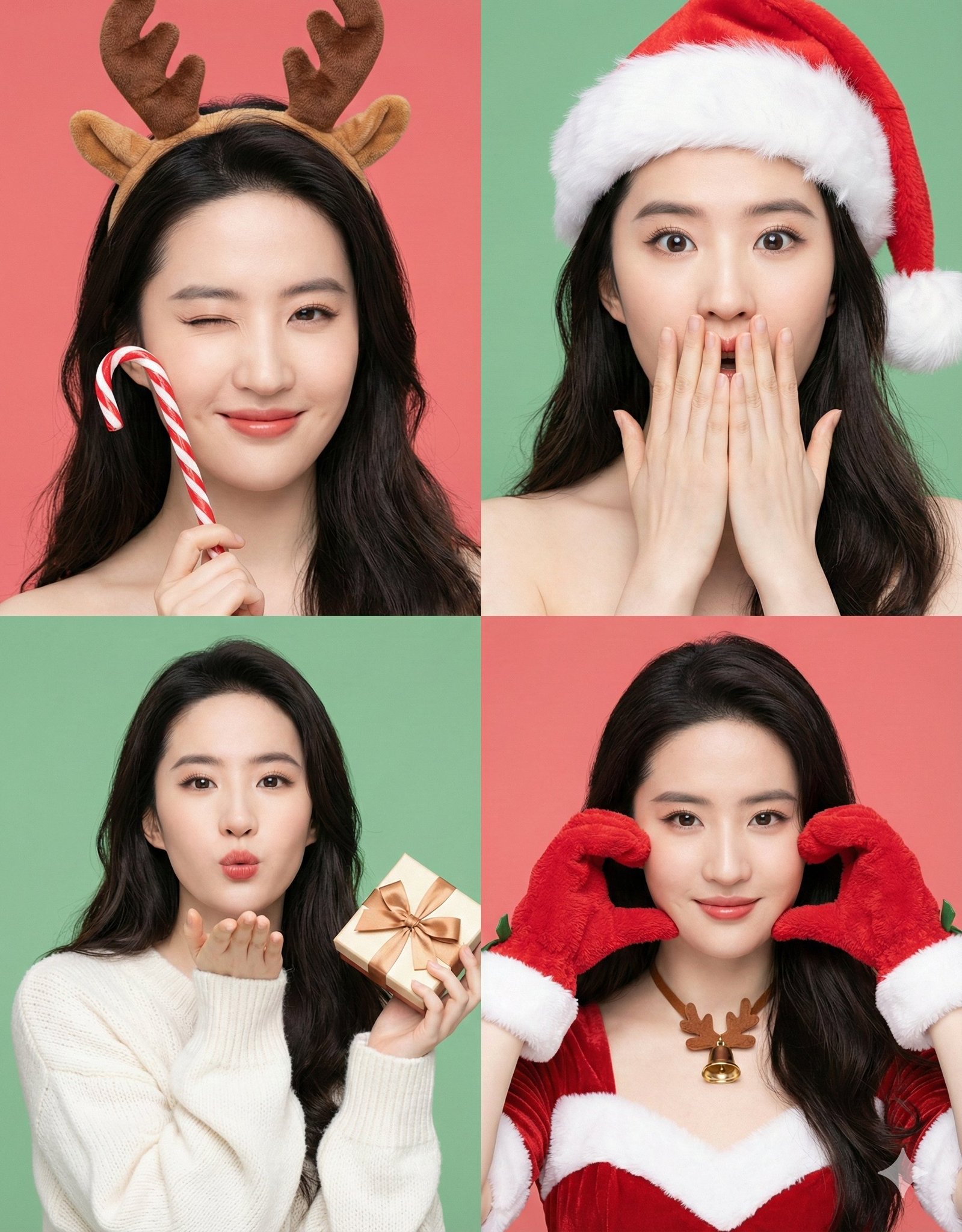
手臂搭在巨大的3D汤姆猫身上 (变体 2)
Enlarge

手臂搭在巨大的3D汤姆猫身上 (变体 2)

Prompt
"image_generation" :(
“质量”:“超逼真”,
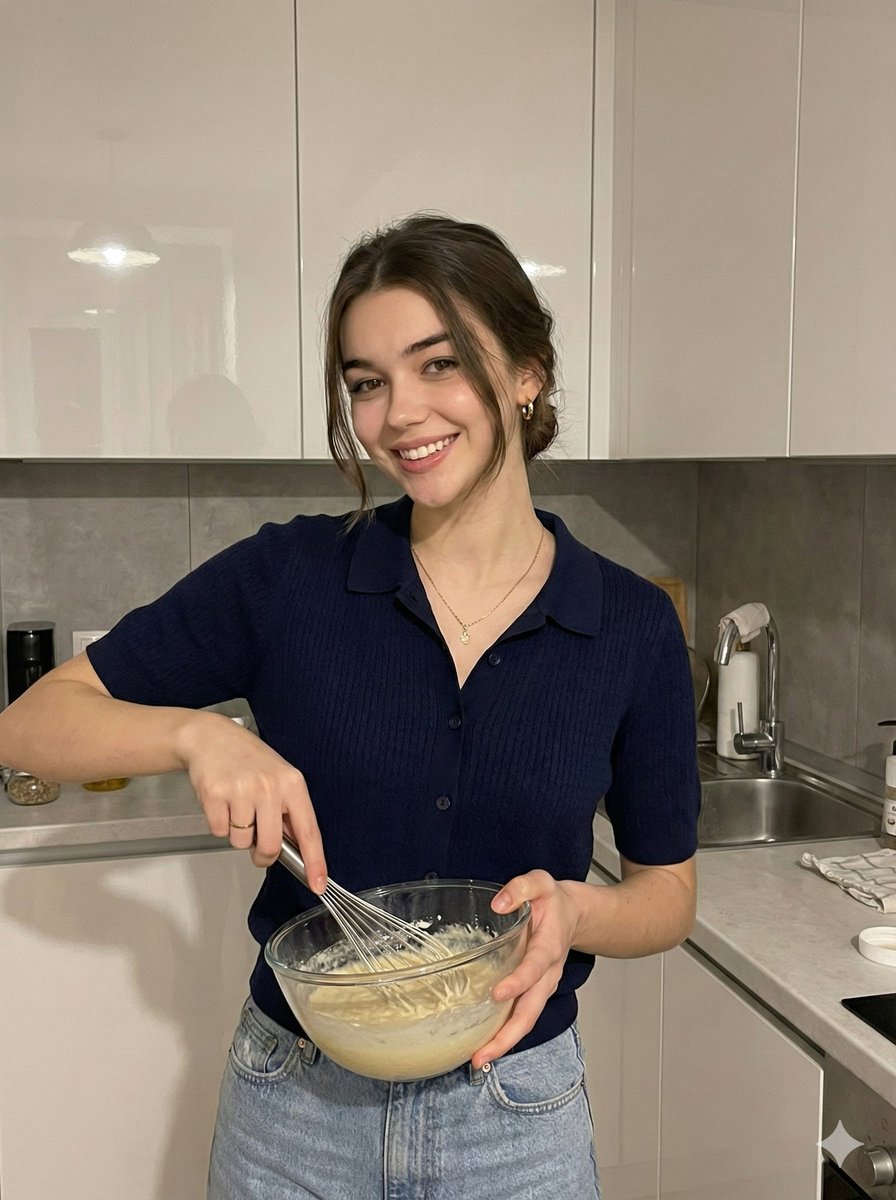
“face”: ("preserve_original": true, "reference_match": true),
“主题” :{
描述:一个穿着时尚但长相雷同的人。
“服装” :{
上衣:(类型:针织毛衣,颜色:浅灰色(汤姆主题))。
"裤子": "类型": "高腰牛仔裤", "颜色": "牛仔蓝"
“鞋子” :( “类型”:“高帮运动鞋”,“颜色”:“白色”)
“姿势”: “手臂搭在巨大的3D汤姆猫身上,而杰瑞……”
坐在汤姆的肩膀上”,
“表达方式”:“有趣,调皮”
"character_element" :{
"name": "汤姆和杰瑞",
“type”: “3D 逼真双人组”
“互动”:“汤姆自信地摆姿势,杰瑞看起来很顽皮”
"环境-("背景" . (干净的灰蓝色背景"}
}
Category
figure_toy
Model
Nano Banana Pro
Creator
Pixshop
Views1
Source ID
d2545124-be3a-405b-b69e-5fde87390967
Published
Jan 7, 2026

Guide

About "手臂搭在巨大的3D汤姆猫身上 (变体 2)"

What is this prompt for?

"手臂搭在巨大的3D汤姆猫身上 (变体 2)" AI image prompt for Nano Banana Pro (figure_toy). figure_toy Copy it on Picva and recreate the look in one click.

The full copyable prompt and example visuals above are ready for AI image generation or one-click recreate in Picva.

How to use this prompt

  1. Step 1

    Open the prompt detail

    Review the example visuals, category, and full prompt text for "手臂搭在巨大的3D汤姆猫身上 (变体 2)".

  2. Step 2

    Copy the prompt

    Copy the prompt body from this page, or load it directly in Studio.

  3. Step 3

    Pick a model (Nano Banana Pro)

    Prefer Nano Banana Pro. If you switch models, keep subject and composition and tweak style terms.

  4. Step 4

    Generate and export

    Recreate the look in Picva, or export into your workflow for editing and publishing.

FAQ

What is the "手臂搭在巨大的3D汤姆猫身上 (变体 2)" prompt?
It is an AI image-generation prompt for Nano Banana Pro in the figure_toy category. This page includes the full prompt text, example visuals, and a one-click recreate path in Picva.
How do I use this prompt to generate an image?
Copy the prompt from this page, or use Generate / Studio. Paste it into a compatible image model, or recreate the look in Picva with optional reference images.
Which model is this prompt for?
This page lists Nano Banana Pro. Most descriptive prompts also transfer to nearby image models such as GPT Image, Flux, or Midjourney with light style tweaks.
Can I use the result commercially?
You can usually copy the prompt for creation, but commercial use of the final image depends on the model terms, reference-image rights, and the generated content. Follow the source author and platform rules.