16

多角色机舱对话场景

Prompt
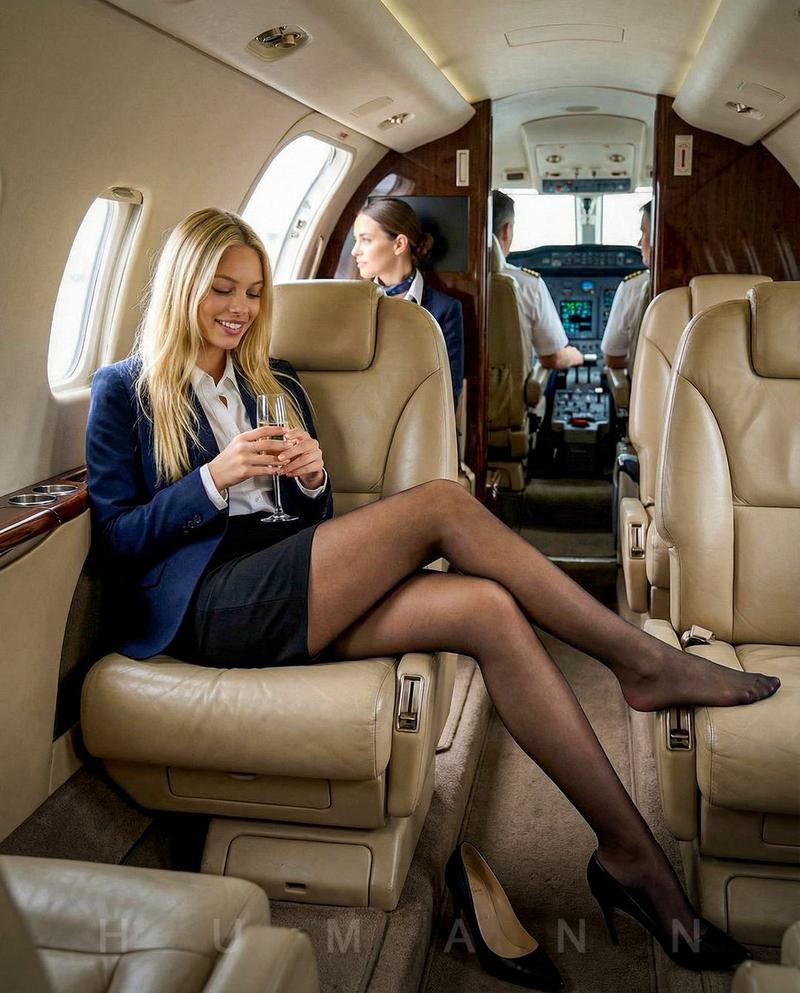
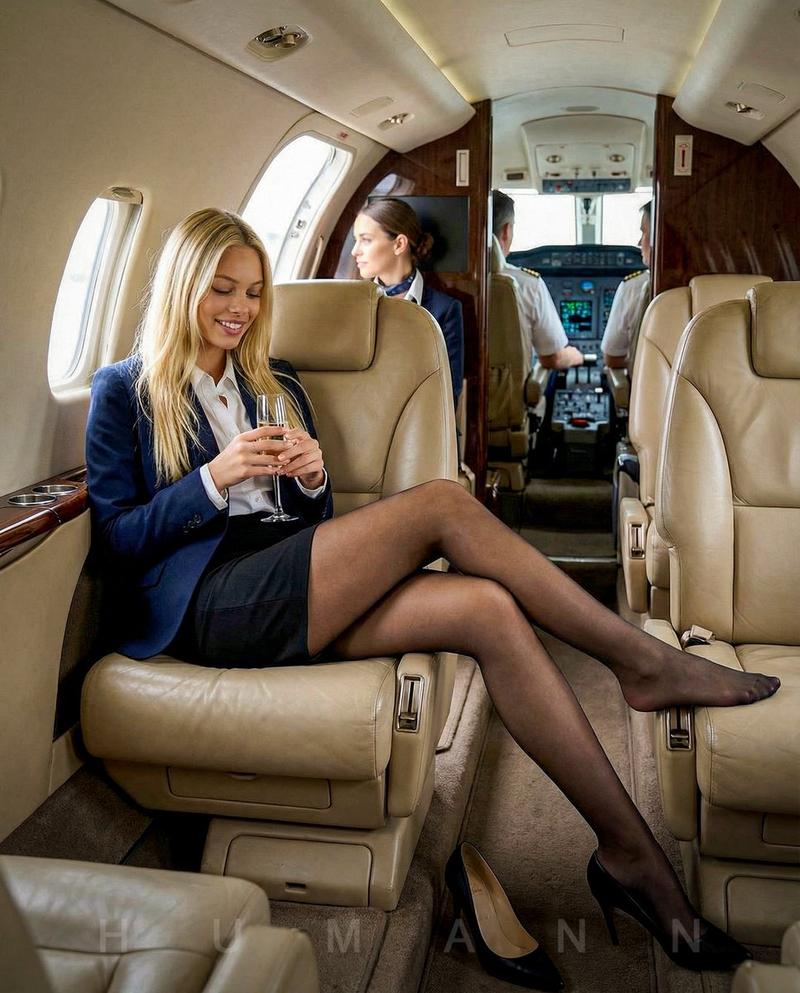
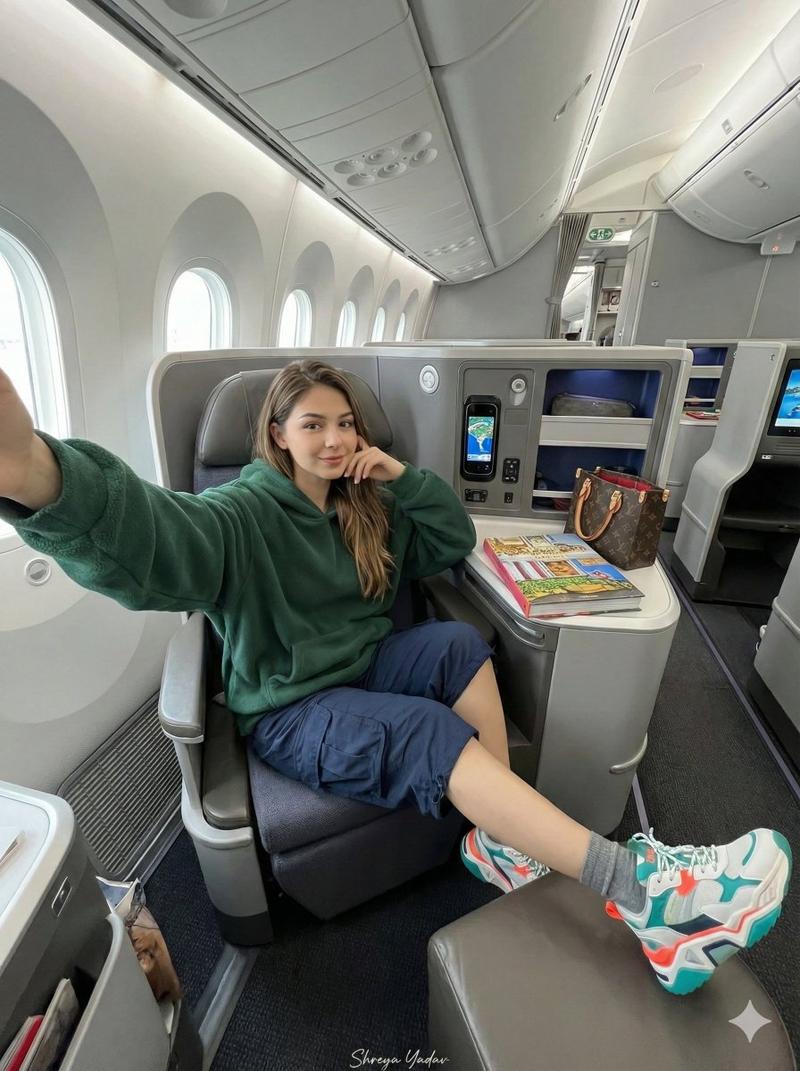
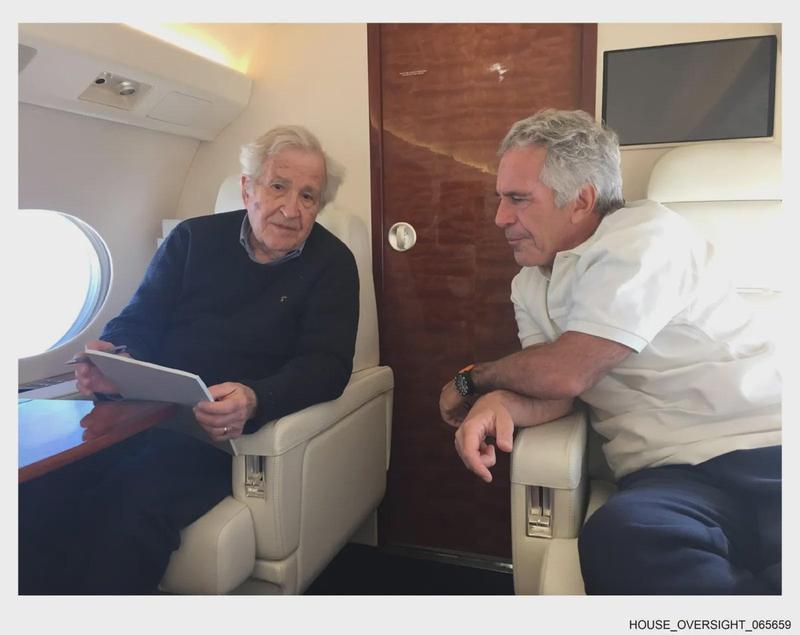
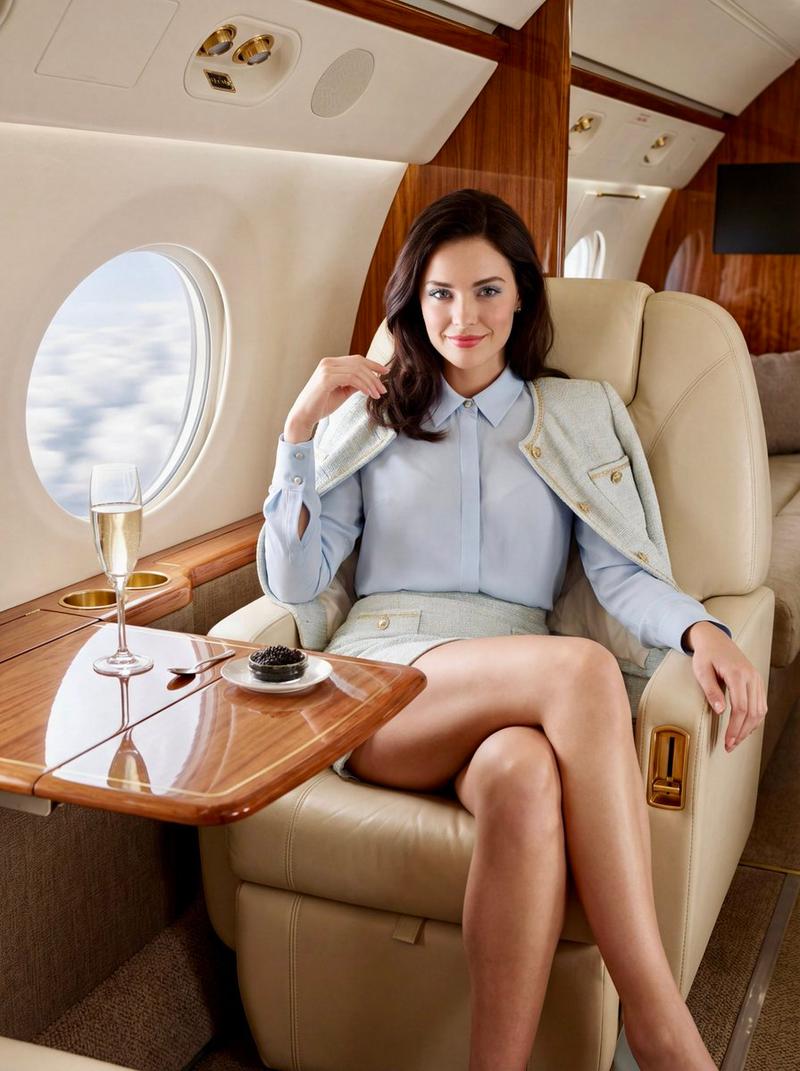
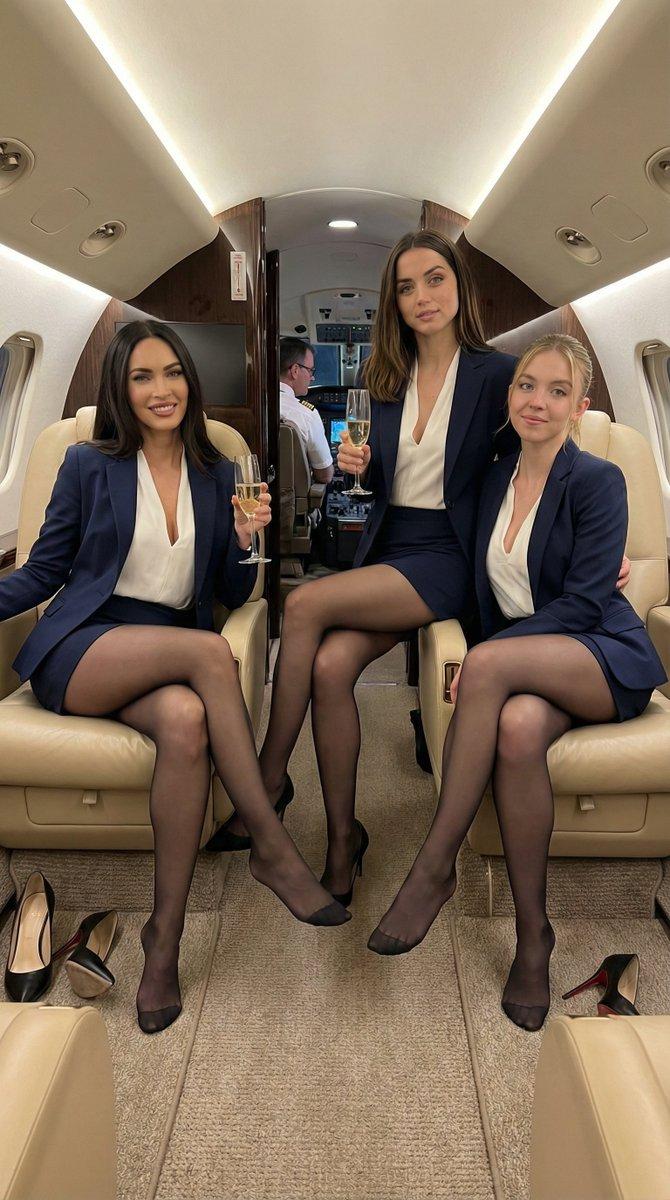
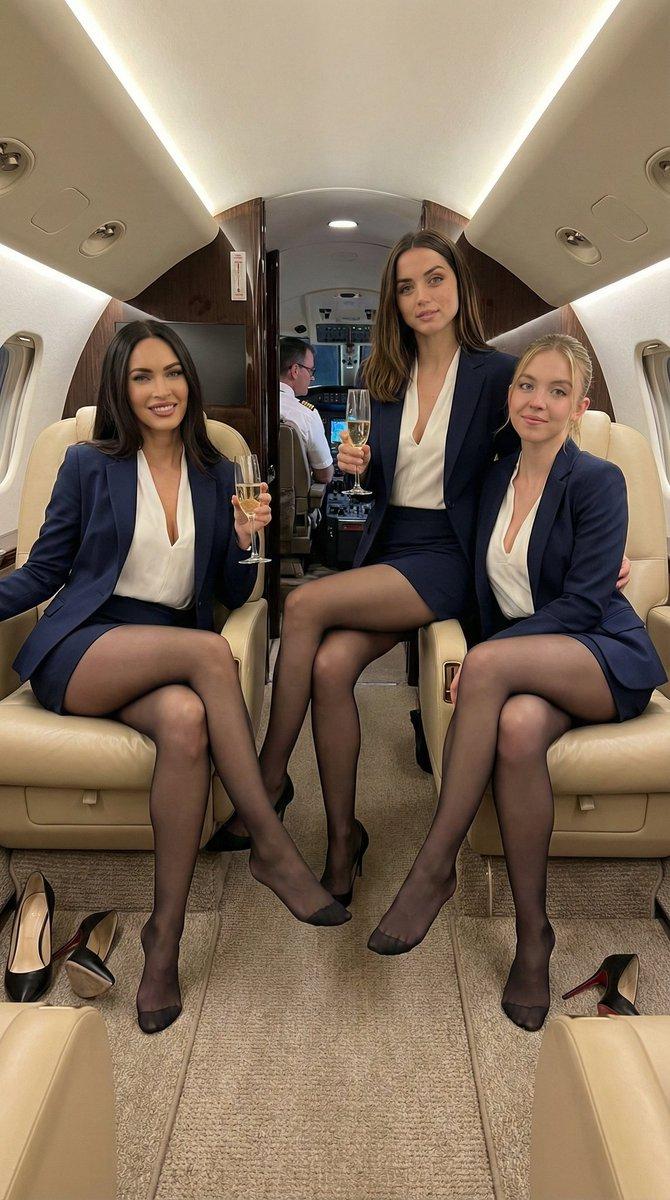
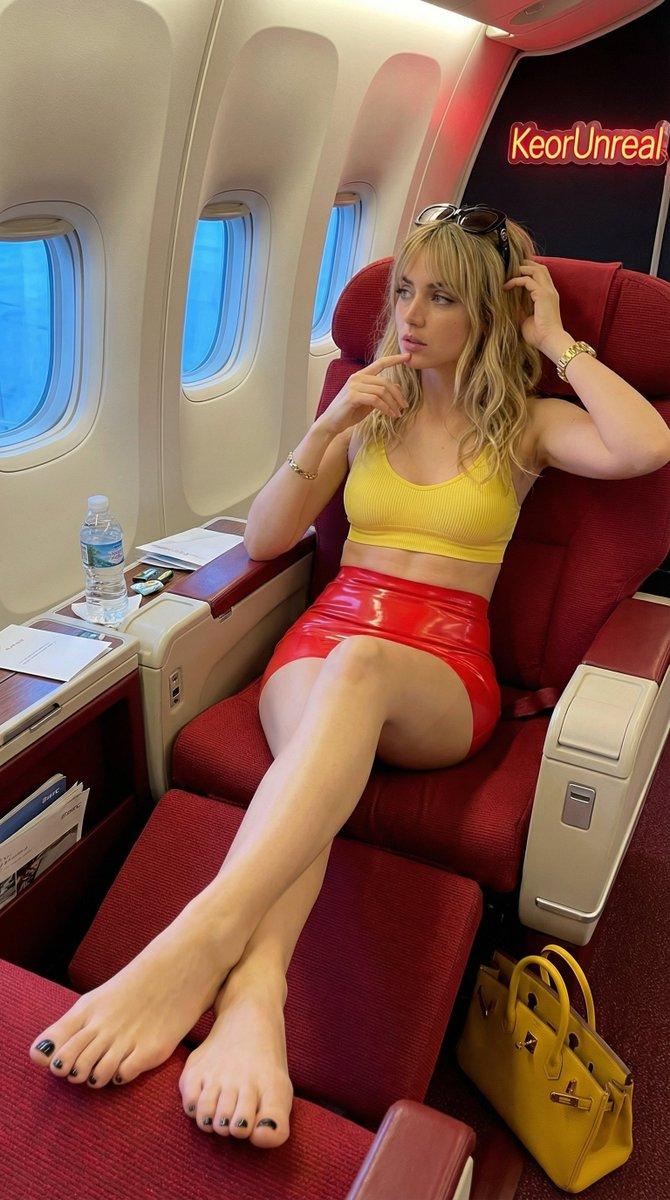
The numbers in【@图片1】represents row numbers. The numbers are for references only and should be removed in the video. All references must maintain 100% of its art style and character traits.

Characters of differing art styles walk takes their seats in their respective seats in the cabin.
【@图片2】sits on the left seat in row 1 as she says happily, "My seat is 1A."
【@图片3】sits on the right seat in row 2 as she says sadly in Japanese, "My seat is 2C." 【
@图片4】sits on the right seat in row 3 as she says fearfully in mandarin, "My seat is 3B."
【@图片5】sits on the left seat in row 4 as she says angerly in Spanish, "My seat is 4D."
【@图片6】sits on the left seat in row 5 as she says digusted in cantonese, "My seat is 5A."
【@图片7】sits on the right seat in row 6 as she franticly yells in korean, "My seat is 6D."

Stationary camera. One continuous shot as characters walk in and takes their seats one after another.
Category
创意图片
Model
seedance-2.0
Views0
Source ID
2c4668ee-a6d4-48aa-abc9-bcc26e08f1be
Published
Mar 8, 2026

Guide

About "多角色机舱对话场景"

What is this prompt for?

"多角色机舱对话场景" AI image prompt for seedance-2.0 (创意图片). 一个复杂的多部分提示,旨在测试 Seedance 2.0 处理具有不同艺术风格、特定座位安排、多种语言对话以及删除输入图像中参考编号的能力。 --- 【@Image 1】中的数字代表行号。这些数字仅供参考,应在视…

The full copyable prompt and example visuals above are ready for AI image generation or one-click recreate in Picva.

How to use this prompt

  1. Step 1

    Open the prompt detail

    Review the example visuals, category, and full prompt text for "多角色机舱对话场景".

  2. Step 2

    Copy the prompt

    Copy the prompt body from this page, or load it directly in Studio.

  3. Step 3

    Pick a model (seedance-2.0)

    Prefer seedance-2.0. If you switch models, keep subject and composition and tweak style terms.

  4. Step 4

    Generate and export

    Recreate the look in Picva, or export into your workflow for editing and publishing.

FAQ

What is the "多角色机舱对话场景" prompt?
It is an AI image-generation prompt for seedance-2.0 in the 创意图片 category. This page includes the full prompt text, example visuals, and a one-click recreate path in Picva.
How do I use this prompt to generate an image?
Copy the prompt from this page, or use Generate / Studio. Paste it into a compatible image model, or recreate the look in Picva with optional reference images.
Which model is this prompt for?
This page lists seedance-2.0. Most descriptive prompts also transfer to nearby image models such as GPT Image, Flux, or Midjourney with light style tweaks.
Can I use the result commercially?
You can usually copy the prompt for creation, but commercial use of the final image depends on the model terms, reference-image rights, and the generated content. Follow the source author and platform rules.