17

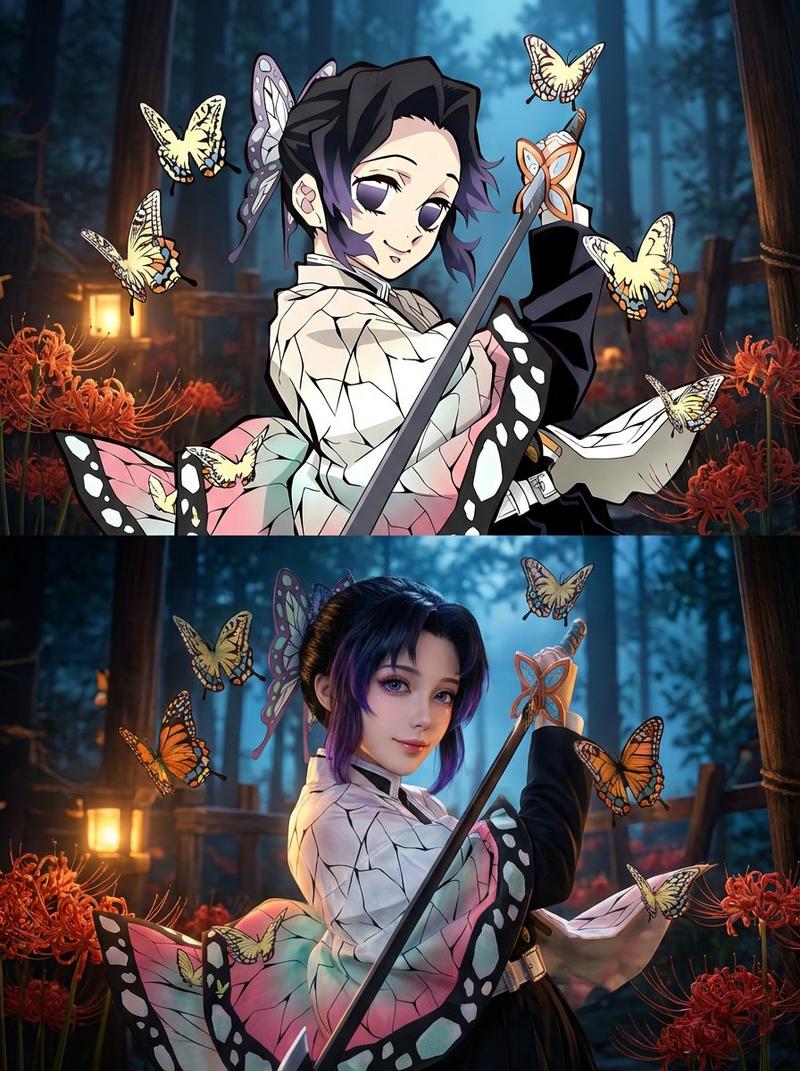
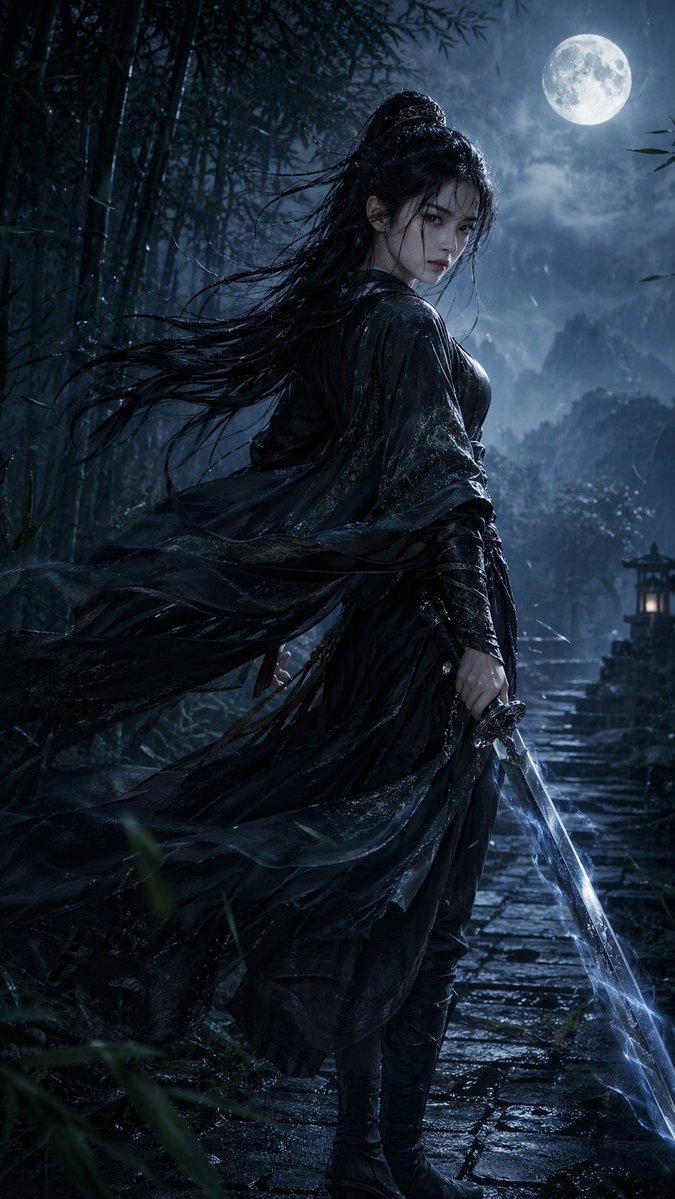
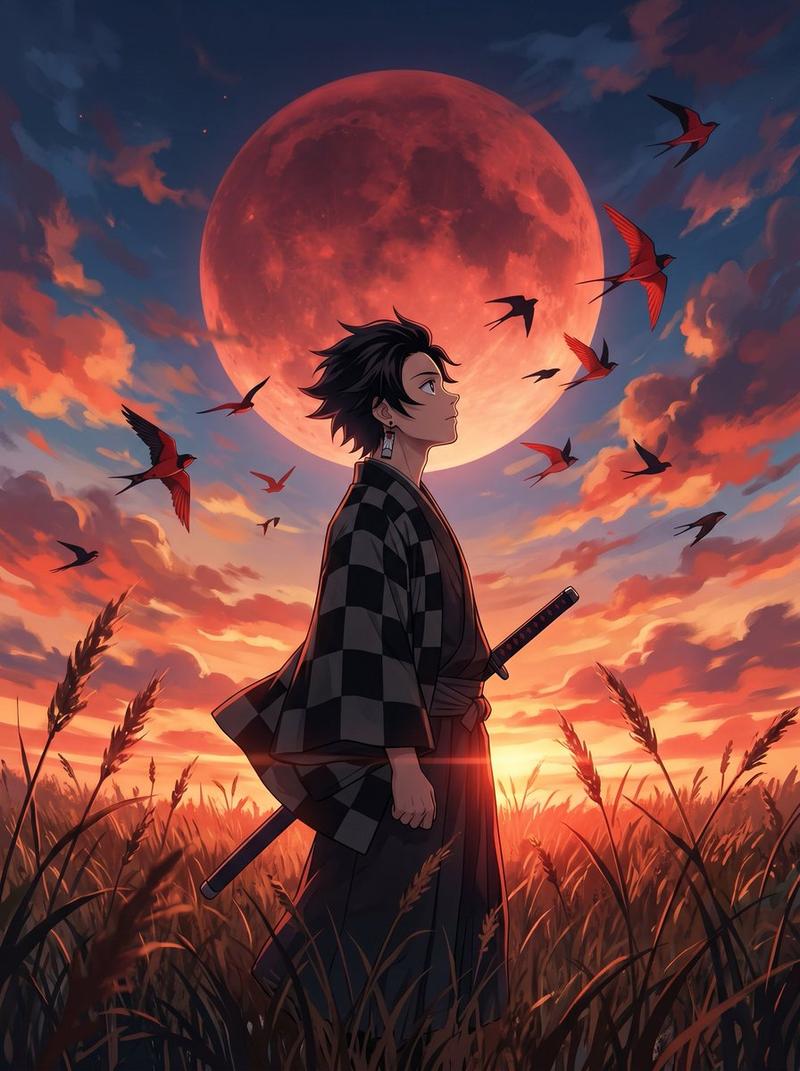
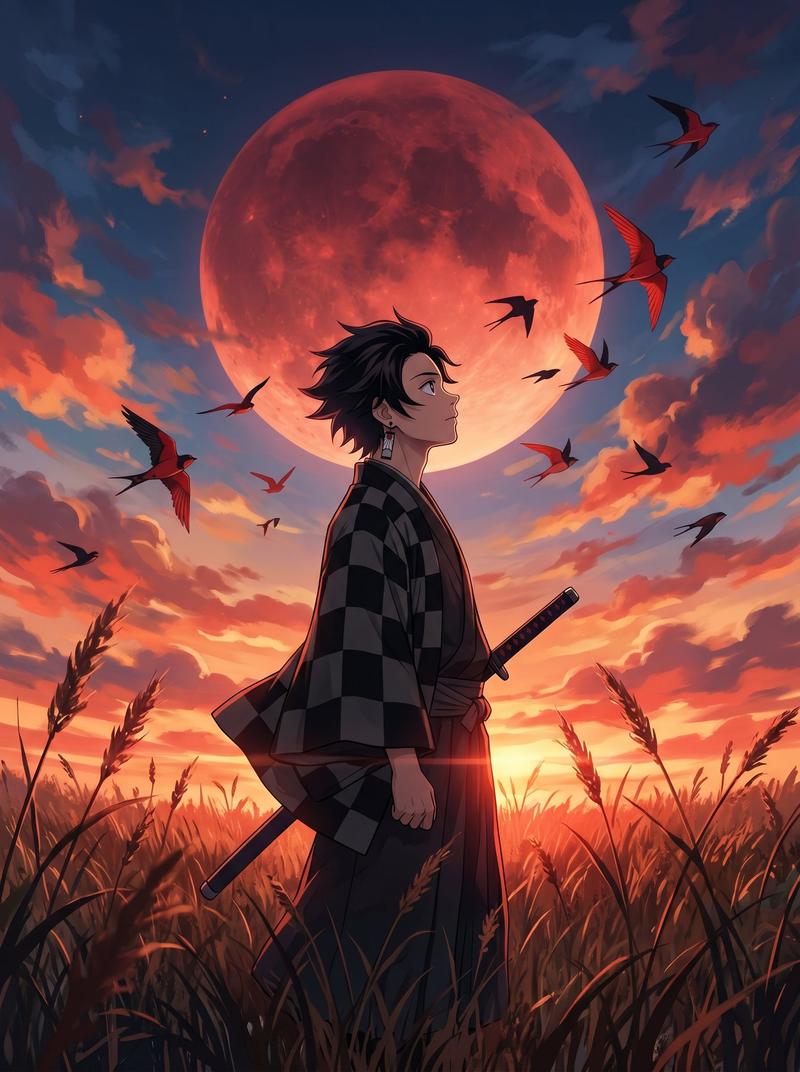
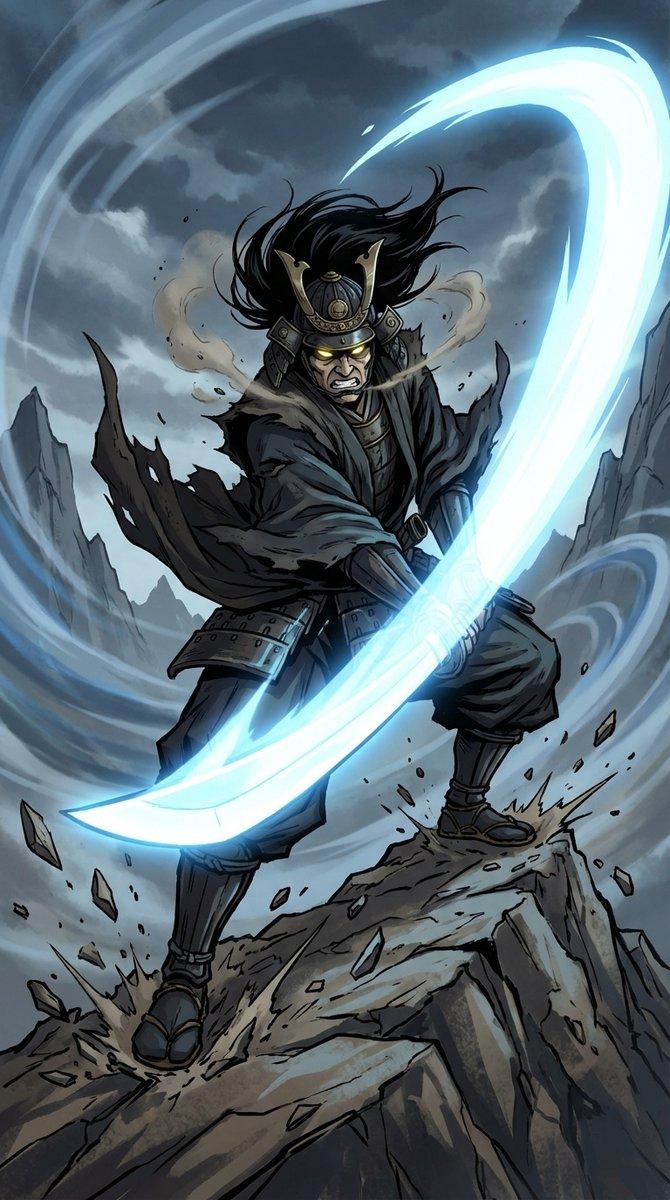
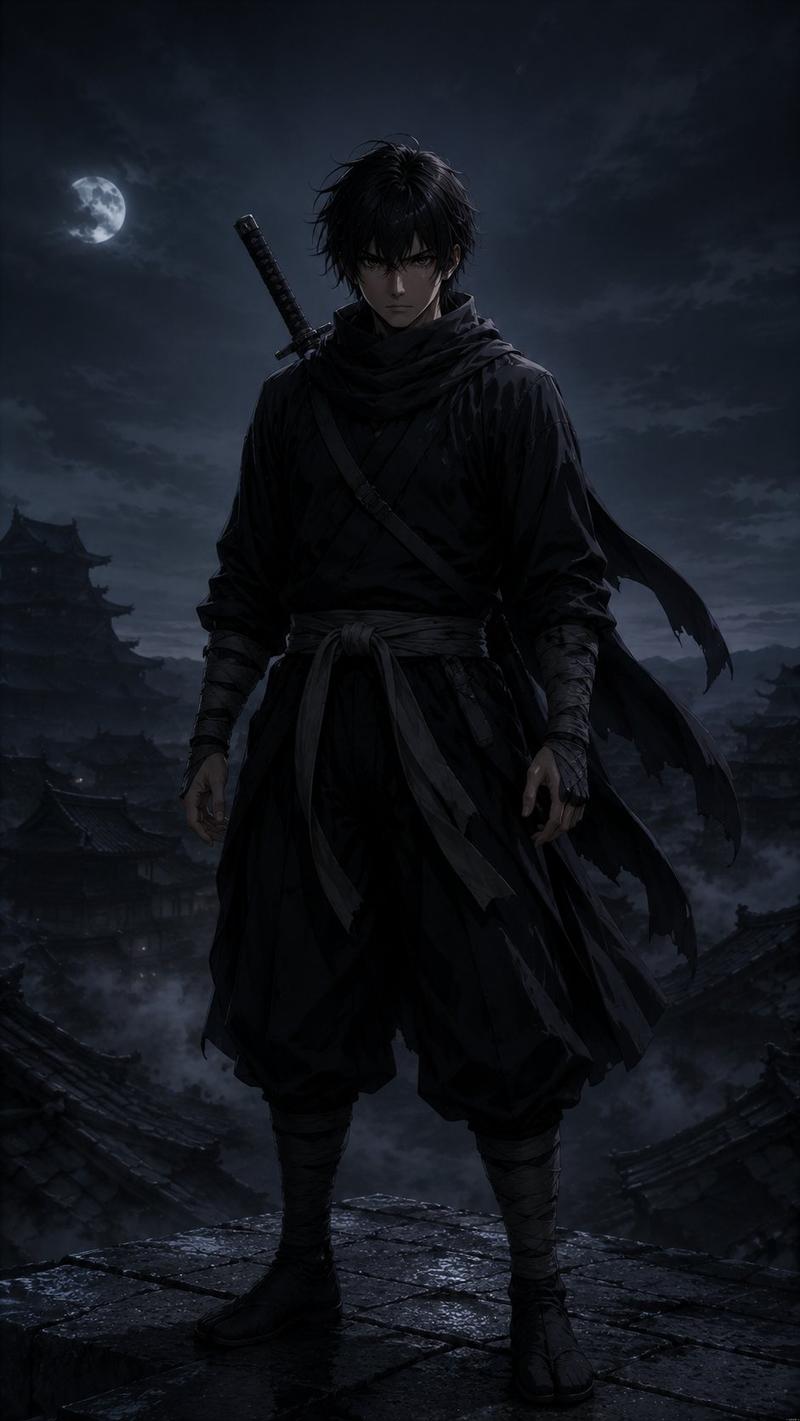
《鬼灭之刃》真人战斗提示词,适用于 Seedance 2.0

Prompt
真人漫改·呼吸法决战(15秒·超燃特效版)
【核心看点】:水之呼吸(蓝色水龙) VS 雷之呼吸(金色闪电),真人极速对决。

【风格】:好莱坞真人漫改电影质感,暗黑武士风,4K超清,极速快剪,粒子光效炸裂,无血腥。
【时长】:15秒
【场景】:月光下的迷雾森林,地面泥泞,落叶纷飞。

[00:00-00:05] 镜头1:水调歌头·起式(蓄力感)
画面:一名身穿绿黑格子羽织(外套)的少年武士,在月光下压低重心,双手握刀。
动作:他深吸一口气,周围的空气瞬间凝固。随着他拔刀出鞘,一条巨大的、由高压水流凝聚而成的蓝色水龙凭空出现,环绕着他的身体和刀刃高速旋转,发出流水的轰鸣声。
特效细节:水流具有真实的水花飞溅感,照亮了黑暗的森林。

[00:05-00:10] 镜头2:雷霆一闪·突进(极速感)
画面:对面的对手,一名披着黄色三角纹羽织的金发剑客,身体压得极低,做出了居合斩(拔刀术)的姿势。
动作:地面突然炸裂,他整个人瞬间化作一道刺眼的金色雷电残影,以肉眼无法捕捉的速度在树林间呈“之”字形极速折射突进。
特效细节:经过的地方,空气中残留着金色的电弧和被烧焦的落叶。

[00:10-00:15] 镜头3:水雷交轰·绝响(大招对撞)
画面:极速对冲。少年武士挥舞着巨大的蓝色水龙迎面斩下,金发剑客化身雷电迎面撞上。
动作:两把刀在画面中心猛烈碰撞。
特效奇观:蓝色的水龙与金色的雷电瞬间炸开,形成一个巨大的水雷能量风暴向四周扩散。周围的大树被能量波拦腰震断,泥水和光芒遮蔽了镜头。画面在极致炫目的蓝黄白光中结束。
Category
创意图片
Model
seedance-2.0
Creator
John
Views30
Source ID
ab255428-a69b-4373-b25e-89a8fd6fa22c
Published
Mar 8, 2026

Guide

About "《鬼灭之刃》真人战斗提示词,适用于 Seedance 2.0"

What is this prompt for?

"《鬼灭之刃》真人战斗提示词,适用于 Seedance 2.0" AI image prompt for seedance-2.0 (创意图片). 一个为 Seedance 2.0 设计的详细、高能量视频提示,用于生成一个 15 秒的《鬼灭之刃》风格战斗(水之呼吸 vs. 雷之呼吸)的真人改编片段。该提示详细说明了风…

The full copyable prompt and example visuals above are ready for AI image generation or one-click recreate in Picva.

How to use this prompt

  1. Step 1

    Open the prompt detail

    Review the example visuals, category, and full prompt text for "《鬼灭之刃》真人战斗提示词,适用于 Seedance 2.0".

  2. Step 2

    Copy the prompt

    Copy the prompt body from this page, or load it directly in Studio.

  3. Step 3

    Pick a model (seedance-2.0)

    Prefer seedance-2.0. If you switch models, keep subject and composition and tweak style terms.

  4. Step 4

    Generate and export

    Recreate the look in Picva, or export into your workflow for editing and publishing.

FAQ

What is the "《鬼灭之刃》真人战斗提示词,适用于 Seedance 2.0" prompt?
It is an AI image-generation prompt for seedance-2.0 in the 创意图片 category. This page includes the full prompt text, example visuals, and a one-click recreate path in Picva.
How do I use this prompt to generate an image?
Copy the prompt from this page, or use Generate / Studio. Paste it into a compatible image model, or recreate the look in Picva with optional reference images.
Which model is this prompt for?
This page lists seedance-2.0. Most descriptive prompts also transfer to nearby image models such as GPT Image, Flux, or Midjourney with light style tweaks.
Can I use the result commercially?
You can usually copy the prompt for creation, but commercial use of the final image depends on the model terms, reference-image rights, and the generated content. Follow the source author and platform rules.