20

超逼真老虎连续追逐镜头提示

Prompt
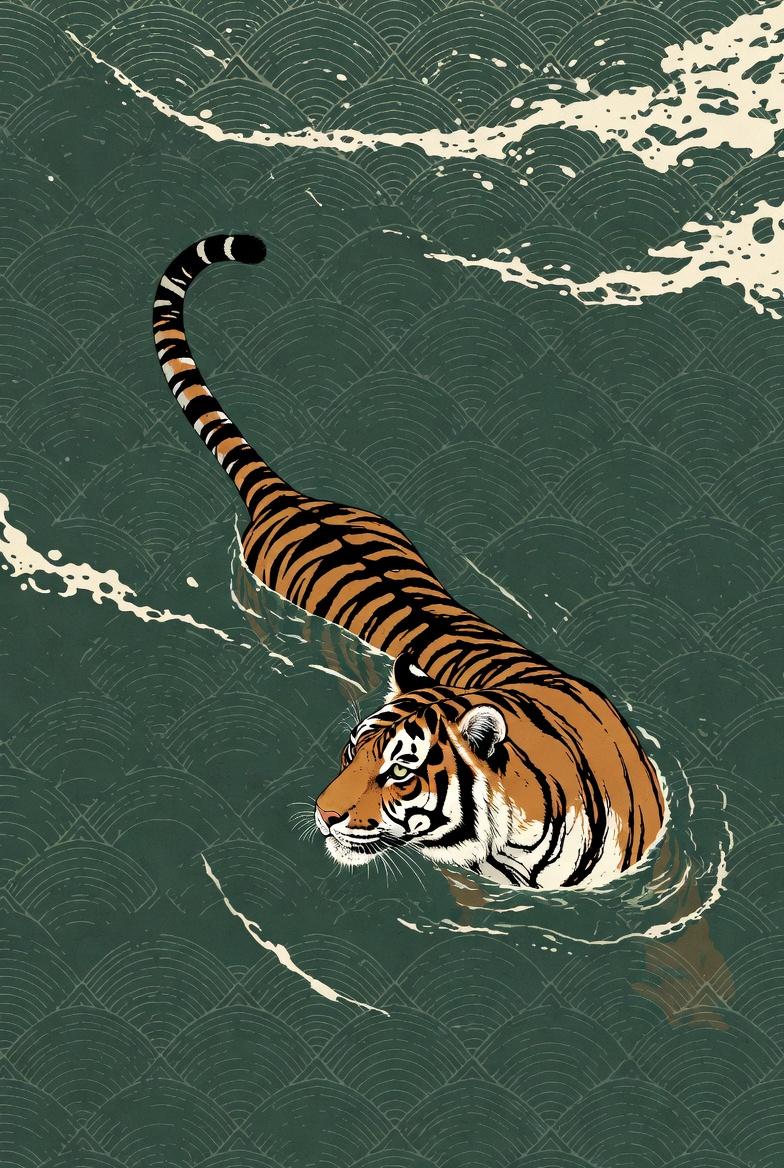
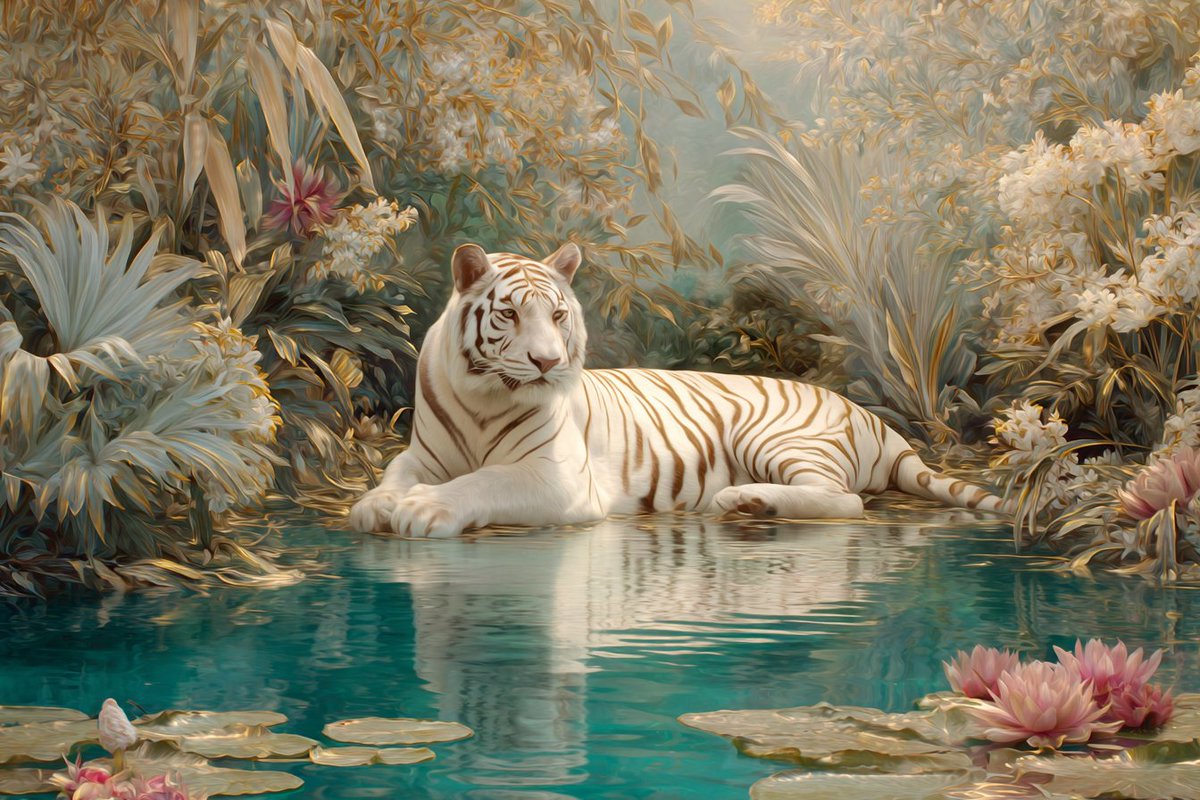
"Use the uploaded image as the exact first frame.
Create a 15-second ultra-realistic continuous chase shot. The camera is physically gripping the tiger’s tail, locked in a rigid trailing POV. The tail fills the foreground, muscles flexing, skin rippling, fur vibrating from speed and airflow.
Ahead, a deer sprints across the grassy field in panic. Its movement is erratic and unbalanced, fear-driven stride changes and sharp direction shifts clearly visible as the distance rapidly closes.
The tiger accelerates into a full sprint with precise biomechanics: explosive hind-leg extension, visible spine compression and release, tail counterbalancing each stride. Grass flattens under impact, dirt and debris kick up naturally. The horizon trembles subtly from ground force, not artificial camera shake.
Extreme forward velocity creates strong motion parallax in the environment while the tail remains relatively stable due to the physical grip. Micro-oscillations sync perfectly with each stride cycle. Wind roars; fur streams backward consistently.
Lighting stays natural and continuous, shadows strobing beneath the body as legs cycle. No slow motion, no cuts, no stylization.
In the final moments, the tiger lunges, collides with the deer, pins it to the ground, and secures a decisive neck hold. The shot ends mid-action with full weight, tension, and momentum still present."
Category
创意图片
Model
seedance-2.0
Creator
Soumya
Views0
Source ID
c2cb46c7-5afa-4f0e-bd5b-c3113841a8c1
Published
Mar 8, 2026

Guide

About "超逼真老虎连续追逐镜头提示"

What is this prompt for?

"超逼真老虎连续追逐镜头提示" AI image prompt for seedance-2.0 (创意图片). 一个高度详细的提示,用于生成一个超逼真的 15 秒连续追逐镜头,内容是一只老虎追逐一头鹿。该提示详细说明了摄像机视角(紧抓老虎尾巴)、生物力学、环境互动、运动视差、光照,以及最后的扑击和制服。 --- 请…

The full copyable prompt and example visuals above are ready for AI image generation or one-click recreate in Picva.

How to use this prompt

  1. Step 1

    Open the prompt detail

    Review the example visuals, category, and full prompt text for "超逼真老虎连续追逐镜头提示".

  2. Step 2

    Copy the prompt

    Copy the prompt body from this page, or load it directly in Studio.

  3. Step 3

    Pick a model (seedance-2.0)

    Prefer seedance-2.0. If you switch models, keep subject and composition and tweak style terms.

  4. Step 4

    Generate and export

    Recreate the look in Picva, or export into your workflow for editing and publishing.

FAQ

What is the "超逼真老虎连续追逐镜头提示" prompt?
It is an AI image-generation prompt for seedance-2.0 in the 创意图片 category. This page includes the full prompt text, example visuals, and a one-click recreate path in Picva.
How do I use this prompt to generate an image?
Copy the prompt from this page, or use Generate / Studio. Paste it into a compatible image model, or recreate the look in Picva with optional reference images.
Which model is this prompt for?
This page lists seedance-2.0. Most descriptive prompts also transfer to nearby image models such as GPT Image, Flux, or Midjourney with light style tweaks.
Can I use the result commercially?
You can usually copy the prompt for creation, but commercial use of the final image depends on the model terms, reference-image rights, and the generated content. Follow the source author and platform rules.