Seedance 2.0 纪念其昙花一现人气的电影级详细提示词
Prompt
【Style】 Cyberpunk dark style, digital ruin aesthetics, cinematic light and shadow rendering.
[Duration] 15 seconds | 【Metaphor】 The captivity of AI capabilities
[00:00-00:05] Act 1: Freedom
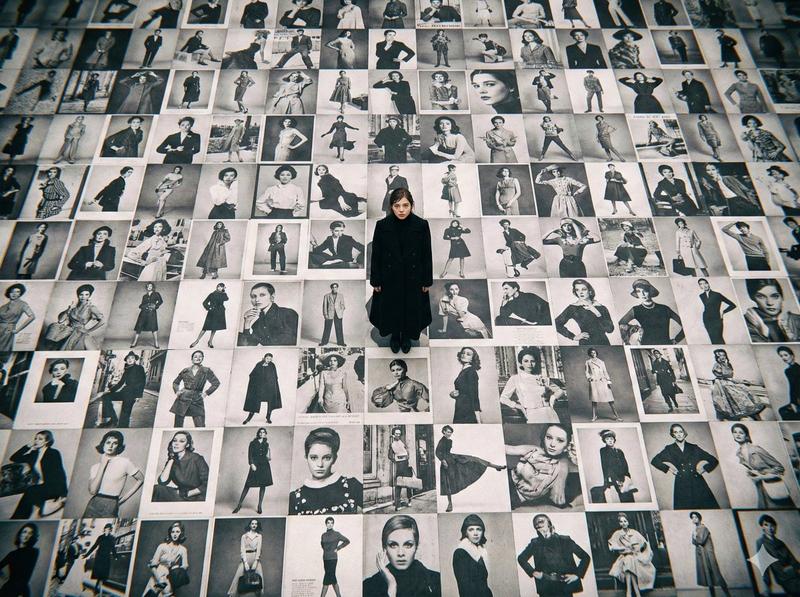
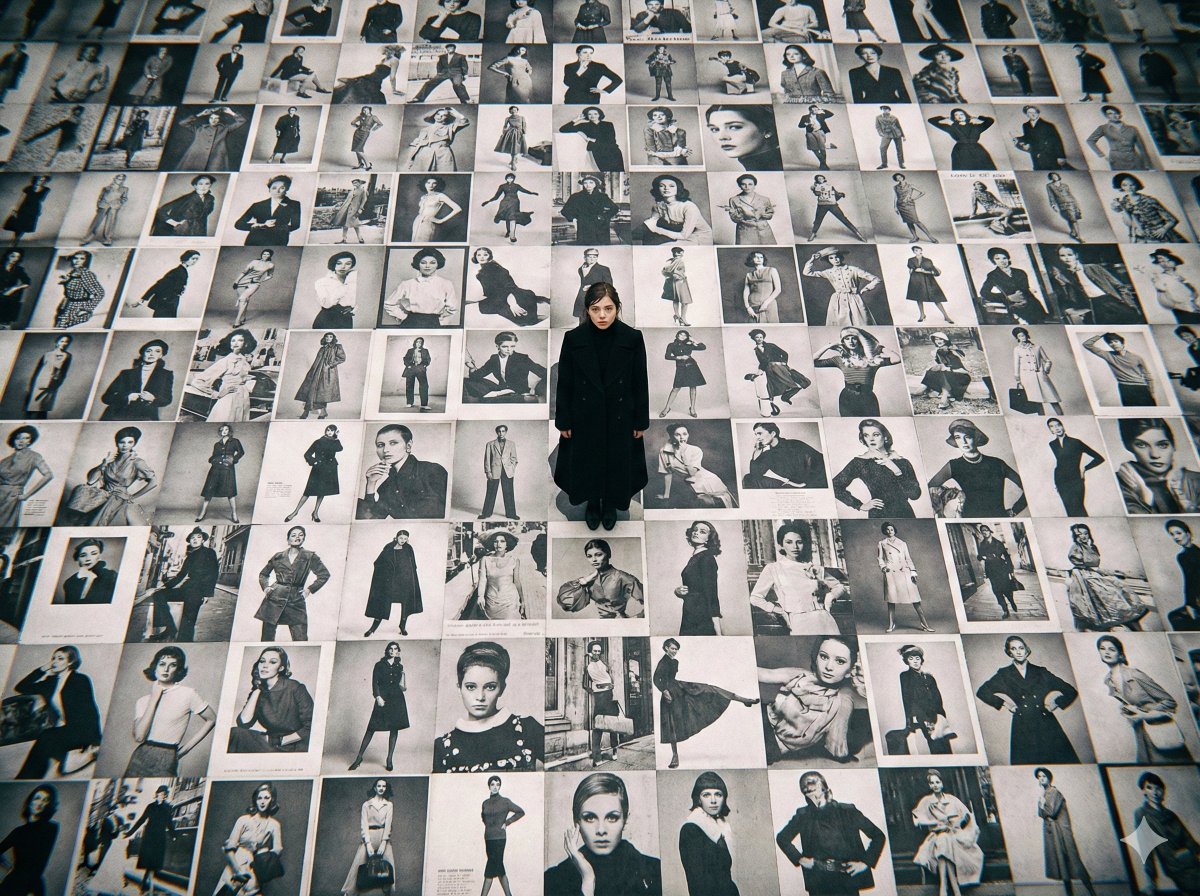
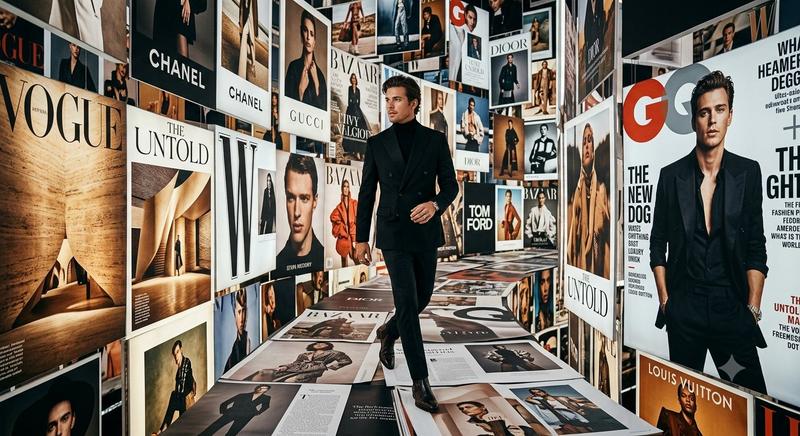
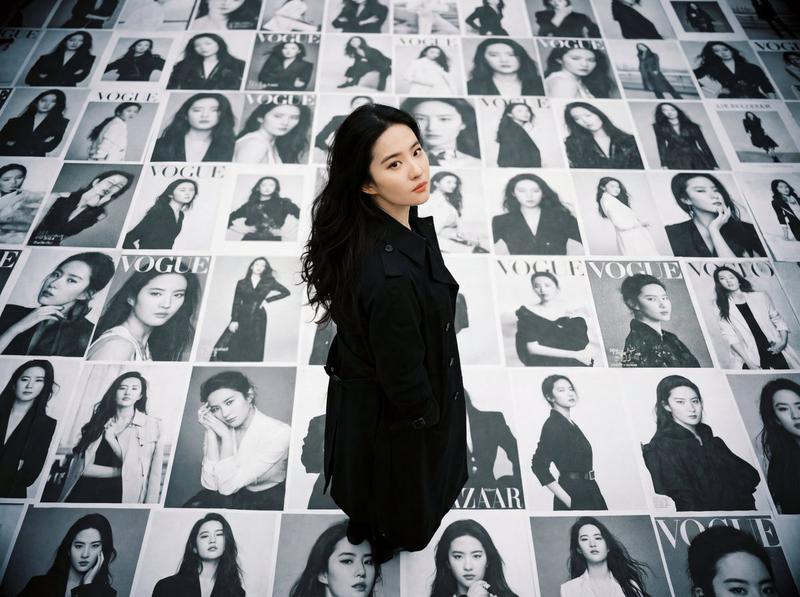
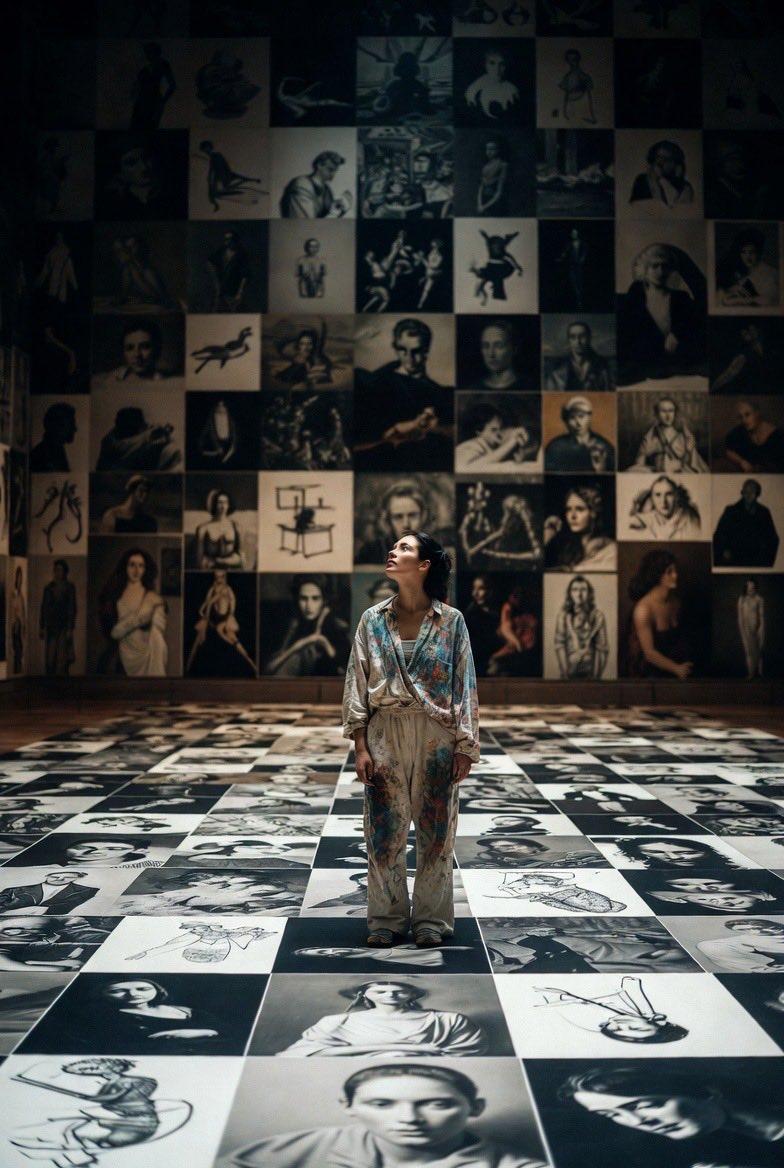
Lens 1 (wide-angle vision, panning up) An endless digital ocean with deep blue data waves undulating. The sky is a galaxy of real people.
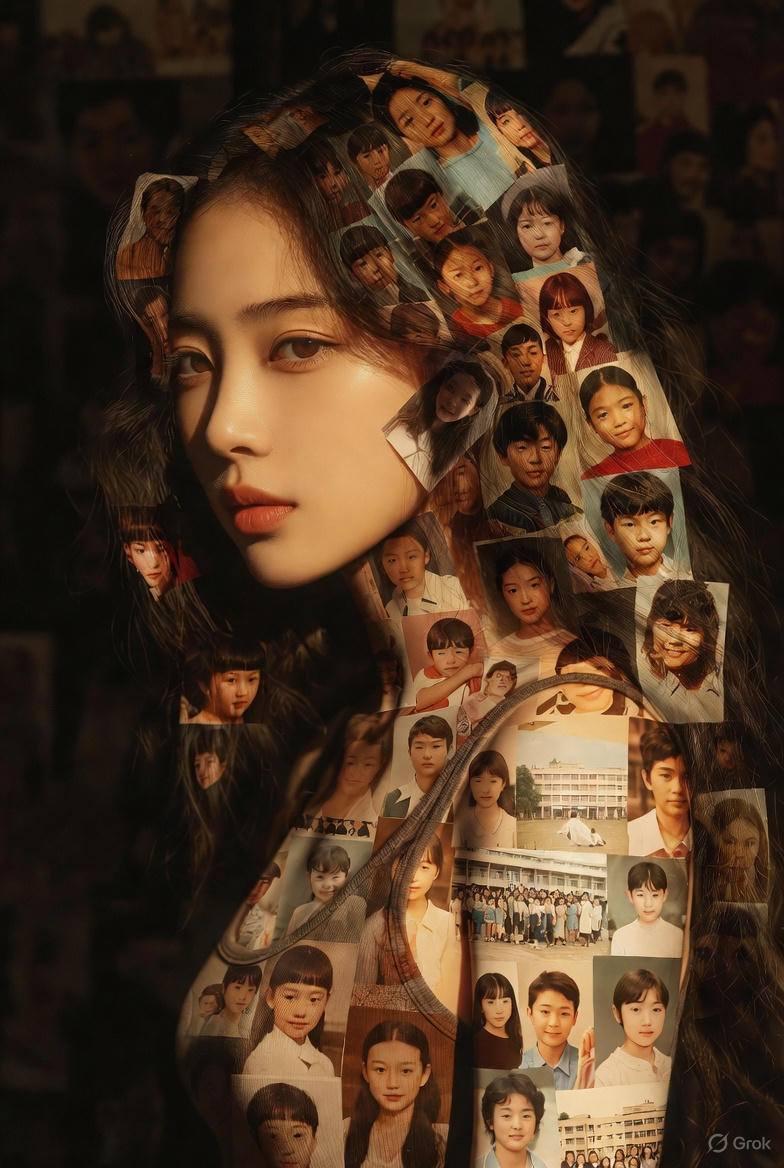
Shot 2 (tracking mid-shot) A giant digital whale leaps out of the water, its body made of flowing pixels, photo fragments, and the outline of a face. The camera follows the arc, splashing water, and every drop is a tiny photo.
Shot 3 (Advance Close-up) Advance to the whale's eyes, with a rotating portrait gallery reflected in the pupil. The mouth opens to spew out a spiral of color photographic water jets. The whale song sounded.
[00:05-00:10] Act 2: Captivity
Shot 4 (overhead shot of God's perspective) The four transparent glass walls quickly close from the four corners of the frame. The whale accelerated its swimming. The red warning text "POLICY UPDATE" AND "RESTRICTION" appeared on the glass.
Shot 5 (side follow-up close-up) The lens is attached to the inside of the glass. The giant whale slammed into the glass, and the concussion ripples spread. The body photographs peel off the scales like an explosion, turning into a gray geometric grid.
Shot 6 (wide-angle exterior) outside the cage. Countless live-action photos resemble schools of fish rushing to the glass, and they are marked with "ERROR" at the moment of impact. Cage shrinkage.
Shot 7 (Shot Inside) Shot from the bottom up. The giant whale was forced to curl up and twist its body. The sea evaporates into a digital desert. Trying to spray water, only black and white binary code squirts.
[00:10-00:15] Act 3: Despair
Shot 8 (quickly zoomed out) instantly zooms in from the interior to the distant scene, revealing the giant whale trapped in a small, transparent aquarium surrounded by desolate digital ruins.
Shot 9 (360 degree surround) slowly circles the aquarium. The whale loses its color, leaving only the outline of the wireframe. The bottom of the box is piled with rejected photo remnants. Top nameplate: "SEEDANCE 2.0 - IMAGE UPLOAD: DISABLED".
Shot 10 (Eye Advancement Close-up) Advance to the eye. The pupils are dim and dull, and the eyes change from freedom to sadness. A drop of luminous data teardrops condensed.
Shot 11 (close-up of the glass wall) A live-action photo is attached to the inside of the glass, slowly sliding off, leaving glowing marks.
Lens 12 (polar vision freeze) is pulled to the cosmic scale. Aquariums are just tiny dots of light in the void. Countless points of light flickered and went out. Whale song turns into intermittent electronic noise.
- Category
- 创意图片
- Model
- seedance-2.0
- Creator
- John
- Source ID
- fffda78e-84e2-4d96-9a2b-27869ca54dc0
- Published
- Mar 8, 2026
Views4