16

抽象画家变形序列

Prompt
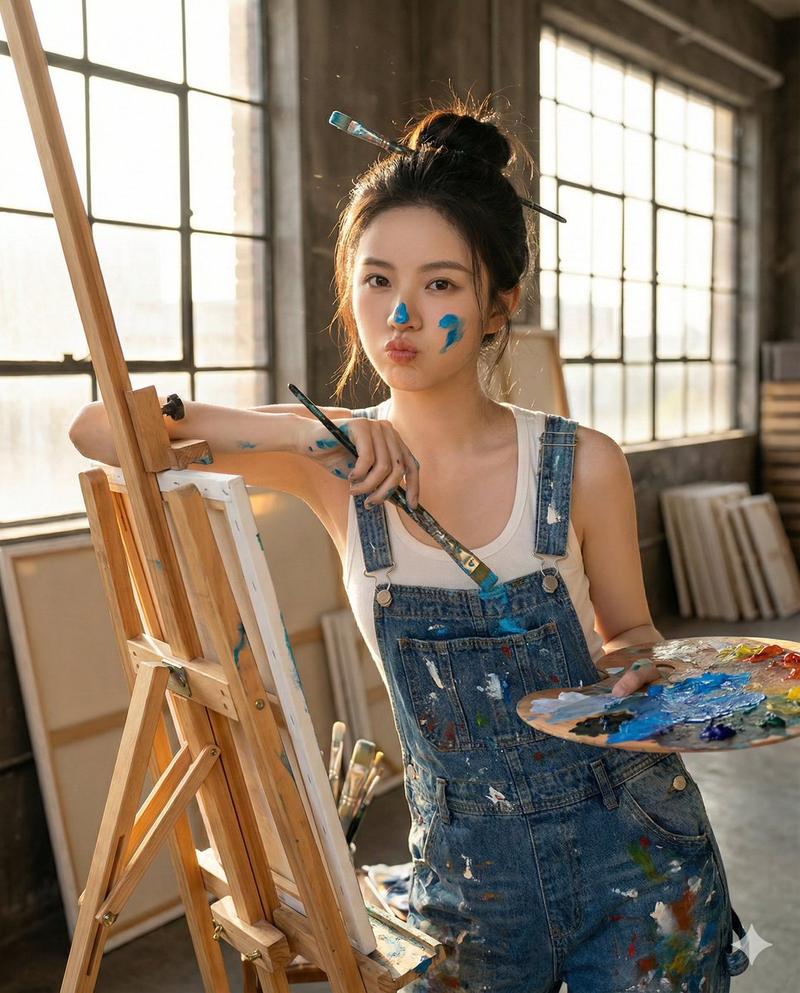
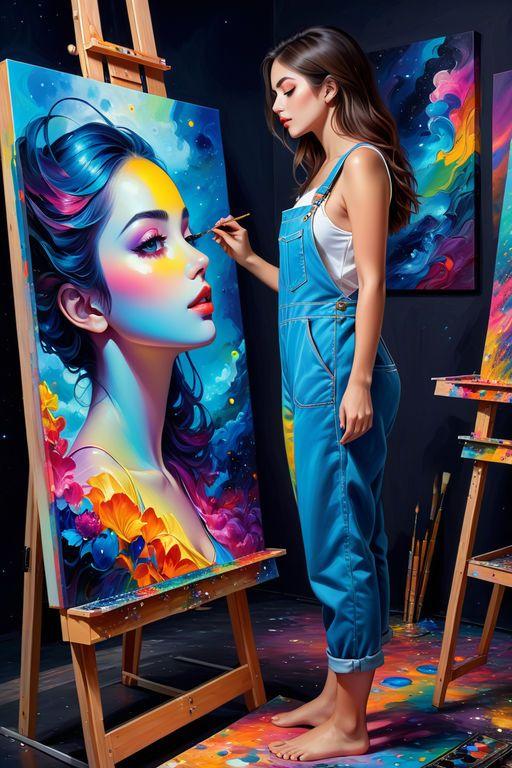
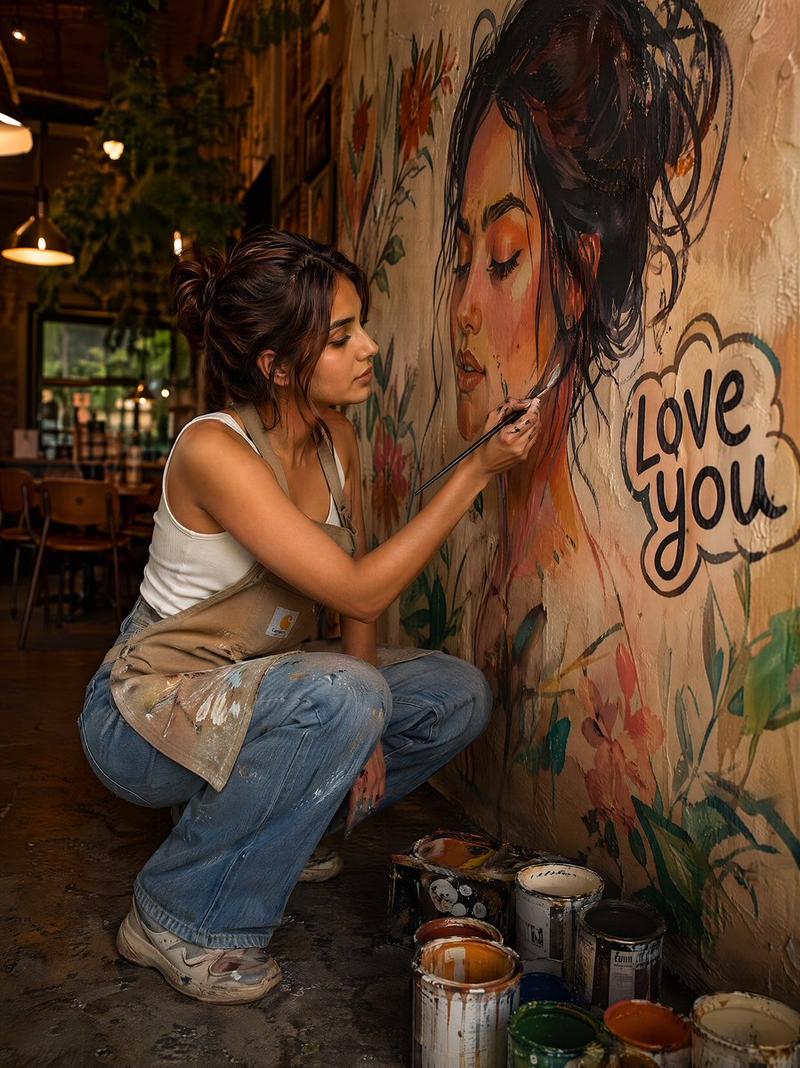
Close-up on her hands gripping the paintbrush, knuckles white, paint dripping down her wrist. Shallow depth of field, the blank canvas a soft white blur behind her. She exhales. [cut] Wide shot from behind her, 24mm low angle. She winds back and hurls paint at the canvas. Neon colours explode across the white surface, splattering the walls and floor. The force of the throw carries her forward a step. [cut] Slow push-in, 50mm, tight on the canvas. The paint swirls and morphs into a photorealistic mountain landscape. Detail sharpens as the camera creeps closer. Faint ambient hum builds. [cut] Quick whip pan left to the cat on the paint can. 35mm, eye level. The cat stares directly into camera. Blinks once. Yawns. [cut] Medium shot, 40mm. She turns to camera and shrugs. Freeze frame.
Category
创意图片
Model
seedance-2.0
Views0
Source ID
7c05d599-b9e4-4a97-ae02-457d34727bc3
Published
Mar 8, 2026

Guide

About "抽象画家变形序列"

What is this prompt for?

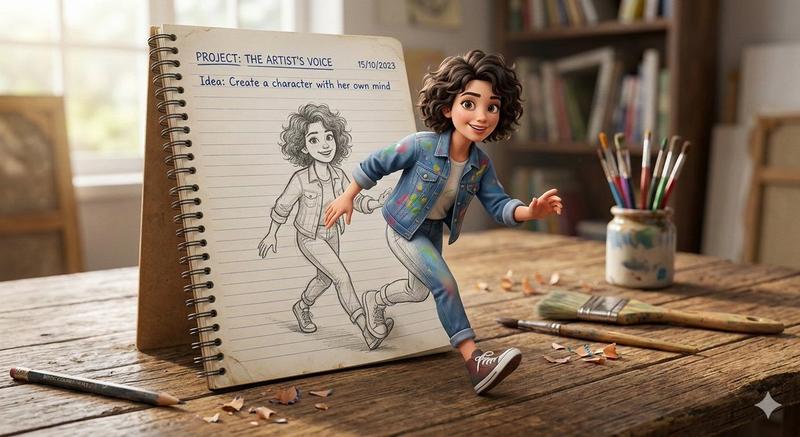
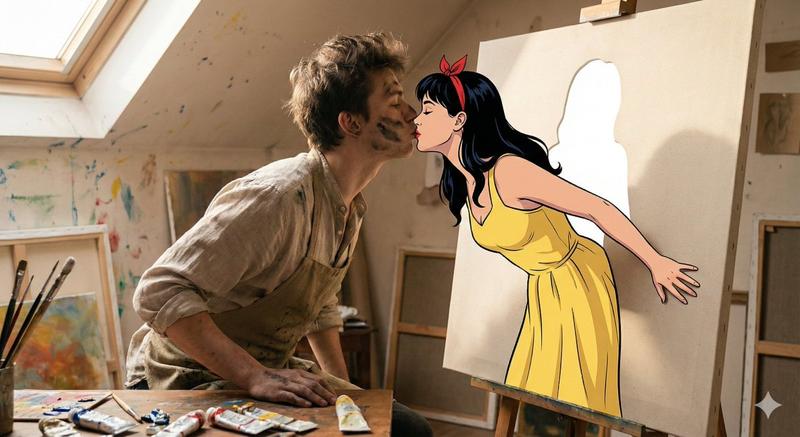
"抽象画家变形序列" AI image prompt for seedance-2.0 (创意图片). 一个详细的多镜头提示,描述了一位艺术家全神贯注地绘画,最终她将颜料泼洒到画布上,画布随即变成了一幅逼真的山水画,最后以猫咪的快速镜头结束。 --- 特写镜头:她的双手紧握画笔,指关节发白,颜料顺着手腕滴落。浅景深,…

The full copyable prompt and example visuals above are ready for AI image generation or one-click recreate in Picva.

How to use this prompt

  1. Step 1

    Open the prompt detail

    Review the example visuals, category, and full prompt text for "抽象画家变形序列".

  2. Step 2

    Copy the prompt

    Copy the prompt body from this page, or load it directly in Studio.

  3. Step 3

    Pick a model (seedance-2.0)

    Prefer seedance-2.0. If you switch models, keep subject and composition and tweak style terms.

  4. Step 4

    Generate and export

    Recreate the look in Picva, or export into your workflow for editing and publishing.

FAQ

What is the "抽象画家变形序列" prompt?
It is an AI image-generation prompt for seedance-2.0 in the 创意图片 category. This page includes the full prompt text, example visuals, and a one-click recreate path in Picva.
How do I use this prompt to generate an image?
Copy the prompt from this page, or use Generate / Studio. Paste it into a compatible image model, or recreate the look in Picva with optional reference images.
Which model is this prompt for?
This page lists seedance-2.0. Most descriptive prompts also transfer to nearby image models such as GPT Image, Flux, or Midjourney with light style tweaks.
Can I use the result commercially?
You can usually copy the prompt for creation, but commercial use of the final image depends on the model terms, reference-image rights, and the generated content. Follow the source author and platform rules.