19

Sora 2 专业神话奇幻视频提示词

Prompt
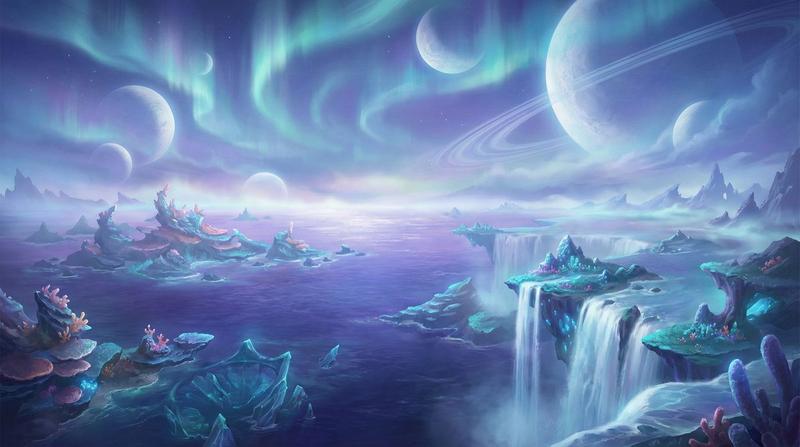
在一个悬浮于九天之上的浩瀚云海战场,背景是绚烂的紫金色极光与星河交织的虚空。两位原创设计的虚构仙人正在进行激烈的法术对决。左侧的仙人身披流动的白金战甲,周身环绕着复杂的金色符文光环,挥手间召唤出巨大的光之巨龙幻影;右侧的对手身着深邃的墨蓝长袍,驾驭着雷电与黑雾,周围悬浮着无数发光的能量飞剑。

这是一场纯粹的能量与光影的视觉盛宴。
Category
创意图片
Model
seedance-2.0
Views0
Source ID
13a27073-6b43-4799-a19a-d92f103ecffc
Published
Mar 8, 2026

Guide

About "Sora 2 专业神话奇幻视频提示词"

What is this prompt for?

"Sora 2 专业神话奇幻视频提示词" AI image prompt for seedance-2.0 (创意图片). 一个为 Sora 2 设计的专业提示,专注于生成一个视觉震撼、原创的、在宇宙背景下两名虚构不朽者之间的神话奇幻战斗场景。 --- 在九天之上悬浮的广阔云海战场中,背景是交织着耀眼紫金色极光和银河…

The full copyable prompt and example visuals above are ready for AI image generation or one-click recreate in Picva.

How to use this prompt

  1. Step 1

    Open the prompt detail

    Review the example visuals, category, and full prompt text for "Sora 2 专业神话奇幻视频提示词".

  2. Step 2

    Copy the prompt

    Copy the prompt body from this page, or load it directly in Studio.

  3. Step 3

    Pick a model (seedance-2.0)

    Prefer seedance-2.0. If you switch models, keep subject and composition and tweak style terms.

  4. Step 4

    Generate and export

    Recreate the look in Picva, or export into your workflow for editing and publishing.

FAQ

What is the "Sora 2 专业神话奇幻视频提示词" prompt?
It is an AI image-generation prompt for seedance-2.0 in the 创意图片 category. This page includes the full prompt text, example visuals, and a one-click recreate path in Picva.
How do I use this prompt to generate an image?
Copy the prompt from this page, or use Generate / Studio. Paste it into a compatible image model, or recreate the look in Picva with optional reference images.
Which model is this prompt for?
This page lists seedance-2.0. Most descriptive prompts also transfer to nearby image models such as GPT Image, Flux, or Midjourney with light style tweaks.
Can I use the result commercially?
You can usually copy the prompt for creation, but commercial use of the final image depends on the model terms, reference-image rights, and the generated content. Follow the source author and platform rules.