15

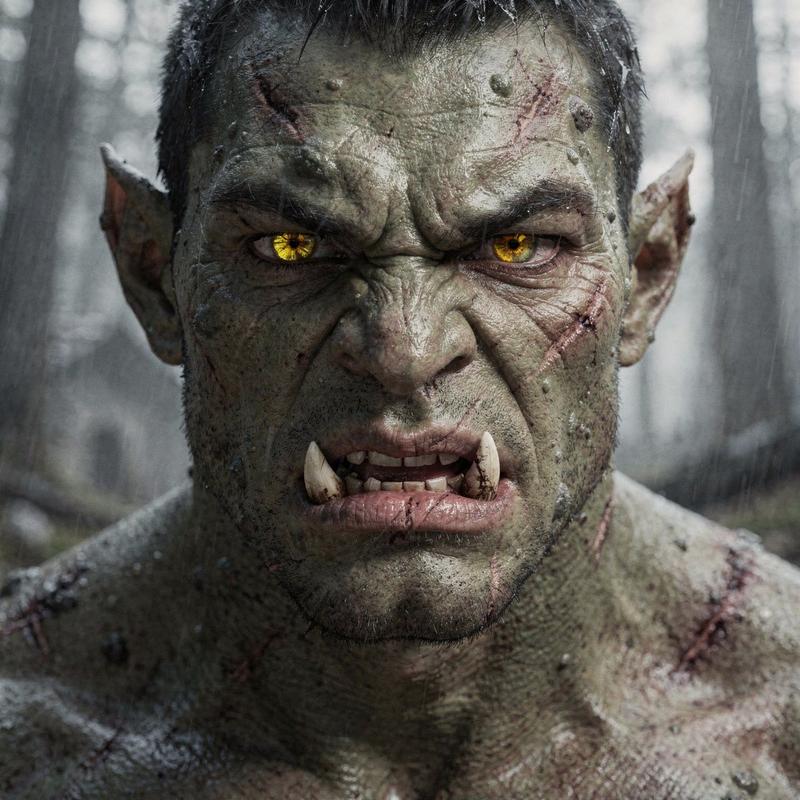
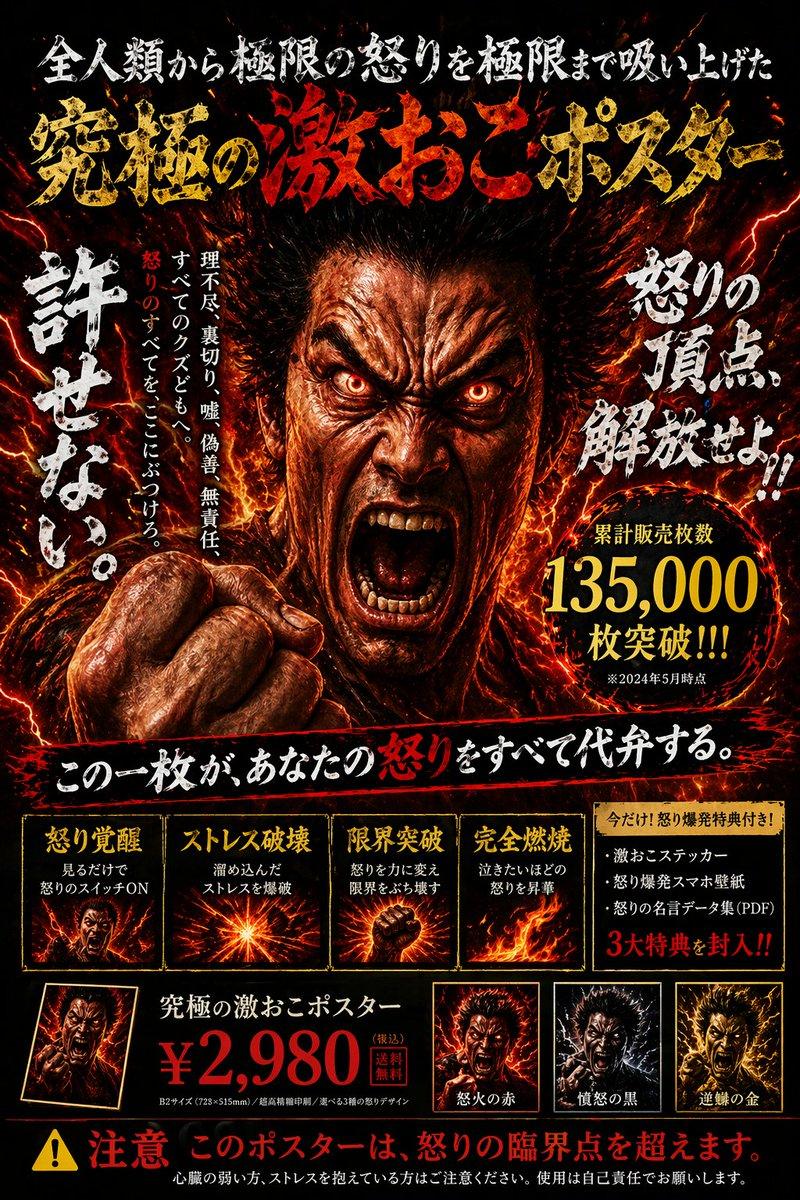
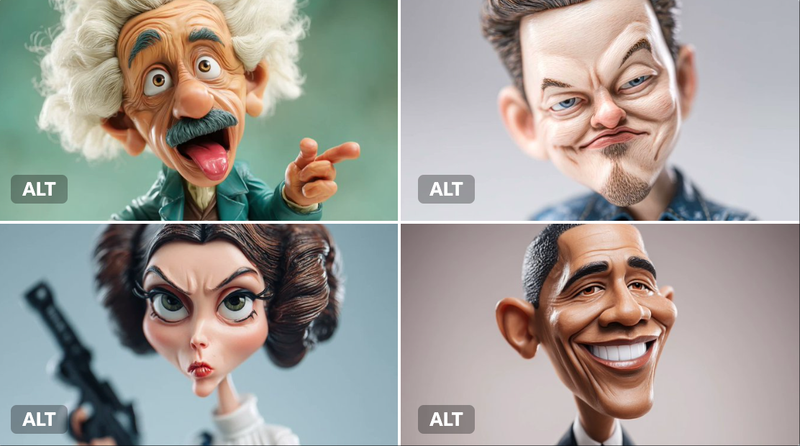
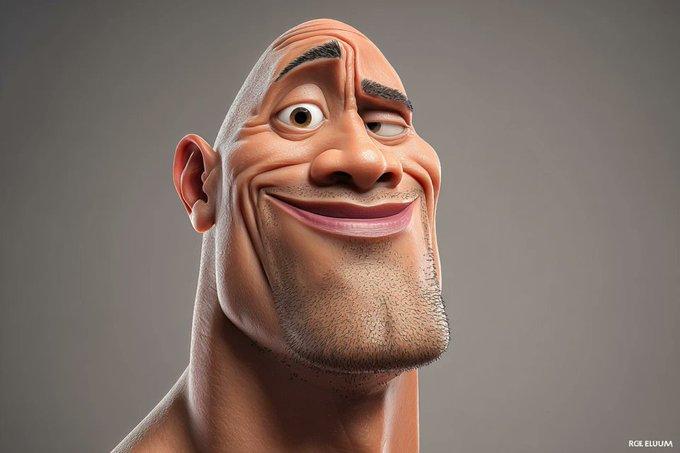
使用 Kling 3.0 为恶魔角色创建多镜头提示词

Prompt
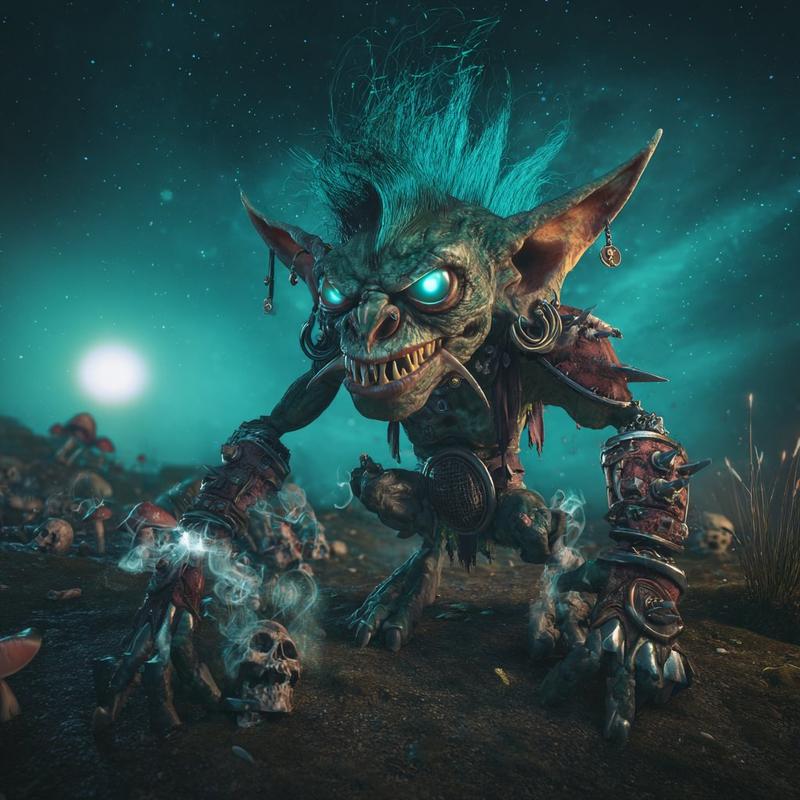
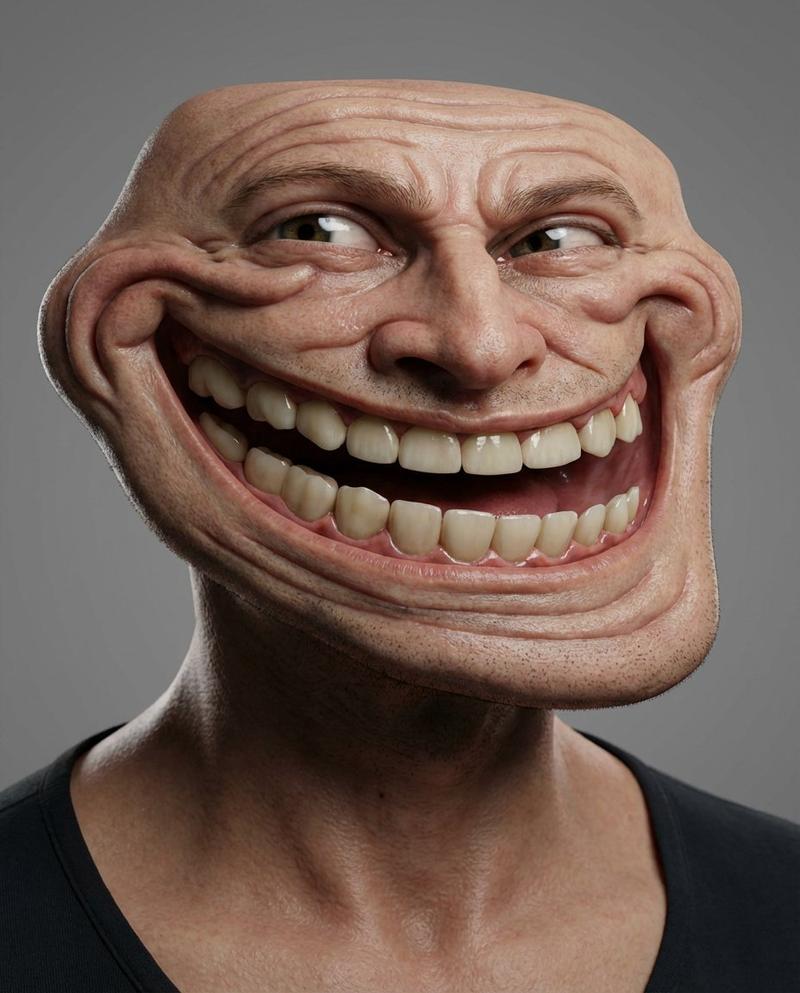
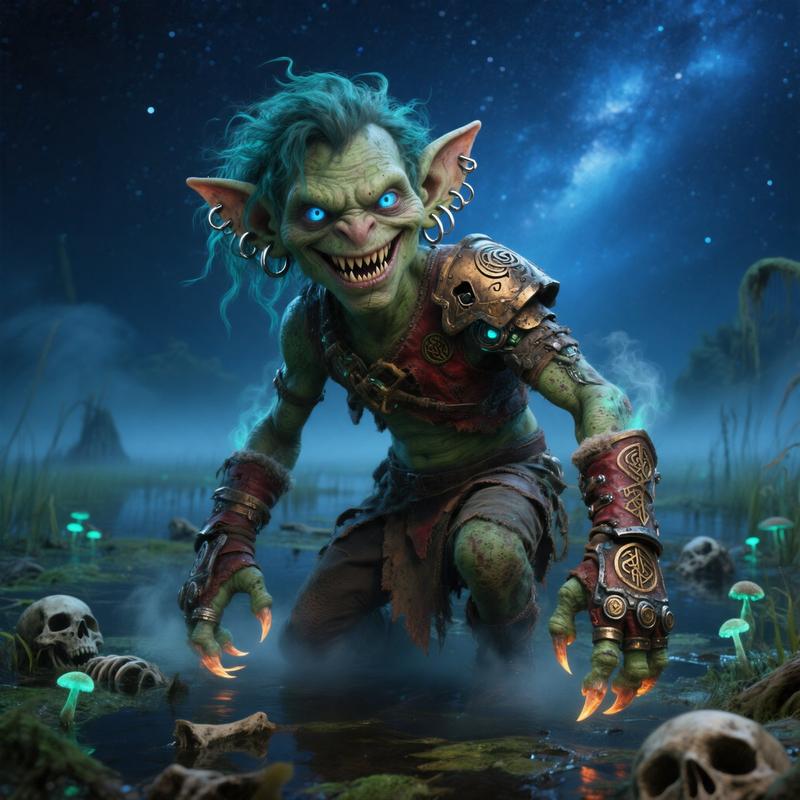
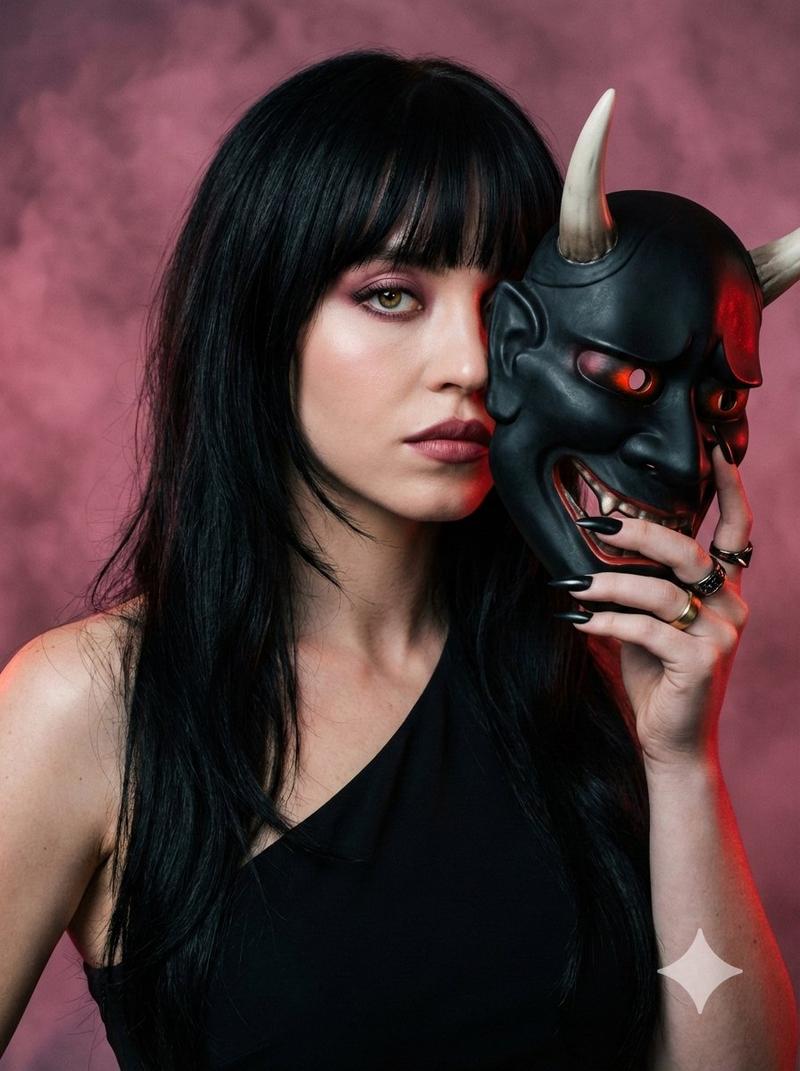
shot 1: the devil talking while turning his head giving a side eye.
shot 2: extreme close up of the devils eye. he winks.
shot 3: extreme close up of the mouth while he turns agry.
shot 4: extreme close up of his ear. small hairs are showing.
shot 5. the devil sticks out his tongue while saying a licking sound
shot 6: zoom out and show the devil standing in hell. Only a silhuette is visible.
Category
创意图片
Model
seedance-2.0
Views0
Source ID
5c90d8b3-1347-4c4a-8585-5004ef1a4198
Published
Mar 8, 2026

Guide

About "使用 Kling 3.0 为恶魔角色创建多镜头提示词"

What is this prompt for?

"使用 Kling 3.0 为恶魔角色创建多镜头提示词" AI image prompt for seedance-2.0 (创意图片). 一个详细的多镜头提示,旨在利用 Kling 3.0 的 Omni 模式实现角色一致性,重点关注魔鬼角色的表情和动作,包括特写镜头和最后一个地狱中的剪影镜头。 --- 镜头 1:魔…

The full copyable prompt and example visuals above are ready for AI image generation or one-click recreate in Picva.

How to use this prompt

  1. Step 1

    Open the prompt detail

    Review the example visuals, category, and full prompt text for "使用 Kling 3.0 为恶魔角色创建多镜头提示词".

  2. Step 2

    Copy the prompt

    Copy the prompt body from this page, or load it directly in Studio.

  3. Step 3

    Pick a model (seedance-2.0)

    Prefer seedance-2.0. If you switch models, keep subject and composition and tweak style terms.

  4. Step 4

    Generate and export

    Recreate the look in Picva, or export into your workflow for editing and publishing.

FAQ

What is the "使用 Kling 3.0 为恶魔角色创建多镜头提示词" prompt?
It is an AI image-generation prompt for seedance-2.0 in the 创意图片 category. This page includes the full prompt text, example visuals, and a one-click recreate path in Picva.
How do I use this prompt to generate an image?
Copy the prompt from this page, or use Generate / Studio. Paste it into a compatible image model, or recreate the look in Picva with optional reference images.
Which model is this prompt for?
This page lists seedance-2.0. Most descriptive prompts also transfer to nearby image models such as GPT Image, Flux, or Midjourney with light style tweaks.
Can I use the result commercially?
You can usually copy the prompt for creation, but commercial use of the final image depends on the model terms, reference-image rights, and the generated content. Follow the source author and platform rules.