19

冰火史诗灾难动作提示

Prompt
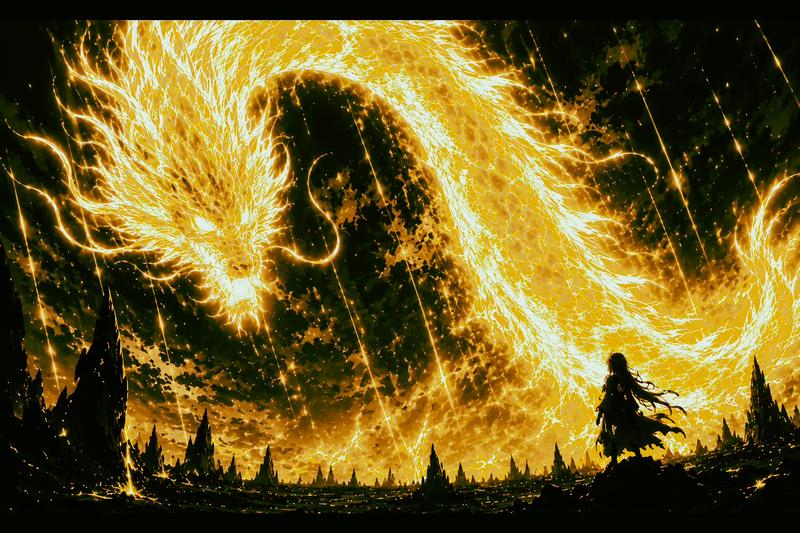
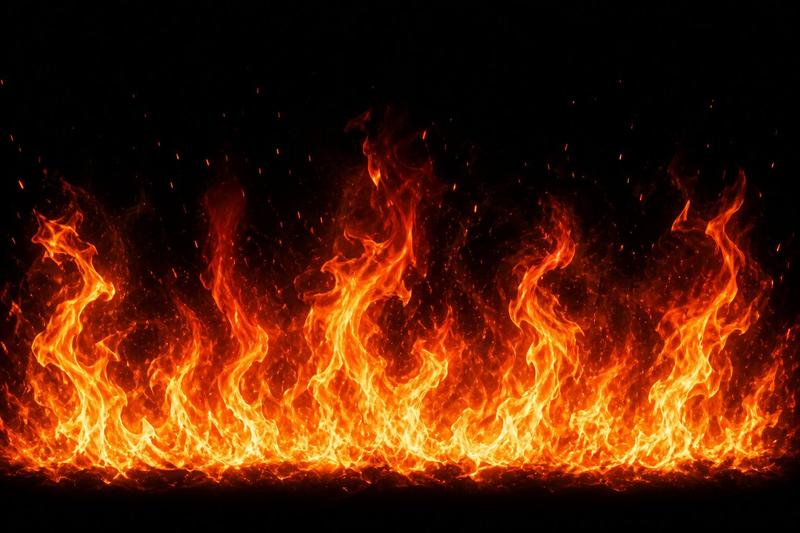
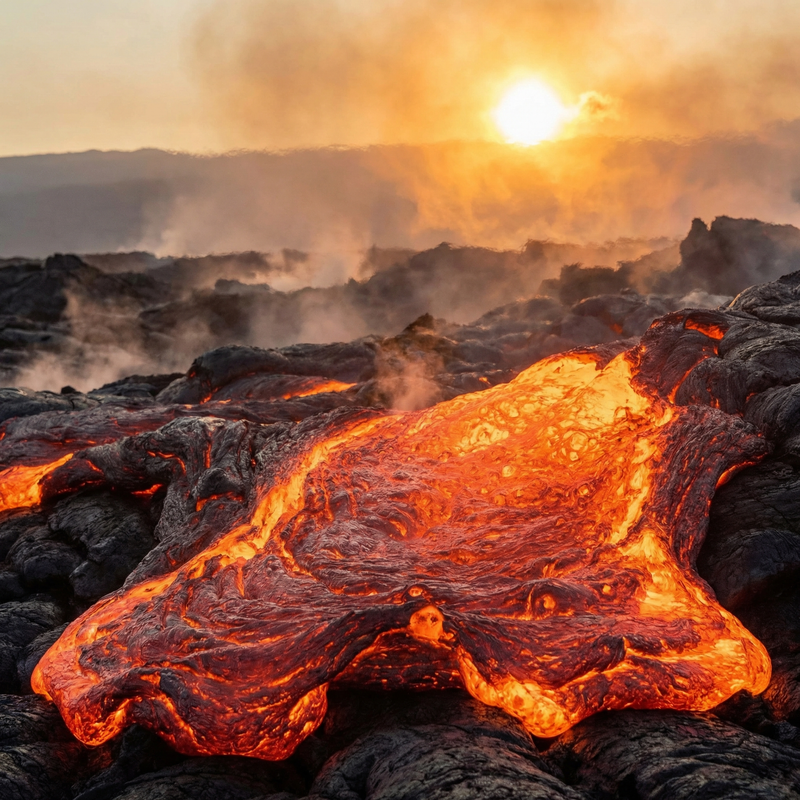
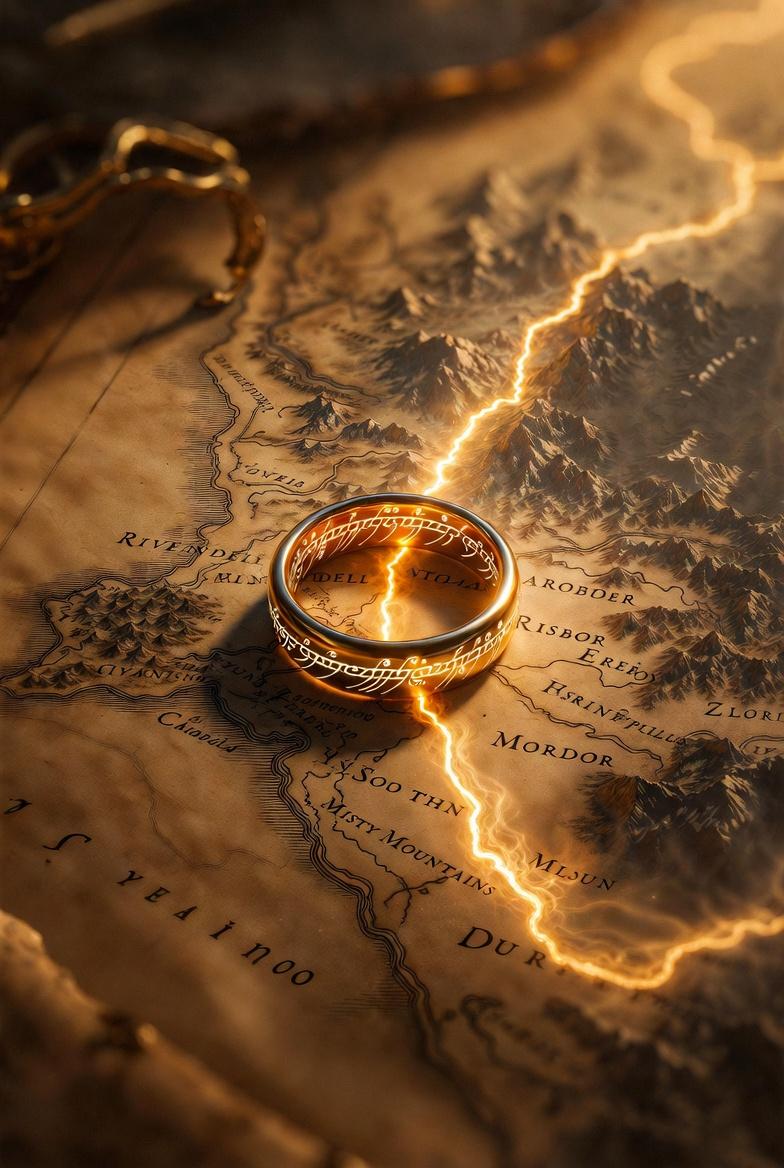
【风格】史诗级灾难动作片(Epic Disaster Action),真人特效(Live-Action VFX),冰火两重天的极端环境,颗粒感战损画质,高速摄影,物理破坏真实感。 【时长】15秒 【场景】一个气候被永久改变的岛屿中心。左侧是喷发的火山和流淌的熔岩河;右侧是万年冰川和呼啸的暴风雪。中间是蒸汽弥漫的死亡地带。 【角色(真人化描述)】 熔岩大将(The Magma Admiral):身穿烧焦的暗红色西装,戴着棒球帽,面容冷峻坚毅,半边身体元素化为滚烫岩浆。 寒冰大将(The Ice General):身穿带冰霜的白色马甲,身材高大慵懒,呼出的气都结成了冰渣。 [00:00-00:05] 镜头1:元素觉醒与环境重塑(Establishing the Power)。 广角/环绕镜头。两人对峙。 【熔岩方】熔岩大将脚下的大地瞬间融化成沸腾的红色岩浆池,冒出滚滚黑烟,他抬手间,身后一座小火山喷发。 【寒冰方】寒冰大将单手插兜,脚下瞬间蔓延出极速冻结的冰层,将涌来的岩浆冻结成黑色的黑曜石,空气中瞬间布满尖锐的冰棱。 [00:05-00:10] 镜头2:冰火近身格斗(Intense CQC Combat)。 极速快剪(Rapid Action Cuts)。两人展开激烈的近身肉搏。 【动作设计】寒冰大将手中瞬间凝聚出一把巨大的**寒冰军刀(Ice Saber)**,高速挥砍。熔岩大将用元素化的**岩浆铁拳(Magma Fist)**硬格挡。 【物理反馈】冰刀砍在岩浆拳上,瞬间汽化成大量高压蒸汽,同时伴随着冰块碎裂飞溅和岩浆滴落的滋滋声。每一次碰撞都引发小范围的蒸汽爆炸。 [00:10-00:15] 镜头3:宿命的绝招对轰(The Final Clash)。 大远景/震撼级破坏。两人拉开距离,同时释放大招。 【特效奇观】一条巨大的、咆哮的**岩浆冥狗(熔岩巨犬形态)**冲向对方;对面则是一只巨大的、由无数冰块组成的**极寒冰鸟(暴风雪形态)**迎面撞上。 【结尾】两者在画面中心相撞,红色的极致高温与蓝白色的绝对零度对冲。瞬间产生了一个连接天地的超级蒸汽蘑菇云,巨大的冲击波将地面的冰川和火山同时震碎。画面在白茫茫的蒸汽和能量闪光中结束。
Category
创意图片
Model
seedance-2.0
Creator
John
Views1
Source ID
67791517-05d8-40da-82b5-4fddc0878899
Published
Mar 8, 2026

Guide

About "冰火史诗灾难动作提示"

What is this prompt for?

"冰火史诗灾难动作提示" AI image prompt for seedance-2.0 (创意图片). 一个高度详细、按时间分段的提示,用于生成一部 15 秒的史诗级灾难动作片,内容是两位元素将军(岩浆上将和冰霜将军)在冰与火的极端环境中进行战斗。该提示详细说明了风格、时长、场景、角色描述、动作和特效。 ---…

The full copyable prompt and example visuals above are ready for AI image generation or one-click recreate in Picva.

How to use this prompt

  1. Step 1

    Open the prompt detail

    Review the example visuals, category, and full prompt text for "冰火史诗灾难动作提示".

  2. Step 2

    Copy the prompt

    Copy the prompt body from this page, or load it directly in Studio.

  3. Step 3

    Pick a model (seedance-2.0)

    Prefer seedance-2.0. If you switch models, keep subject and composition and tweak style terms.

  4. Step 4

    Generate and export

    Recreate the look in Picva, or export into your workflow for editing and publishing.

FAQ

What is the "冰火史诗灾难动作提示" prompt?
It is an AI image-generation prompt for seedance-2.0 in the 创意图片 category. This page includes the full prompt text, example visuals, and a one-click recreate path in Picva.
How do I use this prompt to generate an image?
Copy the prompt from this page, or use Generate / Studio. Paste it into a compatible image model, or recreate the look in Picva with optional reference images.
Which model is this prompt for?
This page lists seedance-2.0. Most descriptive prompts also transfer to nearby image models such as GPT Image, Flux, or Midjourney with light style tweaks.
Can I use the result commercially?
You can usually copy the prompt for creation, but commercial use of the final image depends on the model terms, reference-image rights, and the generated content. Follow the source author and platform rules.