20

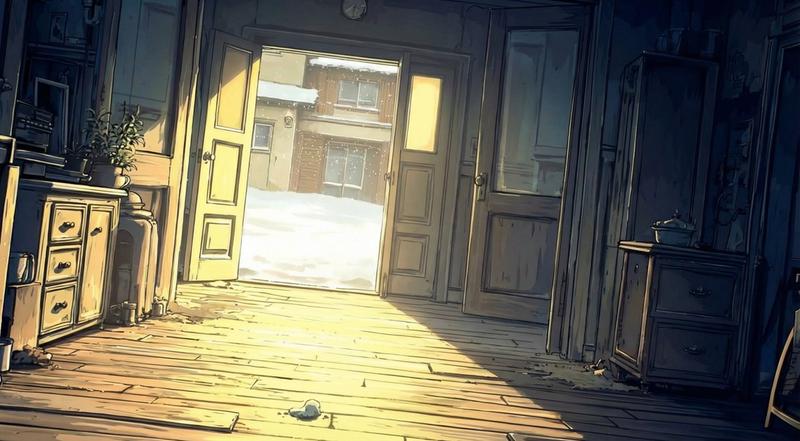
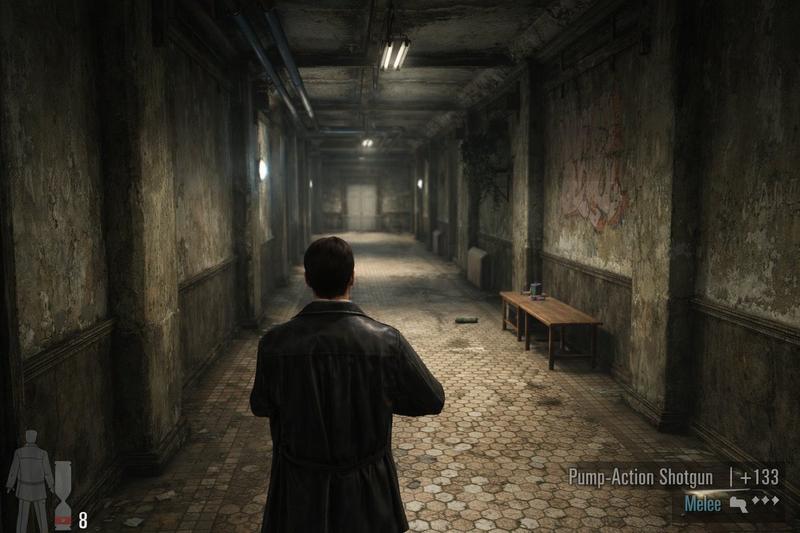
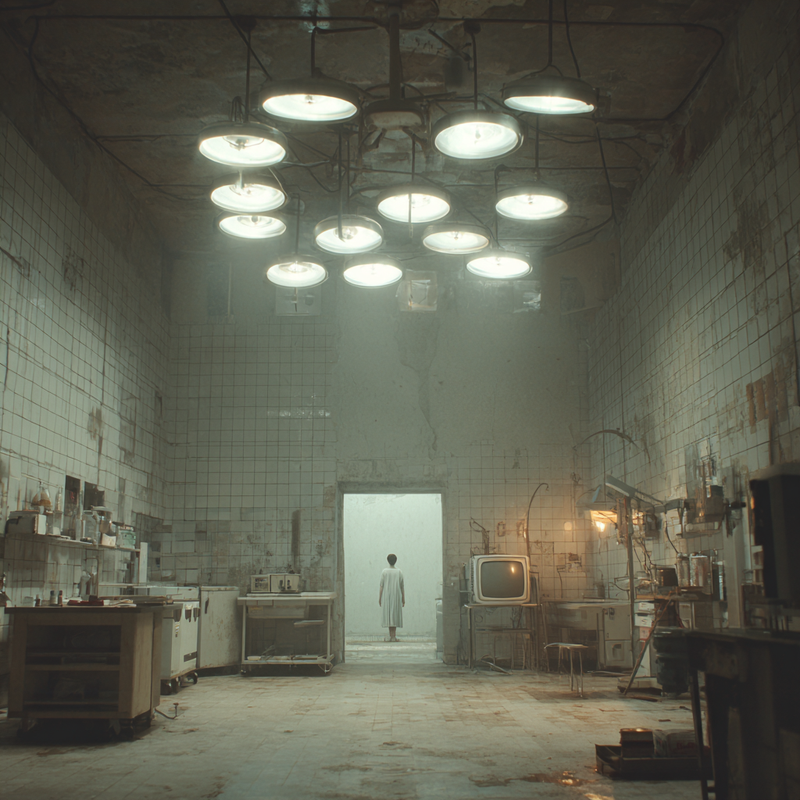
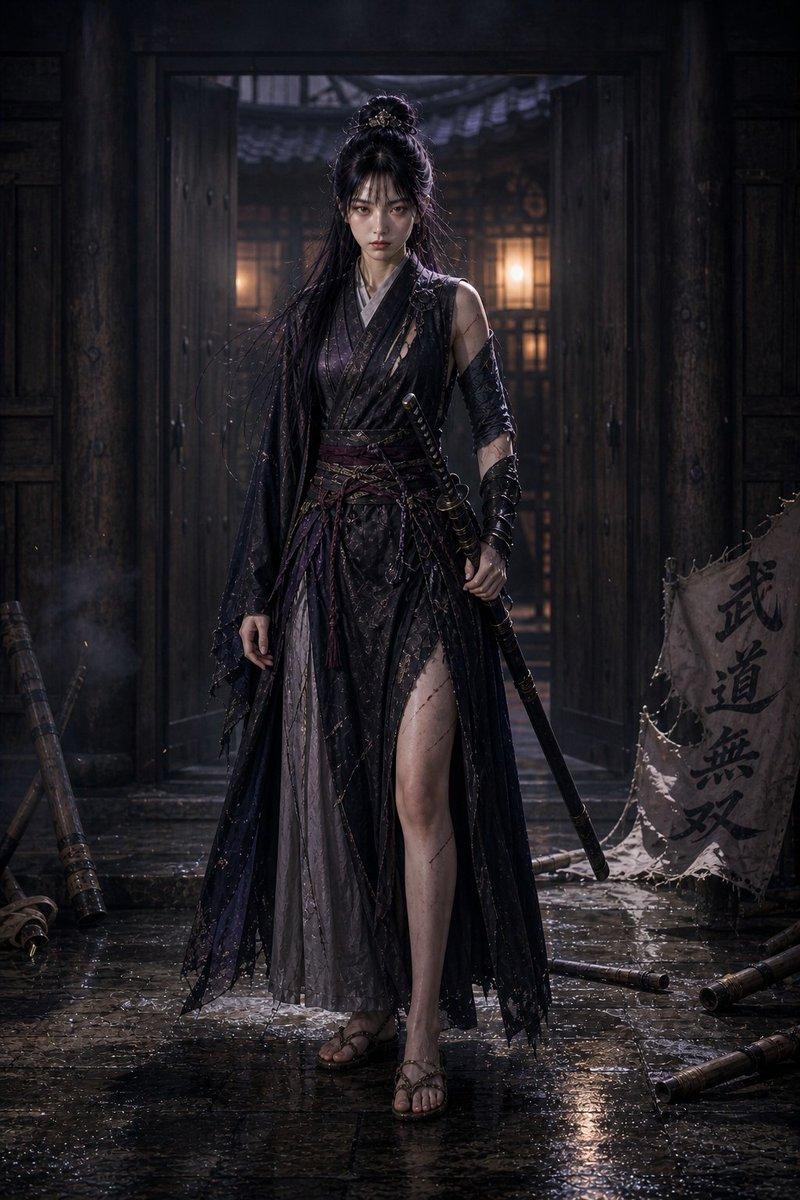
⭐️Nano banana Proの小技共有 奥に小さくキャラを置きたいんだけどなー って時に使えるかもしれないテクニック。 ①背景の元を用意する ②banan
Enlarge

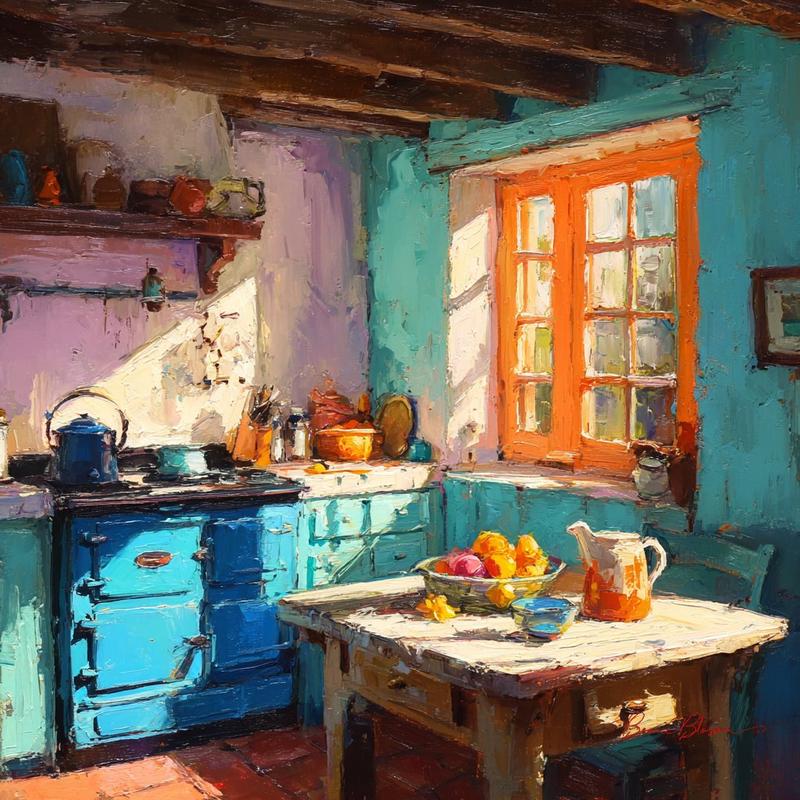
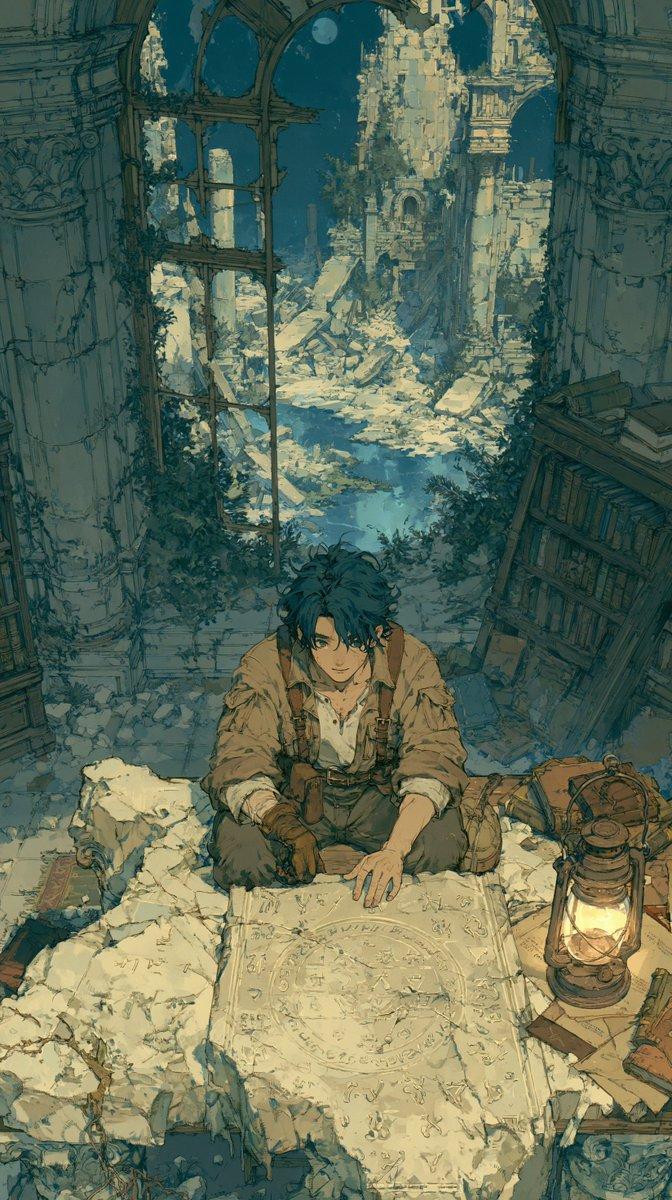
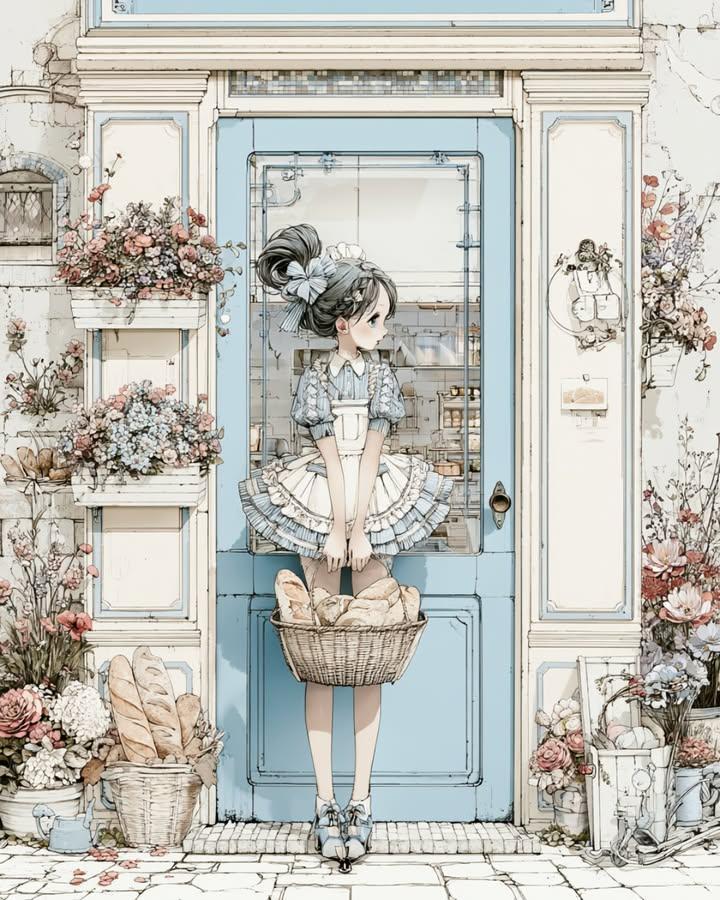
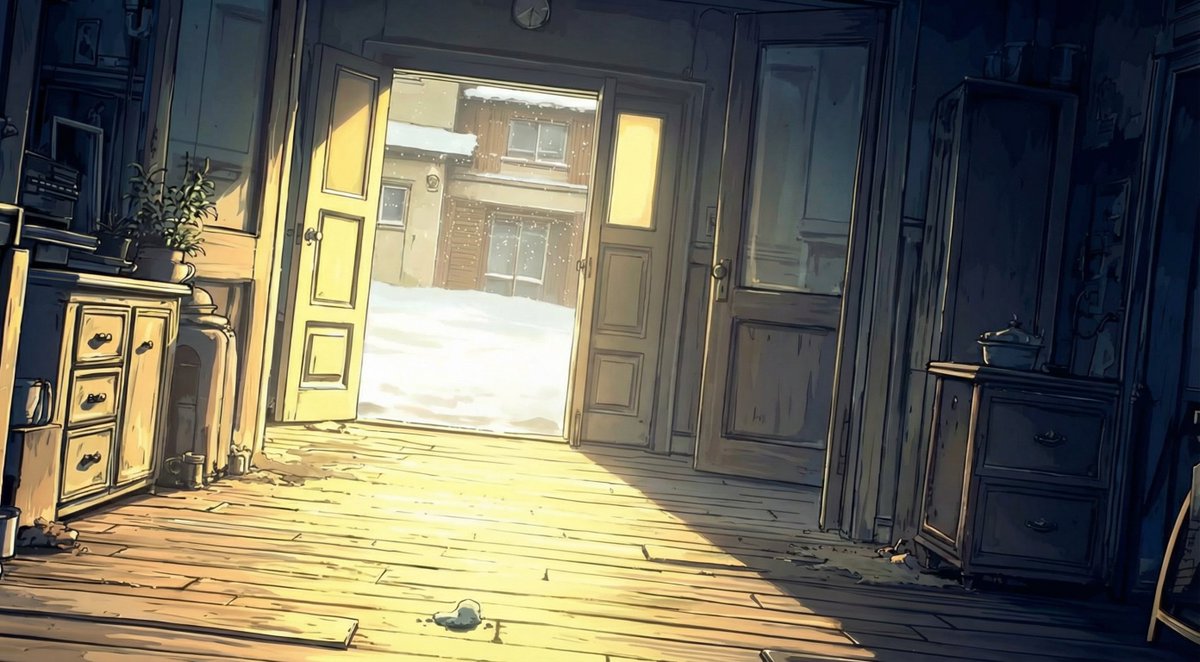
Example images

⭐️Nano banana Proの小技共有 奥に小さくキャラを置きたいんだけどなー って時に使えるかもしれないテクニック。 ①背景の元を用意する ②banan

Prompt
⭐️Nano banana Proの小技共有

奥に小さくキャラを置きたいんだけどなー
って時に使えるかもしれないテクニック。

①背景の元を用意する
②bananaプロでキャラを消す
③ペイントツールでキャラを配置したいところを適当に塗る
④bananaプロで塗り領域とキャラを置き換える

プロンプトはリプ欄に!
Category
创意图片
Model
Nano Banana Pro
Creator
Pixshop
Views3
Source ID
8052553b-c994-4a53-89ab-8cac4a80ad59
Published
Jan 10, 2026

Guide

About "⭐️Nano banana Proの小技共有 奥に小さくキャラを置きたいんだけどなー って時に使えるかもしれないテクニック。 ①背景の元を用意する ②banan"

What is this prompt for?

"⭐️Nano banana Proの小技共有 奥に小さくキャラを置きたいんだけどなー って時に使えるかもしれないテクニック。 ①背景の元を用意する ②banan" AI image prompt for Nano Banana Pro (创意图片). 创意图片 Copy it on Picva and recrea…

The full copyable prompt and example visuals above are ready for AI image generation or one-click recreate in Picva.

How to use this prompt

  1. Step 1

    Open the prompt detail

    Review the example visuals, category, and full prompt text for "⭐️Nano banana Proの小技共有 奥に小さくキャラを置きたいんだけどなー って時に使えるかもしれないテクニック。 ①背景の元を用意する ②banan".

  2. Step 2

    Copy the prompt

    Copy the prompt body from this page, or load it directly in Studio.

  3. Step 3

    Pick a model (Nano Banana Pro)

    Prefer Nano Banana Pro. If you switch models, keep subject and composition and tweak style terms.

  4. Step 4

    Generate and export

    Recreate the look in Picva, or export into your workflow for editing and publishing.

FAQ

What is the "⭐️Nano banana Proの小技共有 奥に小さくキャラを置きたいんだけどなー って時に使えるかもしれないテクニック。 ①背景の元を用意する ②banan" prompt?
It is an AI image-generation prompt for Nano Banana Pro in the 创意图片 category. This page includes the full prompt text, example visuals, and a one-click recreate path in Picva.
How do I use this prompt to generate an image?
Copy the prompt from this page, or use Generate / Studio. Paste it into a compatible image model, or recreate the look in Picva with optional reference images.
Which model is this prompt for?
This page lists Nano Banana Pro. Most descriptive prompts also transfer to nearby image models such as GPT Image, Flux, or Midjourney with light style tweaks.
Can I use the result commercially?
You can usually copy the prompt for creation, but commercial use of the final image depends on the model terms, reference-image rights, and the generated content. Follow the source author and platform rules.