18

AIで"実写レベルの画像"を作りたいなら この2つだけは絶対に外せないんよな。 Nano Banana ProでもSeedream 4.5でも ここ外すと永遠に
Enlarge

AIで"実写レベルの画像"を作りたいなら この2つだけは絶対に外せないんよな。 Nano Banana ProでもSeedream 4.5でも ここ外すと永遠に

Prompt
AIで"実写レベルの画像"を作りたいなら
この2つだけは絶対に外せないんよな。

Nano Banana ProでもSeedream 4.5でも
ここ外すと永遠にクレジット溶かすんで
初心者は必読👇

【1|参考画像をつける】
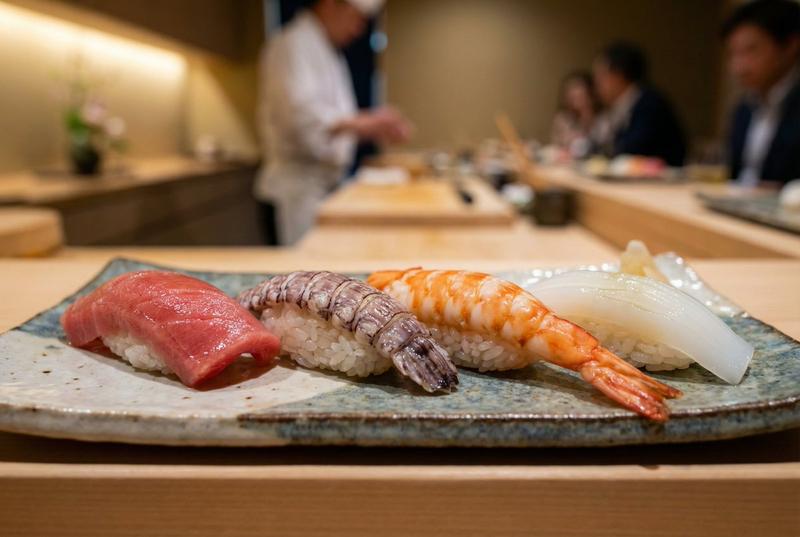
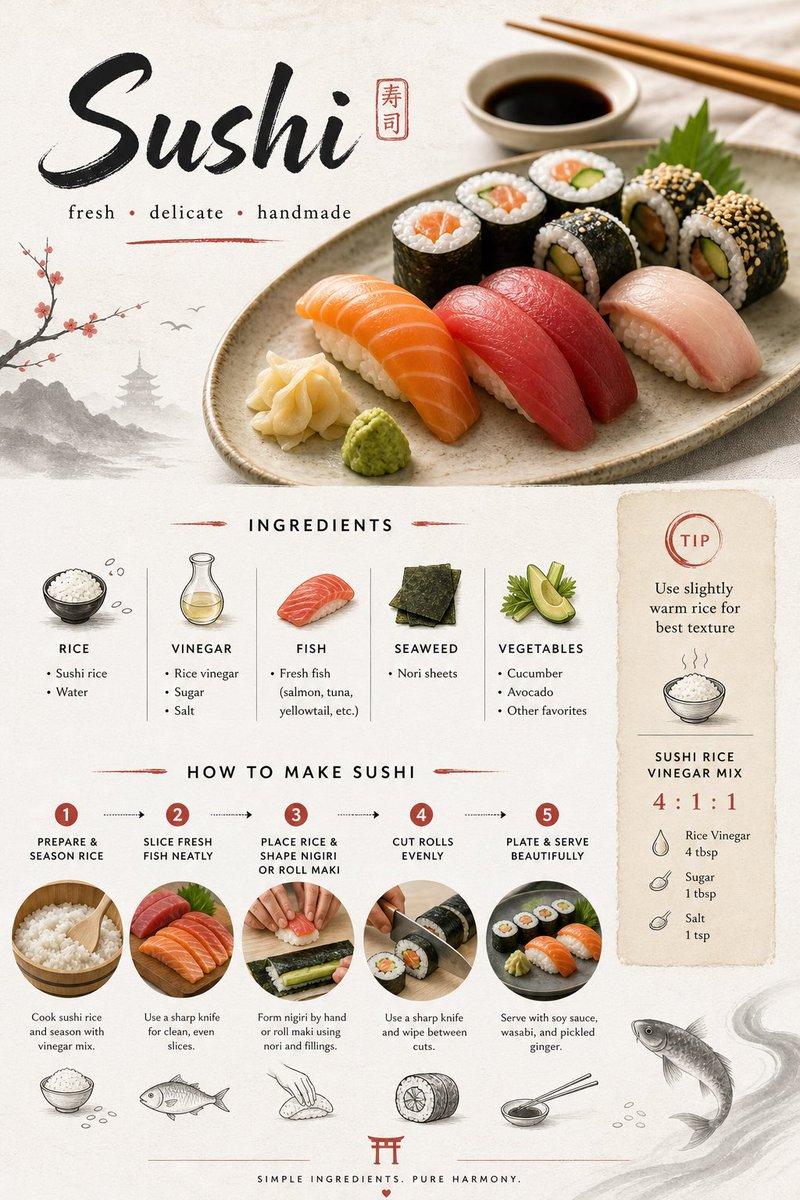
参考画像には2種類あってどっちも効果がデカい
・完成イメージの雰囲気を伝えるための画像
・実際に合成したい素材(人物/背景/小物)
どっちの場合でも画像を見せると精度爆上がり
「テキストだけで頑張る」は一番センスない

【2|プロンプトは自作しない】
AIに正しい構造のプロンプトを作らせた方が
再現度も質感も圧倒的に安定する

手順はこれだけ。
①作りたい雰囲気or合成したい素材の画像を用意
②それをChatGPT 5.1-ThinkingかGemini 3で
「○○の画像を作るプロンプト作って」と指示
③出てきたプロンプトをそのままコピペして生成

たったこれだけで
プロ級じゃなくて“本物の実写側”に寄るんよね

こういう本質情報はブクマして
いつでも使えるようにしとくべきかと✊

ちな俺はこれに加えてもう1つ裏ワザを入れて
AIで作ったのがバレないレベルまで仕上げてるw

これをとあるプラットフォームで
仕込んでるんだがガチでめちめち調子イイww

まあその話は、またタイミング見て話すかも🙃
Category
创意图片
Model
Nano Banana Pro
Creator
Pixshop
Views5
Source ID
ab916b07-4a27-49bf-8fe0-5ddcb9690748
Published
Jan 10, 2026

Guide

About "AIで"実写レベルの画像"を作りたいなら この2つだけは絶対に外せないんよな。 Nano Banana ProでもSeedream 4.5でも ここ外すと永遠に"

What is this prompt for?

"AIで"実写レベルの画像"を作りたいなら この2つだけは絶対に外せないんよな。 Nano Banana ProでもSeedream 4.5でも ここ外すと永遠に" AI image prompt for Nano Banana Pro (创意图片). 创意图片 Copy it on Picva and recrea…

The full copyable prompt and example visuals above are ready for AI image generation or one-click recreate in Picva.

How to use this prompt

  1. Step 1

    Open the prompt detail

    Review the example visuals, category, and full prompt text for "AIで"実写レベルの画像"を作りたいなら この2つだけは絶対に外せないんよな。 Nano Banana ProでもSeedream 4.5でも ここ外すと永遠に".

  2. Step 2

    Copy the prompt

    Copy the prompt body from this page, or load it directly in Studio.

  3. Step 3

    Pick a model (Nano Banana Pro)

    Prefer Nano Banana Pro. If you switch models, keep subject and composition and tweak style terms.

  4. Step 4

    Generate and export

    Recreate the look in Picva, or export into your workflow for editing and publishing.

FAQ

What is the "AIで"実写レベルの画像"を作りたいなら この2つだけは絶対に外せないんよな。 Nano Banana ProでもSeedream 4.5でも ここ外すと永遠に" prompt?
It is an AI image-generation prompt for Nano Banana Pro in the 创意图片 category. This page includes the full prompt text, example visuals, and a one-click recreate path in Picva.
How do I use this prompt to generate an image?
Copy the prompt from this page, or use Generate / Studio. Paste it into a compatible image model, or recreate the look in Picva with optional reference images.
Which model is this prompt for?
This page lists Nano Banana Pro. Most descriptive prompts also transfer to nearby image models such as GPT Image, Flux, or Midjourney with light style tweaks.
Can I use the result commercially?
You can usually copy the prompt for creation, but commercial use of the final image depends on the model terms, reference-image rights, and the generated content. Follow the source author and platform rules.