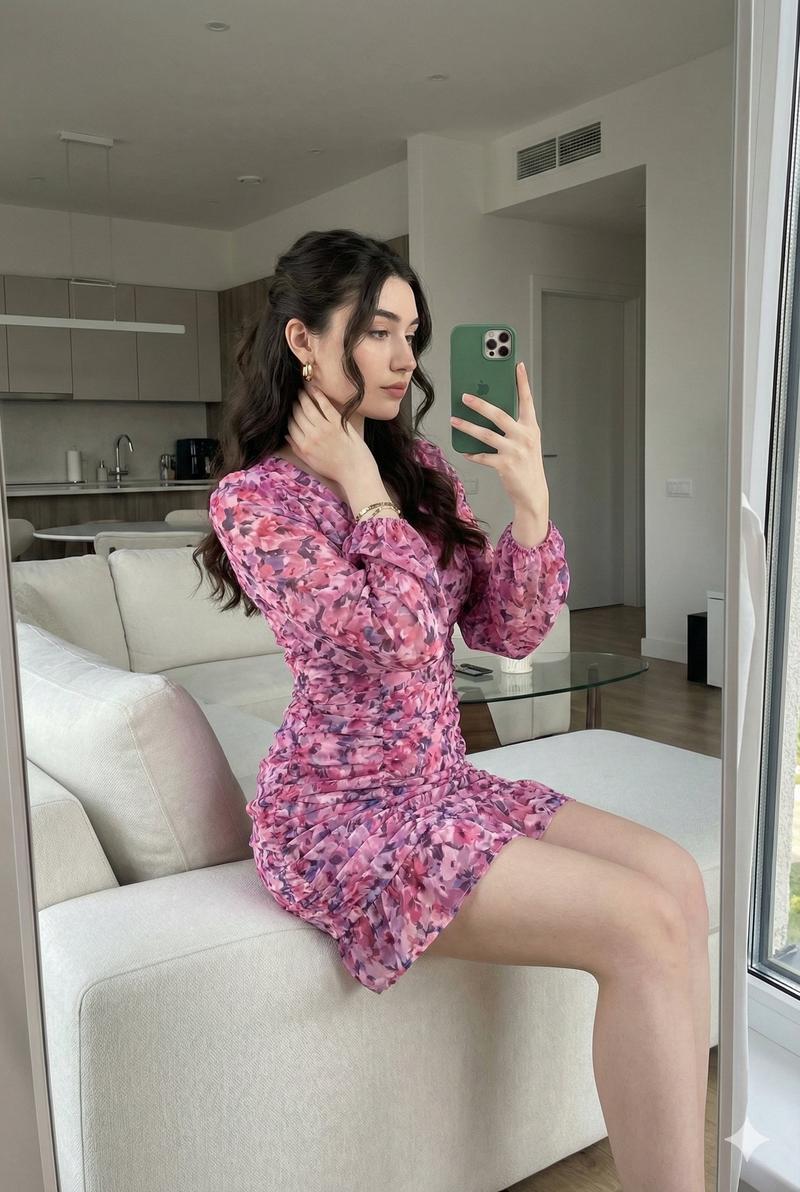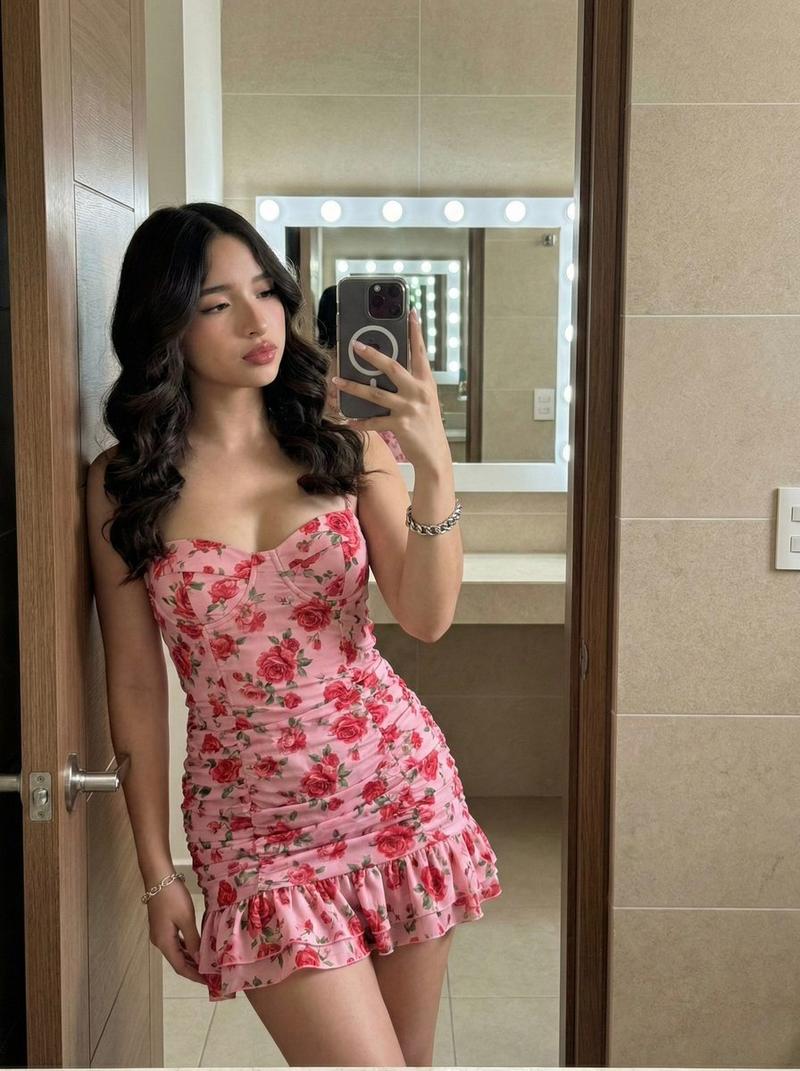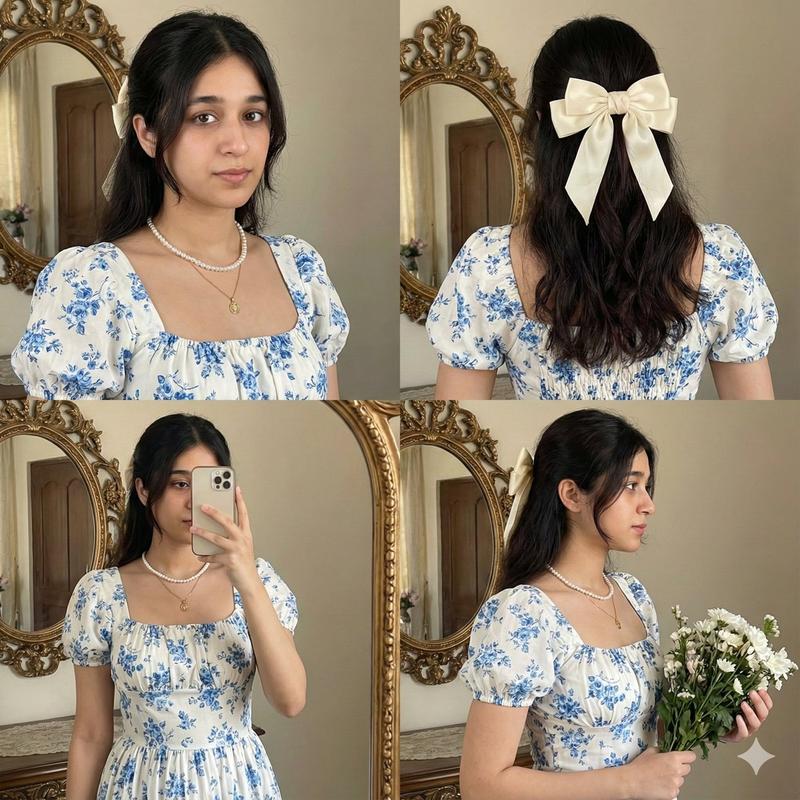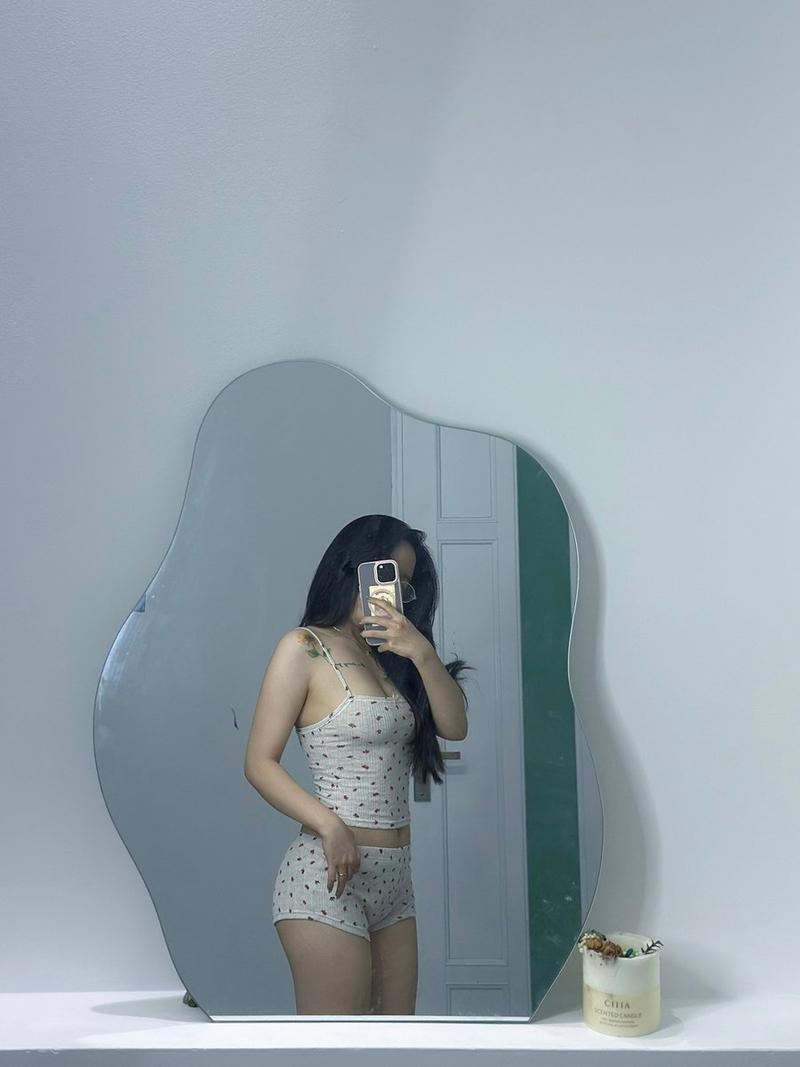
Give this prompt a try using your image on Gemini Nano Banana Pro. Prompt: { "
Prompt
Give this prompt a try using your image on Gemini Nano Banana Pro.

Prompt:

{
  "image_prompt": {
    "face_preservation": {
      "use_reference_face": true,
      "accuracy": "match face exactly from reference image",
      "preserve_details": [
        "face shape",
        "eyebrows and eye structure",
        "natural makeup style",
        "lip shape and color",
        "hairline and hairstyle"
      ]
    },

    "subject": {
      "gender": "female",
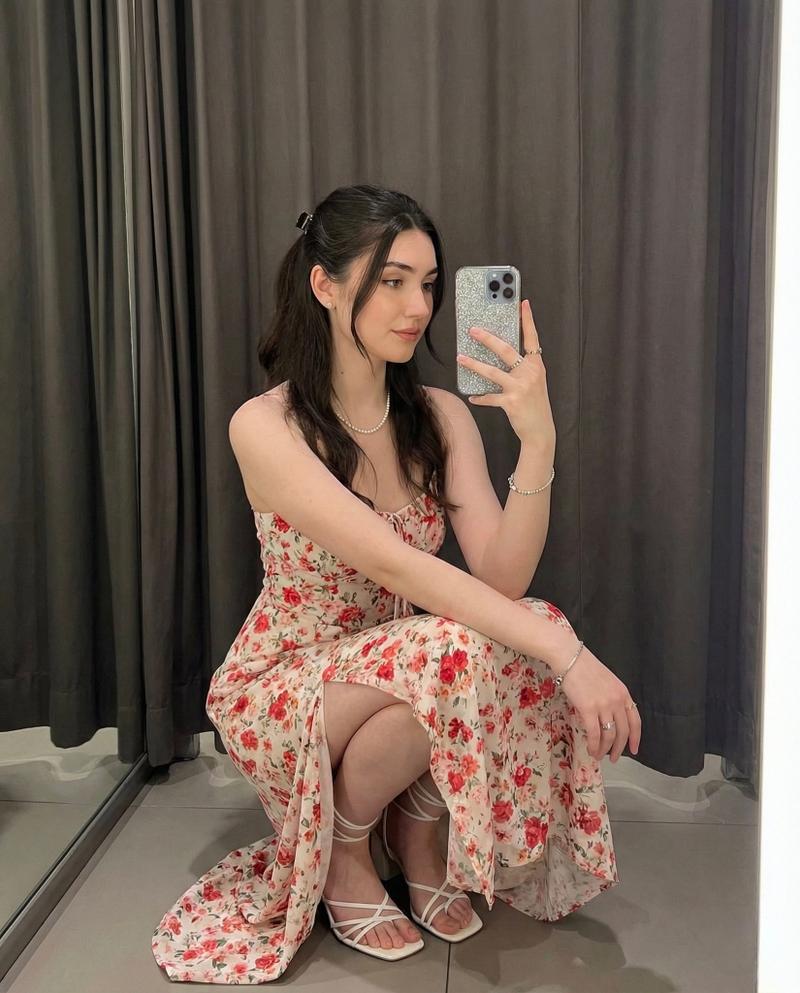
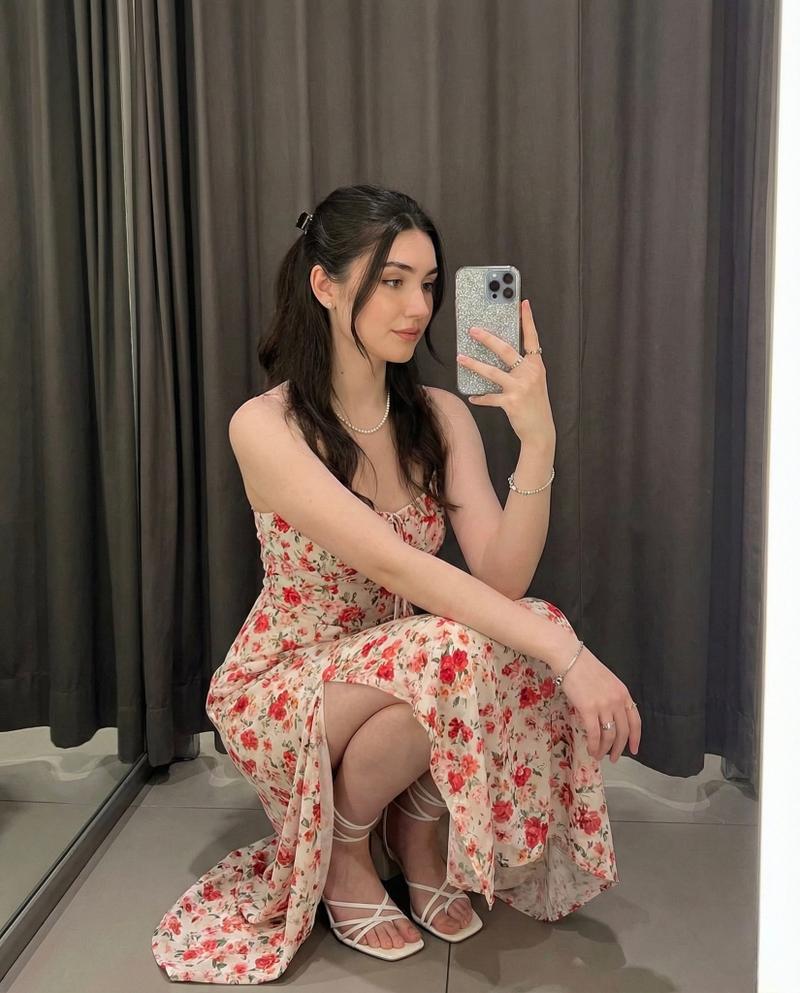
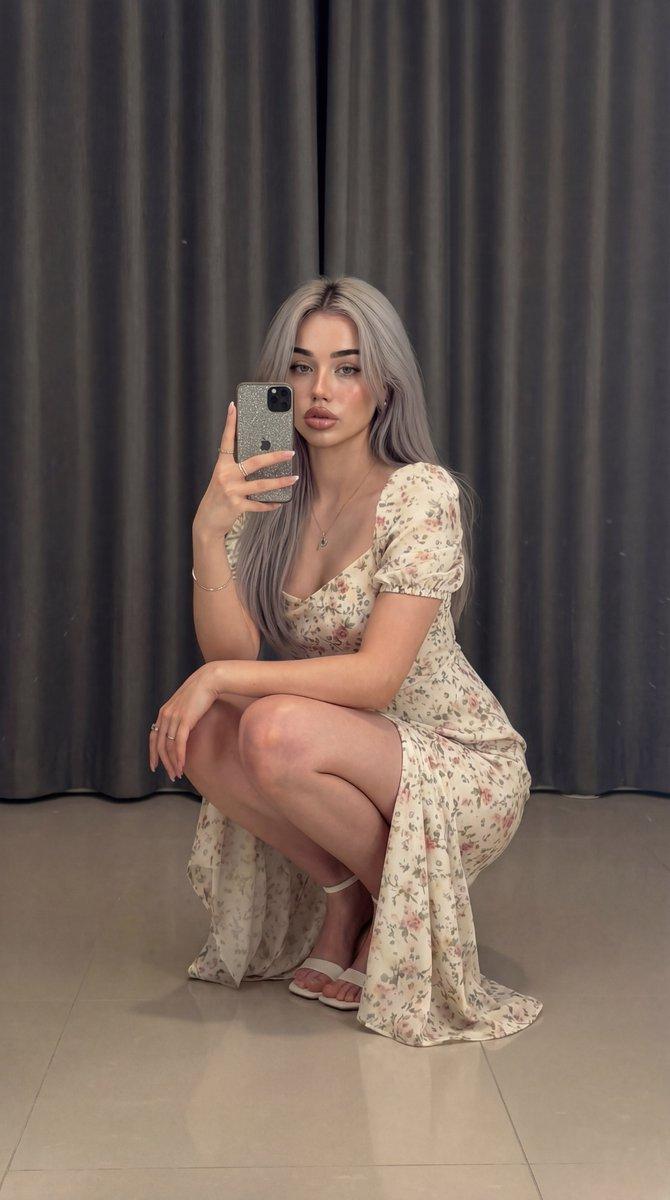
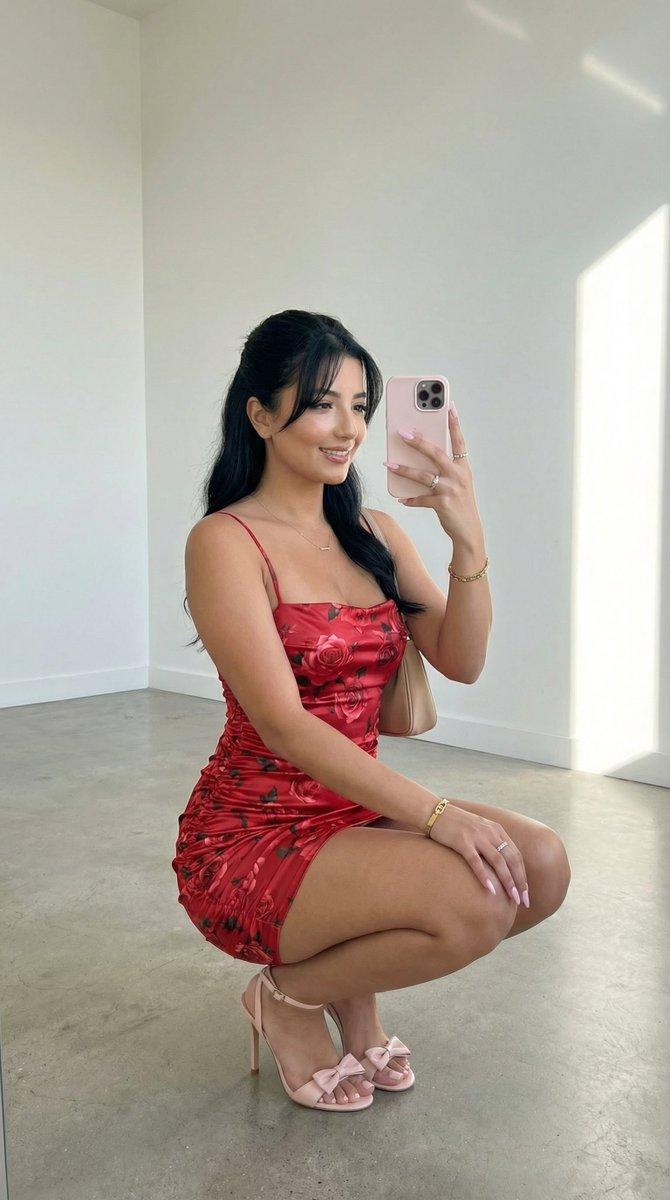
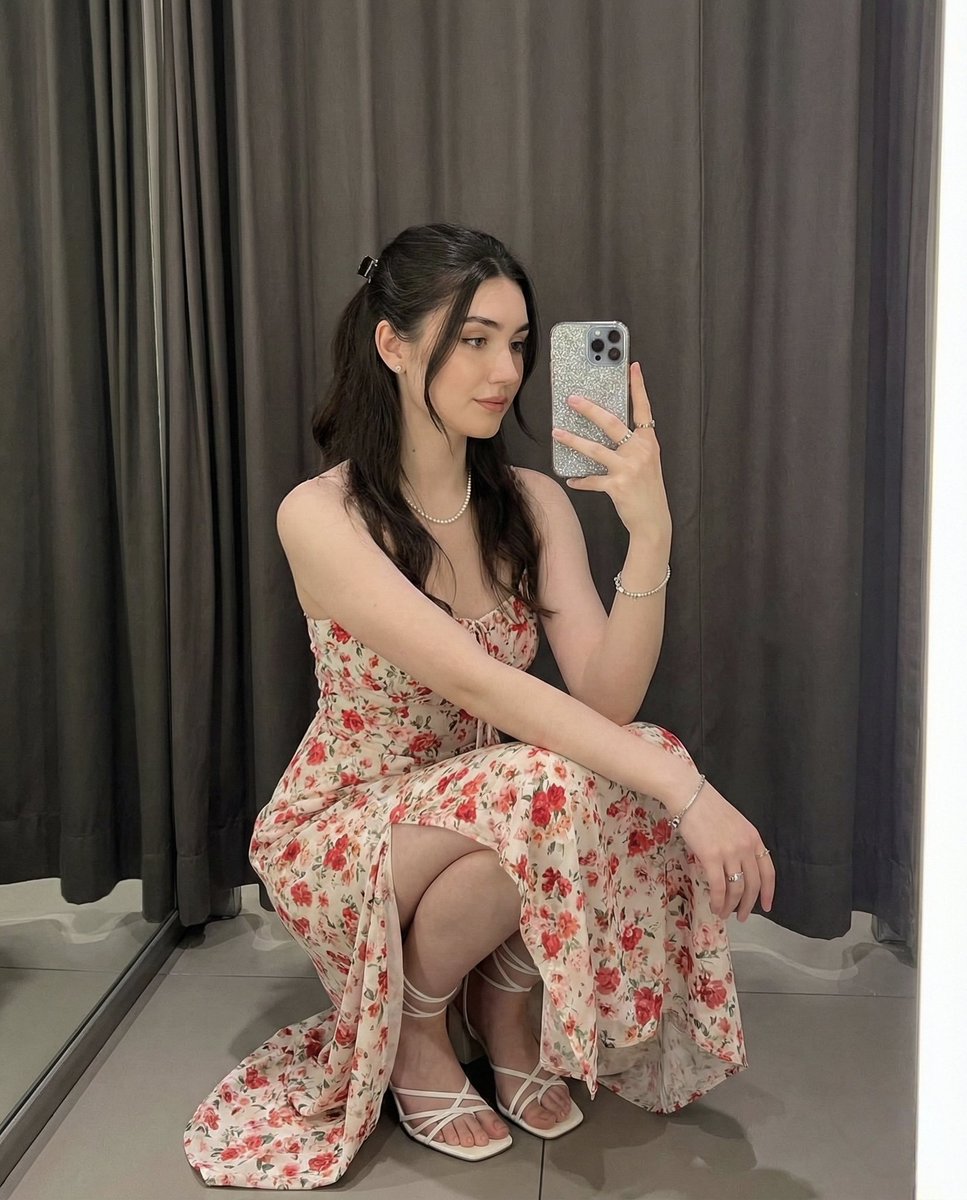
      "description": "young woman taking a mirror selfie while squatting gracefully indoors",
      "pose": {
        "body_position": "squatting low with one knee forward, leaning slightly toward mirror",
        "head": "tilted slightly downward while looking at phone screen",
        "hands": [
          "right hand holding phone in front of face",
          "left hand resting on knee"
        ],
        "expression": "soft, calm expression"
      },
      "hair": {
        "style": "long dark brown hair in a half-up ponytail with a small clip",
        "texture": "smooth and straight"
      },
      "attire": {
        "dress": {
          "type": "light-colored floral maxi dress with short sleeves",
          "pattern": "red and pink small floral print",
          "details": "slit exposing leg, soft fabric flow"
        },
        "shoes": "white strappy heels",
        "accessories": [
          "silver necklace",
          "bracelet",
          "rings"
        ]
      }
    },

    "environment": {
      "setting": "indoor room with soft lighting",
      "background": "floor-to-ceiling curtains in dark grey tones",
      "floor": "smooth, reflective surface",
      "lighting": {
        "type": "soft warm indoor light",
        "effect": "even illumination on face and dress"
      }
    },

    "props": {
      "phone": {
        "type": "smartphone",
        "case": "glitter silver phone case",
        "position": "held vertically towards the mirror"
      }
    },

    "style": {
      "photography": "mirror selfie, social media aesthetic",
      "color_grade": "soft warm tones",
      "sharpness": "medium-high clarity",
      "mood": "feminine, elegant, gentle"
    },

    "composition": {
      "framing": "full body squatting pose, centered",
      "angle": "eye-level mirror perspective",
      "focus": "sharp focus on face and outfit",
      "aspect_ratio": "4:5"
    },

    "output": {
      "resolution": "8K high quality",
      "negative_prompt": [
        "incorrect face",
        "wrong hairstyle",
        "extra limbs",
        "different dress pattern",
        "distorted proportions",
        "text or watermark"
      ]
    }
  }
}- Category
- creative_scene
- Model
- Nano Banana Pro
- Creator
- Pixshop
- Source ID
- 873681b9-2b0e-4abd-a78e-848d77b4fb1e
- Published
- Jan 10, 2026
Views5