16

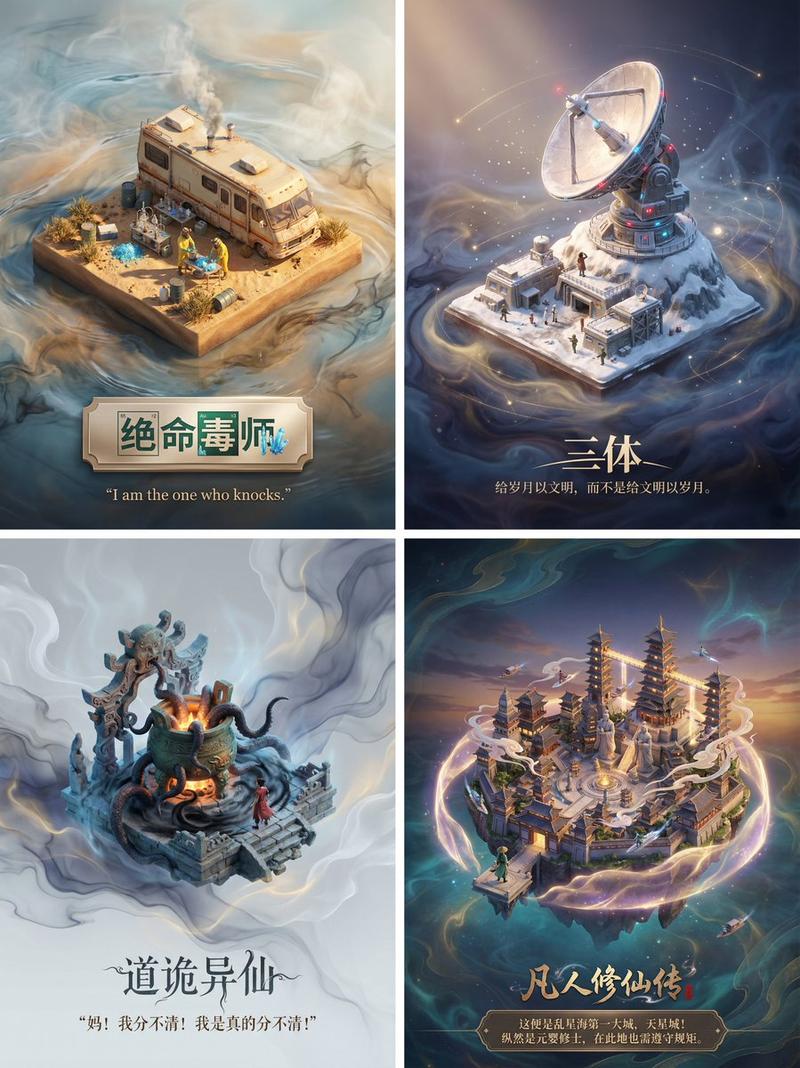
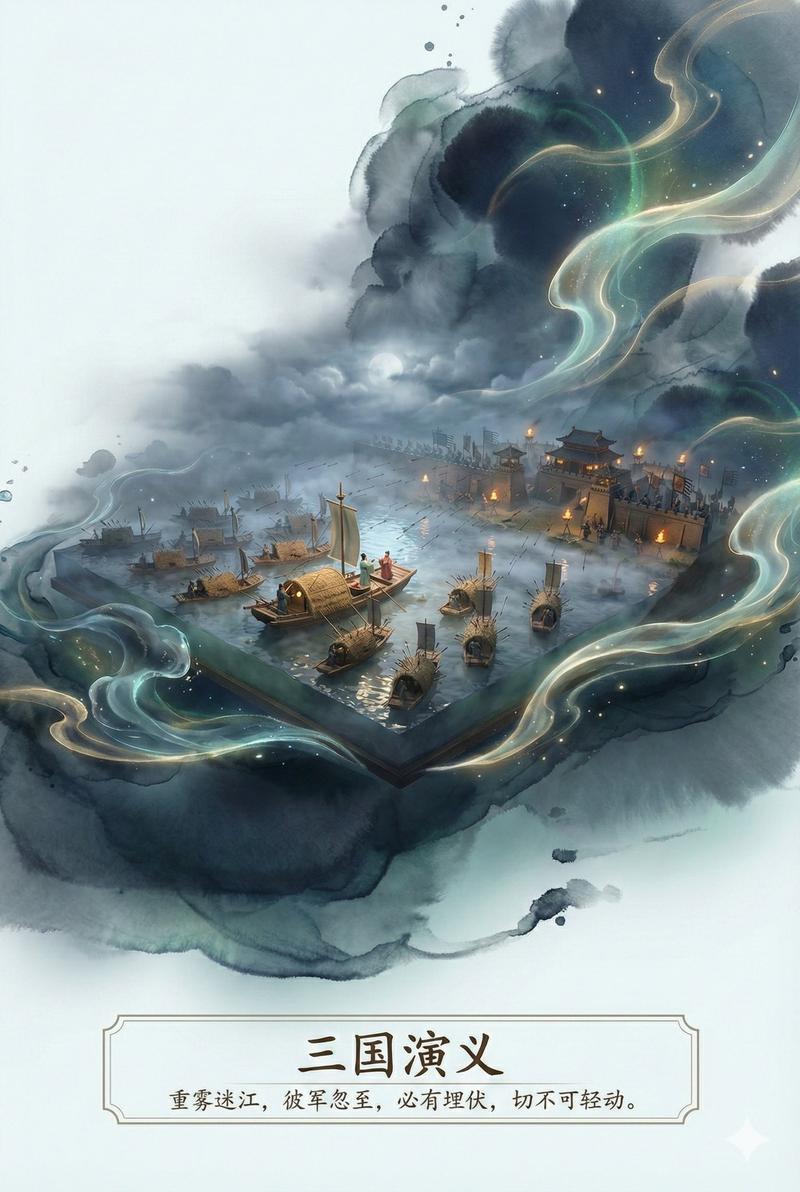
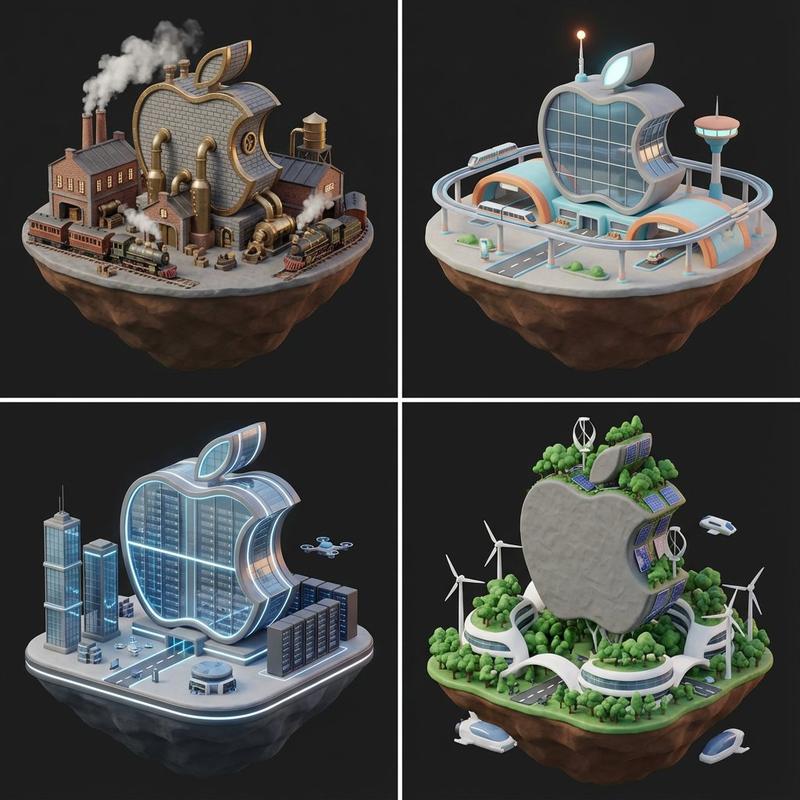
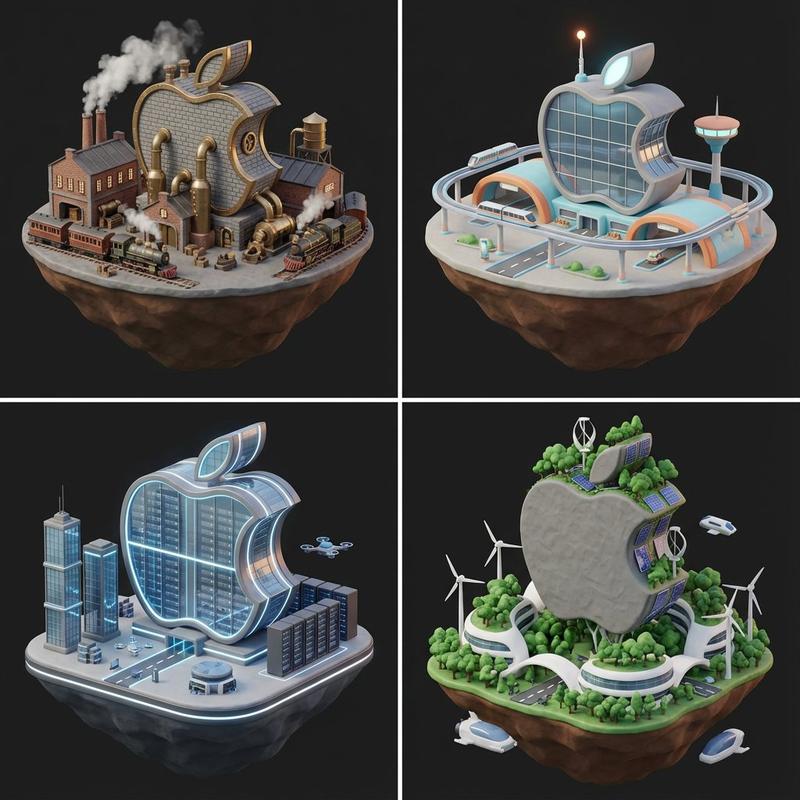
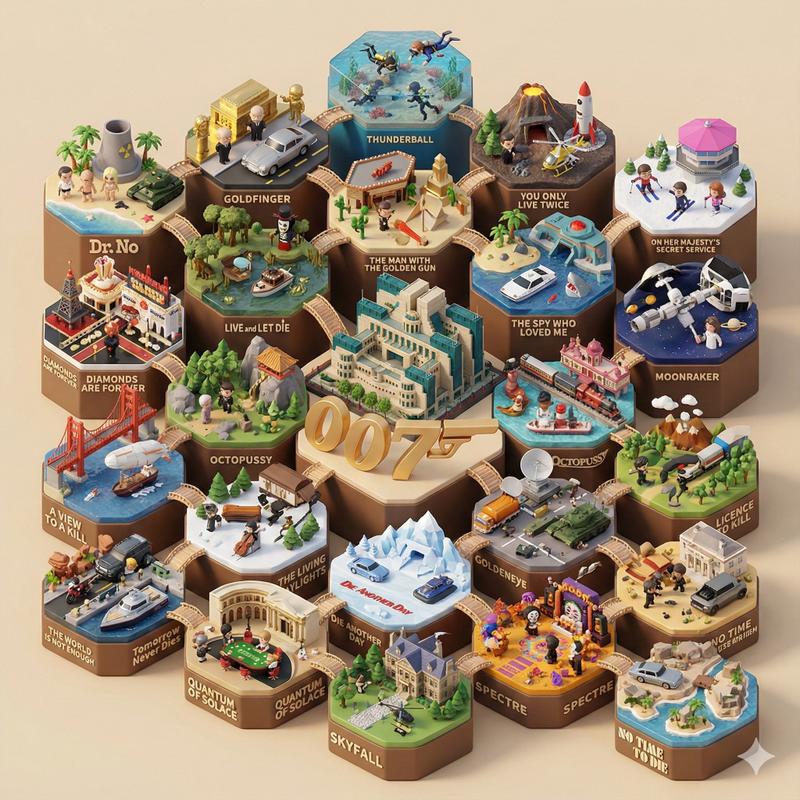
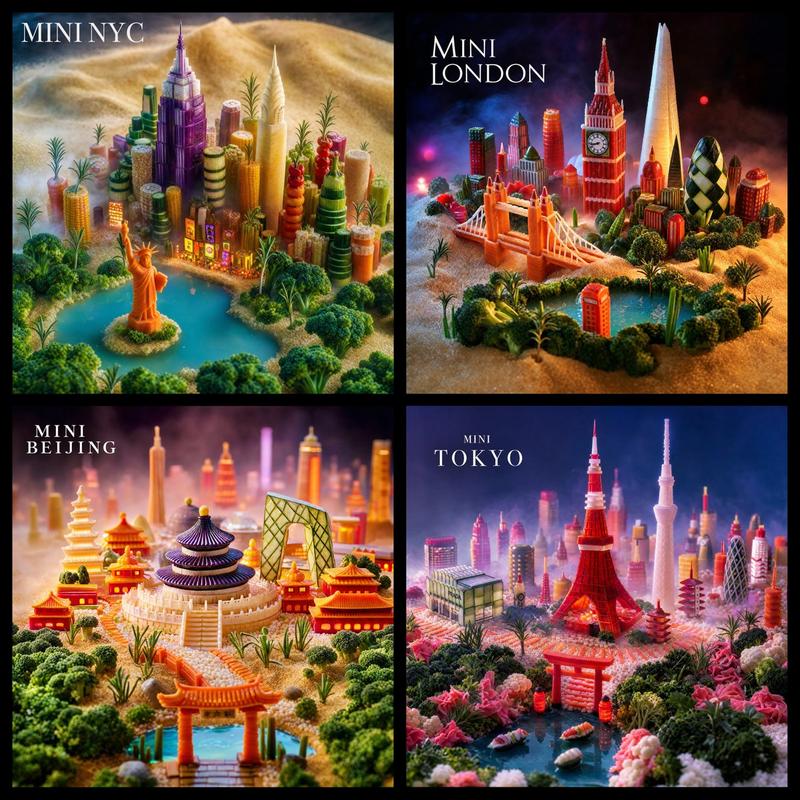
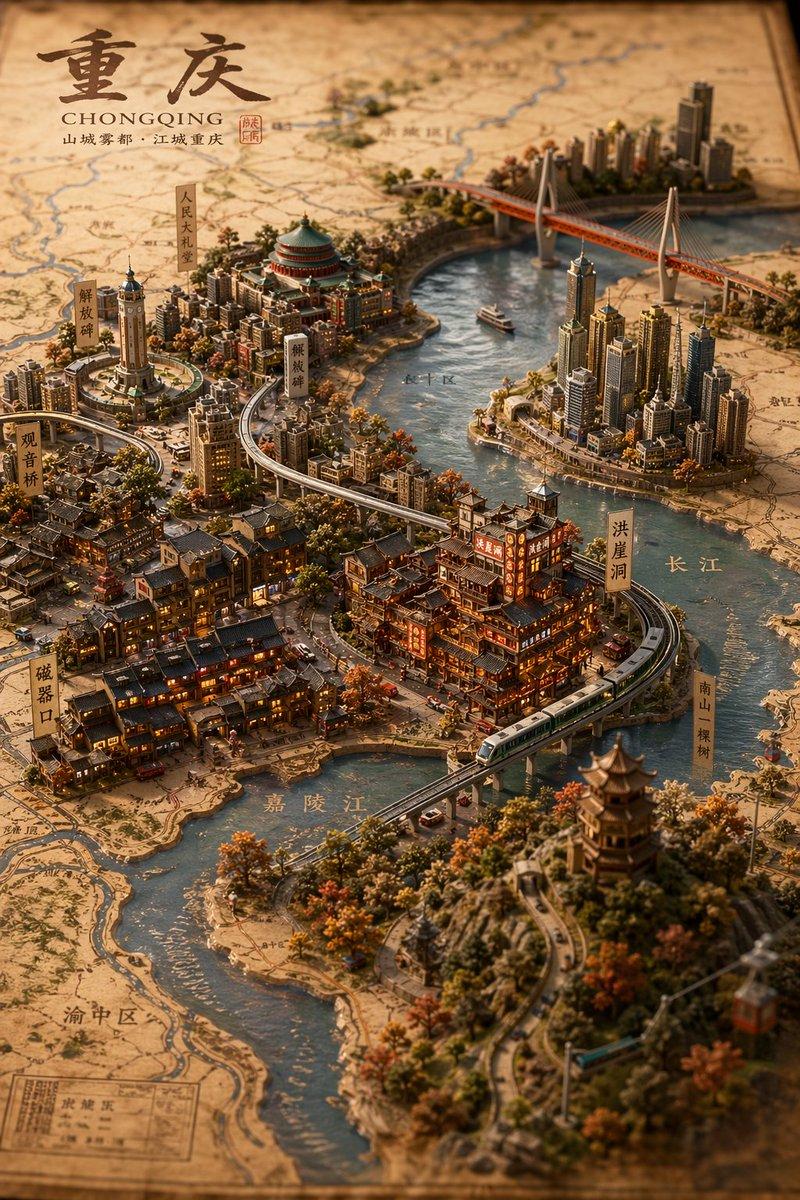
被 Nano Banana Pro 的美学表现震撼!太顶了 一键生成任何影视剧或者小说的场景海报提示词 优化了一下我的微缩场景模型提示词,增加文案部分的效果以及
Enlarge

被 Nano Banana Pro 的美学表现震撼!太顶了 一键生成任何影视剧或者小说的场景海报提示词 优化了一下我的微缩场景模型提示词,增加文案部分的效果以及

Prompt
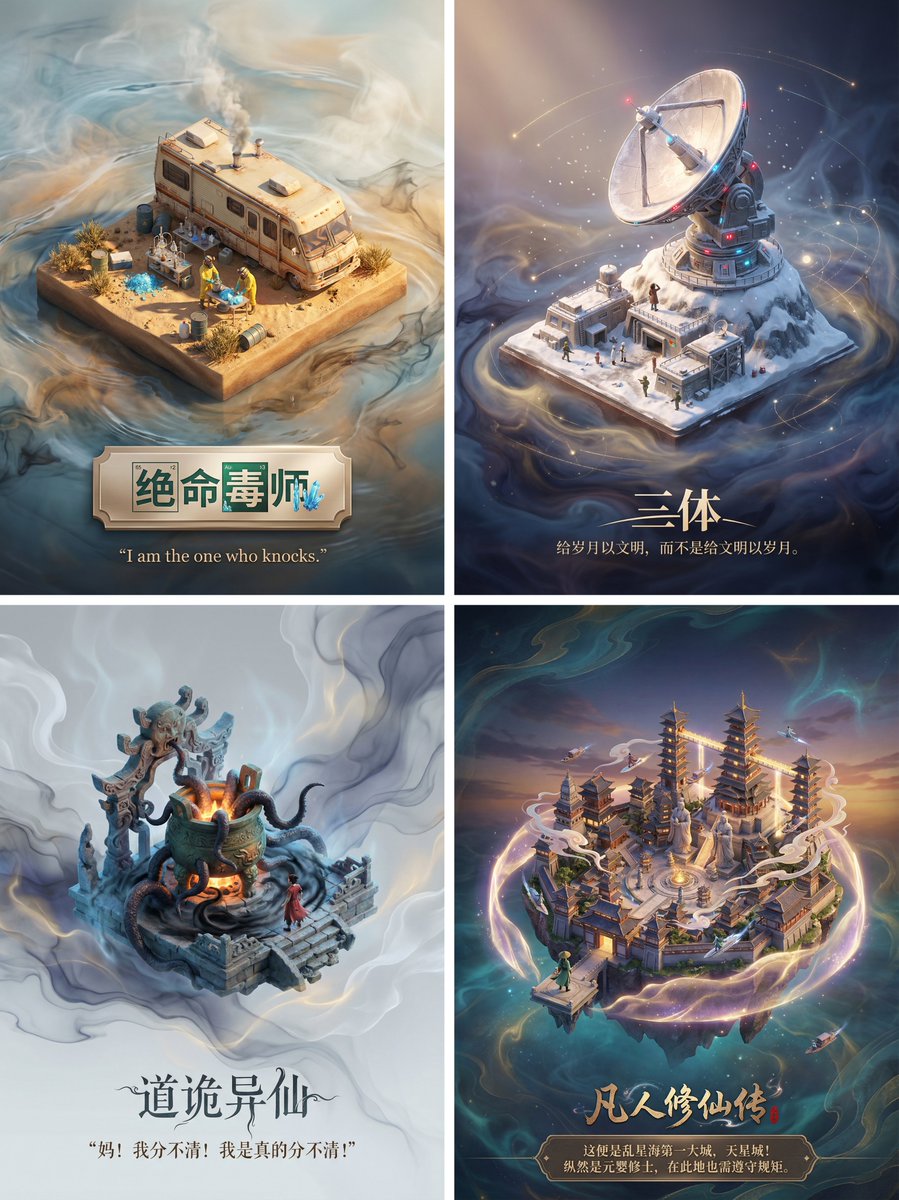
被 Nano Banana Pro 的美学表现震撼!太顶了

一键生成任何影视剧或者小说的场景海报提示词

优化了一下我的微缩场景模型提示词,增加文案部分的效果以及模型周围的特效

没想到适配性这么好,每个场景、文字效果、模型周遭的特效都非常适配小说或者影视剧

提示词:

请为影视剧/小说《需要添加的名称》设计一张高品质的3D海报,需要先检索影视剧/小说信息和著名的片段场景。

首先,请利用你的知识库检索这个影视剧/小说的内容,找出一个最具代表性的名场面或核心地点。在画面中央,将这个场景构建为一个精致的轴侧视角3D微缩模型。风格要采用梦工厂动画那种细腻、柔和的渲染风格。你需要还原当时的建筑细节、人物动态以及环境氛围,无论是暴风雨还是宁静的午后,都要自然地融合在模型的光影里。

关于背景,不要使用简单的纯白底。请在模型周围营造一种带有淡淡水墨晕染和流动光雾的虚空环境,色调雅致,让画面看起来有呼吸感和纵深感,衬托出中央模型的珍贵。

最后是底部的排版,请生成中文文字。居中写上小说名称,字体要有与原著风格匹配的设计感。在书名下方,自动检索并排版一句原著中关于该场景的经典描写或台词,字体使用优雅的衬线体。整体布局要像一个高级的博物馆藏品铭牌那样精致平衡。
Category
创意图片
Model
Nano Banana Pro
Creator
Pixshop
Views15
Source ID
72e5532c-f18e-46a6-88bf-a77ef3d83e1c
Published
Jan 10, 2026

Guide

About "被 Nano Banana Pro 的美学表现震撼!太顶了 一键生成任何影视剧或者小说的场景海报提示词 优化了一下我的微缩场景模型提示词,增加文案部分的效果以及"

What is this prompt for?

"被 Nano Banana Pro 的美学表现震撼!太顶了 一键生成任何影视剧或者小说的场景海报提示词 优化了一下我的微缩场景模型提示词,增加文案部分的效果以及" AI image prompt for Nano Banana Pro (创意图片). 创意图片 Copy it on Picva and recrea…

The full copyable prompt and example visuals above are ready for AI image generation or one-click recreate in Picva.

How to use this prompt

  1. Step 1

    Open the prompt detail

    Review the example visuals, category, and full prompt text for "被 Nano Banana Pro 的美学表现震撼!太顶了 一键生成任何影视剧或者小说的场景海报提示词 优化了一下我的微缩场景模型提示词,增加文案部分的效果以及".

  2. Step 2

    Copy the prompt

    Copy the prompt body from this page, or load it directly in Studio.

  3. Step 3

    Pick a model (Nano Banana Pro)

    Prefer Nano Banana Pro. If you switch models, keep subject and composition and tweak style terms.

  4. Step 4

    Generate and export

    Recreate the look in Picva, or export into your workflow for editing and publishing.

FAQ

What is the "被 Nano Banana Pro 的美学表现震撼!太顶了 一键生成任何影视剧或者小说的场景海报提示词 优化了一下我的微缩场景模型提示词,增加文案部分的效果以及" prompt?
It is an AI image-generation prompt for Nano Banana Pro in the 创意图片 category. This page includes the full prompt text, example visuals, and a one-click recreate path in Picva.
How do I use this prompt to generate an image?
Copy the prompt from this page, or use Generate / Studio. Paste it into a compatible image model, or recreate the look in Picva with optional reference images.
Which model is this prompt for?
This page lists Nano Banana Pro. Most descriptive prompts also transfer to nearby image models such as GPT Image, Flux, or Midjourney with light style tweaks.
Can I use the result commercially?
You can usually copy the prompt for creation, but commercial use of the final image depends on the model terms, reference-image rights, and the generated content. Follow the source author and platform rules.