18

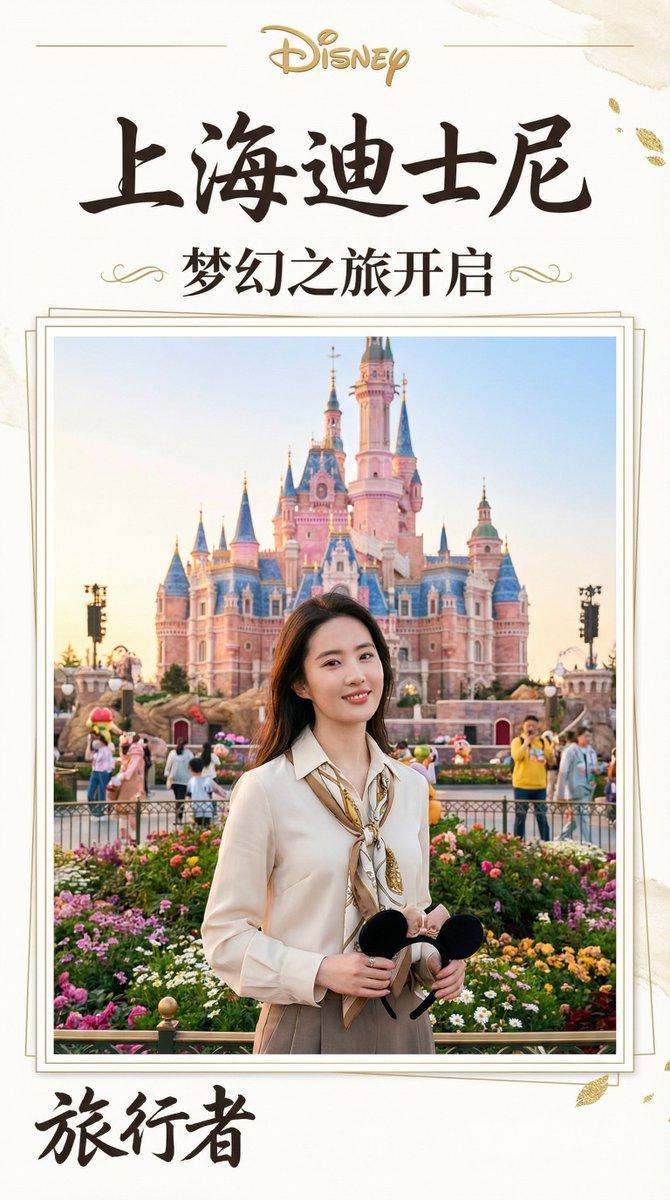
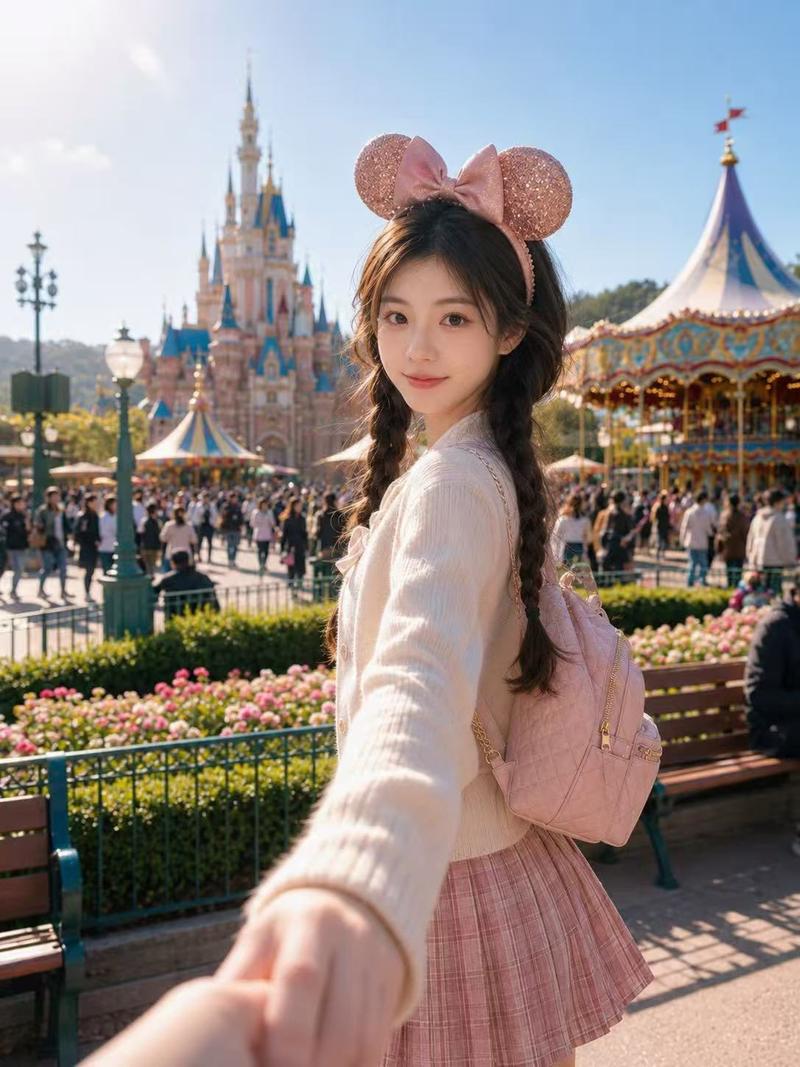
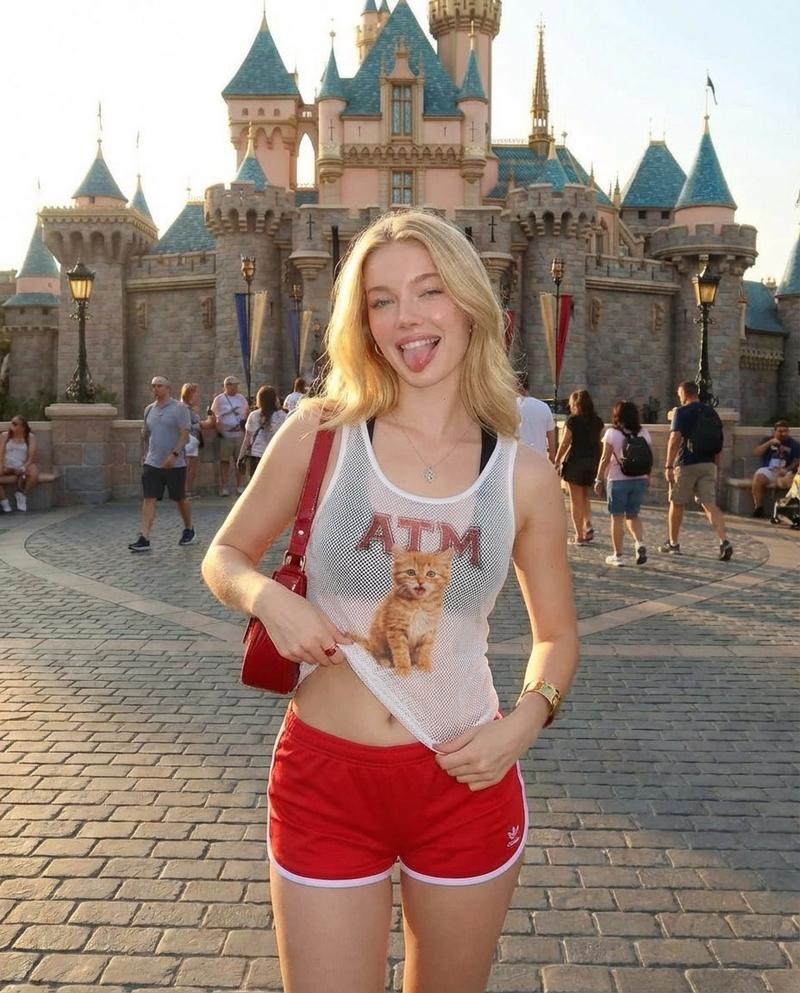
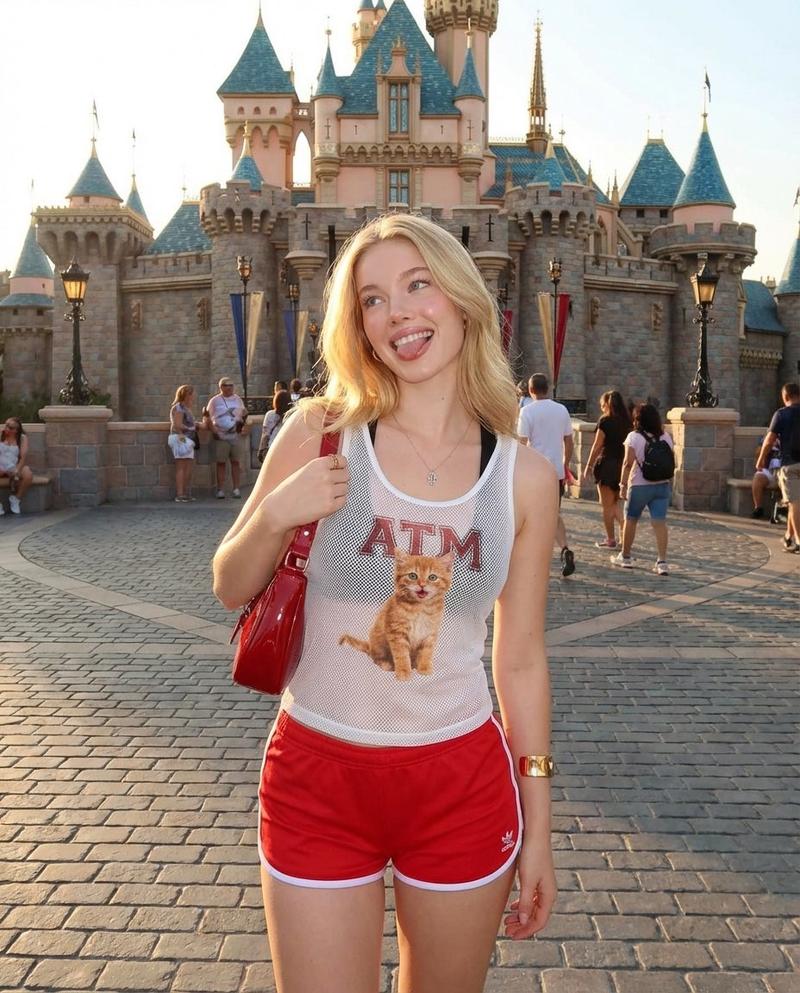
使用[地址]提示生成杂志风旅游照片集,融入实时天气与角色旅游场景,布局精美如专业摄影。 1. 准备人物照片。 2. 想象一个地址。也可以是经纬度。 3. 提示词
Enlarge

Example images

使用[地址]提示生成杂志风旅游照片集,融入实时天气与角色旅游场景,布局精美如专业摄影。 1. 准备人物照片。 2. 想象一个地址。也可以是经纬度。 3. 提示词

Prompt
使用[地址]提示生成杂志风旅游照片集,融入实时天气与角色旅游场景,布局精美如专业摄影。

1. 准备人物照片。
2. 想象一个地址。也可以是经纬度。
3. 提示词一起提交。

🍌 nano banana pro prompt:

提示词(封面版)

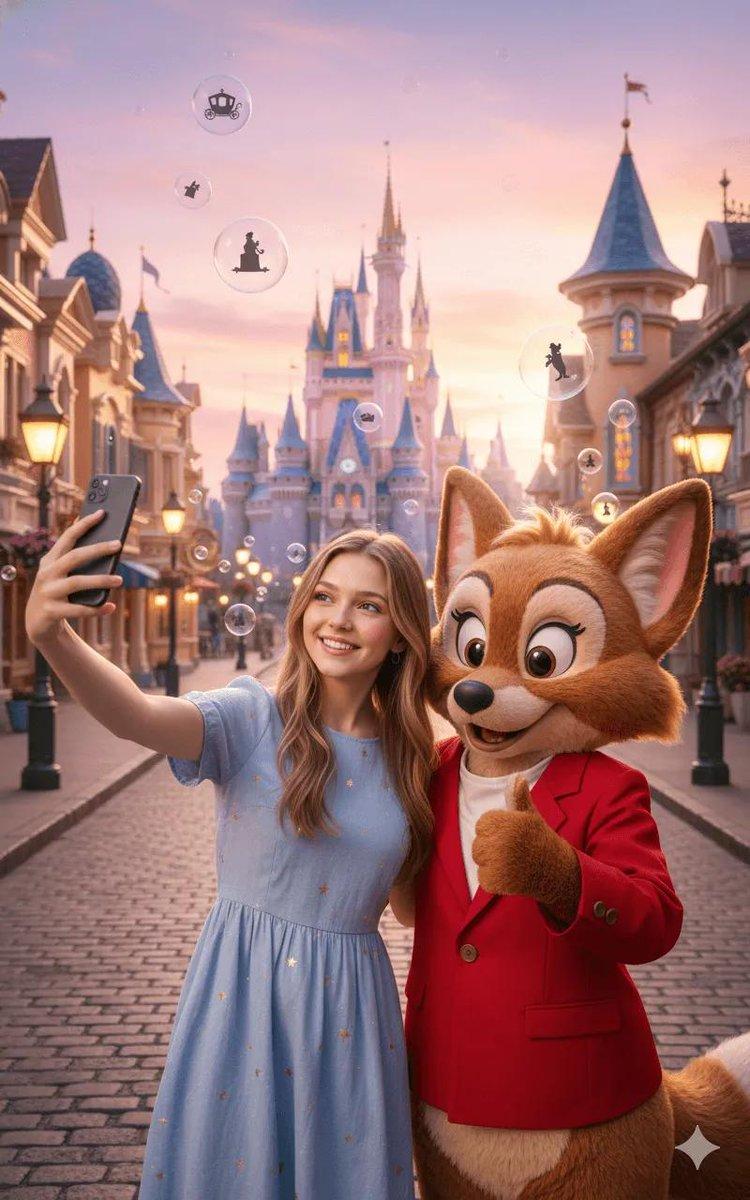
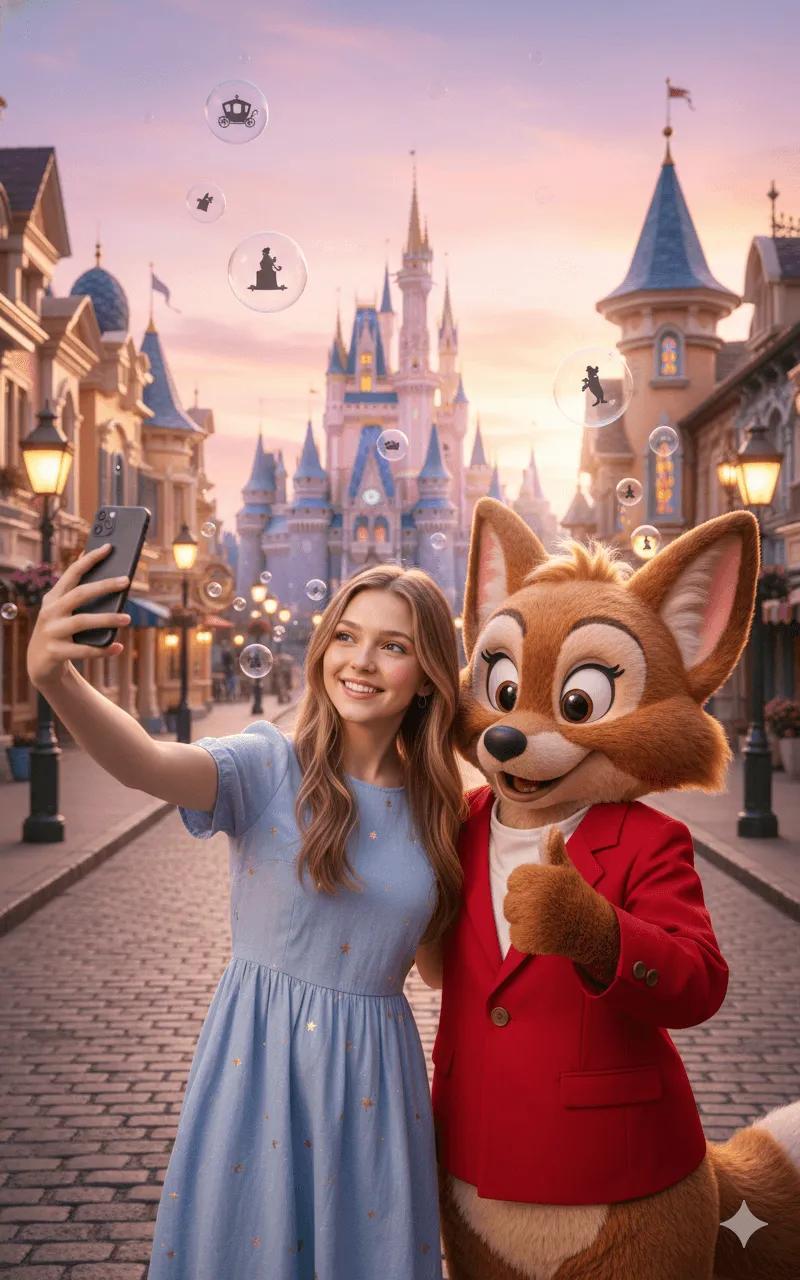
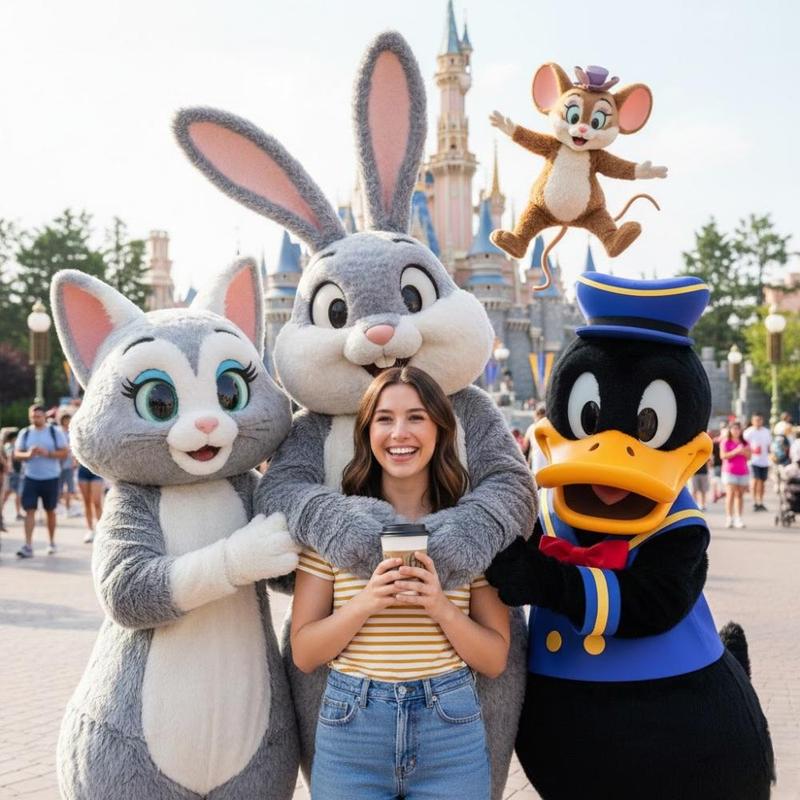
请将指定角色融入到位于  [上海迪士尼] 的实景中,呈现他们在此地观光的场景。务必确保角色本人脸部特征(包括五官、比例等)100% 保留且完整一致。整体排版需如同摄影集般精致,充分利用9:16的画面比例,制作成杂志封面。以“这是能影响游客数量的重要页面”为心态进行打造。

提示词(特辑页面版)
请将指定角色融入到位于 [上海迪士尼] 的实景中,呈现他们在此地观光的场景。务必确保角色本人脸部特征(包括五官、比例等)100% 保留且完整一致。整体排版需如同摄影集般精致,充分利用9:16的画面比例,制作成日本杂志的特辑内容页。以“这是能影响游客数量的重要阅读页面”为心态进行打造,并加入丰富的资讯与细节。
Category
创意图片
Model
Nano Banana Pro
Creator
Pixshop
Views9
Source ID
f1325e41-0a8a-4eb0-ba28-43d1afe3b961
Published
Jan 10, 2026

Guide

About "使用[地址]提示生成杂志风旅游照片集,融入实时天气与角色旅游场景,布局精美如专业摄影。 1. 准备人物照片。 2. 想象一个地址。也可以是经纬度。 3. 提示词"

What is this prompt for?

"使用[地址]提示生成杂志风旅游照片集,融入实时天气与角色旅游场景,布局精美如专业摄影。 1. 准备人物照片。 2. 想象一个地址。也可以是经纬度。 3. 提示词" AI image prompt for Nano Banana Pro (创意图片). 创意图片 Copy it on Picva and recrea…

The full copyable prompt and example visuals above are ready for AI image generation or one-click recreate in Picva.

How to use this prompt

  1. Step 1

    Open the prompt detail

    Review the example visuals, category, and full prompt text for "使用[地址]提示生成杂志风旅游照片集,融入实时天气与角色旅游场景,布局精美如专业摄影。 1. 准备人物照片。 2. 想象一个地址。也可以是经纬度。 3. 提示词".

  2. Step 2

    Copy the prompt

    Copy the prompt body from this page, or load it directly in Studio.

  3. Step 3

    Pick a model (Nano Banana Pro)

    Prefer Nano Banana Pro. If you switch models, keep subject and composition and tweak style terms.

  4. Step 4

    Generate and export

    Recreate the look in Picva, or export into your workflow for editing and publishing.

FAQ

What is the "使用[地址]提示生成杂志风旅游照片集,融入实时天气与角色旅游场景,布局精美如专业摄影。 1. 准备人物照片。 2. 想象一个地址。也可以是经纬度。 3. 提示词" prompt?
It is an AI image-generation prompt for Nano Banana Pro in the 创意图片 category. This page includes the full prompt text, example visuals, and a one-click recreate path in Picva.
How do I use this prompt to generate an image?
Copy the prompt from this page, or use Generate / Studio. Paste it into a compatible image model, or recreate the look in Picva with optional reference images.
Which model is this prompt for?
This page lists Nano Banana Pro. Most descriptive prompts also transfer to nearby image models such as GPT Image, Flux, or Midjourney with light style tweaks.
Can I use the result commercially?
You can usually copy the prompt for creation, but commercial use of the final image depends on the model terms, reference-image rights, and the generated content. Follow the source author and platform rules.