18

This Nano Banana Pro prompt turns your favorite dishes into a tiny kitchen with
Enlarge

This Nano Banana Pro prompt turns your favorite dishes into a tiny kitchen with

Prompt
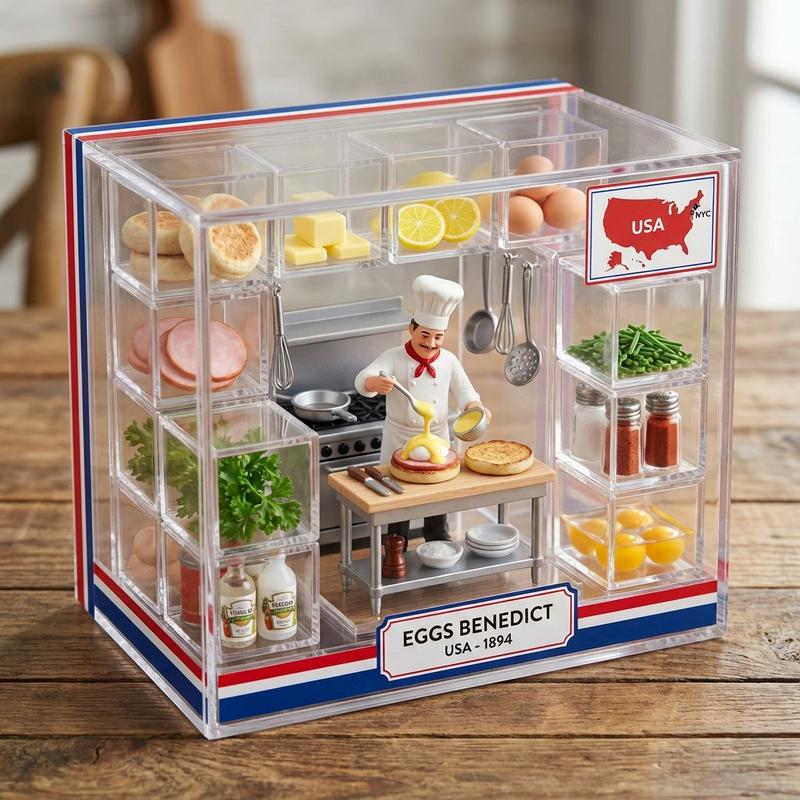
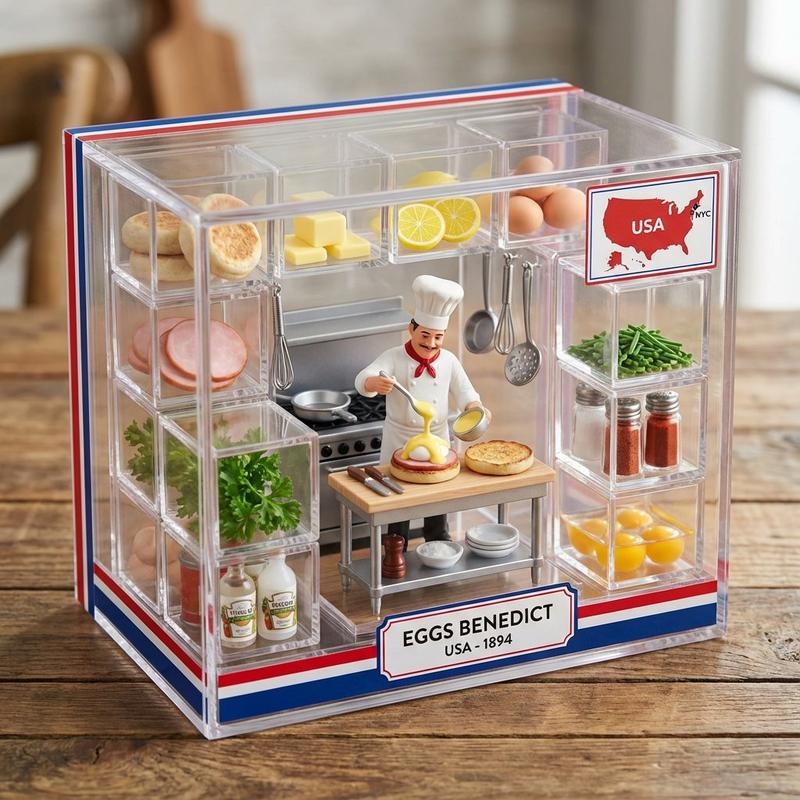
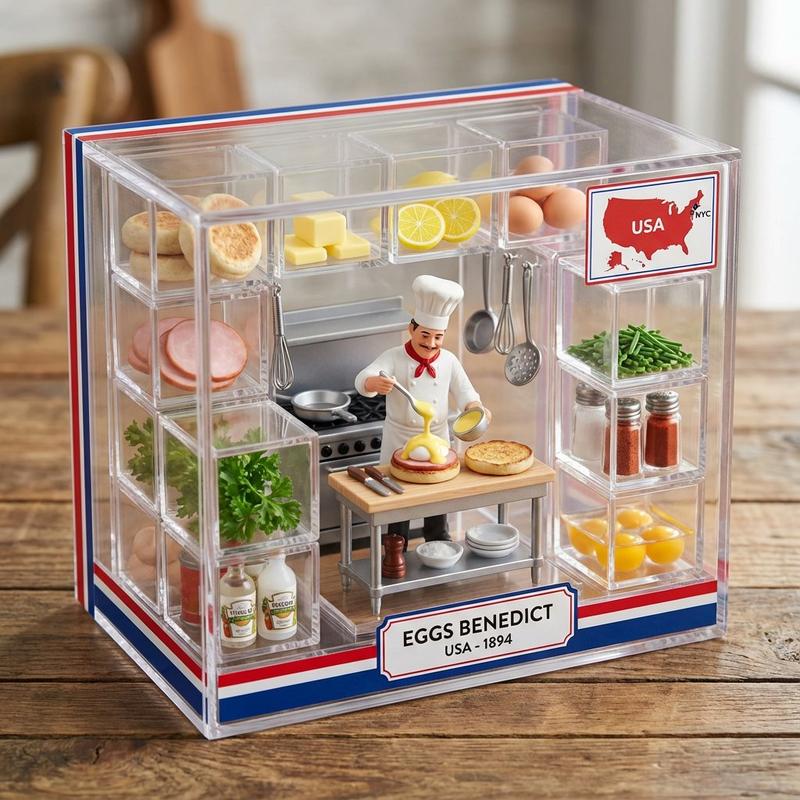
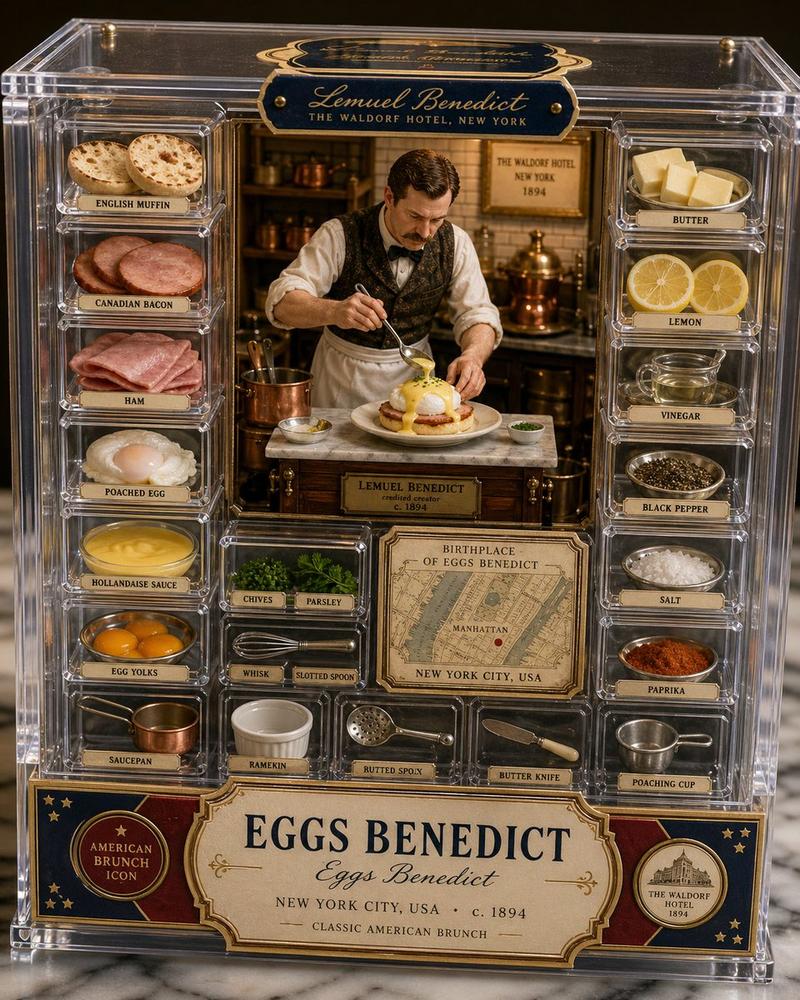
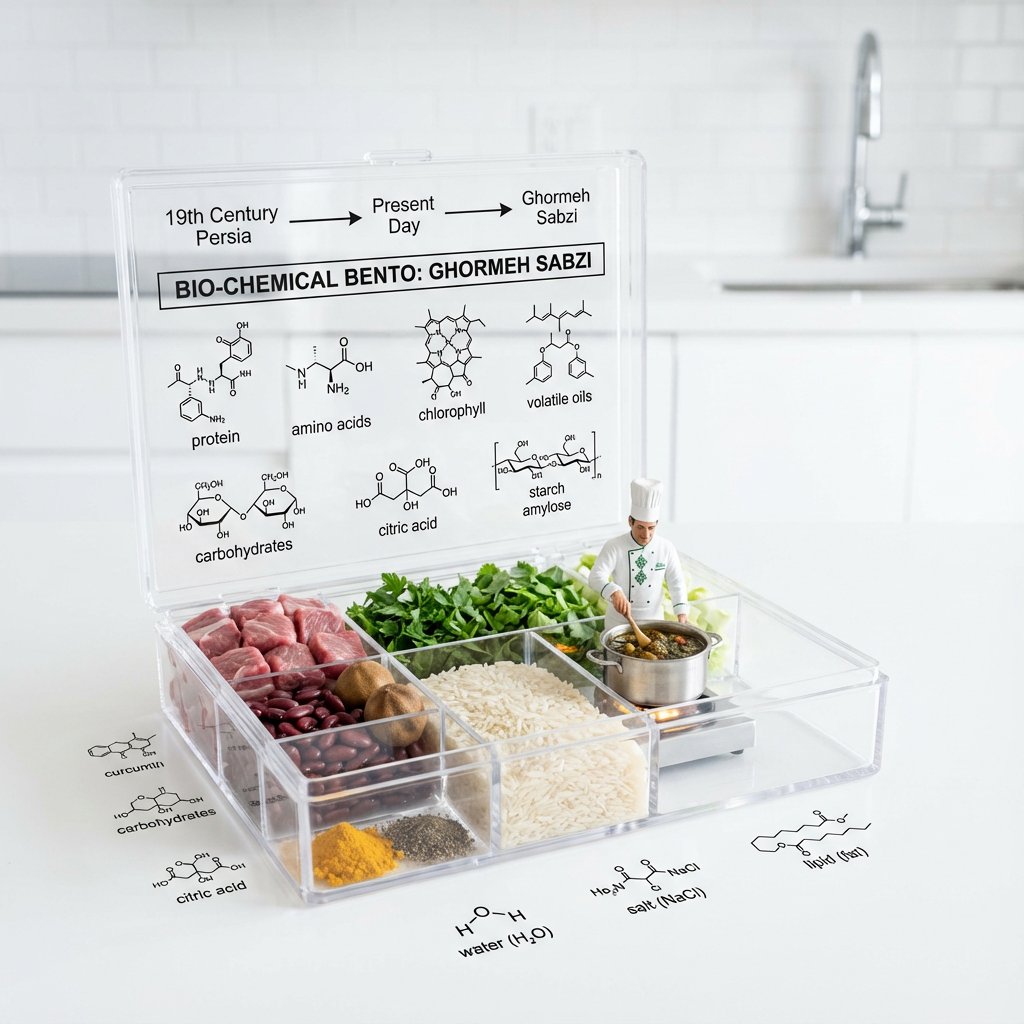
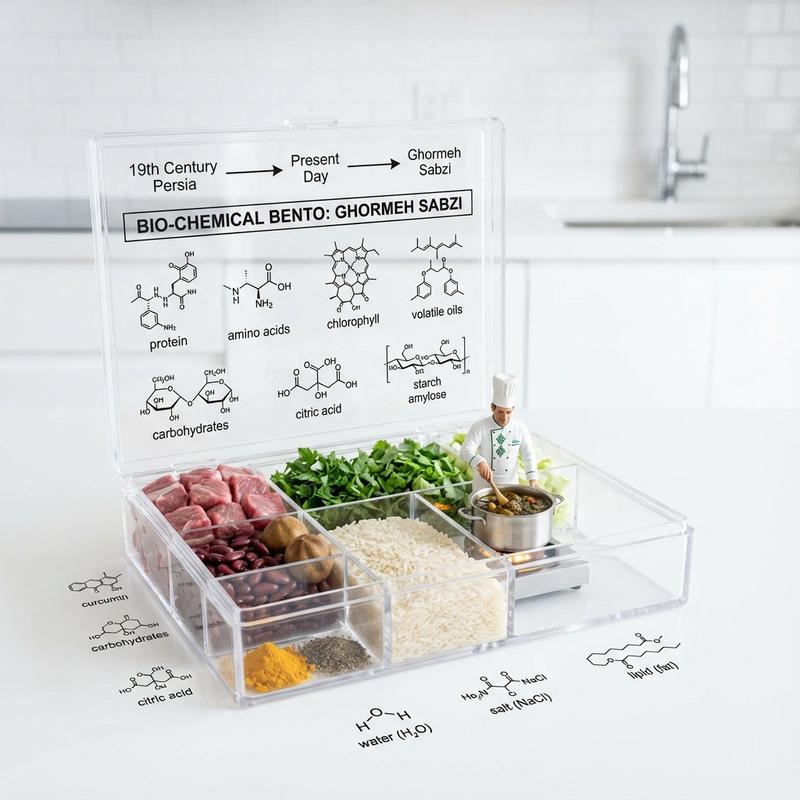
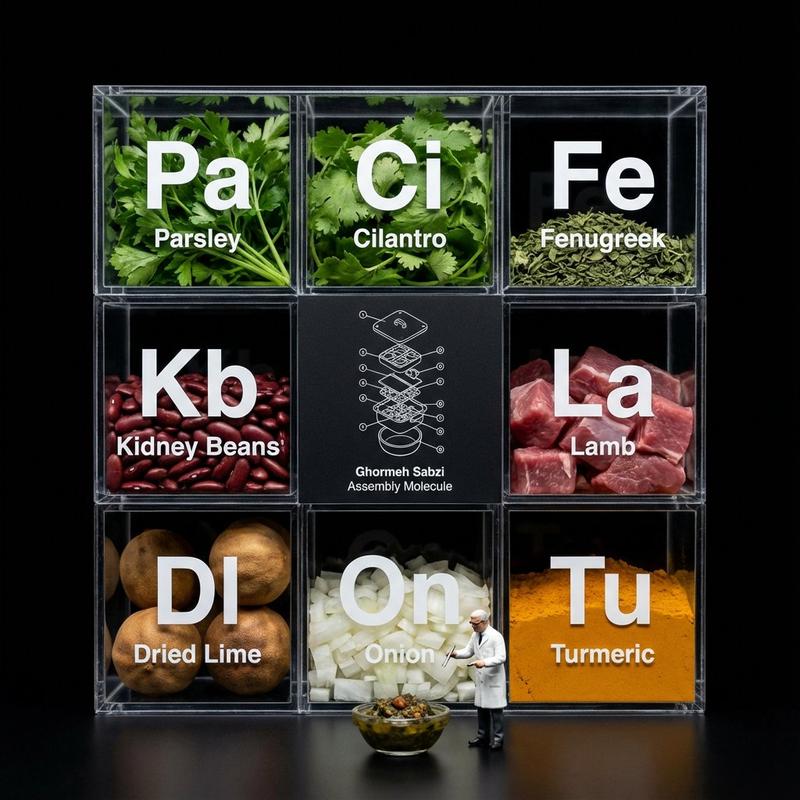
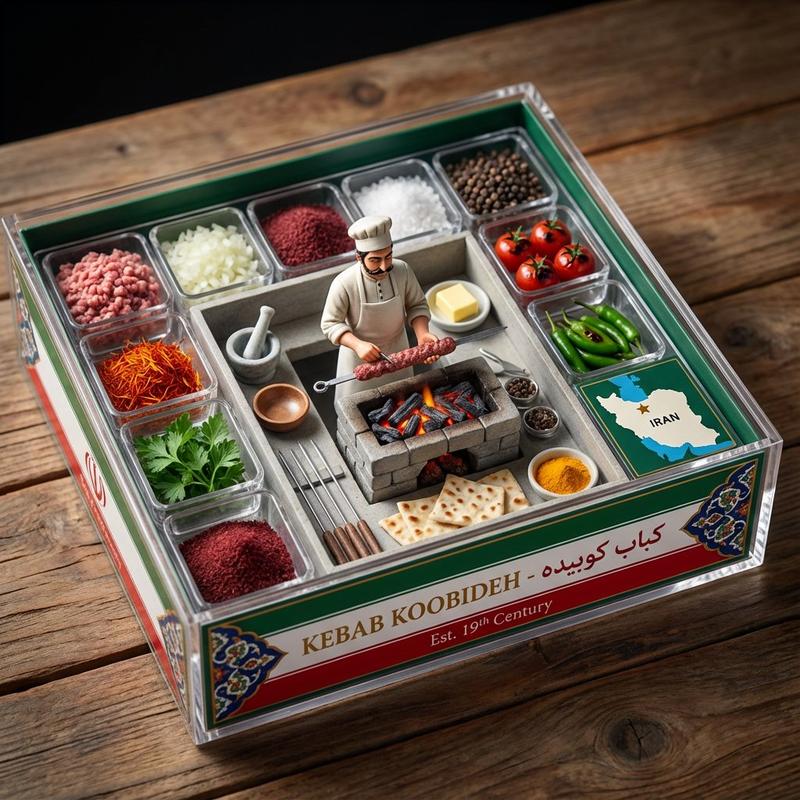
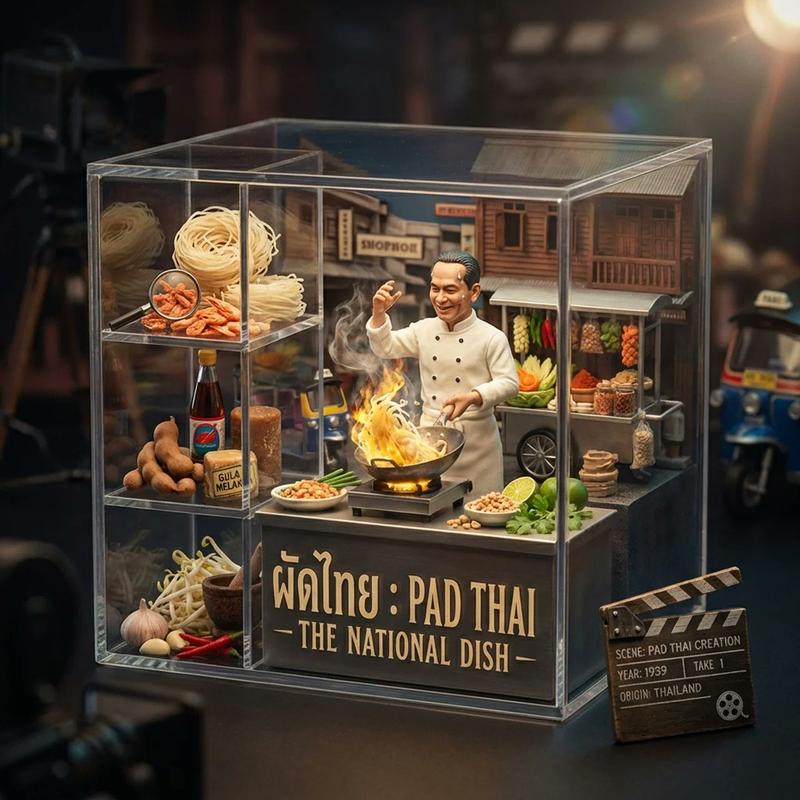
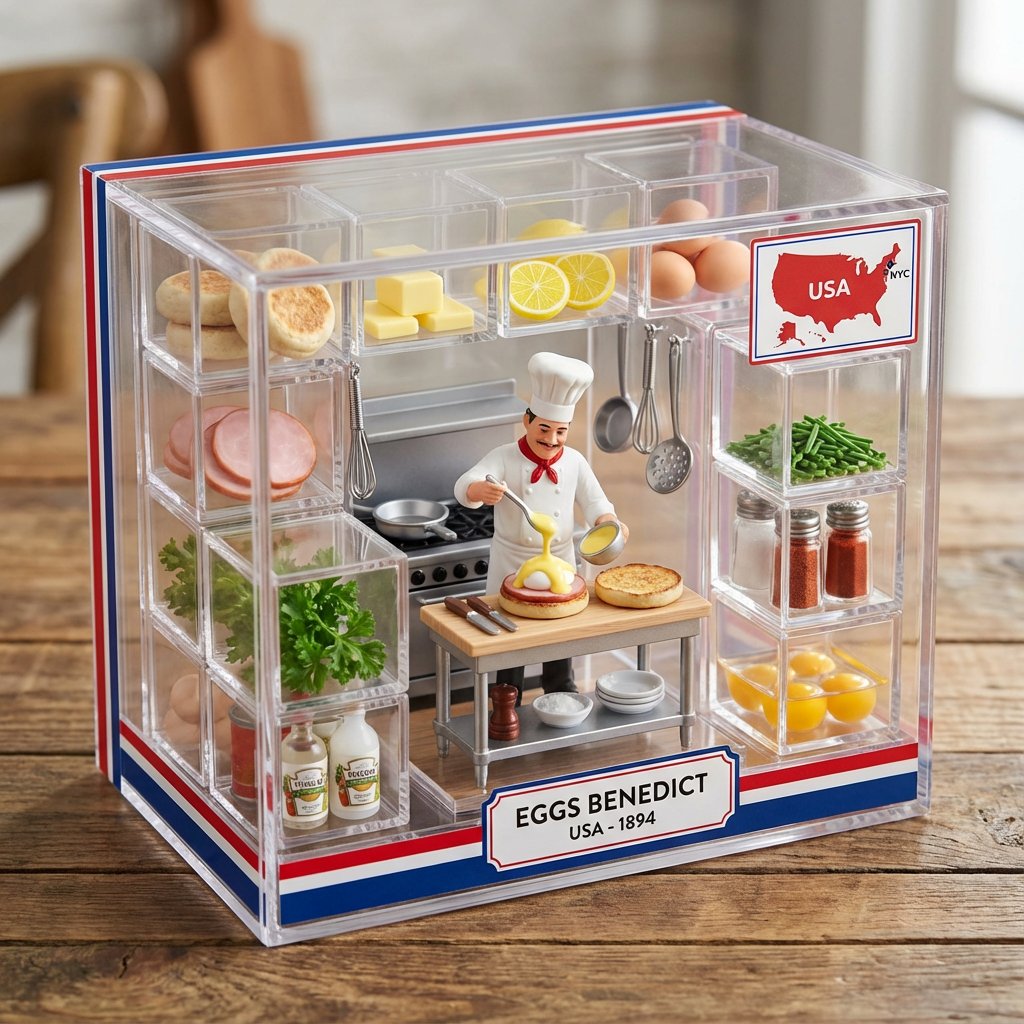
This Nano Banana Pro prompt turns your favorite dishes into a tiny kitchen with info on where they were first seen. I even asked it to show who made it first.

Prompt: do this for eggs benedict :

  <instructions>
Input A is a famous dish (photo or dish name).
Analyze the cuisine's origin country, there person who invented it or said to have, traditional preparation, cultural significance, and key ingredients.
Optional Input B is a style reference (culinary museum / artisan packaging). If missing, choose Michelin-star plating aesthetic meets toy packaging.
Goal: Premium clear acrylic box containing a miniature kitchen scene with the figurine of the person who invented it preparing the dish, surrounded by ingredient compartments like a high-end spice collection.
Rules:
- Center: tiny kitchen setup with chef mid-preparation
- 10-15 individual compartments with micro versions of each ingredient
- Include miniature cooking tools specific to the dish
- Add a tiny "origin map" showing the dish's birthplace
- Packaging uses colors from the cuisine's flag or traditional pottery
- Label with dish name in both English and origin language, show the date it first started
Output: ONE image, 4:5 artisan food photography style
</instructions>
Category
figure_toy
Model
Nano Banana Pro
Creator
Pixshop
Views11
Source ID
3dd5b18a-c3f1-4b0a-8a0e-75f082c42e55
Published
Jan 11, 2026

Guide

About "This Nano Banana Pro prompt turns your favorite dishes into a tiny kitchen with"

What is this prompt for?

"This Nano Banana Pro prompt turns your favorite dishes into a tiny kitchen with" AI image prompt for Nano Banana Pro (figure_toy). figure_toy Copy it on Picva…

The full copyable prompt and example visuals above are ready for AI image generation or one-click recreate in Picva.

How to use this prompt

  1. Step 1

    Open the prompt detail

    Review the example visuals, category, and full prompt text for "This Nano Banana Pro prompt turns your favorite dishes into a tiny kitchen with".

  2. Step 2

    Copy the prompt

    Copy the prompt body from this page, or load it directly in Studio.

  3. Step 3

    Pick a model (Nano Banana Pro)

    Prefer Nano Banana Pro. If you switch models, keep subject and composition and tweak style terms.

  4. Step 4

    Generate and export

    Recreate the look in Picva, or export into your workflow for editing and publishing.

FAQ

What is the "This Nano Banana Pro prompt turns your favorite dishes into a tiny kitchen with" prompt?
It is an AI image-generation prompt for Nano Banana Pro in the figure_toy category. This page includes the full prompt text, example visuals, and a one-click recreate path in Picva.
How do I use this prompt to generate an image?
Copy the prompt from this page, or use Generate / Studio. Paste it into a compatible image model, or recreate the look in Picva with optional reference images.
Which model is this prompt for?
This page lists Nano Banana Pro. Most descriptive prompts also transfer to nearby image models such as GPT Image, Flux, or Midjourney with light style tweaks.
Can I use the result commercially?
You can usually copy the prompt for creation, but commercial use of the final image depends on the model terms, reference-image rights, and the generated content. Follow the source author and platform rules.