19

1. Open Gemini / Grok 2. Upload your image 3. Prompt : "A hyper-realistic cinem
Enlarge

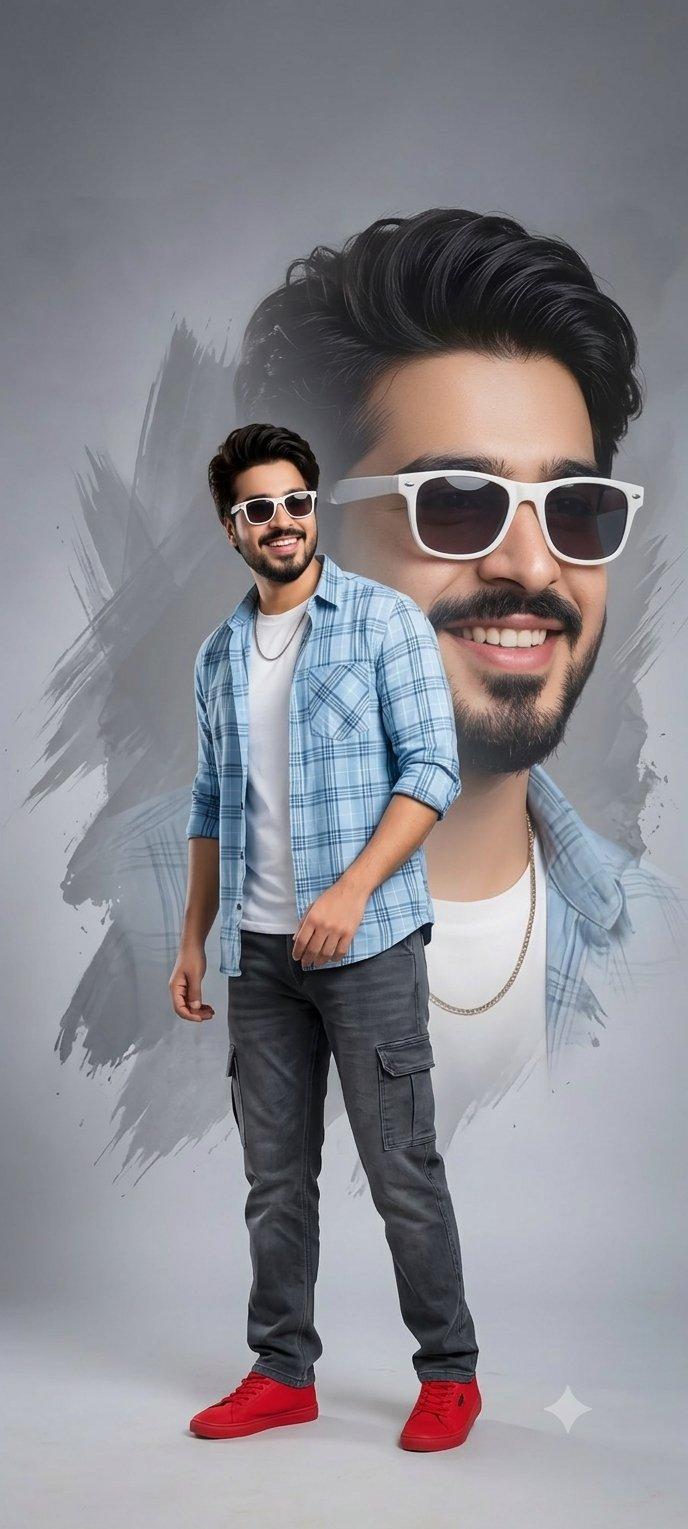
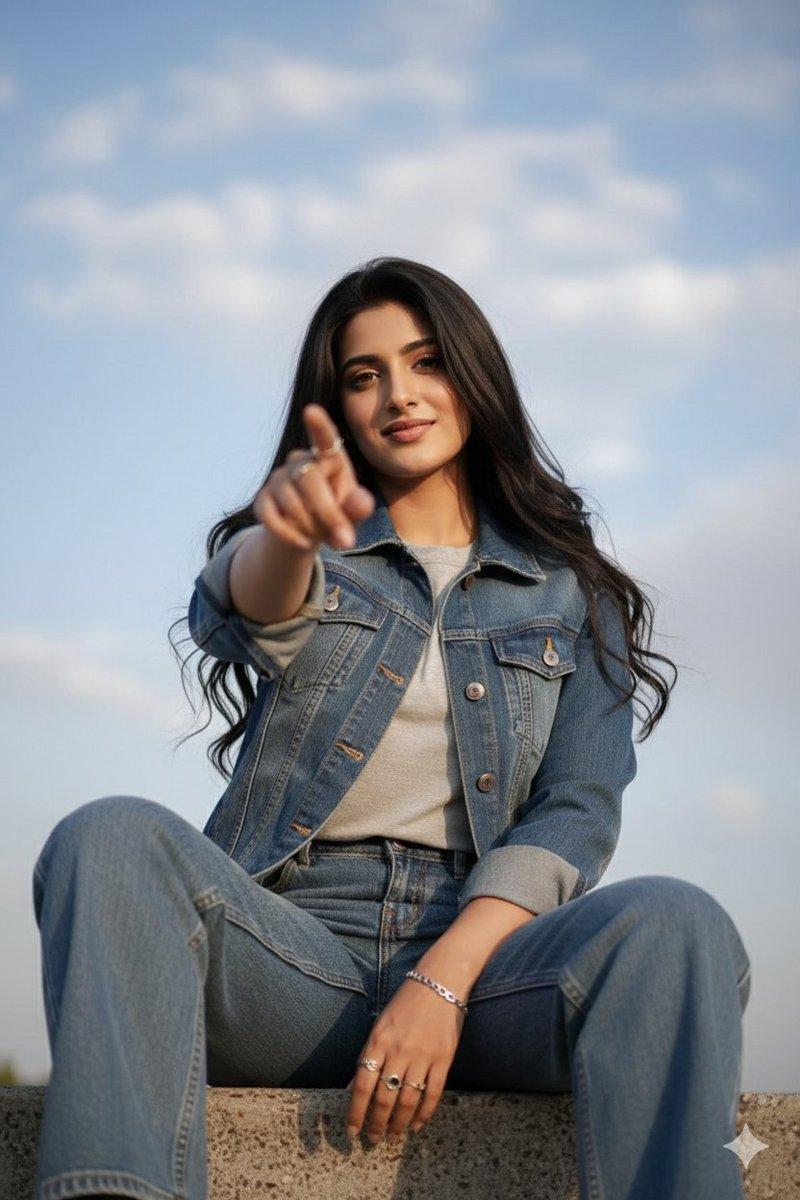
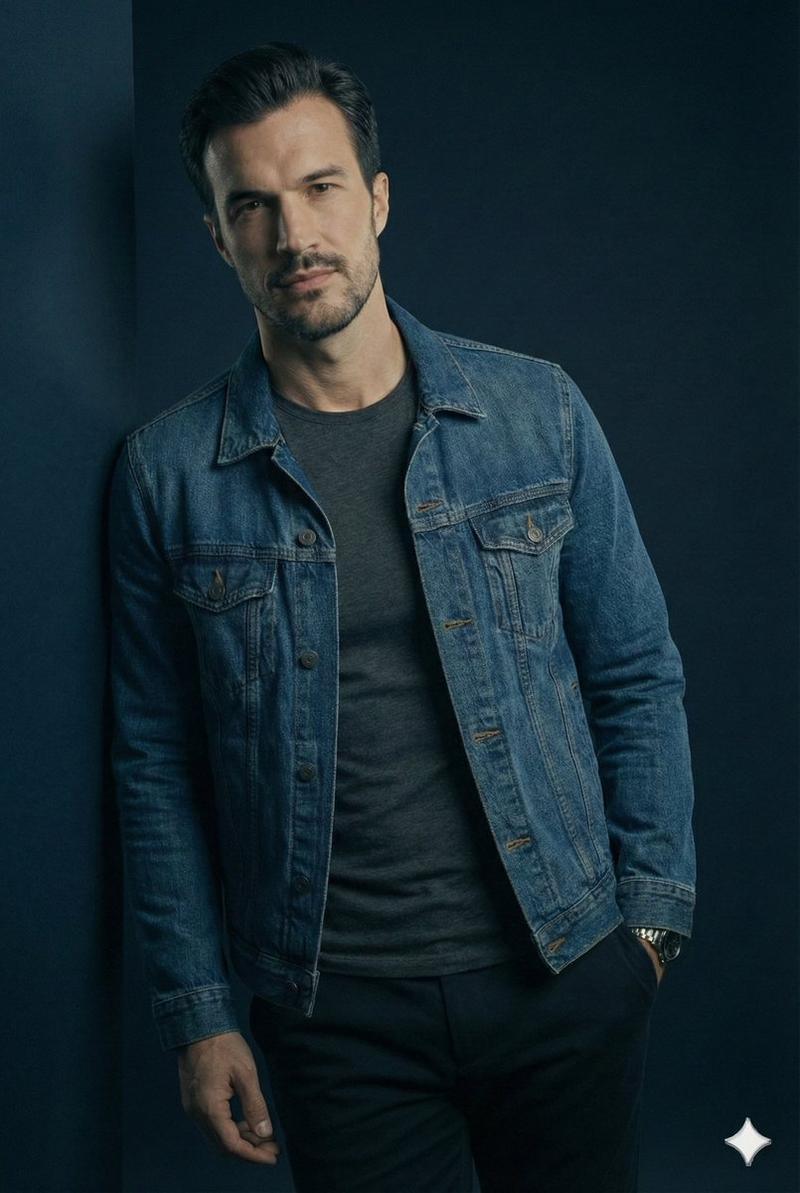
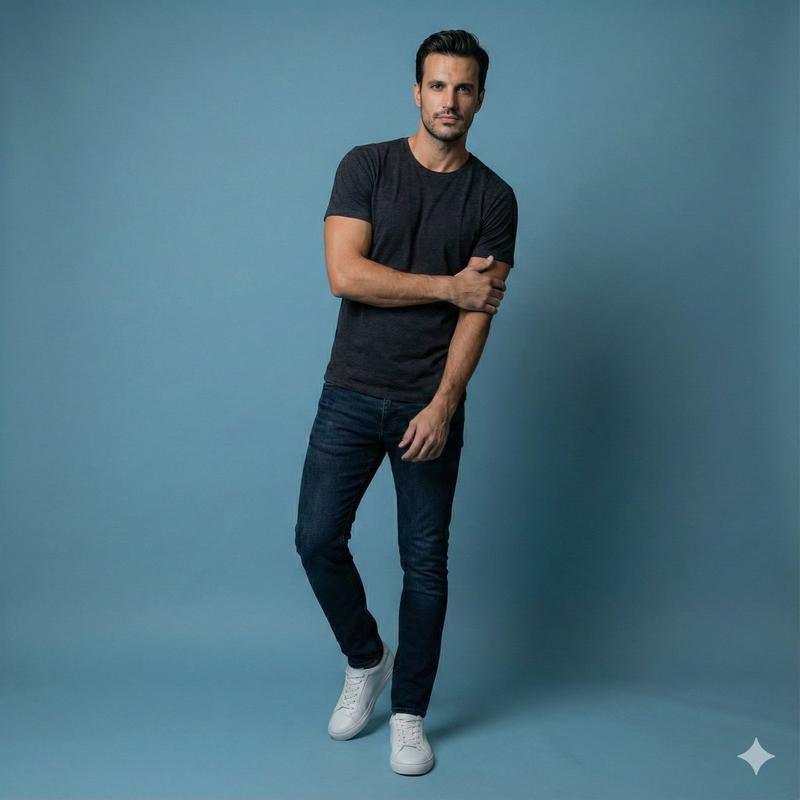
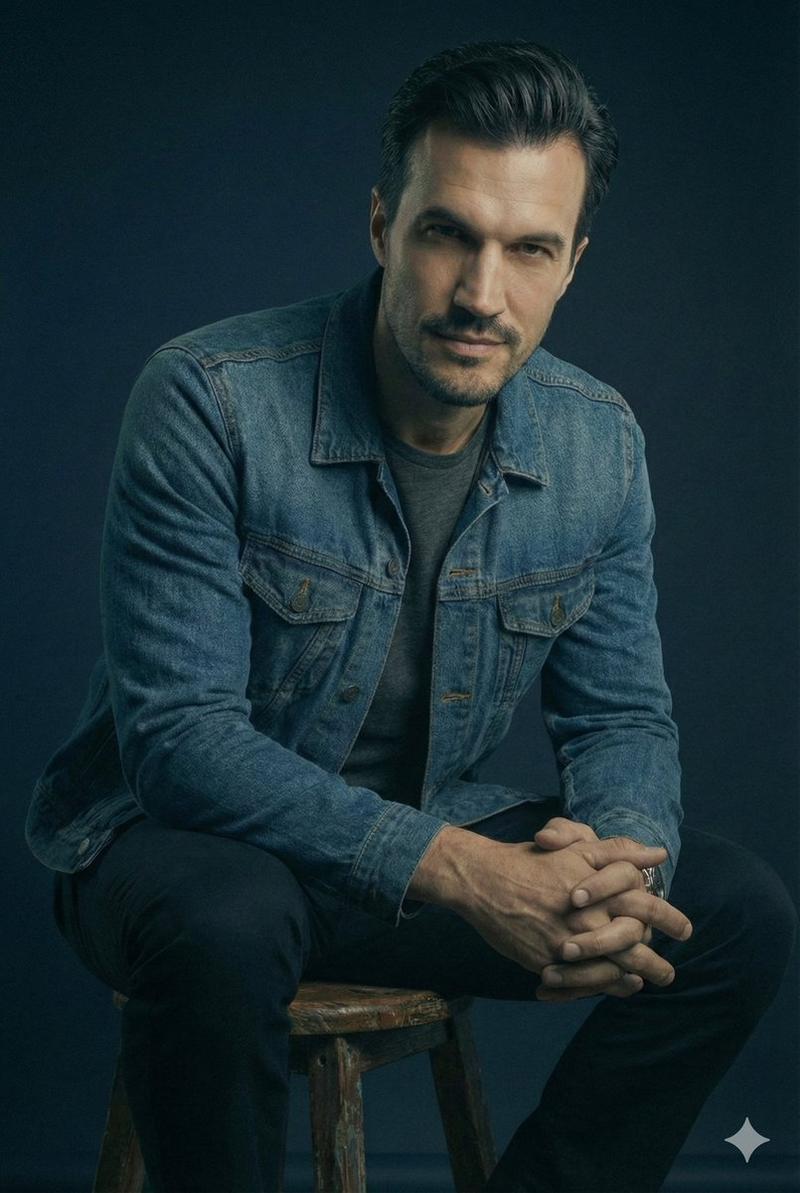
Example images

1. Open Gemini / Grok 2. Upload your image 3. Prompt : "A hyper-realistic cinem

Prompt
1. Open Gemini / Grok

2. Upload your image

3. Prompt :

"A hyper-realistic cinematic full-body portrait of the uploaded image — seated casually on a modern metallic stool, placed at the center of a minimal white-blue Facebook-themed studio. Behind them, a large glowing translucent twitter 'X' logo stands upright, softly illuminating the scene in cool blue tones.

The subject wears a casual smart outfit — a white t-shirt layered with a blue denim jacket, beige chinos, and white sneakers. Their pose is relaxed, with one hand resting on the stool and the other raised in a natural gesture as if engaging in friendly conversation.

Lighting setup: Soft, diffused studio light with gentle rim highlights to enhance realism. Use 85mm f/1.8 lens simulation for cinematic depth.

Focus priority: Ultra-sharp face detail capturing real pores, fine hair strands, and subtle reflections in the eyes.

Mood & tone: Warm, authentic, and social — reflecting connection and openness.
Rendering style: Professional, realistic, high-end commercial photography aesthetic suitable for social branding.

Tried for Rajinikanth, Kamal Hassan, Vijay, Ajith
Category
creative_scene
Model
Nano Banana Pro
Creator
Pixshop
Views3
Source ID
c66f75cc-5480-4e11-ad12-6321b462e981
Published
Jan 12, 2026

Guide

About "1. Open Gemini / Grok 2. Upload your image 3. Prompt : "A hyper-realistic cinem"

What is this prompt for?

"1. Open Gemini / Grok 2. Upload your image 3. Prompt : "A hyper-realistic cinem" AI image prompt for Nano Banana Pro (creative_scene). creative_scene Copy it…

The full copyable prompt and example visuals above are ready for AI image generation or one-click recreate in Picva.

How to use this prompt

  1. Step 1

    Open the prompt detail

    Review the example visuals, category, and full prompt text for "1. Open Gemini / Grok 2. Upload your image 3. Prompt : "A hyper-realistic cinem".

  2. Step 2

    Copy the prompt

    Copy the prompt body from this page, or load it directly in Studio.

  3. Step 3

    Pick a model (Nano Banana Pro)

    Prefer Nano Banana Pro. If you switch models, keep subject and composition and tweak style terms.

  4. Step 4

    Generate and export

    Recreate the look in Picva, or export into your workflow for editing and publishing.

FAQ

What is the "1. Open Gemini / Grok 2. Upload your image 3. Prompt : "A hyper-realistic cinem" prompt?
It is an AI image-generation prompt for Nano Banana Pro in the creative_scene category. This page includes the full prompt text, example visuals, and a one-click recreate path in Picva.
How do I use this prompt to generate an image?
Copy the prompt from this page, or use Generate / Studio. Paste it into a compatible image model, or recreate the look in Picva with optional reference images.
Which model is this prompt for?
This page lists Nano Banana Pro. Most descriptive prompts also transfer to nearby image models such as GPT Image, Flux, or Midjourney with light style tweaks.
Can I use the result commercially?
You can usually copy the prompt for creation, but commercial use of the final image depends on the model terms, reference-image rights, and the generated content. Follow the source author and platform rules.