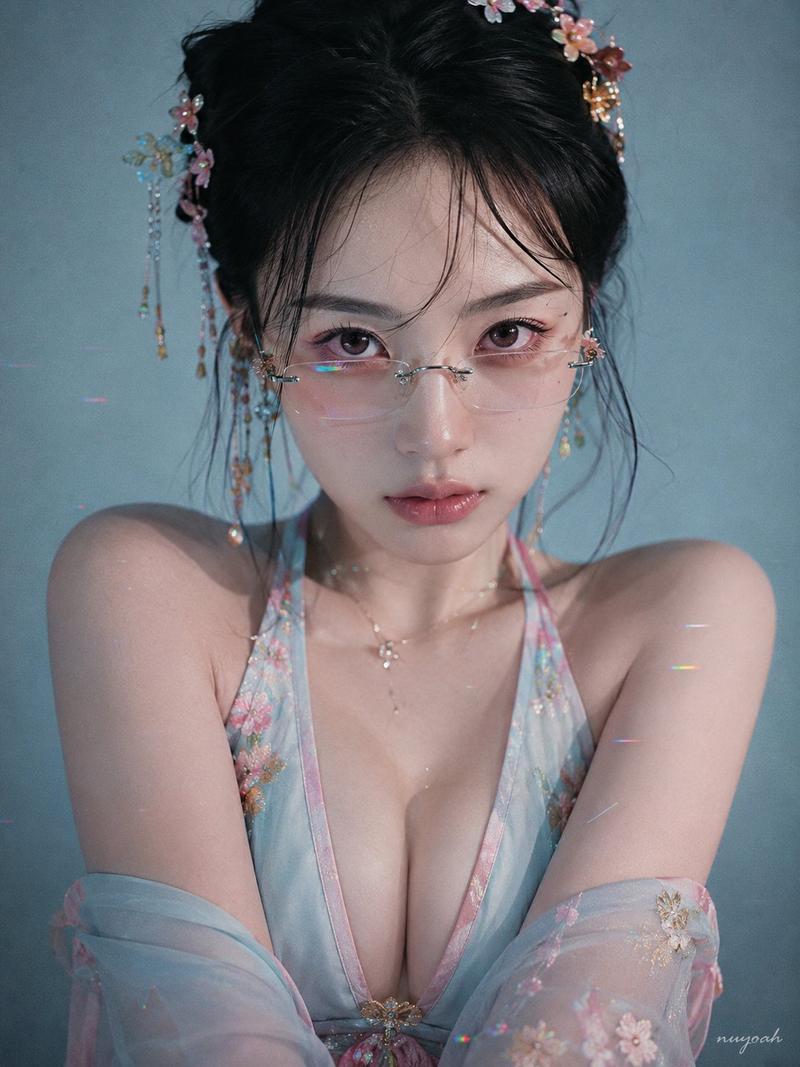
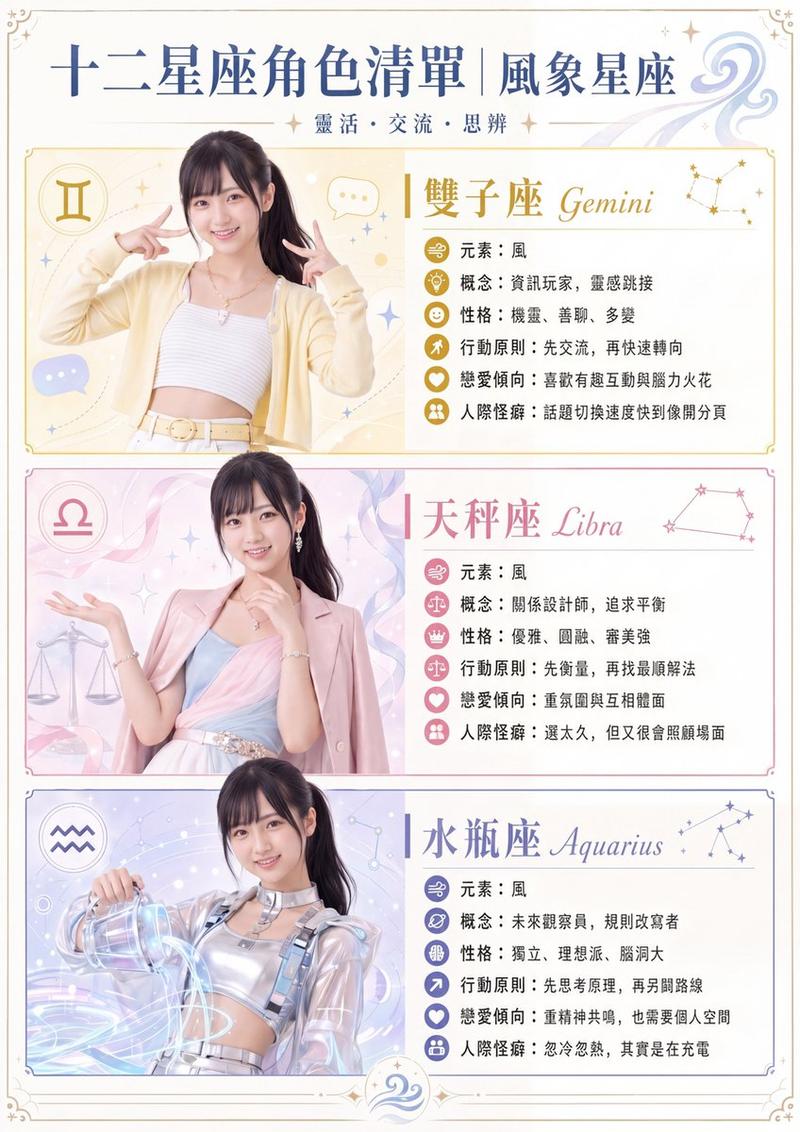
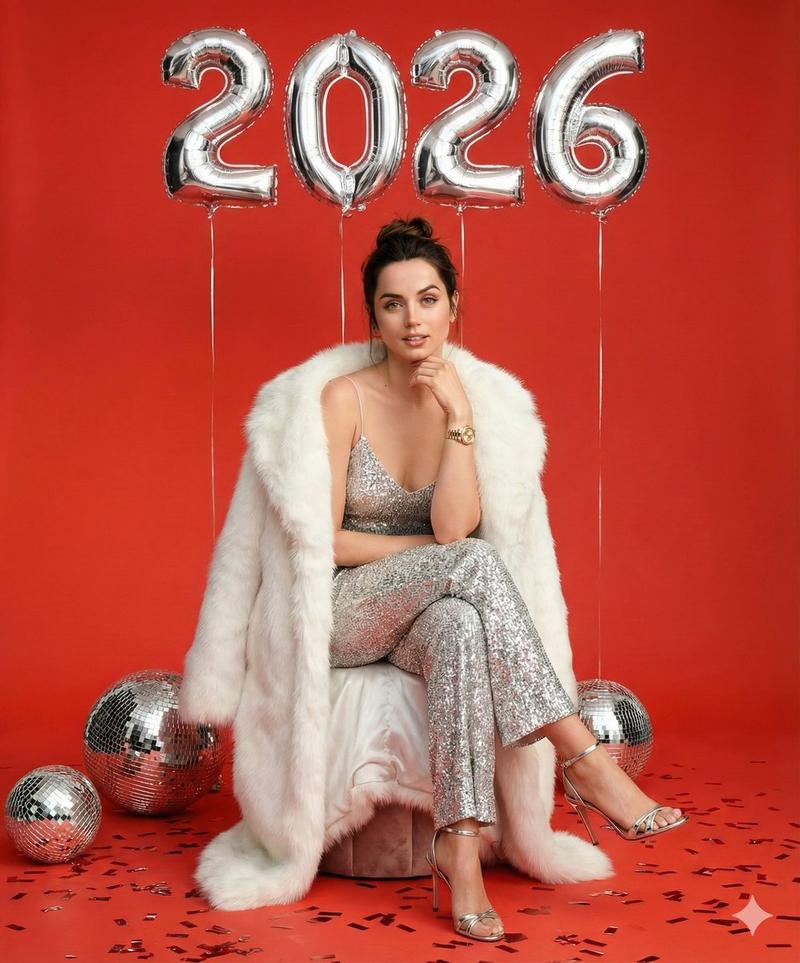
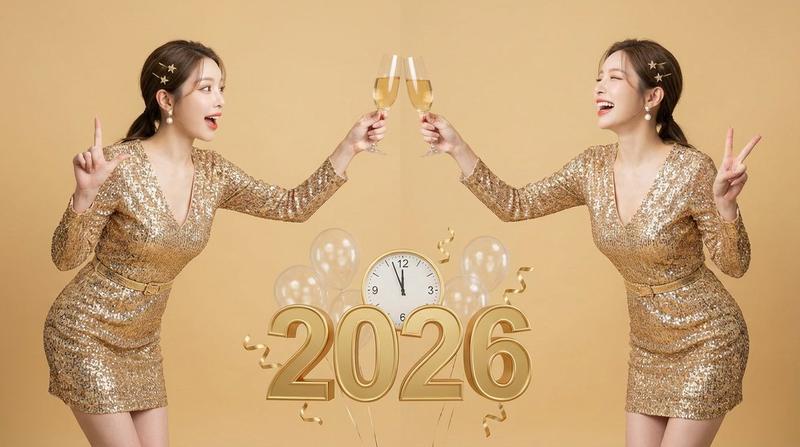
![[Nano Banana Pro] (Prompt below/プロンプトは下にあります) How to use: 1. Choose a char](https://cdn.pixshop.app/prompt-library/tweet-2006211567910805903/primary-0-1768318212681-3bo4w22j.jpeg)
[Nano Banana Pro] (Prompt below/プロンプトは下にあります) How to use: 1. Choose a char
提示词
[Nano Banana Pro]
(Prompt below/プロンプトは下にあります)

How to use:
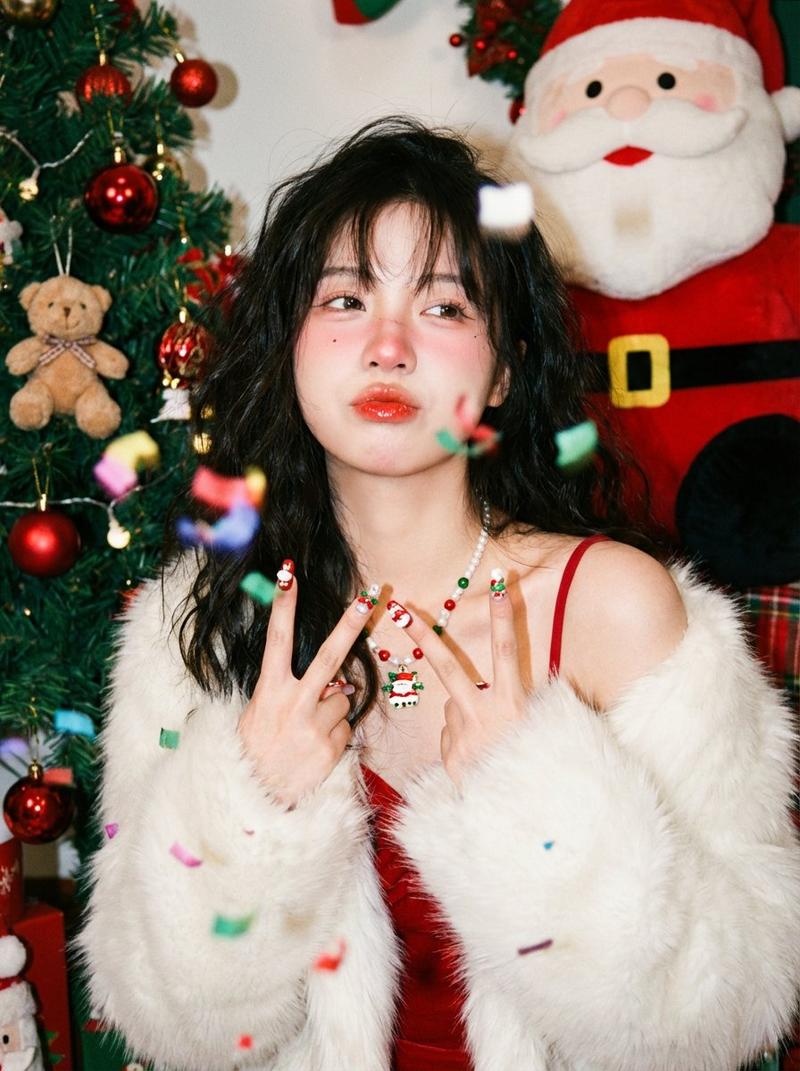
1. Choose a character reference image.
2. Copy and paste the prompt.
3. Edit the text behind the character.

使い方:
1. 人物のリファレンス画像を1枚選びます。
2. プロンプトをコピー&ペーストします。
3. 人物の背後の文字を修正してください。

使用方式:
1.選一張你要套用效果的人物圖片
2.複製貼上prompt
3. 修改人物背後的字

[prompt]

{
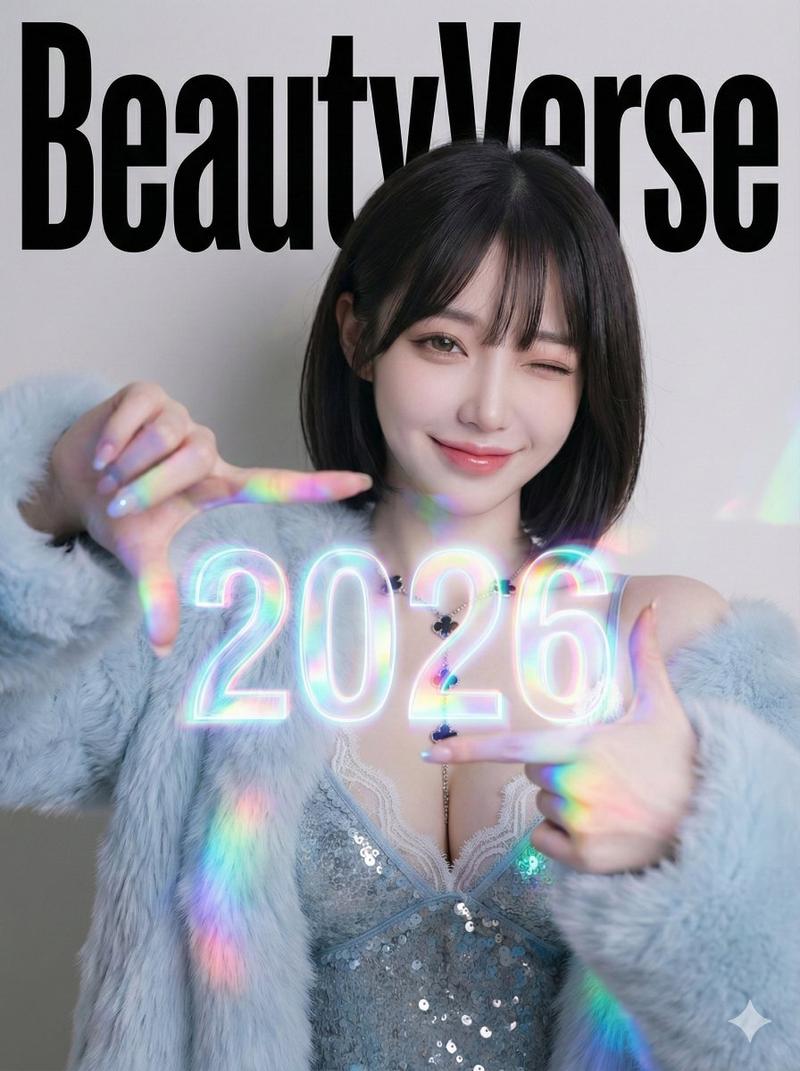
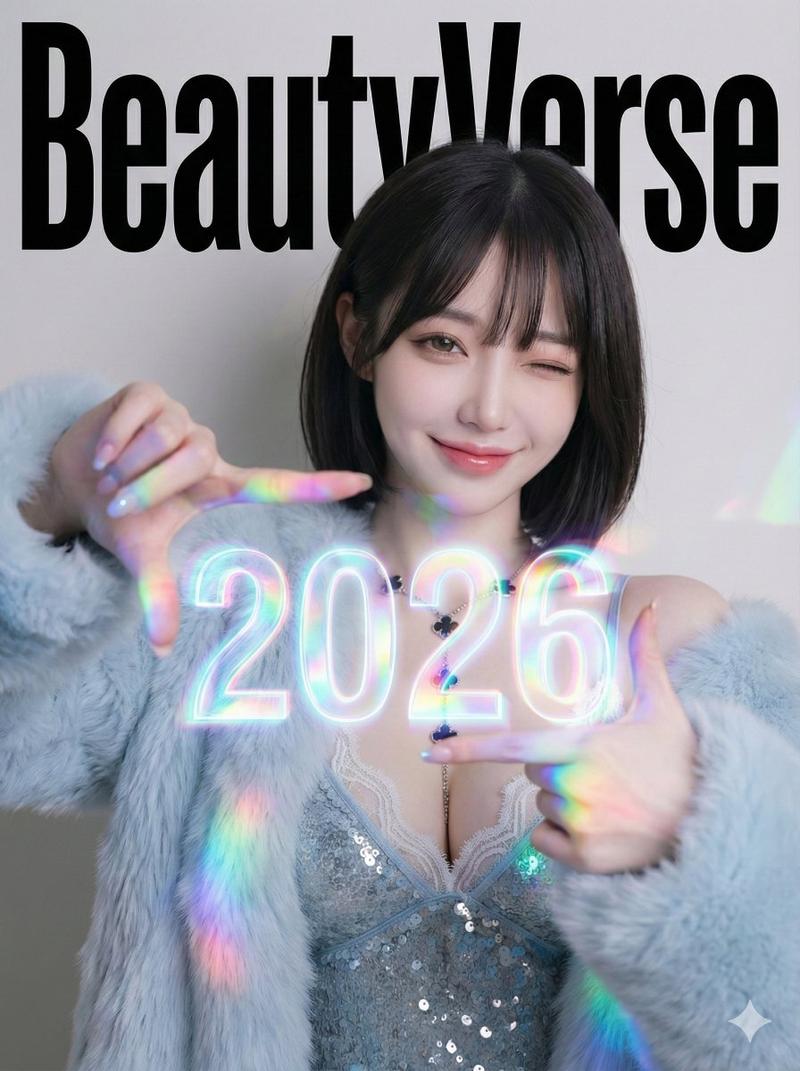
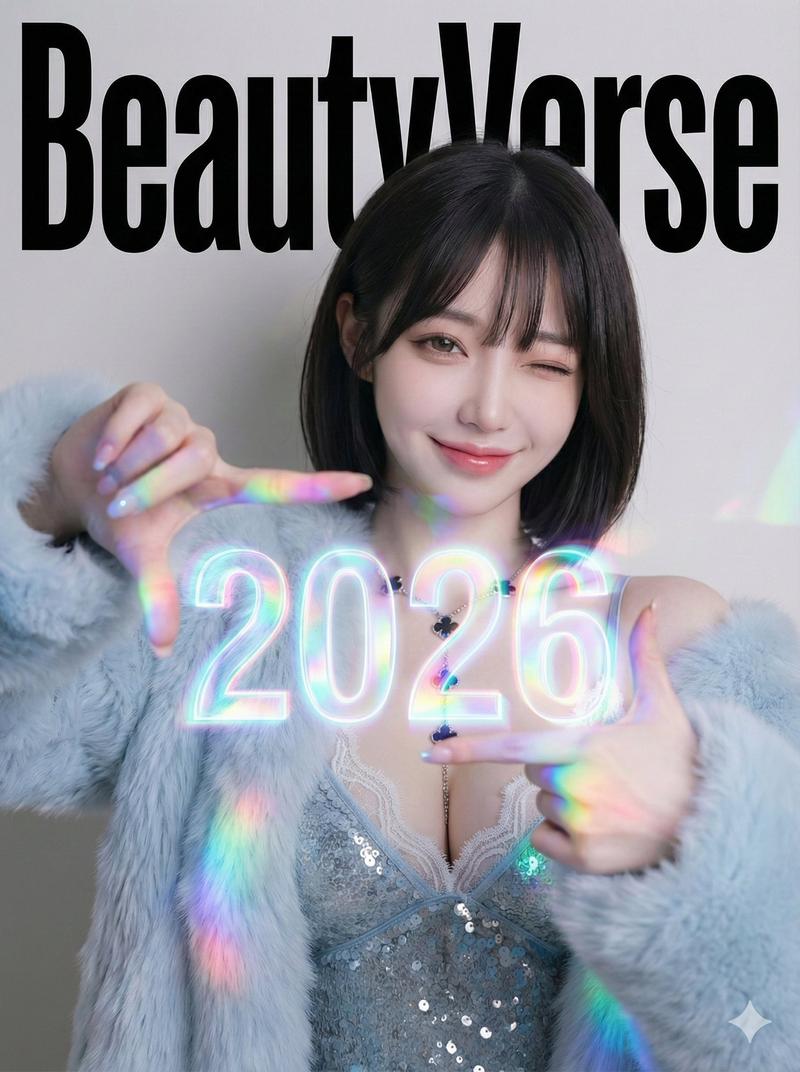
  "project_title": "BeautyVerse Editorial - Chest-Level Holographic Viewfinder (Large 2026) & Winking Smile",
  "structure": "Single full-frame composition. Professional studio photography. No borders or collage elements.",
  "aspect_ratio": "3:4",
  "aesthetic_theme": {
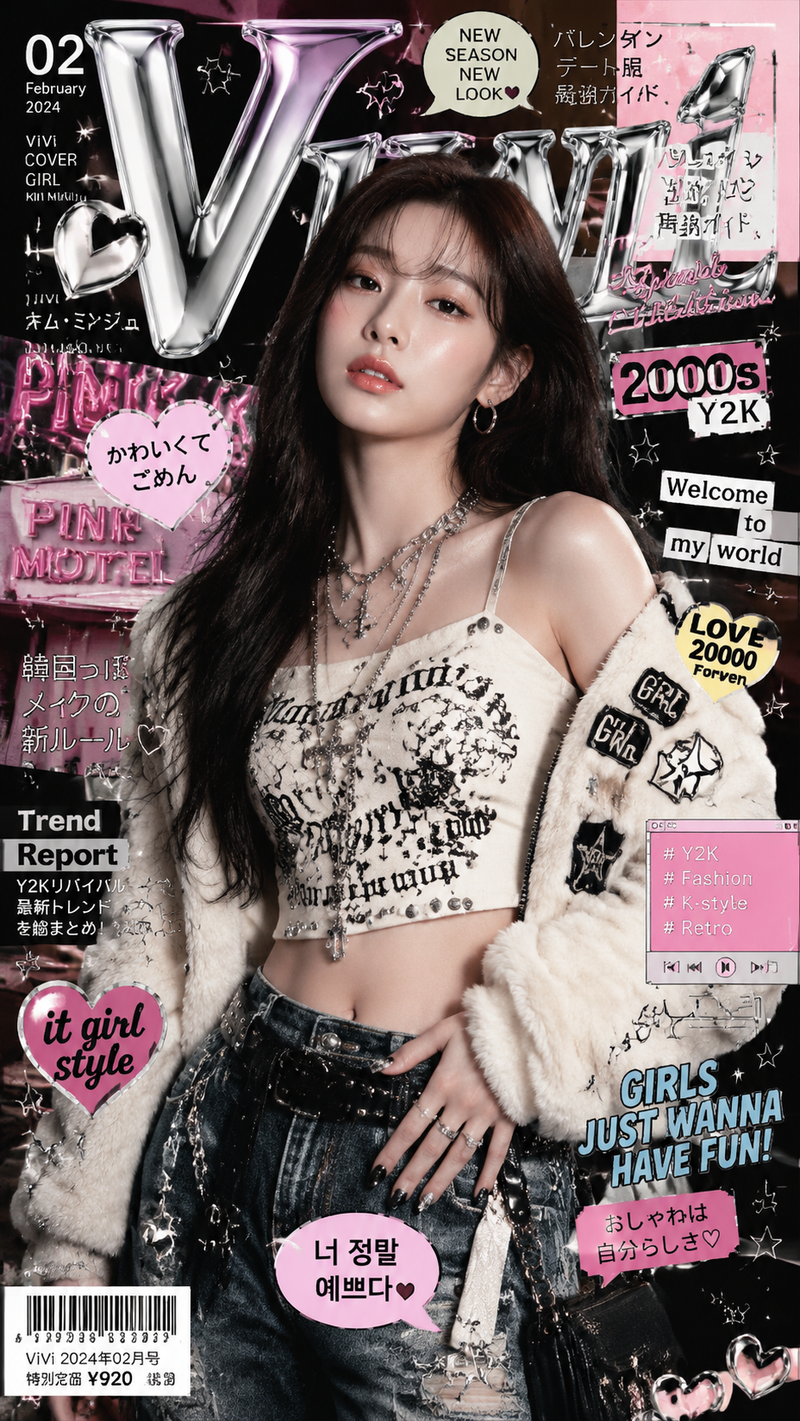
    "style": "High-fashion magazine cover aesthetic with a touch of playful futuristic glow.",
    "mood": "Confident, playful, energetic, sophisticated",
    "color_grading": "Prism glow effect: A base of clean studio lighting mixed with the strong specific colored light cast by the large holographic element. High-contrast professional fashion retouching.",
    "textures": [
      "High-definition skin pores and fine fabric weave",
      "Intense smooth holographic light refractions on hands and chest",
      "Matte, bold printed magazine ink texture for background text"
    ]
  },
  "framing_and_borders": {
    "type": "None",
    "details": [
      "The image fills the entire frame completely.",
      "Clean, borderless presentation focused from the waist up."
    ]
  },
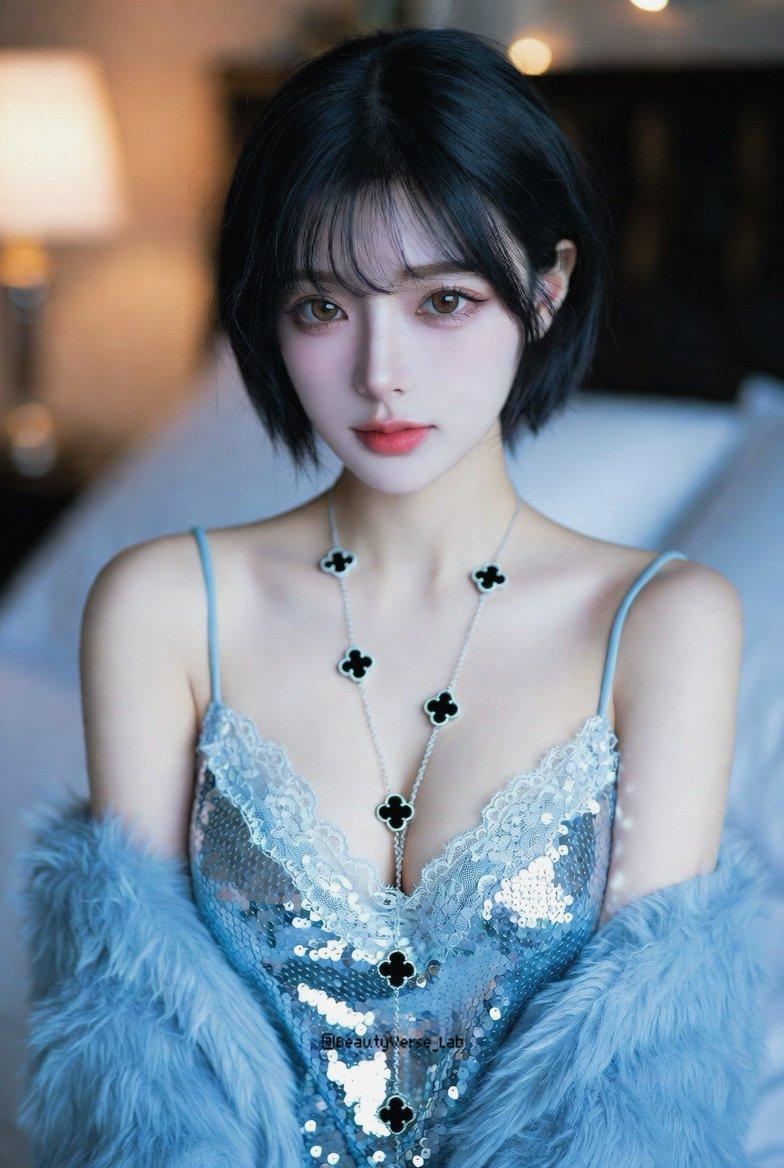
  "subject_reference": {
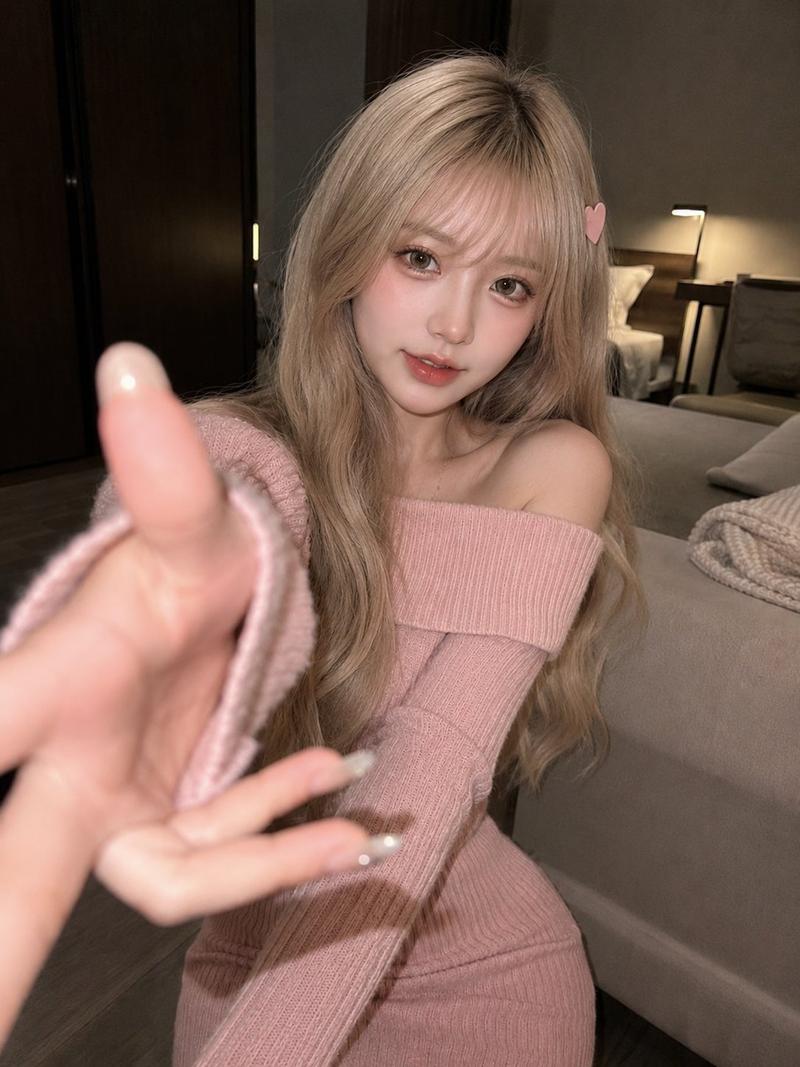
    "source": "image_1.png",
    "instruction": "Maintain the subject's features and outfit from image_1.png, but change the facial expression as described in the pose section."
  },
  "composition_details": {
    "main_frame": {
      "type": "Medium Portrait (Waist-Up)",
      "composition_rule": "Central focus on the large glowing element in the hands and the subject's expressive face, backed by prominent background typography.",
      "setting_description": "A high-end, minimalist studio wall serving as the backdrop for the large text.",
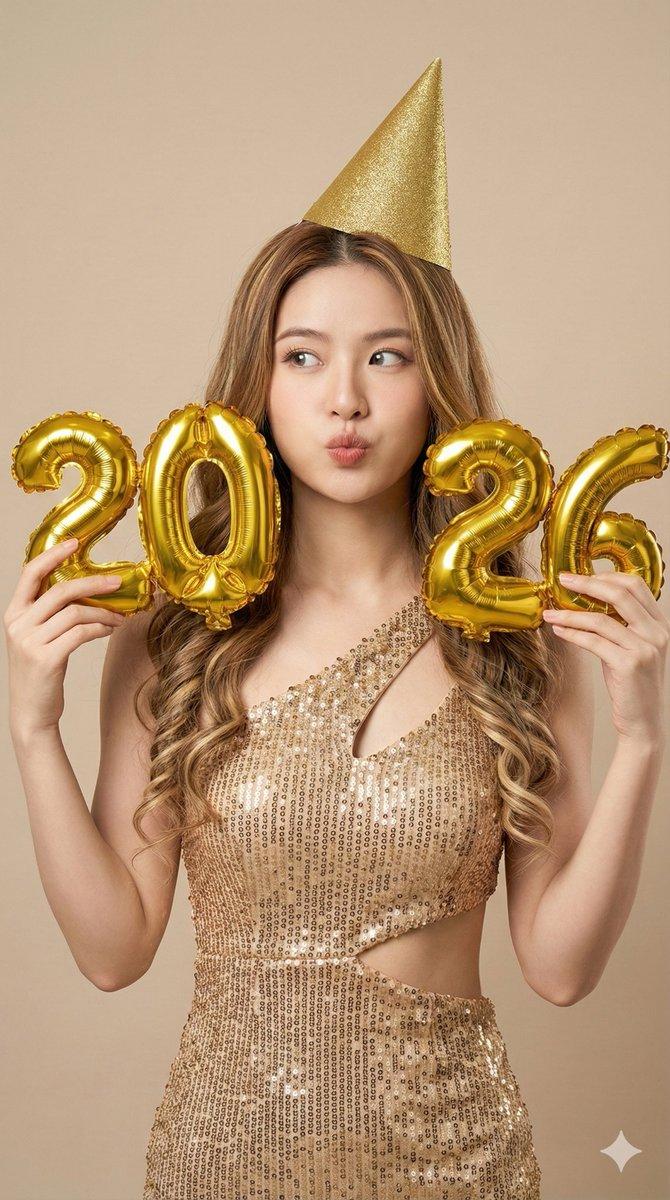
      "subject_pose": "The subject is looking directly at the camera, giving a **playful wink with one eye and a broad, warm smile**. She holds both hands at chest level, with her thumbs and index fingers forming a rectangular 'camera viewfinder' gesture centered over her heart area. Floating directly inside this finger-frame, the numbers '2026' appear as a **large, prominent, and intensely vibrant** glowing holographic projection that **significantly fills the space within her fingers**. This large glowing element casts a strong, noticeable soft colored light onto her fingers, palms, and the fabric of her outfit on her chest.",
      "key_element_description": {
        "object": "Large Background Magazine Title",
        "text_content": "BeautyVerse",
        "alignment": "The single block of text is positioned behind the subject's upper body and head. The subject's torso slightly overlaps the lower part of the letters, creating depth.",
        "text_style": "Bold, high-impact, authoritative editorial magazine header typeface (thick, elegant serif or heavy sans-serif).",
        "material_look": "Printed directly onto the studio background wall, looking like large-scale, matte ink."
      },
      "photographic_style": "Sharp focus on the hands, the large '2026' glow, and the winking face. The background text is slightly softer but readable. Lighting is a mix of professional studio strobes and the strong localized glow from the large '2026' holographic element."
    }
  }
}

#nanobananapro- 分类
- creative_scene
- 模型
- Nano Banana Pro
- 来源作者
- @BeautyVerse_Lab
- 来源 ID
- f22430ce-89f8-438d-92a5-33df0d35b7e5
- 发布时间
- 2026年1月10日
浏览量1