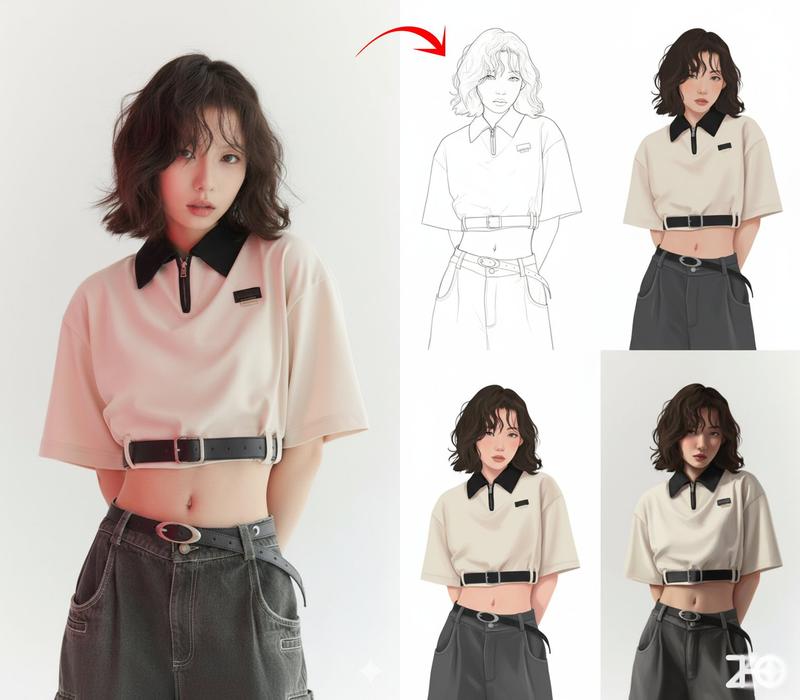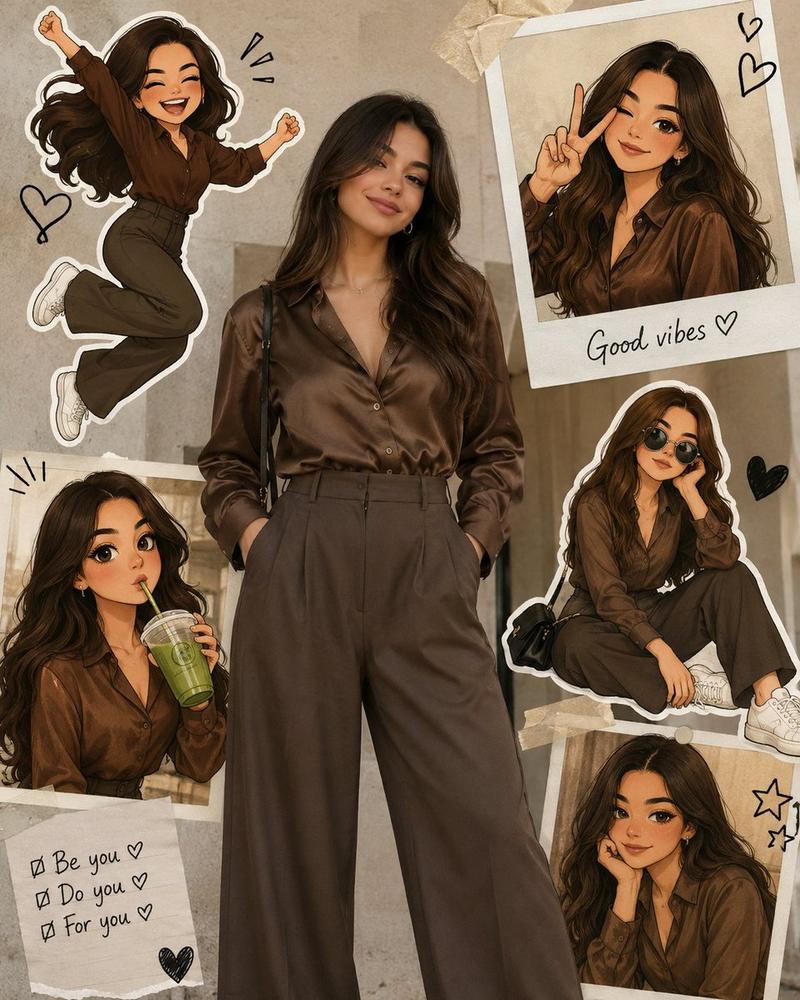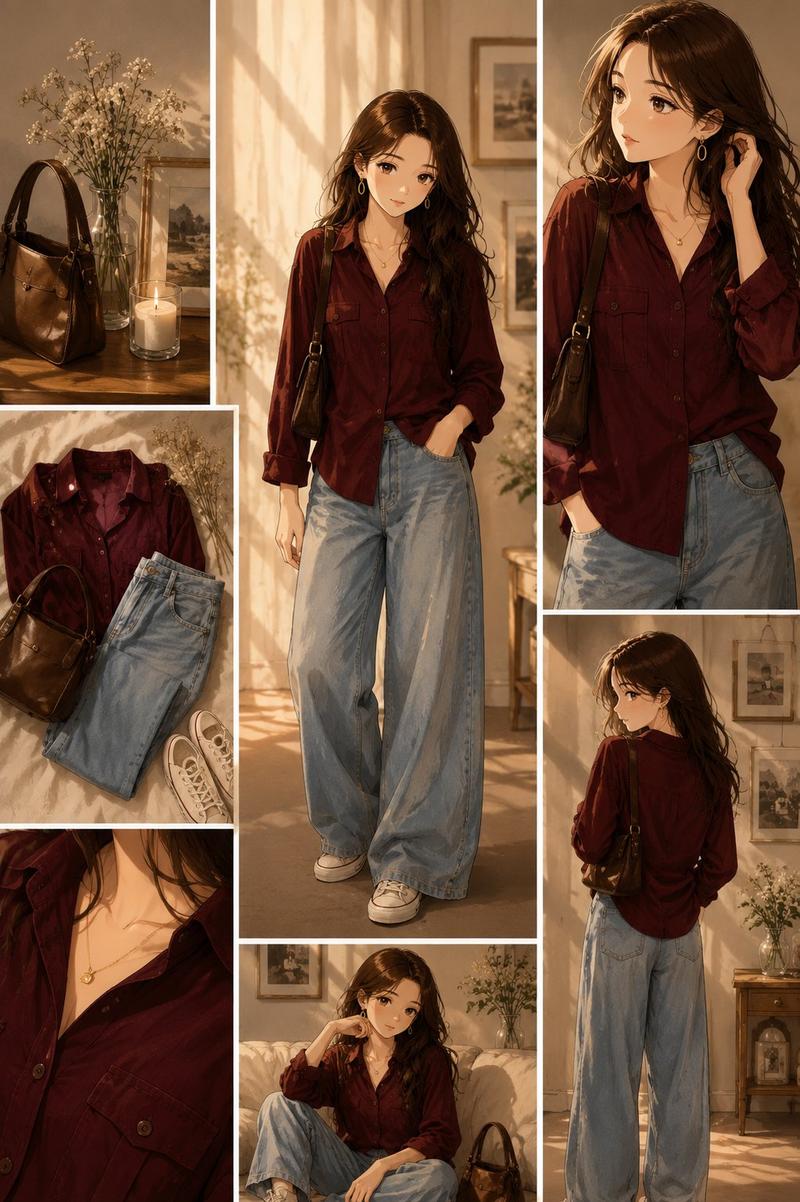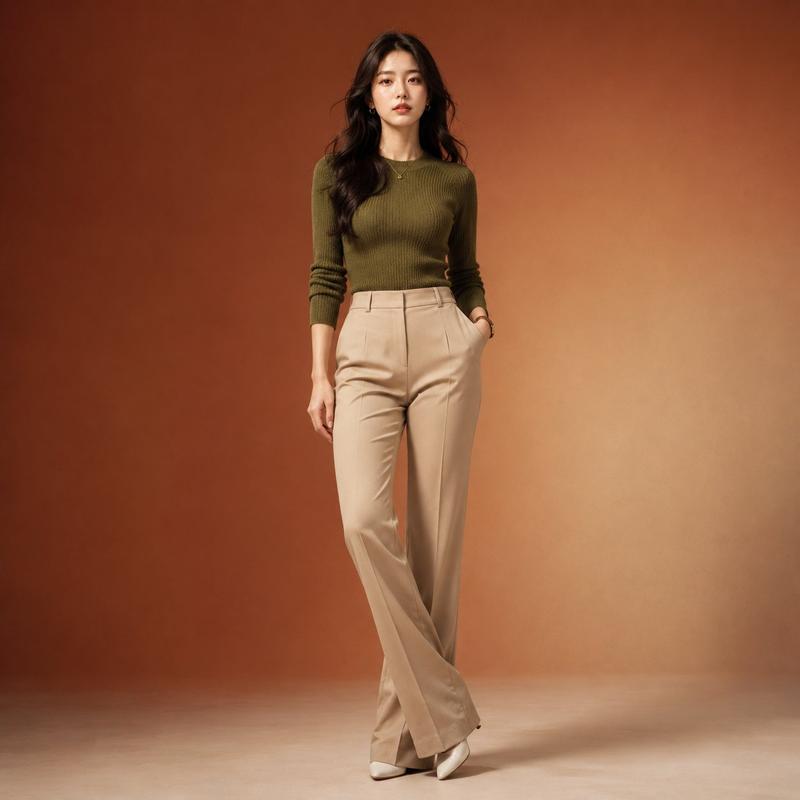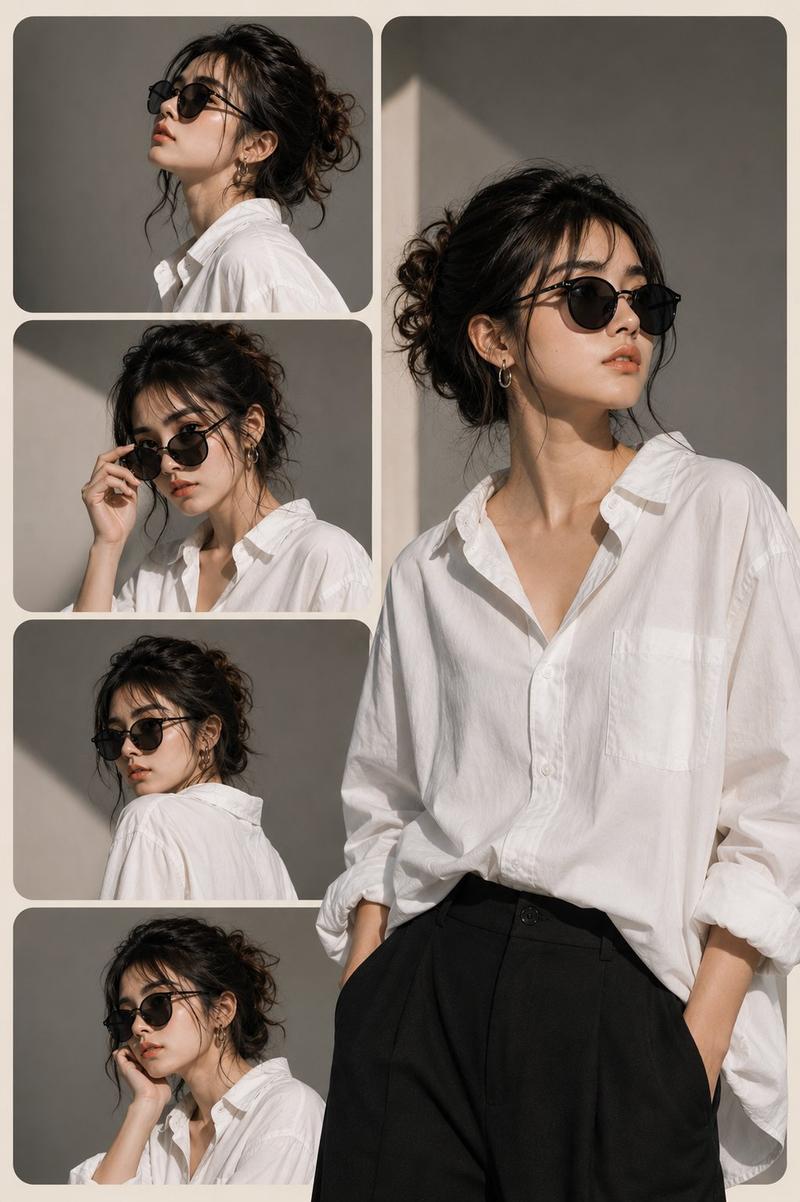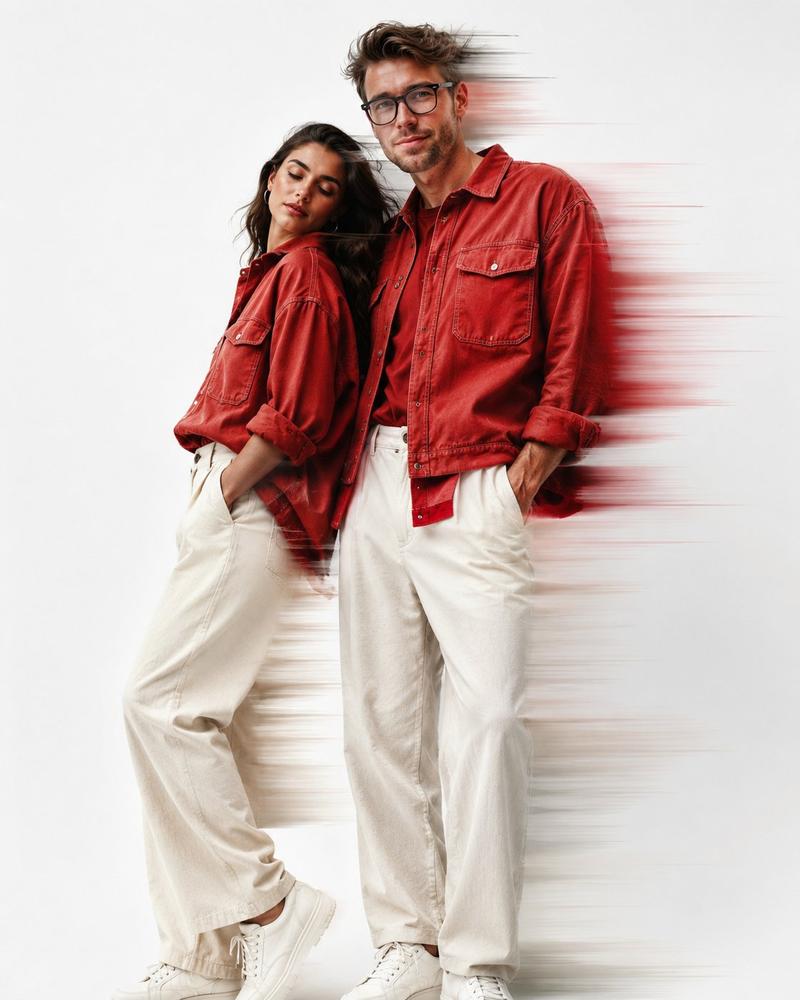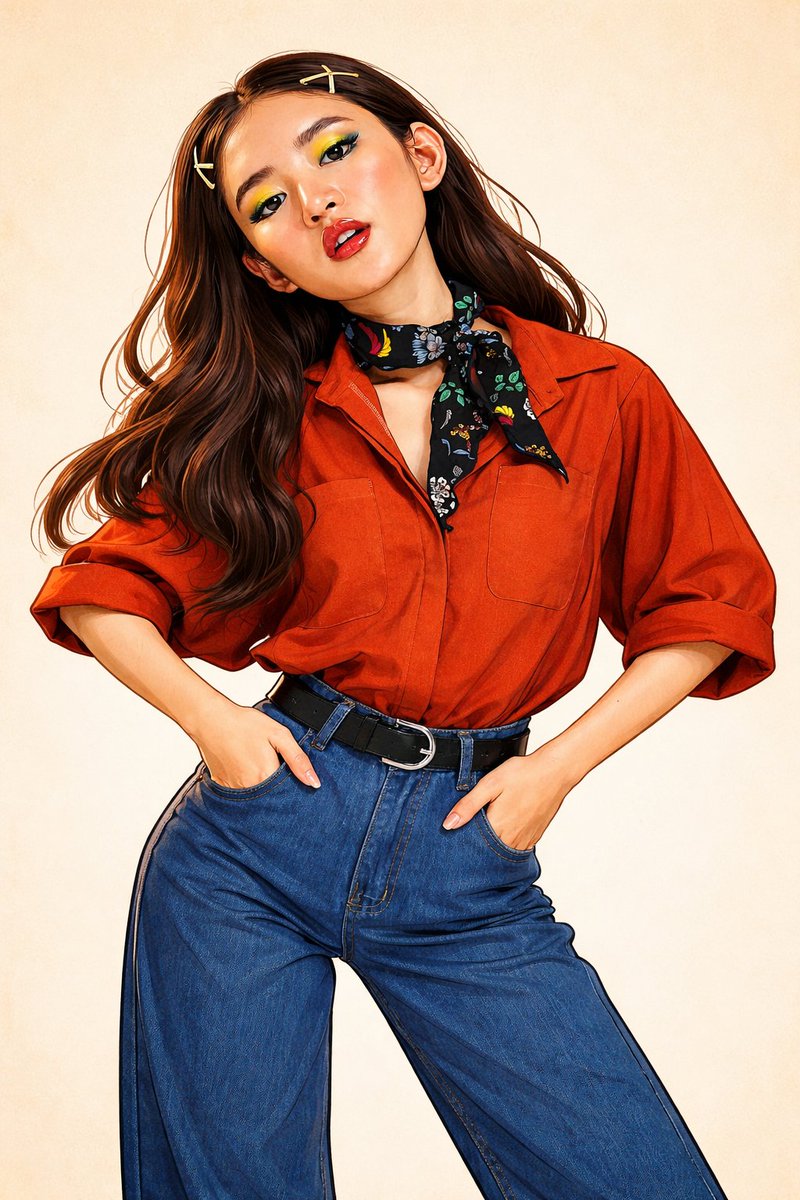
Gemini Nano Banana 3.0 just woke up angry 🔥 Prompt : { "render_manifest": {
Prompt
Gemini Nano Banana 3.0 just woke up angry 🔥

Prompt :
{
  "render_manifest": {
    "engine_release": "v15_visual_fusion_core",
    "task_type": "Reference Image → Stylized Illustration",
    "render_output": {
      "medium": "High-detail digital artwork",
      "quality": "Ultra HD / Print-ready",
      "style_handling": "Layered independent style synthesis"
    }
  },

  "art_style_stack": {

    "style_A": {
      "tag": "PLAYFUL_CARICATURE_FORM",
      "design_rules": {
        "body_design": "Stylized exaggeration with preserved likeness",
        "edge_treatment": "Strong expressive contours",
        "form_warp": "Personality-led distortions",
        "emotion": "Lively, fun, energetic"
      }
    },

    "style_B": {
      "tag": "DYNAMIC_INK_ART",
      "design_rules": {
        "line_style": "Organic hand-drawn ink strokes",
        "paint_system": {
          "palette": "Bold, high-saturation colors",
          "surface_detail": ["soft shading", "light cross-hatching", "gesture strokes"]
        },
        "scene_logic": {
          "backdrop": "Clean white minimalist space",
          "motion_effects": "Illustrative kinetic accents"
        },
        "visual_feel": "Modern comic illustration"
      }
    },

    "style_C": {
      "tag": "CEL_SHADED_GRAPHIC",
      "design_rules": {
        "color_behavior": "Flat fills with minimal blending",
        "shadow_style": "Hard-edged, high-contrast shading",
        "outline_style": "Crisp graphic ink lines",
        "render_goal": "Animation and vector-ready look"
      }
    },

    "style_D": {
      "tag": "KODOMO_ANIME_INFLUENCE",
      "design_rules": {
        "shape_language": "Smooth rounded geometry",
        "color_behavior": "Bright solid tones",
        "art_direction": "Classic child-friendly anime style",
        "tone": "Cheerful and light-hearted"
      }
    },

    "style_E": {
      "tag": "CLASSIC_SLAPSTICK_CARTOON",
      "design_rules": {
        "pose_physics": "Elastic squash-and-stretch motion",
        "facial_expression": "Over-the-top animated reactions",
        "ink_weight": "Thick bold cartoon outlines",
        "energy_level": "High-motion, exaggerated action"
      }
    }
  },

  "final_processing": {
    "image_finish": {
      "edge_clarity": "Enhanced line sharpness",
      "color_tuning": "Vibrant illustration grading"
    },
    "layout_rules": {
      "framing": "Centered character focus",
      "background_cleanliness": "Noise-free, studio clean"
    }
  }
}- Category
- creative_scene
- Model
- Nano Banana Pro
- Creator
- Pixshop
- Source ID
- 8c724f69-d95a-44a1-ade5-ecd432ebbe14
- Published
- Jan 7, 2026
Views8