16

This was a fun experiment. I took a different approach to make the coffee look m
Enlarge

This was a fun experiment. I took a different approach to make the coffee look m

Prompt
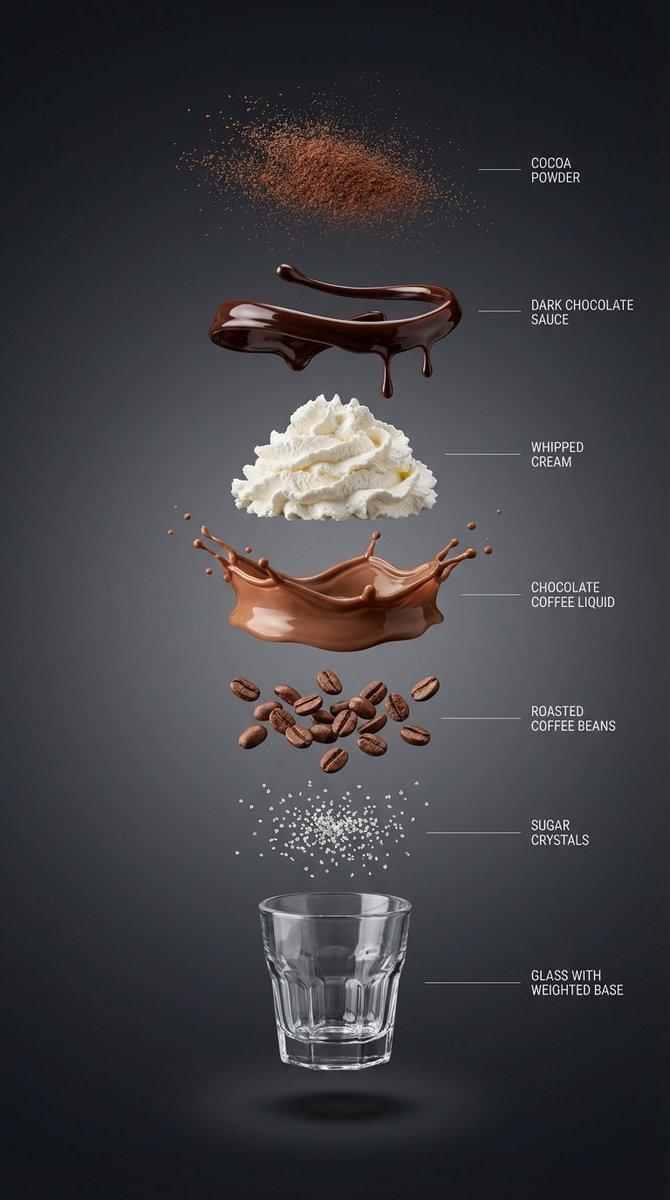
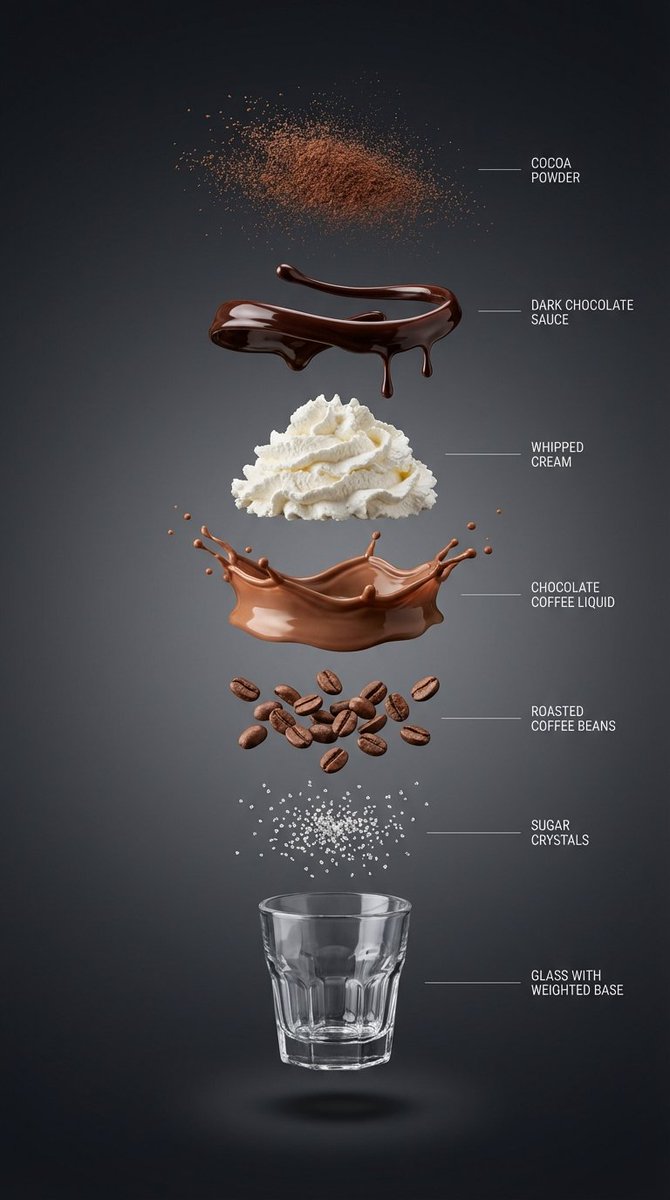
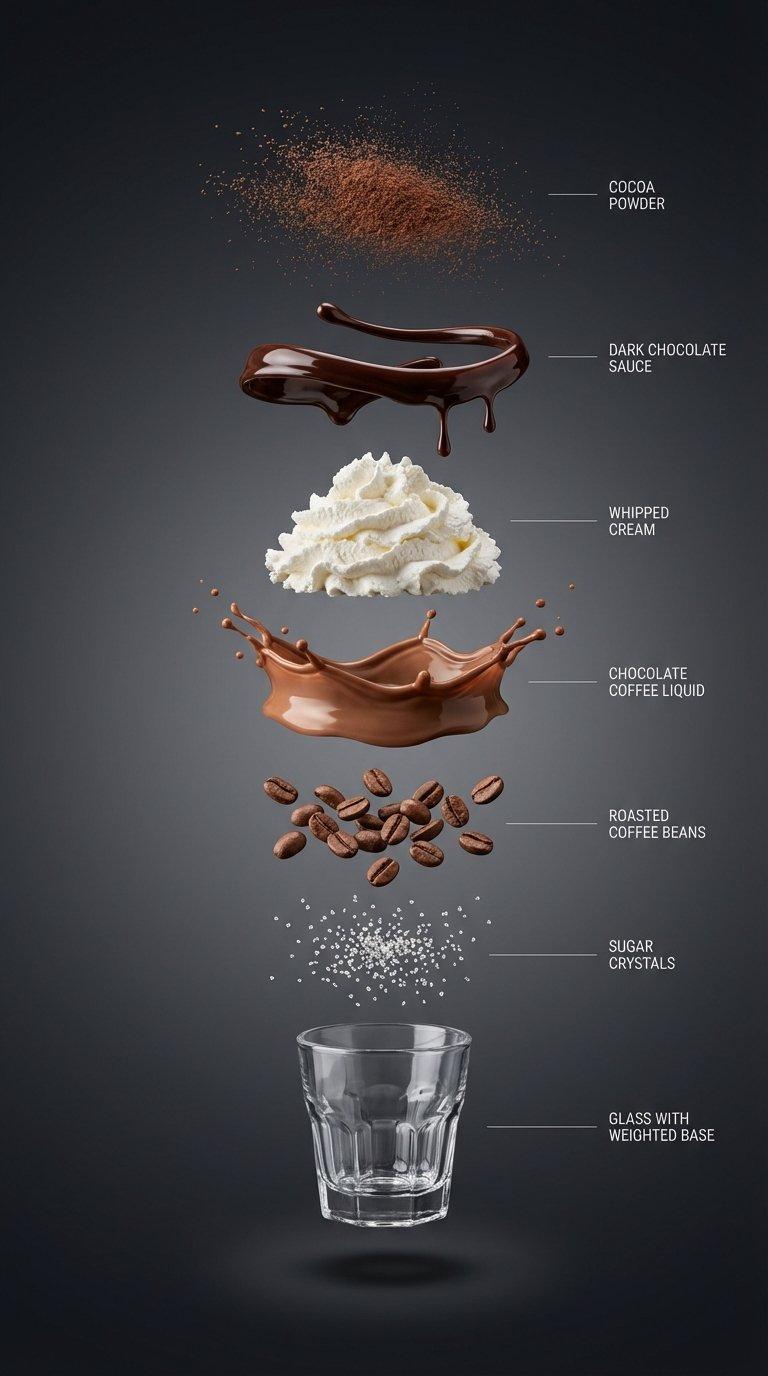
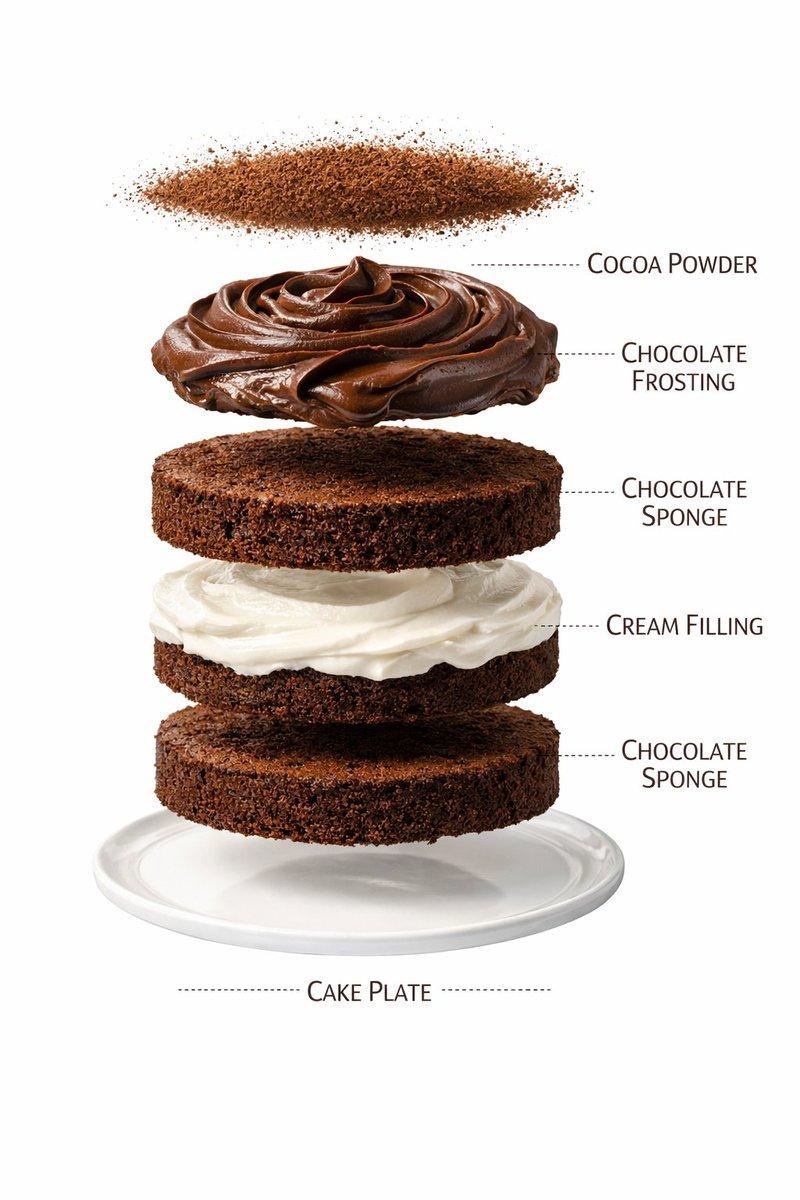
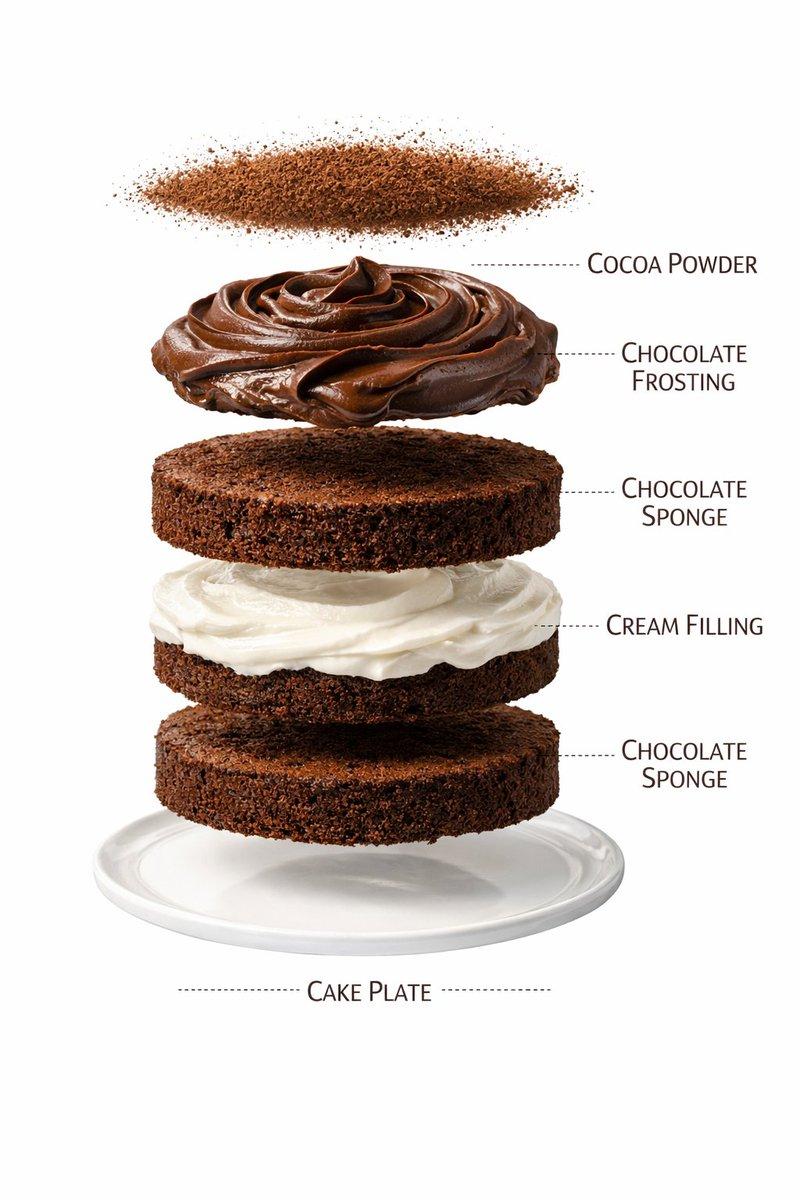
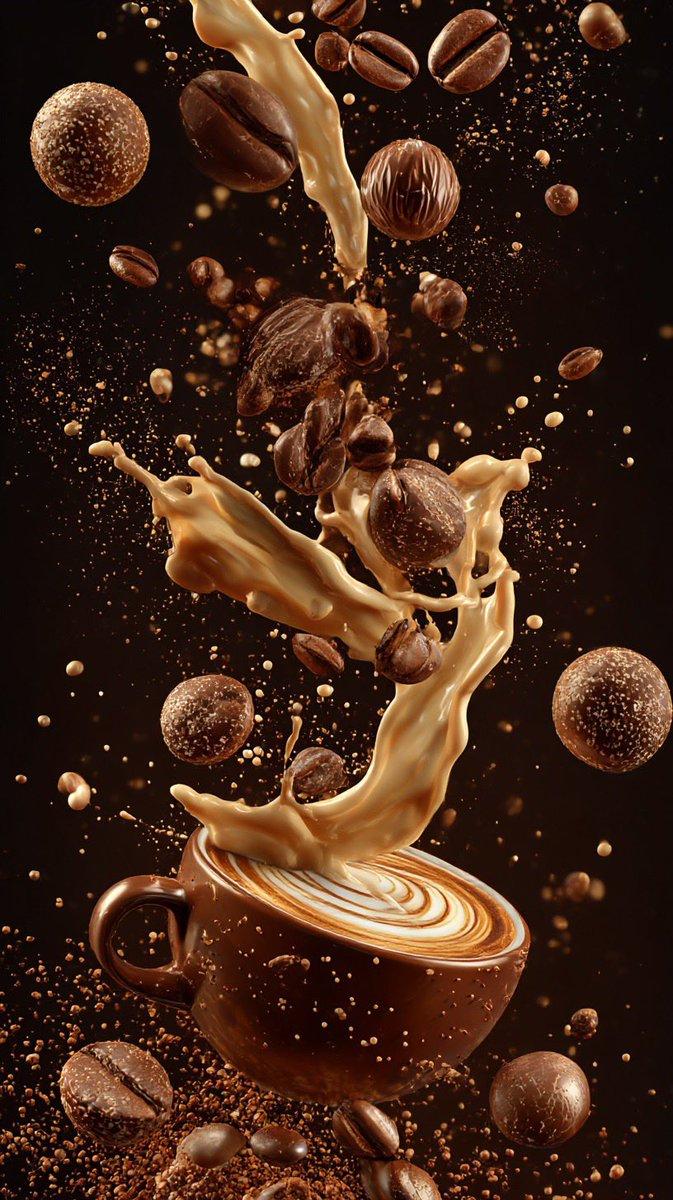
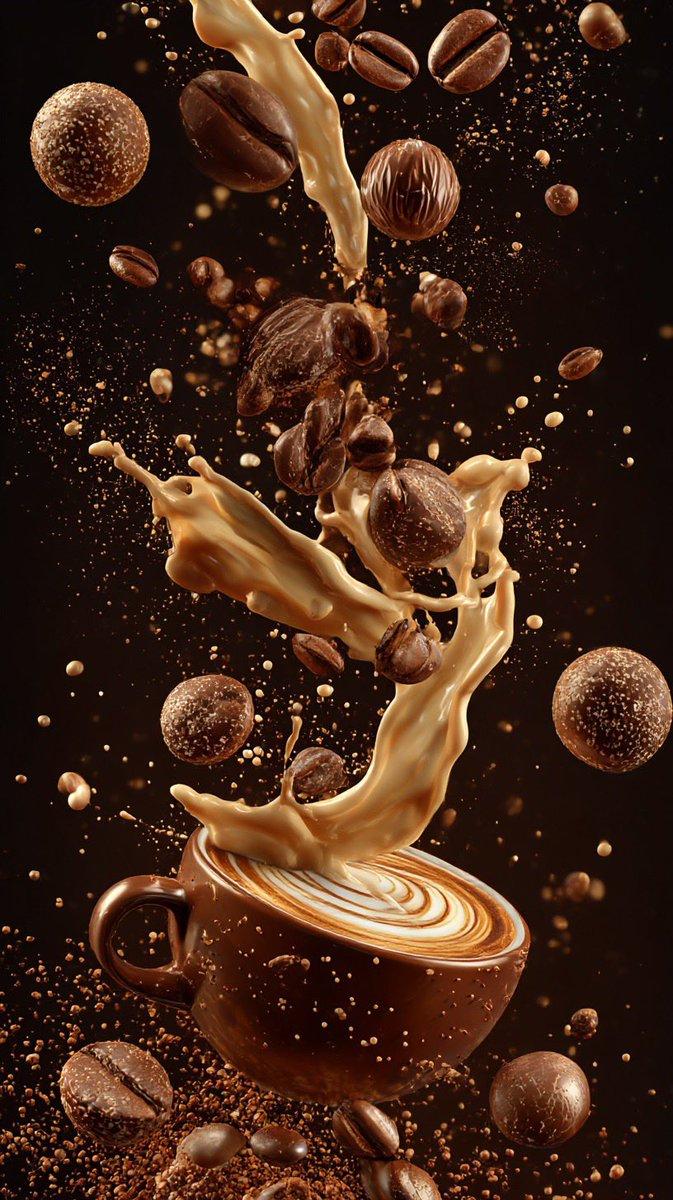
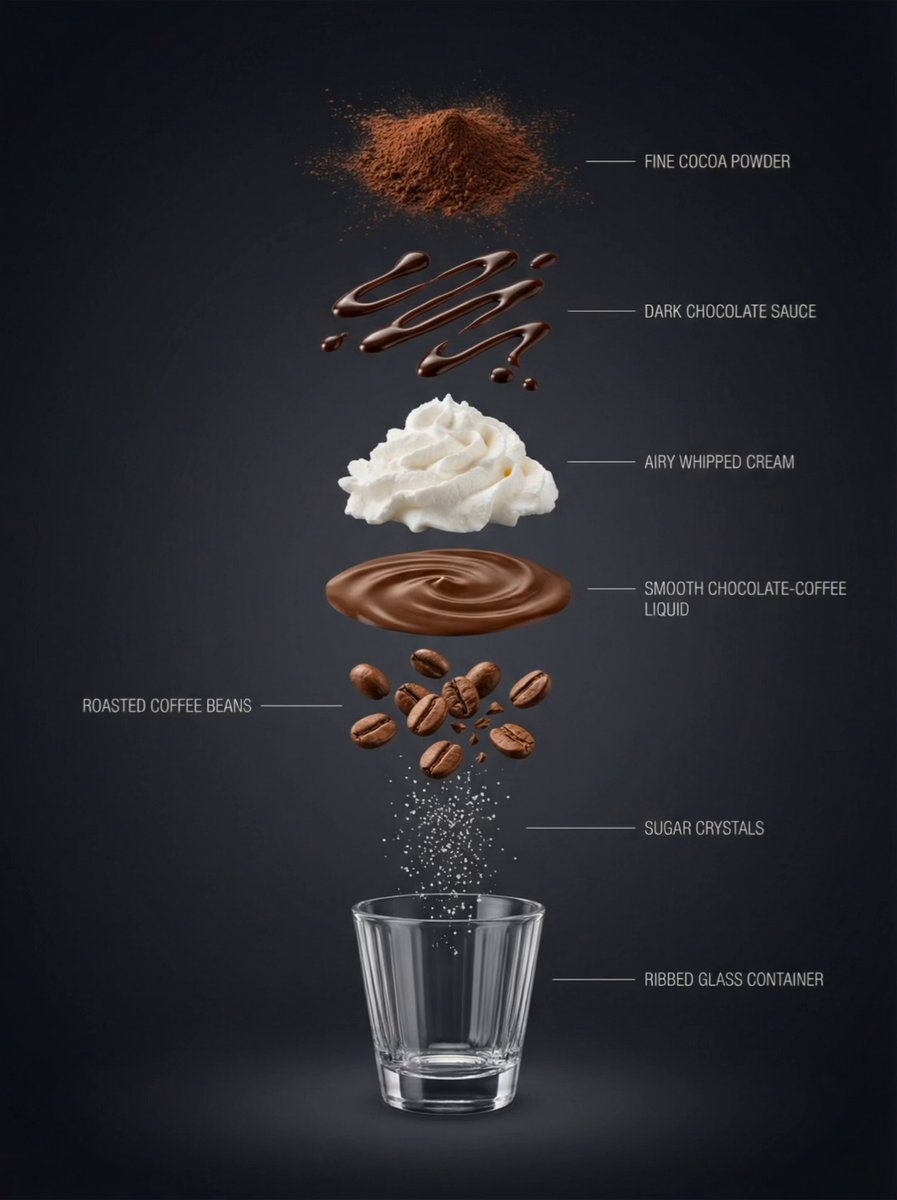
This was a fun experiment. I took a different approach to make the coffee look more appetizing, and honestly, it made me want a cup while I was working on it.

Create a hyper-realistic exploded vertical ingredient deconstruction infographic of a chocolate coffee drink. Centered vertical alignment, each component floating separately with clear spacing: cocoa powder particles (top), glossy dark chocolate sauce ribbons and droplets (separate layer), airy whipped cream mound (separate layer), smooth chocolate-coffee liquid layer (separate layer), roasted coffee beans (separate layer), sugar crystals (separate layer), and at the bottom an empty small transparent ribbed glass with a weighted base. Deep premium dark background: clean studio backdrop with a near-black graphite-to-charcoal gradient, subtle and smooth. Soft controlled studio lighting, crisp separation shadows under each layer, ultra-sharp macro realism, minimalist thin pointer lines and labels, high-end product infographic, 8K.
Category
创意图片
Model
Nano Banana Pro
Creator
Pixshop
Views5
Source ID
07c14f97-1503-43ce-9721-d6d195c2f1c9
Published
Jan 7, 2026

Guide

About "This was a fun experiment. I took a different approach to make the coffee look m"

What is this prompt for?

"This was a fun experiment. I took a different approach to make the coffee look m" AI image prompt for Nano Banana Pro (创意图片). 创意图片 Copy it on Picva and recrea…

The full copyable prompt and example visuals above are ready for AI image generation or one-click recreate in Picva.

How to use this prompt

  1. Step 1

    Open the prompt detail

    Review the example visuals, category, and full prompt text for "This was a fun experiment. I took a different approach to make the coffee look m".

  2. Step 2

    Copy the prompt

    Copy the prompt body from this page, or load it directly in Studio.

  3. Step 3

    Pick a model (Nano Banana Pro)

    Prefer Nano Banana Pro. If you switch models, keep subject and composition and tweak style terms.

  4. Step 4

    Generate and export

    Recreate the look in Picva, or export into your workflow for editing and publishing.

FAQ

What is the "This was a fun experiment. I took a different approach to make the coffee look m" prompt?
It is an AI image-generation prompt for Nano Banana Pro in the 创意图片 category. This page includes the full prompt text, example visuals, and a one-click recreate path in Picva.
How do I use this prompt to generate an image?
Copy the prompt from this page, or use Generate / Studio. Paste it into a compatible image model, or recreate the look in Picva with optional reference images.
Which model is this prompt for?
This page lists Nano Banana Pro. Most descriptive prompts also transfer to nearby image models such as GPT Image, Flux, or Midjourney with light style tweaks.
Can I use the result commercially?
You can usually copy the prompt for creation, but commercial use of the final image depends on the model terms, reference-image rights, and the generated content. Follow the source author and platform rules.