15

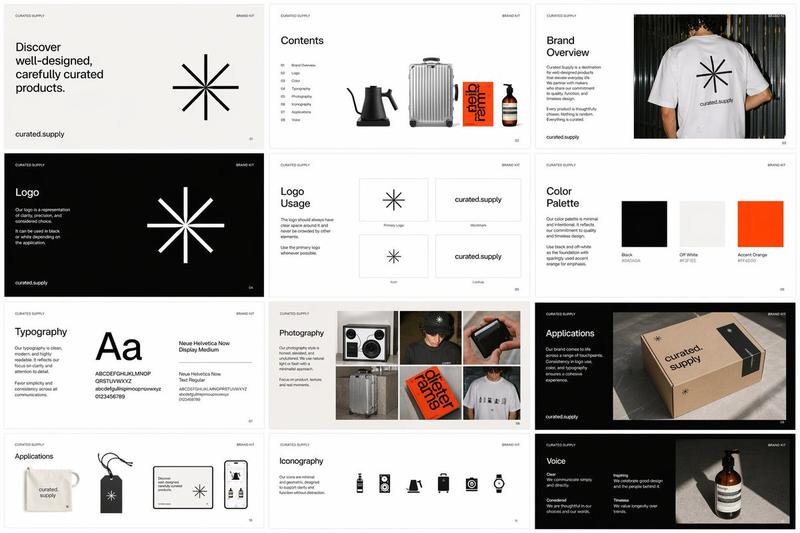
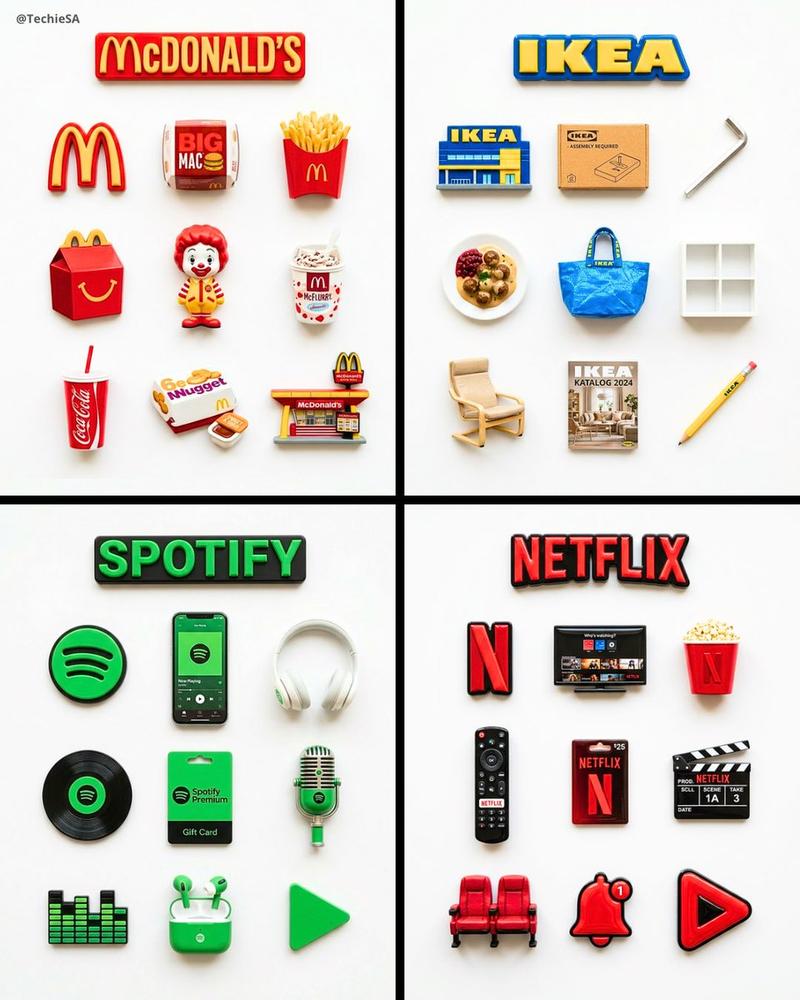
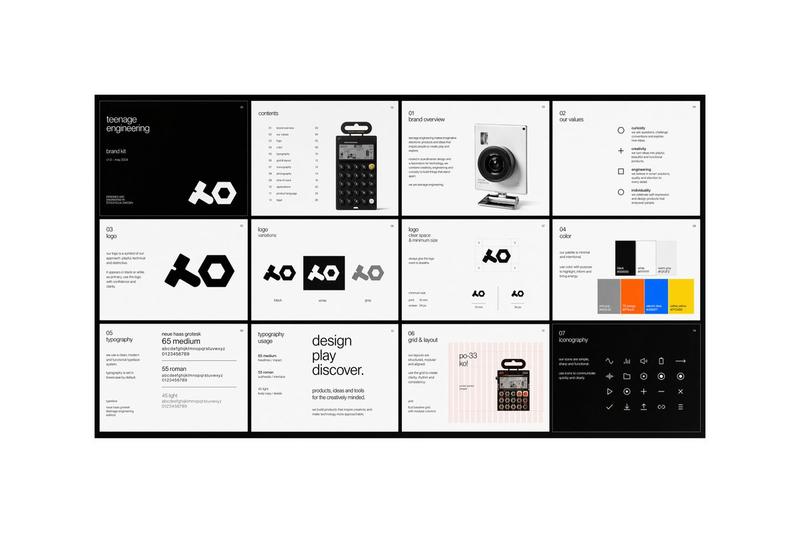
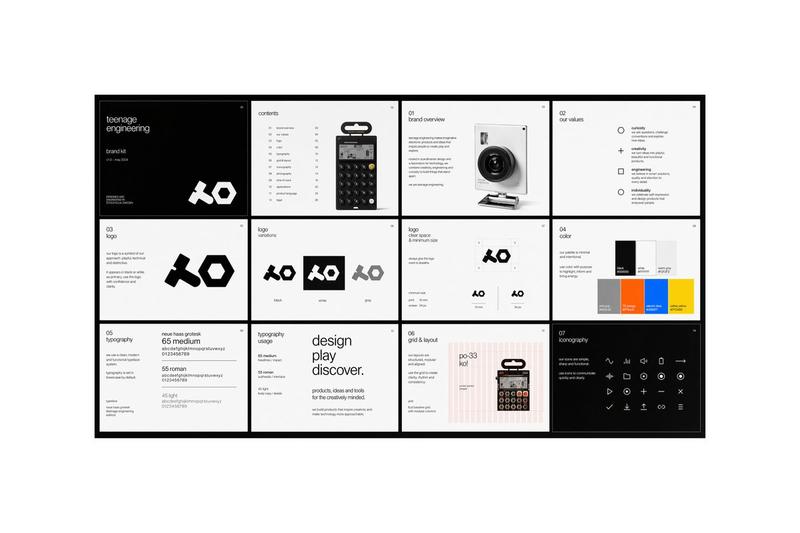
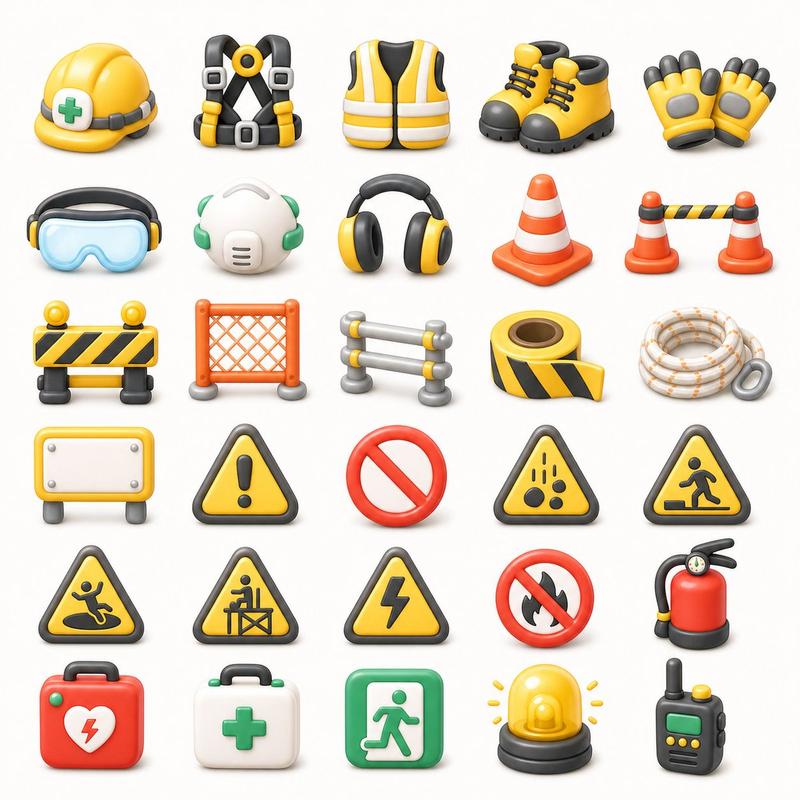
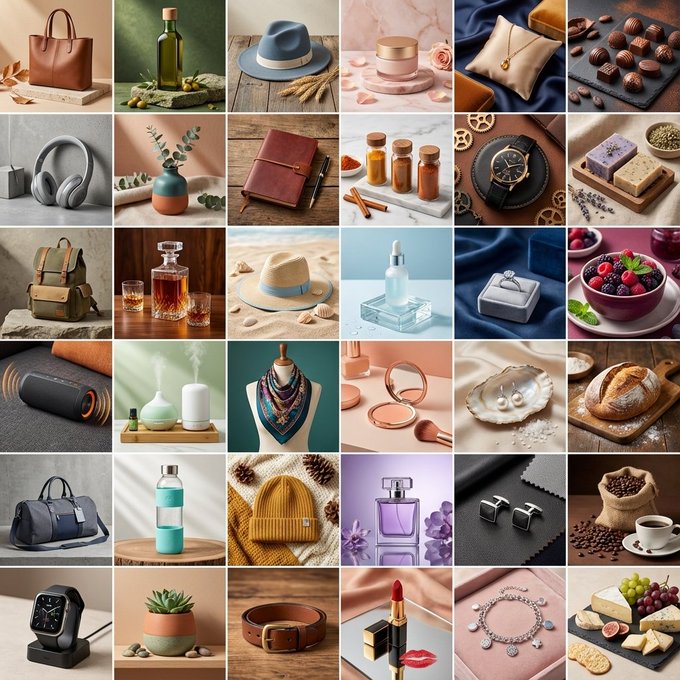
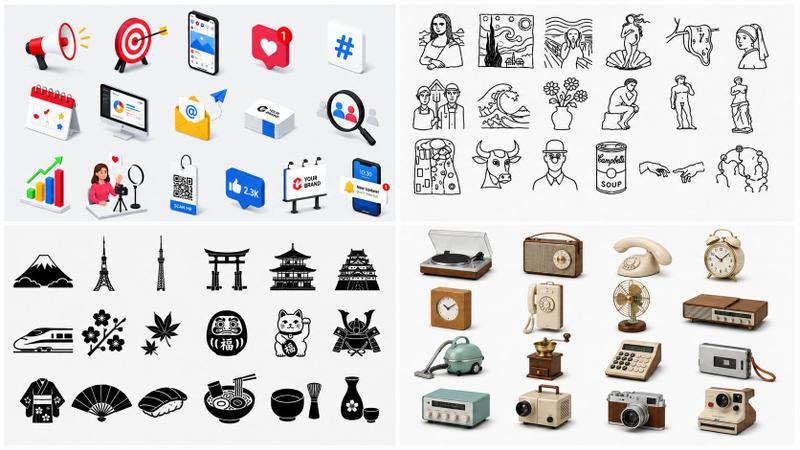
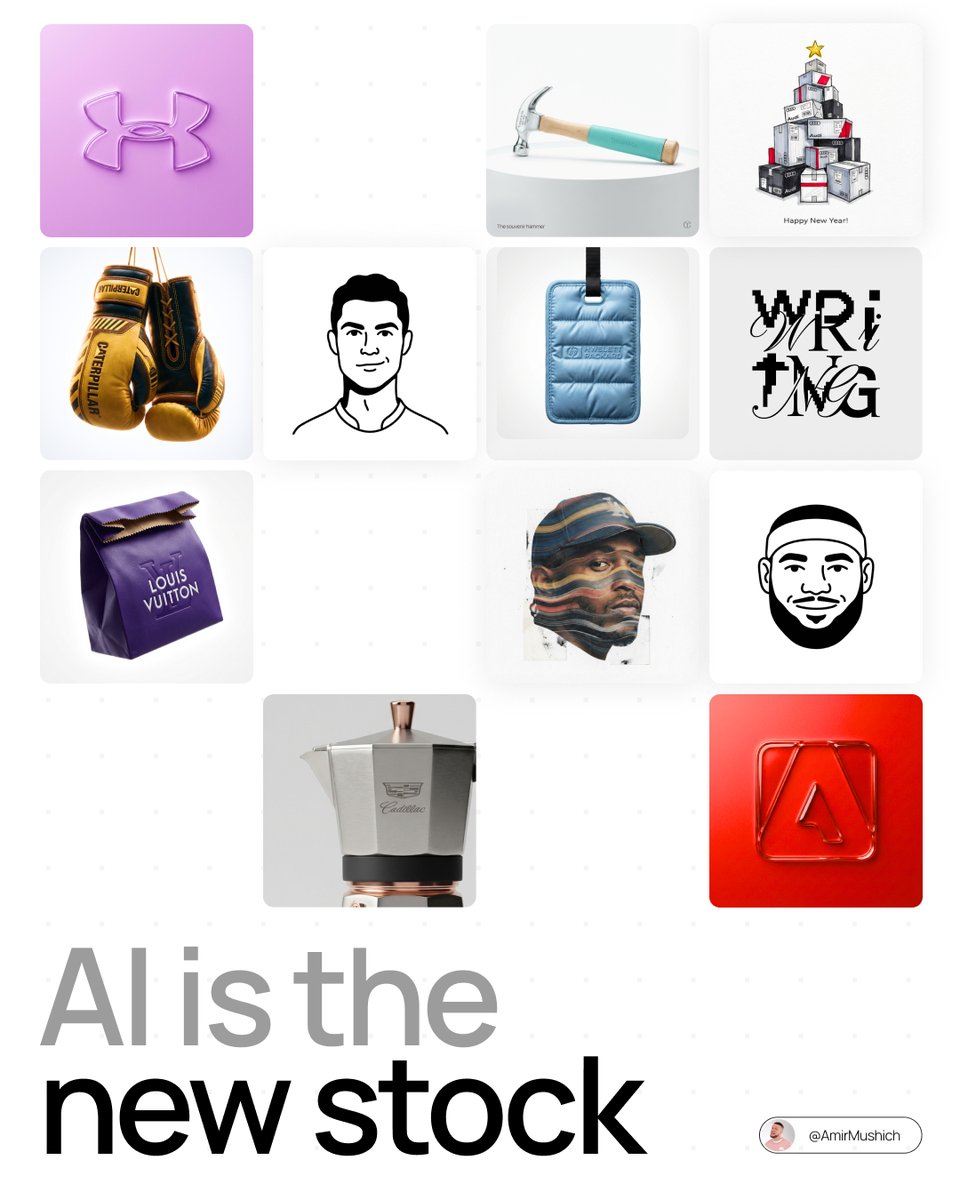
AI = Shutterstock 2.0 "Pure AI Campaigns" is a myth atm People can smell raw AI
Enlarge

AI = Shutterstock 2.0 "Pure AI Campaigns" is a myth atm People can smell raw AI

Prompt
AI = Shutterstock 2.0

"Pure AI Campaigns" is a myth atm

People can smell raw AI generation in <1 sec
And they swipe past it instantly

I see AI as raw "stock assets/workflows"
This is when it really starts working in real projects

They need to be
- layered,
- color-graded,
- edited,
- directed

❌ Prompt engineering isn't magic
🟦 The magic happens when you apply classical skills to that raw chaos

2026 might be the last year to trick the audience

To create real value, we have to work more, not less - on the real skills

Boosting these with AI is the idea

_____________
IMO, for sure
Category
创意图片
Model
Nano Banana Pro
Creator
Pixshop
Views1
Source ID
817d3c58-732f-4915-93e5-ed0411795d48
Published
Jan 12, 2026

Guide

About "AI = Shutterstock 2.0 "Pure AI Campaigns" is a myth atm People can smell raw AI"

What is this prompt for?

"AI = Shutterstock 2.0 "Pure AI Campaigns" is a myth atm People can smell raw AI" AI image prompt for Nano Banana Pro (创意图片). 创意图片 Copy it on Picva and recreat…

The full copyable prompt and example visuals above are ready for AI image generation or one-click recreate in Picva.

How to use this prompt

  1. Step 1

    Open the prompt detail

    Review the example visuals, category, and full prompt text for "AI = Shutterstock 2.0 "Pure AI Campaigns" is a myth atm People can smell raw AI".

  2. Step 2

    Copy the prompt

    Copy the prompt body from this page, or load it directly in Studio.

  3. Step 3

    Pick a model (Nano Banana Pro)

    Prefer Nano Banana Pro. If you switch models, keep subject and composition and tweak style terms.

  4. Step 4

    Generate and export

    Recreate the look in Picva, or export into your workflow for editing and publishing.

FAQ

What is the "AI = Shutterstock 2.0 "Pure AI Campaigns" is a myth atm People can smell raw AI" prompt?
It is an AI image-generation prompt for Nano Banana Pro in the 创意图片 category. This page includes the full prompt text, example visuals, and a one-click recreate path in Picva.
How do I use this prompt to generate an image?
Copy the prompt from this page, or use Generate / Studio. Paste it into a compatible image model, or recreate the look in Picva with optional reference images.
Which model is this prompt for?
This page lists Nano Banana Pro. Most descriptive prompts also transfer to nearby image models such as GPT Image, Flux, or Midjourney with light style tweaks.
Can I use the result commercially?
You can usually copy the prompt for creation, but commercial use of the final image depends on the model terms, reference-image rights, and the generated content. Follow the source author and platform rules.