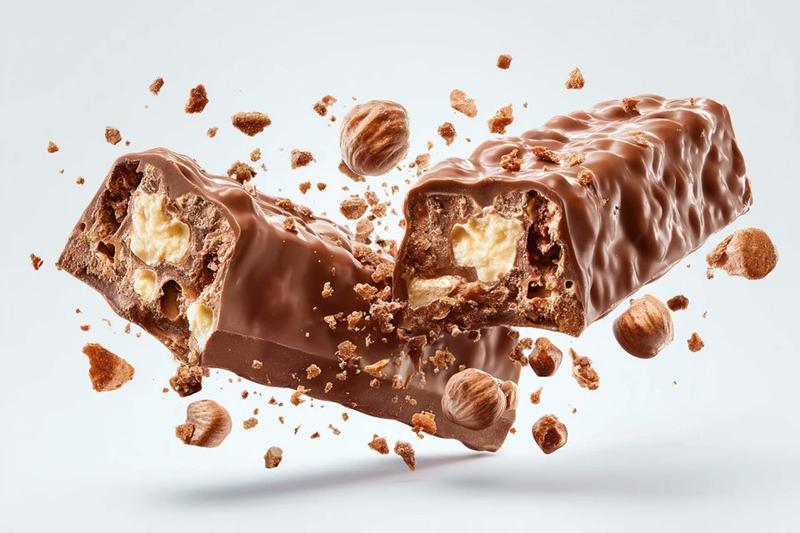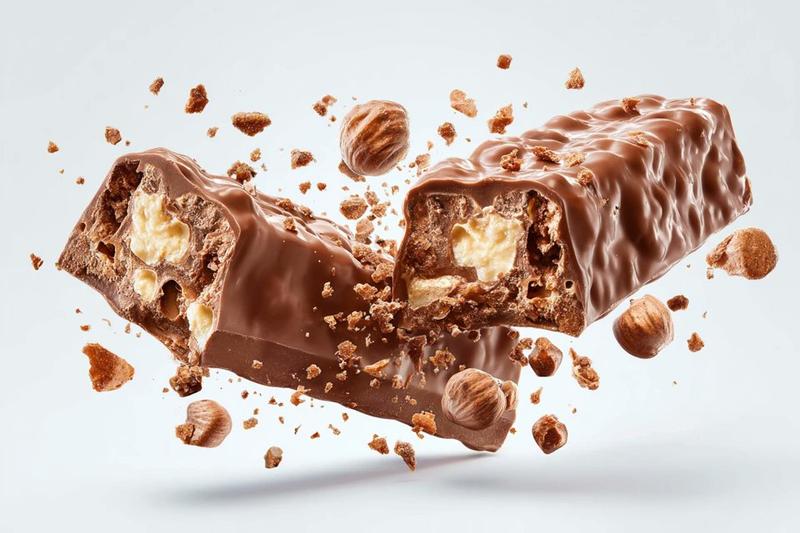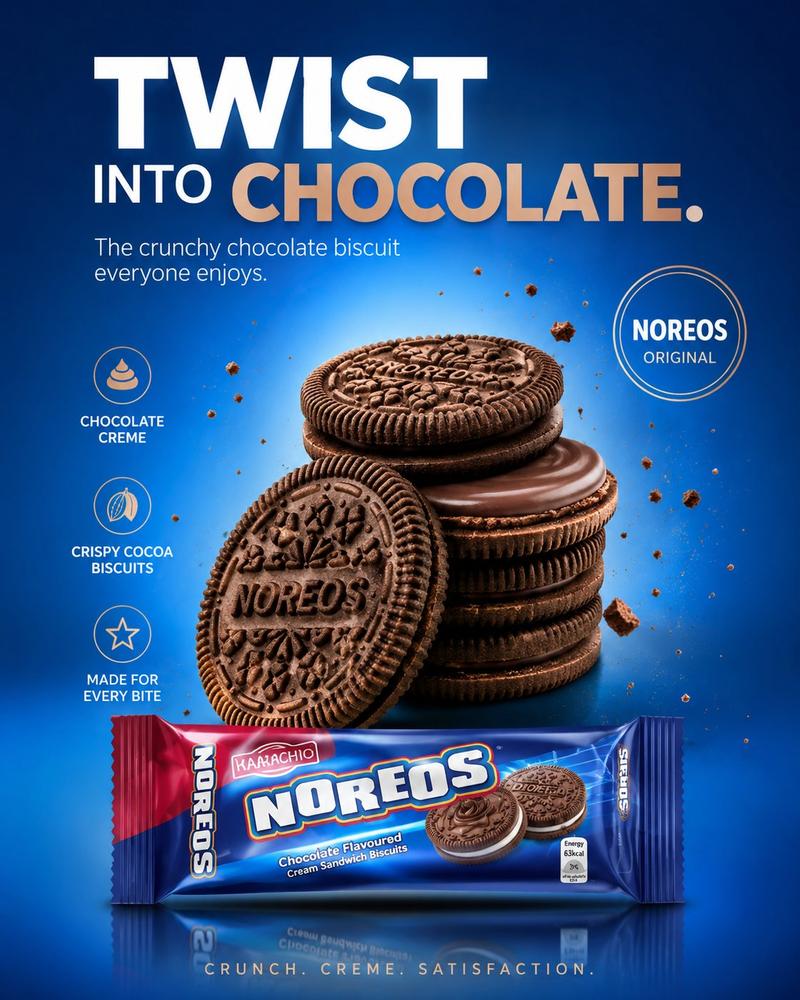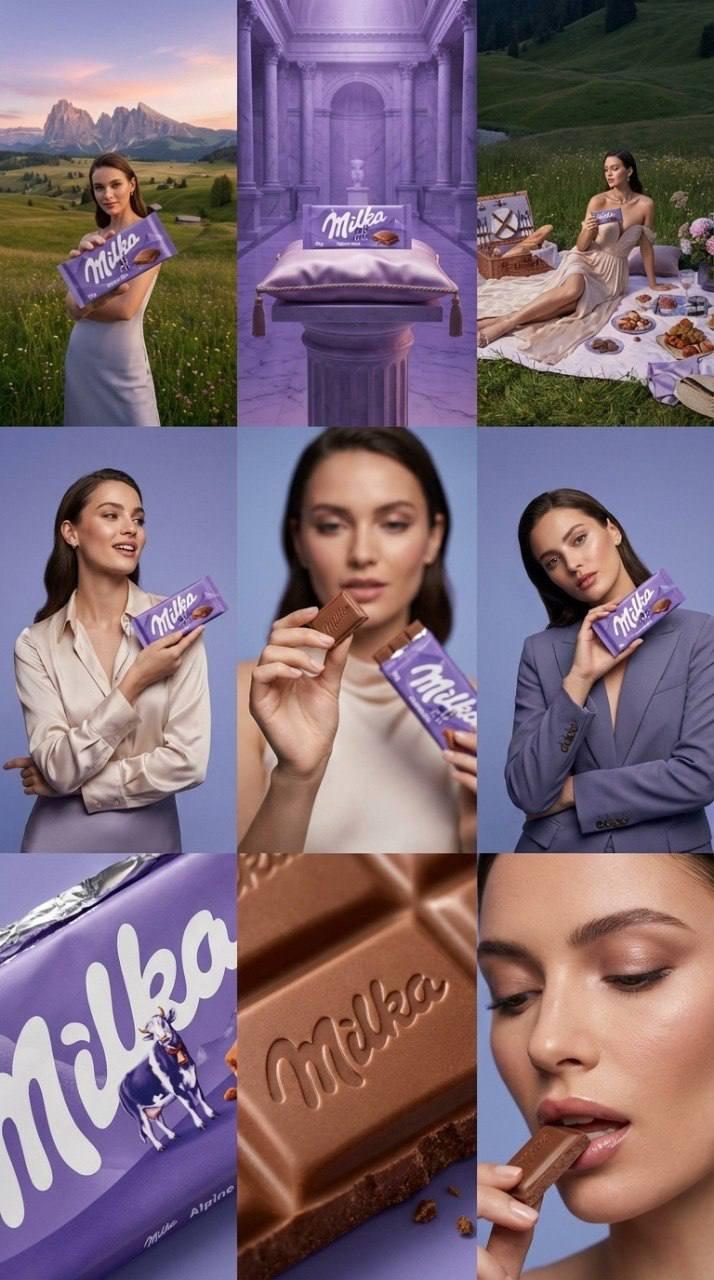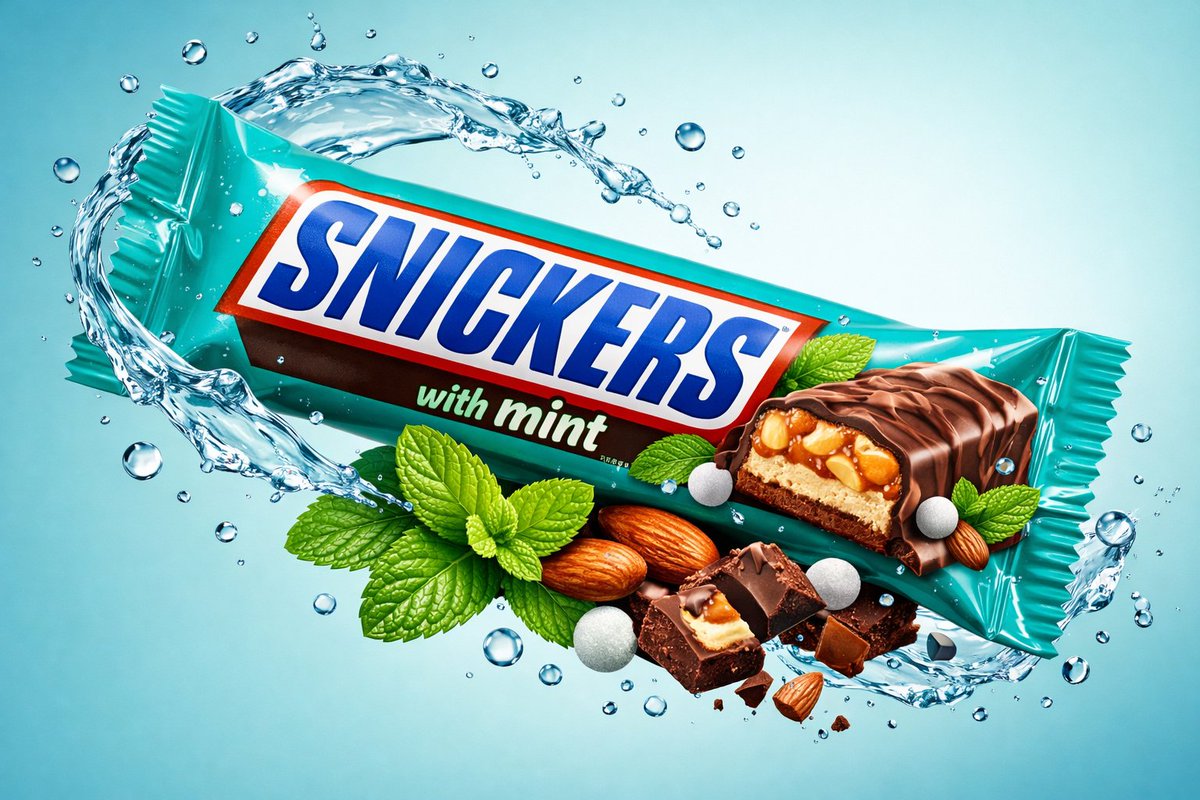
Created by ChatGPT image 1.5 Prompt : { "global_settings": { "resolution": "8K"
Prompt
Created by ChatGPT image 1.5

Prompt :
{
"global_settings": {
"resolution": "8K",
"quality": "ultra-high",
"render_style": "hyperrealistic commercial CGI",
"lighting": "studio-grade, high-contrast, glossy highlights",
"focus": "extreme sharpness, macro-level texture visibility",
"color_depth": "rich, saturated, clean gradients",
"noise": "none",
"artifacts": "none"
},

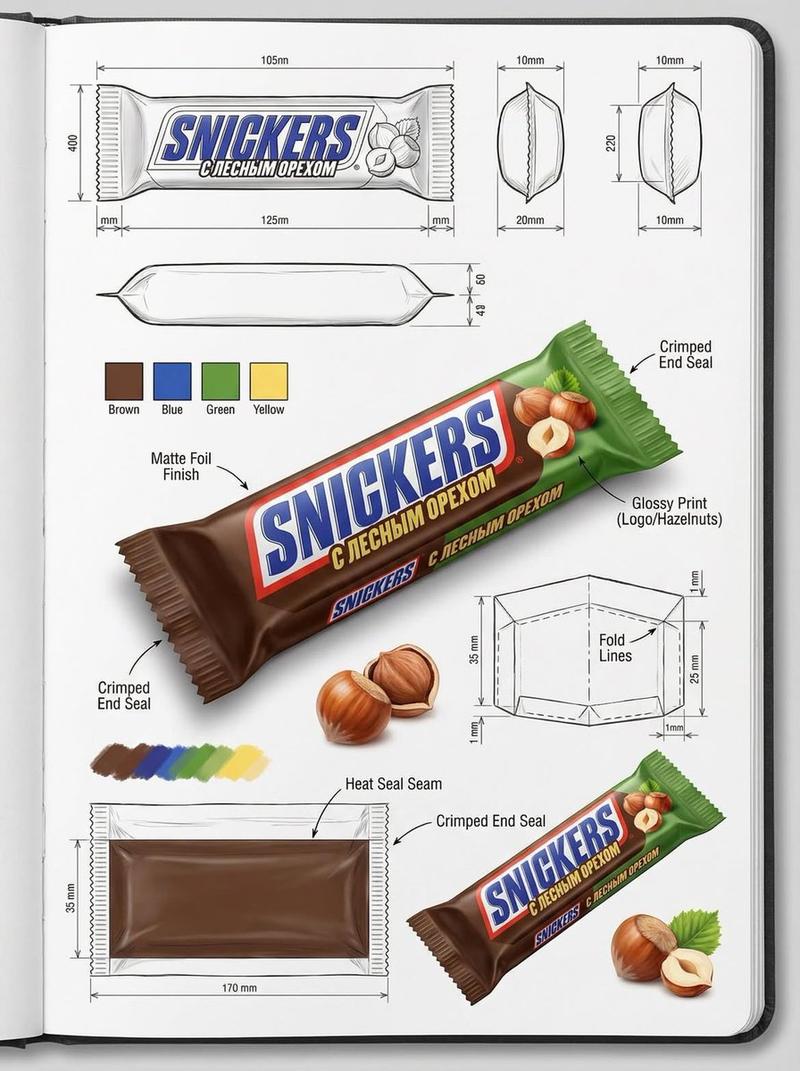
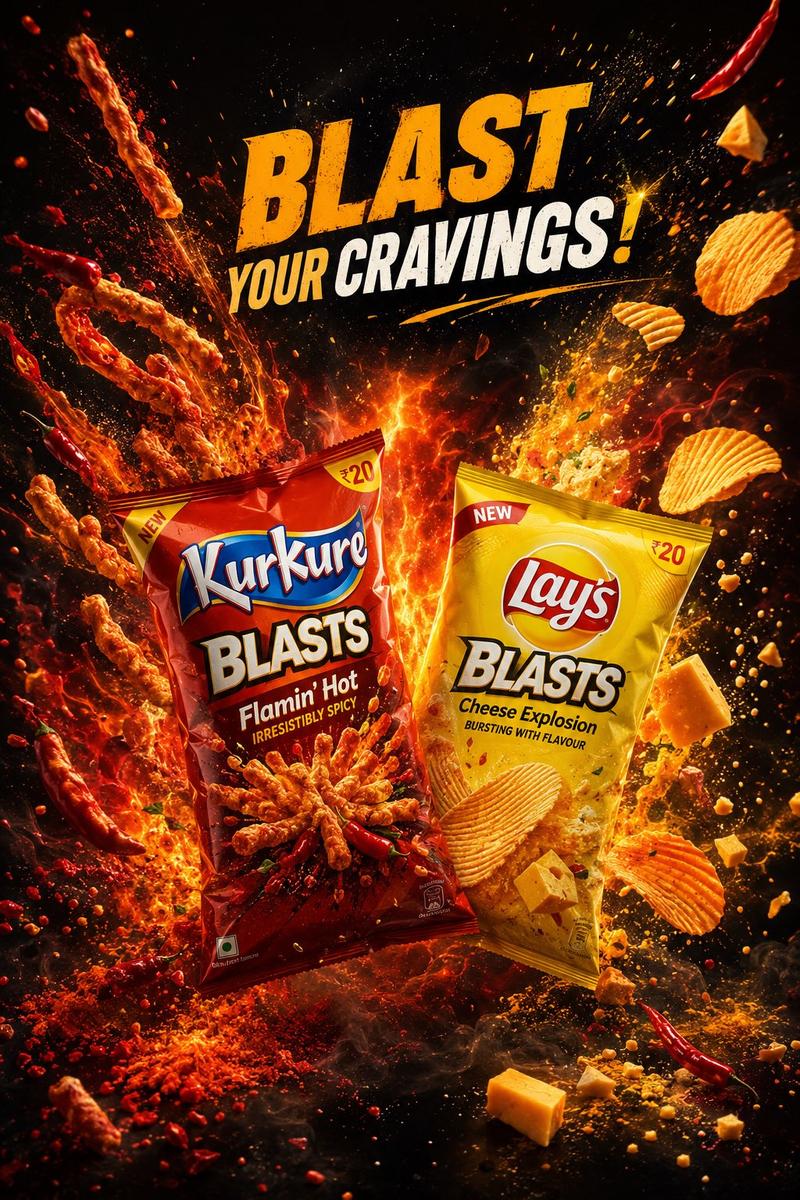
"Module_1_Image_1_Style": {
"subject": {
"primary_object": "Snickers mint chocolate bar in turquoise wrapper",
"pose": "diagonally tilted, floating mid-air",
"orientation": "top-left to bottom-right angle",
"visibility": "full front-facing packaging visible"
},
"packaging_details": {
"colors": ["turquoise", "brown", "white", "blue"],
"text_visible": ["SNICKERS", "SNICKERS", "with mint"],
"surface": "glossy plastic wrapper with subtle creases",
"product_image": "chocolate bar segment printed on wrapper"
},
"ingredients_visible": [
"fresh mint leaves",
"whole almonds",
"white sugar-like spherical candies",
"chocolate bar pieces"
],
"motion_elements": {
"liquid": "clear water splash forming a curved arc around the bar",
"droplets": "floating water bubbles and droplets suspended in air"
},
"background": {
"color": "light aqua blue",
"texture": "smooth gradient",
"depth": "foreground and background elements clearly separated"
},
"lighting": {
"key_light": "bright frontal studio light",
"rim_light": "cool highlights on water edges",
"reflections": "strong specular highlights on wrapper and liquid"
}
},
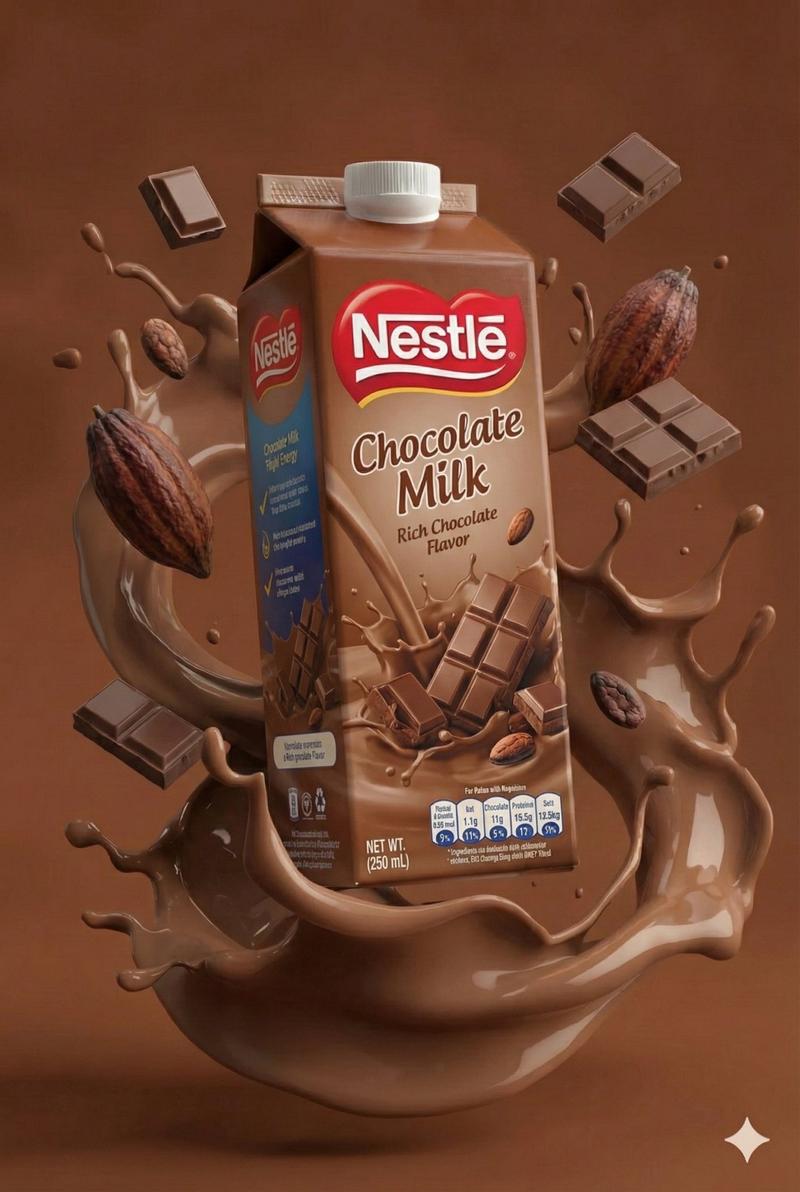
"Module_2_Image_2_Style": {
"subject": {
"primary_object": "Hershey’s Special Dark chocolate mint packaging",
"pose": "upright, centered, slightly elevated",
"orientation": "front-facing, symmetrical composition"
},
"packaging_details": {
"colors": ["black", "green", "yellow"],
"text_visible": [
"SPECIAL DARK",
"HERSHEY’S",
"SABOR MENTA",
"60% DE CACAU",
"100 g"
],
"surface": "matte-black wrapper with glossy highlights"
},
"ingredients_visible": [
"mint leaves",
"embossed Hershey’s chocolate squares"
],
"motion_elements": {
"liquid": "thick molten chocolate splashes wrapping around the package",
"droplets": "small chocolate particles suspended mid-air"
},
"background": {
"color": "deep green gradient",
"base_surface": "liquid chocolate pool beneath the package"
},
"lighting": {
"key_light": "warm directional light",
"accent_light": "golden highlights on chocolate splashes",
"contrast": "high contrast between dark wrapper and green background"
}
}- Category
- 创意图片
- Model
- Nano Banana Pro
- Creator
- @mehvishs25
- Source ID
- dd8edd9a-13c7-4cca-aec4-d7c7362f5a04
- Published
- Jan 27, 2026
Views4