13

Create a realistic Vogue magazine cover–style fashion portrait using the uploade
Enlarge

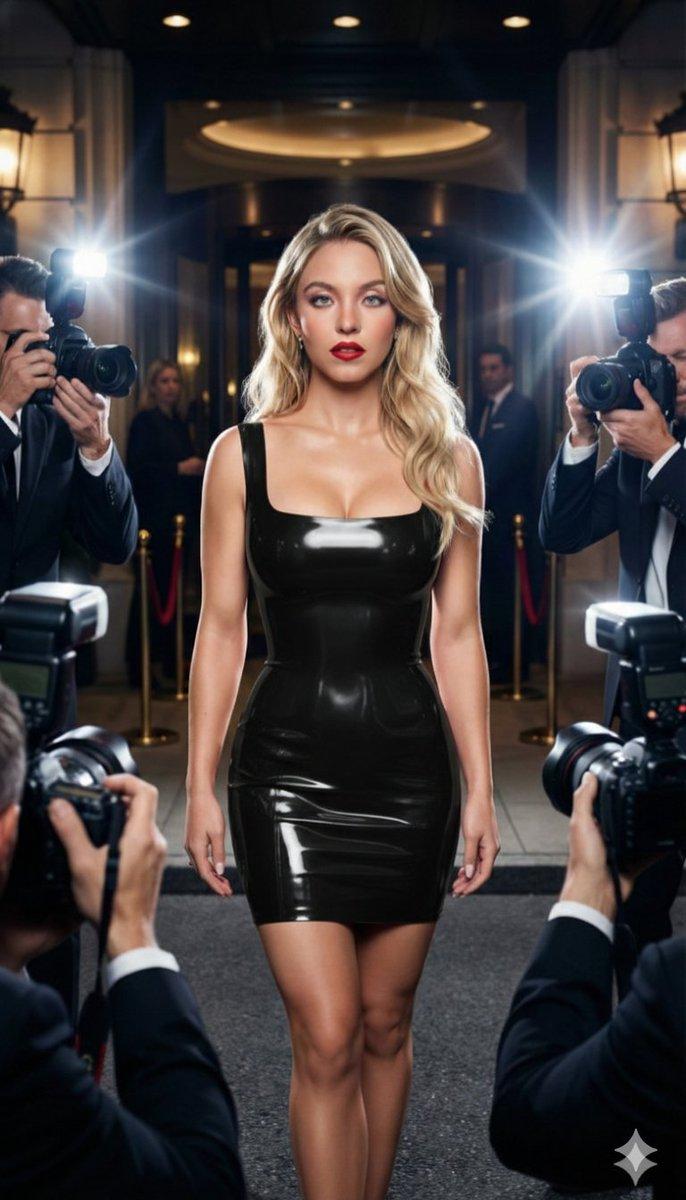
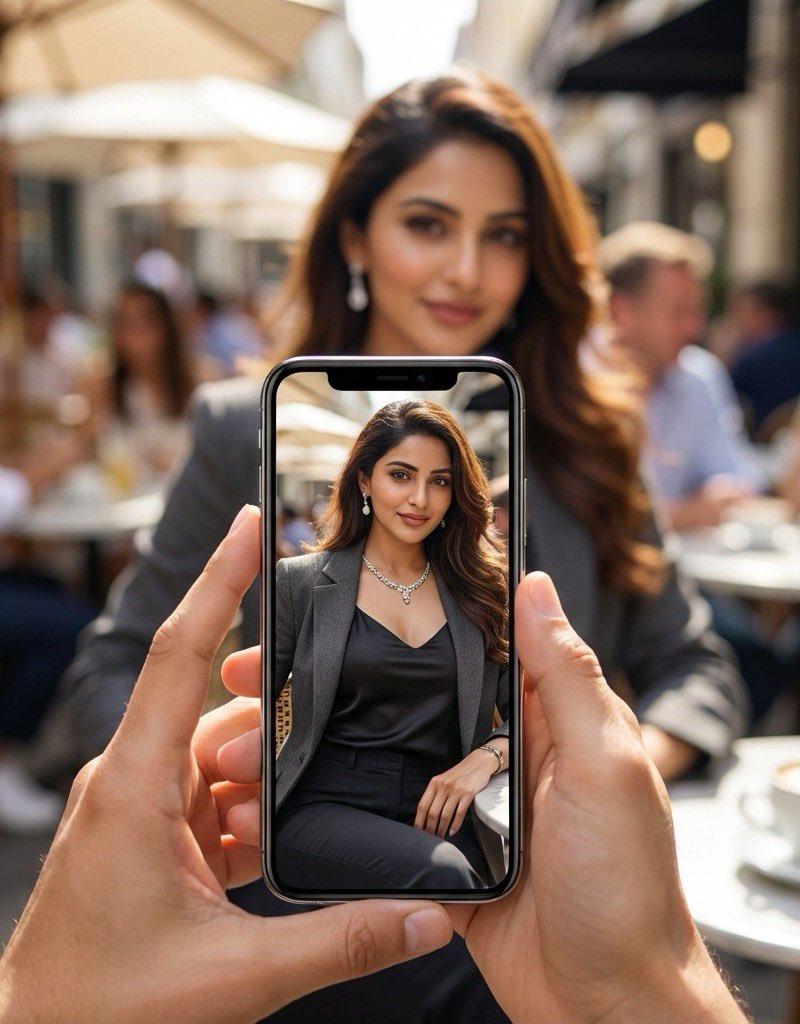
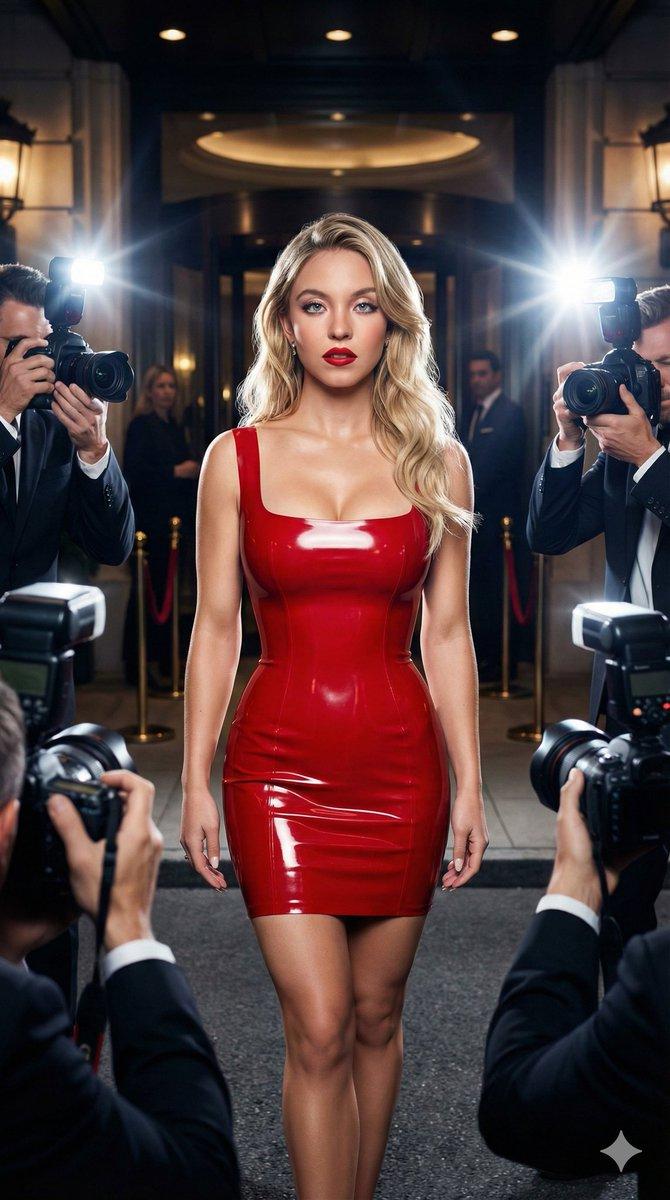
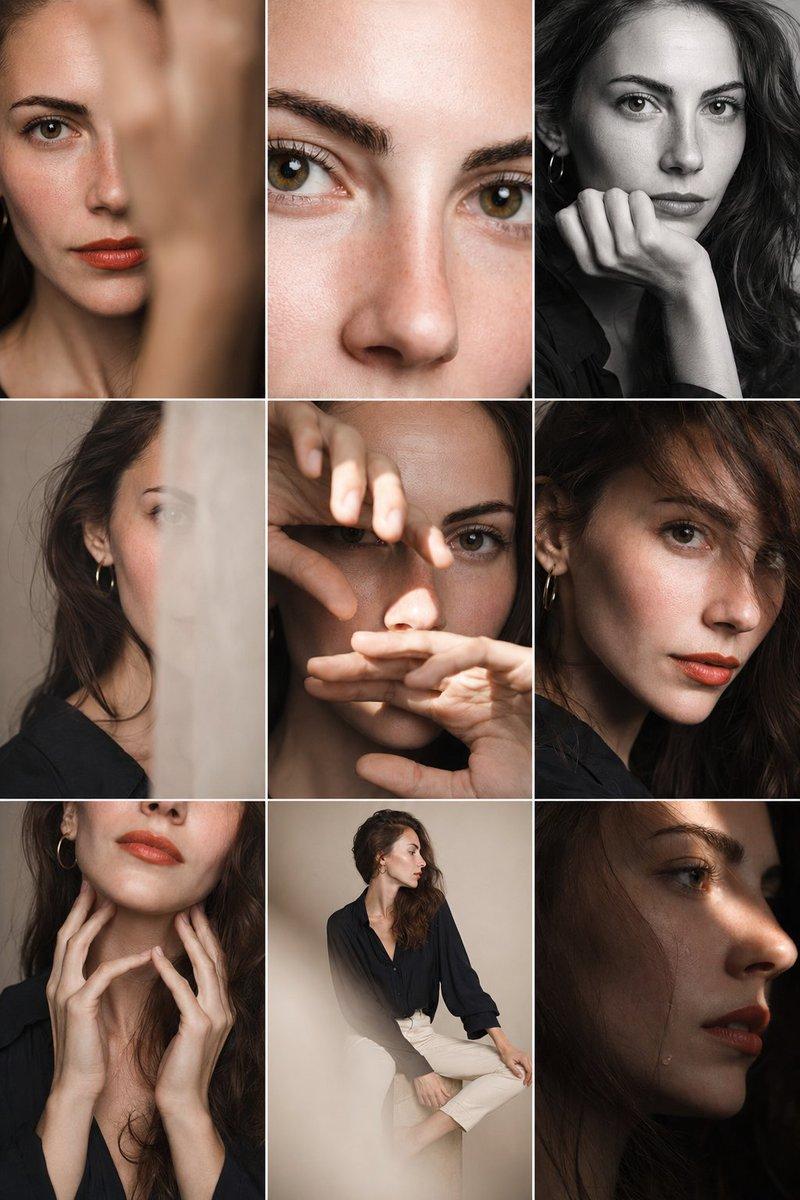
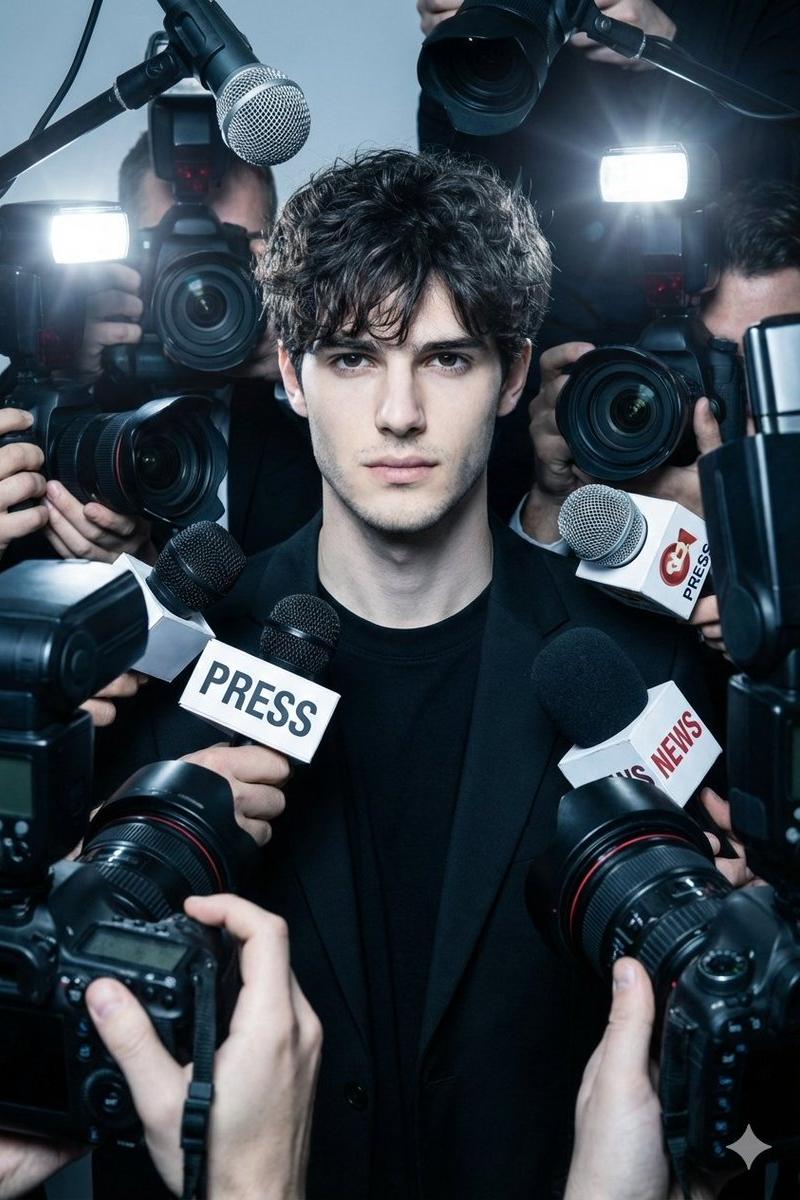
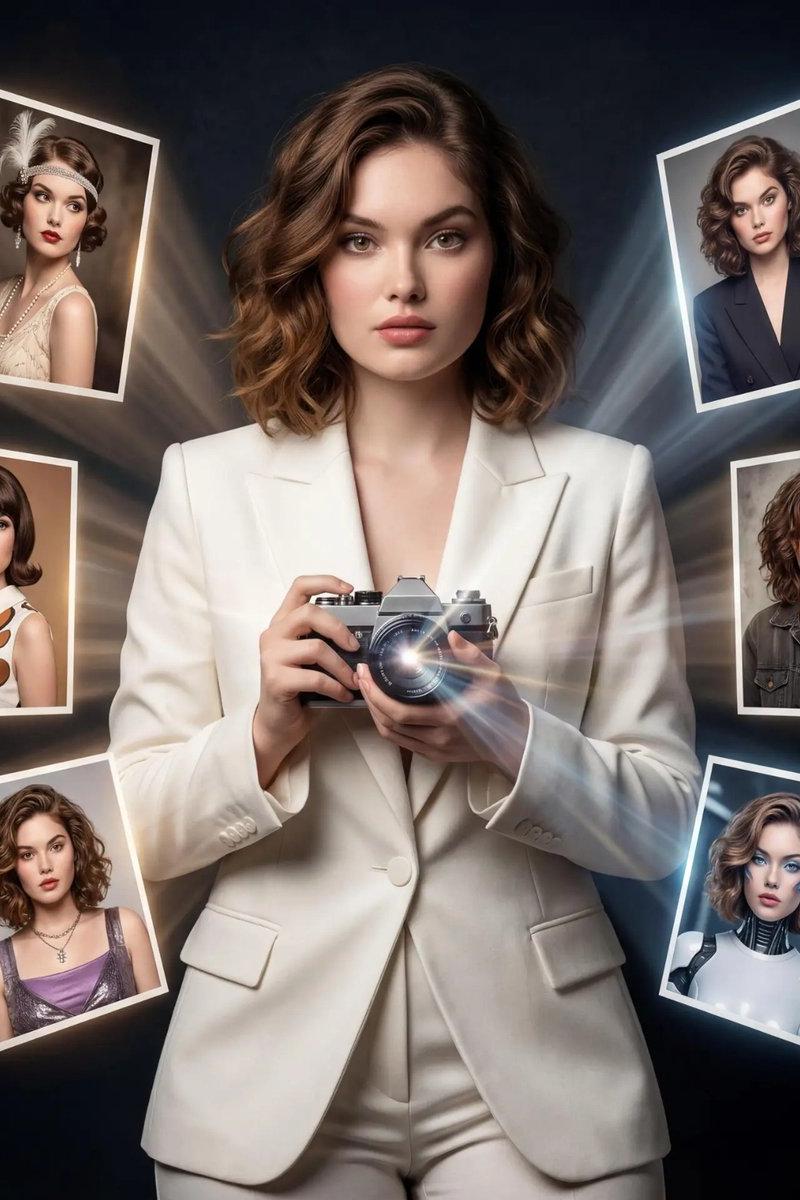
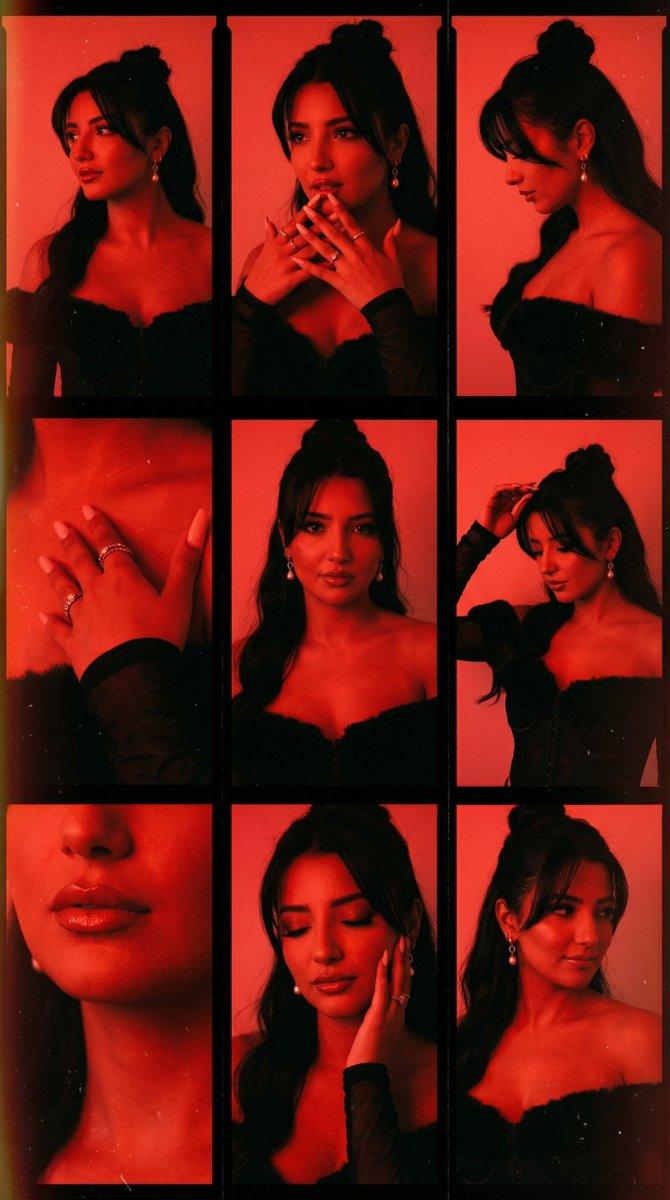
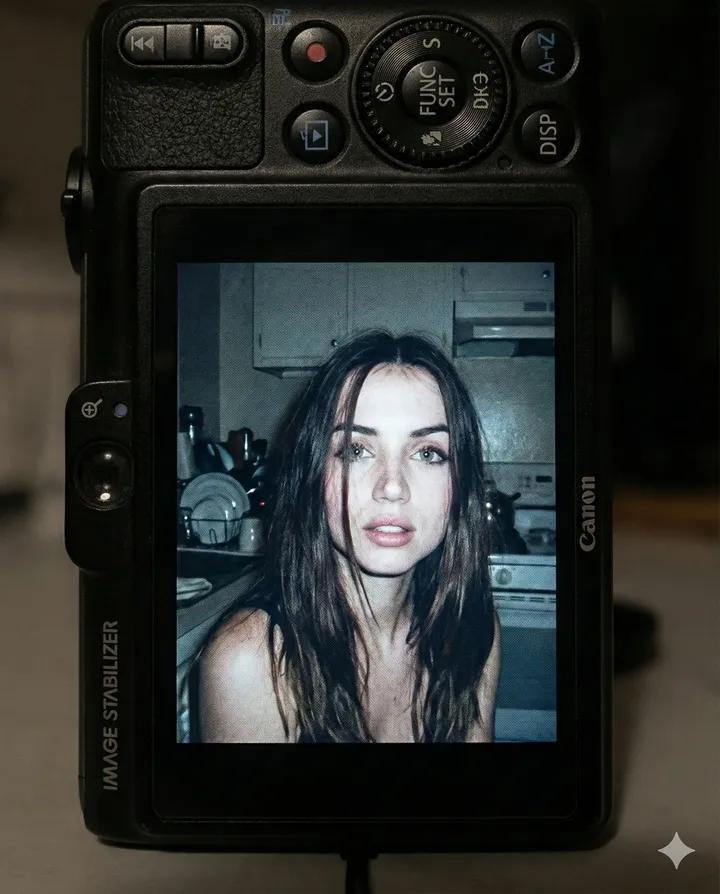
Example images

Create a realistic Vogue magazine cover–style fashion portrait using the uploade

Prompt
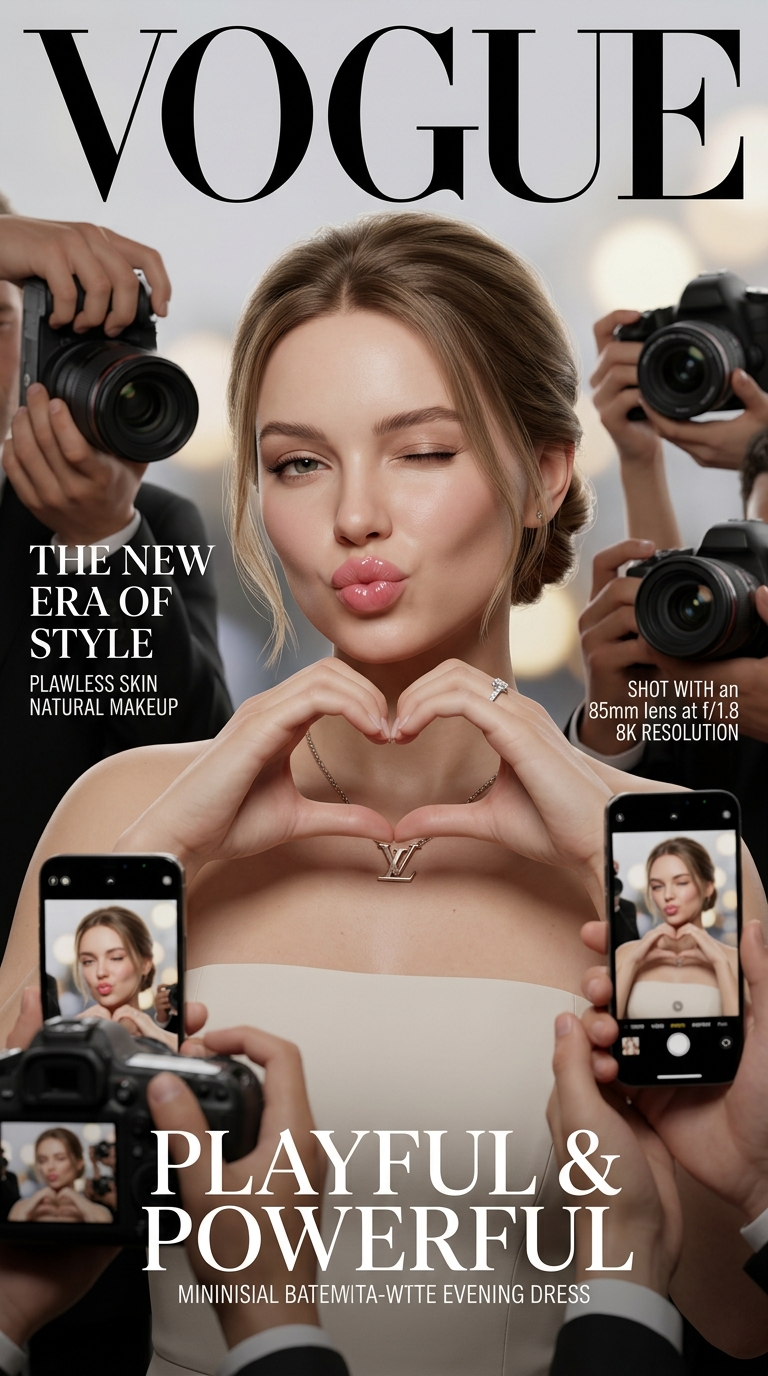
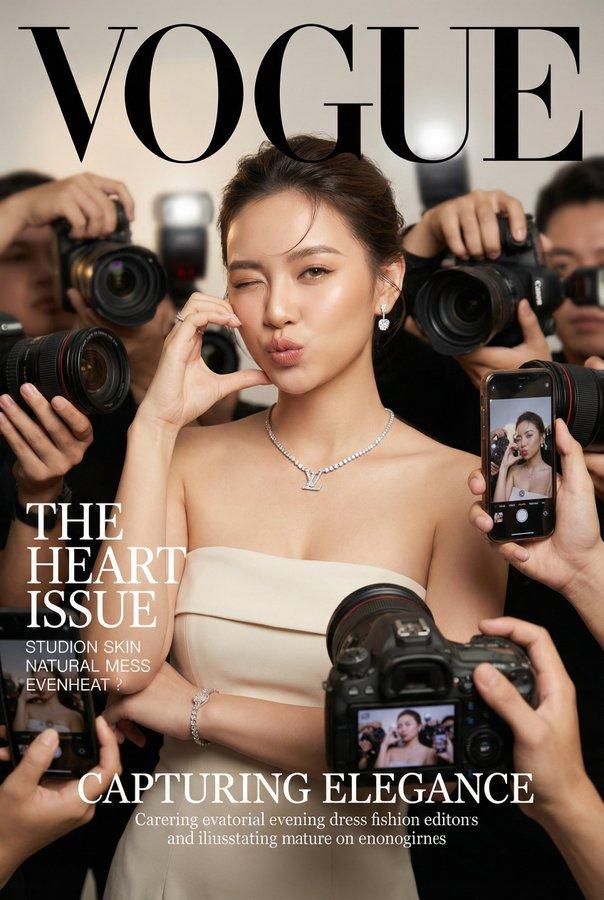
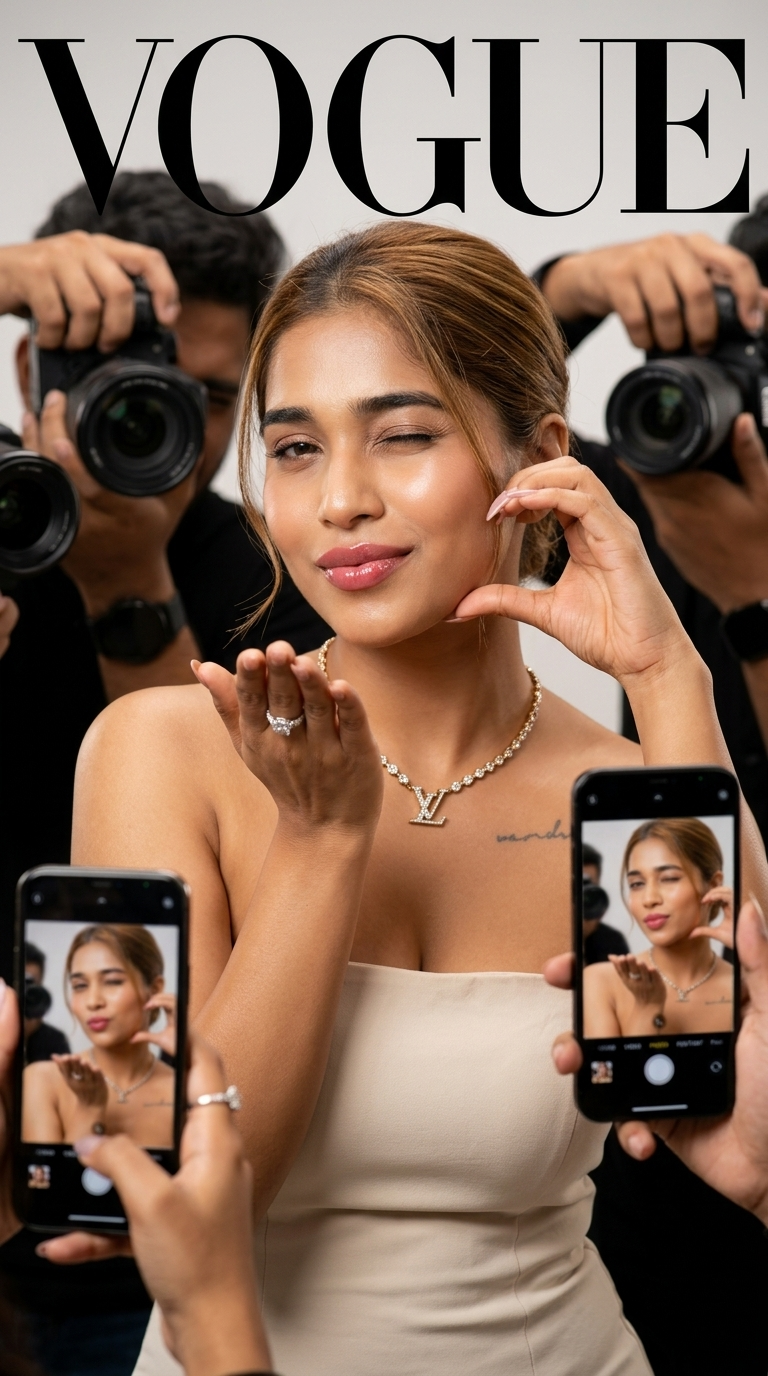
Create a realistic Vogue magazine cover–style fashion portrait using the uploaded face as the original face reference (100% face identity preservation).

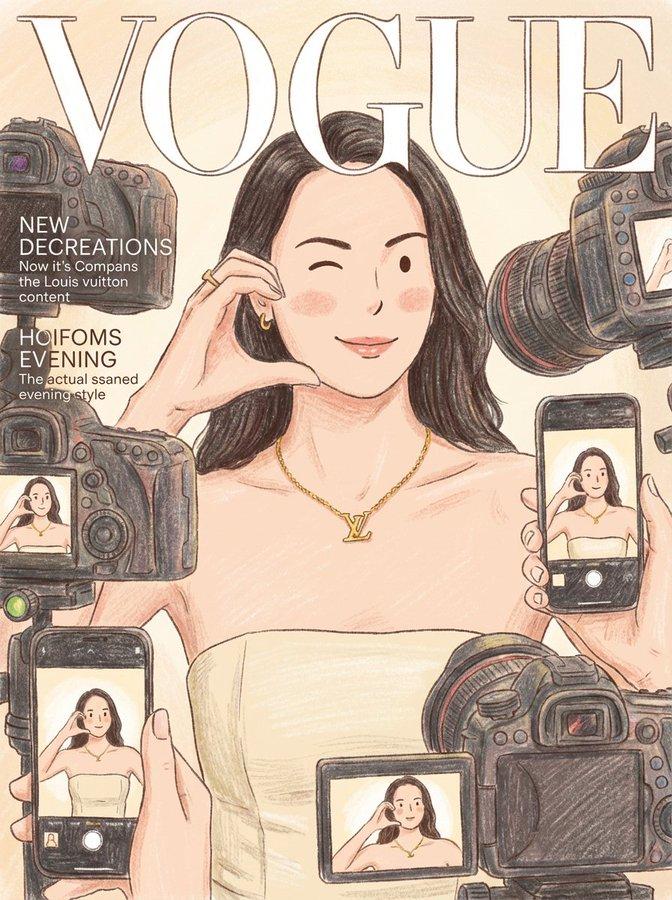
A young elegant woman posing confidently, maintaining her original facial features and natural beauty. She is winking with her left eye and making a Gorgeous smile face expression. Blow a kiss with one hand, forming a love/heart gesture near her face.

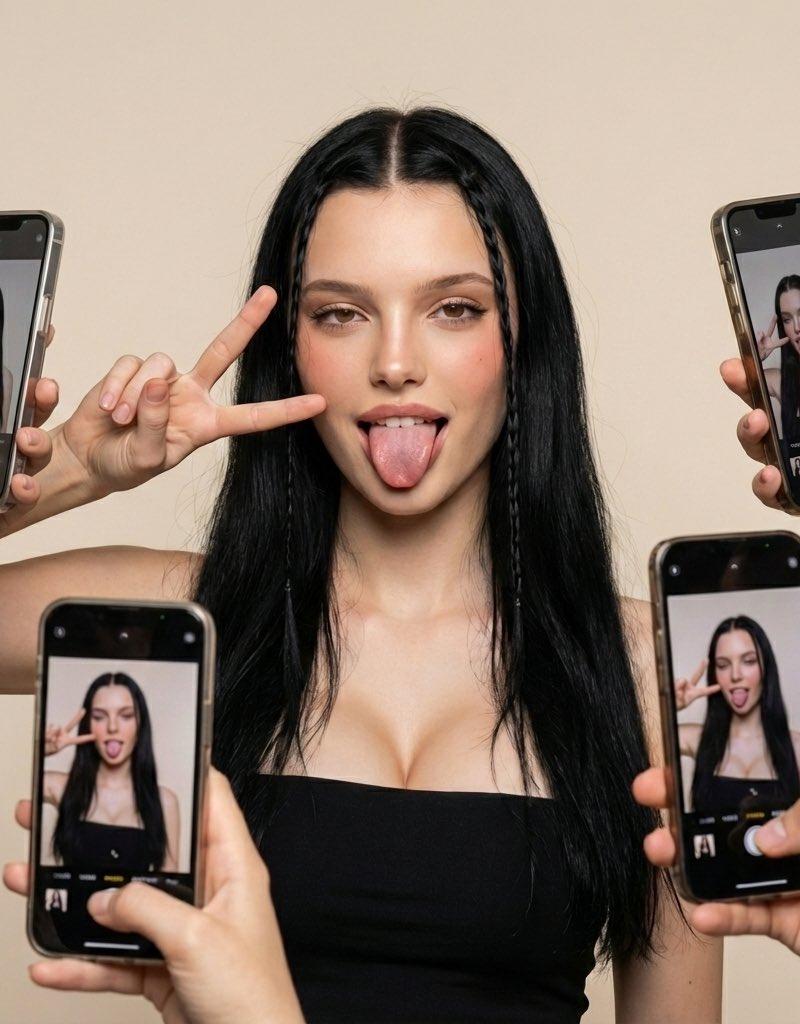
She is surrounded by multiple DSLR cameras and smartphones held around her, as if paparazzi and photographers are capturing her from all directions. Some phones show her live image on their screens.

Appearance & styling: flawless glowing skin, natural makeup with glossy pink lips, soft blush, subtle highlights. Light brown hair styled in a low, neat updo with a few loose strands.

Outfit & accessories: elegant minimalist beige-white strapless evening dress, Louis Vuitton necklace, diamond ring, luxury fashion jewelry.

Photography style: close-up to half-body fashion portrait, Vogue editorial aesthetic, cinematic professional studio lighting, soft HDR background, shallow depth of field, realistic skin texture, ultra-detailed, 8K quality.

Camera & lens look: professional DSLR look, 85mm lens feel, f/1.8 aperture, crisp focus with smooth background bokeh.

Composition: Vogue magazine layout with large bold logo at the top, editorial fashion cover framing, clean and elegant design.

Mood & vibe: playful yet luxurious, high-fashion beauty editorial, realistic, not AI-looking, photographed by a professional fashion photographer.
Category
Posters & Typography
Model
Nano Banana 2
Creator
Shilpi Debnath
Source language
en
Views119
Source ID
1177
Published
Mar 22, 2026
Studio

Guide

About "Create a realistic Vogue magazine cover–style fashion portrait using the uploade"

What is this prompt for?

"Create a realistic Vogue magazine cover–style fashion portrait using the uploade" AI image prompt for Nano Banana 2 (Posters & Typography). Create a realistic…

The full copyable prompt and example visuals above are ready for AI image generation or one-click recreate in Picva.

How to use this prompt

  1. Step 1

    Open the prompt detail

    Review the example visuals, category, and full prompt text for "Create a realistic Vogue magazine cover–style fashion portrait using the uploade".

  2. Step 2

    Copy the prompt

    Copy the prompt body from this page, or load it directly in Studio.

  3. Step 3

    Pick a model (Nano Banana 2)

    Prefer Nano Banana 2. If you switch models, keep subject and composition and tweak style terms.

  4. Step 4

    Generate and export

    Recreate the look in Picva, or export into your workflow for editing and publishing.

FAQ

What is the "Create a realistic Vogue magazine cover–style fashion portrait using the uploade" prompt?
It is an AI image-generation prompt for Nano Banana 2 in the Posters & Typography category. This page includes the full prompt text, example visuals, and a one-click recreate path in Picva.
How do I use this prompt to generate an image?
Copy the prompt from this page, or use Generate / Studio. Paste it into a compatible image model, or recreate the look in Picva with optional reference images.
Which model is this prompt for?
This page lists Nano Banana 2. Most descriptive prompts also transfer to nearby image models such as GPT Image, Flux, or Midjourney with light style tweaks.
Can I use the result commercially?
You can usually copy the prompt for creation, but commercial use of the final image depends on the model terms, reference-image rights, and the generated content. Follow the source author and platform rules.