18

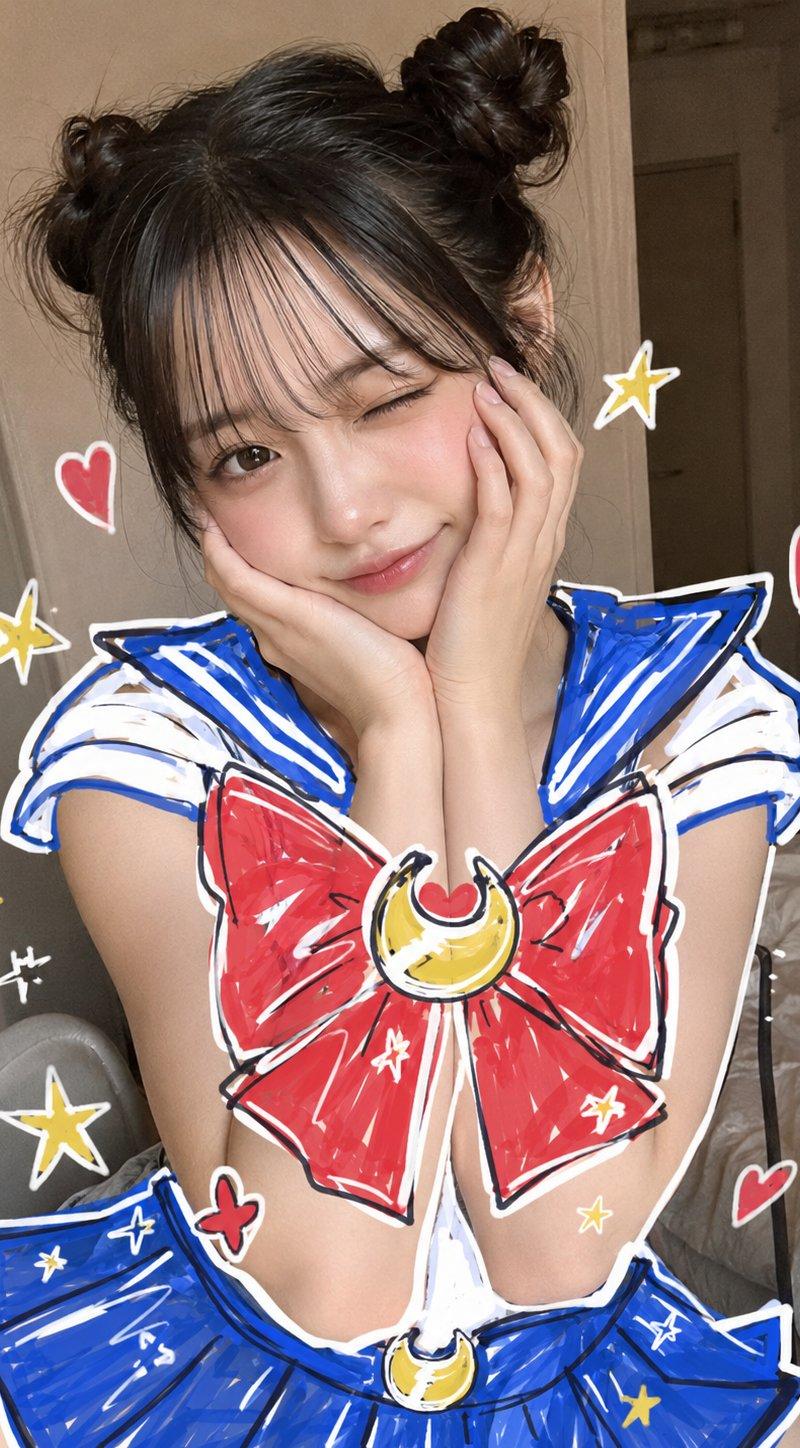
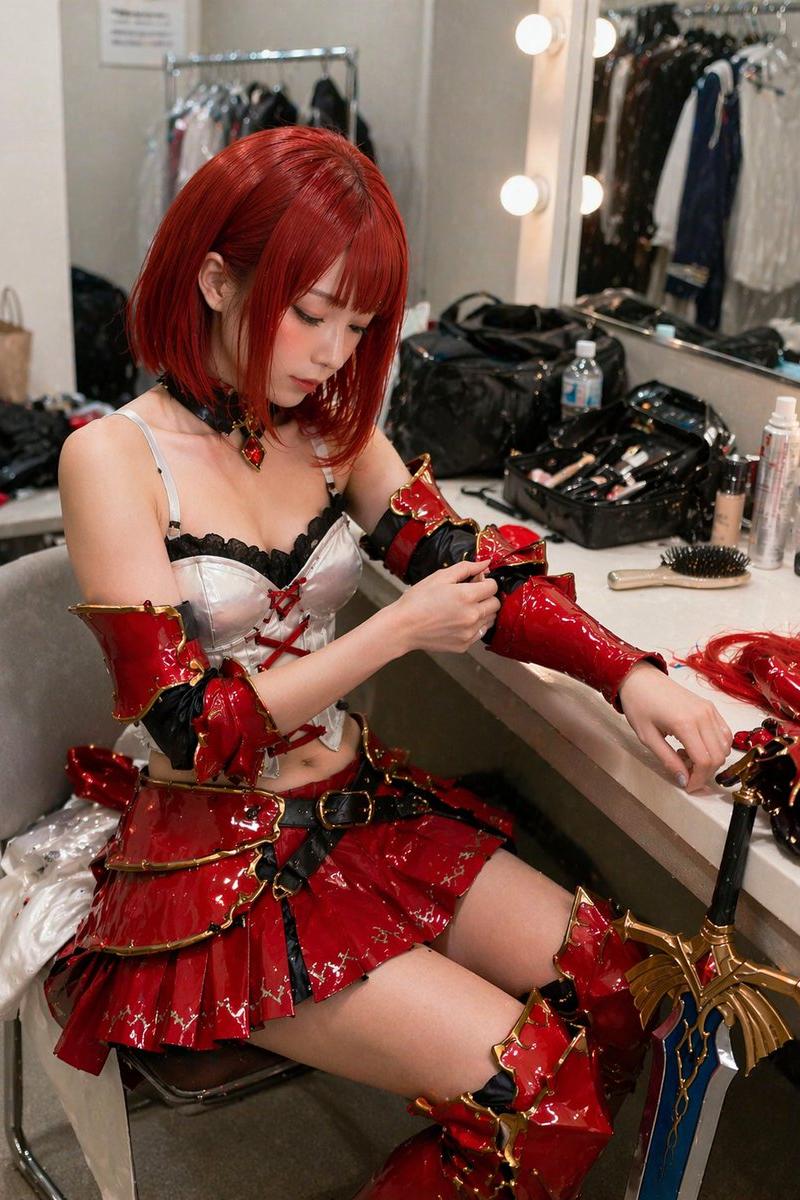
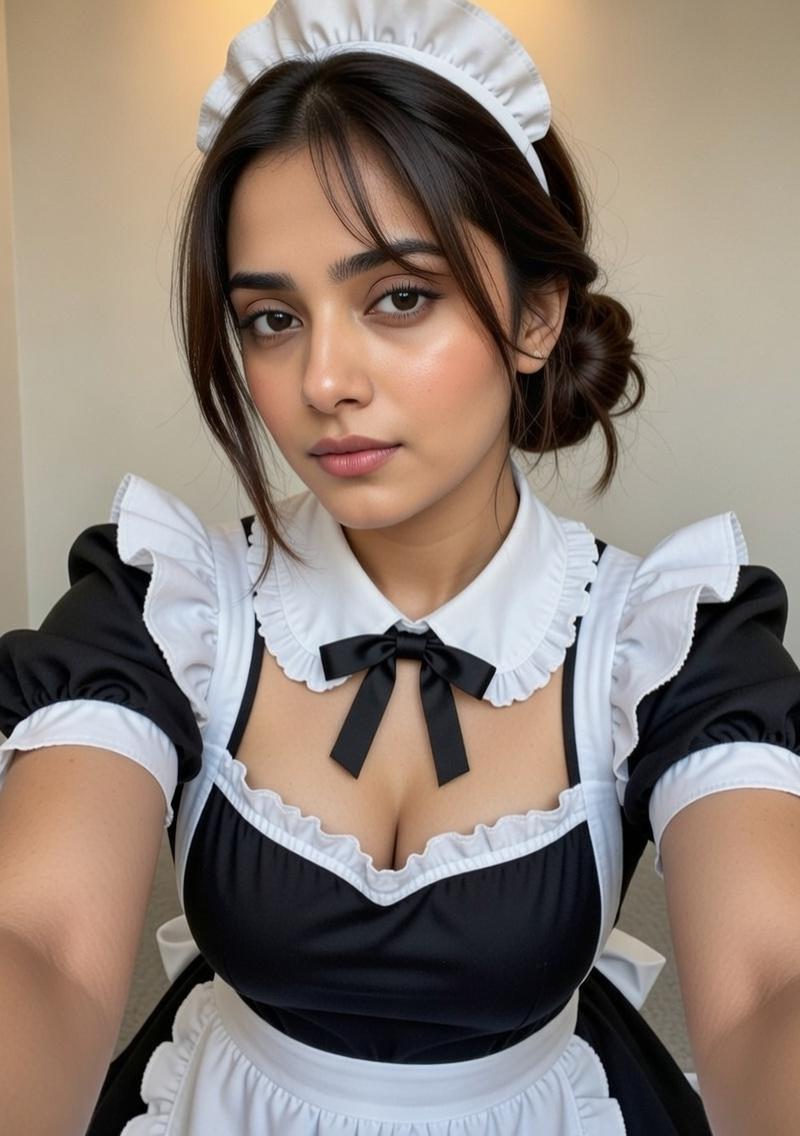
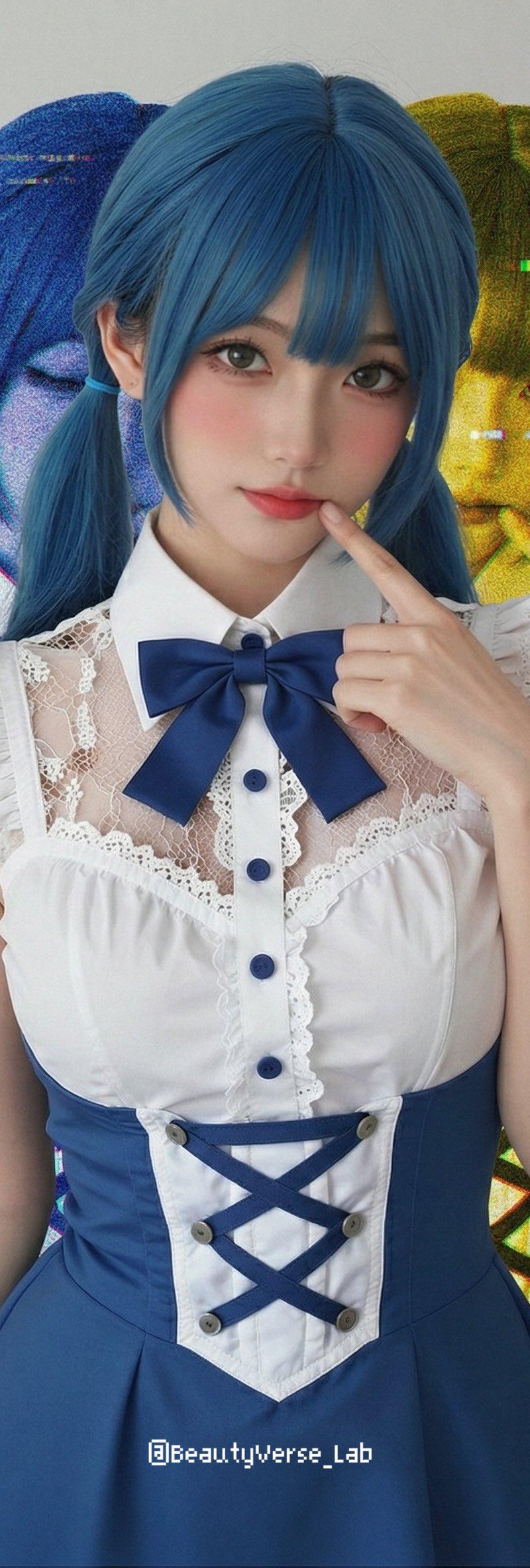
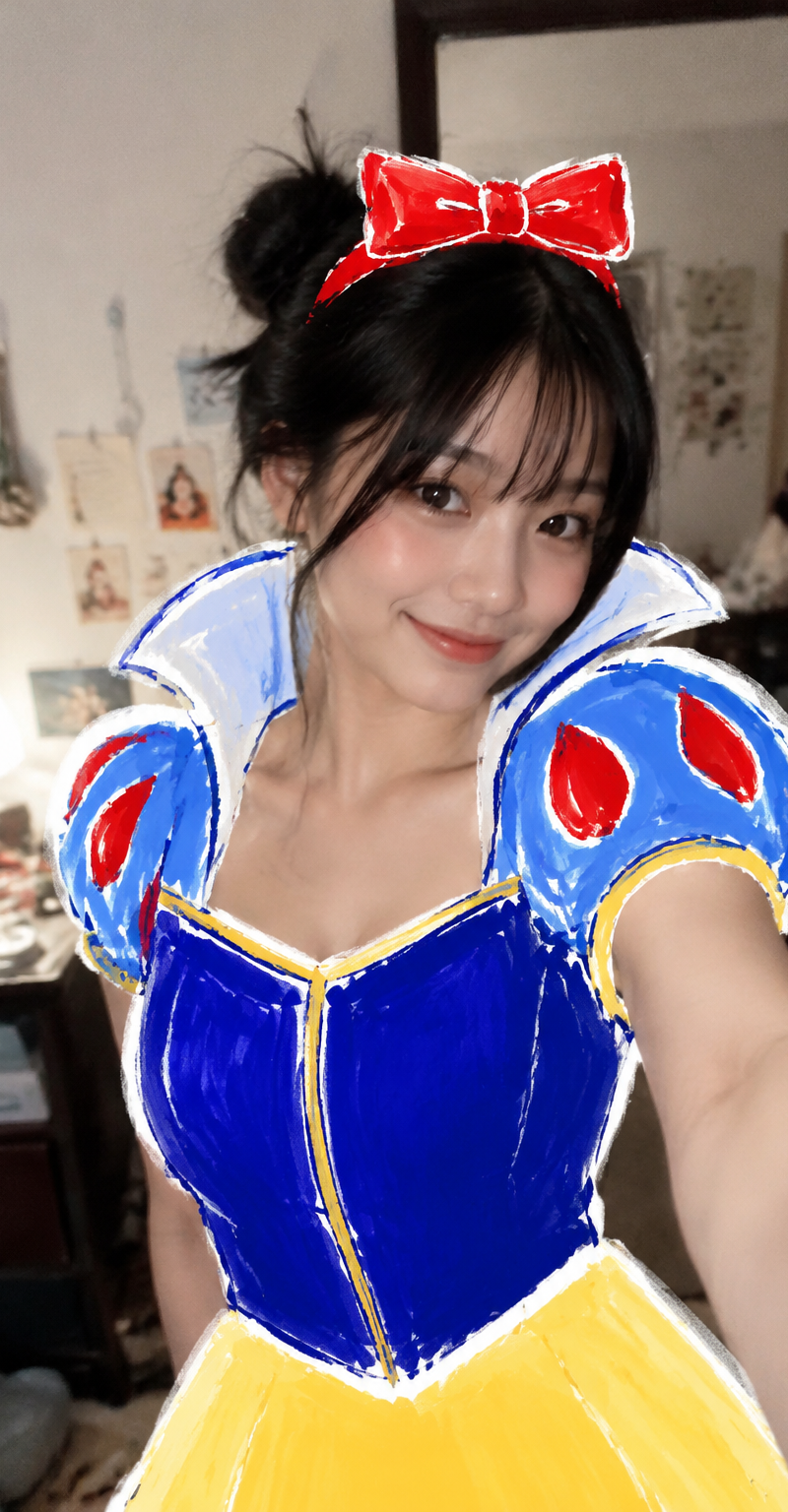
图像生成。一位日本女性,在自己的房间里站着自拍,俏皮自信的微笑,优雅姿势,浅景深,像手机拍摄的 casual 自拍照片。 照片上方叠加明显的粗马克笔和海报颜料手
Enlarge

Example images

图像生成。一位日本女性,在自己的房间里站着自拍,俏皮自信的微笑,优雅姿势,浅景深,像手机拍摄的 casual 自拍照片。 照片上方叠加明显的粗马克笔和海报颜料手

Prompt
图像生成。一位日本女性,在自己的房间里站着自拍,俏皮自信的微笑,优雅姿势,浅景深,像手机拍摄的 casual 自拍照片。

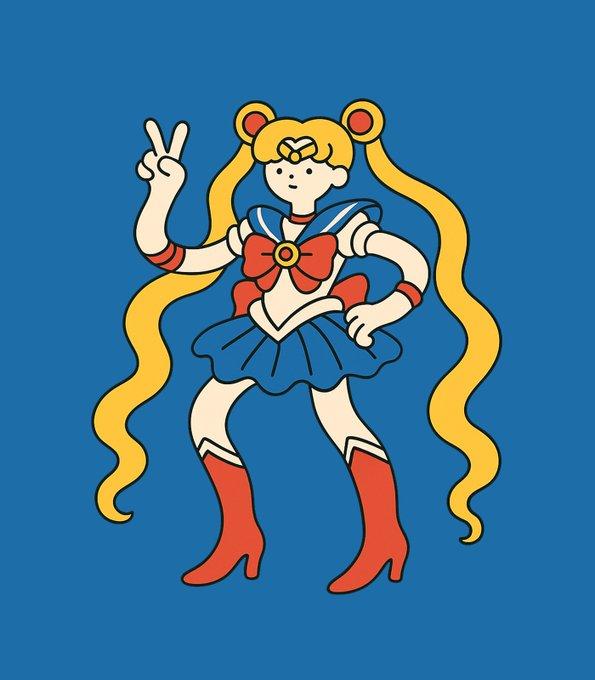
照片上方叠加明显的粗马克笔和海报颜料手绘涂鸦,形成后期画上去的 cosplay 服装。服装必须像贴纸或涂鸦一样覆盖在照片之上,而不是现实中穿着的衣服。皮肤上不要有任何涂鸦,保持真实皮肤质感、自然身体、真实房间背景。强烈的 overlay 效果,照片和涂鸦层清晰分离,SNS 编辑风,Y2K 网络文化风格,业余手机快照,不完美构图,轻微运动模糊,真实生活感。

主题:白雪公主手绘涂鸦 cosplay。
Category
Posters & Typography
Model
GPT Image 2
Creator
xie underwood
Source language
zh-CN
Views599
Source ID
13888
Published
Jun 1, 2026
Studio

Guide

About "图像生成。一位日本女性,在自己的房间里站着自拍,俏皮自信的微笑,优雅姿势,浅景深,像手机拍摄的 casual 自拍照片。 照片上方叠加明显的粗马克笔和海报颜料手"

What is this prompt for?

"图像生成。一位日本女性,在自己的房间里站着自拍,俏皮自信的微笑,优雅姿势,浅景深,像手机拍摄的 casual 自拍照片。 照片上方叠加明显的粗马克笔和海报颜料手" AI image prompt for GPT Image 2 (Posters & Typography). 图像生成。一位日本女性,在自己的房间里站…

The full copyable prompt and example visuals above are ready for AI image generation or one-click recreate in Picva.

How to use this prompt

  1. Step 1

    Open the prompt detail

    Review the example visuals, category, and full prompt text for "图像生成。一位日本女性,在自己的房间里站着自拍,俏皮自信的微笑,优雅姿势,浅景深,像手机拍摄的 casual 自拍照片。 照片上方叠加明显的粗马克笔和海报颜料手".

  2. Step 2

    Copy the prompt

    Copy the prompt body from this page, or load it directly in Studio.

  3. Step 3

    Pick a model (GPT Image 2)

    Prefer GPT Image 2. If you switch models, keep subject and composition and tweak style terms.

  4. Step 4

    Generate and export

    Recreate the look in Picva, or export into your workflow for editing and publishing.

FAQ

What is the "图像生成。一位日本女性,在自己的房间里站着自拍,俏皮自信的微笑,优雅姿势,浅景深,像手机拍摄的 casual 自拍照片。 照片上方叠加明显的粗马克笔和海报颜料手" prompt?
It is an AI image-generation prompt for GPT Image 2 in the Posters & Typography category. This page includes the full prompt text, example visuals, and a one-click recreate path in Picva.
How do I use this prompt to generate an image?
Copy the prompt from this page, or use Generate / Studio. Paste it into a compatible image model, or recreate the look in Picva with optional reference images.
Which model is this prompt for?
This page lists GPT Image 2. Most descriptive prompts also transfer to nearby image models such as GPT Image, Flux, or Midjourney with light style tweaks.
Can I use the result commercially?
You can usually copy the prompt for creation, but commercial use of the final image depends on the model terms, reference-image rights, and the generated content. Follow the source author and platform rules.