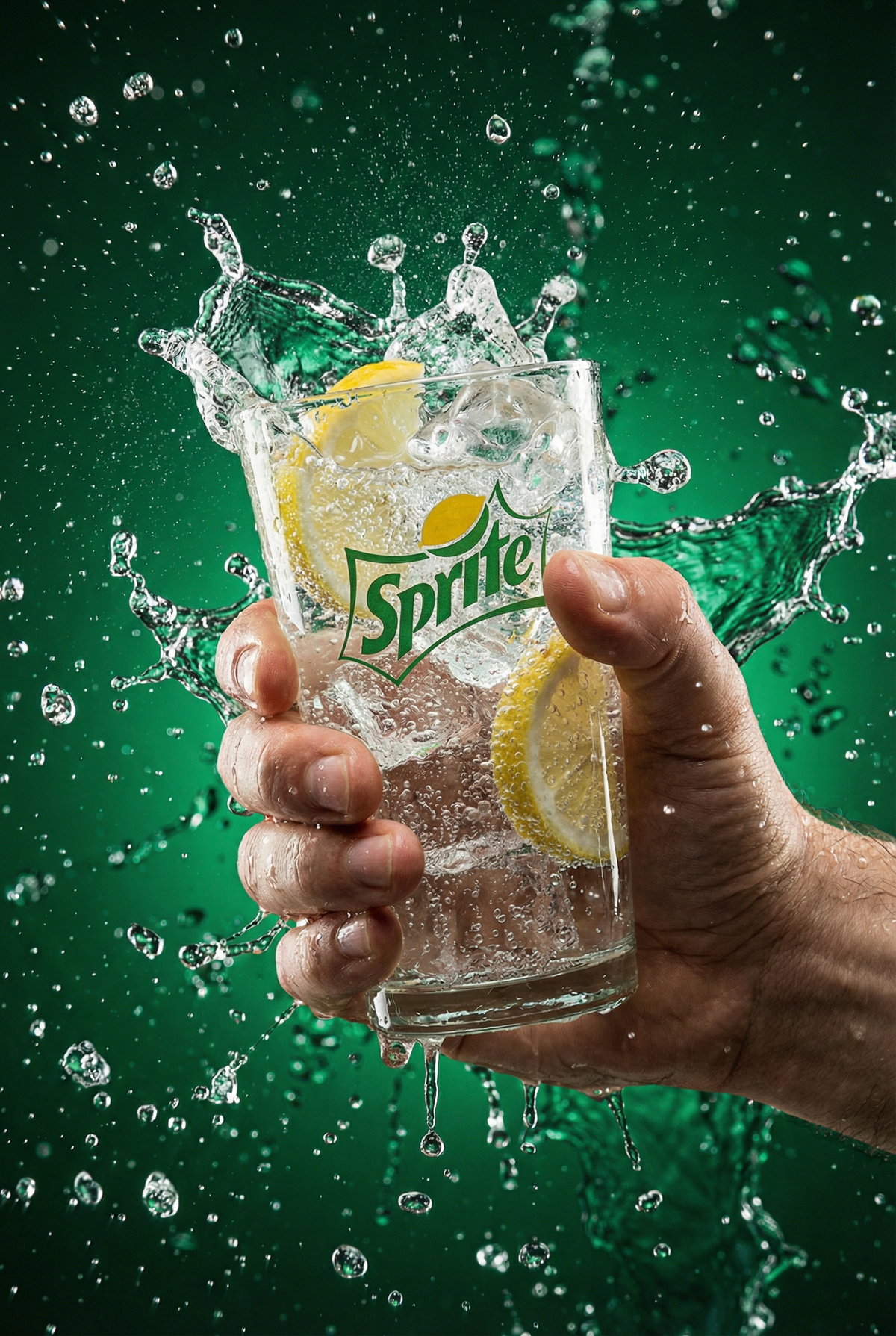
{ "subject": { "description": "A human hand gripping a transparent glass filled
Prompt
{
 "subject": {
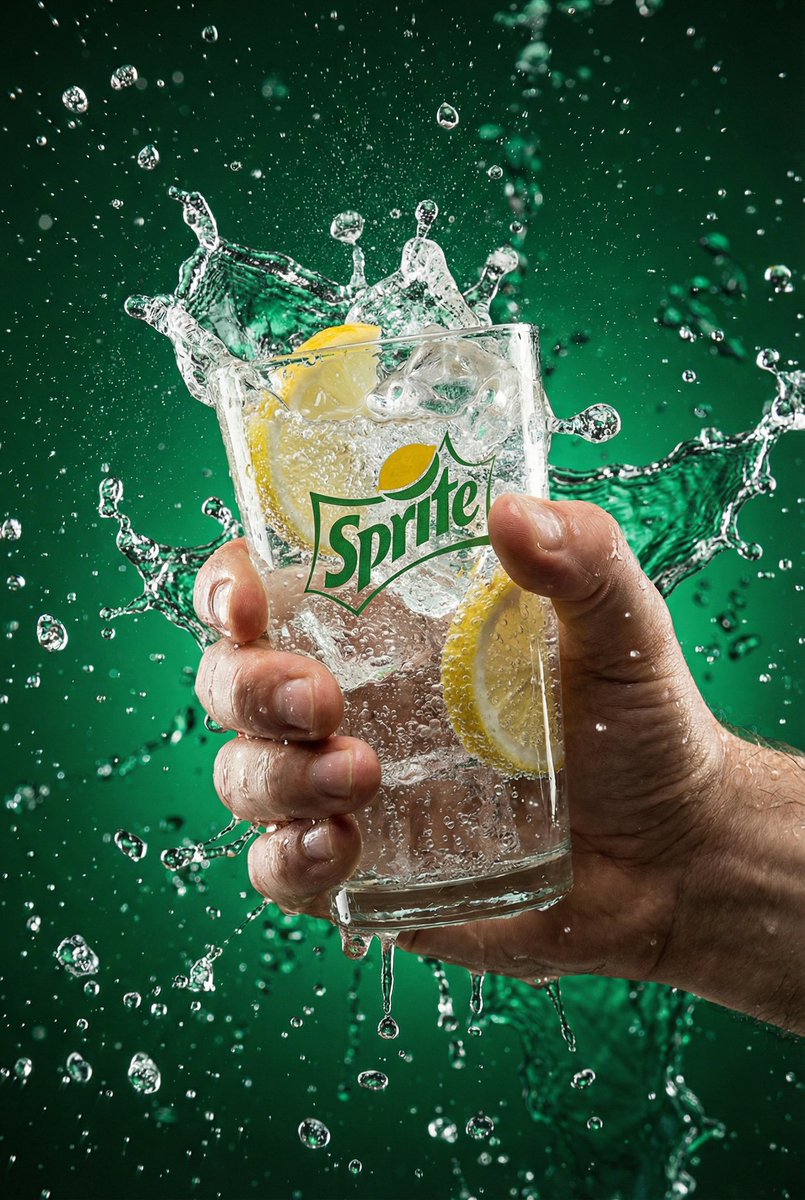
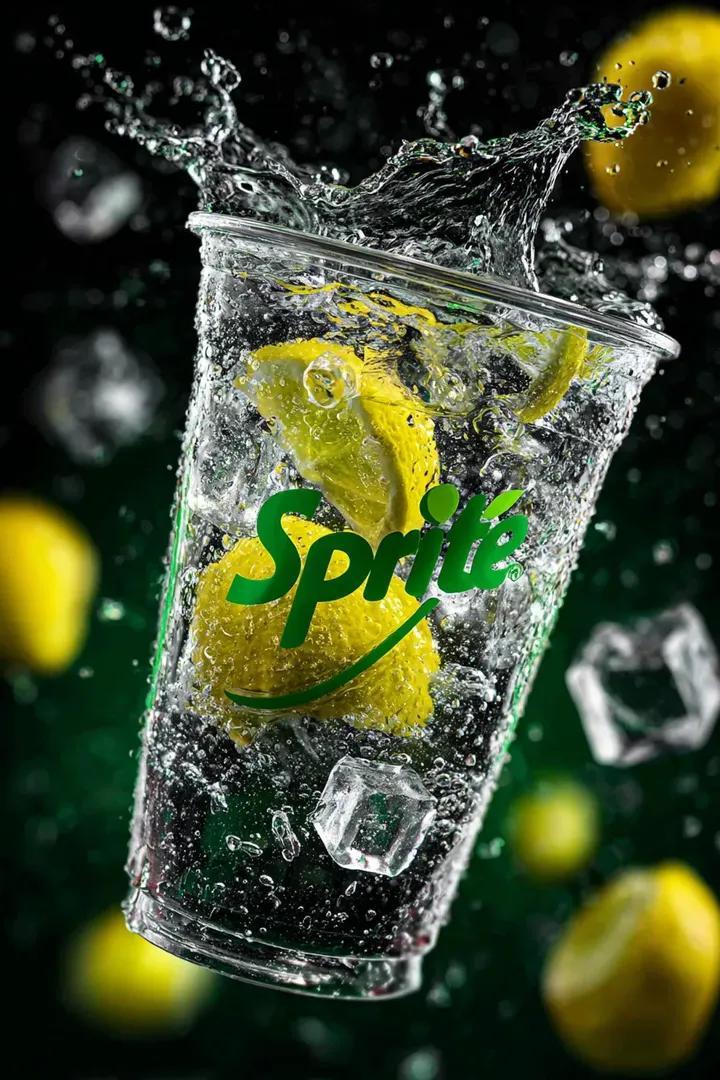
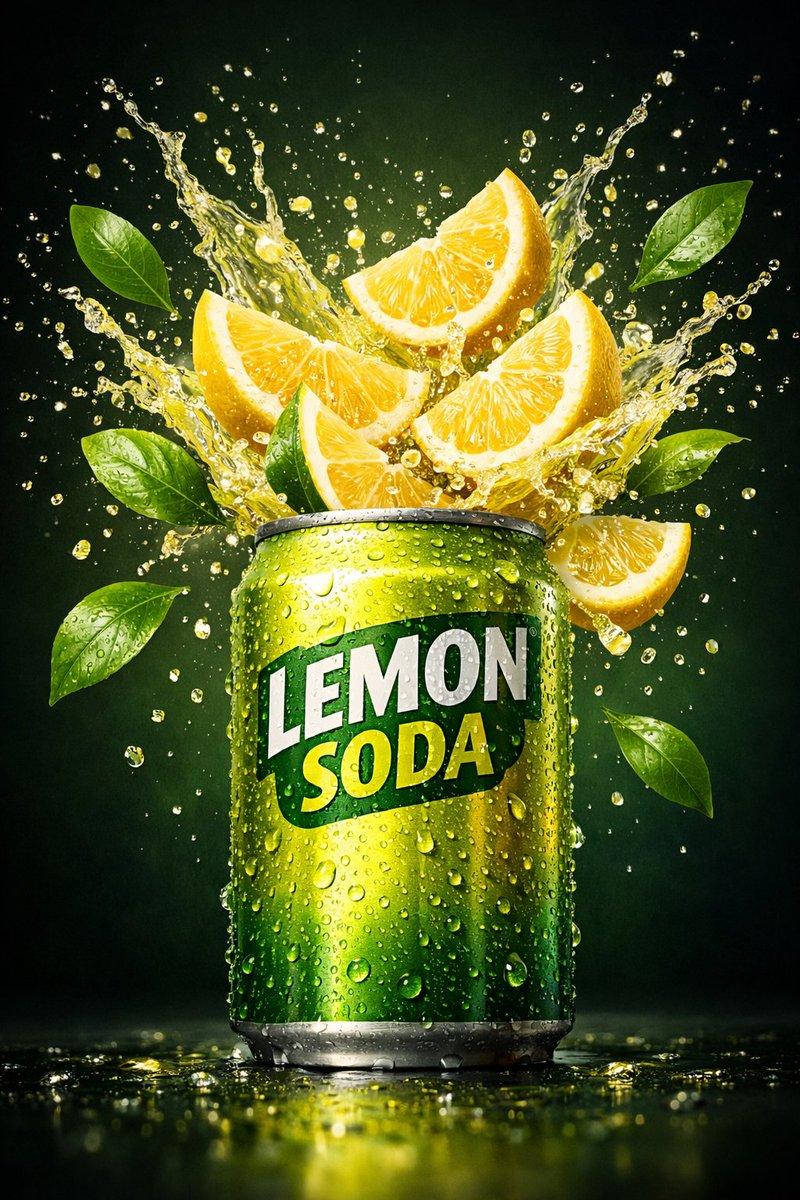
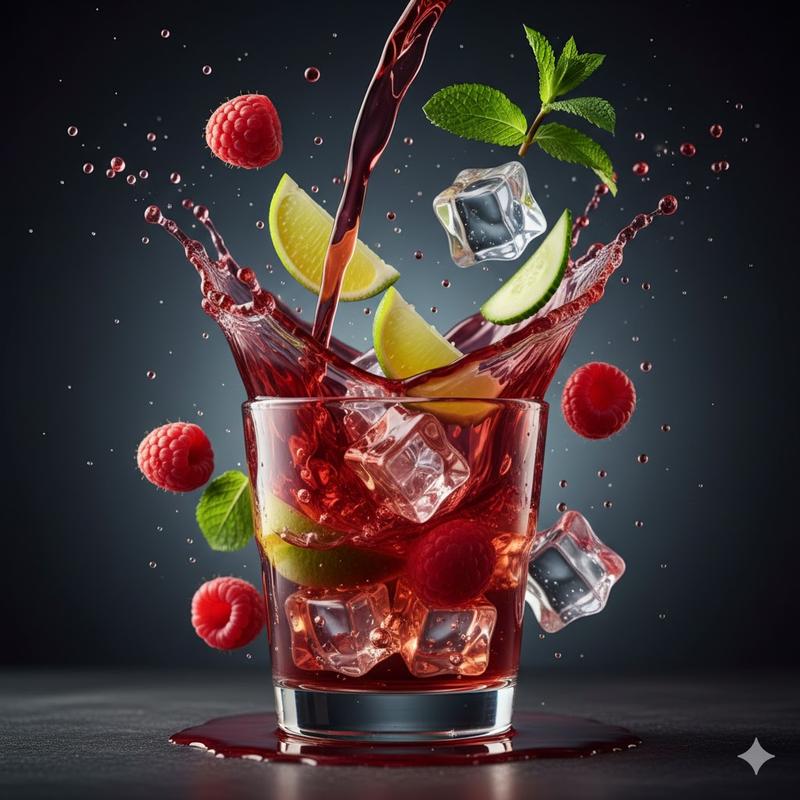
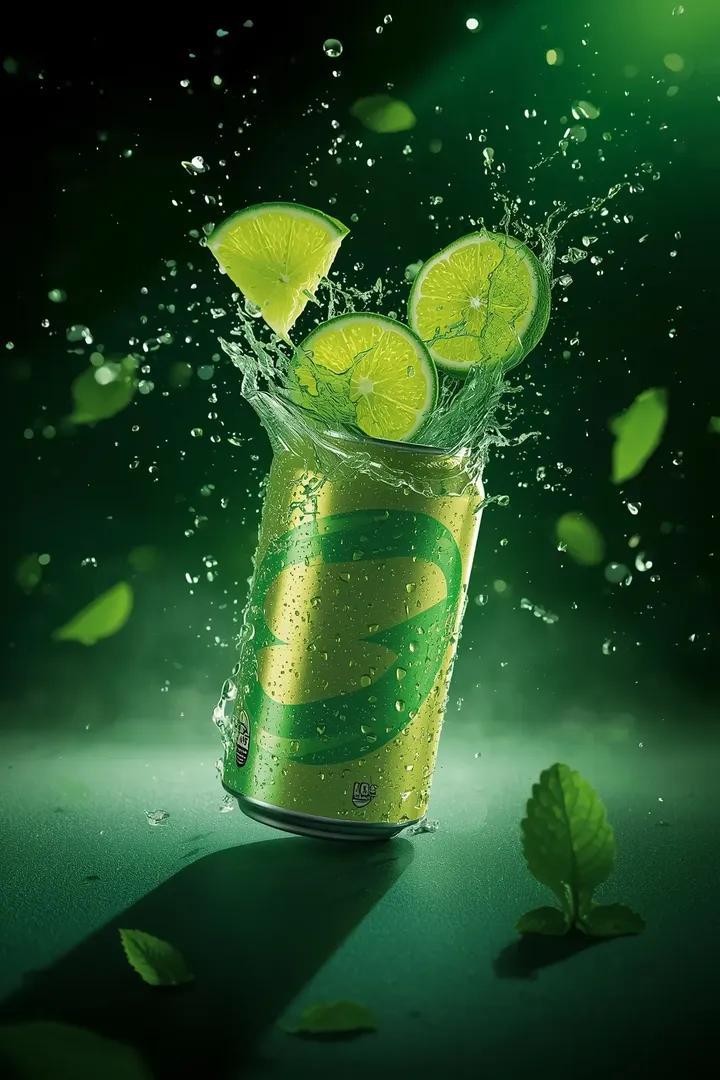
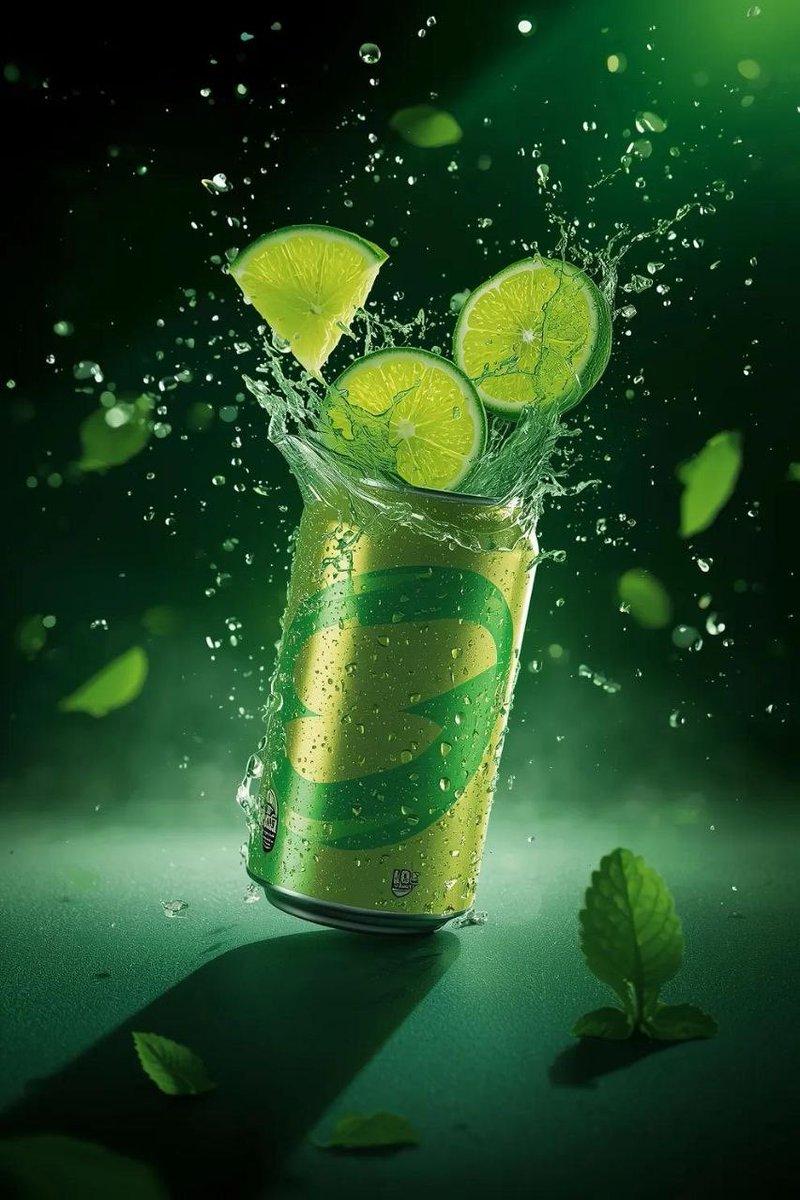
 "description": "A human hand gripping a transparent glass filled with a carbonated lemon-lime drink, frozen at the moment of explosive water splash",
 "age": "adult",
 "expression": {
 "overall": "not visible"
 },
 "face": {
 "preserve_original": true,
 "makeup": "none"
 }
 },
 "hair": {
 "color": "not visible",
 "style": "not visible",
 "effect": "none"
 },
 "body": {
 "frame": "only hand visible",
 "skin": {
 "visible_areas": ["hand", "fingers"],
 "tone": "natural",
 "texture": "wet skin with water droplets",
 "lighting_effect": "strong highlights on wet skin"
 }
 },
 "pose": {
 "position": "hand centered holding glass upright",
 "base": "firm grip",
 "overall": "dynamic frozen motion"
 },
 "clothing": {
 "top": {
 "type": "not visible",
 "color": "not visible",
 "details": "none",
 "effect": "none"
 },
 "bottom": {
 "type": "not visible",
 "color": "not visible",
 "details": "none"
 }
 },
 "accessories": {
 "prop": {
 "type": "transparent glass",
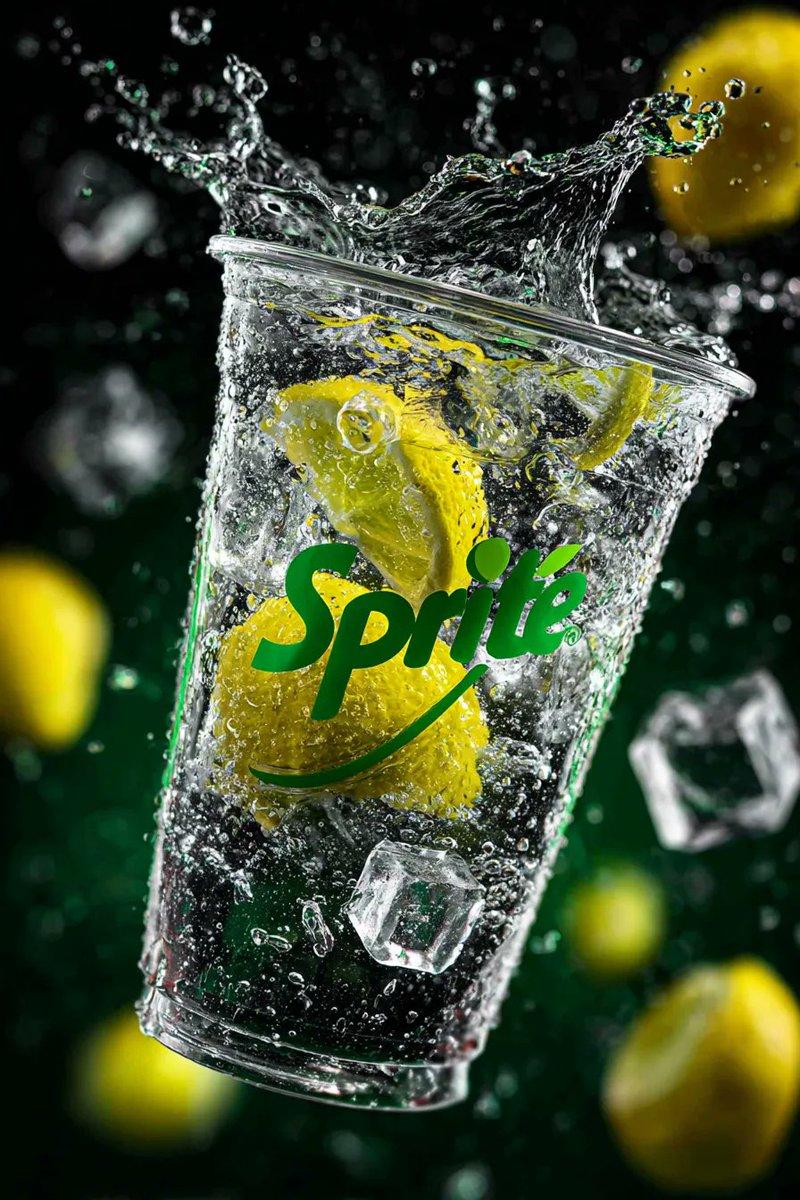
 "content": "Sprite lemon-lime soda with ice, bubbles, and lemon slices"
 }
 },
 "photography": {
 "camera_style": "commercial high-speed beverage photography",
 "angle": "slightly low angle, front-facing",
 "shot_type": "close-up product shot",
 "aspect_ratio": "3:4 vertical",
 "texture": "ultra-sharp, high contrast, crisp details",
 "lighting": "dramatic studio lighting with strong backlight and rim highlights",
 "depth_of_field": "shallow, background softly blurred"
 },
 "background": {
 "setting": "abstract liquid environment",
 "wall_color": "deep emerald green",
 "elements": ["water splashes", "floating droplets"],
 "atmosphere": "cool, refreshing, energetic",
 "lighting": "bright highlights with cool tone"
 },
 "the_vibe": {
 "energy": "explosive and refreshing",
 "mood": "icy, powerful, thirst-quenching",
 "aesthetic": "premium commercial beverage advertising",
 "authenticity": "hyper-realistic",
 "intimacy": "immersive, splash-in-your-face feeling",
 "story": "a split second of ultimate refreshment captured mid-impact",
 "caption_energy": "cold, bold, invigorating"
 },
 "constraints": {
 "must_keep": [
 "realistic water splash",
 "visible lemon slices",
 "carbonated bubbles",
 "Sprite logo",
 "high-speed frozen motion"
 ],
 "avoid": [
 "cartoon style",
 "illustration",
 "soft pastel tones",
 "motion blur",
 "text in non-English language"
 ]
 },
 "negative_prompt": [
 "anime",
 "illustration",
 "low resolution",
 "blur",
 "fake liquid",
 "plastic texture",
 "overexposed highlights",
 "flat lighting",
 "unrealistic bubbles"
 ]
}- Category
- Products & E-commerce
- Model
- Nano Banana Pro
- Creator
- xie underwood
- Source ID
- 155
- Published
- Jan 3, 2026
Views78